steering CHEVROLET CORVETTE 1997 5.G User Guide
[x] Cancel search | Manufacturer: CHEVROLET, Model Year: 1997, Model line: CORVETTE, Model: CHEVROLET CORVETTE 1997 5.GPages: 356, PDF Size: 18.43 MB
Page 90 of 356
Downloaded from www.Manualslib.com manuals search engine Tilt Wheel
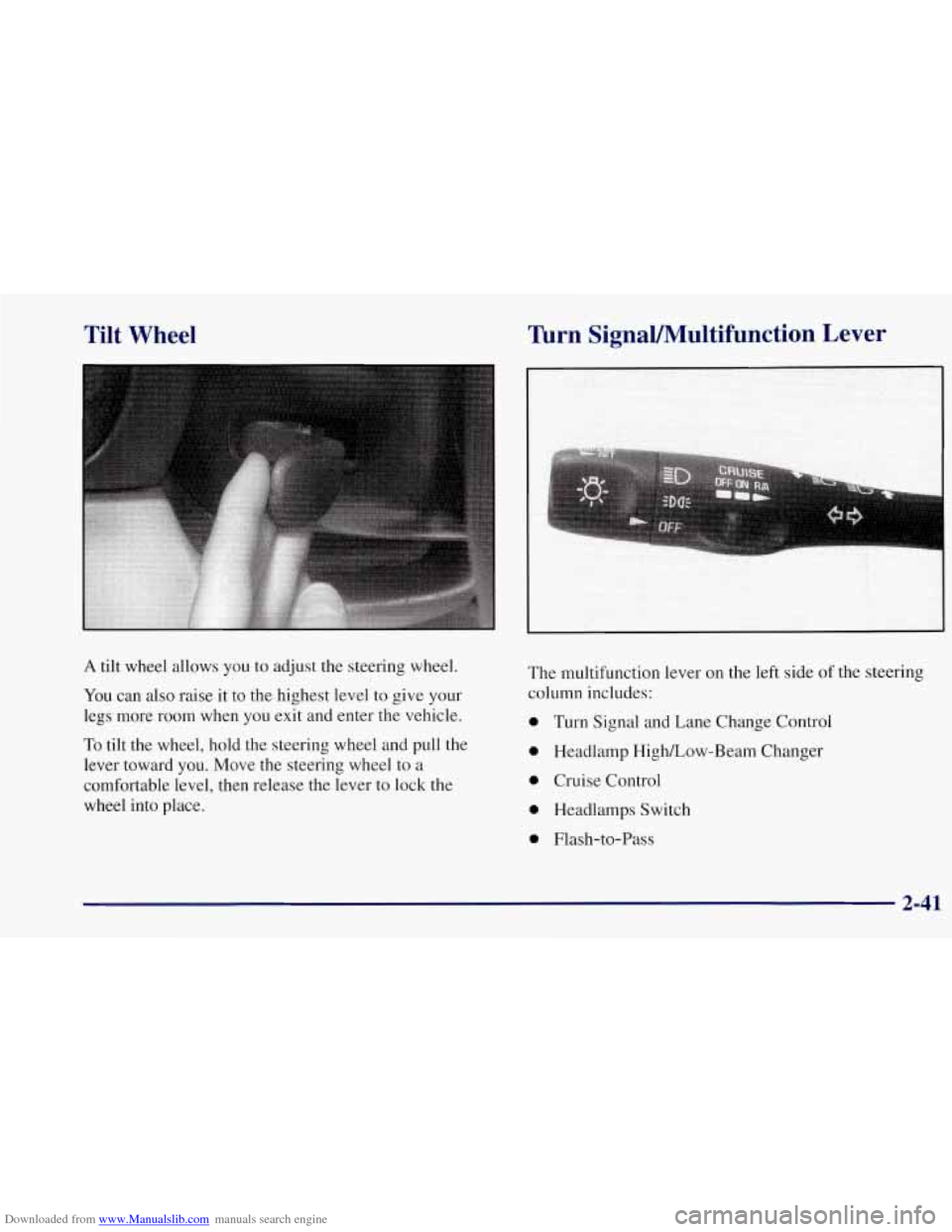
A tilt wheel allows you to adjust the steering wheel.
You can also raise it to the highest level to give your
legs more room when you exit and enter the vehicle.
To tilt the wheel, hold the steering wheel and pull the
lever toward you. Move the steering wheel to a
comfortable level, then release the lever to lock the
wheel into place.
Turn SignaVMultifunction Lever
The multifunction lever on the left side of the steering
column includes:
0 Turn Signal and Lane Change Control
0 Headlamp HighLow-Beam Changer
0 Cruise Control
0 Headlamps Switch
0 Flash-to-Pass
2-41
Page 94 of 356
Downloaded from www.Manualslib.com manuals search engine Headlamp HigWLow Beam Changer
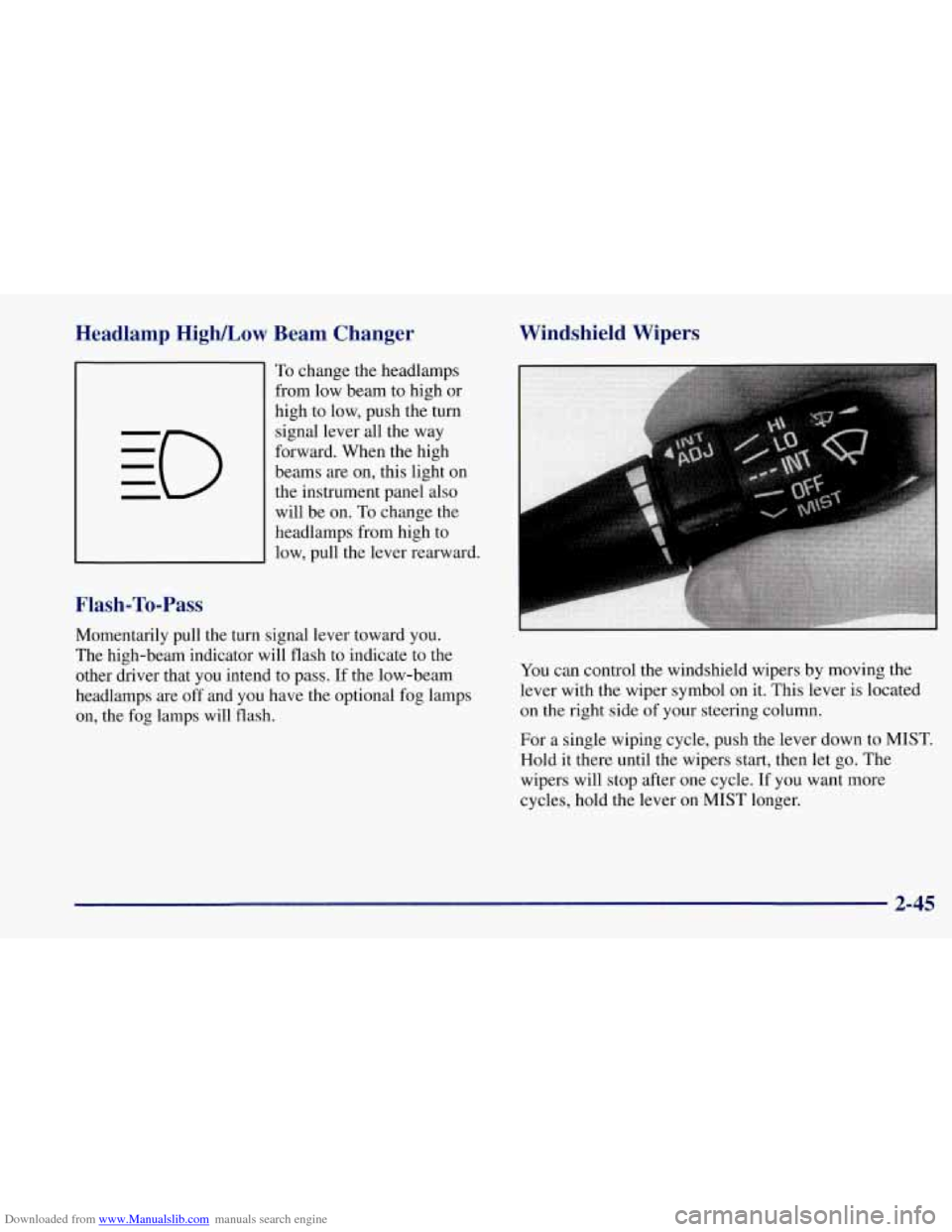
To change the headlamps
from low beam to high or
high to low, push the turn
signal lever all the way
forward. When the high
beams are on, this light on
the instrument panel also
will be on. To change the
headlamps from high to
low, pull the lever rearward.
Flash-To-Pass
Momentarily pull the turn signal lever toward you.
The high-beam indicator will flash to indicate to the
other driver that you intend to pass. If the low-beam
headlamps are off and you have the optional fog lamps
on, the fog lamps will flash.
Windshield Wipers
You can control the windshield wipers by moving the
lever with the wiper symbol on it. This lever
is located
on the right side of your steering column.
For a single wiping cycle, push the lever down to MIST.
Hold it there until the wipers start, then let go. The
wipers will stop after one cycle. If you want more
cycles, hold the lever on MIST longer.
2-45
Page 95 of 356
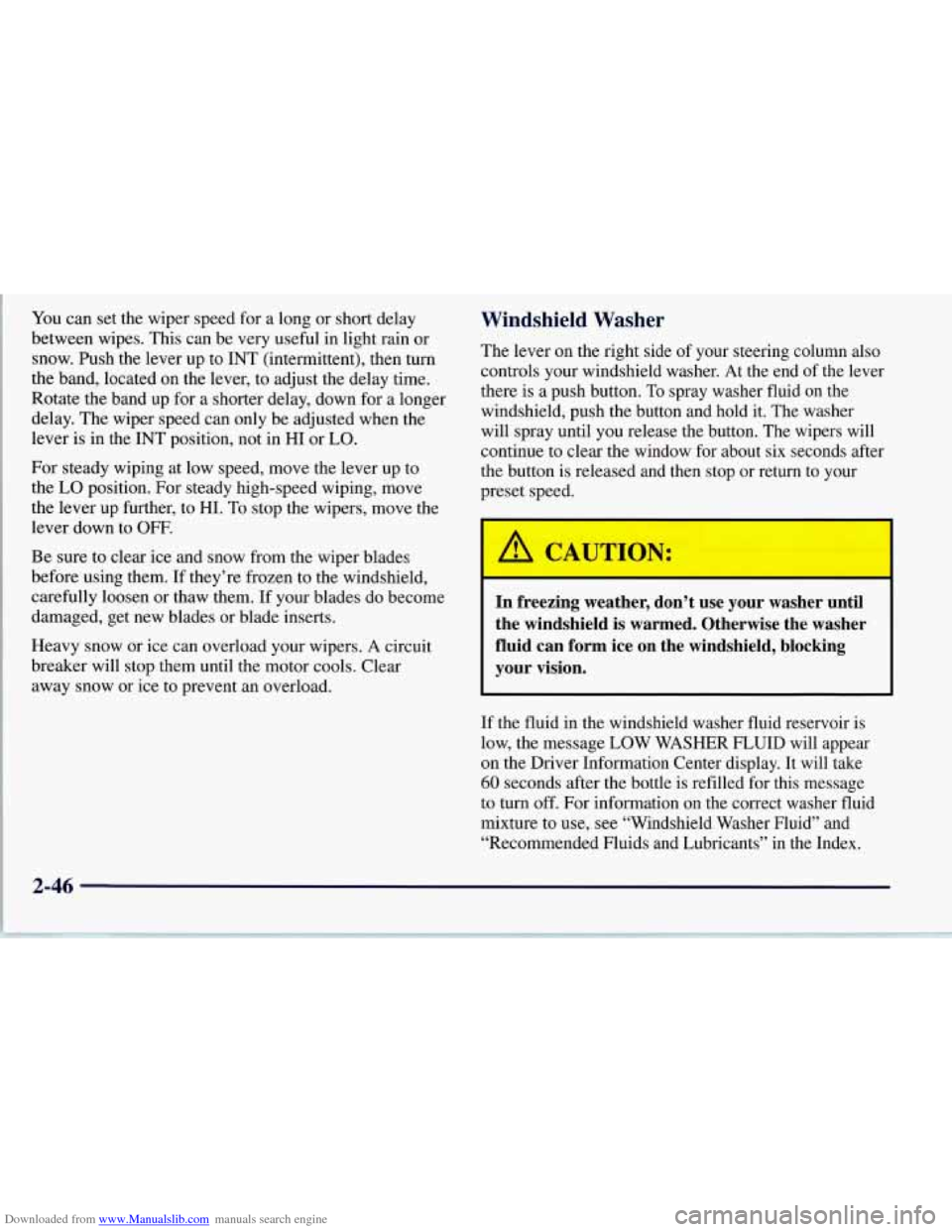
Downloaded from www.Manualslib.com manuals search engine You can set the wiper speed for a long or short delay
between wipes. This can be very useful in light rain or
snow. Push the lever up to INT (intermittent), then turn
the band, located on the lever, to adjust the delay time.
Rotate the band up for
a shorter delay, down for a longer
delay. The wiper speed can only be adjusted when the
lever is
in the INT position, not in HI or LO.
For steady wiping at low speed, move the lever up to
the
LO position. For steady high-speed wiping, move
the lever up further, to HI. To stop the wipers, move the
lever down to
OFF.
Be sure to clear ice and snow from the wiper blades
before using them.
If they’re frozen to the windshield,
carefully loosen or thaw them.
If your blades do become
damaged, get new blades or blade inserts.
Heavy snow or ice can overload your wipers.
A circuit
breaker will stop them until the motor cools. Clear
away snow or ice
to prevent an overload.
Windshield Washer
The lever on the right side of your steering column also
controls your windshield washer. At the end of the lever
there is a push button.
To spray washer fluid on the
windshield, push the button and hold it. The washer
will spray until you release the button. The wipers will
continue to clear the window for about six seconds after
the button is released and then stop or return to your
preset speed.
A CAUTION:
In freezing weather, don’t use your washer until
the windshield is warmed. Otherwise the washer
fluid can form ice on the windshield, blocking
your vision.
If the fluid in the windshield washer fluid reservoir is
low, the message
LOW WASHER FLUID will appear
on the Driver Information Center display. It will take
60 seconds after the bottle is refilled for this message
to turn
off. For information on the correct washer fluid
mixture to use, see “Windshield Washer Fluid” and
“Recommended Fluids and Lubricants’’ in the Index.
2-46
Page 100 of 356
Downloaded from www.Manualslib.com manuals search engine When the DRL are on, only your front turn signal lamps
will be on. The taillamps, sidemarker and other lamps
will not be on.
When you turn on your headlamps, your front turn
signal lamps (DRL) will go out. The other lamps that
come on with your headlamps will also come on.
On vehicles built for Canada, when it’s dark enough
outside, your front turn signal lamps will automatically
go out and your headlamps will come
on. The other
lamps that come on with your headlamps will also come
on. When it’s bright enough outside, the headlamps
will go off, and your front turn signal lamps (DRL)
will come ,on.
Also on Canadian vehicles, there is a light sensor in the
defroster grille, at the base of the windshield and the
instrument panel. This sensor makes the DRL work
automatically, so be sure it isn’t covered.
As with any vehicle, you should turn on the regular
headlamp system when you need it.
Fog Lamps (Option)
Use your fog lamps for better vision in foggy or misty
conditions. Your parking lamps or low-beam headlamps
must be on or your fog lamps won’t work.
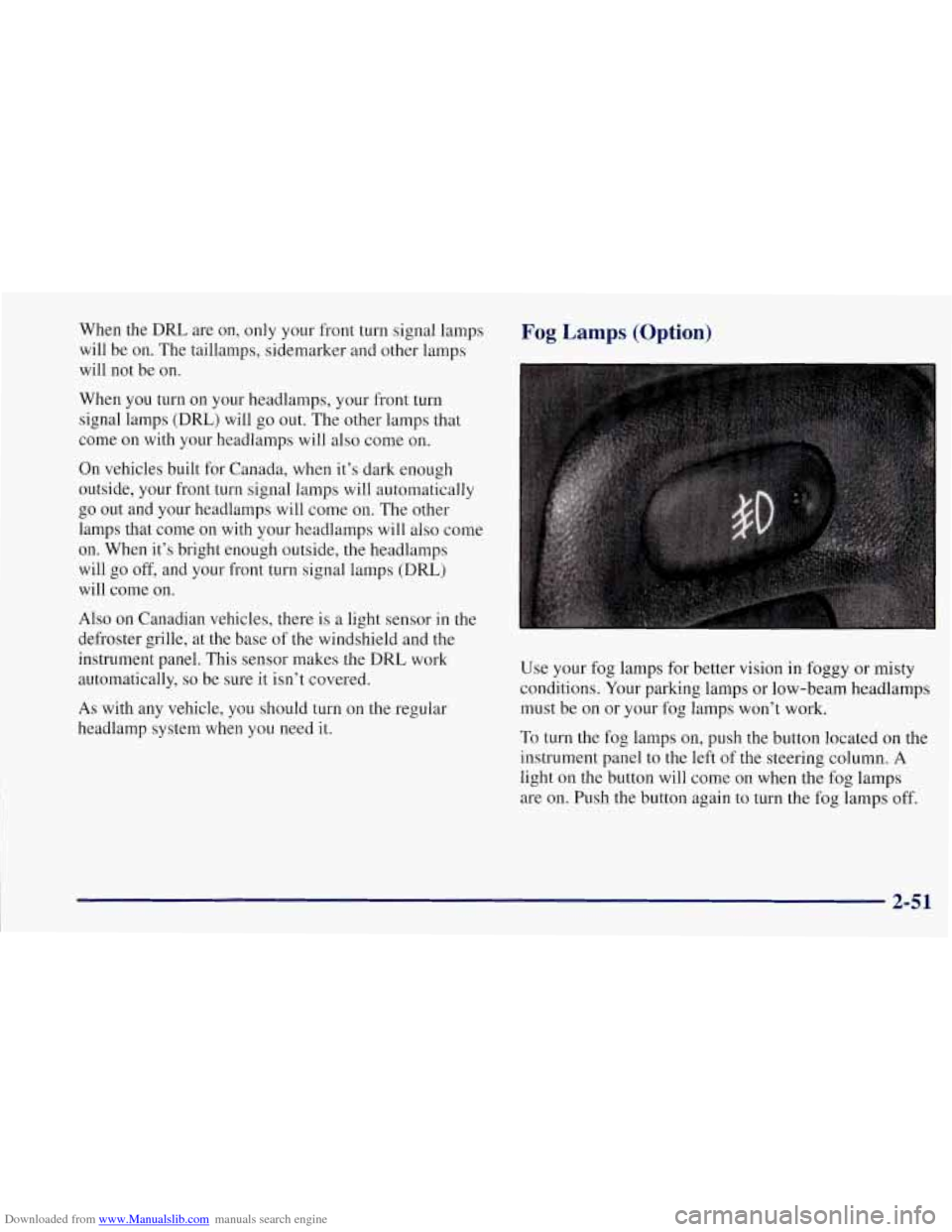
To turn the fog lamps on, push the button located on the
instrument panel to the left of the steering column.
A
light on the button will come on when the fog lamps
are on. Push the button again to turn the fog lamps off.
2-51
Page 130 of 356
Downloaded from www.Manualslib.com manuals search engine Driver Information Center (DIC)
The Driver Information Center (DIC) will display
information about how your vehicle is functioning, as
well as warning messages if a system problem is
detected. The DIC display area is located in the
instrument cluster below the speedometer and
tachometer, directly above the steering column.
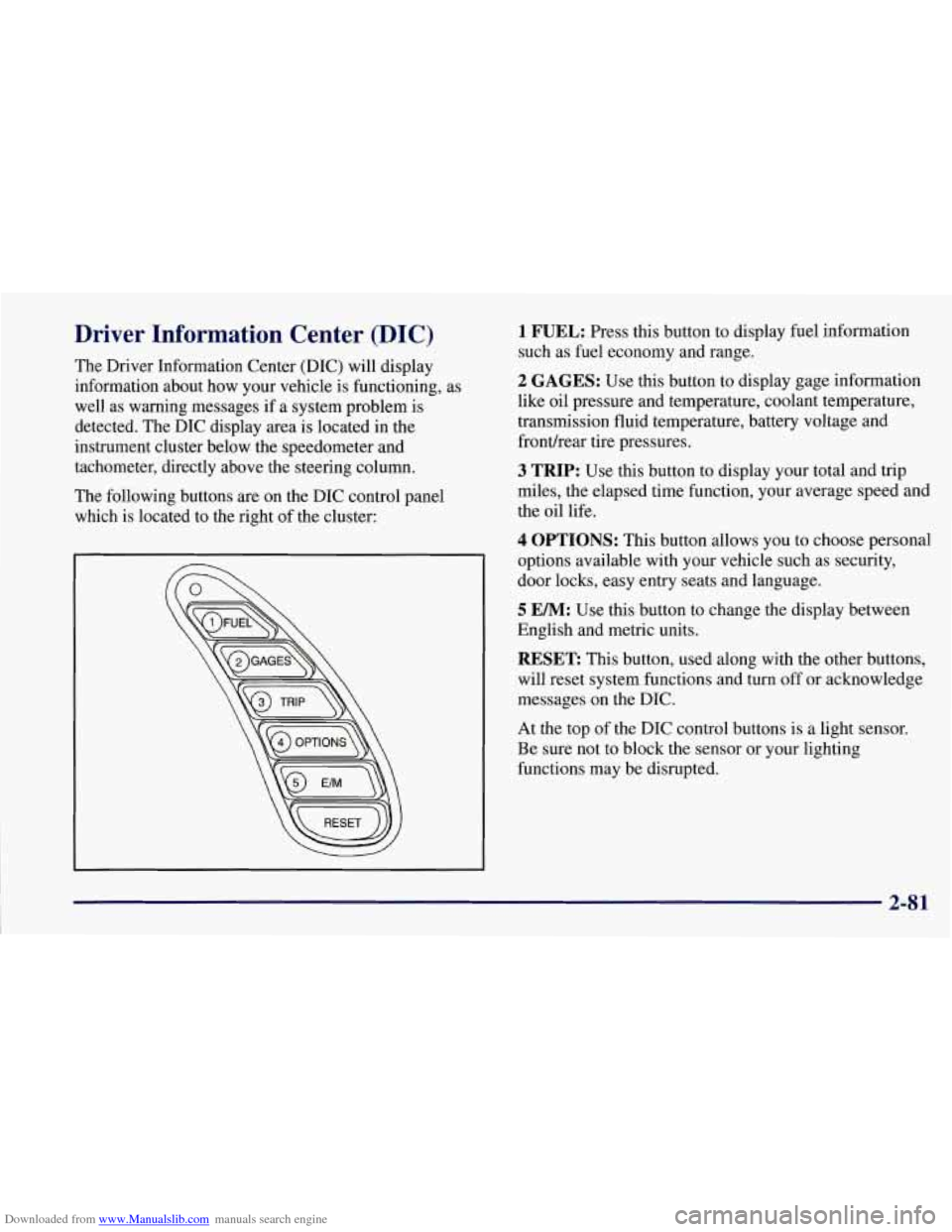
The following buttons are on the DIC control panel
which is located to the right of the cluster:
1 FUEL: Press this button to display fuel information
such as fuel economy and range.
2 GAGES: Use this button to display gage information
like oil pressure and temperature, coolant temperature,
transmission fluid temperature, battery voltage and
fronurear tire pressures.
3 TRIP: Use this button to display your total and trip
miles, the elapsed time function, your average speed and
the oil life.
4 OPTIONS: This button allows you to choose personal
options available with your vehicle such as security,
door locks, easy entry seats and language.
5 EM: Use this button to change the display between
English and metric units.
RESET: This button, used along with the other buttons,
will reset system functions and turn off or acknowledge
messages on the DIC.
At the top
of the DIC control buttons is a light sensor.
Be sure not to block the sensor or your lighting
functions may be disrupted.
2-81
Page 139 of 356

Downloaded from www.Manualslib.com manuals search engine Languages
You can select which language the DIC will display its
messages in. Press the OPTIONS button until the word
LANGUAGES appears on the display, then use the
RESET button to page through the following choices:
LANGUAGE ENGLISH
0 LANGUAGE FRENCH
0 LANGUAGE GERMAN
0 LANGUAGE SPANISH
Blank Page
At the end of the OPTIONS menu there is a blank page.
When the blank page is displayed, you can access the
following items:
FOB TRAINING: This option allows you to match
the RFA transmitter(s) to your vehicle. You can access
this option by pressing and holding RESET for two
seconds while you
are on the blank page at the end of
the OPTIONS menu. The message
FOB TRAINING
will be displayed. See “Matching Transmitter(s) To
Your Vehicle” in the Index.
TIRE TRAINING: The Tire Pressure Monitor (TPM)
operates with battery powered sensors that are located
inside the valve stems on each tire. Each sensor has a
unique ID code so the vehicle knows the tire location
of the sensor. When the vehicle reaches a speed of
greater than
15 mph (24 km/h), the sensors begin to send
the tire pressure readings to a receiver inside the vehicle.
These readings are displayed when using the GAGES
button on the DIC. If you are unable to display your tire
pressures while the vehicle speed is greater than
15 mph
(24 km/h). You may need to have your sensor ID codes
learned by the vehicle. See your dealer.
DIC Warnings and Messages
The following messages and warnings may appear in
theDIC display. The DIC display area is located in the
instrument cluster below the speedometer and tachometer,
directly above the steering column. You may receive more
than one message at a time. Messages will appear one
behind the other. To acknowledge a message and remove
it
from the display, press RESET. You may scroll through
the messages that may have been sent at the same time.
The message center is continuously updated with the
vehicle performance status.
2-90
Page 140 of 356
Downloaded from www.Manualslib.com manuals search engine ABS ACTIVE (Anti-Lock Brake System Active):
When your anti-lock system is adjusting brake pressure
to help avoid a braking skid, the ABS ACTIVE message
will be displayed.
Slippery road conditions may exist
if this message is
displayed,
so adjust your driving accordingly. The
message will stay on for a few seconds after the system
stops adjusting brake pressure.
SERVICE ABS (Anti-Lock Brake System): If the
SERVICE ABS message is displayed when you are
driving, stop as soon as possible and turn the ignition
off. Then start the engine again to reset the system. If
the message stays on, or comes back on again while you
are driving, your vehicle is in need of service.
If the
regular brake system warning light isn’t on, you still
have brakes, but don’t have anti-lock brakes. If the
regular brake system light is also on, you don’t have
anti-lock brakes and there is a problem with your
brakes. See “Brake System Warning Light” earlier in
this section.
SERVICE COLUMN LOCK: The system that
controls the locking and unlocking of the steering
column may
not work properly. Have the vehicle
towed to a dealer for service.
LOW OIL PRESSURE: You will hear four chimes
and the CHECK GAGES telltale will come
on when
this message is displayed. To acknowledge the warning,
press the RESET button. After you press the RESET
button, a message will be displayed and you will hear a
chime every minute until the vehicle
is serviced. If you
do not press RESET, the message will remain on the
digital display until the vehicle
is serviced.
Low oil pressure may be the result of a combination
of low oil level and abrupt changes in the vehicle’s
direction. When this warning
is displayed, you should
not operate
the engine at high RPM or make fast abrupt
moves. When convenient, you should check the oil
level. See “Engine Oil” in the Index.
LOW OIL LEVEL: Press RESET to acknowledge that
you have read the message and to remove it from the
display. The message will reappear every
10 minutes
until this condition changes.
You will hear two chimes when this message is
displayed.
If this message appears after starting your
engine, your engine oil level may be too low. You may
need to add oil. See “Engine Overheating” in the Index.
2-91
Page 180 of 356
Downloaded from www.Manualslib.com manuals search engine e
Section 4 Your Driving and the Road
Here you’ll find information about driving on different kinds of roads and in varying weather conditions. We’ve also
included
many other useful tips on driving.
4-2 4-2
4-6
4-6
4-1 1
4-13
4-13
4-15
4-16 Defensive Driving
Drunken Driving
Control
of a Vehicle
Braking
Steering
Off-Road Recovery
Passing
Loss
of Control
Driving at Night 4-
18
4-2 1
4-22
4-23
4-24
4-24
4-26
4-30
4-3 1 Driving
in Rain and on Wet Roads
City Driving
Freeway Driving
Before Leaving on a Long
Trip
Highway Hypnosis
Hill and Mountain Roads
Winter Driving
Loading Your Vehicle
Towing
A Trailer
Page 185 of 356
Downloaded from www.Manualslib.com manuals search engine Control of a Vehicle
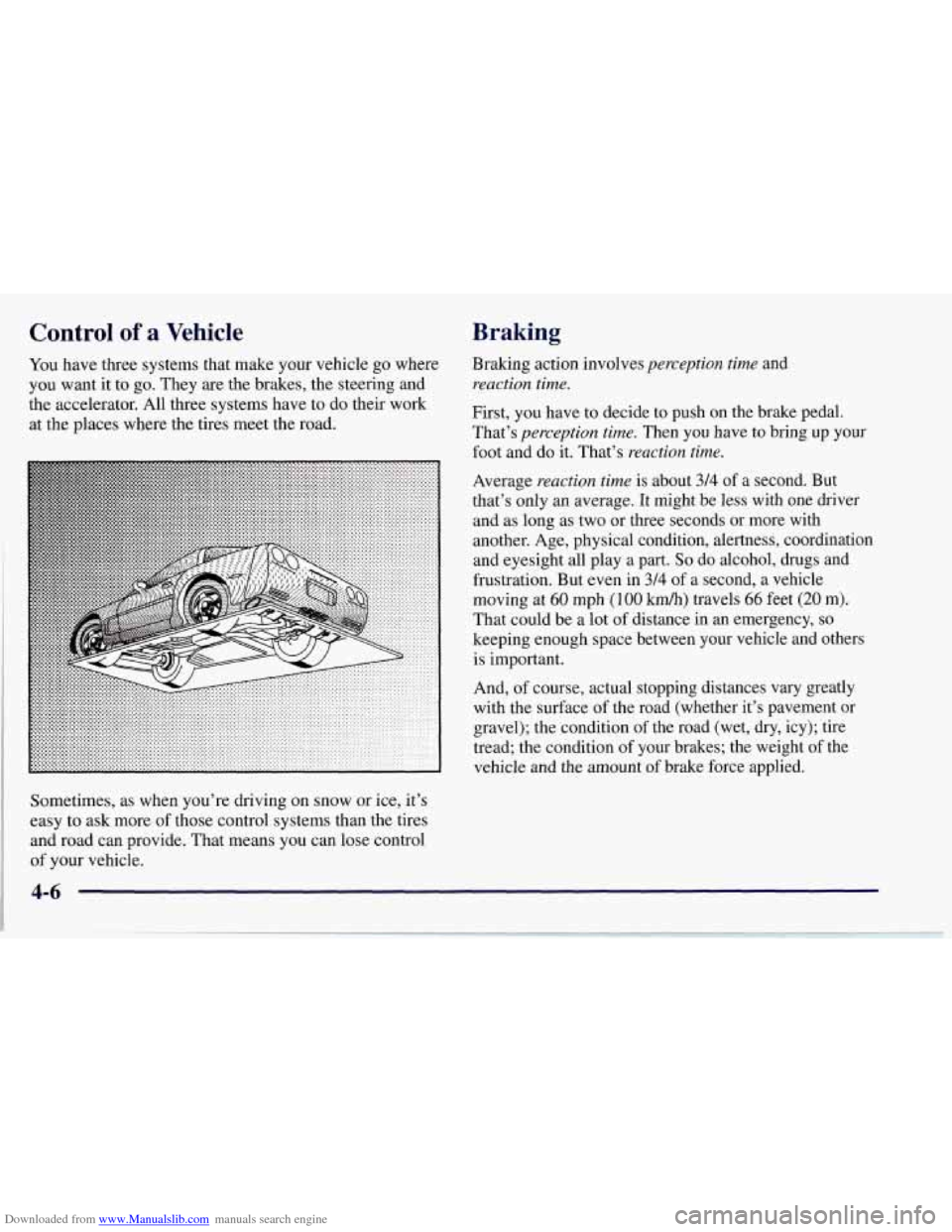
You have three systems that make your vehicle go where
you want it to go. They
are the brakes, the steering and
the accelerator. All three systems have to do their work
at the places where the tires meet the road.
Braking
Braking action involves perception time and
reaction time.
First, you have to decide to push on the brake pedal.
That’s
perception time. Then you have to bring up your
foot and do it. That’s
reaction time.
Average reaction time is about 314 of a second. But
that’s only an average. It might
be less with one driver
and as long as two or three seconds or more with
another. Age, physical condition, alertness, coordination and eyesight all play a part.
So do alcohol, drugs and
frustration. But even in 3/4
of a second, a vehicle
moving at
60 mph (100 km/h) travels 66 feet (20 m).
That could be a lot of distance in an emergency, so
keeping enough space between your vehicle and others
is important.
And,
of course, actual stopping distances vary greatly
with the surface
of the road (whether it’s pavement or
gravel); the condition of the road (wet, dry, icy); tire
tread; the condition of your brakes; the weight
of the
vehicle and the amount of brake force applied.
Sometimes, as when you’re driving
on snow or ice, it’s
easy to ask more
of those control systems than the tires
and road can provide. That means you can lose control
of your vehicle.
4-6
Page 190 of 356
Downloaded from www.Manualslib.com manuals search engine Braking in Emergencies
With anti-lock, you can steer and brake at the same
time. In many emergencies, steering can help you more
than even the very best braking.
Steering
Power Steering
If you lose power steering assist because the engine
stops or the system is not functioning, you can steer but
it will take much more effort.
Steering Tips
Driving on Curves
It’s important to take curves at a reasonable speed.
A lot
of the “driver lost control” accidents mentioned on
the news happen on curves. Here’s why: Experienced driver
or beginner, each
of us is subject to
the same laws
of physics when driving on curves. The
traction
of the tires against the road surface makes it
possible for the vehicle to change its path when you turn
the front wheels. If there’s no traction, inertia will keep
the vehicle going in the same direction. If you’ve ever
tried to steer a vehicle on wet ice, you’ll understand this.
The traction you can get in a curve depends on
the
condition of your tires and the road surface, the angle at
which the curve is banked, and your speed. While you’re
in a curve, speed is the one factor you can control.
Suppose you’re steering through
a sharp curve. Then you
suddenly accelerate. Both control systems
-- steering and
acceleration
-- have to do their work where the tires meet
the road. Adding the sudden acceleration can demand too
much of those places. You can lose control. Refer to
“Traction Control System” in the Index.
What should you do
if this ever happens? Ease up on the
accelerator pedal, steer the vehicle the way you want it
to go, and slow down.
Speed limit signs near curves warn that you should
adjust your speed. Of course, the posted speeds are
based on good weather and road conditions. Under less
favorable conditions you’ll want to
go slower.
4-11