warning CHEVROLET CORVETTE 1997 5.G User Guide
[x] Cancel search | Manufacturer: CHEVROLET, Model Year: 1997, Model line: CORVETTE, Model: CHEVROLET CORVETTE 1997 5.GPages: 356, PDF Size: 18.43 MB
Page 118 of 356
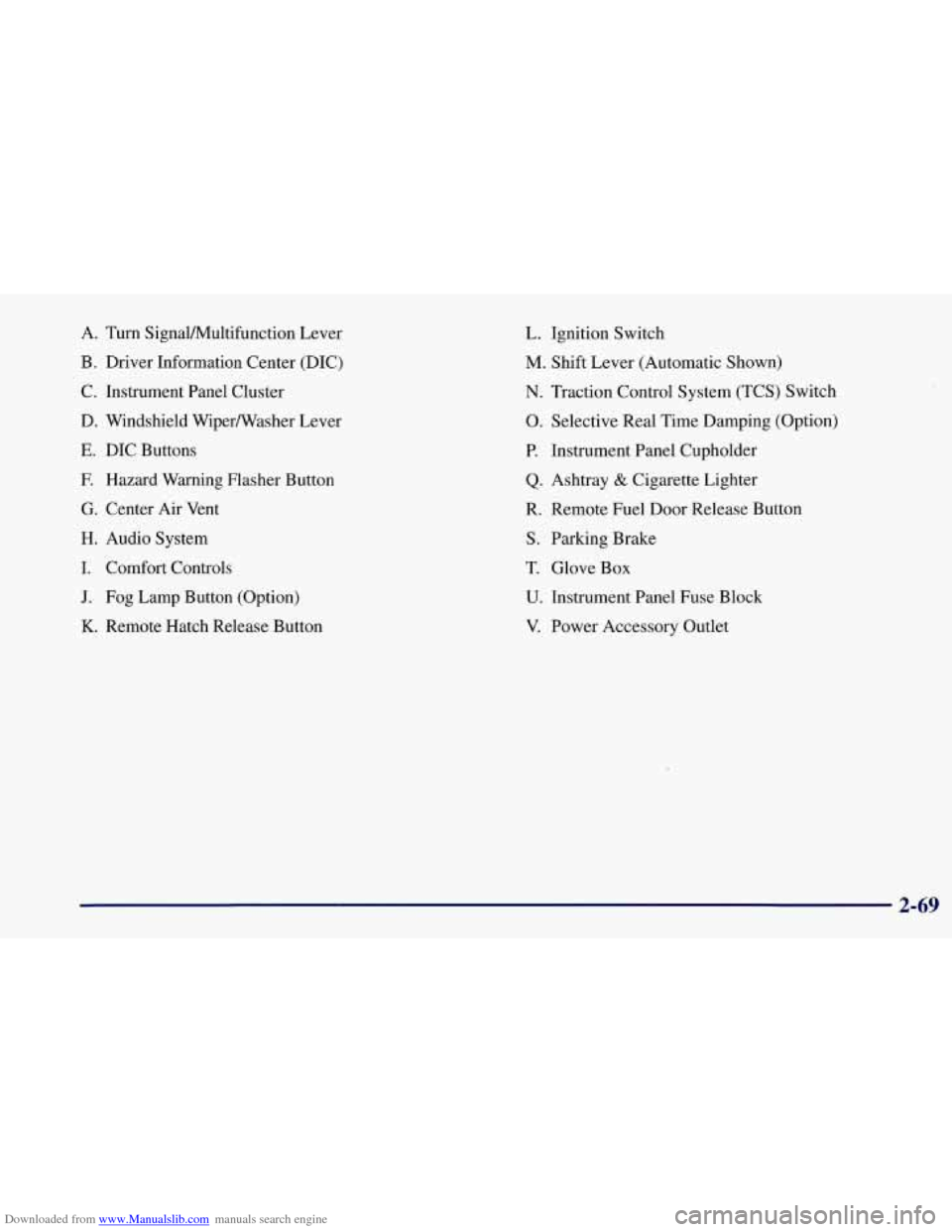
Downloaded from www.Manualslib.com manuals search engine A. Turn SignalNultifunction Lever
B. Driver Information Center (DIC)
C. Instrument Panel Cluster
D. Windshield WiperNVasher Lever
E. DIC Buttons
F. Hazard Warning Flasher Button
G. Center Air Vent
H. Audio System
I. Comfort Controls
J. Fog Lamp Button (Option)
K. Remote Hatch Release Button
L. Ignition Switch
M. Shift Lever (Automatic Shown)
N. Traction Control System (TCS) Switch
0. Selective Real Time Damping (Option)
P. Instrument Panel Cupholder
Q. Ashtray & Cigarette Lighter
R. Remote Fuel Door Release Button
S. Parking Brake
T. Glove Box
U. Instrument Panel Fuse Block
V. Power Accessory Outlet
2-69
Page 120 of 356
Downloaded from www.Manualslib.com manuals search engine Speedometer
Your speedometer lets you see your speed in either miles
per hour (mph) or kilometers per hour
(km/h).
You may note that there are not two separate scales
for mph and
km/h. When you press the EM
(EnglisMetric) button on the DIC, the cluster
will calculate the proper speed and move the needle
to the correct position. Either the
MPH or the km/h
telltale will illuminate, depending on which
measurement you choose.
Tachometer
The tachometer displays the engine speed in thousands
of revolutions per minute (rpm).
Fuel will shut off at about
6200 rpm.
If you continue to drive your Corvette at the fuel shut
off rpm, you could damage your engine. Be sure to
operate your Corvette below the fuel shut
off rpm or
reduce your rpm quickly when the fuel shuts off.
Warning Lights, Gages.and Messages
This part describes the warning lights and gages that
may be on your vehicle. The pictures will help you
locate them. Warning
lights and gages can signal that something
is
wrong before it becomes serious enough to cause an
expensive repair or replacement. Paying attention to
your warning lights and gages could also save you or
others from injury.
Warning lights come on when there may be or is a
problem with one of your vehicle’s functions.
As
you will see in the details on the next few pages,
some warning lights come on briefly when you start
the engine just to let you know they’re working. If
you are familiar with this section, you should not be
alarmed when this happens.
Gages can indicate when there may be or is a problem
with one
of your vehicle’s functions. Often gages and
warning lights work together to let you know when
there’s a problem with your vehicle.
When one of the warning lights comes on and stays
on when you are driving, or when one of the gages
shows there may be a problem, check the section that
tells you what to do about it. Please follow this manual’s
advice. Waiting to
do repairs can be costly -- and even
dangerous.
So please get to know your warning lights
and gages. They’re a big help.
Your vehicle also has a Driver Information Center that
works along with the warning lights and gages.
See
“Driver Information Center” in the Index.
2-71
Page 122 of 356
Downloaded from www.Manualslib.com manuals search engine Voltmeter
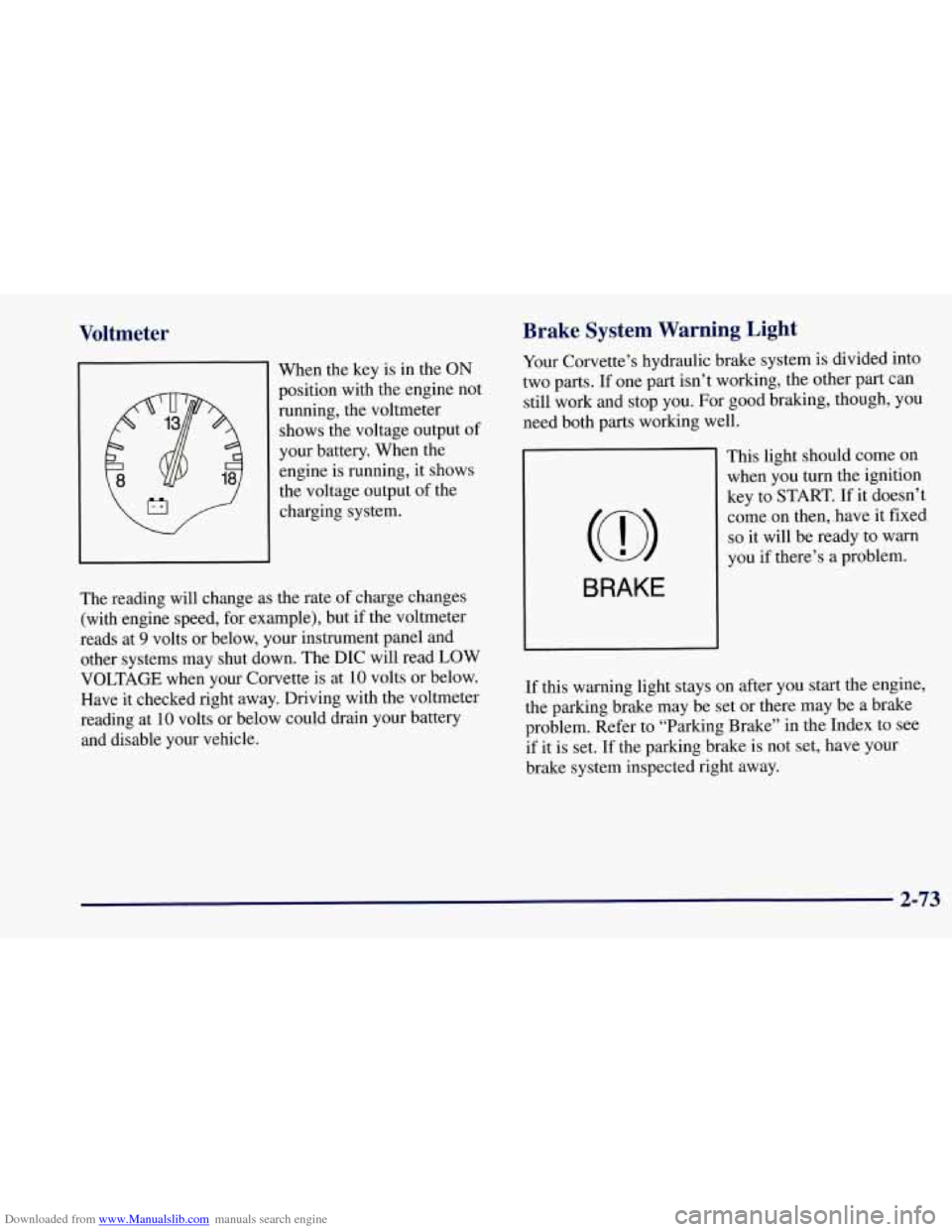
When the key is in the ON
position with the engine not
running, the voltmeter
shows the voltage output of
your battery. When the engine is running, it shows
the voltage output of the
charging system.
the rate of charge changes
J
The reading will change as
(with engine speed, for example), but if the voltmeter
reads at
9 volts or below, your instrument panel and
other systems may shut down. The DIC will read LOW
VOLTAGE when your Corvette is at
10 volts or below.
Have it checked right away. Driving with the voltmeter
reading at
10 volts or below could drain your battery
and disable your vehicle.
Brake System Warning Light
Your Corvette’s hydraulic brake system is divided into
two parts. If one part isn’t working, the other part can
still work and stop you. For good braking, though, you
need both parts working well.
BRAKE
This light should come on when you turn the ignition
key to START.
If it doesn’t
come on then, have it fixed
so it will be ready to warn
you
if there’s a problem.
If this warning light stays on after you start the engine,
the parking brake may be set or there may be a brake
problem. Refer to “Parking Brake” in the Index to see
if it is set.
If the parking brake is not set, have your
brake system inspected right away.
2-73
Page 123 of 356
Downloaded from www.Manualslib.com manuals search engine If the light comes on while you are driving, and you
have a LOW BRAKE FLUID message showing on the
DIC, pull off the road and stop carefully. You may
notice that the pedal is harder to push. Or, the pedal may
go closer to the floor. It may take longer to stop. If the
light
is still on, have the vehicle towed for service. (See
“Towing Your Vehicle” in the Index.)
A C WTION:
Your brake system may not be working properly
if the brake warning light is on. Driving with the
brake warning light
on can lead to an accident.
If the light is still on after you’ve pulled off the
road and stopped carefully, have the vehicle
towed for service.
Anti-Lock Brake System Warning Light
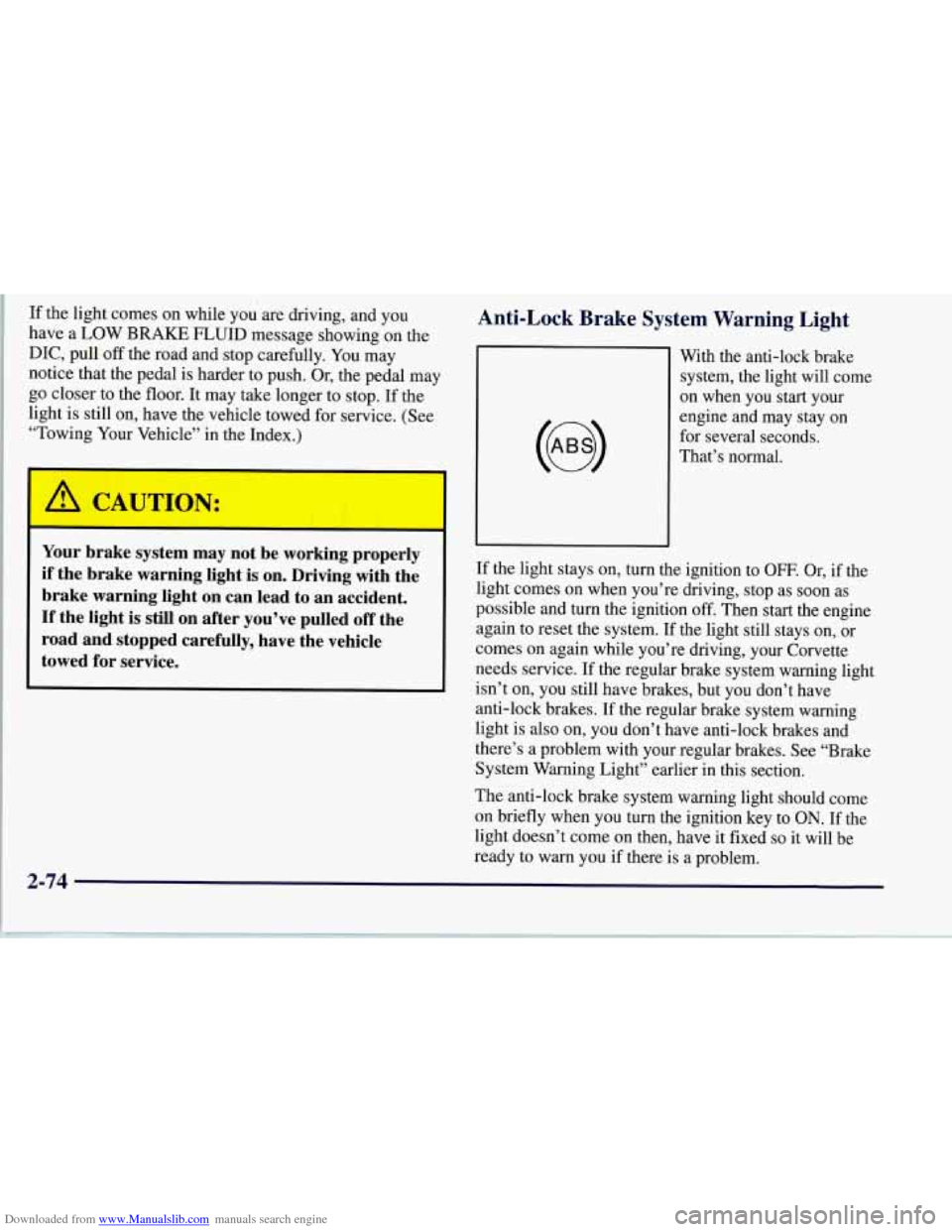
With the anti-lock brake
system, the light will come
on when you start your
engine and may stay on
for several seconds.
That’s normal.
If the light stays on, turn the ignition to
OFF. Or, if the
light comes on when you’re driving, stop as soon as
possible and turn the ignition off. Then start the engine
again to reset the system.
If the light still stays on, or
comes on again while you’re driving, your Corvette
needs service.
If the regular brake system warning light
isn’t on, you still have brakes, but you don’t have
anti-lock brakes. If the regular brake system warning
light is also on, you don’t have anti-lock brakes and
there’s a problem with your regular brakes. See “Brake
System Warning Light” earlier in this section.
The anti-lock brake system warning light should come
on briefly when you turn the ignition key to
ON. If the
light doesn’t come on then, have it fixed
so it will be
ready to warn you if there is a problem.
2-74
Page 128 of 356
Downloaded from www.Manualslib.com manuals search engine Security Light
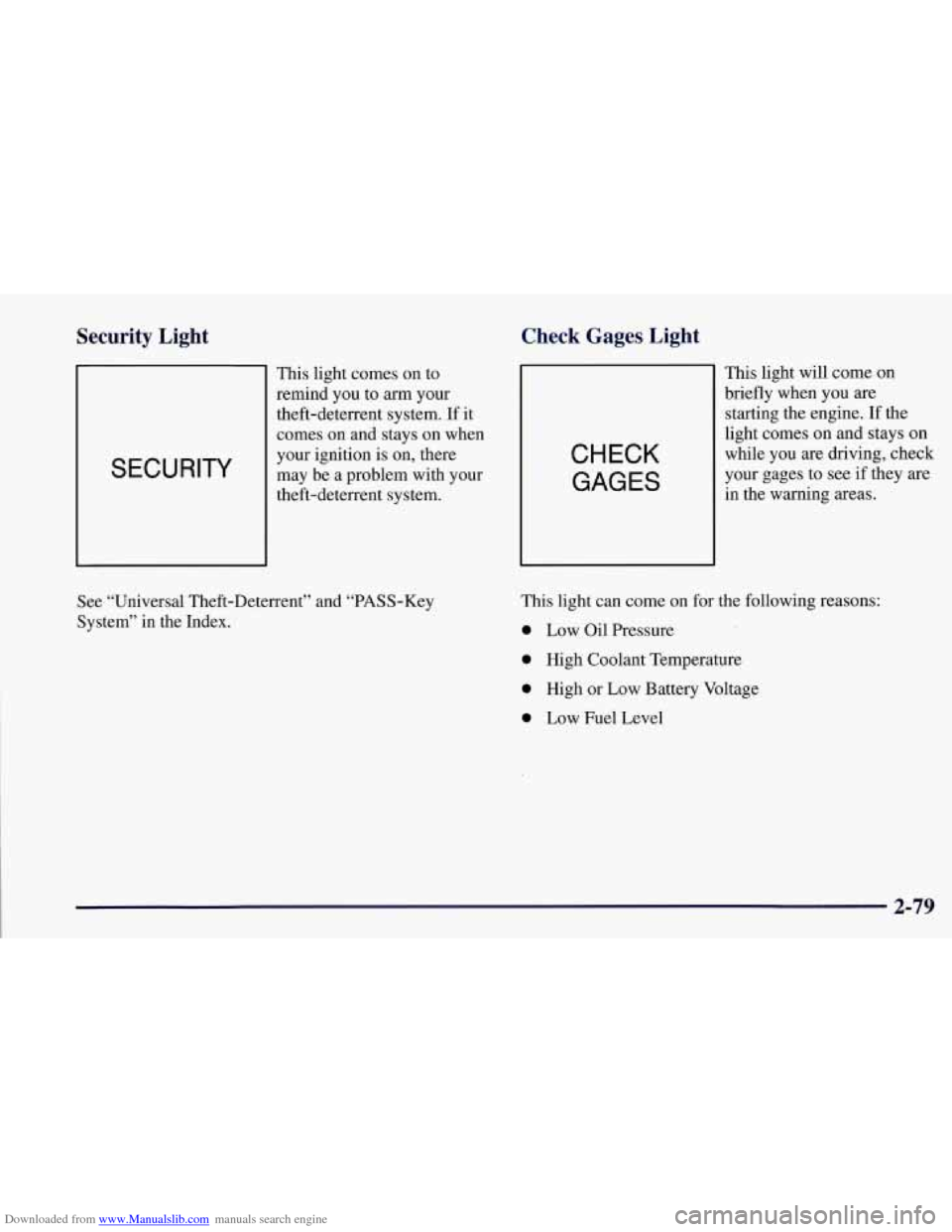
SECURITY
This light comes on to
remind you
to arm your
theft-deterrent system. If it
comes
on and stays on when
your ignition
is on, there
may be a problem with your
theft-deterrent system.
Check Gages Light
CHECK
GAGES
This light will come on
briefly when you
are
starting the engine. If the
light comes on and stays on
while you are driving, check
your gages to see if they are
in the warning areas.
See “Universal Theft-Deterrent” and “PASS-Key
System” in the Index. This light can
come
on for the following reasons:
0 Low Oil Pressure
0 High Coolant Temperature
0 High or Low Battery Voltage
0 Low Fuel Level
2-79
Page 130 of 356
Downloaded from www.Manualslib.com manuals search engine Driver Information Center (DIC)
The Driver Information Center (DIC) will display
information about how your vehicle is functioning, as
well as warning messages if a system problem is
detected. The DIC display area is located in the
instrument cluster below the speedometer and
tachometer, directly above the steering column.
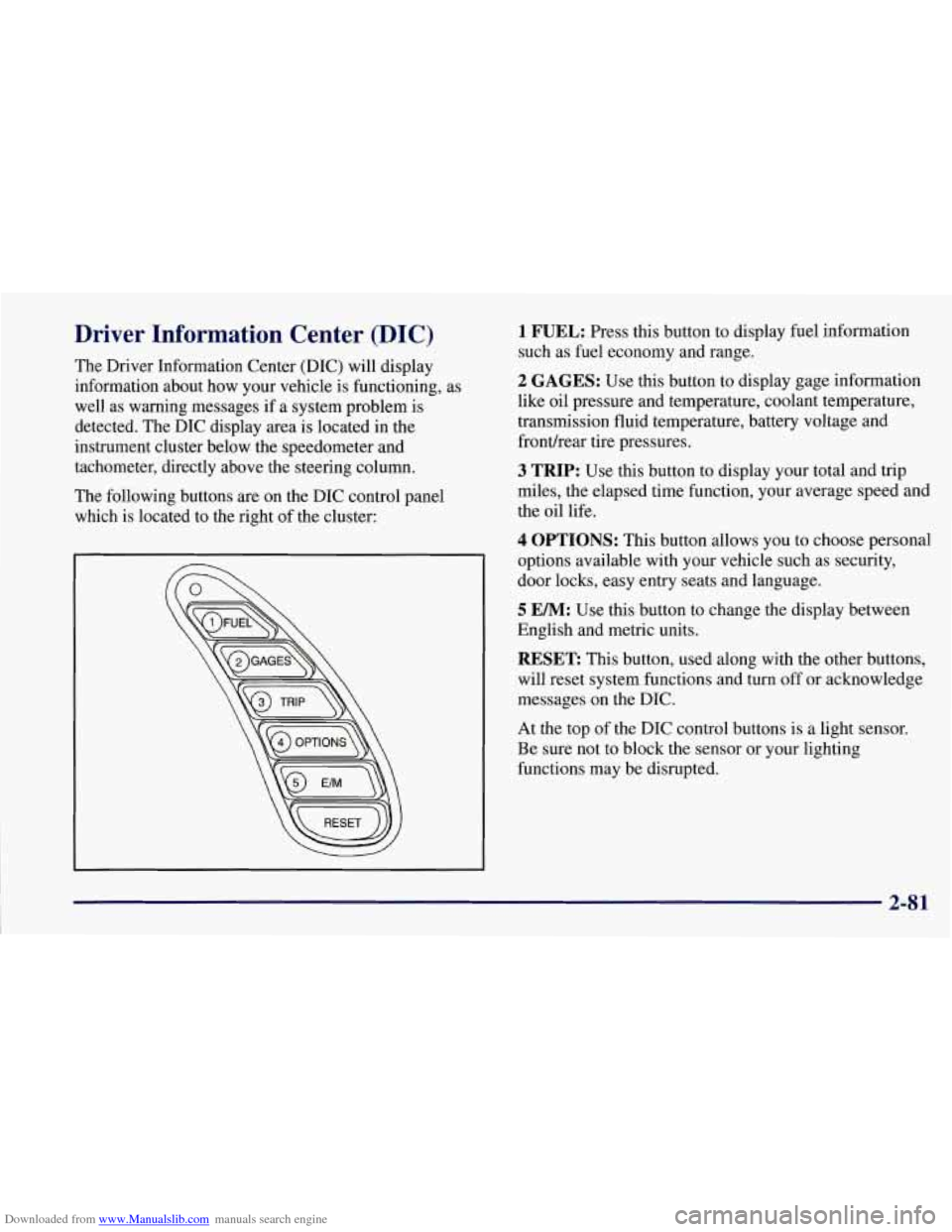
The following buttons are on the DIC control panel
which is located to the right of the cluster:
1 FUEL: Press this button to display fuel information
such as fuel economy and range.
2 GAGES: Use this button to display gage information
like oil pressure and temperature, coolant temperature,
transmission fluid temperature, battery voltage and
fronurear tire pressures.
3 TRIP: Use this button to display your total and trip
miles, the elapsed time function, your average speed and
the oil life.
4 OPTIONS: This button allows you to choose personal
options available with your vehicle such as security,
door locks, easy entry seats and language.
5 EM: Use this button to change the display between
English and metric units.
RESET: This button, used along with the other buttons,
will reset system functions and turn off or acknowledge
messages on the DIC.
At the top
of the DIC control buttons is a light sensor.
Be sure not to block the sensor or your lighting
functions may be disrupted.
2-81
Page 131 of 356
Downloaded from www.Manualslib.com manuals search engine DIC Controls and Displays
Turn on the system by turning the ignition to ON. When
you turn on the ignition, the DIC will be in the mode last
displayed when the engine was turned off. Each DIC
button allows you to scroll through a menu. A blank
page ends each menu.
If a problem is detected, a diagnostic message will
appear on the display. Press RESET to acknowledge any
current warning or service messages. The following
pages will show the messages you can see on the DIC
display by pressing the DIC buttons.
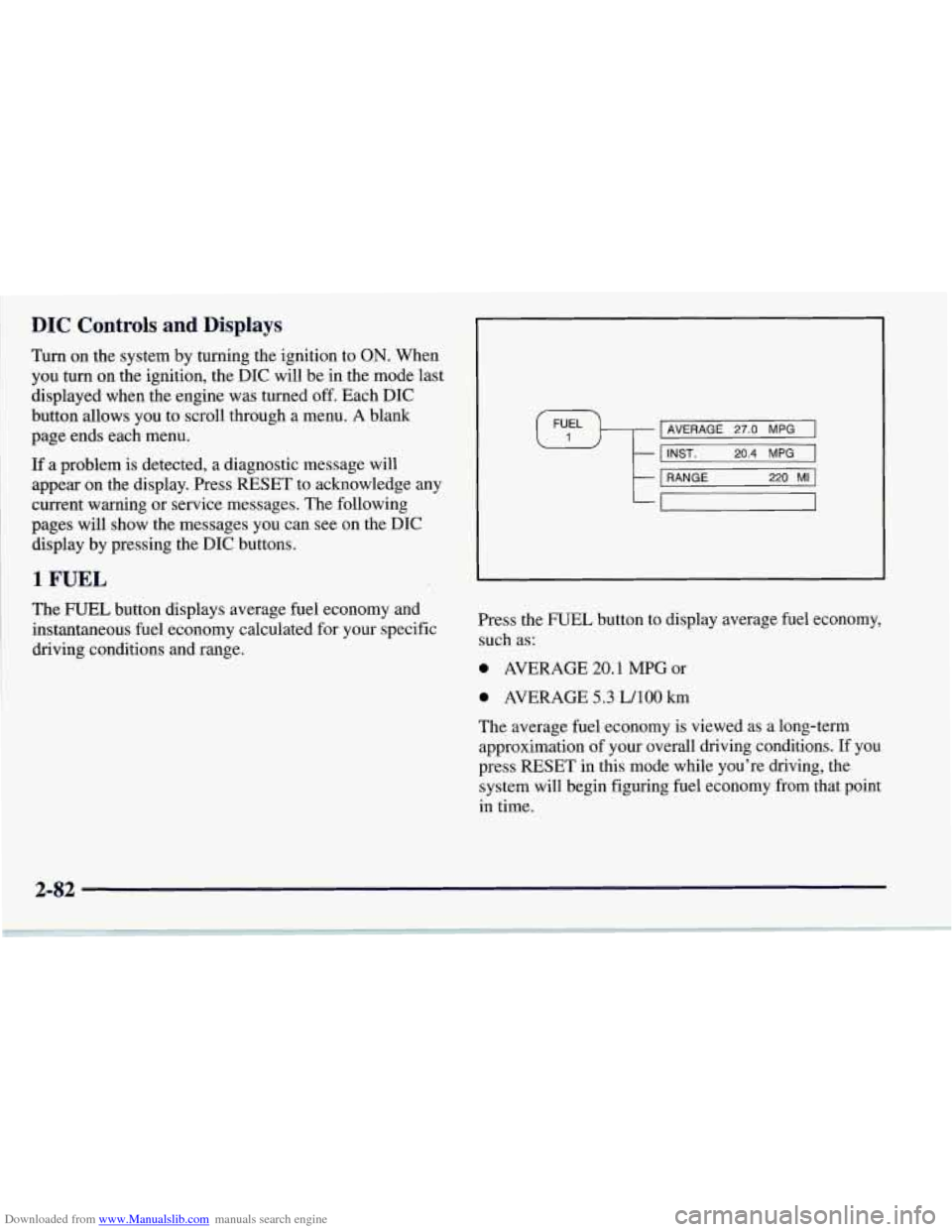
1 FUEL
The FUEL button displays average fuel economy and
instantaneous fuel economy calculated for your specific
driving conditions and range.
I AVERAGE 27.0 MPG I \#/ I I INST. 20.4 MPG 1 I I I
t
1 RANGE 220 MI 1
-
Press the FUEL button to display average fuel economy,
such as:
0 AVERAGE 20.1 MPG or
0 AVERAGE 5.3 LAO0 km
The average fuel economy is viewed as a long-term
approximation of your overall driving conditions. If you
press
RESET in this mode while you're driving, the
system will begin figuring fuel economy from that point
in time.
Page 139 of 356

Downloaded from www.Manualslib.com manuals search engine Languages
You can select which language the DIC will display its
messages in. Press the OPTIONS button until the word
LANGUAGES appears on the display, then use the
RESET button to page through the following choices:
LANGUAGE ENGLISH
0 LANGUAGE FRENCH
0 LANGUAGE GERMAN
0 LANGUAGE SPANISH
Blank Page
At the end of the OPTIONS menu there is a blank page.
When the blank page is displayed, you can access the
following items:
FOB TRAINING: This option allows you to match
the RFA transmitter(s) to your vehicle. You can access
this option by pressing and holding RESET for two
seconds while you
are on the blank page at the end of
the OPTIONS menu. The message
FOB TRAINING
will be displayed. See “Matching Transmitter(s) To
Your Vehicle” in the Index.
TIRE TRAINING: The Tire Pressure Monitor (TPM)
operates with battery powered sensors that are located
inside the valve stems on each tire. Each sensor has a
unique ID code so the vehicle knows the tire location
of the sensor. When the vehicle reaches a speed of
greater than
15 mph (24 km/h), the sensors begin to send
the tire pressure readings to a receiver inside the vehicle.
These readings are displayed when using the GAGES
button on the DIC. If you are unable to display your tire
pressures while the vehicle speed is greater than
15 mph
(24 km/h). You may need to have your sensor ID codes
learned by the vehicle. See your dealer.
DIC Warnings and Messages
The following messages and warnings may appear in
theDIC display. The DIC display area is located in the
instrument cluster below the speedometer and tachometer,
directly above the steering column. You may receive more
than one message at a time. Messages will appear one
behind the other. To acknowledge a message and remove
it
from the display, press RESET. You may scroll through
the messages that may have been sent at the same time.
The message center is continuously updated with the
vehicle performance status.
2-90
Page 140 of 356
Downloaded from www.Manualslib.com manuals search engine ABS ACTIVE (Anti-Lock Brake System Active):
When your anti-lock system is adjusting brake pressure
to help avoid a braking skid, the ABS ACTIVE message
will be displayed.
Slippery road conditions may exist
if this message is
displayed,
so adjust your driving accordingly. The
message will stay on for a few seconds after the system
stops adjusting brake pressure.
SERVICE ABS (Anti-Lock Brake System): If the
SERVICE ABS message is displayed when you are
driving, stop as soon as possible and turn the ignition
off. Then start the engine again to reset the system. If
the message stays on, or comes back on again while you
are driving, your vehicle is in need of service.
If the
regular brake system warning light isn’t on, you still
have brakes, but don’t have anti-lock brakes. If the
regular brake system light is also on, you don’t have
anti-lock brakes and there is a problem with your
brakes. See “Brake System Warning Light” earlier in
this section.
SERVICE COLUMN LOCK: The system that
controls the locking and unlocking of the steering
column may
not work properly. Have the vehicle
towed to a dealer for service.
LOW OIL PRESSURE: You will hear four chimes
and the CHECK GAGES telltale will come
on when
this message is displayed. To acknowledge the warning,
press the RESET button. After you press the RESET
button, a message will be displayed and you will hear a
chime every minute until the vehicle
is serviced. If you
do not press RESET, the message will remain on the
digital display until the vehicle
is serviced.
Low oil pressure may be the result of a combination
of low oil level and abrupt changes in the vehicle’s
direction. When this warning
is displayed, you should
not operate
the engine at high RPM or make fast abrupt
moves. When convenient, you should check the oil
level. See “Engine Oil” in the Index.
LOW OIL LEVEL: Press RESET to acknowledge that
you have read the message and to remove it from the
display. The message will reappear every
10 minutes
until this condition changes.
You will hear two chimes when this message is
displayed.
If this message appears after starting your
engine, your engine oil level may be too low. You may
need to add oil. See “Engine Overheating” in the Index.
2-91
Page 142 of 356
Downloaded from www.Manualslib.com manuals search engine TRACTION SYSTEM-ON: This message is displayed
when you decide to turn on the TCS by pressing the
switch
on the console. This message will shut off
automatically on its own.
TRACTION SYSTEM-OFF: You will hear a single
quick tone when this message is displayed. This
message comes on and stays on when the TCS button on
the console is pressed to turn the system
off. To
acknowledge this message, press RESET.
SERVICE TRACTION SYSTEM: If the SERVICE
TRACTION SYSTEM message is displayed when you
are driving, there is a problem with your Traction
Control System and your vehicle is in need of service.
When this message is displayed
, the system will not
limit wheel spin. Adjust your driving accordingly.
SERVICE RIDE CONTROL: This message is used to
indicate to the driver that the Selective Real Time
Damping (SRTD) system has detected a malfunction and
that the system must be serviced. The SERVICE
RIDE
CONTROL message will always come on when a failure
is detected by the Selective Real Time Damping system.
If
a fault is present in the SRTD which causes the shocks
to be in their full soft condition, the SERVICE RIDE
CONTROL, SHOCKS INOPERATIVE and MAXIMUM
80 MPH (129 km/h) will display together. You will never
get a
SHOCKS INOPERATIVE and MAXIMUM
SPEED 80 MPH (129 km/h) message without a
SERVICE RIDE CONTROL message.
SHOCKS INOPERATIVE: You will hear four chimes
when this message is displayed. To acknowledge that
you have read the message and to remove it from the
display, press RESET. The message will reappear every
10 minutes until this condition changes.
This message indicates that a malfunction is present in
the Selective Real Time Damping system which is
causing the shocks
to be in their full soft mode. This is a
warning to the driver that the vehicle handling may be
affected. Have your vehicle serviced as soon as possible.
MAXIMUM SPEED 80 MPH (129 km/h): You will
hear four chimes when this message is displayed.
To
acknowledge the warning, press RESET. After you press
RESET, a message will reappear every
10 minutes until
this condition changes.
This message indicates that the vehicle speed will be
limited to
80 mph (129 km/h) when the shock absorber
system has failed and the shocks are in their full soft
mode. Have your vehicle serviced as soon as possible.
2-93