trunk CHEVROLET CORVETTE 1998 5.G User Guide
[x] Cancel search | Manufacturer: CHEVROLET, Model Year: 1998, Model line: CORVETTE, Model: CHEVROLET CORVETTE 1998 5.GPages: 378, PDF Size: 19.91 MB
Page 123 of 378
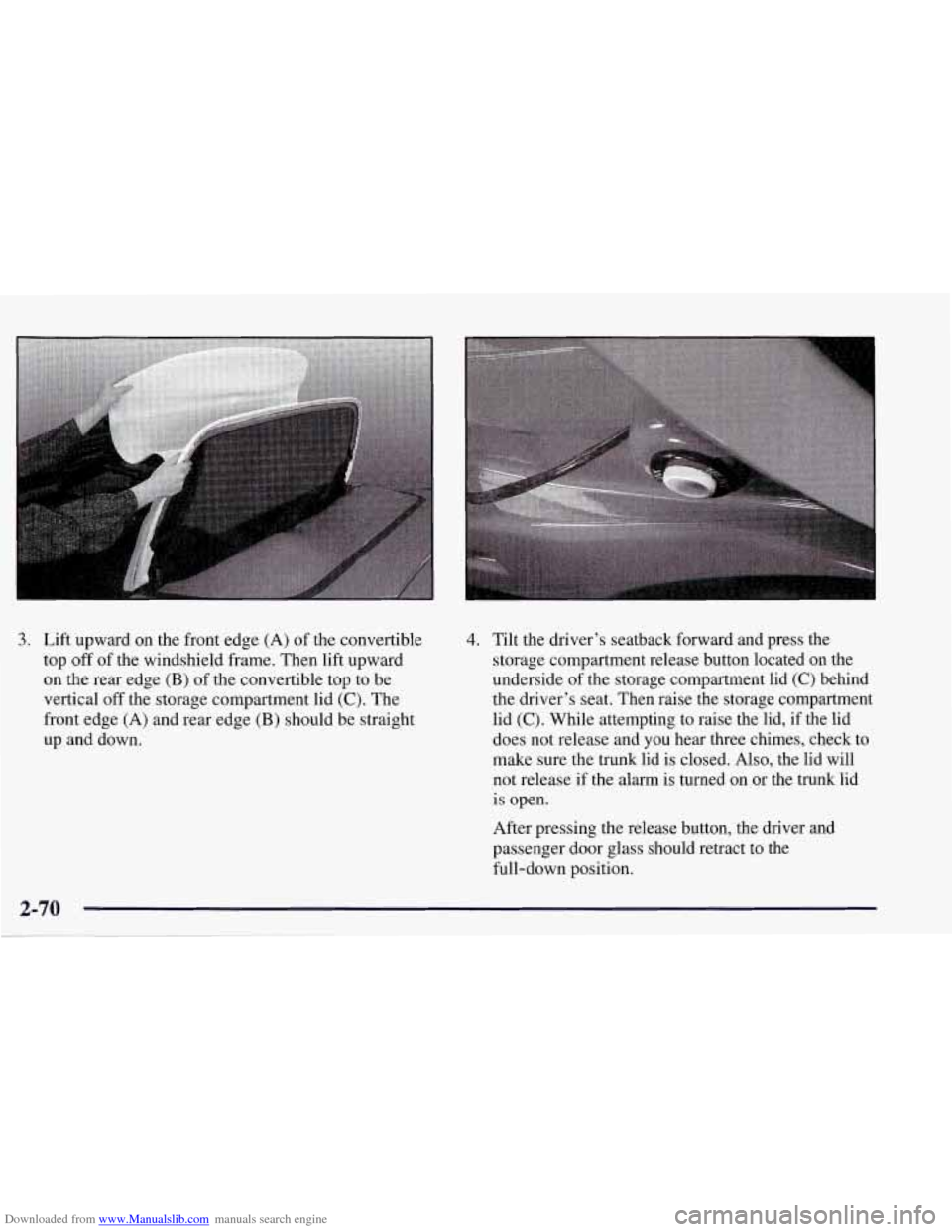
Downloaded from www.Manualslib.com manuals search engine 3. Lift upward on the front edge (A) of the convertible
top
off of the windshield frame. Then lift upward
on the rear edge (B) of the convertible top to be
vertical
off the storage compartment lid (C). The
front edge
(A) and rear edge (B) should be straight
up and down.
4. Tilt the driver’s seatback forward and press the
storage compartment release button located on the
underside
of the storage compartment lid (C) behind
the driver’s seat. Then raise the storage compartment
lid
(C). While attempting to raise the lid, if the lid
does not release and
you hear three chimes, check to
make sure the trunk lid is closed. Also, the lid will
not release if the alarm is turned on or the trunk lid
is open.
After pressing the release button, the driver and
passenger door glass should retract to the
full-down position.
Page 128 of 378
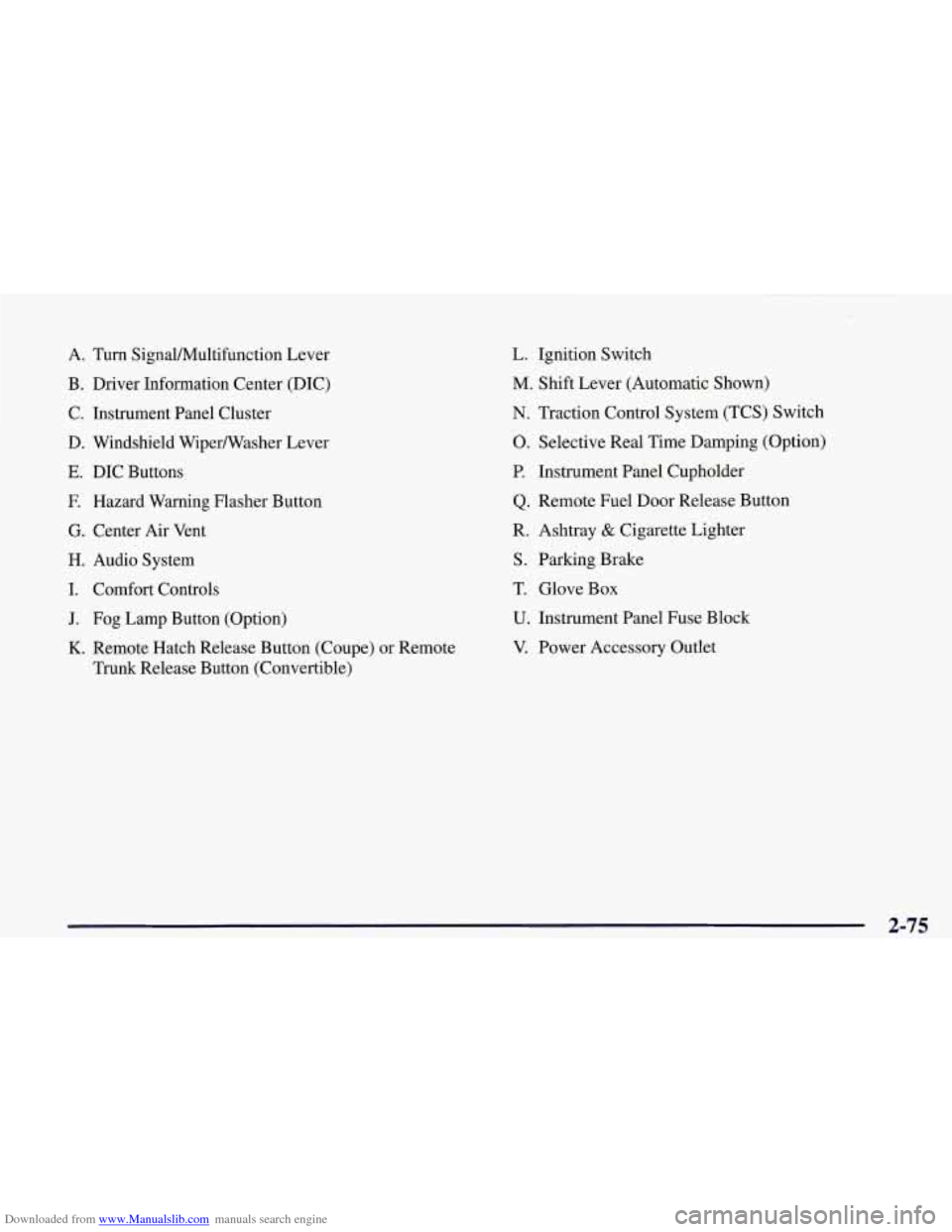
Downloaded from www.Manualslib.com manuals search engine A. Turn Signal/Multifunction Lever
B. Driver Information Center (DIC)
C. Instrument Panel Cluster
D. Windshield Wipermasher Lever
E. DIC Buttons
E Hazard Warning Flasher Button
G. Center Air Vent
H. Audio System
I. Comfort Controls
J. Fog Lamp Button (Option)
K. Remote Hatch Release Button (Coupe) or Remote
Trunk Release Button (Convertible)
L. Ignition Switch
M. Shift Lever (Automatic Shown)
N. Traction Control System (TCS) Switch
0. Selective Real Time Damping (Option)
P. Instrument Panel Cupholder
Q. Remote Fuel Door Release Button
R. Ashtray
& Cigarette Lighter
S. Parking Brake
T. Glove Box
U. Instrument Panel Fuse Block
V. Power Accessory Outlet
2-75
Page 159 of 378
Downloaded from www.Manualslib.com manuals search engine Other Messages
Here are more messages that you can receive on your
Driver Information Center. To acknowledge a message
and read another message that may have come on at the
same time, press the RESET button.
0
0
0
0
0
0
0
0
BRAKE BEFORE SHIFT
(Automatic Transmissions Only)
CHANGE
OIL NOW
CHANGE OIL SOON
CRUISE DISENGAGED
CRUISE SET
- MPH (- ktn/h)
DOOR AJAR
ENGINE PROTECTION REDUCE ENGINE
RPM
HATCH AJAR (Coupe)
TRUNK AJAR (Convertible)
HIGH VOLTAGE
0 LOW BRAKE F‘LUID (See “Brake Fluid” in
the Index)
0 LOW COOLANT (See “Engine Overheating” in
0 LOW FUEL (fuel range is less than 50 miles (80 km))
the Index)
0 LOW VOLTAGE
LOW WASHER FLUID
0 PULL KEY - WAIT 10 SEC
RESERVE FUEL
UPSHIFTNOW
2-106
. ..
Page 160 of 378
Downloaded from www.Manualslib.com manuals search engine Section 3 Comfort Controls and Audio Systems
In this section, you’ll find out how to operate the comfort control and audio systems offered with your vehicle. Be
sure to read about the particular systems supplied with your vehicle.
3-2
3-2
3-4
3-9
3- 10
3-11 3-11
3- 12 3-12
3-12
3-17 Comfort Controls
Manual
Comfort Controls
Automatic Electronic Dual Climate Control
System (If Equipped)
Sensors
Air Conditioning
Heating
Defogging and Defrosting
Audio Systems Setting the Clock for
All Systems
AM-FM Stereo with Cassette Tape Player and
Automatic Tone Control
CD Adapter Kits
3- 17
3-2 1
3-25
3 -27
3-27
3-28
3-29
3-29
3-29
3-30 AM-FM Stereo with Compact Disc Player and
Automatic Tone Control
(If Equipped)
Trunk Mounted CD Changer Theft-Deterrent Feature
Understanding Radio Reception
Tips About Your Audio System
Care of Your Cassette Tape Player
Care of Your Compact Discs
Care
of Your Compact Disc Player
Power Mast Antenna (Option)
Integrated Windshield and Rear Window
Antennas (Option)
3-1
Page 180 of 378
Downloaded from www.Manualslib.com manuals search engine RECALL: Press this button to see which track is
playing. Press it again within five seconds to see how
long it has been playing (elapsed time). The track
number also appears when you change the volume or
when a new track starts to play.
AM-FM: Press this button to play the radio when a disc
is in the player. The letters
CD will go off the display.
CD AUX: Press this button to change to the disc
function when the radio is on.
A CD icon will appear on
the display when the disc is in the player, whether it is
active or not. If your system is equipped with a remote
playback device, pressing this button a second time will
allow the remote device to play.
EJECT Press this button to remove the disc. The radio
will play. The disc will start at the first track when you
reinsert it.
If you turn off the ignition or radio with a disc in the
player, it will stay in the player. When you turn on the
ignition or system, the disc will start playing where it
was stopped. If you press EJECT but don’t remove
the disc, the player will pull the disc back in to protect
it after about one minute. If you leave a compact disc
in the player while listening to the radio, it may
become warm.
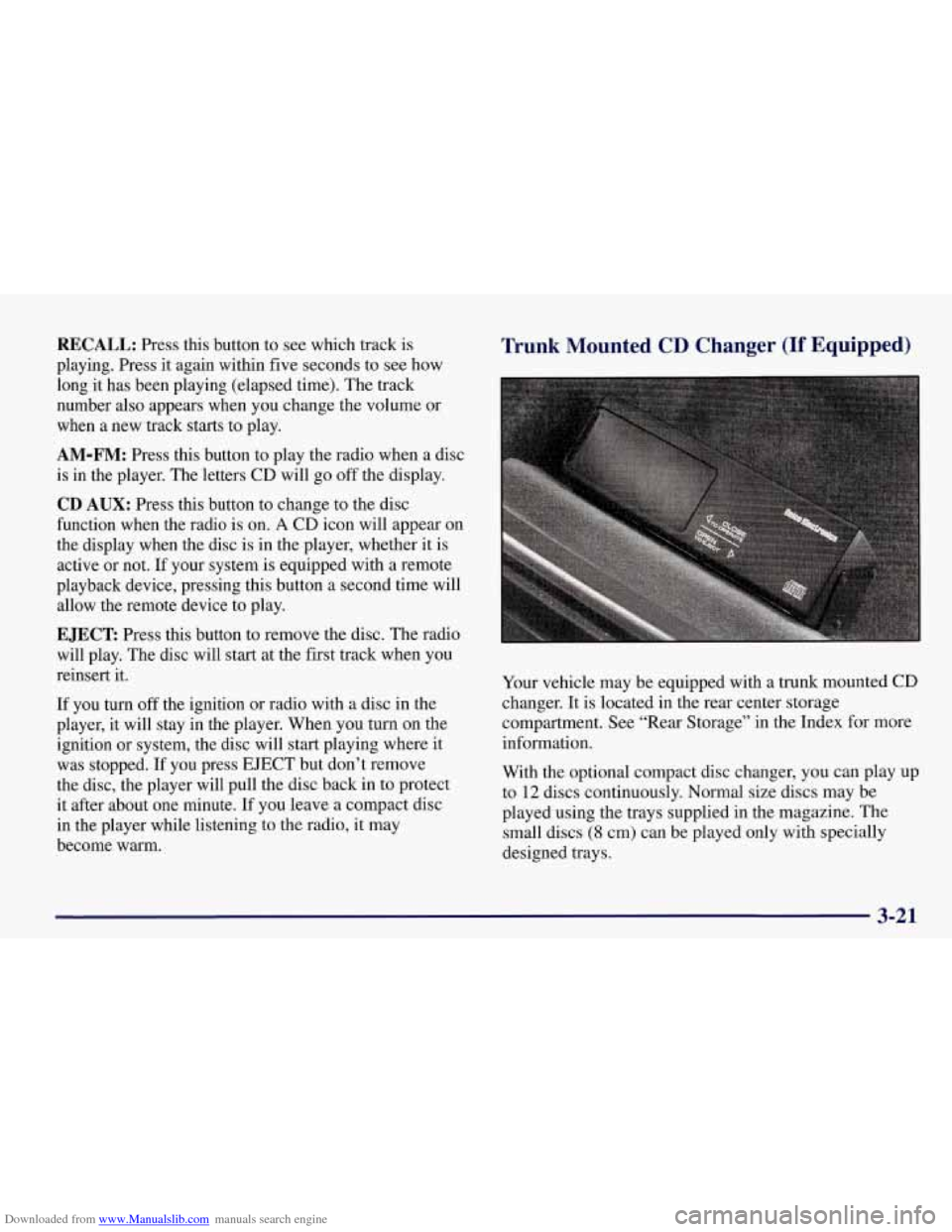
Trunk Mounted CD Changer (If Equipped)
Your vehicle may be equipped with a trunk mounted CD
changer. It is located in the rear center storage
compartment. See “Rear Storage” in the Index for more
information.
With the optional compact disc changer, you can play up
to
12 discs continuously. Normal size discs may be
played using the trays supplied in the magazine. The
small discs
(8 cm) can be played only with specially
designed trays.
3-21
Page 182 of 378
Downloaded from www.Manualslib.com manuals search engine Whenever a CD magazine with discs is loaded in the
changer, the CD symbol will appear on the radio display.
If the CD changer is checking the magazine for CDs, the
CD symbol will flash on the display until the changer is
ready to play. When
a CD begins playing, a disc and
track number will be displayed. The disc numbers are
listed on the front of the magazine.
If your vehicle is equipped with the AM-FM Stereo
with Cassette Tape Player and Automatic Tone Control, the following buttons are used for the trunk mounted
CD changer except the EJECT button for ejecting the
CD magazine.
PREV (1): Press this button or the SEEK left arrow to
go to the previous track if the current selection has been
playing for less than eight seconds. If the PREV button
is pressed and the current selection has been playing for
more than eight seconds, it will go to the beginning of
the current selection. If you hold or press this button
more than once, the player will continue moving back
through the disc. The sound will mute while seeking.
PROG (2): Press this button to select a disc. The disc
number and track number will be displayed.
NEXT (3): Press this button or the SEEK right arrow to
go to the next track.
If you hold the button or press it more
than once, the player will continue moving forward
through the disc. The sound will mute while seeking.
REV (4): Press and hold this button to reverse quickly
through a track selection. Release it to resume playing.
FWD (6): Press and hold this button to advance quickly
through a track selection. Release it to resume playing.
SEEK: Press the right arrow to seek to the next
selection
on the CD. Press the left arrow to search for
the previous selection on the CD. The sound will mute
while seeking.
P.SCAN: Press this button to hear the tracks in random,
rather than sequential, order.
RANDOM will appear on
the display. Press P.SCAN again to turn
off random play.
TAPE AUX: Press this button if you have a disc loaded
in the changer and the radio is turned on, to play a
compact disc. Press AM-FM to return to the radio when
a compact disc is playing. Press TAPE AUX to switch
between the tape and compact disc if both are loaded.
To eject the disc holder in the trunk mounted CD
changer, slide the CD changer door all the way open and
the disc holder will automatically eject.
If your vehicle is equipped with the AM-FM Stereo with
CD Player and Automatic Tone Control, the following
buttons are used for the trunk mounted CD changer
except the EJECT button for ejecting the CD magazine.
3-23
Page 183 of 378
Downloaded from www.Manualslib.com manuals search engine PREV (1): Press this button or the SEEK left arrow to
go to the previous track
if the current selection has been
playing for less than eight seconds. If the PREV button
is pressed and the current selection has been playing for
more than eight seconds, it
will go to the beginning of
the current selection.
If you hold or press this button
more than once, the player will continue moving back through the disc. The sound will mute while seeking.
RDM (2): Press this button to hear the tracks in random,
rather than sequential, order. RANDOM will appear on
the display. Press RDM again to turn
off random play.
NEXT (3): Press this button or the SEEK right arrow to
go to the next track.
If you hold the button or press it more
than once, the player
will continue moving forward
through the disc. The sound will mute while seeking.'
REV (4): Press and hold this button to reverse quickly
through a track selection. Release it to resume playing.
(5): Press this button to select a disc. The disc number
and track number will be displayed.
FWD (6): Press and hold this button to advance quickly
through a track selection. Release it to resume playing.
SEEK: Press the right arrow to seek to the next
selection on the CD. Press the left arrow to search for
the previous selection on the CD. The sound will mute
while seeking.
CD AUX: Press this button if you have a disc loaded in
the changer and the radio
is turned on, to play a compact
disc. Press AM-FM to return to the radio when a
compact disc is playing. Press CD
AUX to switch
between the trunk mounted CD changer and compact
disc
if both are loaded.
To eject the disc holder in the trunk mounted CD
changer, slide the CD changer door all the way open and
the disc holder will automatically eject.
Compact Disc Changer Errors
If an error occurs while trying to play a CD in the
compact disc changer, the following conditions may
have caused the error:
0
0
0
0
The road is too rough. The disc should play when the
road is smoother.
The disc is dirty, scratched, wet or loaded label
side up.
The air is very humid. If
so, wait about an hour and
try again.
The CD changer door is open. Completely close the
changer door to restore normal operation.
Page 253 of 378
Downloaded from www.Manualslib.com manuals search engine Filling a Portable Fuel Container
‘ A Cr N:
Never fill a portable fuel container while it is in
your vehicle. Static electricity discharge from the
container can ignite the gasoline vapor. You can
be badly burned and your vehicle damaged
if this
occurs. To help avoid injury to you and others:
0 Dispense gasoline only into approved
containers.
Do not fill a container while it is inside a
vehicle, in a vehicle’s trunk, pickup bed or
on any surface other than the ground.
inside of the fill opening before operating
the nozzle. Contact should be maintained
until the filling is complete.
Bring the fill nozzle in contact with the
Don’t smoke while pumping gasoline.
Checking Things Under the Hood
An electric fan under the hood can start up and
injure you even when the engine
is not running.
Keep hands, clothing and tools away from any
underhood electric fan.
start a fire. These include liquids like gasoline,
oil, coolant, brake fluid, windshield washer and
other fluids, and plastic or rubber. You or others
could be burned. Be careful not to drop or spill
things that will burn onto a hot engine.
Page 295 of 378
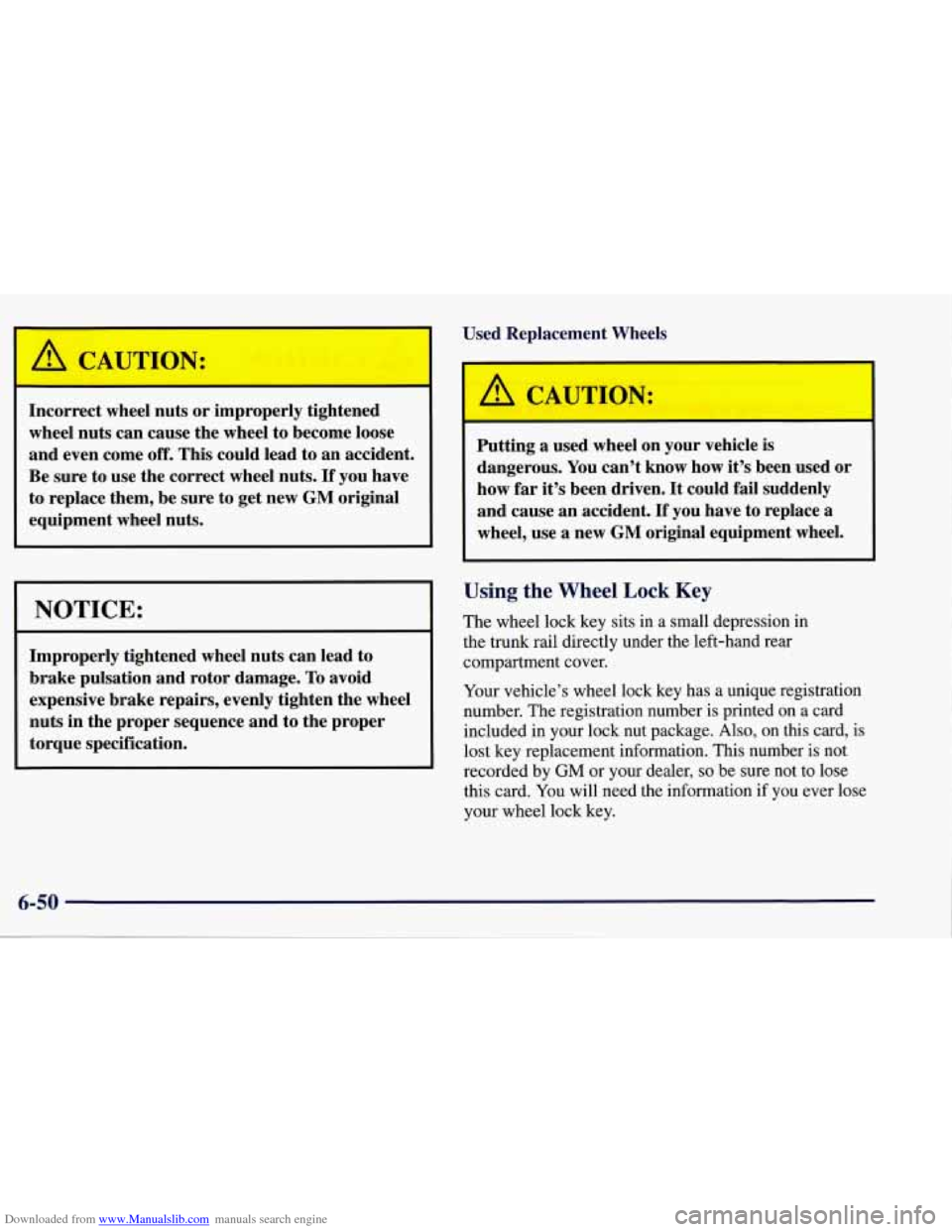
Downloaded from www.Manualslib.com manuals search engine I~~rrect wheel nuts or improperly tightened
wheel nuts can cause the wheel to become loose
and even come
off. This could lead to an accident.
Be sure to use the correct wheel nuts.
If you have
to replace them, be sure to get new
GM original
equipment wheel nuts.
NOTICE:
Improperly tightened wheel nuts can lead to
brake pulsation and rotor damage. To avoid
expensive brake repairs, evenly tighten the wheel
nuts in the proper sequence and to the proper
torque specification. Used Replacement Wheels
Putting a used wheel
on your vehicle is
dangerous.
You can’t know how it’s been used or
how far it’s been driven. It could fail suddenly
and cause an accident.
If you have to replace a
wheel, use
a new GM original equipment wheel.
Using the Wheel Lock Key
The wheel lock key sits in a small depression in
the
trunk rail directly under the left-hand rear
compartment cover.
Your vehicle’s wheel lock key has a unique registration
number. The registration number is printed on a card
included in your lock nut package.
Also, on this card, is
lost key replacement information. This number is not
recorded by
GM or your dealer, so be sure not to lose
this card.
You will need the information if you ever lose
your wheel lock key.
Page 363 of 378
Downloaded from www.Manualslib.com manuals search engine Remote Function Actuation System Matching Transmitter(s) to Your Vehicle
........... 2- 11
Resynchronizing Your Transmitter
............... 2- 11
Replacement Parts .............................. 6-70
Replacement, Wheel
............................ 6-48
Reporting Safety Defects ......................... 8- 10
InCanada
................................... 8-11
To General Motors
............................ 8- 11
Resetting the Oil Life Monitor
..................... 6- 15
Checking
................................... 1-33
Child
....................................... 1-27
Replacing
Parts After a Crash ................... 1-34
Systemcheck
................................ 7-12
Retained Accessory Power
(RAP) .................. 2-22
Reverse, Automatic Transmission
.................. 2-27
Reverse, Manual Transmission
.................... 2-29
Ridecontrol
................................... 2-39
Roadside Assistance
.............................. 8-5
Roadside Assistance, Canadian ..................... 8-7
Rocking Your Vehicle ........................... 5-23
RoofPanel
.................................... 2- 60
Rotation, Tire
.................................. 6-45
Operation
.................................... 2-8
Remote HatcNTrunk Lid Release
.................. 2-14
Replacement Bulbs
............................. 6-69
Restraints
Safety Belts
................................... 1-6
Adults
...................................... 1-11
Care
....................................... 6-54
Children
.................................... 1-25
Driver Position
............................... 1-11
Extender .................................... 1-37
How to Wear Properly ......................... 1 . 11
Incorrect Usage .................... 1.13.1.31. 1.32
Lap Belt Cinch Feature
........................ 1-12
Larger Children
.............................. 1-34
Passenger Position
............................ 1-18
Questions and Answers
........................ 1-10
Reminder Light
.......................... 1.6. 2.78
Replacing After a Crash
........................ 1-38
Smaller Children and Babies
.................... 1-25
Use During Pregnancy
......................... 1 . 17
WhyTheyWork
............................... 1-7
Safety Defects. Reporting
........................ 8-10
InCanada
................................... 8-11
To General Motors
............................ 8-11
Safety Warnings and Symbols
...................... vm
Scheduled Maintenance Services .................... 7-4
Seatback Latches
...................................... 1-5
Reclining
.................................... 1-3
Seats
........................................,. l-2
ManualFront ................................. 1-2
Power
....................................... l-2
Securing a Child Restraint ...................... 1-32
sport
........................................ 1-3
Seats and Restraint Systems
........................ 1-1
Seats and Seat Controls
........................... 1-2
Second Gear, Automatic Transmission
.............. 2-28
Second Gear, Manual Transmission
................. 2-29
Security Shade, Cleaning
......................... 6-54
Selective Real Time Damping
..................... 2-39
Lap-Shoulder
................................ 1-11
...
SecurityLight .................................. 2-85
Security
Shade ................................. 2-55
9-8