warning light CHEVROLET CORVETTE 1998 5.G User Guide
[x] Cancel search | Manufacturer: CHEVROLET, Model Year: 1998, Model line: CORVETTE, Model: CHEVROLET CORVETTE 1998 5.GPages: 378, PDF Size: 19.91 MB
Page 140 of 378
Downloaded from www.Manualslib.com manuals search engine Driver Information Center (DIC)
The Driver Information Center (DIC) will display
information about how your vehicle is functioning, as
well as warning messages if a system problem is
detected. The DIC display area is located in the
instrument cluster below the speedometer and
tachometer, directly above the steering column.
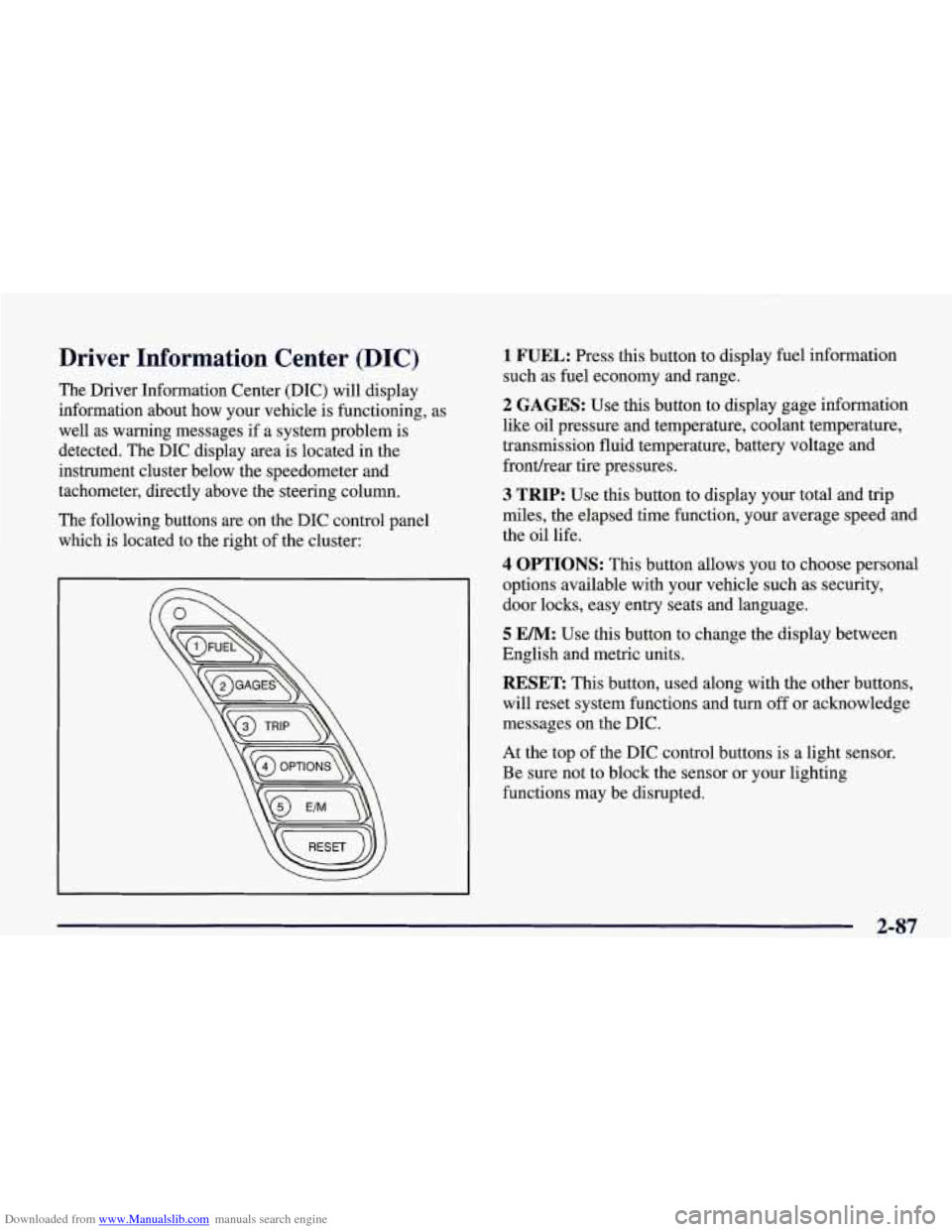
The following buttons are on the DIC control panel which is located to the right of the cluster:
1 FUEL: Press this button to display fuel information
such as fuel economy and range.
2 GAGES: Use this button to display gage information
like oil pressure and temperature, coolant temperature,
transmission fluid temperature, battery voltage and
fronthear tire pressures.
3 TRIP: Use this button to display your total and trip
miles, the elapsed time function, your average speed and
the oil life.
4 OPTIONS: This button allows you to choose personal
options available with your vehicle such as security,
door locks, easy entry seats and language.
5 EM: Use this button to change the display between
English and metric units.
RESET: This button, used along with the other buttons,
will reset system functions and turn
off or acknowledge
messages on the DIC.
At the top of the DIC control buttons is a light sensor.
Be sure not to block the sensor or your lighting
functions may be disrupted.
2-87
Page 151 of 378
Downloaded from www.Manualslib.com manuals search engine ABS ACTIVE (Anti-Lock Brake System Active) - :
When your anti-lock system is adjusting brake pressure
to help avoid a braking skid, the ABS ACTIVE message
will be displayed.
Slippery road conditions may exist if this message is
displayed,
so adjust your driving accordingly. The
message will stay on for a few seconds after the system
stops adjusting brake pressure.
SERVICE ABS (Anti-Lock Brake System) - : If the
SERVICE ABS message is displayed when you
are
driving, stop as soon as possible and turn the ignition
off. Then start the engine again to reset the system. If
the message stays on, or comes back on again while you
are driving, your vehicle is in need of service. If the
regular brake system warning light isn’t on, you still
have brakes, but don’t have anti-lock brakes. If the
regular brake system light is also on, you don’t have
anti-lock brakes and there is a problem with your
brakes.
See “Brake System Warning Light” earlier in
this section.
If the SERVICE ABS message is being displayed, your
traction control system and the optional active handling system will also be disabled. The driver information
center will scroll three messages SERVICE ABS,
SERVICE TRACTION SYS. and SERVICE ACTIVE
HNDLG and the instrument cluster car icon will be illuminated.
The driver can acknowledge these messages
by pressing the reset button three times. When the
service message is displayed the computer controlled
systems will not assist the driver and you should have
the system repaired as soon as possible. Adjust your
driving accordingly.
SERVICE COLUMN LOCK: The system that
controls the locking and unlocking of the steering
column may not work properly. Have the vehicle towed
to a dealer for service.
LOW OIL PRESSURE: You will hear four chimes and
the CHECK GAGES telltale will come on when this
message is displayed.
To acknowledge the warning,
press the RESET button. After you press the
RESET
button, a message will be displayed and you will hear a
chime every minute until the vehicle is serviced.
If you
do not press RESET, the message will remain on the
digital display until the vehicle is serviced.
Low oil pressure may be the result of a combination of
low oil level and abrupt changes in the vehicle’s
direction. When this warning
is displayed, you should
not operate the engine at high
RPM or make fast abrupt
moves. When convenient, you should check the oil
level. See “Engine Oil” in the Index.
Page 198 of 378
Downloaded from www.Manualslib.com manuals search engine Anti-Lock Brakes (ABS)
Your vehicle has anti-lock brakes (ABS). ABS is an
advanced electronic braking system that will help
prevent a braking slud.
When you start your engine and begin to drive away,
your anti-lock brake system will check itself. You may
hear a momentary motor or clicking noise while this test
is going on, and you may even notice that your brake
pedal moves a little.
This is normal.
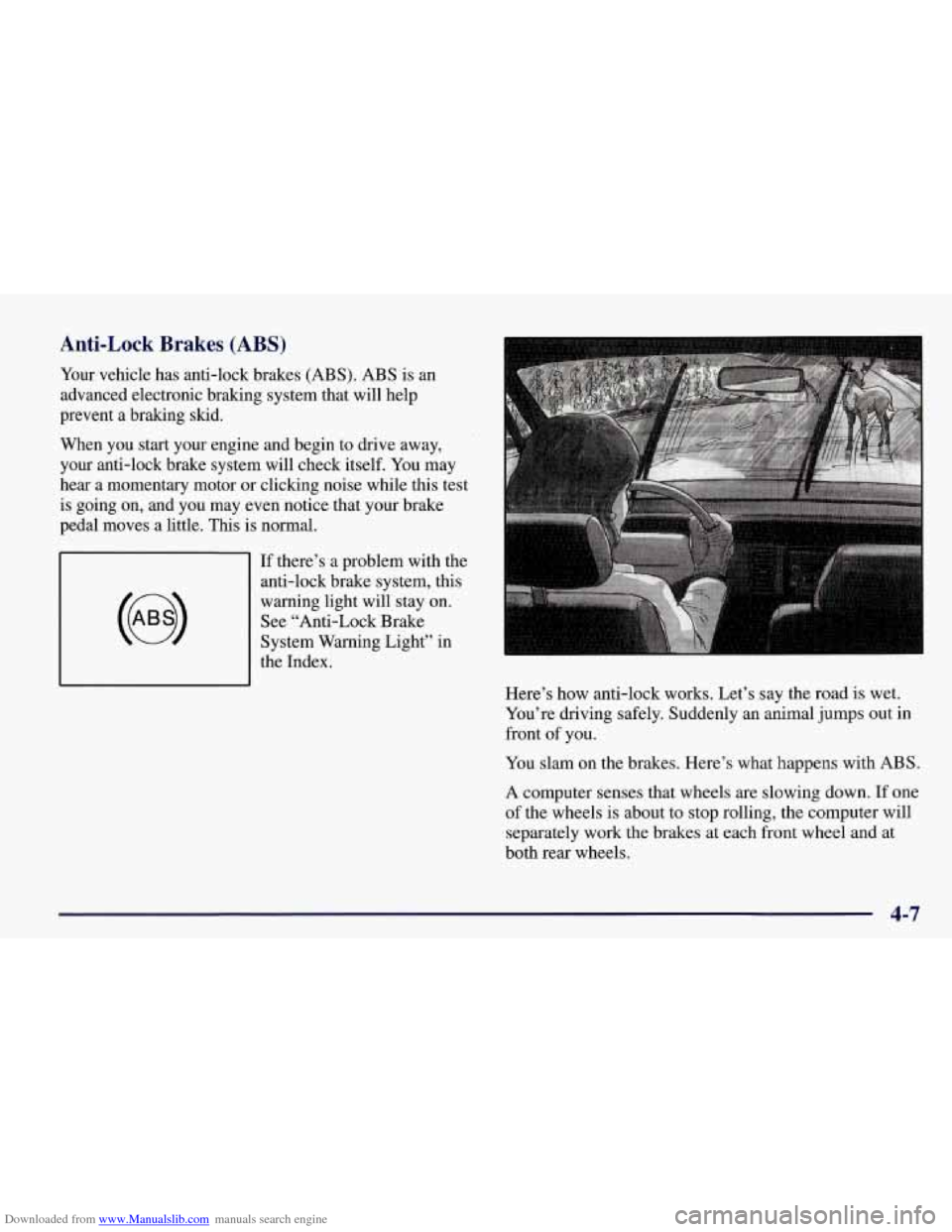
If there’s a problem with the
anti-lock brake system, this
warning light will stay on.
See “Anti-Lock Brake
System Warning Light” in
the Index.
Here’s how anti-lock works. Let’s say the road
is wet.
You’re driving safely. Suddenly an animal jumps out in
front
of you.
You slam on the brakes. Here’s what happens with ABS.
A computer senses that wheels are slowing down. If one
of the wheels is about to stop rolling, the computer will
separately work the brakes at each front wheel and at
both rear wheels.
4-7
Page 200 of 378
Downloaded from www.Manualslib.com manuals search engine If your vehicle is in cruise control when the TCS system
begins to limit wheel spin, the cruise control will
automatically disengage. When road conditions allow
you to safely use it again, you may re-engage the cruise
control. (See “Cruise Control” in the Index.)
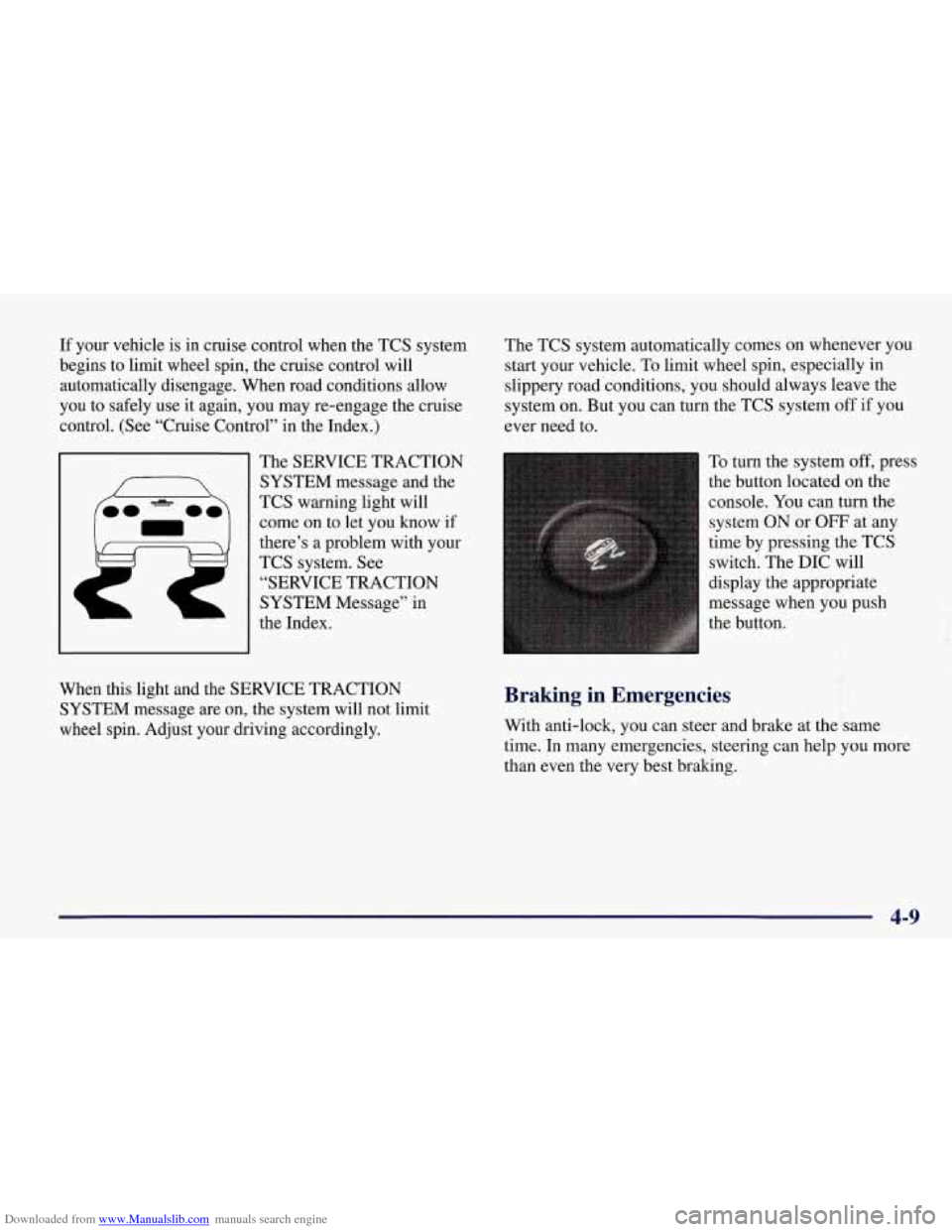
The SERVICE TRACTION
SYSTEM message and the
TCS warning light will
come on to let you know if
there’s
a problem with your
TCS system.
See
“SERVICE TRACTION
SYSTEM Message” in
the Index. The
TCS system automatically comes on whenever you
start your vehicle. To limit wheel spin, especially in
slippery road conditions, you should always leave the
system
on. But you can turn the TCS system off if you
ever need to.
To turn the system
off, press
the button located on the
console.
You can turn the
system ON
or OFF at any
time by pressing the TCS
switch. The DIC will
display the appropriate
message when you push
the button.
f
When this light and the SERVICE TRACTION
SYSTEM message are on, the system will not limit
wheel spin. Adjust your driving accordingly. Braking in Emergencies
With anti-lock, you can steer and brake at the same
time.
In many emergencies, steering can help you more
than even the very best braking.
4-9
Page 210 of 378
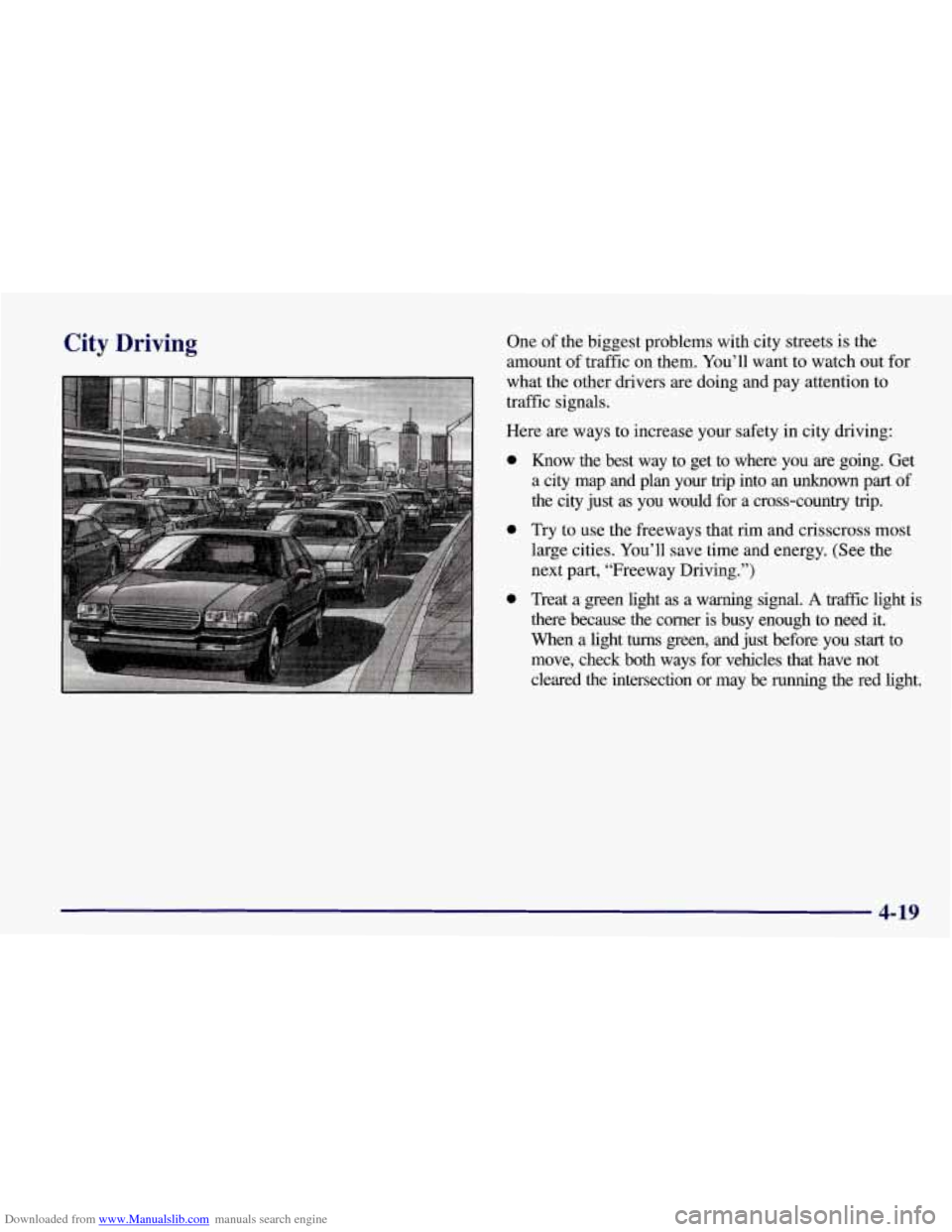
Downloaded from www.Manualslib.com manuals search engine City Driving One of the biggest problems with city streets is the
amount of traffic on them. You’ll want to watch out for
what the other drivers are doing and pay attention to
traffic signals.
Here are ways to increase your safety in city driving:
0
0
0
Know the best way to get to where you are going. Get
a city map and plan your
trip into an unknown part of
the city just
as you would for a cross-country trip.
Try to use the freeways that rim and crisscross most
large cities. You’ll save time and energy. (See the
next
part, “Freeway Driving.”)
Treat a green light as a warning signal.
A traffic light is
there because the corner is busy enough to need it.
When a light
turns green, and just before you start to
move, check both ways for vehicles that have not
cleared the intersection or may be
running the red light.
4-19
Page 215 of 378
Downloaded from www.Manualslib.com manuals search engine You may see highway signs on mountains that warn of
special problems. Examples
are long grades, passing or
no-passing zones, a falling rocks area or winding
roads. Be alert to these and take appropriate action.
Winter Driving
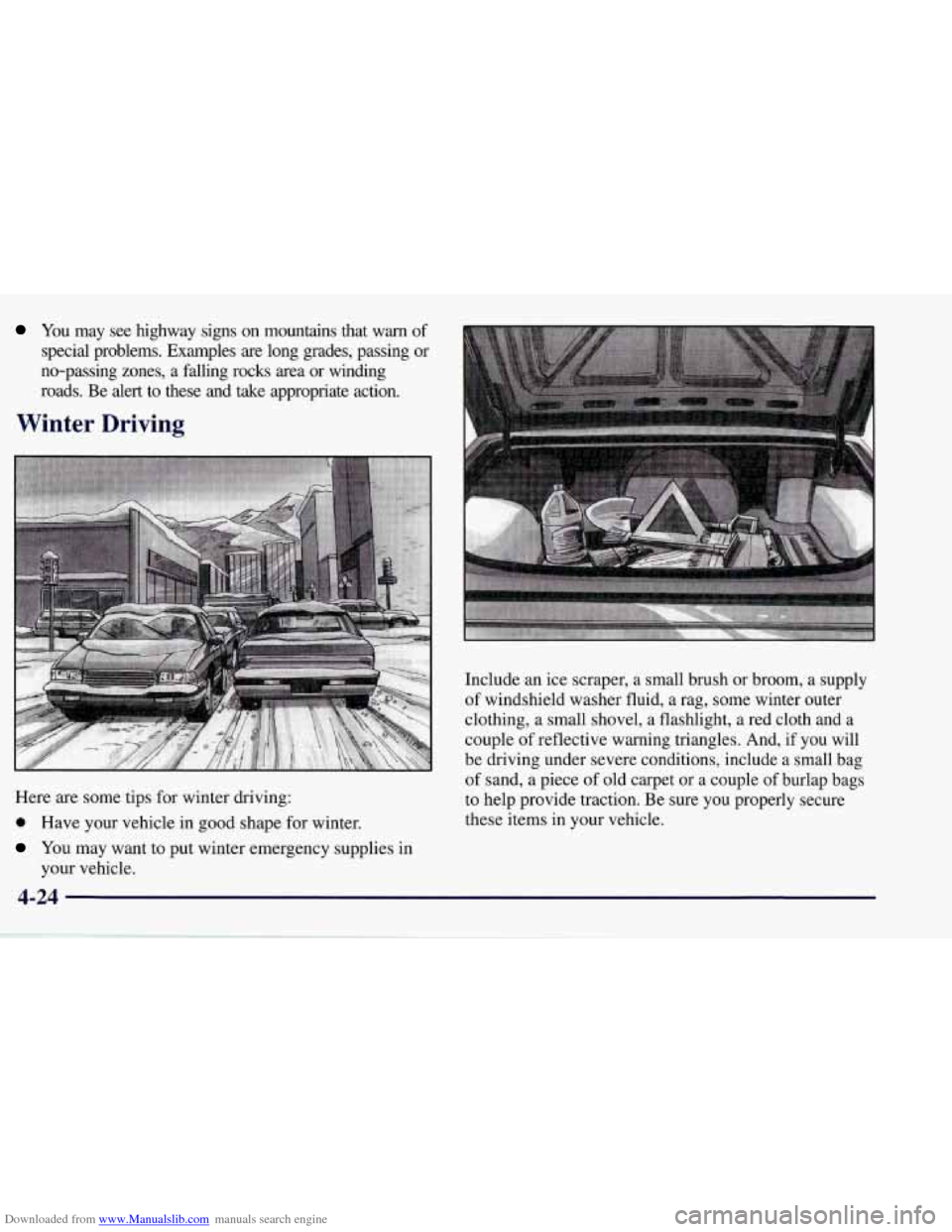
Here are some tips for winter driving:
0 Have your vehicle in good shape for winter.
You may want to put winter emergency supplies in
your vehicle. Include an
ice scraper, a small brush
or broom, a supply
of windshield washer fluid, a rag, some winter outer
clothing, a small shovel,
a flashlight, a red cloth and a
couple of reflective warning triangles. And, if you will
be driving under severe conditions, include a small bag
of sand, a piece of old carpet or a couple of burlap bags
to help provide traction. Be sure you properly secure
these items in your vehicle.
Page 260 of 378
Downloaded from www.Manualslib.com manuals search engine You should look for this on the oil container, and use
only those oils that are identified as meeting GM
Standard 4718M and have the Starburst symbol on the
front of the oil container.
Your Corvette engine is filled at the factory with a
Mobil
l@ synthetic oil, which meets all requirements
for your vehicle.
Substitute Engine Oil: When adding oil to maintain
engine oil level, oil meeting GM Standard GM4718M
may not be available. You can add substitute oil
designated SAE 5W-30 with the “Starburst” symbol at
all temperatures. If temperatures are above
0 OF (- 18 O C),
you may substitute
SAE low-30 with the “Starburst”
symbol. Substitute oil not meeting GM Standard
GM4718M should not be used for an oil change.
Engine Oil Additives
Don’t add anything to your oil. Your dealer is ready to
advise if you think something should be added.
When to Change Engine Oil
Your Corvette has an Engine Oil Life Monitor. This
feature will let you know when to change your oil and
filter
-- usually between 3,000 miles (5 000 km) and
10,000 miles (16
000 km) since your last oil change. Under severe conditions, the indicator may
come on
before
3,000 miles (5 000 km). Never drive your vehicle
more than 10,000 miles (16
000 km) or 12 months
(whichever occurs first) without an oil change. Use
engine oil meeting the GM Standard GM47 18M.
The system won’t detect dust in the
oil. So, if you drive
in a dusty area, be sure to change your oil every
3,000 miles
(5 000 lun) or sooner if the CHANGE OIL
light comes on. Remember to reset the Engine Oil Life
Monitor when the oil has been changed. For more
.information, see “Engine Oil Life Monitor” in the Index.
When Changing the Engine Oil
There is a special procedure for changing engine oil,
contact your dealer for additional information or the
procedure can be found in a Corvette Service Manual.
To purchase a service manual, see “Service and Owner
Publications” in the Index.
How to Reset the Engine Oil Life Monitor
Press RESET to acknowledge the CHANGE OIL SOON
warning. The oil page will then show a message such as
OIL LIFE
0%. To reset the monitor, press and hold
RESET for two seconds. You will then receive a
message such as OIL LIFE
99%.
6-15
Page 267 of 378
Downloaded from www.Manualslib.com manuals search engine How to Check Lubricant
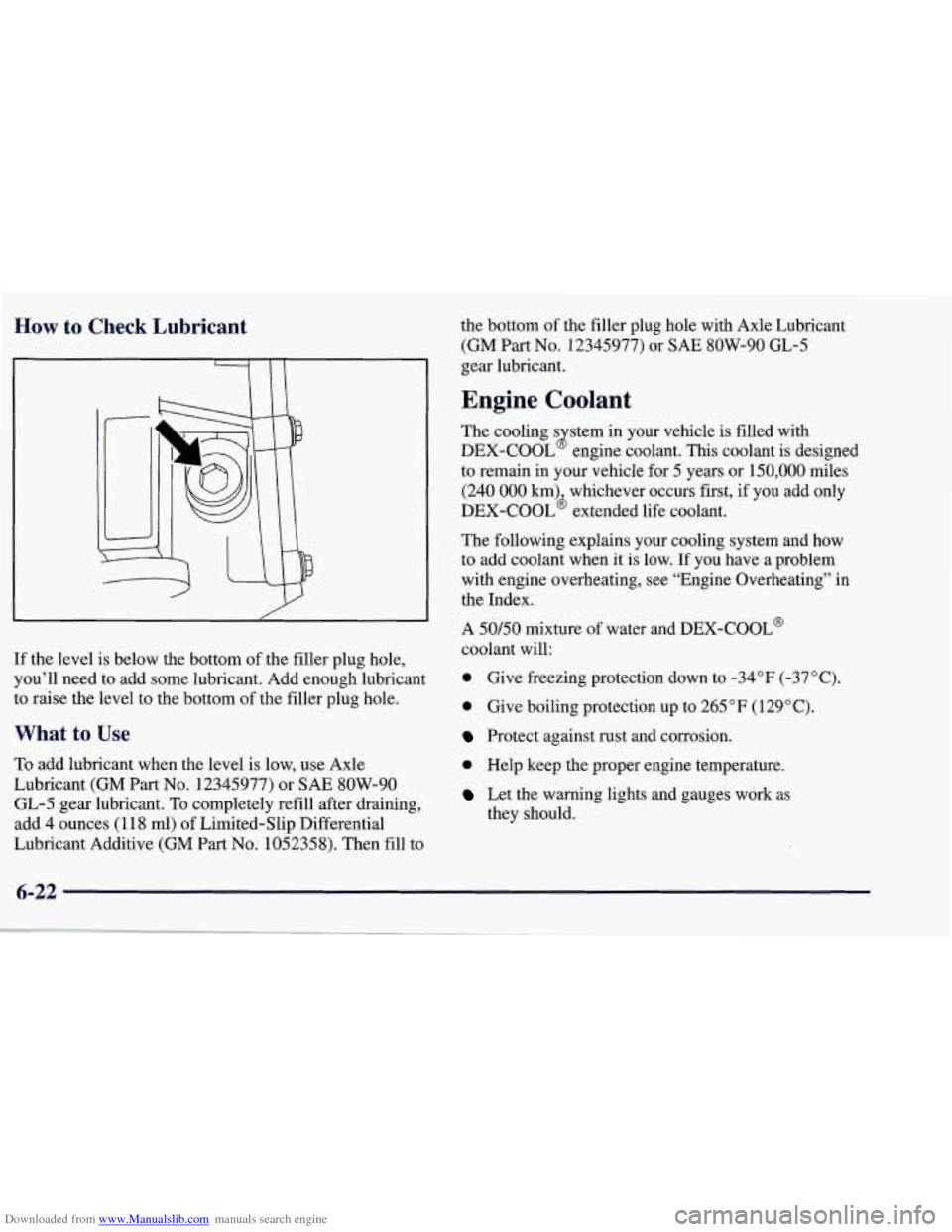
If the level is below the bottom of the filler plug hole,
you’ll need to add some lubricant. Add enough lubricant
to raise
the level to the bottom of the filler plug hole.
What to Use
To add lubricant when the level is low, use Axle
Lubricant (GM Part
No. 12345977) or SAE 8OW-90
GL-5 gear lubricant. To completely refill after draining,
add
4 ounces (1 18 ml) of Limited-Slip Differential
Lubricant Additive (GM Part
No. 1052358). Then fill to the bottom
of the filler plug hole with Axle Lubricant
(GM Part No. 12345977) or SAE 8OW-90 GL-5
gear lubricant.
Engine Coolant
The cooling s stem in your vehicle is filled with
DEX-COOL engine coolant. This coolant is designed
to remain in your vehicle for
5 years or 150,000 miles
(240 000 km) whichever occurs first, if you add only
DEX-COOL’ extended life coolant.
The following explains your cooling system and how
to add coolant when it is low. If you have a problem
with engine overheating, see “Engine Overheating” in
the Index.
A
50/50 mixture of water and DEX-COOL@
coolant will:
0 Give freezing protection down to -34°F (-37°C).
8
0 Give boiling protection up to 265 “F (129” C).
Protect against rust and corrosion.
0 Help keep the proper engine temperature.
Let the warning lights and gauges work as
they should.
6-22
Page 276 of 378
Downloaded from www.Manualslib.com manuals search engine Brake Wear
Your vehicle has four-wheel disc brakes.
Disc brake pads have built-in wear indicators that make a
high-pitched warning sound when the brake pads
are worn
and new pads are needed. The sound may come and
go or
be heard
all the time your vehicle is moving (except when
you are pushing on the brake pedal firmly).
The brake wear warning sound means that soon
your brakes won’t work well. That could lead to
an accident. When you hear the brake wear warning sound, have your vehicle serviced.
I NOTICE:
Continuing to drive with worn-out brake pads
could result
in costly brake repair.
Some driving conditions or climates may cause a brake
squeal when the brakes are first applied or lightly
applied. This does not mean something
is wrong with
your brakes.
Brake linings should always be replaced as complete
axle sets.
See “Brake System Inspection” in Section
7 of this
manual under Part
C “Periodic Maintenance
Inspections.”
Brake Pedal Travel
See your dealer if the brake pedal does not return to
normal height, or if there is a rapid increase in pedal
travel.
This could be a sign of brake trouble.
Brake Adjustment
As you make brake stops, your disc brakes
automatically adjust for wear.
6-31
Page 292 of 378
Downloaded from www.Manualslib.com manuals search engine Uniform Tire Quality Grading
The following information relates to the system
developed by the United States National Highway
Traffic Safety Administration, which grades tires by
treadwear, traction and temperature performance. (This
applies only to vehicles sold in the United States.) The
grades are molded on the sidewalls of most passenger
car tires. The Uniform Tire Quality Grading system does
not apply to deep tread, winter-type snow tires,
space-saver or temporary use spare tires, tires with
nominal rim diameters of 10 to 12 inches (25 to
30 cm),
or to some limited-production tires.
While the tires available on General Motors passenger
cars and light trucks may vary with respect to these
grades, they must also conform to Federal safety
requirements and additional General Motors Tire
Performance Criteria (TPC) standards.
Treadwear
The treadwear grade is a comparative rating based on
the wear rate of the tire when tested under controlled
conditions on a specified government test course. For
example, a tire graded 150 would wear one and a half
(1 1/2) times as well on the government course as a tire
graded
100. The relative performance of tires depends
upon the actual conditions of their use, however, and
may depart significantly from the norm due to variations
in driving habits, service practices and differences in
road characteristics and climate.
Traction -- A, B, C
The traction grades, from highest to lowest, are A, B, and
C, and they represent the tire’s ability to stop on wet
pavement as measured under controlled conditions on
specified government test surfaces of asphalt and concrete.
A tire marked C may have poor traction performance.
Warning: The traction grade assigned to this tire is based
on braking (straight ahead) traction tests and does not
include cornering (turning) traction.
6-47