air condition CHEVROLET CORVETTE 1998 5.G Owners Manual
[x] Cancel search | Manufacturer: CHEVROLET, Model Year: 1998, Model line: CORVETTE, Model: CHEVROLET CORVETTE 1998 5.GPages: 378, PDF Size: 19.91 MB
Page 6 of 378
Downloaded from www.Manualslib.com manuals search engine The 1998 Chevrolet Corvette Owner’s Manual
1-1
2-1
3-1
4-1
5-1
6-1
7- 1
8- 1
9-1
Seats and Restraint Systems
This section tells you how to use your seats and safety belts properly. It also explains the air bag system.
Features and Controls
This section explains how to start and operate your vehicle.
Comfort Controls and Audio Systems
This section tells you how to adjust the ventilation and comfort controls and how to operate your audio system.
Your Driving and the Road
Here you’ll find helpful information and tips about the road and how to drive under different conditions.
Problems on the Road
This section tells what to do if you have a problem while driving, such as a flat tire or overheated engine, etc.
Service and Appearance Care
Here the manual tells you how to keep your vehicle running properly and looking good.
Maintenance Schedule
This section tells you when to perform vehicle maintenance and what fluids and lubricants to use.
Customer Assistance Information
This section tells you how to contact Chevrolet for assistance and how to get service and owner publications.
It also gives you information on “Reporting Safety Defects” on page
8-10.
Index
Here’s an alphabetical listing of almost every subject in this manual. You can use it to quickly find
something you want to read.
i
Page 105 of 378
Downloaded from www.Manualslib.com manuals search engine Interior Lamps
Instrument Panel Brightness Control
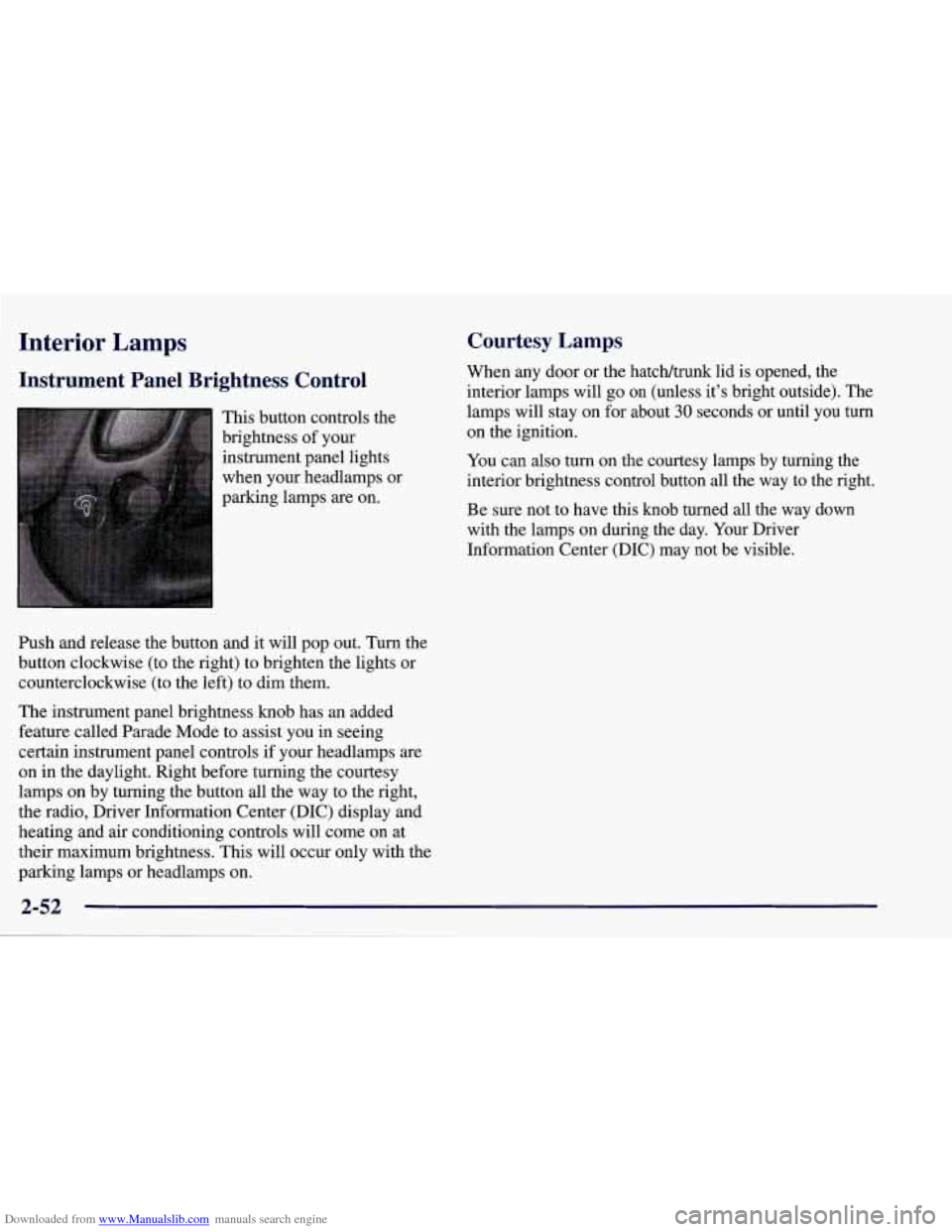
This button controls the
brightness of your
instrument panel lights
when your headlamps or
parking lamps
are on.
Ish and release the button and it will pop out. Turn the
button clockwise (to the right) to brighten the lights or
counterclockwise (to the left) to dim them.
The instrument panel brightness knob has an added
feature called Parade Mode to assist you in seeing
certain instrument panel controls if your headlamps
are
on in the daylight. Right before turning the courtesy
lamps on by turning the button all the way to the right,
the radio, Driver Information Center (DIC) display and
heating and air conditioning controls will come on at
their maximum brightness. This will occur only with the
parking lamps or headlamps on.
Courtesy Lamps
When any door or the hatch/trunk lid is opened, the
interior lamps will go
on (unless it’s bright outside). The
lamps will stay on for about
30 seconds or until you turn
on the ignition.
You can
also turn on the courtesy lamps by turning the
interior brightness control button all the way to the right.
Be sure not to have this knob turned all the way down
with the lamps on during the day. Your Driver
Information Center
(DIC) may not be visible.
2-52
Page 135 of 378
Downloaded from www.Manualslib.com manuals search engine Malfunction Indicator Lamp (Check Engine Light)
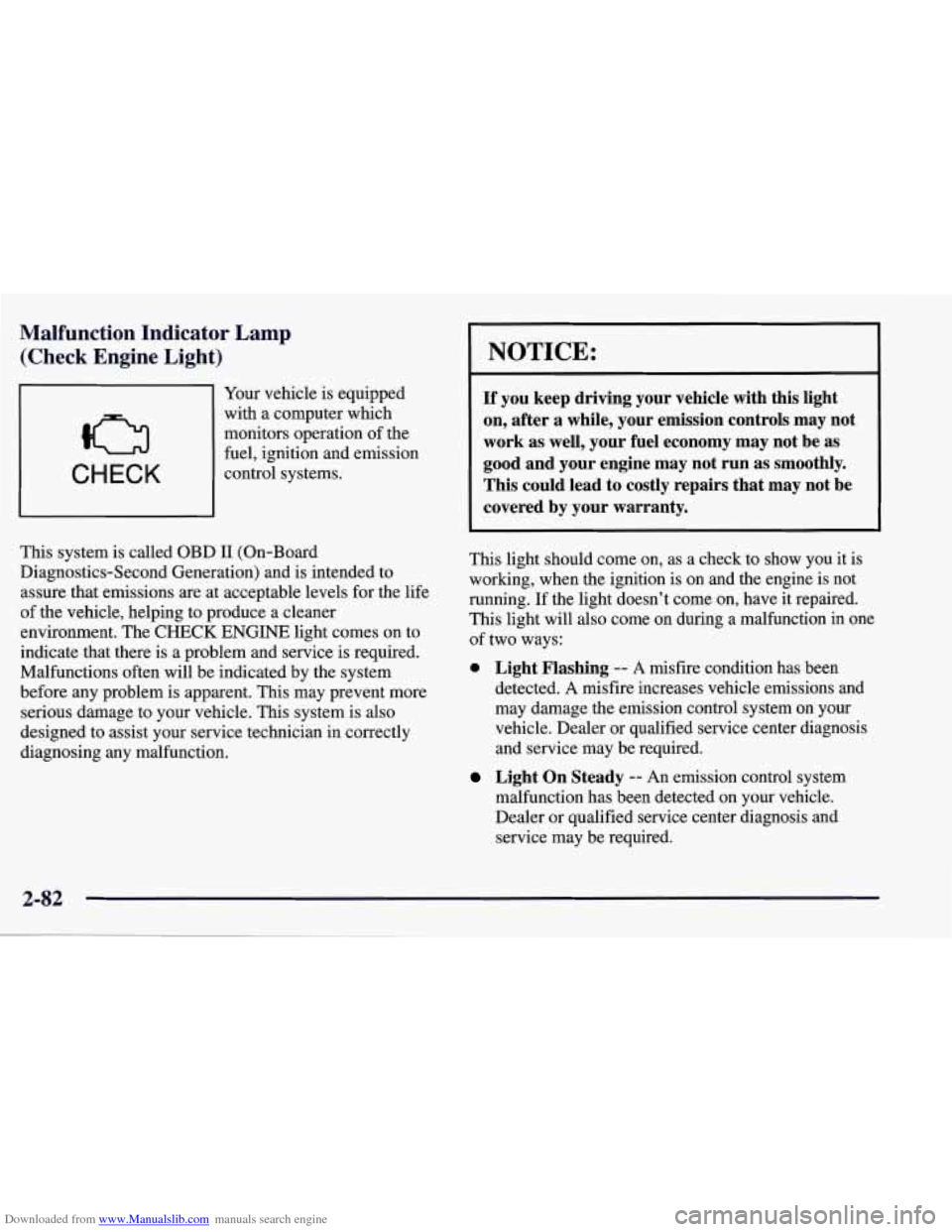
CHECK
Your vehicle is equipped
with a computer which
monitors operation of the
fuel, ignition and emission
control systems.
This system is called OBD
I1 (On-Board
Diagnostics-Second Generation) and is intended to
assure that emissions
are at acceptable levels for the life
of the vehicle, helping to produce a cleaner
environment. The
CHECK ENGINE light comes on to
indicate that there is a problem and service is required.
Malfunctions often will be indicated by the system
before any problem is apparent. This may prevent more
serious damage to your vehicle. This system is also
designed to assist your service technician in correctly
diagnosing any malfunction.
NOTICE:
If you keep driving your vehicle with this light
on, after a while, your emission controls may not
work as well, your fuel economy may not be as
good and your engine may not run as smoothly.
This could lead
to costly repairs that may not be
covered by your warranty.
This light should come on, as a check to show you it is
working, when the ignition is on and the engine is not
running. If the light doesn’t come on, have it repaired.
This light will also come on during a malfunction in one
of two ways:
0 Light Flashing -- A misfire condition has been
detected.
A misfire increases vehicle emissions and
may damage the emission control system on your
vehicle. Dealer or qualified service center diagnosis
and service may be required.
malfunction has been detected on your vehicle.
Dealer or qualified service center diagnosis and
service may be required.
Light On Steady -- An emission control system
Page 151 of 378
Downloaded from www.Manualslib.com manuals search engine ABS ACTIVE (Anti-Lock Brake System Active) - :
When your anti-lock system is adjusting brake pressure
to help avoid a braking skid, the ABS ACTIVE message
will be displayed.
Slippery road conditions may exist if this message is
displayed,
so adjust your driving accordingly. The
message will stay on for a few seconds after the system
stops adjusting brake pressure.
SERVICE ABS (Anti-Lock Brake System) - : If the
SERVICE ABS message is displayed when you
are
driving, stop as soon as possible and turn the ignition
off. Then start the engine again to reset the system. If
the message stays on, or comes back on again while you
are driving, your vehicle is in need of service. If the
regular brake system warning light isn’t on, you still
have brakes, but don’t have anti-lock brakes. If the
regular brake system light is also on, you don’t have
anti-lock brakes and there is a problem with your
brakes.
See “Brake System Warning Light” earlier in
this section.
If the SERVICE ABS message is being displayed, your
traction control system and the optional active handling system will also be disabled. The driver information
center will scroll three messages SERVICE ABS,
SERVICE TRACTION SYS. and SERVICE ACTIVE
HNDLG and the instrument cluster car icon will be illuminated.
The driver can acknowledge these messages
by pressing the reset button three times. When the
service message is displayed the computer controlled
systems will not assist the driver and you should have
the system repaired as soon as possible. Adjust your
driving accordingly.
SERVICE COLUMN LOCK: The system that
controls the locking and unlocking of the steering
column may not work properly. Have the vehicle towed
to a dealer for service.
LOW OIL PRESSURE: You will hear four chimes and
the CHECK GAGES telltale will come on when this
message is displayed.
To acknowledge the warning,
press the RESET button. After you press the
RESET
button, a message will be displayed and you will hear a
chime every minute until the vehicle is serviced.
If you
do not press RESET, the message will remain on the
digital display until the vehicle is serviced.
Low oil pressure may be the result of a combination of
low oil level and abrupt changes in the vehicle’s
direction. When this warning
is displayed, you should
not operate the engine at high
RPM or make fast abrupt
moves. When convenient, you should check the oil
level. See “Engine Oil” in the Index.
Page 152 of 378
Downloaded from www.Manualslib.com manuals search engine LOW OIL LEVEL: Press RESET to acknowledge that
you have read the message and to remove it from the
display. The message will reappear every
10 minutes
until this condition changes.
You will hear two chimes when this message is
displayed. If this message appears after starting your
engine, your engine oil level may be too low. You may
need to add oil. See “Engine Overheating” in the Index.
REDUCED ENGINE POWER: You will hear chimes
continuously when this message is displayed. To
acknowledge that you have read the message and to
remove it from the display, press RESET. The message
will reappear every
15 seconds until this
condition changes.
If the Driver Information Center displays the
REDUCED ENGINE POWER message and the
CHECK ENGINE light comes on, a noticeable
reduction in the vehicle’s performance may occur.
If the
REDUCED ENGINE POWER message is displayed but
there is no reduction
in performance, proceed to your
destination. The performance may be reduced the next
time the vehicle is driven. The
vehicle may be driven at a reduced speed while the
REDUCED ENGINE POWER message is displayed,
but acceleration and speed may be reduced. Anytime the
CHECK ENGINE light stays on, the vehicle should be
taken to an authorized Chevrolet dealer as soon as
possible for diagnosis and repair.
Also, refer to “Malfunction Indicator Lamp” (Check
Engine Light) in the Index.
If the REDUCED ENGINE
POWER message is displayed in combination with the
COOLANT OVER TEMP message, see “Engine
Overheating” in the Index.
SERVICE VEHICLE SOON: If this message appears
on the DIC, there may be an electrical or another system
problem with your vehicle. Have your vehicle checked
by your dealer if this message keeps appearing.
CHARGE SYSTEM FAULT Press RESET to
acknowledge that you have read the message and to
remove it from the display. The message will reappear
every
10 minutes until this condition changes. You will
hear two chimes when this message is displayed.
2-99
Page 153 of 378
Downloaded from www.Manualslib.com manuals search engine If this message comes on while you are driving, you
may have a problem with the electrical charging system.
It could indicate that you have a loose or broken drive
belt
or another electrical problem. Have it checked right
away. Driving while this light is on could drain
your battery.
If you must drive a short distance with the message on,
be certain to turn
off your accessories, such as the radio
and air conditioner.
TRACTION SYS ACTIVE - : When your traction
control system is limiting wheel spin, the TRACTION
SYS ACTIVE message will be displayed. Slippery road
conditions may exist
if this message is displayed, so
adjust your driving accordingly. The message will stay
on for a few seconds after the traction control system
stops limiting wheel spin.
TRACTION SYSTEM-ON: This message is displayed
when you decide to turn on the TCS by pressing the
switch
on the console. This message will shut off
automatically on its own.
TRACTION SYSTEM-OFF: You will hear a single
quick tone when this message is displayed. This
message comes on and stays on when the TCS button on the console is pressed to turn the system
off. To
acknowledge this message, press
RESET.
SERVICE TRACTION SYSTEM - : If the SERVICE
TRACTION
SYS message is displayed when you are
driving, there is a problem with your Traction Control
System and your vehicle is in need
of service. When this
message is displayed, the system will not limit wheel
spin. Adjust your driving accordingly.
If you have the optional Active Handling System, the SERVICE ACTIVE
HNDLG message will also be
displayed and the instrument cluster car icon will also be
illuminated. The driver can acknowledge both messages
by pressing the reset button two times which
will also
turn
off the instrument cluster icon. When the service
messages are displayed, the computer controlled systems will not assist the driver in controlling the
vehicle. Have the system repaired as soon as possible.
Adjust your driving accordingly.
2-100
Page 160 of 378
Downloaded from www.Manualslib.com manuals search engine Section 3 Comfort Controls and Audio Systems
In this section, you’ll find out how to operate the comfort control and audio systems offered with your vehicle. Be
sure to read about the particular systems supplied with your vehicle.
3-2
3-2
3-4
3-9
3- 10
3-11 3-11
3- 12 3-12
3-12
3-17 Comfort Controls
Manual
Comfort Controls
Automatic Electronic Dual Climate Control
System (If Equipped)
Sensors
Air Conditioning
Heating
Defogging and Defrosting
Audio Systems Setting the Clock for
All Systems
AM-FM Stereo with Cassette Tape Player and
Automatic Tone Control
CD Adapter Kits
3- 17
3-2 1
3-25
3 -27
3-27
3-28
3-29
3-29
3-29
3-30 AM-FM Stereo with Compact Disc Player and
Automatic Tone Control
(If Equipped)
Trunk Mounted CD Changer Theft-Deterrent Feature
Understanding Radio Reception
Tips About Your Audio System
Care of Your Cassette Tape Player
Care of Your Compact Discs
Care
of Your Compact Disc Player
Power Mast Antenna (Option)
Integrated Windshield and Rear Window
Antennas (Option)
3-1
Page 161 of 378
Downloaded from www.Manualslib.com manuals search engine Comfort Controls
This section tells you how to make your air system work
for you. Your comfort control system uses
ozone-friendly
R- 134a refrigerant.
With these systems, you can control the heating, cooling and ventilation in your vehicle. Your vehicle also has
a flow-through ventilation system described later
in
this section.
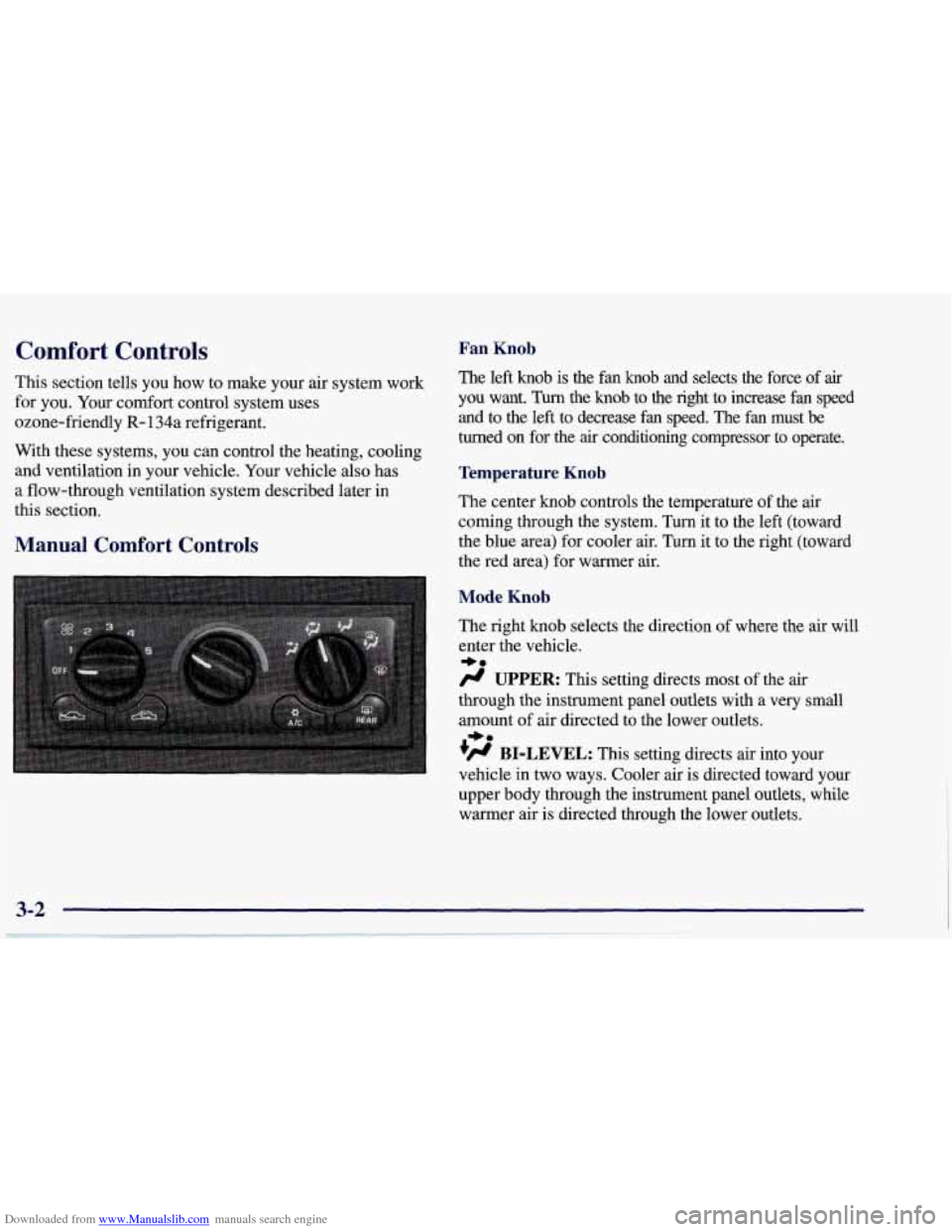
Manual Comfort Controls
Fan Knob
The left knob is the fan knob and selects the force of air
you want. Turn the knob to the right to increase fan speed
and to the
left to decrease fan speed. The fan must be
turned on for the
air conditioning compressor to operate.
Temperature Knob
The center knob controls the temperature of the air
coming through the system.
Turn it to the left (toward
the blue area) for cooler air. Turn it to the right (toward\
the red area) for warmer air.
Mode Knob
The right knob selects the direction of where the air will
enter the vehicle.
/.I UPPER: This setting directs most of the air
through the instrument panel outlets with a very small
amount of air directed to the lower outlets.
+H BI-LEVEL: This setting directs air into your
vehicle in two ways. Cooler air
is directed toward your
upper body through the instrument panel outlets, while
warmer air is directed through the lower outlets.
*e
+e
Page 162 of 378
Downloaded from www.Manualslib.com manuals search engine a
+' LOWER: This setting directs most of the air
through the lower ducts to the floor area of the vehicle with some of the air also directed toward the windshield
and side window vents.
+# DEFOG: This setting divides the air between the
windshield and lower outlets with a small amount directed toward the side window vents. This is useful
when fog appears on the windshield or side glass due to
rain or snowy conditions.
DEFROST Use this setting to quickly remove fog
or frost from the windshield. This setting directs most of
the airflow to the windshield with
a small amount
directed toward the lower and side window outlets.
Mode Buttons
These buttons control the air intake, the air conditioning and the rear window defogger operation.
FRESH AIR: Press this button and it will bring
outside air into your vehicle. The light on the button will
come on when operating. Use this setting while trying to
defrost or defog windows to help clear moisture.
RECIRCULATE: Press this button to limit the
amount of fresh air entering your vehicle by
recirculating most of the
air inside your vehicle. The
light on the button will come on when operating. This
setting is helpful when you are trying to cool the air
quickly or to limit odors entering your vehicle.
RECIRCULATE cannot be used while in the DEFROST
or
DEFOG modes.
e A/C: This button turns the air conditioning
compressor
off or on under most conditions. The light
on the A/C button comes on when the compressor is
operating. The air conditioning does not operate at
temperatures below approximately
35 OF to 40°F (2" C
to 4°C). The air conditioning cools and dehumidifies the
air coming into the vehicle. The air conditioning cannot
be turned
off in DEFROST as it helps to remove
moisture from the vehicle. It also helps to keep the
windows clear.
The air conditioning may be forced
off at high engine
speeds
or high engine oil or coolant temperatures.
3-3
Page 163 of 378
Downloaded from www.Manualslib.com manuals search engine Automatic Electronic Dual Climate Control System
(If Equipped)
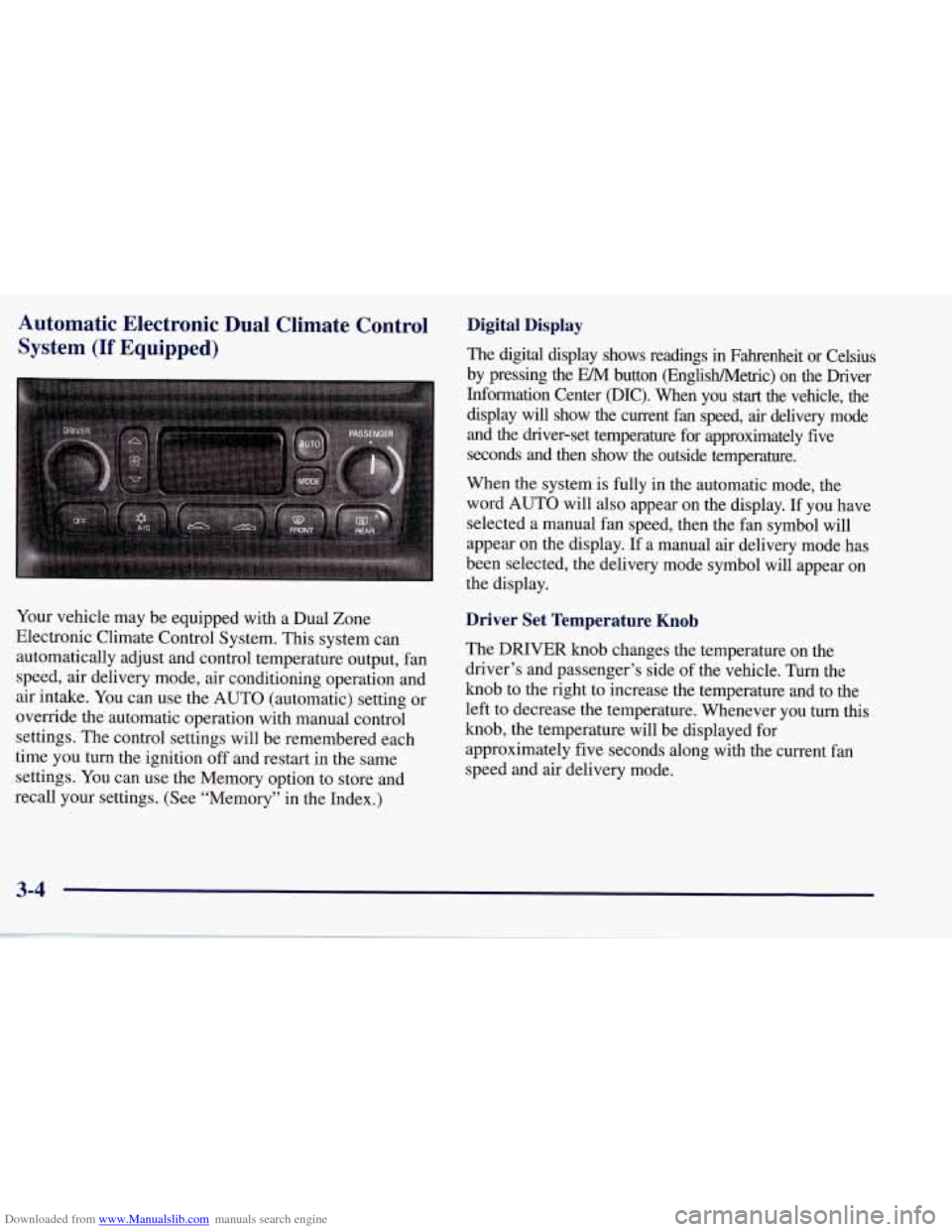
Your vehicle may be equipped with a Dual Zone
Electronic Climate Control System. This system can
automatically adjust and control temperature output, fan
speed, air delivery mode, air conditioning operation and
air intake. You can use the AUTO (automatic) setting or
override the automatic operation with manual control
settings. The control settings will be remembered each
time you turn the ignition
off and restart in the same
settings. You can use the Memory option to store and
recall your settings. (See “Memory” in the Index.)
Digital Display
The digital display shows readings in Fahrenheit or Celsius
by pressing the EM button (EnglisWMetric) on the Driver
Information Center @IC). When you
start the vehicle, the
display will show the current fan speed, air delivery mode
and the driver-set temperature for approximately five
seconds and then show the outside temperature.
When the system is fully in the automatic mode, the
word AUTO will also appear on the display. If you have
selected a manual fan speed, then the fan symbol will
appear on the display.
If a manual air delivery mode has
been selected, the delivery mode symbol will appear on
the display.
Driver Set Temperature Knob
The DRIVER knob changes the temperature on the
driver’s and passenger’s side of the vehicle. Turn the
knob to the right to increase the temperature and to the
left to decrease the temperature. Whenever you turn this
knob, the temperature will be displayed for
approximately five seconds along with the current fan
speed and air delivery mode.
3-4