light CHEVROLET CORVETTE 2007 6.G Owners Manual
[x] Cancel search | Manufacturer: CHEVROLET, Model Year: 2007, Model line: CORVETTE, Model: CHEVROLET CORVETTE 2007 6.GPages: 488, PDF Size: 2.62 MB
Page 269 of 488
Navigation/Radio System
Your vehicle may have a navigation radio system.
The navigation system has built-in features
intended to minimize driver distraction. Technology
alone, no matter how advanced, can never
replace your own judgment. See the Navigation
System manual for some tips to help you
reduce distractions while driving.
Theft-Deterrent Feature
THEFTLOCK®is designed to discourage theft
of your vehicle’s radio. The feature works
automatically by learning a portion of the
Vehicle Identication Number (VIN). If the radio
is moved to a different vehicle, it will not operate
and LOCKED will appear on the display.
With THEFTLOCK
®activated, the radio will not
operate if stolen.
Your radio has a blinking indicator light located
on the upper left side of the radio. The indicator
light is used to show that the theft-deterrent feature
mode is set. The blinking indicator light will only
ash when the ignition is in the off position.
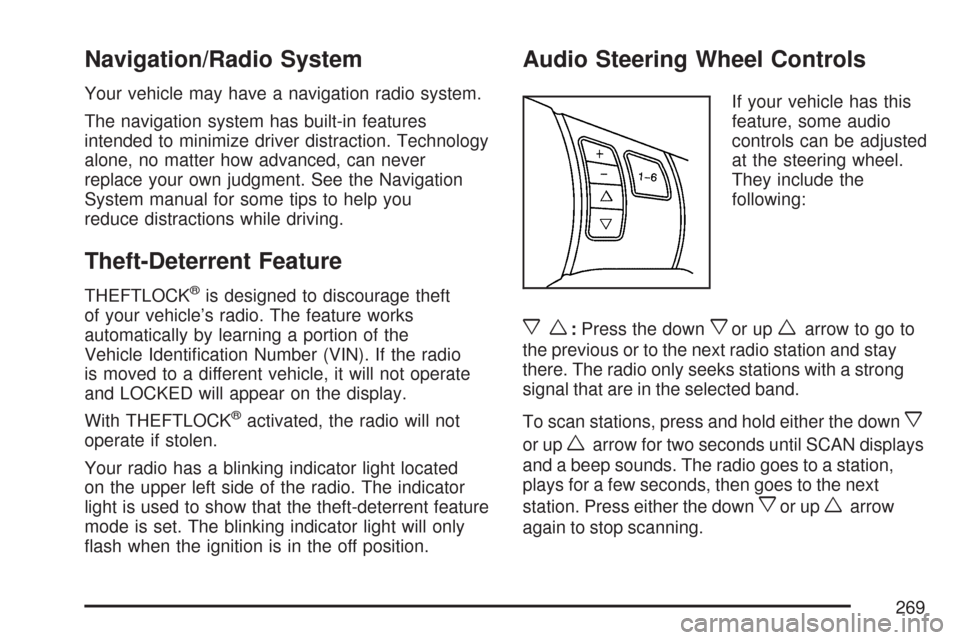
Audio Steering Wheel Controls
If your vehicle has this
feature, some audio
controls can be adjusted
at the steering wheel.
They include the
following:
xw:Press the downxor upwarrow to go to
the previous or to the next radio station and stay
there. The radio only seeks stations with a strong
signal that are in the selected band.
To scan stations, press and hold either the down
x
or upwarrow for two seconds until SCAN displays
and a beep sounds. The radio goes to a station,
plays for a few seconds, then goes to the next
station. Press either the down
xor upwarrow
again to stop scanning.
269
Page 271 of 488
FM Stereo
FM stereo will give the best sound, but FM signals
will reach only about 10 to 40 miles (16 to 65 km).
Tall buildings or hills can interfere with FM
signals, causing the sound to fade in and out.
XM™ Satellite Radio Service
If your vehicle as the XM™ Satellite Radio
Service, this type of radio service gives
digital radio reception from coast-to-coast in the
48 contiguous United States, and in Canada.
Just as with FM, tall buildings or hills can interfere
with satellite radio signals, causing the sound
to fade in and out. In addition, traveling or standing
under heavy foliage, bridges, garages, or tunnels
may cause loss of the XM™ signal for a period
of time. The radio may display NO SIGNAL
to indicate interference.
Care of Your CDs
Handle CDs carefully. Store them in their original
cases or other protective cases and away from
direct sunlight and dust. The CD player scans
the bottom surface of the disc. If the surface of
a CD is damaged, such as cracked, broken,
or scratched, the CD does not play properly or
not at all. If the surface of a CD is soiled, take
a soft, lint free cloth or dampen a clean, soft cloth
in a mild, neutral detergent solution mixed with
water, and clean it. Make sure the wiping process
starts from the center to the edge.
Do not touch the bottom side of a CD while
handling it; this could damage the surface.
Pick up CDs by grasping the outer edges or
the edge of the hole and the outer edge.
271
Page 278 of 488
Control of a Vehicle
The following three systems help to control your
vehicle while driving — brakes, steering, and
accelerator. At times, as when driving on snow
or ice, it is easy to ask more of those control
systems than the tires and road can provide.
Meaning, you can lose control of your vehicle.
SeeTraction Control System (TCS) on page 281
andActive Handling System on page 283.
Adding non-dealer/non-retailer accessories
can affect your vehicle’s performance. See
Accessories and Modications on page 319.
Braking
SeeBrake System Warning Light on page 196.
Braking action involves perception time and
reaction time. First, you have to decide to push
on the brake pedal. That is perception time.
Then you have to bring up your foot and do it.
That is reaction time.Average reaction time is about three-fourths of a
second. But that is only an average. It might
be less with one driver and as long as two or
three seconds or more with another. Age, physical
condition, alertness, coordination, and eyesight
all play a part. So do alcohol, drugs, and
frustration. But even in three-fourths of a second,
a vehicle moving at 60 mph (100 km/h) travels
66 feet (20 m). That could be a lot of distance in an
emergency, so keeping enough space between
your vehicle and others is important.
And, of course, actual stopping distances vary
greatly with the surface of the road, whether it is
pavement or gravel; the condition of the road,
whether it is wet, dry, or icy; tire tread; the
condition of the brakes; the weight of the vehicle;
and the amount of brake force applied.
Avoid needless heavy braking. Some people drive
in spurts — heavy acceleration followed by heavy
braking — rather than keeping pace with traffic.
This is a mistake. The brakes might not have time
to cool between hard stops. The brakes will wear
out much faster if you do a lot of heavy braking.
278
Page 279 of 488
If you keep pace with the traffic and allow realistic
following distances, you will eliminate a lot of
unnecessary braking. That means better braking
and longer brake life.
If your vehicle’s engine ever stops while you are
driving, brake normally but do not pump the
brakes. If you do, the pedal could get harder to
push down. If the engine stops, you will still have
some power brake assist. But you will use it
when you brake. Once the power assist is used
up, it can take longer to stop and the brake pedal
will be harder to push.
Under certain weather or operating conditions,
occasional brake squeak, squeal, or other
noise might be heard with your vehicle’s
performance braking system. This brake system
is designed for superior fade resistance and
consistent operation using high performance
brake pads. Brake noise is normal and does
not affect system performance.
Adding non-dealer/non-retailer accessories
can affect your vehicle’s performance. See
Accessories and Modications on page 319.Anti-Lock Brake System (ABS)
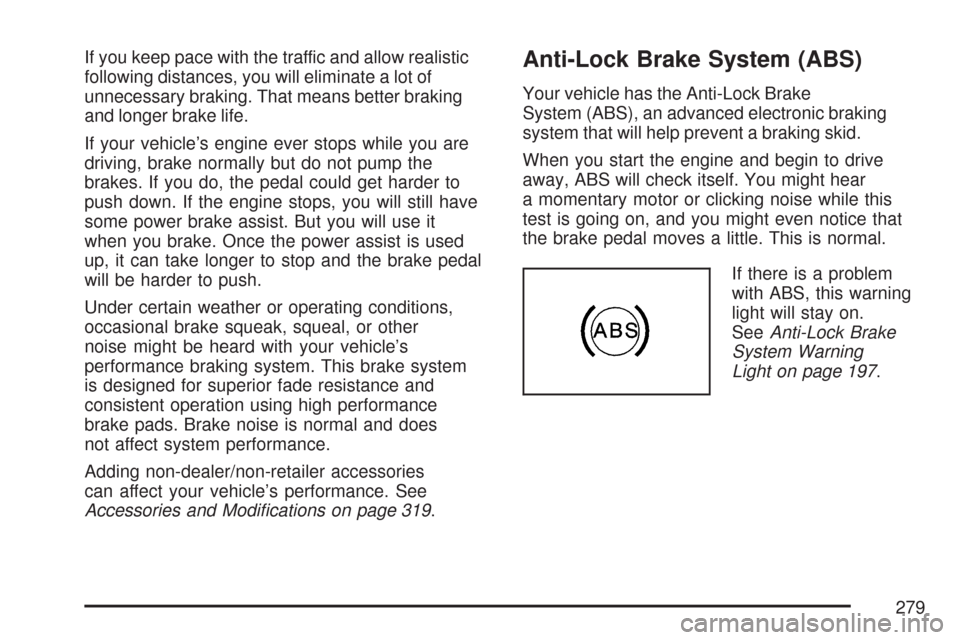
Your vehicle has the Anti-Lock Brake
System (ABS), an advanced electronic braking
system that will help prevent a braking skid.
When you start the engine and begin to drive
away, ABS will check itself. You might hear
a momentary motor or clicking noise while this
test is going on, and you might even notice that
the brake pedal moves a little. This is normal.
If there is a problem
with ABS, this warning
light will stay on.
SeeAnti-Lock Brake
System Warning
Light on page 197.
279
Page 282 of 488
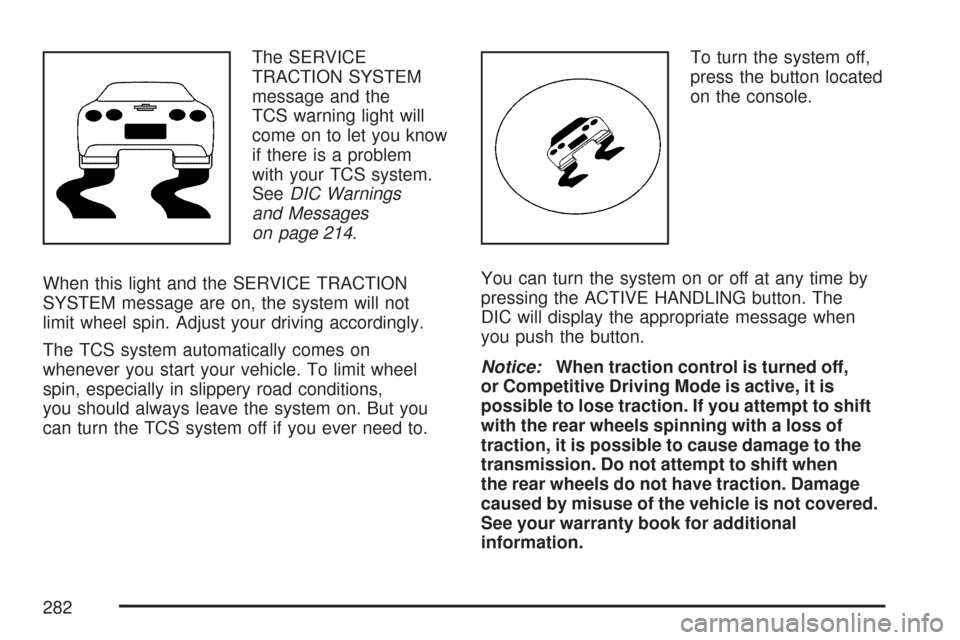
The SERVICE
TRACTION SYSTEM
message and the
TCS warning light will
come on to let you know
if there is a problem
with your TCS system.
SeeDIC Warnings
and Messages
on page 214.
When this light and the SERVICE TRACTION
SYSTEM message are on, the system will not
limit wheel spin. Adjust your driving accordingly.
The TCS system automatically comes on
whenever you start your vehicle. To limit wheel
spin, especially in slippery road conditions,
you should always leave the system on. But you
can turn the TCS system off if you ever need to.To turn the system off,
press the button located
on the console.
You can turn the system on or off at any time by
pressing the ACTIVE HANDLING button. The
DIC will display the appropriate message when
you push the button.
Notice:When traction control is turned off,
or Competitive Driving Mode is active, it is
possible to lose traction. If you attempt to shift
with the rear wheels spinning with a loss of
traction, it is possible to cause damage to the
transmission. Do not attempt to shift when
the rear wheels do not have traction. Damage
caused by misuse of the vehicle is not covered.
See your warranty book for additional
information.
282
Page 283 of 488
Adding non-dealer accessories can affect your
vehicle’s performance. SeeAccessories and
Modications on page 319for more information.
Active Handling System
The Active Handling System is a computer
controlled system that helps the driver maintain
directional control of the vehicle in difficult driving
conditions. This is accomplished by selectively
applying any one of the vehicle’s brakes.
When you rst start your vehicle during cold winter
weather and begin to drive away, the message
ACTIVE HANDLING WARMING UP may be
displayed in the DIC. This is normal. You can
acknowledge this message by pressing the RESET
button. The Active Handling System performance
is affected until the message, ACTIVE HANDLING
READY, is displayed in the DIC.
The ACTIVE HANDLING CALIBRATING message
may be displayed in the DIC and the instrument
panel cluster light will be on after exceeding
18 mph (30 km/h) for 10 seconds. The Active
Handling System is off until the ACTIVE
HANDLING READY message is displayed.
This could take up to 15 minutes.The ACTIVE HANDLING message will come on
when the system is operating. SeeDIC Warnings
and Messages on page 214for more information.
You may also feel or hear the system working.
This is normal.
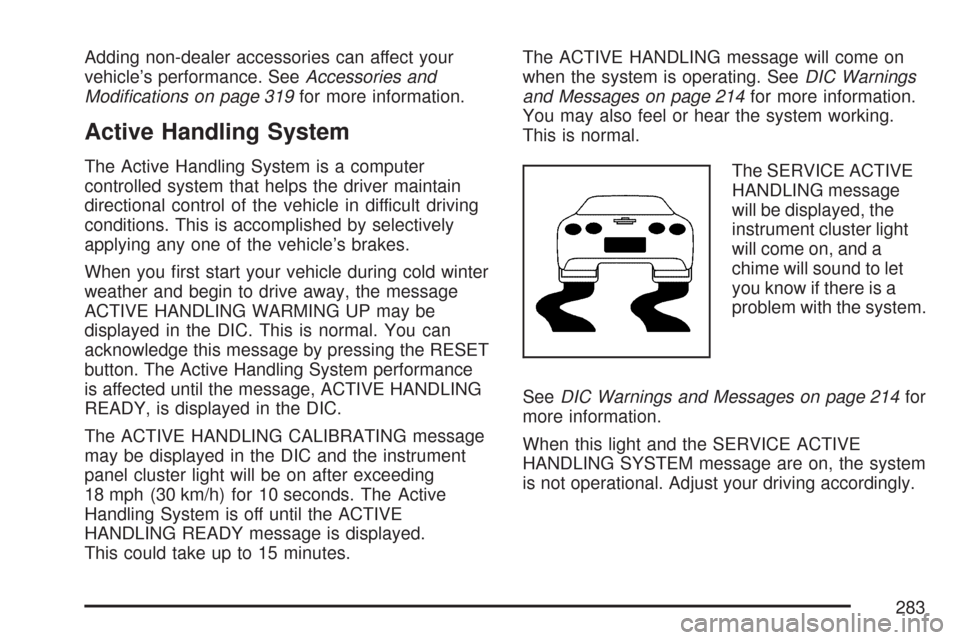
The SERVICE ACTIVE
HANDLING message
will be displayed, the
instrument cluster light
will come on, and a
chime will sound to let
you know if there is a
problem with the system.
SeeDIC Warnings and Messages on page 214for
more information.
When this light and the SERVICE ACTIVE
HANDLING SYSTEM message are on, the system
is not operational. Adjust your driving accordingly.
283
Page 285 of 488
Competitive Driving Mode
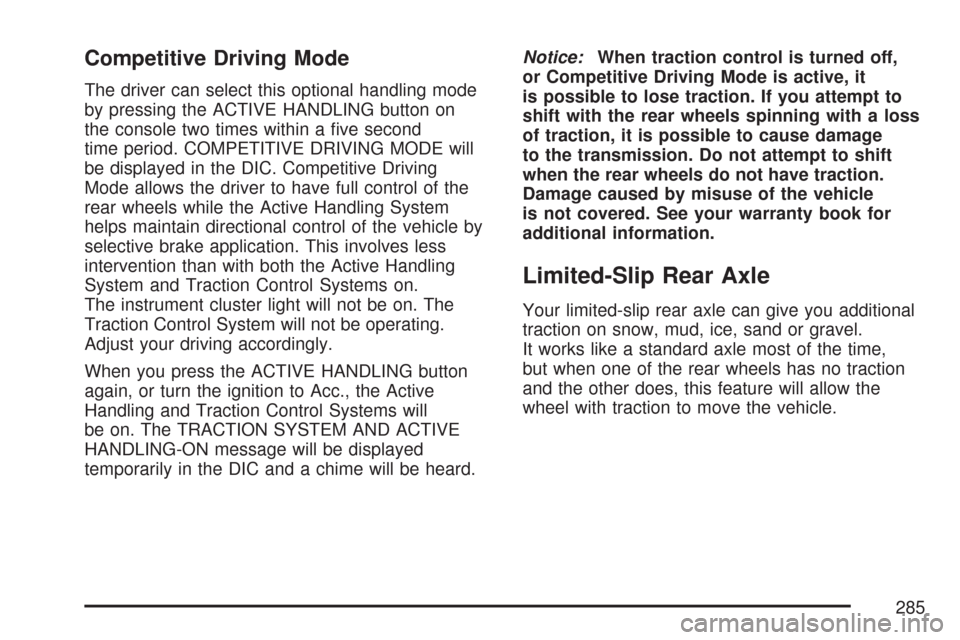
The driver can select this optional handling mode
by pressing the ACTIVE HANDLING button on
the console two times within a ve second
time period. COMPETITIVE DRIVING MODE will
be displayed in the DIC. Competitive Driving
Mode allows the driver to have full control of the
rear wheels while the Active Handling System
helps maintain directional control of the vehicle by
selective brake application. This involves less
intervention than with both the Active Handling
System and Traction Control Systems on.
The instrument cluster light will not be on. The
Traction Control System will not be operating.
Adjust your driving accordingly.
When you press the ACTIVE HANDLING button
again, or turn the ignition to Acc., the Active
Handling and Traction Control Systems will
be on. The TRACTION SYSTEM AND ACTIVE
HANDLING-ON message will be displayed
temporarily in the DIC and a chime will be heard.Notice:When traction control is turned off,
or Competitive Driving Mode is active, it
is possible to lose traction. If you attempt to
shift with the rear wheels spinning with a loss
of traction, it is possible to cause damage
to the transmission. Do not attempt to shift
when the rear wheels do not have traction.
Damage caused by misuse of the vehicle
is not covered. See your warranty book for
additional information.
Limited-Slip Rear Axle
Your limited-slip rear axle can give you additional
traction on snow, mud, ice, sand or gravel.
It works like a standard axle most of the time,
but when one of the rear wheels has no traction
and the other does, this feature will allow the
wheel with traction to move the vehicle.
285
Page 289 of 488
Off-Road Recovery
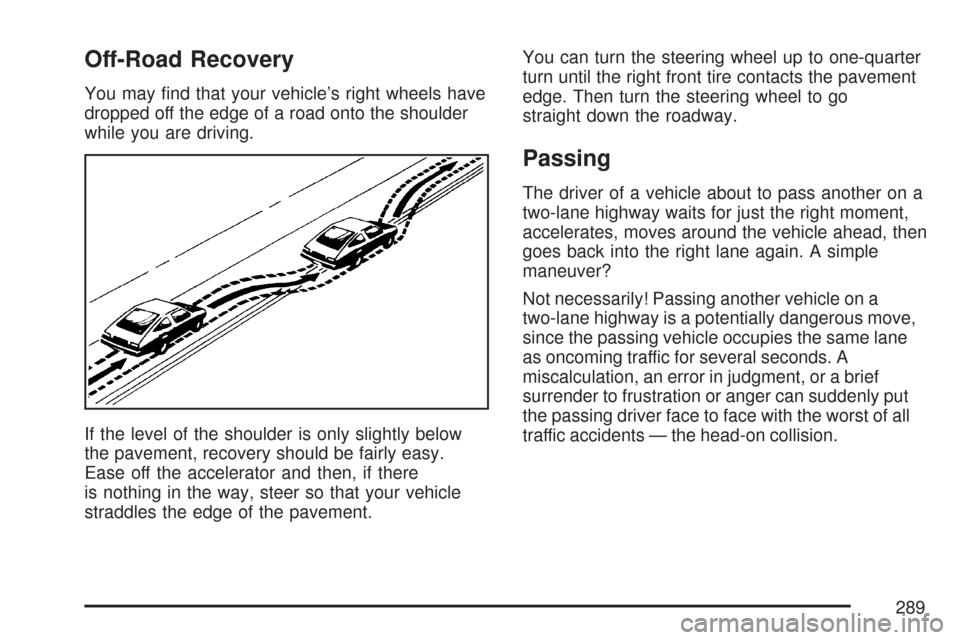
You may nd that your vehicle’s right wheels have
dropped off the edge of a road onto the shoulder
while you are driving.
If the level of the shoulder is only slightly below
the pavement, recovery should be fairly easy.
Ease off the accelerator and then, if there
is nothing in the way, steer so that your vehicle
straddles the edge of the pavement.You can turn the steering wheel up to one-quarter
turn until the right front tire contacts the pavement
edge. Then turn the steering wheel to go
straight down the roadway.
Passing
The driver of a vehicle about to pass another on a
two-lane highway waits for just the right moment,
accelerates, moves around the vehicle ahead, then
goes back into the right lane again. A simple
maneuver?
Not necessarily! Passing another vehicle on a
two-lane highway is a potentially dangerous move,
since the passing vehicle occupies the same lane
as oncoming traffic for several seconds. A
miscalculation, an error in judgment, or a brief
surrender to frustration or anger can suddenly put
the passing driver face to face with the worst of all
traffic accidents — the head-on collision.
289
Page 293 of 488
Vehicles with the Z51 performance package
have greaseable outer ends on both of the rear
toe-links. Under normal use, lubrication should
be performed as described in the maintenance
schedule. SeeScheduled Maintenance on
page 433andRecommended Fluids and
Lubricants on page 443. If you use the vehicle
for racing, lubrication should be performed at the
end of each racing day. See your dealer/retailer
for lubrication and make sure any needed
repairs are made at once. Proper procedures for
performing these services can be found in the
service manual. SeeService Publications
Ordering Information on page 468.Driving at Night
Night driving is more dangerous than day driving.
One reason is that some drivers are likely to
be impaired — by alcohol or drugs, with night
vision problems, or by fatigue.
Here are some tips on night driving.
Drive defensively.
Do not drink and drive.
Adjust the inside rearview mirror to reduce
the glare from headlamps behind you.
Since you cannot see as well, slow down
and keep more space between you and
other vehicles.
Slow down, especially on higher speed roads.
Your vehicle’s headlamps can light up only so
much road ahead.
In remote areas, watch for animals.
If you are tired, pull off the road in a safe
place and rest.
293
Page 294 of 488
No one can see as well at night as in the daytime.
But as we get older these differences increase.
A 50-year-old driver might require at least twice as
much light to see the same thing at night as a
20-year-old.
What you do in the daytime can also affect your
night vision. For example, if you spend the
day in bright sunshine you are wise to wear
sunglasses. Your eyes will have less trouble
adjusting to night. But if you are driving, do not
wear sunglasses at night. They might cut down on
glare from headlamps, but they also make a lot
of things invisible.
You can be temporarily blinded by approaching
headlamps. It can take a second or two, or
even several seconds, for your eyes to re-adjust
to the dark. When you are faced with severe glare,
as from a driver who does not lower the high
beams, or a vehicle with misaimed headlamps,
slow down a little. Avoid staring directly into
the approaching headlamps.Keep the windshield and all the glass on your
vehicle clean — inside and out. Glare at night is
made much worse by dirt on the glass. Even
the inside of the glass can build up a lm caused
by dust. Dirty glass makes lights dazzle and
ash more than clean glass would, making the
pupils of your eyes contract repeatedly.
Remember that the headlamps light up far less of a
roadway when you are in a turn or curve. Keep your
eyes moving; that way, it is easier to pick out dimly
lighted objects. Just as the headlamps should be
checked regularly for proper aim, so should your
eyes be examined regularly. Some drivers suffer
from night blindness — the inability to see in dim
light — and are not even aware of it.
294