horn CHEVROLET CORVETTE C7 2018 User Guide
[x] Cancel search | Manufacturer: CHEVROLET, Model Year: 2018, Model line: CORVETTE C7, Model: CHEVROLET CORVETTE C7 2018Pages: 353, PDF Size: 6.48 MB
Page 129 of 353
Chevrolet Corvette Owner Manual (GMNA-Localizing-U.S./Canada/Mexico-
11374030) - 2018 - crc - 3/29/17
128 Instruments and Controls
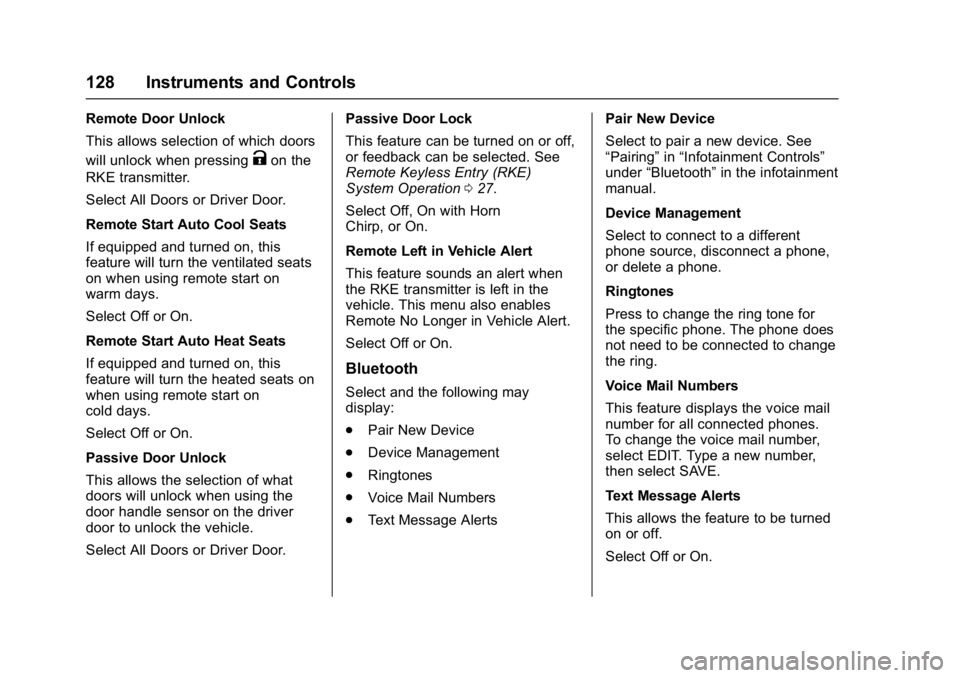
Remote Door Unlock
This allows selection of which doors
will unlock when pressing
Kon the
RKE transmitter.
Select All Doors or Driver Door.
Remote Start Auto Cool Seats
If equipped and turned on, this
feature will turn the ventilated seats
on when using remote start on
warm days.
Select Off or On.
Remote Start Auto Heat Seats
If equipped and turned on, this
feature will turn the heated seats on
when using remote start on
cold days.
Select Off or On.
Passive Door Unlock
This allows the selection of what
doors will unlock when using the
door handle sensor on the driver
door to unlock the vehicle.
Select All Doors or Driver Door. Passive Door Lock
This feature can be turned on or off,
or feedback can be selected. See
Remote Keyless Entry (RKE)
System Operation
027.
Select Off, On with Horn
Chirp, or On.
Remote Left in Vehicle Alert
This feature sounds an alert when
the RKE transmitter is left in the
vehicle. This menu also enables
Remote No Longer in Vehicle Alert.
Select Off or On.
Bluetooth
Select and the following may
display:
. Pair New Device
. Device Management
. Ringtones
. Voice Mail Numbers
. Text Message Alerts Pair New Device
Select to pair a new device. See
“Pairing”
in“Infotainment Controls”
under “Bluetooth” in the infotainment
manual.
Device Management
Select to connect to a different
phone source, disconnect a phone,
or delete a phone.
Ringtones
Press to change the ring tone for
the specific phone. The phone does
not need to be connected to change
the ring.
Voice Mail Numbers
This feature displays the voice mail
number for all connected phones.
To change the voice mail number,
select EDIT. Type a new number,
then select SAVE.
Text Message Alerts
This allows the feature to be turned
on or off.
Select Off or On.
Page 250 of 353
Chevrolet Corvette Owner Manual (GMNA-Localizing-U.S./Canada/Mexico-
11374030) - 2018 - crc - 3/29/17
Vehicle Care 249
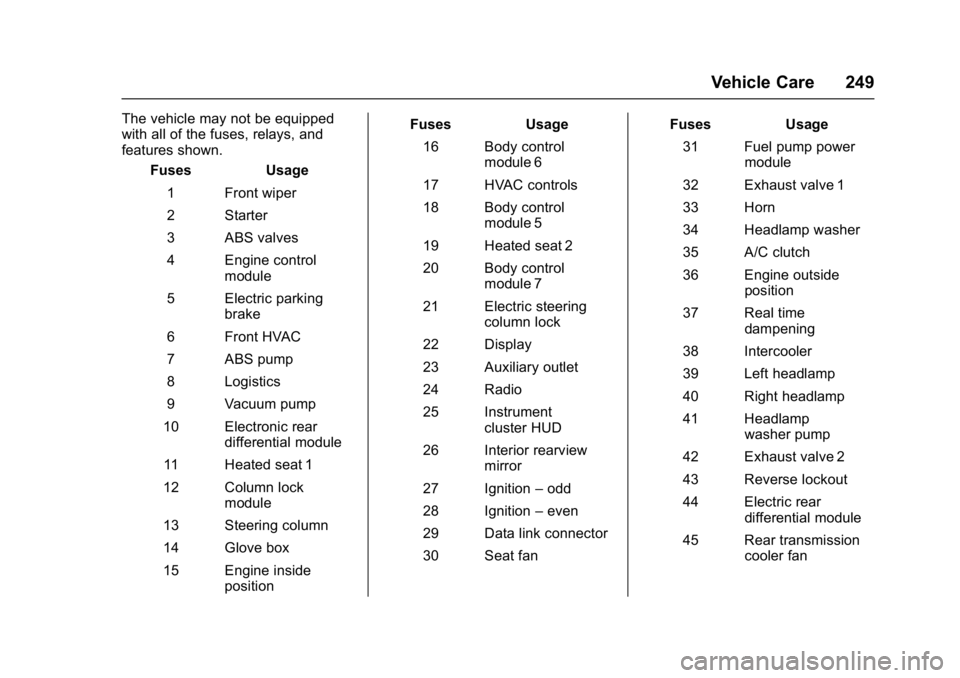
The vehicle may not be equipped
with all of the fuses, relays, and
features shown.Fuses Usage
1 Front wiper
2 Starter
3 ABS valves
4 Engine control module
5 Electric parking brake
6 Front HVAC
7 ABS pump
8 Logistics
9 Vacuum pump
10 Electronic rear differential module
11 Heated seat 1
12 Column lock module
13 Steering column
14 Glove box
15 Engine inside position Fuses Usage
16 Body control module 6
17 HVAC controls
18 Body control module 5
19 Heated seat 2
20 Body control module 7
21 Electric steering column lock
22 Display
23 Auxiliary outlet
24 Radio
25 Instrument cluster HUD
26 Interior rearview mirror
27 Ignition –odd
28 Ignition –even
29 Data link connector
30 Seat fan Fuses Usage
31 Fuel pump power module
32 Exhaust valve 1
33 Horn
34 Headlamp washer
35 A/C clutch
36 Engine outside position
37 Real time dampening
38 Intercooler
39 Left headlamp
40 Right headlamp
41 Headlamp washer pump
42 Exhaust valve 2
43 Reverse lockout
44 Electric rear differential module
45 Rear transmission cooler fan
Page 335 of 353
Chevrolet Corvette Owner Manual (GMNA-Localizing-U.S./Canada/Mexico-
11374030) - 2018 - crc - 3/29/17
334 OnStar
2. The Wi-Fi settings will displaythe Wi-Fi hotspot name (SSID),
password, and on some
vehicles, the connection type
(no Internet connection, 3G,
4G, 4G LTE), and signal quality
(poor, good, excellent).
3. To change the SSID or password, press
Qor call
1-888-4ONSTAR to connect
with an Advisor. On some
vehicles, the SSID and
password can be changed in
the Wi-Fi Hotspot menu.
After initial set-up, your vehicle’s
Wi-Fi hotspot will connect
automatically to your mobile
devices. Manage data usage by
turning Wi-Fi on or off on your
mobile device, using the
myChevrolet mobile app, or by
contacting an OnStar Advisor. On
some vehicles, Wi-Fi can also be
managed from the Wi-Fi
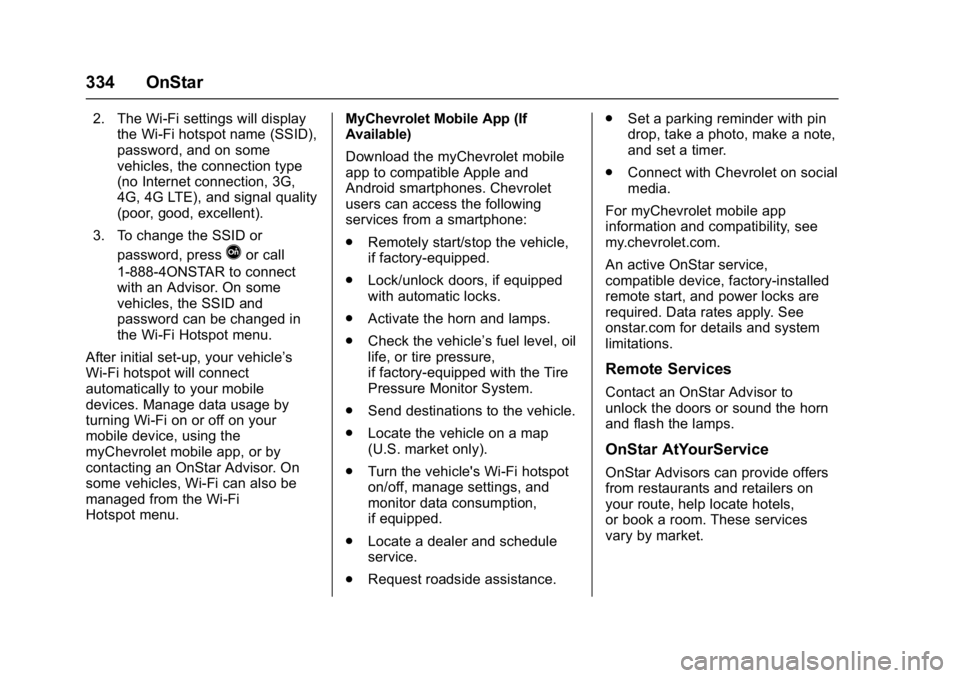
Hotspot menu. MyChevrolet Mobile App (If
Available)
Download the myChevrolet mobile
app to compatible Apple and
Android smartphones. Chevrolet
users can access the following
services from a smartphone:
.
Remotely start/stop the vehicle,
if factory-equipped.
. Lock/unlock doors, if equipped
with automatic locks.
. Activate the horn and lamps.
. Check the vehicle’s fuel level, oil
life, or tire pressure,
if factory-equipped with the Tire
Pressure Monitor System.
. Send destinations to the vehicle.
. Locate the vehicle on a map
(U.S. market only).
. Turn the vehicle's Wi-Fi hotspot
on/off, manage settings, and
monitor data consumption,
if equipped.
. Locate a dealer and schedule
service.
. Request roadside assistance. .
Set a parking reminder with pin
drop, take a photo, make a note,
and set a timer.
. Connect with Chevrolet on social
media.
For myChevrolet mobile app
information and compatibility, see
my.chevrolet.com.
An active OnStar service,
compatible device, factory-installed
remote start, and power locks are
required. Data rates apply. See
onstar.com for details and system
limitations.
Remote Services
Contact an OnStar Advisor to
unlock the doors or sound the horn
and flash the lamps.
OnStar AtYourService
OnStar Advisors can provide offers
from restaurants and retailers on
your route, help locate hotels,
or book a room. These services
vary by market.
Page 347 of 353
Chevrolet Corvette Owner Manual (GMNA-Localizing-U.S./Canada/Mexico-
11374030) - 2018 - crc - 4/5/17
346 Index
Gauges (cont'd)Warning Lights and
Indicators . . . . . . . . . . . . . . . . . . . . . 98
General Information
Service and Maintenance . . . . . 298
Towing . . . . . . . . . . . . . . . . . . . . . . . . 209
Vehicle Care . . . . . . . . . . . . . . . . . . 212
Glove Box . . . . . . . . . . . . . . . . . . . . . . . 90
GM Mobility Reimbursement Program . . . . . . . . . . . . . . . . . . . . . . . 320
H
Hatch . . . . . . . . . . . . . . . . . . . . . . . . . . . . 38
Hazard Warning Flashers . . . . . . . 138
Head Restraints . . . . . . . . . . . . . . . . . 56
Head-up Display . . . . . . . . . . . . . . . . 118
HeadlampsAiming . . . . . . . . . . . . . . . . . . . . . . . . 245
Automatic . . . . . . . . . . . . . . . . . . . . . 137
Bulb Replacement . . . . . . . . . . . . 246
Daytime RunningLamps (DRL) . . . . . . . . . . . . . . . . 136
Flash-to-Pass . . . . . . . . . . . . . . . . . 136
High Intensity Discharge (HID) Lighting . . . . . . . . . . . . . . . 246
High-Beam On Light . . . . . . . . . . .116
High/Low Beam Changer . . . . . 136
Lamps On Reminder . . . . . . . . . .116 Heated and Ventilated Front
Seats . . . . . . . . . . . . . . . . . . . . . . . . . . 62
Heated Mirrors . . . . . . . . . . . . . . . . . . . 43
Heating . . . . . . . . . . . . . . . . . . . . . . . . . 147
High-Beam On Light . . . . . . . . . . . . 116
High-Speed Operation . . . . . . . . . . 264
Hill and Mountain Roads . . . . . . . . 168
Hill Start Assist (HSA) . . . . . . . . . . 192
Hood . . . . . . . . . . . . . . . . . . . . . . . . . . . 216
Horn . . . . . . . . . . . . . . . . . . . . . . . . . . . . . 95
How to Wear Seat Belts Properly . . . . . . . . . . . . . . . . . . . . . . . . 65
HVAC . . . . . . . . . . . . . . . . . . . . . . . . . . . 147
Hydraulic Clutch . . . . . . . . . . . . . . . . 229
I
Ignition Positions . . . . . . . . . . . . . . . 175
Immobilizer . . . . . . . . . . . . . . . . . . . . . . 41
Infants and Young Children, Restraints . . . . . . . . . . . . . . . . . . . . . . 82
Infotainment . . . . . . . . . . . . . . . . . . . . 141
Infotainment System . . . . . . . . . . . . 329
Instrument Cluster . . . . . . . . . . . . . . . 99
Instrument Panel
Storage Area . . . . . . . . . . . . . . . . . . . 90
Interior Rearview Mirrors . . . . . . . . . 44
Introduction . . . . . . . . . . . . . . . . . . . . . . . 2
J
Jump Starting - North
America . . . . . . . . . . . . . . . . . . . . . . . 284
K
Keyless EntryRemote (RKE) System . . . . . . . . . 27
Keys . . . . . . . . . . . . . . . . . . . . . . . . . . . . . 25
L
Labeling, Tire Sidewall . . . . . . . . . . 258
Lamps Courtesy . . . . . . . . . . . . . . . . . . . . . . 139
Daytime Running (DRL) . . . . . . 136
Exterior Controls . . . . . . . . . . . . . . 135
Exterior Lamps OffReminder . . . . . . . . . . . . . . . . . . . 136
Exterior Lighting Battery Saver . . . . . . . . . . . . . . . . . . . . . . . 140
License Plate . . . . . . . . . . . . . . . . . 246
Malfunction Indicator (Check Engine) . . . . . . . . . . . . . 109
On Reminder . . . . . . . . . . . . . . . . . .116
Reading . . . . . . . . . . . . . . . . . . . . . . 139
Lap-Shoulder Belt . . . . . . . . . . . . . . . 66
LATCH, Lower Anchors and
Tethers for Children . . . . . . . . . . . . 86
Latches, Seatback . . . . . . . . . . . . . . . 61
LED Lighting . . . . . . . . . . . . . . . . . . . . 246