traction control CHEVROLET EPICA 2005 1.G Owners Manual
[x] Cancel search | Manufacturer: CHEVROLET, Model Year: 2005, Model line: EPICA, Model: CHEVROLET EPICA 2005 1.GPages: 340, PDF Size: 2.19 MB
Page 105 of 340
Instrument Panel Overview...............................3-4
Hazard Warning Flashers................................3-5
Other Warning Devices...................................3-5
Horn.............................................................3-6
Tilt Wheel.....................................................3-6
Turn Signal/Multifunction Lever.........................3-6
Turn and Lane-Change Signals........................3-7
Headlamp High/Low-Beam Changer..................3-7
Flash-to-Pass.................................................3-7
Windshield Wipers..........................................3-8
Windshield Washer.........................................3-9
Cruise Control..............................................3-10
Exterior Lamps.............................................3-13
Headlamps on Reminder................................3-13
Daytime Running Lamps (DRL).......................3-14
Fog Lamps..................................................3-15
Exterior Lighting Battery Saver........................3-15
Instrument Panel Brightness...........................3-15
Dome Lamp.................................................3-16
Entry Lighting...............................................3-16
Map Lamps.................................................3-16
Accessory Power Outlets...............................3-17
Ashtrays and Cigarette Lighter........................3-18
Clock..........................................................3-18Climate Controls............................................3-19
Climate Control System.................................3-19
Automatic Climate Control System...................3-22
Outlet Adjustment.........................................3-28
Passenger Compartment Air Filter...................3-29
Warning Lights, Gages, and Indicators............3-30
Instrument Panel Cluster................................3-30
Speedometer and Odometer...........................3-32
Trip Odometer..............................................3-32
Tachometer.................................................3-32
Safety Belt Reminder Light.............................3-32
Safety Belt Reminder Tone............................3-33
Airbag Readiness Light..................................3-33
Passenger Airbag Status Indicator...................3-34
Charging System Light..................................3-35
Brake System Warning Light..........................3-36
Anti-Lock Brake System Warning Light.............3-37
Speed Sensitive Power Steering (SSPS)
Warning Light...........................................3-37
Traction Control System (TCS)
Warning Light...........................................3-38
Traction Control System Active Light...............3-38
Traction Off Light..........................................3-39
Section 3 Instrument Panel
3-1
Page 114 of 340
Cruise Control
If your vehicle has cruise control, you can maintain a
speed of about 18 mph (29 km/h) or more without
keeping your foot on the accelerator. This can really
help on long trips. Cruise control does not work at
speeds below 18 mph (29 km/h).
When you apply your brakes, the cruise control
turns off.
{CAUTION:
Cruise control can be dangerous where you
cannot drive safely at a steady speed. So, do
not use your cruise control on winding roads
or in heavy traffic.
Cruise control can be dangerous on slippery
roads. On such roads, fast changes in tire
traction can cause needless wheel spinning,
and you could lose control. Do not use cruise
control on slippery roads.If your vehicle is in cruise control when the optional
traction control system begins to limit wheel spin, the
cruise control will automatically disengage. SeeTraction
Control System (TCS) on page 4-8. When road
conditions allow you to safely use it again, you may turn
the cruise control back on.
Setting Cruise Control
{CAUTION:
If you leave your cruise control on when you
are not using cruise, you might hit a button
and go into cruise when you do not want to.
You could be startled and even lose control.
Keep the cruise control switch off until you
want to use cruise control.
3-10
Page 142 of 340
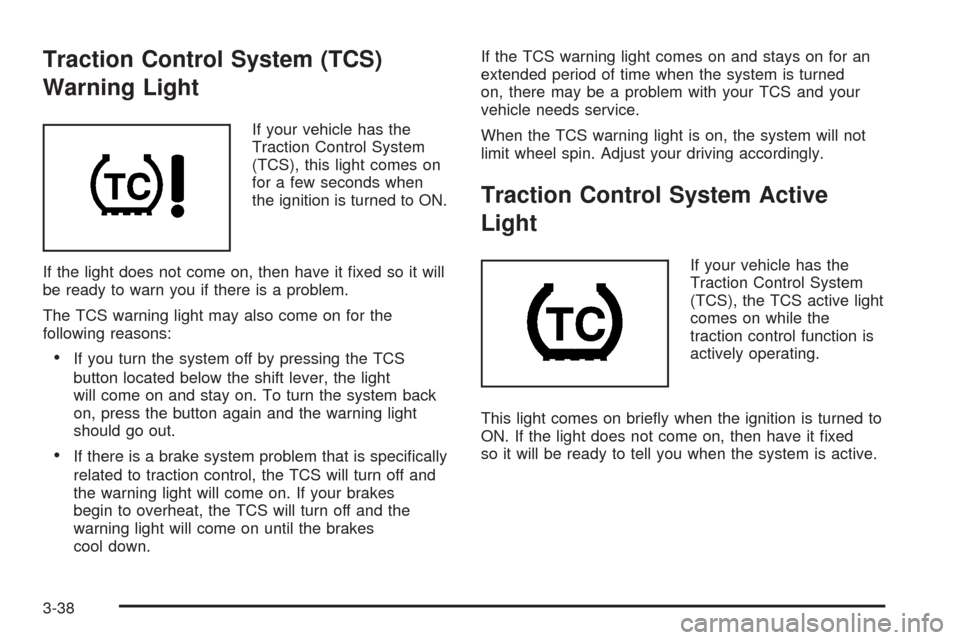
Traction Control System (TCS)
Warning Light
If your vehicle has the
Traction Control System
(TCS), this light comes on
for a few seconds when
the ignition is turned to ON.
If the light does not come on, then have it fixed so it will
be ready to warn you if there is a problem.
The TCS warning light may also come on for the
following reasons:
•If you turn the system off by pressing the TCS
button located below the shift lever, the light
will come on and stay on. To turn the system back
on, press the button again and the warning light
should go out.
•If there is a brake system problem that is specifically
related to traction control, the TCS will turn off and
the warning light will come on. If your brakes
begin to overheat, the TCS will turn off and the
warning light will come on until the brakes
cool down.If the TCS warning light comes on and stays on for an
extended period of time when the system is turned
on, there may be a problem with your TCS and your
vehicle needs service.
When the TCS warning light is on, the system will not
limit wheel spin. Adjust your driving accordingly.
Traction Control System Active
Light
If your vehicle has the
Traction Control System
(TCS), the TCS active light
comes on while the
traction control function is
actively operating.
This light comes on briefly when the ignition is turned to
ON. If the light does not come on, then have it fixed
so it will be ready to tell you when the system is active.
3-38
Page 143 of 340
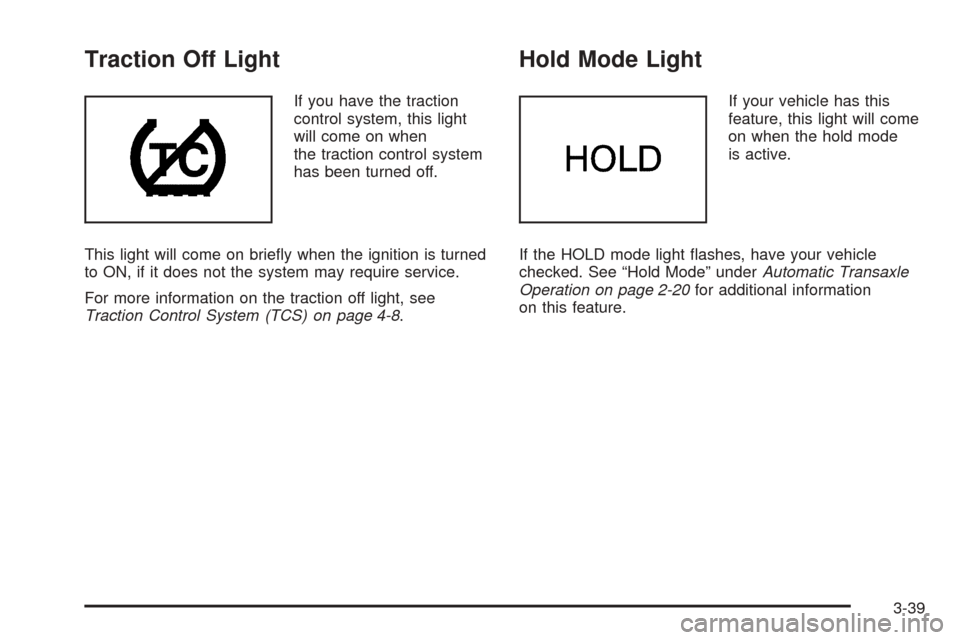
Traction Off Light
If you have the traction
control system, this light
will come on when
the traction control system
has been turned off.
This light will come on briefly when the ignition is turned
to ON, if it does not the system may require service.
For more information on the traction off light, see
Traction Control System (TCS) on page 4-8.
Hold Mode Light
If your vehicle has this
feature, this light will come
on when the hold mode
is active.
If the HOLD mode light flashes, have your vehicle
checked. See “Hold Mode” underAutomatic Transaxle
Operation on page 2-20for additional information
on this feature.
3-39
Page 167 of 340
Your Driving, the Road, and Your Vehicle..........4-2
Defensive Driving...........................................4-2
Drunken Driving.............................................4-2
Control of a Vehicle........................................4-5
Braking.........................................................4-5
Anti-Lock Brake System (ABS).........................4-6
Braking in Emergencies...................................4-7
Traction Control System (TCS).........................4-8
Steering........................................................4-9
Off-Road Recovery.......................................4-11
Passing.......................................................4-12
Loss of Control.............................................4-13
Driving at Night............................................4-15
Driving in Rain and on Wet Roads..................4-16City Driving..................................................4-19
Freeway Driving...........................................4-20
Before Leaving on a Long Trip.......................4-21
Highway Hypnosis........................................4-22
Hill and Mountain Roads................................4-22
Winter Driving..............................................4-24
If You Are Stuck: In Sand, Mud, Ice
or Snow...................................................4-28
Rocking Your Vehicle to Get It Out.................4-28
Loading Your Vehicle....................................4-29
Towing..........................................................4-33
Towing Your Vehicle.....................................4-33
Recreational Vehicle Towing...........................4-34
Towing a Trailer...........................................4-35
Section 4 Driving Your Vehicle
4-1
Page 174 of 340
Traction Control System (TCS)
Your vehicle may have a Traction Control System (TCS)
that limits wheel spin. This is especially useful in
slippery road conditions. The system operates only if it
senses that one or both of the front wheels are
spinning or beginning to lose traction. When this
happens, the system works the front brakes to limit
wheel spin.
This light will come on
briefly when the ignition is
turned to ON along
with the anti-lock brake
system warning light.
This light will blink when your Traction Control System
is limiting wheel spin.
You may feel or hear the system working, but this is
normal. This light will also come on when the anti-lock
brake system is working.
If your vehicle is in cruise control when the enhanced
traction system begins to limit wheel spin, the cruise
control will automatically disengage. When roadconditions allow you to safely use it again, you may
re-engage the cruise control. SeeCruise Control
on page 3-10.
The Traction Control System operates in all transaxle
shift lever positions. But the system can upshift the
transaxle only as high as the shift lever position
you have chosen, so you should use the lower gears
only when necessary.
This light will come on
briefly when the ignition is
turned to ON along
with the anti-lock brake
system warning light.
When the system is on and the parking brake is fully
released, this warning light will also come on to let you
know if there is a problem.
When this warning light is on, the system will not limit
wheel spin. Adjust your driving accordingly.
To limit wheel spin, especially in slippery road conditions,
you should always leave the Traction Control System on.
But you can turn the system off if you prefer.
4-8
Page 175 of 340
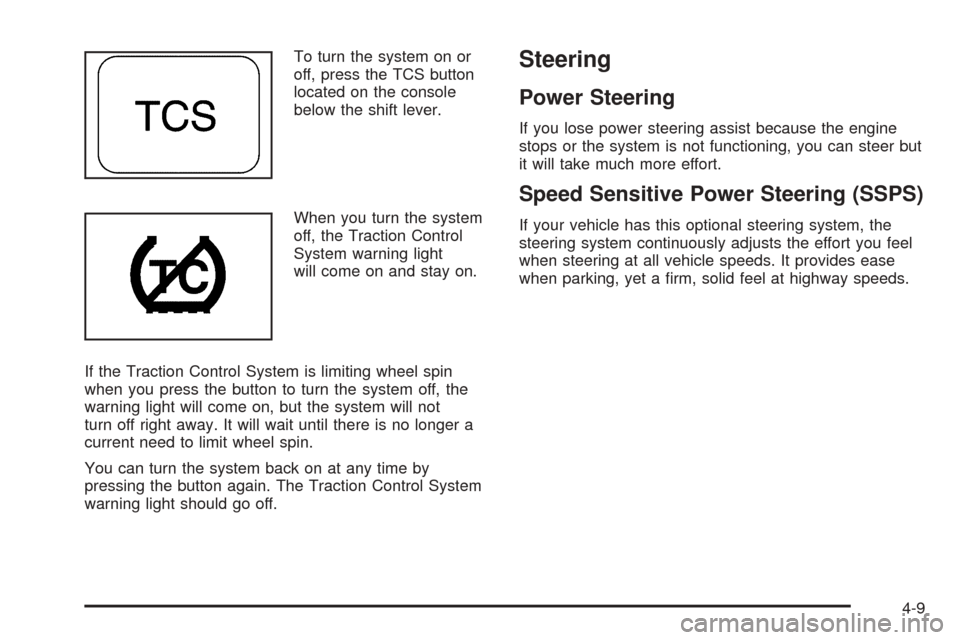
To turn the system on or
off, press the TCS button
located on the console
below the shift lever.
When you turn the system
off, the Traction Control
System warning light
will come on and stay on.
If the Traction Control System is limiting wheel spin
when you press the button to turn the system off, the
warning light will come on, but the system will not
turn off right away. It will wait until there is no longer a
current need to limit wheel spin.
You can turn the system back on at any time by
pressing the button again. The Traction Control System
warning light should go off.Steering
Power Steering
If you lose power steering assist because the engine
stops or the system is not functioning, you can steer but
it will take much more effort.
Speed Sensitive Power Steering (SSPS)
If your vehicle has this optional steering system, the
steering system continuously adjusts the effort you feel
when steering at all vehicle speeds. It provides ease
when parking, yet a firm, solid feel at highway speeds.
4-9
Page 176 of 340
Steering Tips
Driving on Curves
It is important to take curves at a reasonable speed.
A lot of the “driver lost control” accidents mentioned on
the news happen on curves. Here is why:
Experienced driver or beginner, each of us is subject to
the same laws of physics when driving on curves.
The traction of the tires against the road surface makes
it possible for the vehicle to change its path when
you turn the front wheels. If there is no traction, inertia
will keep the vehicle going in the same direction. If
you have ever tried to steer a vehicle on wet ice, you
will understand this.
The traction you can get in a curve depends on the
condition of your tires and the road surface, the angle at
which the curve is banked, and your speed. While
you are in a curve, speed is the one factor you
can control.
Suppose you are steering through a sharp curve.
Then you suddenly accelerate. Both control
systems — steering and acceleration — have to do their
work where the tires meet the road. Adding the
sudden acceleration can demand too much of those
places. You can lose control. SeeTraction Control
System (TCS) on page 4-8.What should you do if this ever happens? Ease up on
the accelerator pedal, steer the vehicle the way you
want it to go, and slow down.
Speed limit signs near curves warn that you should
adjust your speed. Of course, the posted speeds
are based on good weather and road conditions. Under
less favorable conditions you will want to go slower.
If you need to reduce your speed as you approach
a curve, do it before you enter the curve, while your front
wheels are straight ahead.
Try to adjust your speed so you can “drive” through the
curve. Maintain a reasonable, steady speed. Wait to
accelerate until you are out of the curve, and then
accelerate gently into the straightaway.
Steering in Emergencies
There are times when steering can be more effective
than braking. For example, you come over a hill and find
a truck stopped in your lane, or a car suddenly pulls out
from nowhere, or a child darts out from between parked
cars and stops right in front of you. You can avoid these
problems by braking — if you can stop in time. But
sometimes you cannot; there is not room. That is the time
for evasive action — steering around the problem.
Your vehicle can perform very well in emergencies like
these. First apply your brakes. SeeBraking on page 4-5.
4-10
Page 180 of 340
Skidding
In a skid, a driver can lose control of the vehicle.
Defensive drivers avoid most skids by taking reasonable
care suited to existing conditions, and by not overdriving
those conditions. But skids are always possible.
The three types of skids correspond to your vehicle’s
three control systems. In the braking skid, your wheels
are not rolling. In the steering or cornering skid, too
much speed or steering in a curve causes tires to slip
and lose cornering force. And in the acceleration
skid, too much throttle causes the driving wheels
to spin.
A cornering skid is best handled by easing your foot off
the accelerator pedal.
Remember: Any traction control system helps avoid only
the acceleration skid. If your traction control system is
off, then an acceleration skid is also best handled
by easing your foot off the accelerator pedal.If your vehicle starts to slide, ease your foot off the
accelerator pedal and quickly steer the way you want
the vehicle to go. If you start steering quickly enough,
your vehicle may straighten out. Always be ready
for a second skid if it occurs.
Of course, traction is reduced when water, snow, ice,
gravel, or other material is on the road. For safety, you
will want to slow down and adjust your driving to
these conditions. It is important to slow down on slippery
surfaces because stopping distance will be longer and
vehicle control more limited.
While driving on a surface with reduced traction, try
your best to avoid sudden steering, acceleration,
or braking, including engine braking by shifting to a
lower gear. Any sudden changes could cause the tires
to slide. You may not realize the surface is slippery
until your vehicle is skidding. Learn to recognize warning
clues — such as enough water, ice, or packed snow
on the road to make a mirrored surface — and
slow down when you have any doubt.
Remember: Any anti-lock brake system (ABS) helps
avoid only the braking skid.
4-14
Page 191 of 340
Driving on Snow or Ice
Most of the time, those places where your tires meet
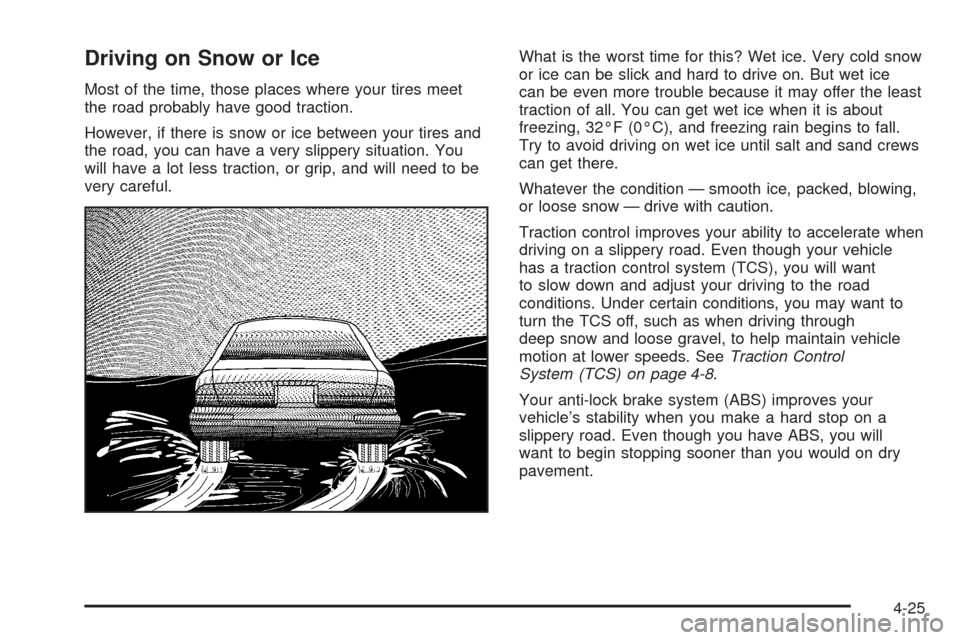
the road probably have good traction.
However, if there is snow or ice between your tires and
the road, you can have a very slippery situation. You
will have a lot less traction, or grip, and will need to be
very careful.What is the worst time for this? Wet ice. Very cold snow
or ice can be slick and hard to drive on. But wet ice
can be even more trouble because it may offer the least
traction of all. You can get wet ice when it is about
freezing, 32°F (0°C), and freezing rain begins to fall.
Try to avoid driving on wet ice until salt and sand crews
can get there.
Whatever the condition — smooth ice, packed, blowing,
or loose snow — drive with caution.
Traction control improves your ability to accelerate when
driving on a slippery road. Even though your vehicle
has a traction control system (TCS), you will want
to slow down and adjust your driving to the road
conditions. Under certain conditions, you may want to
turn the TCS off, such as when driving through
deep snow and loose gravel, to help maintain vehicle
motion at lower speeds. SeeTraction Control
System (TCS) on page 4-8.
Your anti-lock brake system (ABS) improves your
vehicle’s stability when you make a hard stop on a
slippery road. Even though you have ABS, you will
want to begin stopping sooner than you would on dry
pavement.
4-25