reset CHEVROLET EQUINOX 2007 1.G Owners Manual
[x] Cancel search | Manufacturer: CHEVROLET, Model Year: 2007, Model line: EQUINOX, Model: CHEVROLET EQUINOX 2007 1.GPages: 492, PDF Size: 2.62 MB
Page 154 of 492
&(Delay):Move the lever to this position to set
a delay between wipes.
6(Delay Adjustment):Move the lever to the
delay position to choose a delayed wiping cycle.
Turn the intermittent adjust band down for a longer
delay or up for a shorter delay.
9(Off):Move the lever to this position to turn off
the windshield wipers.
8(Mist):Move the lever all the way down to
mist and release for a single wiping cycle.
The windshield wipers will stop after one wipe and
then return to the original position. If more
wipes are needed, hold the lever on mist longer.
Windshield Washer
{CAUTION:
In freezing weather, do not use your
washer until the windshield is warmed.
Otherwise the washer uid can form ice
on the windshield, blocking your vision.
There is a button marked with the windshield
washer symbol at the end of the windshield wiper
lever. Press this button to spray washer uid
on the windshield. The wipers will run for a few
cycles to clear the window and then either stop
or return to your preset speed. For more wash
cycles, press and hold the button longer.
154
Page 155 of 492
Rear Window Wiper/Washer
The rear wiper and rear wash buttons are located
on the instrument panel above the audio system.
Z(Rear Wiper):Press this button to turn the rear
wiper on and off. When the wiper is on it will run
continuously at a preset speed.
Y(Wash):Press this button to spray washer uid
on the rear window. The window wiper will also
come on. Release the button when enough
uid has been sprayed on the window. The rear
wiper will run a few more cycles after it is released.
If the rear wiper function was already on, prior
to pressing the wash button, it will stay on until the
wiper button is pressed again.
The rear window washer uses the same uid
that is in the windshield washer reservoir.
SeeWindshield Washer Fluid on page 364.
Cruise Control
With cruise control, you can maintain a speed
of about 25 mph (40 km/h) or more without
keeping your foot on the accelerator. This can
really help on long trips. Cruise control does not
work at speeds below 25 mph (40 km/h).
{CAUTION:
Cruise control can be dangerous where
you cannot drive safely at a steady speed.
So, do not use your cruise control on
winding roads or in heavy traffic.
Cruise control can be dangerous on
slippery roads. On such roads, fast
changes in tire traction can cause
excessive wheel slip, and you could lose
control. Do not use cruise control on
slippery roads.
155
Page 173 of 492
Speedometer and Odometer
Your speedometer lets you see your speed
in both miles per hour (mph) and kilometers
per hour (km/h).
Your odometer shows how far your vehicle
has been driven, in either miles (used in the
United States) or kilometers (used in Canada).
Your vehicle has a tamper resistant odometer.
The digital odometer will read 999,999 if someone
tries to turn it back.
You may wonder what happens if your vehicle
needs a new odometer installed. If the new
one can be set to the mileage total of the old
odometer, then it must be. If not, then it is set at
zero and a label must be put on the driver’s door
to show the old mileage reading when the new
odometer was installed.
Trip Odometer
Your trip odometer is located in the Driver
Information Center and shows how far your vehicle
has been driven since the trip odometer was
last reset. For more information seeDIC Operation
and Displays on page 193.
Tachometer
The tachometer shows your engine speed in
revolutions per minute (rpm).
Notice:If you operate the engine with the
tachometer in the solid red area, your vehicle
could be damaged. The damages would
not be covered by your warranty. Do not
operate the engine in the solid red area.
Safety Belt Reminder Light
When the key is turned to RUN or START, a
chime will come on for several seconds to remind
people to fasten their safety belts, unless the
driver’s safety belt is already buckled.
The safety belt light will
also come on and stay
on for several seconds,
then it will ash for
several more.
If the driver’s belt is already buckled, neither the
chime nor the light will come on.
173
Page 180 of 492
Anti-Lock Brake System
Warning Light
With the Anti-Lock
Brake System (ABS),
the light will come
on when your engine is
started and stay on
for several seconds.
This is normal.
If the ABS warning light comes on and stays on,
there may be a problem with the anti-lock
portion of the brake system. If the brake system
warning light is not on, you still have brakes,
but you do not have anti-lock brakes. SeeBrake
System Warning Light on page 178for more
information.If the light stays on, turn the ignition to LOCK.
If the light comes on when you are driving, stop as
soon as possible and turn the ignition off. Then
start the engine again to reset the system. If
the light still stays on, or comes on again while
you are driving, your vehicle needs service. If the
regular brake system warning light is not on,
you still have brakes, but you do not have anti-lock
brakes. If the regular brake system warning light
is also on, you do not have anti-lock brakes
and there is a problem with your regular brakes.
SeeBrake System Warning Light on page 178for
more information.
The ABS warning light should come on briey
when you turn the ignition key to RUN. If the light
does not come on then, have it xed so it will
be ready to warn you if there is a problem.
180
Page 187 of 492
If the vehicle is idling at a stop sign, the light
may blink on and then off.
If you make a hard stop, the light may come
on for a moment. This is normal.
{CAUTION:
Do not keep driving if the oil pressure is
low. If you do, your engine can become so
hot that it catches re. You or others could
be burned. Check your oil as soon as
possible and have your vehicle serviced.
Notice:Lack of proper engine oil maintenance
may damage the engine. The repairs would
not be covered by your warranty. Always follow
the maintenance schedule in this manual for
changing engine oil.
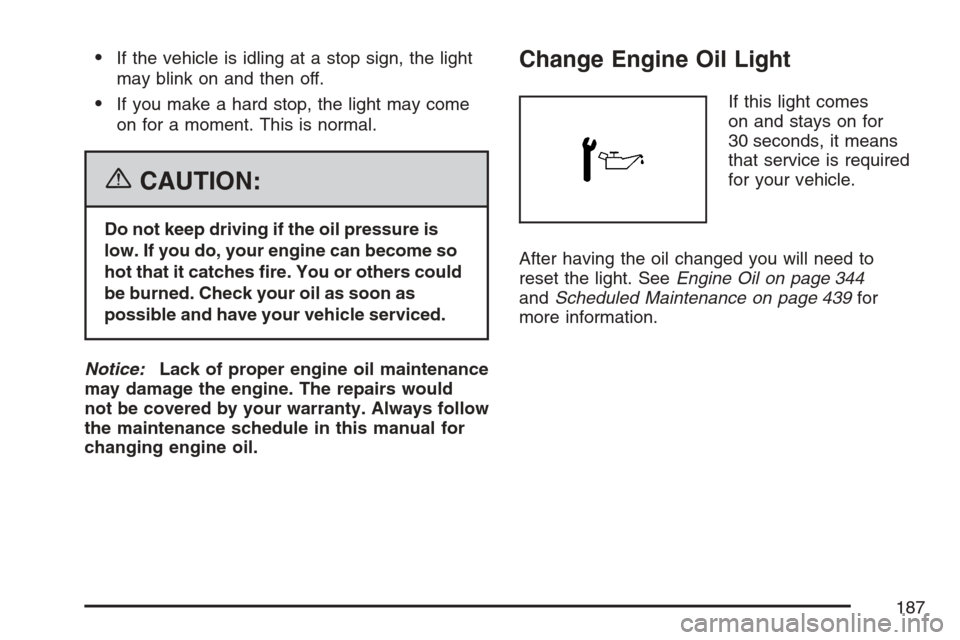
Change Engine Oil Light
If this light comes
on and stays on for
30 seconds, it means
that service is required
for your vehicle.
After having the oil changed you will need to
reset the light. SeeEngine Oil on page 344
andScheduled Maintenance on page 439for
more information.
187
Page 190 of 492
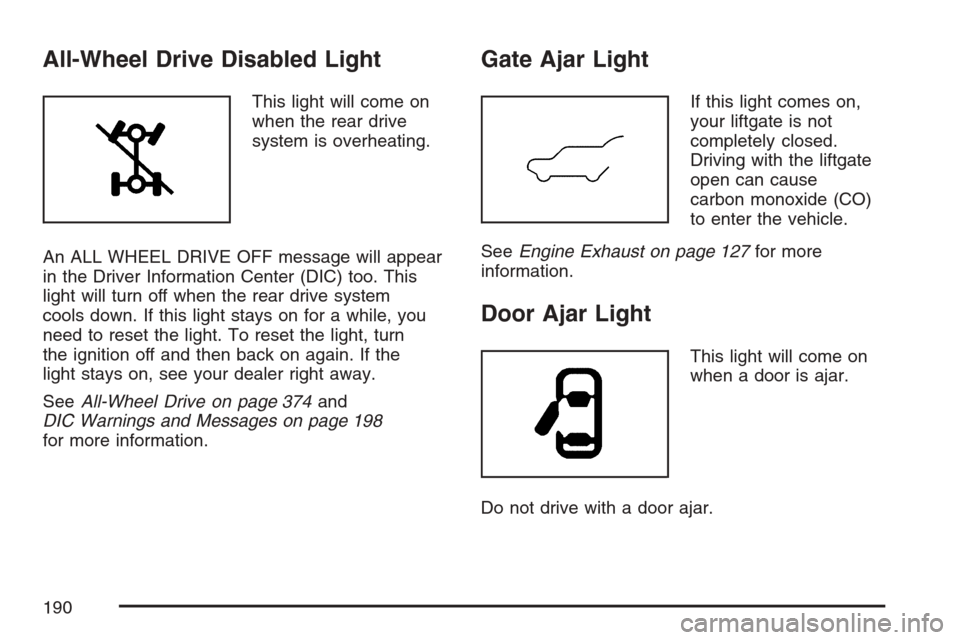
All-Wheel Drive Disabled Light
This light will come on
when the rear drive
system is overheating.
An ALL WHEEL DRIVE OFF message will appear
in the Driver Information Center (DIC) too. This
light will turn off when the rear drive system
cools down. If this light stays on for a while, you
need to reset the light. To reset the light, turn
the ignition off and then back on again. If the
light stays on, see your dealer right away.
SeeAll-Wheel Drive on page 374and
DIC Warnings and Messages on page 198
for more information.
Gate Ajar Light
If this light comes on,
your liftgate is not
completely closed.
Driving with the liftgate
open can cause
carbon monoxide (CO)
to enter the vehicle.
SeeEngine Exhaust on page 127for more
information.
Door Ajar Light
This light will come on
when a door is ajar.
Do not drive with a door ajar.
190
Page 193 of 492
DIC Operation and Displays
The DIC has different displays which can be
accessed by pressing the DIC buttons located
on the center of the instrument panel.
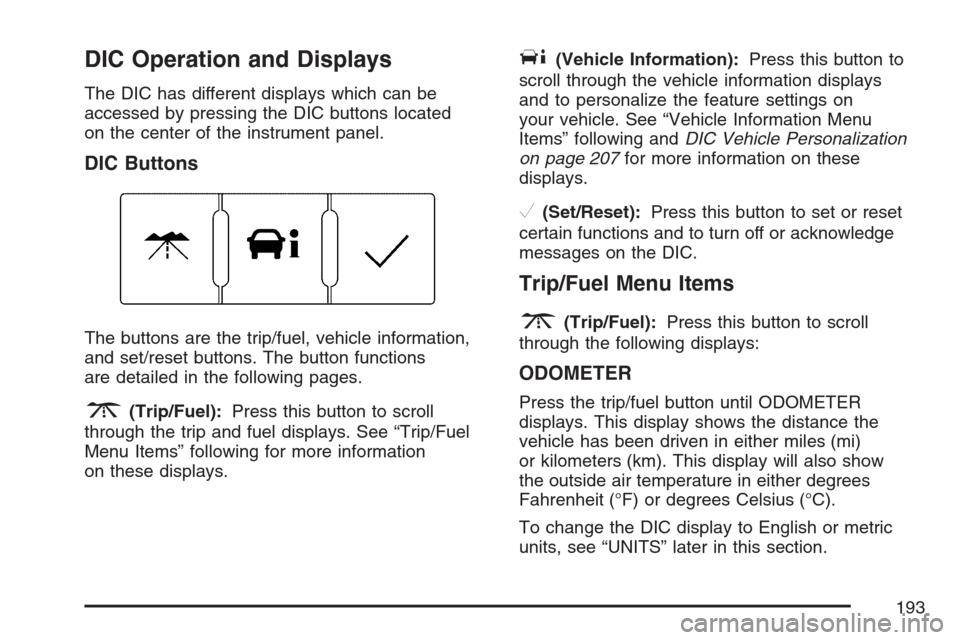
DIC Buttons
The buttons are the trip/fuel, vehicle information,
and set/reset buttons. The button functions
are detailed in the following pages.
3(Trip/Fuel):Press this button to scroll
through the trip and fuel displays. See “Trip/Fuel
Menu Items” following for more information
on these displays.
T(Vehicle Information):Press this button to
scroll through the vehicle information displays
and to personalize the feature settings on
your vehicle. See “Vehicle Information Menu
Items” following andDIC Vehicle Personalization
on page 207for more information on these
displays.
V(Set/Reset):Press this button to set or reset
certain functions and to turn off or acknowledge
messages on the DIC.
Trip/Fuel Menu Items
3
(Trip/Fuel):Press this button to scroll
through the following displays:
ODOMETER
Press the trip/fuel button until ODOMETER
displays. This display shows the distance the
vehicle has been driven in either miles (mi)
or kilometers (km). This display will also show
the outside air temperature in either degrees
Fahrenheit (°F) or degrees Celsius (°C).
To change the DIC display to English or metric
units, see “UNITS” later in this section.
193
Page 194 of 492
TRIP
Press the trip/fuel button until TRIP displays. This
display shows the current distance traveled in
either miles (mi) or kilometers (km) since the last
reset for each trip odometer. Both trip odometers
can be used at the same time. This display
will also show the outside air temperature in either
degrees Fahrenheit (°F) or degrees Celsius (°C).
Each trip odometer can be reset to zero separately
by pressing the set/reset button while the desired
trip odometer is displayed.
AVERAGE SPEED
Press the trip/fuel button until AVERAGE SPEED
displays. This display shows the average speed
of the vehicle in miles per hour (mph) or kilometers
per hour (km/h). This average is calculated
based on the various vehicle speeds recorded
since the last reset of this value. To reset
the value, press and hold the set/reset button.
The display will return to zero.
AVG (Average) ECONOMY
Press the trip/fuel button until AVG ECONOMY
displays. This display shows the approximate
average miles per gallon (mpg) or liters per
100 kilometers (L/100 km). This number is
calculated based on the number of mpg (L/100 km)
recorded since the last time this menu item was
reset. To reset this display, press and hold the
set/reset button. The display will return to zero.
RANGE
Press the trip/fuel button until RANGE displays.
This display shows the approximate number
of remaining miles (mi) or kilometers (km) the
vehicle can be driven without refueling.
The fuel range estimate is based on an average of
the vehicle’s fuel economy over recent driving
history and the amount of fuel remaining in the fuel
tank. This estimate will change if driving conditions
change. For example, if driving in traffic and making
frequent stops, this display may read one number,
but if the vehicle is driven on a freeway, the number
may change even though the same amount of fuel
is in the fuel tank.
194
Page 195 of 492
This is because different driving conditions produce
different fuel economies. Generally, freeway driving
produces better fuel economy than city driving.
If your vehicle is low on fuel, the FUEL LEVEL
LOW message will be displayed. See “FUEL
LEVEL LOW” underDIC Warnings and Messages
on page 198for more information.
Blank Display
This display shows no information.
Vehicle Information Menu Items
T
(Vehicle Information):Press this button to
scroll through the following displays:
OIL LIFE
Press the vehicle information button until OIL LIFE
REMAINING displays. This display shows an
estimate of the oil’s remaining useful life. If you see
99% OIL LIFE REMAINING on the display, that
means 99% of the current oil life remains. The
engine oil life system will alert you to change your
oil on a schedule consistent with your driving
conditions.When the remaining oil life is low, the CHANGE
ENGINE OIL SOON message will appear on the
display. See “CHANGE ENGINE OIL SOON” under
DIC Warnings and Messages on page 198. You
should change your oil as soon as possible. See
Engine Oil on page 344. In addition to the engine
oil life system monitoring the oil life, additional
maintenance is recommended in the Maintenance
Schedule in this manual. SeeScheduled
Maintenance on page 439for more information.
Remember, you must reset the OIL LIFE yourself
after each oil change. It will not reset itself. Also, be
careful not to reset the OIL LIFE accidentally at any
time other than when the oil has just been changed.
It cannot be reset accurately until the next oil
change. To reset the engine oil life system, see
Engine Oil Life System on page 347.UNITS
Press the vehicle information button until UNITS
displays. This display allows you to select between
English or Metric units of measurement. Once in
this display, press the set/reset button to select
between ENGLISH or METRIC units.
195
Page 197 of 492
TIRE LOCATIONS
After rotating the tires or after replacing a tire or
sensor, the system must re-learn the tire positions.
To re-learn the tire positions, seeTire Pressure
Monitor System on page 391. SeeTire Inspection
and Rotation on page 396andDIC Warnings
and Messages on page 198for more information.
RELEARN REMOTE KEY
This display allows you to match the Remote
Keyless Entry (RKE) transmitter to your vehicle.
To match a RKE transmitter to your vehicle,
do the following:
1. Make sure the vehicle is in PARK (P).
2. Press the vehicle information button until
PRESS
VTO RELEARN REMOTE KEY
displays.
3. Press the set/reset button.
The message REMOTE KEY LEARNING
ACTIVE will display.4. Press and hold the lock and unlock buttons
on the rst transmitter at the same time for
about 15 seconds.
A chime will sound indicating that the
transmitter is matched.
5. To match additional transmitters at this time,
repeat Step 3.
Each vehicle can have a maximum of
four transmitters matched to it.
6. To exit the programming mode, you must
cycle the key to LOCK.
Blank Display
This display shows no information.
PERSONALIZATION
This display allows you to personalize the feature
settings on your vehicle. SeeDIC Vehicle
Personalization on page 207for more information.
197