ECU CHEVROLET EXPRESS 1996 1.G User Guide
[x] Cancel search | Manufacturer: CHEVROLET, Model Year: 1996, Model line: EXPRESS, Model: CHEVROLET EXPRESS 1996 1.GPages: 376, PDF Size: 18.83 MB
Page 54 of 376
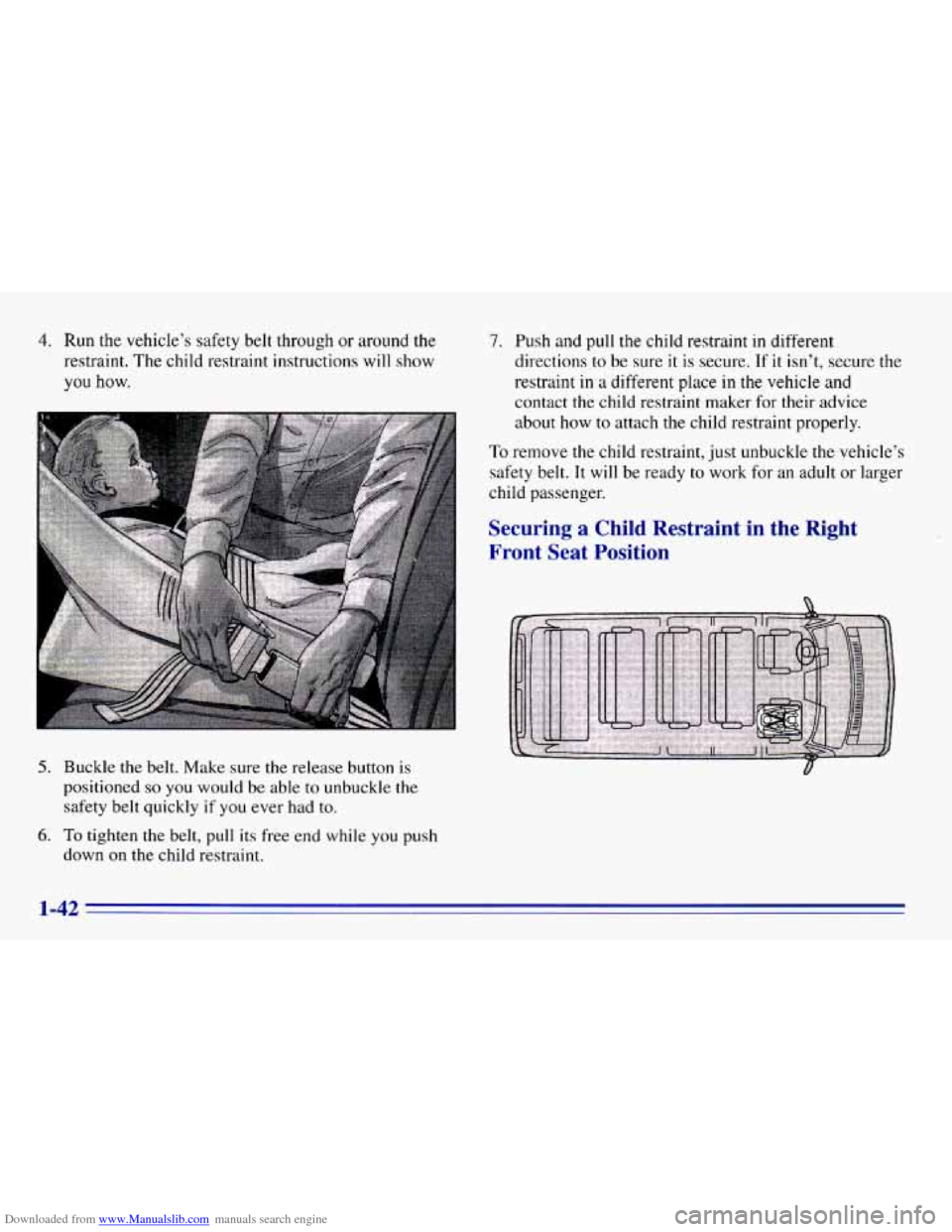
Downloaded from www.Manualslib.com manuals search engine 4. Run the vehicle’s safety belt through or around the
restraint. The child restraint instructions will show
you how.
5. Buckle the belt. Make sure the release button is
positioned
so you would be able to unbuckle the
safety belt quickly
if you ever had to.
6. To tighten the belt, pull its free end while you push
down
on the child restraint.
7. Push and pull the child restraint in different
directions
to be sure it is secure. If it isn’t, secure the
restraint
in a different place in the vehicle and
contact the child restraint maker for their advice
about how
to attach the child restraint properly.
To remove the child restraint, just unbuckle
the vehicle’s
safety belt.
It will be ready to work for an adult or larger
child passenger.
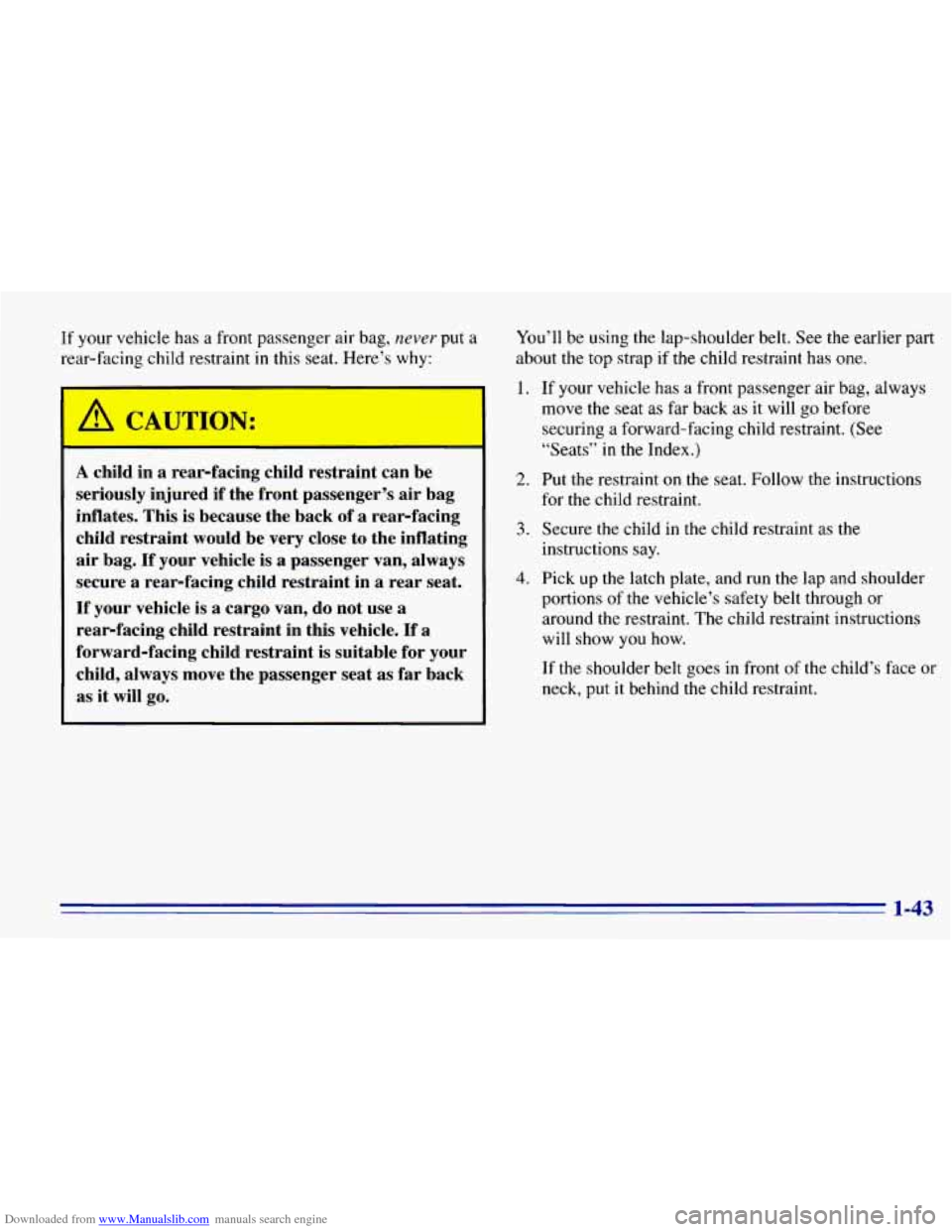
Securing a Child Restraint in the Right
Front Seat Position
1-42
Page 55 of 376
Downloaded from www.Manualslib.com manuals search engine If your vehicle has a front passenger air bag, n.ever put a
rear-facing child restraint
in this seat. Here’s why:
I A CAUTION:
-
A child in a rear-facing child restraint can be
seriously injured
if the front passenger’s air bag
inflates. This
is because the back of a rear-facing
child restraint would be very close to the inflating
air bag.
If your vehicle is a passenger van, always
secure a rear-facing child restraint in a rear seat.
If your vehicle is a cargo van, do not use a
rear-facing child restraint in this vehicle. If a
forward-facing child restraint
is suitable for your
child, always move the passenger seat
as far back
as
it will go.
You’ll be using the lap-shoulder belt. See the earlier part
about
the top strap if the child restraint has one.
1. If your vehicle has a front passenger air bag, always
move the seat as far back as it will go before
securing a forward-facing child restraint. (See
“Seats”
in the Index.)
2. Put the restraint on the seat. Follow the instructions
for the child restraint.
3. Secure the child in the child restraint as the
instructions say.
4. Pick up the latch plate, and run the lap and shoulder
portions of the vehicle’s safety belt through or
around the restraint. The child restraint instructions
will show
you how.
If the shoulder belt goes
in front of the child’s face or
neck, put it behind the child restraint.
1-43
Page 57 of 376
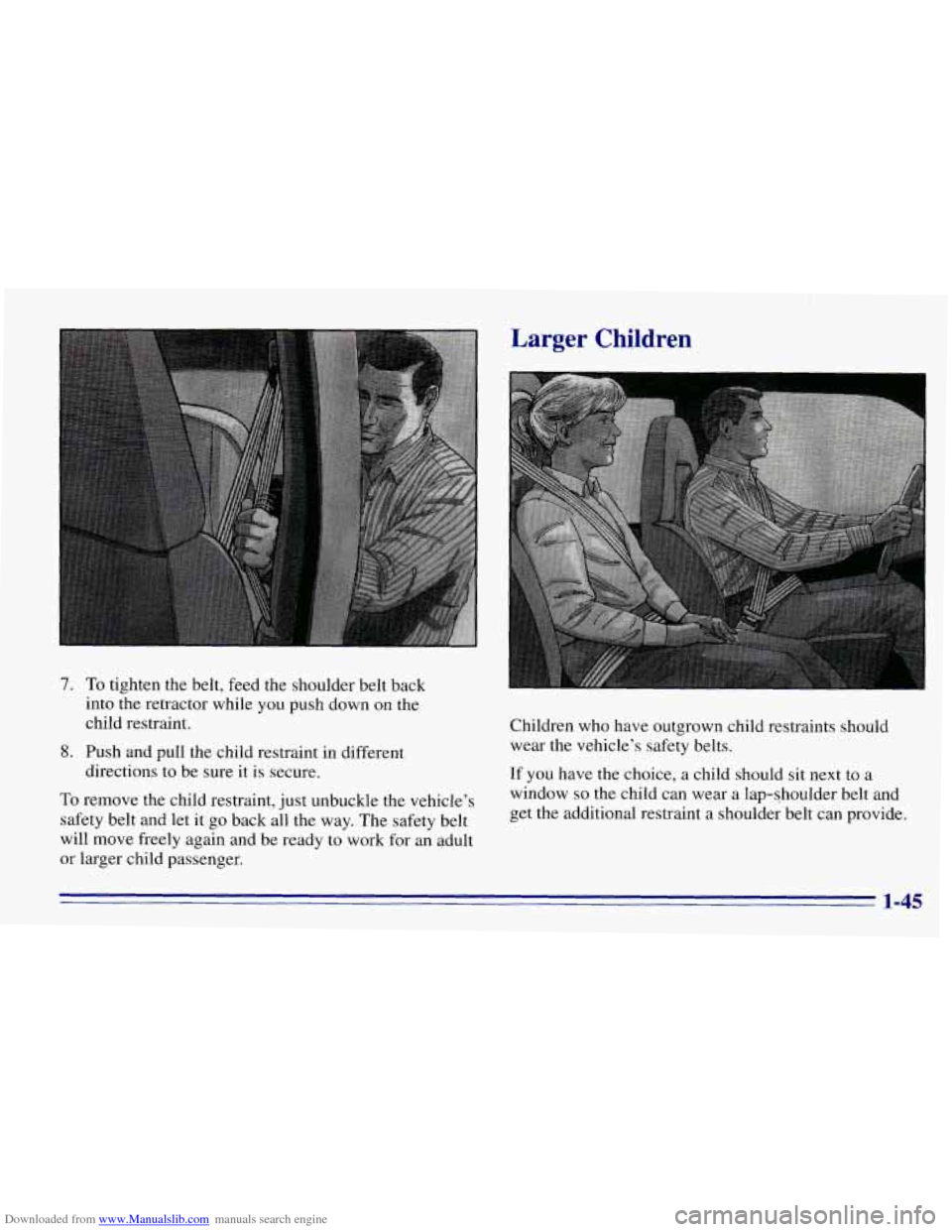
Downloaded from www.Manualslib.com manuals search engine 7. To tighten the belt, feed the shoulder belt back
into the retractor while
you push down on the
child restraint.
8. Push and pull the child restraint in different
directions
to be sure it is secure.
To remove the child restraint, just unbuckle the vehicle’s
safety belt and let it
go back all the way. The safety belt
will move freely again and be ready
to work for an adult
or larger child passenger.
Larger Children
.,
Children who have outgrown child restraints should
wear the vehicle’s safety belts.
If you have the choice, a child should sit next to a
window
so the child can wear a lap-shoulder belt and
get the additional restraint a shoulder belt can provide.
1-45
Page 66 of 376
Downloaded from www.Manualslib.com manuals search engine Child Security Locks
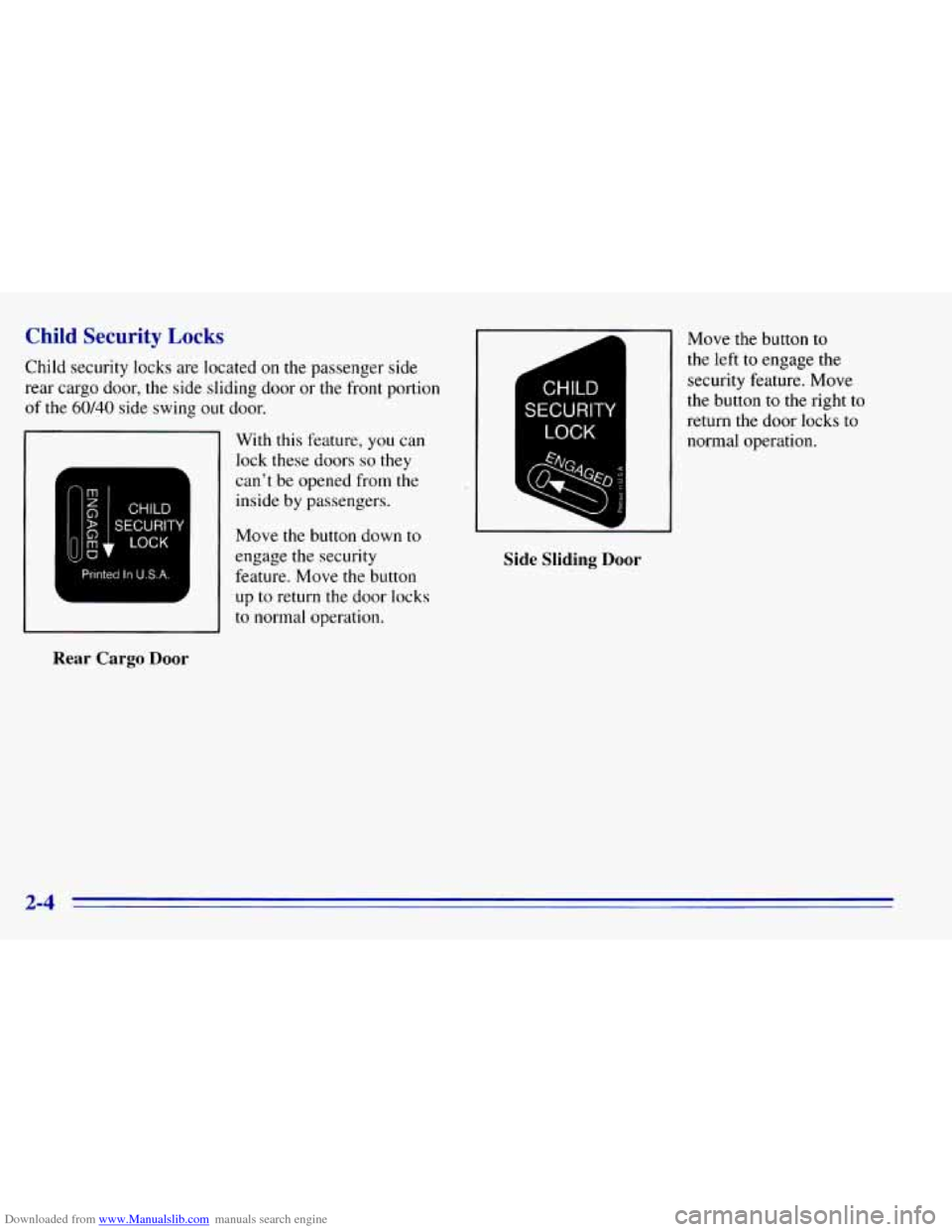
Child security locks are located on the passenger side
rear cargo door, the side sliding door or the front portion
of the
60/40 side swing out door.
11 With this feature, you can
Printed In U.S.A.
I I to normal operation.
Rear Cargo Door
I
Move the button to
the left
to engage the r
CHILD
SECURITY
LOCK
d
security feature. Move
the button
to the right to
return the door locks to
normal operation.
I
Side Sliding Door
2-4
Page 138 of 376
Downloaded from www.Manualslib.com manuals search engine A disc that has been ejected but is still sitting in the
remote CD player will be pulled back into the player
after approximately
30 seconds. This protects the disc
and player from damage. The disc will not start playing.
To remove the disc, press
the EJECT button and remove
the disc from the player.
All of the compact disc functions are controlled by the
radio buttons except for
EJECT. When a disc is in the
player, a
CD symbol will appear on the display. When a
disc is playing,
the letters CD will appear next to the CD
symbol in the bottom left corner. The track number will
also be displayed.
If the disc comes back out and ERR appears on the
display,
it could be that:
0 The disc is upside down.
0 It is dirty, scratched or wet.
0 There’s too much moisture in the air. (Wait about an
hour and try again.)
0 You are driving on a very rough road.
Please contact your dealer if any error recurs or cannot
be corrected.
PREV (1): Press this button to go back to the start of the
current track
if more than eight seconds have played. Press
PREV again to go to the previous track on the disc.
PROG (2): This button is active only when you have
the 12-disc changer.
NEXT (3): Press this button to advance to the next track
on
the disc.
REV (4): Press and hold this button to quickly reverse
within a track (song).
As the CD reverses, elapsed time
will be displayed
to help you find the correct passage.
FWD (6): Press and hold this button to quickly advance
within a track (song). As the CD advances, elapsed time
will be displayed to help you find the correct passage.
SEEK: Press the left arrow while playing a CD to go
back to the start of the current track. It will go back to
the current track
if more than eight seconds have played.
Press
the left arrow again to go to previous tracks. Press
the right arrow to go to the next higher track on the disc.
Page 144 of 376
Downloaded from www.Manualslib.com manuals search engine Activating the Theft-Deterrent Feature
The instructions which follow, explain how to enter your
secret code to activate
the THEFTLOCK system. It is
recommended that you read through all nine steps
before starting the procedure.
NOTE: If
you allow more than 15 seconds to elapse
between any steps, the radio automatically reverts to
time and you must start
the procedure over at Step 4.
1. Write down any three or four-digit number from
000 to 1999 and keep it in a safe place separate from
the vehicle.
2. Turn the ignition to the ACCESSORY or
RUN position.
3. Turn the radio off.
4. Press the 1 and 4 buttons together. Hold them down
until
--- shows on the display. Next you will use the
secret code number which
you have written down.
5. Press MN and 000 will appear on the display.
6. Press MN again to make the last two digits agree
with your code.
7. Press HR to make the first one or two digits agree
with your code.
8. Press AM-FM after you have confirmed that the
code matches
the secret code you have written down.
The display will show REP to
let you know that you
need to repeat Steps
5 through 7 to confirm your
secret code.
9. Press AM-FM and this time the display will show
SEC
to let you know that your radio is secure. The
indicator by the volume control will begin flashing
when the ignition is turned
off.
Page 145 of 376
Downloaded from www.Manualslib.com manuals search engine Unlocking the Theft-Deterrent Feature After a
Power Loss
Enter your secret code as follows; pause no more than
15 seconds between steps:
1.
2.
3.
4.
5.
LOC appears when the ignition is on.
Press MN and 000 will appear on the display.
Press
MN again to make the last two digits agree
with your code.
Press HR
to make the first one or two digits agree
with your code.
Press
AM-FM after you have confirmed that the
code matches the secret code
you have written down.
The display will show SEC, indicating the radio is
now operable and secure.
If you enter the wrong code eight times, INOP will
appear
on the display. You will have to wait an hour
with the ignition
on before you can try again. When you
try again, you will only have three chances to enter the
correct code before INOP appears.
If you lose or forget your code, contact your dealer.
Disabling the Theft-Deterrent Feature
Enter your secret code as follows; pause no more than
15 seconds between steps:
1. Turn the ignition to the ACCESSORY or RUN
position.
2. Turn the radio off.
3. Press the 1 and 4 buttons together. Hold them down
until
SEC shows on the display.
4. Press MN and 000 will appear on the display.
5. Press MN again to make the last two digits agree
with your code.
6. Press HR to make the first one or two digits agree
with your code.
7. Press AM-FM after you have confirmed that the
code matches
the secret code you have written down.
The display will show
---, indicating that the radio is
no longer secured.
3-25
Page 146 of 376
Downloaded from www.Manualslib.com manuals search engine If the code entered is incorrect, SEC will appear on the
display. The radio will remain secured
until the correct
code is entered.
When battery power is disconnected from a secured
radio, the radio won’t
turn on and LOC will appear on
the display.
To unlock a secured radio, see “Unlocking the
Theft-Deterrent Feature After
a Power Loss” earlier in
this section.
Understanding Radio Reception
FM Stereo
FM stereo will give you the best sound. But FM signals
will reach only about 10 to 40 miles (16 to 65 km). Tall
buildings or hills can interfere with FM signals, causing
the sound to come and
go.
AM
The range for most AM stations is greater than for FM,
especially at night. The longer range, however, can
cause stations to interfere
with each other. AM can pick
up noise from things like storms and power lines. Try
reducing the treble
to reduce this noise if you ever get it.
3-26
Page 175 of 376
Downloaded from www.Manualslib.com manuals search engine Winter Driving
Here are some tips for winter driving:
0 Have your vehicle in good shape for winter.
0 You may want to put winter emergency supplies in
your vehicle.
Include an ice scraper, a small brush or broom, a supply
of windshield washer fluid, a rag, some winter outer
clothing, a small shovel, a flashlight, a red cloth and a
couple
of reflective warning triangles. And, if you will
be driving under severe conditions, include a small bag
of sand, a piece
of old carpet or a couple of burlap bags
to help provide traction. Be sure
you properly secure
these items in your vehicle.
Driving on Snow or Ice
Most of the time, those places where your tires meet the
road probably have good traction.
However,
if there is snow or ice between your tires and
the road, you can have a very slippery situation. You’ll
have a
lot less traction or “grip” and will need to be
very careful. What’s
the worst time
for this‘? “Wet ice.” Very cold
snow or ice can
be slick and hard to drive on. But wet
ice can be even more trouble because it may offer the
least traction
of all. You can get wet ice when it’s about
freezing
(32°F; 0°C) and freezing rain begins to fall.
Try to avoid driving on wet ice until salt and sand crews
can get there.
4-23
Page 179 of 376
Downloaded from www.Manualslib.com manuals search engine The Certification/Tire label also tells you the maximum
weights for the front and rear axles, called Gross Axle
Weight Rating (GAWR).
To fine out the actual loads
on your front and rear axles, you need to go to a weigh
station and weigh your vehicle. Your dealer can help
you with this. Be sure to spread out your load equally
on both sides
of the centerline.
Never exceed the GVWR
for your vehicle, or the
GAWR for either the front or rear axle.
And,
if you do have a heavy load, you should spread
it out.
Do not load your vehicle any heavier than
the
GVWR, or either the maximum front or
rear
GAWR. If you do, parts on your vehicle
can break, or it can change the
way your
vehicle handles. These could cause you to lose
control.
Also, overloading can shorten the life
of your vehicle.
A CAUTION:
Things you put inside your vehicle can strike
and injure people
in a sudden stop or turn, or
in
a crash.
Put things in the cargo area of your vehicle.
Try to spread the weight evenly.
1 Never stack heavier things, like suitcases,
~ inside the vehicle so that some of them are
above the tops of the seats.
Don’t leave an unsecured child restraint in
your vehicle.
When you carry something inside the
vehicle, secure it whenever you can.
Don’t leave a seat folded down unless you
need to.
I
4-27