set clock CHEVROLET EXPRESS 1996 1.G Owners Manual
[x] Cancel search | Manufacturer: CHEVROLET, Model Year: 1996, Model line: EXPRESS, Model: CHEVROLET EXPRESS 1996 1.GPages: 376, PDF Size: 18.83 MB
Page 98 of 376
Downloaded from www.Manualslib.com manuals search engine Rotate the switch knob clockwise again to the master
lighting symbol
to turn on all the lamps listed as well as
the headlamps.
Rotate the switch counterclockwise to
OFF to turn off
your lamps.
Rotate the thumb wheel next
to the switch knob up to
adjust instrument panel lights. Rotate the thumb wheel up
to the first notch to return the radio display and gearshift
indicator display
to full intensity when the headlamps or
parking lamps are
on.
Rotate the thumb wheel up to the second notch to
activate the interior dome lamps.
You can switch your headlamps from high to low beam
by pulling
on the turn signalhigh beam lever.
A circuit breaker protects your headlamps. If you have
an electrical overload, your headlamps will flicker on
and off. Have your headlamp wiring checked right away
if this happens.
Headlamps On Reminder
A buzzer will sound when your headlamps are turned on
and your ignition is in OFF, LOCK or ACCESSORY.
If
you need to use your headlamps when the ignition
switch is in
OFF, LOCK or ACCESSORY, the buzzer
can be turned off by turning the thumb wheel next to the
parking lampheadlamp switch all the way down.
Daytime Running Lamps (If Equipped)
Daytime Running Lamps (DRL) can make it easier for
others
to see the front of your vehicle during the day.
DRL can be helpful in many different driving
conditions, but they can be especially helpful in the
short periods after dawn and before sunset.
The DRL system will make your headlamps come
on at
a reduced brightness when:
0 The ignition is on,
The headlamp switch is off and
0 The parking brake is released.
If your vehicle was first sold, when new, in Canada,
your headlamps will come
on at reduced brightness.
2-36
Page 122 of 376
Downloaded from www.Manualslib.com manuals search engine Fan Knob Mode Knob
The knob on the left side of the heating system control
panel controls the fan speed. The knob has four speed
positions. To increase airflow, move the knob toward
HI. To decrease airflow, move it toward LO. To turn the
fan off, move the knob to OFF.
Temperature
Knob
The middle knob lets you select the relative temperature
of the air flowing into the passenger area of your
vehicle. This knob will allow
you to adjust the relative
air temperature independently
of the function knob
setting. Move the knob clockwise
to the red area for
warmer air. Move the knob counter clockwise to
the
blue area for cooler air. The
right knob changes the heater setting.
+a
/J VENT: This setting directs air through the
instrument panel vents.
’# VENTMEAT Use this setting to divide airflow
between the heater
floor vents and instrument panel vents.
+” HEAT This setting directs air through the heater
floor vents. This setting is useful for cold weather.
’’ HEAT/DEFROST Use this setting to divide
airflow between the heater floor vents and windshield.
+e
e
Wa
DEFROST This setting with the defrost symbol
directs air through the windshield defroster vents.
This setting
is useful when you have fog or ice on
the windshield.
3-2
Page 123 of 376
Downloaded from www.Manualslib.com manuals search engine Heater/Air Conditioning Controls
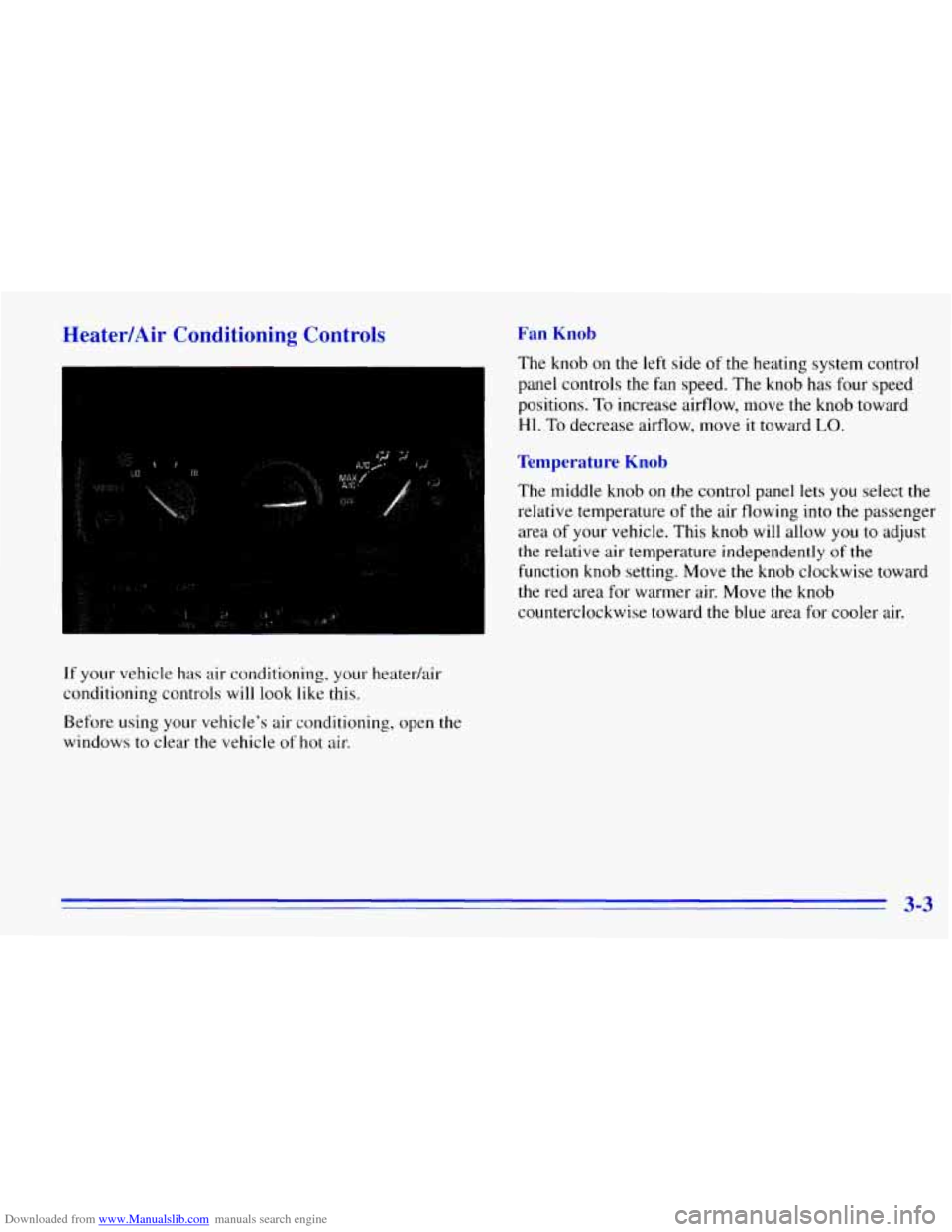
If your vehicle has air conditioning, your heaterhir
conditioning controls will look like this.
Before using
your vehicle’s air conditioning, open the
windows to clear the vehicle
of hot air.
Fan Knob
The knob on the left side of the heating system control
panel controls the fan speed. The knob has four speed
positions.
To increase airflow, move the knob toward
HI. To decrease airflow, move it toward LO.
Temperature Knob
The middle knob on the control panel lets you select the
relative temperature of the air flowing into the passenger
area
of your vehicle. This knob will allow you to adjust
the relative air temperature independently
of the
function knob setting. Move the knob clockwise toward
the red area for warmer air. Move the knob
counterclockwise toward the blue area
for cooler air.
3-3
Page 124 of 376
Downloaded from www.Manualslib.com manuals search engine Mode Knob
The right knob on the control panel changes the
heatedair conditioning setting.
MAX A/C: With A/C on, move the right knob to
MAX A/C for maximum cooling. This setting puts the
system in the recirculation mode and helps to maximize
your air conditioner’s performance and your vehicle’s
fuel economy. This setting also cools the air the fastest.
After the vehicle’s interior reaches
a comfortable
temperature, move
the knob clockwise to place the air
conditioning system
in the A/C mode.
A/C: Use for normal cooling on hot days. This setting
cools outside air and directs it through the instrument
panel outlets.
+e
@ VENT: This setting, with the arrow pointing at
the figure’s head, directs air through the instrument
panel
vents.
+e
‘N VENTMEAT Use this setting, with the arrows
pointing at
the figure’s feet and head, to divide
airflow between the heater floor vents and instrument
panel vents.
+# HEAT This setting, with the arrow pointing at the
figure’s feet, directs air through the heater floor vents.
This setting is useful for cold weather.
U
?# HEATDEFROST Use this setting, with the
arrow pointing at the figure’s feet and the defroster
symbol near the figure’s head,
to divide airflow between
the heater
floor vents and windshield.
0
WO
DEFROST This setting with the defrost symbol
directs
air through the windshield defroster vents.
This setting is
useful when you have fog or ice on
the windshield.
3-4
Page 126 of 376
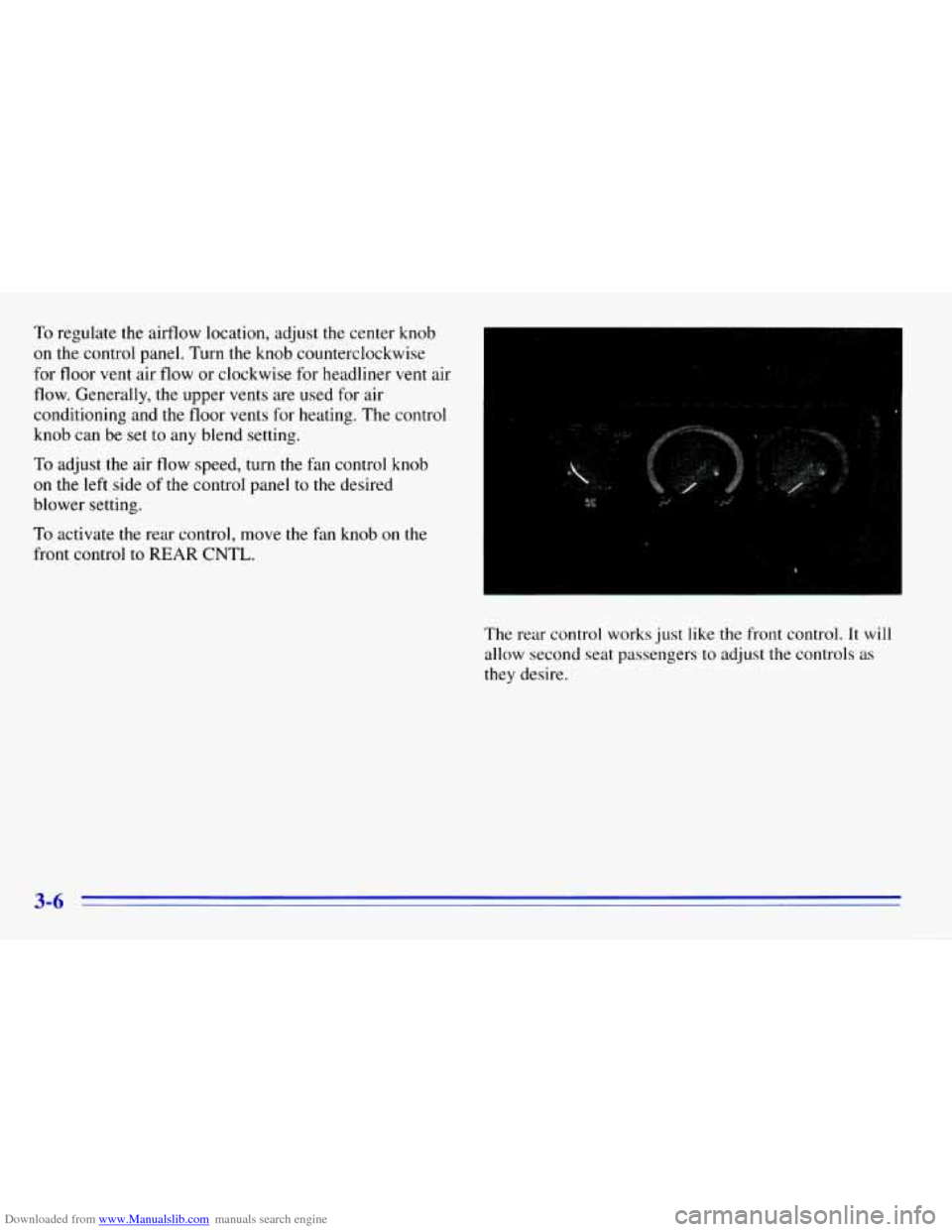
Downloaded from www.Manualslib.com manuals search engine To regulate the airflow location, adjust the center knob
on the control panel. Turn the knob counterclockwise
for floor vent air flow or clockwise for headliner
vent air
flow. Generally, the upper vents are used for air
conditioning and the floor vents for heating. The control
knob can be set to any blend setting.
To adjust the air flow speed, turn the fan control knob
on
the left side of the control panel to the desired
blower setting.
To activate the rear control, move the fan knob on the
front control
to REAR CNTL.
The rear control works just like the front control. It will
allow second seat passengers to adjust the controls as
they desire.
3-6
Page 129 of 376
Downloaded from www.Manualslib.com manuals search engine Audio Systems
Your DelcoB audio system has been designed to operate
easily and give years
of listening pleasure. You will get
the most enjoyment
out of it if you acquaint yourself
with it first. Find out what your Delco system can do
and how to operate all its controls, to be sure you're
getting the most
out of the advanced engineering that
went
into it.
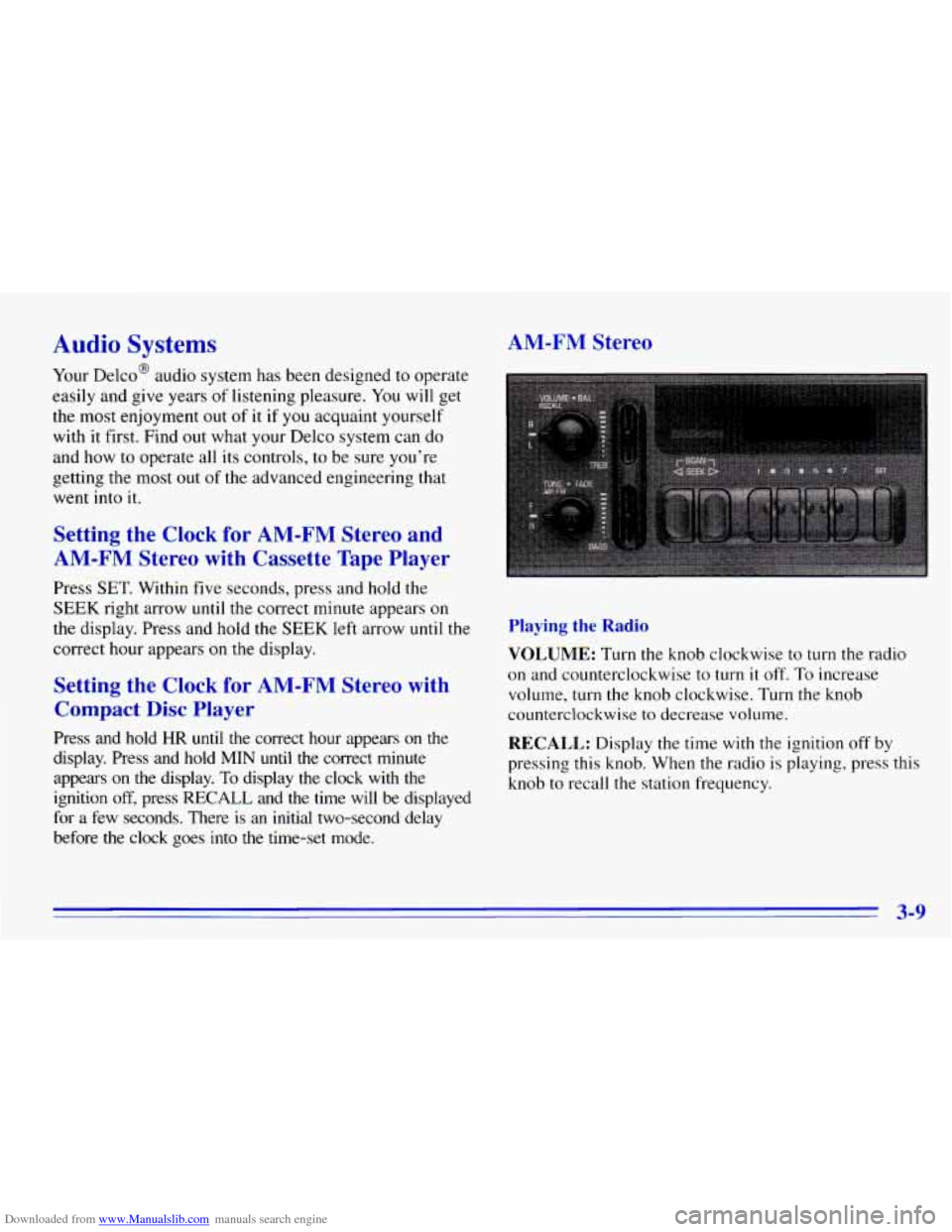
AM-FM Stereo
Setting the
Clock for AM-FM Stereo and
AM-FM Stereo with Cassette Tape Player
Press SET. Within five seconds, press and hold the
SEEK right arrow until the correct minute appears on
the display. Press and hold the SEEK left arrow until the
correct hour appears
on the display.
Setting the Clock for AM-FM Stereo with
Compact Disc Player
Press and hold HR until the correct hour appears on the
display. Press and hold MIN until the correct minute
appears on the display.
To display the clock with the
ignition
off, press RECALL and the time will be displayed
for a few seconds. There is
an initial two-second delay
before the clock goes into the time-set mode.
Playing the Radio
VOLUME: Turn the knob clockwise to turn the radio
on and counterclockwise to turn
it off. To increase
volume, turn the knob clockwise. Turn the knob
counterclockwise to decrease volume.
RECALL: Display the time with the ignition off by
pressing this knob. When the radio
is playing, press this
knob
to recall the station frequency.
3-9
Page 131 of 376
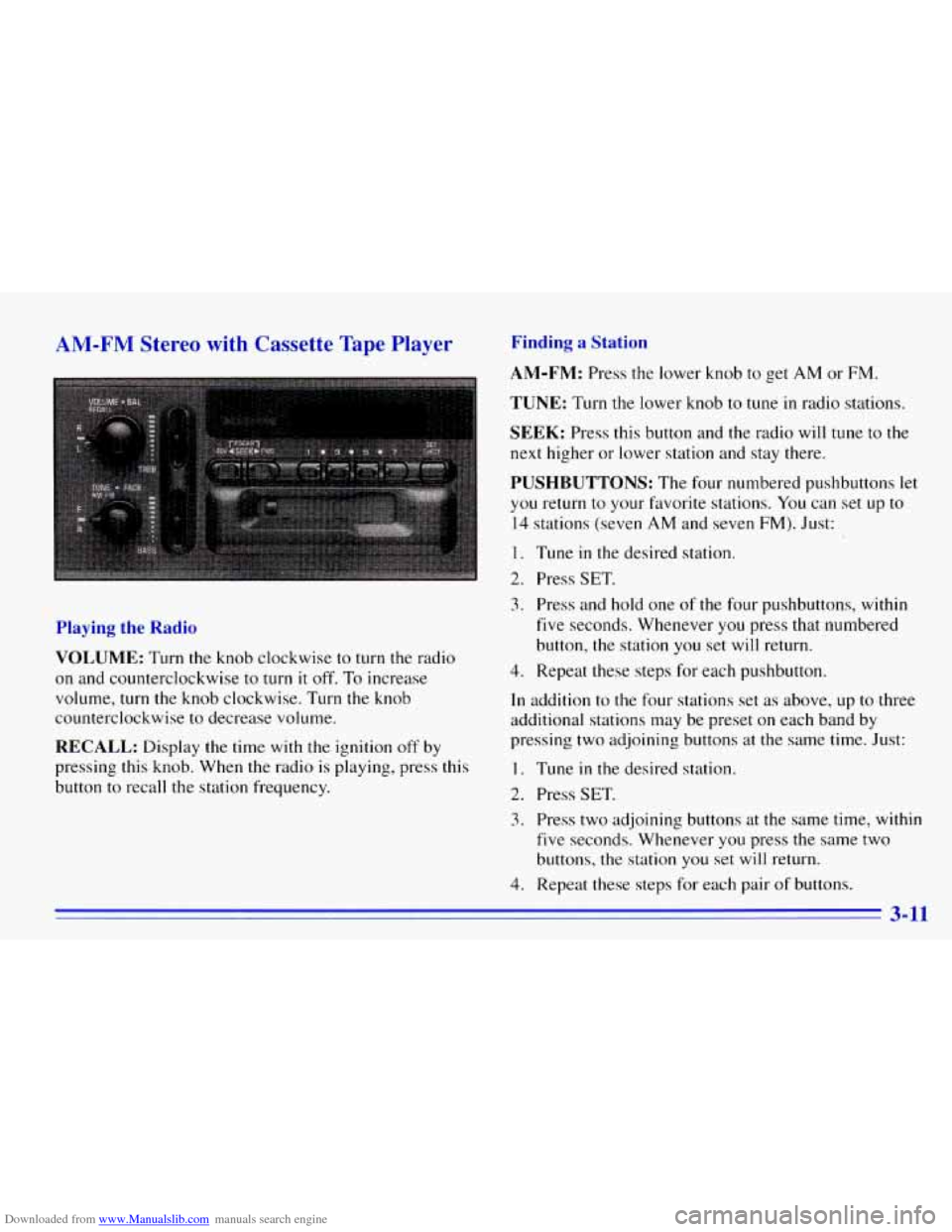
Downloaded from www.Manualslib.com manuals search engine AR [ Stereo with Cassette Tape Finding a Station
Playing the
Rt
VOLUME: Turn the knob clockwise to turn the radio
on and counterclockwise to turn it off. To increase
volume, turn the knob clockwise. Turn the knob
counterclockwise to decrease volume.
RECALL: Display the time with the ignition off by
pressing this knob. When the radio
is playing, press this
button to recall the station frequency.
4. Repeat these steps for each pair of buttons.
AM-FM: Press the lower knob to get AM or FM.
TUNE: Turn the lower knob to tune in radio stations.
SEEK: Press this button and the radio will tune to the
next higher or lower station and stay there.
PUSHBUTTONS: The four numbered pushbuttons let
you return to your fmorite stations. You can set up to
14 stations (seven AM and seven FM). Just:
I. Tune in the desired station.
2. Press SET.
3. Press and hold one of the four pushbuttons, within
five seconds. Whenever
you press that numbered
button, the station you set will return.
4. Repeat these steps for each pushbutton.
In addition to the four stations set as above, up to three
additional stations may be preset on each band by
pressing two adjoining buttons at the same time. Just:
1. Tune in the desired station.
2. Press SET.
3. Press two adjoining buttons at the same time, within
five seconds. Whenever you press the same two
buttons, the station
you set will return.
3-11
Page 133 of 376
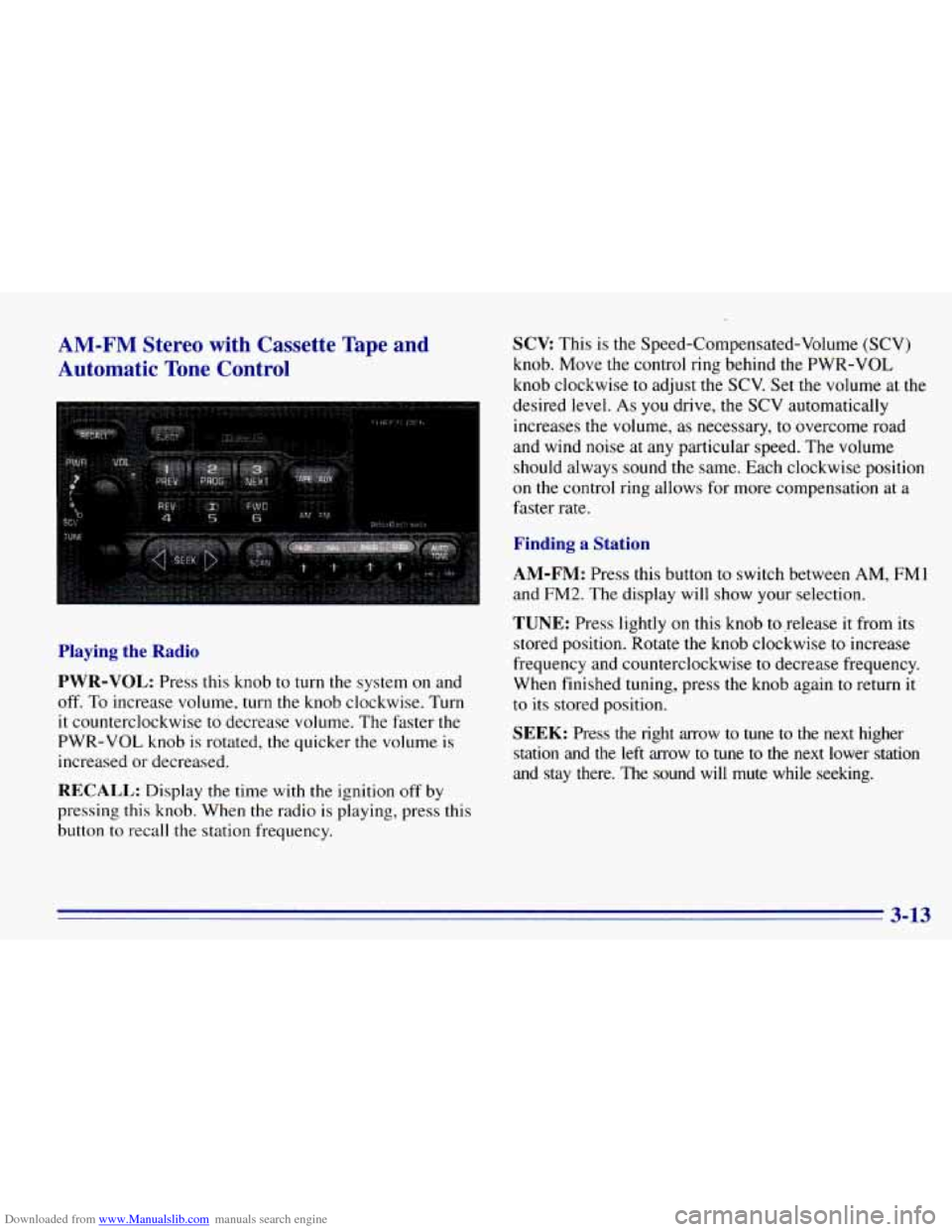
Downloaded from www.Manualslib.com manuals search engine AM-FM Stereo with Cassette Tape and
Automatic Tone Control
Playing the Radio
PWR-VOL:
Press this knob to turn the system on and
off. To increase volume, turn the knob clockwise. Turn
it counterclockwise to decrease volume. The faster the
PWR-VOL knob is rotated, the quicker the volume is
increased or decreased.
RECALL: Display the time with the ignition off by
pressing this knob. When the radio is playing, press this
button
to recall the station frequency.
SCV This is the Speed-Compensated-Volume (SCV)
knob. Move the control ring behind the PWR-VOL
knob clockwise to adjust the
SCV. Set the volume at the
desired level.
As you drive, the SCV automatically
increases the volume,
as necessary, to overcome road
and wind noise at
any particular speed. The volume
should always sound the same. Each clockwise position
on the control ring allows for more compensation at a
faster rate.
Finding a Station
AM-FM:
Press this button to switch between AM, FMl
and FM2. The display will show your selection.
TUNE: Press lightly on this knob torelease it from its
stored position. Rotate the knob clockwise
to increase
frequency and counterclockwise
to decrease frequency.
When finished tuning, press the knob again to return it
to its stored position.
SEEK: Press the right arrow to tune to the next higher
station and the left arrow to tune
to the next lower station
and stay there.
The sound will mute while seeking.
3-13
Page 135 of 376
Downloaded from www.Manualslib.com manuals search engine Setting the Tone Adjusting the Speakers
BASS: Press lightly on this knob to release it from its
stored position. Turn the knob clockwise to increase the
bass and counterclockwise to decrease the bass. When
the BASS control is rotated, the AUTO TONE setting
will change to
MAN.
TREB: Press lightly on the TREB knob to release it
from its stored position. Turn the knob clockwise to
increase the treble and counterclockwise to decrease the
treble. When the TREB control is rotated, the AUTO
TONE setting will change to MAN.
Push these knobs back
in to their stored position when
you’re
not using them.
AUTO TONE: Press this button to select among the
five preset equalization settings and tailor the sound to
the music or voice being heard. Each time you press the
button, the selection will switch
to one of the preset
settings
of CLASSIC, NEWS, ROCK, POP or JAZZ. To
return to the manual mode, press and release this button
until MAN appears on the display. This will return the
tone adjustment to the TREB and BASS controls. If a
TREB or BASS control is rotated, the AUTO TONE
setting will change
to MAN.
BAL: Press this button to remove the control from its
stored position. Turn the control clockwise to adjust
sound
to the right speakers and counterclockwise to
adjust sound to
the left speakers. Press the button again
to return BAL to its stored position.
FADE: Press this button to remove the control from its
stored position. Turn
the control clockwise to adjust the
sound
to the front and counterclockwise for rear
speakers. Press the button again to return FADE to its
stored position.
Playing a Cassette Tape
Your tape player is built to work best with tapes that are
30 to 45 minutes long on each side. Tapes longer than
that are
so thin they may not work well in this player.
To load a cassette tape with the ignition off, press EJECT
or RECALL. Then, insert the cassette tape.
If the ignition
is on but the radio is off, the tape will begin playing.
The player automatically senses
if the cassette tape is
metal
or Cr02 and adjusts for best playback sound.
For metal tapes,
the double-D symbol will appear on
the display.
Page 139 of 376
Downloaded from www.Manualslib.com manuals search engine TAPE AUX: With a disc loaded in the player and the
radio playing, press
this button once to play the compact
disc.
To return to playing the radio, press AM-FM. If
both a cassette tape and CD are loaded, press TAPE
AUX to switch between the tape and compact disc.
RANDOM: Press P.SCAN to enter the random play
mode. RANDOM will appear
on the display. While in
this mode, the tracks on the discs will be played in
random order. If you press SEEK, PREV or NEXT
while
in the random mode, the PREV or NEXT track
will be scanned randomly. Press P.SCAN again to
turn
off RANDOM and return to normal operation.
RECALL: Press this button to see what track
is currently playing. Press RECALL again
within
five seconds to see how long the track has been playing.
When a new track starts to play,
the track number will
also appear. Press RECALL a third time and the time of
day will be displayed.
EJECT Press this button on the remote player to eject a
compact disc.
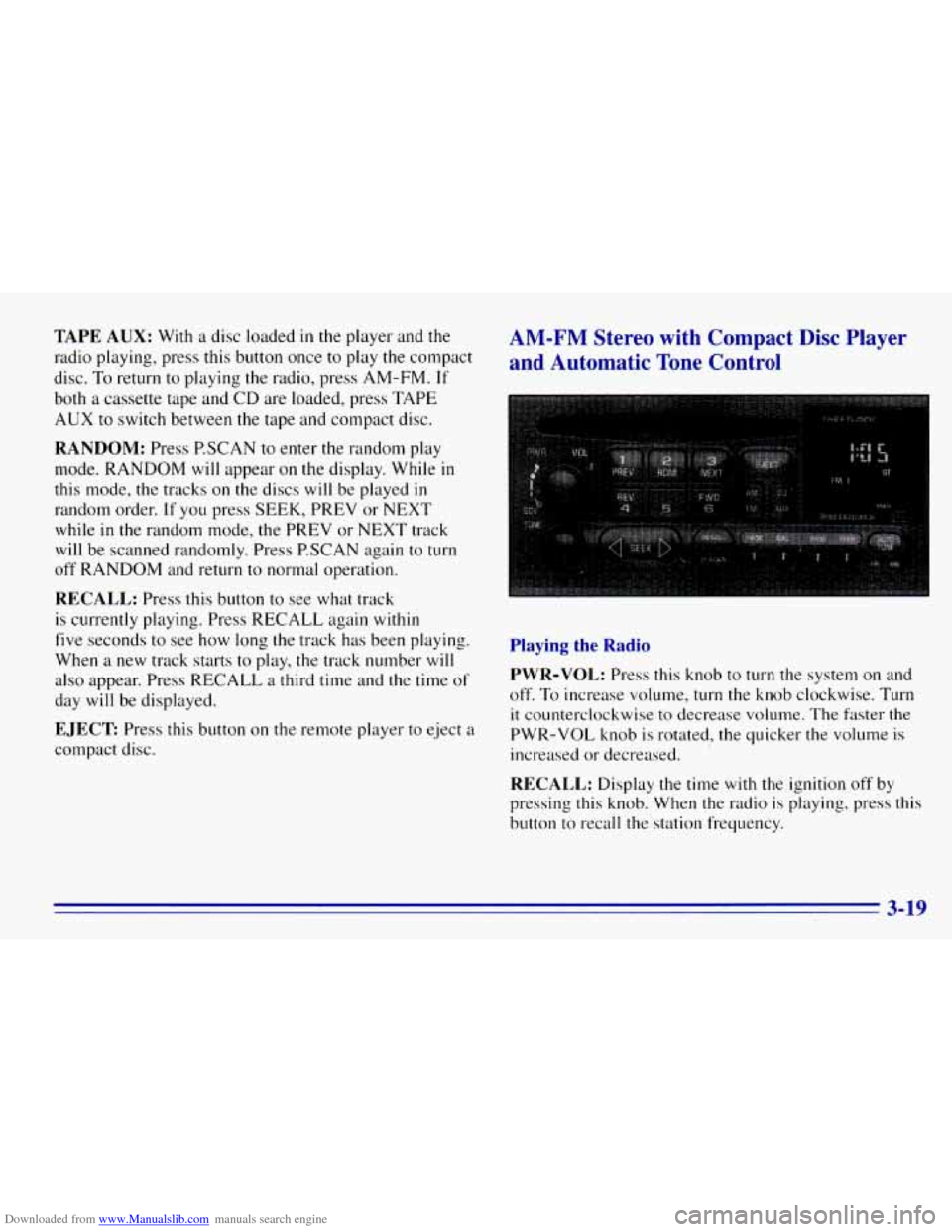
AM-FM Stereo with Compact Disc Player
and Automatic Tone Control
Playing the Radio
PWR-VOL:
Press this knob to turn the system on and
off.
To increase volume, turn the knob clockwise. Turn
it counterclockwise to decrease volume. The faster the
PWR-VOL knob is rotated, the quicker the volume is
increased or decreased.
RECALL: Display the time with the ignition off by
pressing
this knob. When the radio is playing, press this
button to recall the station frequency.
3-19