traction control CHEVROLET EXPRESS 2019 Owner's Manual
[x] Cancel search | Manufacturer: CHEVROLET, Model Year: 2019, Model line: EXPRESS, Model: CHEVROLET EXPRESS 2019Pages: 373, PDF Size: 5.57 MB
Page 5 of 373
Chevrolet Express Owner Manual (GMNA-Localizing-U.S./Canada/Mexico-
12146162) - 2019 - crc - 11/26/18
4 Introduction
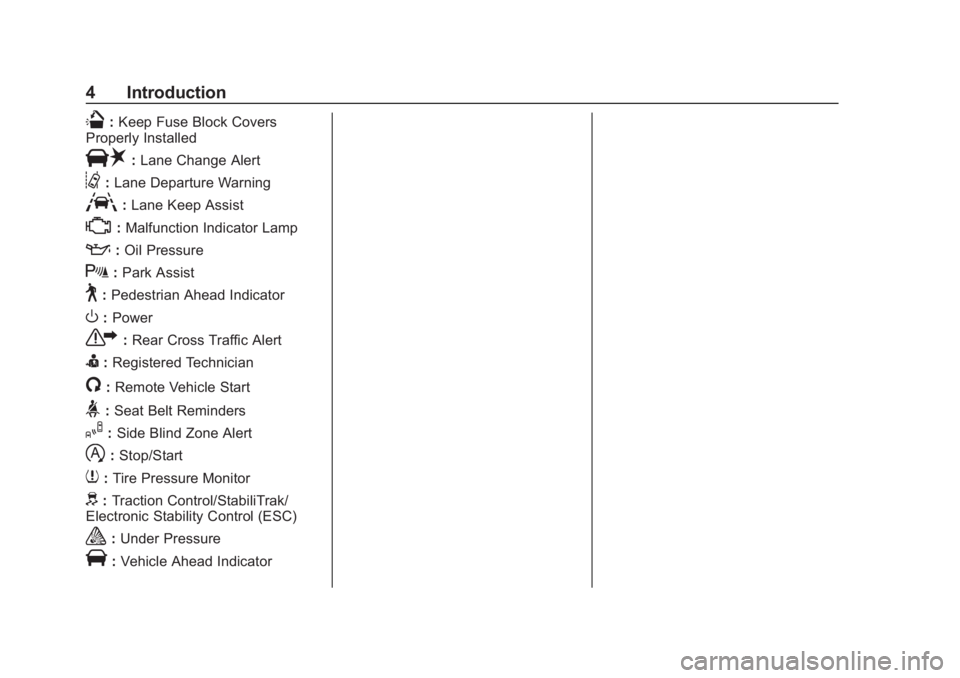
Q:Keep Fuse Block Covers
Properly Installed
|: Lane Change Alert
@:Lane Departure Warning
A:Lane Keep Assist
*:Malfunction Indicator Lamp
::Oil Pressure
X:Park Assist
~:Pedestrian Ahead Indicator
O:Power
7: Rear Cross Traffic Alert
I:Registered Technician
/:Remote Vehicle Start
>:Seat Belt Reminders
I: Side Blind Zone Alert
h:Stop/Start
7: Tire Pressure Monitor
d:Traction Control/StabiliTrak/
Electronic Stability Control (ESC)
a: Under Pressure
V:Vehicle Ahead Indicator
Page 6 of 373
Chevrolet Express Owner Manual (GMNA-Localizing-U.S./Canada/Mexico-
12146162) - 2019 - crc - 11/26/18
In Brief 5
In Brief
Instrument Panel
Instrument Panel . . . . . . . . . . . . . . . . 6
Initial Drive Information
Initial Drive Information . . . . . . . . . . 8
Remote Keyless Entry (RKE)System . . . . . . . . . . . . . . . . . . . . . . . . 8
Remote Vehicle Start . . . . . . . . . . . 8
Door Locks . . . . . . . . . . . . . . . . . . . . . 9
Windows . . . . . . . . . . . . . . . . . . . . . . . . 9
Seat Adjustment . . . . . . . . . . . . . . . 10
Seat Belts . . . . . . . . . . . . . . . . . . . . . . 11
Airbag On-Off Switch . . . . . . . . . . 11
Mirror Adjustment . . . . . . . . . . . . . . 12
Steering Wheel Adjustment . . . . 12
Interior Lighting . . . . . . . . . . . . . . . . 13
Exterior Lighting . . . . . . . . . . . . . . . 14
Windshield Wiper/Washer . . . . . . 14
Climate Controls . . . . . . . . . . . . . . . 15
Transmission . . . . . . . . . . . . . . . . . . 16
Vehicle Features
Infotainment System . . . . . . . . . . . 17
Radio(s) . . . . . . . . . . . . . . . . . . . . . . . 17
Satellite Radio . . . . . . . . . . . . . . . . . 18
Portable Audio Devices . . . . . . . . 18
Bluetooth . . . . . . . . . . . . . . . . . . . . . . 19 Steering Wheel Controls . . . . . . . 19
Cruise Control . . . . . . . . . . . . . . . . . 20
Forward Collision Alert (FCA)
System . . . . . . . . . . . . . . . . . . . . . . . 20
Lane Departure
Warning (LDW) . . . . . . . . . . . . . . . 20
Side Blind Zone Alert (SBZA) . . . . . . . . . . . . . . . . . . 20
Rear Vision Camera (RVC) . . . . 21
Park Assist . . . . . . . . . . . . . . . . . . . . 21
Power Outlets . . . . . . . . . . . . . . . . . 21
Performance and Maintenance
Traction Control/Electronic Stability Control . . . . . . . . . . . . . . 21
Tire Pressure Monitor . . . . . . . . . . 22
Fuel (Gasoline) . . . . . . . . . . . . . . . . 22
Fuel (Diesel) . . . . . . . . . . . . . . . . . . . 22
E85 or FlexFuel . . . . . . . . . . . . . . . . 23
Engine Oil Life System . . . . . . . . 23
Driving for Better Fuel Economy . . . . . . . . . . . . . . . . . . . . . 23
Roadside Assistance Program . . . . . . . . . . . . . . . . . . . . . . 24
Page 8 of 373

Chevrolet Express Owner Manual (GMNA-Localizing-U.S./Canada/Mexico-
12146162) - 2019 - crc - 11/26/18
In Brief 7
1.Air Vents 0164.
2. Driver Information Center (DIC) Buttons (Out of View). See
Driver Information Center (DIC)
0114.
3. Turn Signal Lever. See Turn
and Lane-Change Signals
0 128.
Windshield Wiper/Washer 095.
4. Horn 095.
5. Hazard Warning Flashers
0128.
6. Instrument Cluster 0101.
7. Shift Lever. See Automatic
Transmission 0185.
Manual Mode 0188 (If
Equipped).
8. Climate Control Systems
0159.
9. Infotainment 0132.
10. Power Outlets 098.
11. USB Port (If Equipped). See Auxiliary Devices 0146. 12. Power Outlet 110/120 Volt
Alternating Current. See Power
Outlets 098.
13. Rear Heating System 0161 (If
Equipped).
Lane Departure Warning
(LDW) 0204 (If Equipped).
Forward Collision Alert (FCA)
System 0201 (If Equipped).
14. Passenger Airbag On-Off Switch (If Equipped). See
Airbag On-Off Switch 067.
15. Traction Control/Electronic
Stability Control 0192.
16. Tow/Haul Mode Button (If Equipped). See Tow/Haul
Mode 0189.
17. Steering Wheel Controls 094
(If Equipped).
18. Steering Wheel Adjustment
094 (Out of View), (If
Equipped).
19. Parking Brake Release. See Parking Brake 0191. 20.
Cruise Control 0194 (If
Equipped).
Fast Idle System 0180 (If
Equipped).
21. Parking Brake 0191.
22. Data Link Connector (DLC) (Out of View). See Malfunction
Indicator Lamp 0108.
23. Instrument Panel Illumination
Control 0129.
Dome Lamp Override. See
Dome Lamps 0129.
24. Exterior Lamp Controls 0125.
Page 22 of 373
Chevrolet Express Owner Manual (GMNA-Localizing-U.S./Canada/Mexico-
12146162) - 2019 - crc - 11/26/18
In Brief 21
Rear Vision
Camera (RVC)
If equipped, the RVC displays a
view of the area behind the vehicle
when the vehicle is shifted into
R (Reverse).
To clean the camera lens, rinse it
with water and wipe it with a soft
cloth.
SeeRear Vision Camera (RVC)
0 198.
Park Assist
If equipped, Rear Park Assist (RPA)
uses sensors on the rear bumper to
assist with parking and avoiding
objects while in R (Reverse).
It operates at speeds less than
8 km/h (5 mph) and uses audible
beeps to provide distance and
system information.
Keep the sensors on the vehicle's
rear bumper clean to ensure proper
operation.
See Park Assist 0199.
Power Outlets
The accessory power outlets can be
used to plug in electrical equipment,
such as a cell phone or an MP3
player.
The vehicle may have two
accessory power outlets on the
instrument panel.
Remove the cover to access and
replace when not in use.
See Power Outlets 098.
Performance and
Maintenance
Traction Control/
Electronic Stability
Control
The vehicle has a Traction Control
System (TCS) that limits wheel spin
and the StabiliTrak/Electronic
Stability Control (ESC) system that
assists with directional control of the
vehicle in difficult driving conditions.
Both systems turn on automatically
every time the vehicle is started.
Page 23 of 373
Chevrolet Express Owner Manual (GMNA-Localizing-U.S./Canada/Mexico-
12146162) - 2019 - crc - 11/26/18
22 In Brief
.To turn off TCS, press and
release
g. The appropriate
Driver Information Center (DIC)
message will display.
. To turn off both TCS and
StabiliTrak/ESC, press and hold
guntil the StabiliTrak/ESC OFF
light
Yilluminates and the
appropriate DIC messages
display.
. Press and release
gagain to
turn on both systems.
StabiliTrak will automatically turn
back on if the vehicle exceeds
32 km/h (20 mph). TCS will remain
off until
gis pressed or the ignition
is cycled off then on.
See Traction Control/Electronic
Stability Control 0192.
Tire Pressure Monitor
This vehicle may have a Tire
Pressure Monitor System (TPMS).
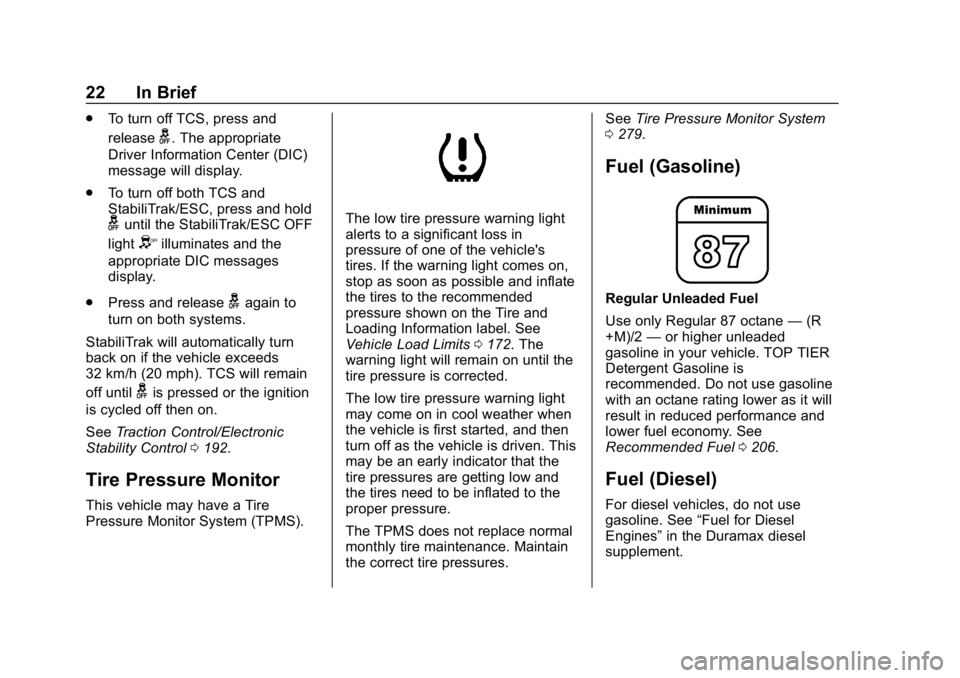
The low tire pressure warning light
alerts to a significant loss in
pressure of one of the vehicle's
tires. If the warning light comes on,
stop as soon as possible and inflate
the tires to the recommended
pressure shown on the Tire and
Loading Information label. See
Vehicle Load Limits 0172. The
warning light will remain on until the
tire pressure is corrected.
The low tire pressure warning light
may come on in cool weather when
the vehicle is first started, and then
turn off as the vehicle is driven. This
may be an early indicator that the
tire pressures are getting low and
the tires need to be inflated to the
proper pressure.
The TPMS does not replace normal
monthly tire maintenance. Maintain
the correct tire pressures. See
Tire Pressure Monitor System
0 279.
Fuel (Gasoline)
Regular Unleaded Fuel
Use only Regular 87 octane —(R
+M)/2 —or higher unleaded
gasoline in your vehicle. TOP TIER
Detergent Gasoline is
recommended. Do not use gasoline
with an octane rating lower as it will
result in reduced performance and
lower fuel economy. See
Recommended Fuel 0206.
Fuel (Diesel)
For diesel vehicles, do not use
gasoline. See “Fuel for Diesel
Engines” in the Duramax diesel
supplement.
Page 94 of 373
Chevrolet Express Owner Manual (GMNA-Localizing-U.S./Canada/Mexico-
12146162) - 2019 - crc - 11/26/18
Instruments and Controls 93
Instruments and
Controls
Controls
Steering Wheel Adjustment . . . . 94
Steering Wheel Controls . . . . . . . 94
Horn . . . . . . . . . . . . . . . . . . . . . . . . . . . 95
Windshield Wiper/Washer . . . . . . 95
Compass . . . . . . . . . . . . . . . . . . . . . . 96
Clock . . . . . . . . . . . . . . . . . . . . . . . . . . 98
Power Outlets . . . . . . . . . . . . . . . . . 98
Cigarette Lighter . . . . . . . . . . . . . . . 99
Ashtrays . . . . . . . . . . . . . . . . . . . . . . 100
Warning Lights, Gauges, and
Indicators
Warning Lights, Gauges, andIndicators . . . . . . . . . . . . . . . . . . . 100
Instrument Cluster . . . . . . . . . . . . 101
Speedometer . . . . . . . . . . . . . . . . . 102
Odometer . . . . . . . . . . . . . . . . . . . . . 102
Trip Odometer . . . . . . . . . . . . . . . . 102
Fuel Gauge . . . . . . . . . . . . . . . . . . . 102
Engine Oil Pressure Gauge . . . . . . . . . . . . . . . . . . . . . . 103 Engine Coolant Temperature
Gauge . . . . . . . . . . . . . . . . . . . . . . 104
Voltmeter Gauge . . . . . . . . . . . . . 105
Seat Belt Reminders . . . . . . . . . 105
Airbag Readiness Light . . . . . . . 105
Airbag On-Off Light . . . . . . . . . . . 106
Charging System Light . . . . . . . 107
Malfunction Indicator Lamp . . . 108
Brake System Warning Light . . . . . . . . . . . . . . . . . . . . . . . . 109
Antilock Brake System (ABS) Warning Light . . . . . . . . . . . . . . . 110
Tow/Haul Mode Light . . . . . . . . . 111
Lane Departure Warning (LDW) Light . . . . . . . . . . . . . . . . . . . . . . . . . 111
Vehicle Ahead Indicator . . . . . . . 111
StabiliTrak OFF Light . . . . . . . . . 111
Traction Control System (TCS)/ StabiliTrak Light . . . . . . . . . . . . . 112
Tire Pressure Light . . . . . . . . . . . 112
Engine Oil Pressure Light . . . . . 112
Low Fuel Warning Light . . . . . . . 113
Security Light . . . . . . . . . . . . . . . . . 113
High-Beam On Light . . . . . . . . . . 113
Cruise Control Light . . . . . . . . . . 114
Information Displays
Driver Information Center (DIC) . . . . . . . . . . . . . . . . 114
Vehicle Messages
Vehicle Messages . . . . . . . . . . . . 119
Engine Power Messages . . . . . 119
Vehicle Speed Messages . . . . . 119
Vehicle Personalization
Vehicle Personalization . . . . . . . 120
Page 112 of 373
Chevrolet Express Owner Manual (GMNA-Localizing-U.S./Canada/Mexico-
12146162) - 2019 - crc - 11/26/18
Instruments and Controls 111
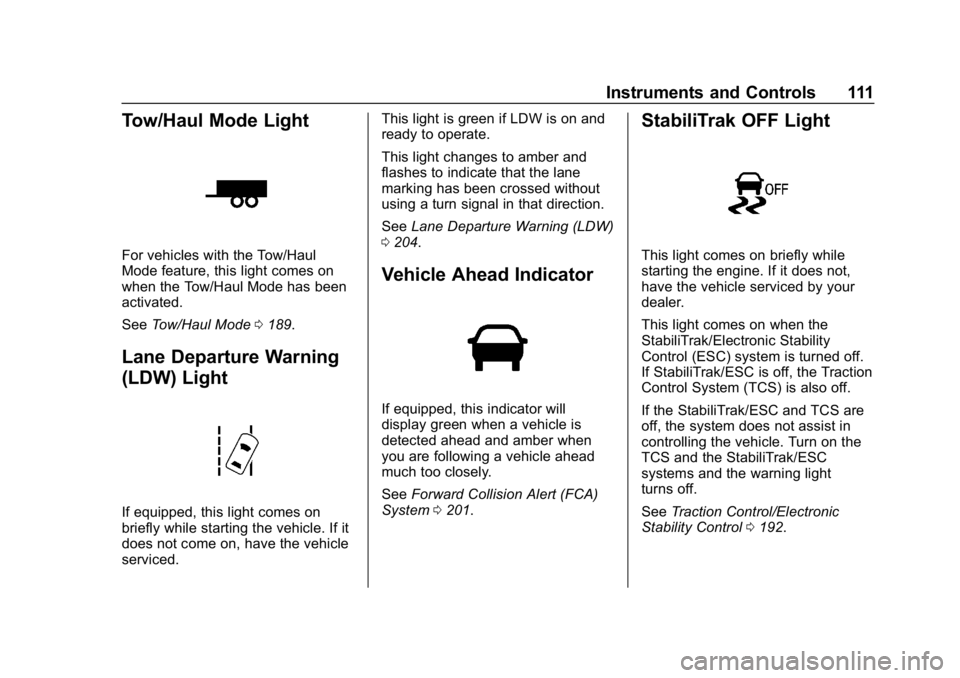
Tow/Haul Mode Light
For vehicles with the Tow/Haul
Mode feature, this light comes on
when the Tow/Haul Mode has been
activated.
SeeTow/Haul Mode 0189.
Lane Departure Warning
(LDW) Light
If equipped, this light comes on
briefly while starting the vehicle. If it
does not come on, have the vehicle
serviced. This light is green if LDW is on and
ready to operate.
This light changes to amber and
flashes to indicate that the lane
marking has been crossed without
using a turn signal in that direction.
See
Lane Departure Warning (LDW)
0 204.
Vehicle Ahead Indicator
If equipped, this indicator will
display green when a vehicle is
detected ahead and amber when
you are following a vehicle ahead
much too closely.
See Forward Collision Alert (FCA)
System 0201.
StabiliTrak OFF Light
This light comes on briefly while
starting the engine. If it does not,
have the vehicle serviced by your
dealer.
This light comes on when the
StabiliTrak/Electronic Stability
Control (ESC) system is turned off.
If StabiliTrak/ESC is off, the Traction
Control System (TCS) is also off.
If the StabiliTrak/ESC and TCS are
off, the system does not assist in
controlling the vehicle. Turn on the
TCS and the StabiliTrak/ESC
systems and the warning light
turns off.
See Traction Control/Electronic
Stability Control 0192.
Page 113 of 373
Chevrolet Express Owner Manual (GMNA-Localizing-U.S./Canada/Mexico-
12146162) - 2019 - crc - 11/26/18
112 Instruments and Controls
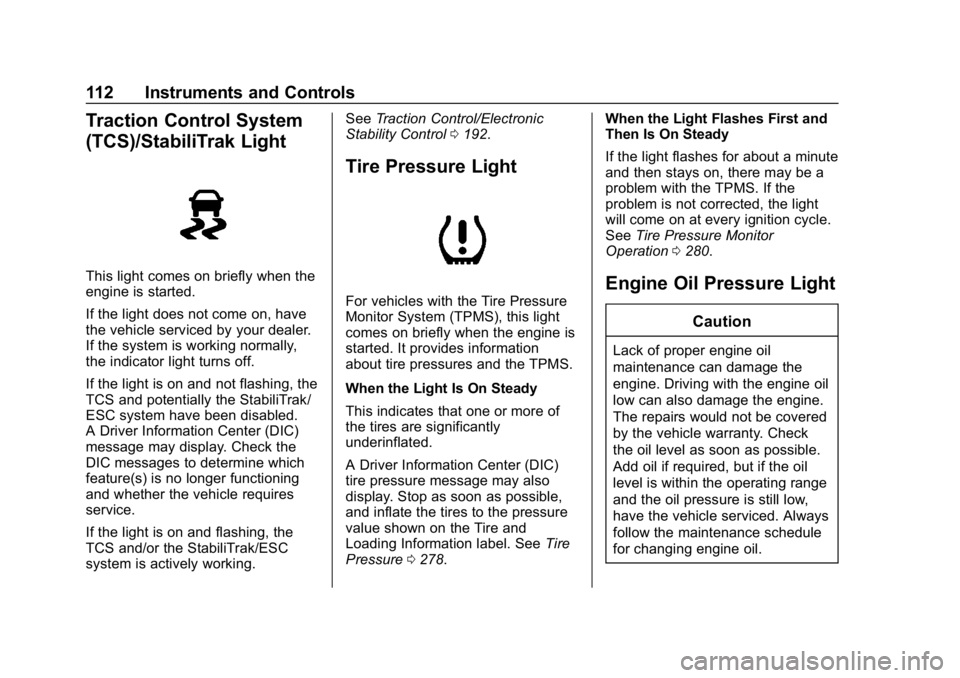
Traction Control System
(TCS)/StabiliTrak Light
This light comes on briefly when the
engine is started.
If the light does not come on, have
the vehicle serviced by your dealer.
If the system is working normally,
the indicator light turns off.
If the light is on and not flashing, the
TCS and potentially the StabiliTrak/
ESC system have been disabled.
A Driver Information Center (DIC)
message may display. Check the
DIC messages to determine which
feature(s) is no longer functioning
and whether the vehicle requires
service.
If the light is on and flashing, the
TCS and/or the StabiliTrak/ESC
system is actively working.See
Traction Control/Electronic
Stability Control 0192.
Tire Pressure Light
For vehicles with the Tire Pressure
Monitor System (TPMS), this light
comes on briefly when the engine is
started. It provides information
about tire pressures and the TPMS.
When the Light Is On Steady
This indicates that one or more of
the tires are significantly
underinflated.
A Driver Information Center (DIC)
tire pressure message may also
display. Stop as soon as possible,
and inflate the tires to the pressure
value shown on the Tire and
Loading Information label. See Tire
Pressure 0278. When the Light Flashes First and
Then Is On Steady
If the light flashes for about a minute
and then stays on, there may be a
problem with the TPMS. If the
problem is not corrected, the light
will come on at every ignition cycle.
See
Tire Pressure Monitor
Operation 0280.
Engine Oil Pressure Light
Caution
Lack of proper engine oil
maintenance can damage the
engine. Driving with the engine oil
low can also damage the engine.
The repairs would not be covered
by the vehicle warranty. Check
the oil level as soon as possible.
Add oil if required, but if the oil
level is within the operating range
and the oil pressure is still low,
have the vehicle serviced. Always
follow the maintenance schedule
for changing engine oil.
Page 133 of 373
Chevrolet Express Owner Manual (GMNA-Localizing-U.S./Canada/Mexico-
12146162) - 2019 - crc - 11/26/18
132 Infotainment System
Infotainment
System
Introduction
Infotainment . . . . . . . . . . . . . . . . . . 132
Theft-Deterrent Feature . . . . . . 133
Overview (AM-FM Radio) . . . . . 133
Overview (Radio withCD/MP3) . . . . . . . . . . . . . . . . . . . . 135
Operation . . . . . . . . . . . . . . . . . . . . . 136
Radio
AM-FM Radio . . . . . . . . . . . . . . . . 138
Satellite Radio . . . . . . . . . . . . . . . . 139
Radio Reception . . . . . . . . . . . . . . 140
Multi-Band Antenna . . . . . . . . . . 141
Audio Players
Avoiding Untrusted Media Devices . . . . . . . . . . . . . . . . . . . . . 141
CD Player . . . . . . . . . . . . . . . . . . . . 141
Auxiliary Devices . . . . . . . . . . . . . 146
OnStar System
OnStar System . . . . . . . . . . . . . . . 151
Phone
Bluetooth . . . . . . . . . . . . . . . . . . . . . 151
Introduction
Infotainment
Base radio information is included in
this manual. See the infotainment
manual for information on other
available infotainment systems.
Read the following pages to
become familiar with the features.
{Warning
Taking your eyes off the road for
too long or too often while using
any infotainment feature can
cause a crash. You or others
could be injured or killed. Do not
give extended attention to
infotainment tasks while driving.
Limit your glances at the vehicle
displays and focus your attention
on driving. Use voice commands
whenever possible.
The infotainment system has built-in
features intended to help avoid
distraction by disabling some functions when driving. These
functions may gray out when they
are unavailable. Many infotainment
features are also available through
the instrument cluster and steering
wheel controls.
Before driving:
.
Become familiar with the
operation, center stack controls,
and infotainment display
controls.
. Set up the audio by presetting
favorite stations, setting the
tone, and adjusting the
speakers.
. Set up phone numbers in
advance so they can be called
easily by pressing a single
control or by using a single voice
command if equipped with
Bluetooth phone capability.
See Defensive Driving 0166.
To play the infotainment system with
the ignition off, see Retained
Accessory Power (RAP) 0180.
Page 152 of 373
Chevrolet Express Owner Manual (GMNA-Localizing-U.S./Canada/Mexico-
12146162) - 2019 - crc - 11/26/18
Infotainment System 151
OnStar System
OnStar with 4G LTE
If equipped with OnStar 4G LTE, up
to seven devices, such as
smartphones, tablets, and laptops,
can be connected to high-speed
Internet through the vehicle’s built-in
Wi-Fi hotspot.Call 1-888-4-ONSTAR
(1-888-466-7827) to connect to an
OnStar Advisor for assistance. See
www.onstar.com for a detailed
instruction guide, vehicle availability,
details, and system limitations.
Services and apps vary by make,
model, year, carrier, availability, and
conditions. 4G LTE service is
available in select markets. 4G LTE
performance is based on industry
averages and vehicle systems
design. Some services require a
data plan.
Phone
Bluetooth
For vehicles equipped with
Bluetooth capability, the system can
interact with many cell phones,
allowing:
.
Placement and receipt of calls in
a hands-free mode.
. Sharing of the cell phone’s
address book or contact list with
the vehicle.
To minimize driver distraction,
before driving, and with the vehicle
parked:
. Become familiar with the
features of the cell phone.
Organize the phone book and
contact lists clearly and delete
duplicate or rarely used entries.
If possible, program speed dial
or other shortcuts.
. Review the controls and
operation of the infotainment
system.