ignition CHEVROLET HHR 2006 1.G Owner's Guide
[x] Cancel search | Manufacturer: CHEVROLET, Model Year: 2006, Model line: HHR, Model: CHEVROLET HHR 2006 1.GPages: 394, PDF Size: 2.33 MB
Page 147 of 394
Headlamps on Reminder
If you open the driver’s door with the ignition off and the
lamps on, you will hear a warning chime.
Daytime Running Lamps (DRL)
Daytime Running Lamps (DRL) can make it easier for
others to see the front of your vehicle during the day.
DRL can be helpful in many different driving conditions,
but they can be especially helpful in the short periods
after dawn and before sunset. Fully functional daytime
running lamps are required on all vehicles rst sold
in Canada.
Your vehicle has a light sensor on top of the instrument
panel. Make sure it is not covered or the headlamps
will come on when you do not need them.
The DRL system will make both front turn signal lamps
turn on when the following conditions are met:
The ignition is on.
The exterior lamp control is turned to AUTO.
The light sensor detects daytime light.
The shift lever is not in PARK (P).
While the DRL system is on, the taillamps, sidemarker
lamps, and instrument panel lights will not be
illuminated.The DRL system will be off any time your vehicle is in
PARK (P). The DRL system on U.S. vehicles can
also be turned off by using the off/on switch for one
ignition cycle.
As with any vehicle, you should turn on the regular
headlamp system when you need it.
Automatic Headlamp System
When it is dark enough outside, your automatic system
will turn on your headlamps at the normal brightness
along with other lamps such as the taillamps,
sidemarker, parking lamps, instrument panel lights, and
interior switch backlighting.
Your vehicle has a light sensor on top of the instrument
panel. Make sure it is not covered, or the headlamps
may remain on when you do not need them.
The system may also be on when driving through a
parking garage, heavy overcast weather or a tunnel.
This is normal.
There is a delay in the transition between the daytime
and nighttime operation of the automatic lamp control
system so that driving under bridges or bright overhead
street lights does not affect the system. The automatic
lamp control system will only be affected when the light
sensor sees a change in lighting lasting longer than
this delay.
3-15
Page 148 of 394
If you start your vehicle in a dark garage, the automatic
lamp system will come on immediately. Once you leave
the garage, it will take about 20 seconds for the automatic
lamp system to change to DRL if it is light outside.
During that delay, your instrument panel cluster may not
be as bright as usual. Make sure your instrument panel
brightness control is in the full bright position.
SeeInstrument Panel Brightness on page 3-16.
To idle your vehicle with the system off, turn the ignition
on and rotate the exterior light switch to the off/on
position. For Canadian vehicles, the transaxle must stay
in PARK (P) for this function or the parking brake
must be set for vehicles with manual transaxles.
As with any vehicle, you should turn on the regular
headlamps when you need them.
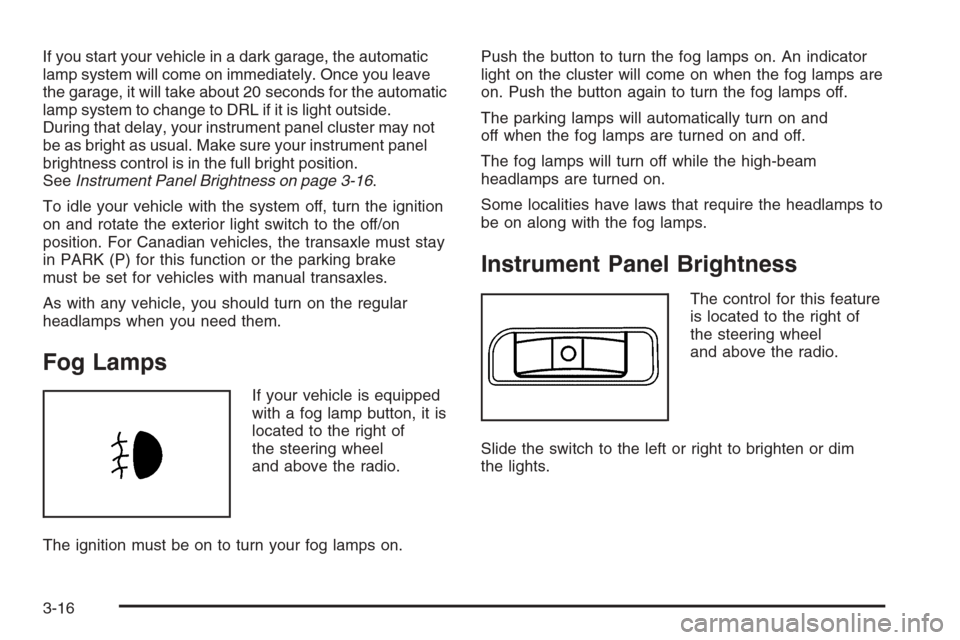
Fog Lamps
If your vehicle is equipped
with a fog lamp button, it is
located to the right of
the steering wheel
and above the radio.
The ignition must be on to turn your fog lamps on.Push the button to turn the fog lamps on. An indicator
light on the cluster will come on when the fog lamps are
on. Push the button again to turn the fog lamps off.
The parking lamps will automatically turn on and
off when the fog lamps are turned on and off.
The fog lamps will turn off while the high-beam
headlamps are turned on.
Some localities have laws that require the headlamps to
be on along with the fog lamps.
Instrument Panel Brightness
The control for this feature
is located to the right of
the steering wheel
and above the radio.
Slide the switch to the left or right to brighten or dim
the lights.
3-16
Page 149 of 394

Dome Lamp
Your vehicle may have a dome lamp.
9(Off):Move the lever to this position to turn the
lamp off, even when a door is opened.
1(Door):Move the lever to this position to turn the
lamp on whenever a door is opened.
+(On):Move the lever to this position to turn the
dome lamp on.
Entry/Exit Lighting
The lamps inside your vehicle will go on when you open
any door. These lamps will fade out after about
20 seconds after all of the doors have been closed or
when the ignition is turned to ON. These lamps will also
go on when you press the unlock symbol button or
the horn symbol on the keyless entry system transmitter.
The lamps inside your vehicle will stay on for about
20 seconds after your key is removed from the ignition
to provide an illuminated exit.
Mirror Reading Lamps
Your vehicle may have reading lamps on the rearview
mirror. Push the button to turn the reading lamps on
and off.
Rear Reading Lamps
Push the lens to turn the reading lamps on and off.
The reading lamps will turn on when the door is open if
the dome lamp is in the door position. The reading
lamps will also turn on with the dome lamp switch in the
on position. The lamps will not turn on if the door is
open and the dome lamp is in the off position.
Battery Run-Down Protection
Your vehicle is equipped with a battery saver feature
designed to protect your vehicle’s battery.
When any interior lamp is left on and the ignition is
turned off, the battery rundown protection system
will automatically turn the lamp off after 20 minutes.
This will avoid draining the battery.
3-17
Page 151 of 394

Climate Controls
Climate Control System
With this system you can control the heating, cooling,
and ventilation for your vehicle.
If your vehicle has remote start and you want to warm
up or cool down the interior before you get in, leave your
climate control system on with the settings adjusted
where you want them. The next time the vehicle
is started with remote start, the climate control system
will come on and adjust the interior to the temperature
settings.
Operation
To change the current mode, select one of the following:
H(Vent):This mode directs air to the instrument
panel outlets.
)(Bi-Level):This mode directs approximately half of
the air to the instrument panel outlets, and then directs
the remaining air to the oor outlets. Cooler air is
directed to the upper outlets and warmer air to the
oor outlets.
6(Floor):This mode directs most of the air to the
oor outlets with some air directed to the windshield and
side windows.
The right knob can also be used to select defog or
defrost mode. Information on defogging and defrosting
can be found later in this section.
Recirculation mode is not allowed in this mode.
9(Fan):Turn the center knob clockwise or
counterclockwise to increase or decrease the fan speed.
In any setting other than off, the fan will run continuously
with the ignition on. The fan must be turned on to run
the air conditioning (AC) compressor.
3-19
Page 153 of 394
Defogging and Defrosting
Fog on the inside of windows is a result of high humidity
(moisture) condensing on the cool window glass.
This can be minimized if the climate control system is
used properly. There are two modes to clear fog or
frost from your windshield and side windows. Use the
defog mode to clear the windows of fog or moisture
and warm the passengers. Use the defrost mode
to remove fog or frost from the windshield more quickly.
For best results, clear all snow and ice from the
windshield before defrosting.
Turn the right knob to select the defog or defrost mode.
-(Defog):This mode directs approximately half of
the air to the windshield and the side window outlets and
half to the oor outlets. When you select this mode
the system runs the air conditioning compressor.
To defog the windows faster, turn the temperature
control knob clockwise to the warmest setting.
Recirculation mode is not available in defog mode.
0(Defrost):This mode directs most of the air to the
windshield, with some air directed to the side window
outlets and the oor outlets. When you select this mode
the system runs the air conditioning compressor.
To defrost the windows faster, turn the temperature
control knob clockwise to the warmest setting.
Recirculation mode is not available in defog mode.
Rear Window Defogger
The rear window defogger uses a warming grid to
remove fog from the rear window.
The rear window defogger will only work when the
ignition is in RUN.
<(Rear):Press the button to turn the rear window
defogger on or off. Be sure to clear as much snow from
the rear window as possible. An indicator light below
the symbol will come on to let you know that the
rear window defogger is activated.
The rear window defogger will turn off approximately
15 minutes after the button is pressed. If turned on again,
the defogger will only run for approximately seven
minutes before turning off. If turned on again, the
defogger will only run for approximately seven minutes
before turning off. If vehicle speed is greater than
50 mph (80 km/h) and the rear defogger is active,
it will remain on as long as the speed is greater than
50 mph (80 km/h). The defogger can also be turned off by
pressing the button again or by turning off the engine.
Notice:Do not use anything sharp on the inside
of the rear window. If you do, you could cut or
damage the warming grid, and the repairs would not
be covered by your warranty. Do not attach a
temporary vehicle license, tape, a decal or anything
similar to the defogger grid.
3-21
Page 160 of 394
Airbag Readiness Light
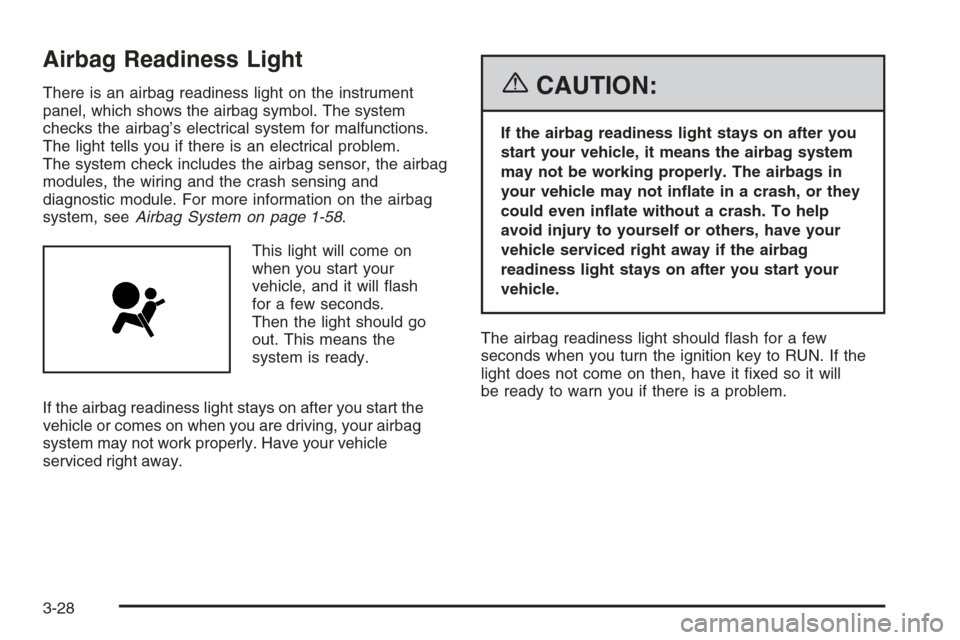
There is an airbag readiness light on the instrument
panel, which shows the airbag symbol. The system
checks the airbag’s electrical system for malfunctions.
The light tells you if there is an electrical problem.
The system check includes the airbag sensor, the airbag
modules, the wiring and the crash sensing and
diagnostic module. For more information on the airbag
system, seeAirbag System on page 1-58.
This light will come on
when you start your
vehicle, and it will ash
for a few seconds.
Then the light should go
out. This means the
system is ready.
If the airbag readiness light stays on after you start the
vehicle or comes on when you are driving, your airbag
system may not work properly. Have your vehicle
serviced right away.{CAUTION:
If the airbag readiness light stays on after you
start your vehicle, it means the airbag system
may not be working properly. The airbags in
your vehicle may not inate in a crash, or they
could even inate without a crash. To help
avoid injury to yourself or others, have your
vehicle serviced right away if the airbag
readiness light stays on after you start your
vehicle.
The airbag readiness light should ash for a few
seconds when you turn the ignition key to RUN. If the
light does not come on then, have it xed so it will
be ready to warn you if there is a problem.
3-28
Page 161 of 394
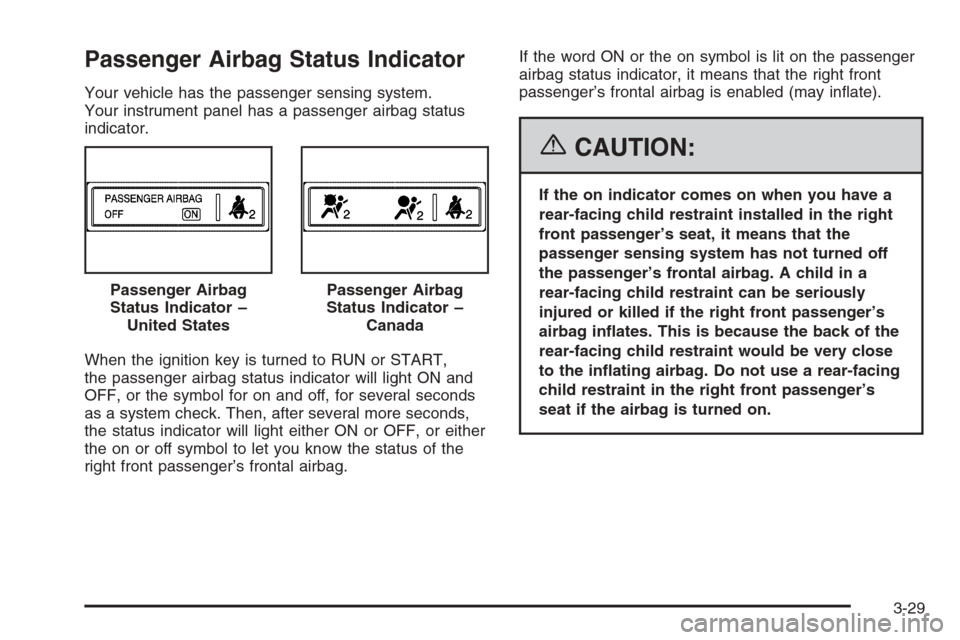
Passenger Airbag Status Indicator
Your vehicle has the passenger sensing system.
Your instrument panel has a passenger airbag status
indicator.
When the ignition key is turned to RUN or START,
the passenger airbag status indicator will light ON and
OFF, or the symbol for on and off, for several seconds
as a system check. Then, after several more seconds,
the status indicator will light either ON or OFF, or either
the on or off symbol to let you know the status of the
right front passenger’s frontal airbag.If the word ON or the on symbol is lit on the passenger
airbag status indicator, it means that the right front
passenger’s frontal airbag is enabled (may inate).
{CAUTION:
If the on indicator comes on when you have a
rear-facing child restraint installed in the right
front passenger’s seat, it means that the
passenger sensing system has not turned off
the passenger’s frontal airbag. A child in a
rear-facing child restraint can be seriously
injured or killed if the right front passenger’s
airbag inates. This is because the back of the
rear-facing child restraint would be very close
to the inating airbag. Do not use a rear-facing
child restraint in the right front passenger’s
seat if the airbag is turned on. Passenger Airbag
Status Indicator –
United States
Passenger Airbag
Status Indicator –
Canada
3-29
Page 163 of 394
If the word OFF or the off symbol is lit on the airbag
status indicator, it means that the passenger sensing
system has turned off the right front passenger’s frontal
airbag. SeePassenger Sensing System on page 1-67
for more on this, including important safety information.
If, after several seconds, all status indicator lights
remain on, or if there are no lights at all, there may be a
problem with the lights or the passenger sensing
system. See your retailer for service.
{CAUTION:
If the off indicator and the airbag readiness light
ever come on together, it means that something
may be wrong with the airbag system. If this
ever happens, have the vehicle serviced
promptly, because an adult-size person sitting
in the right front passenger seat may not have
the protection of the frontal airbag. SeeAirbag
Readiness Light on page 3-28.
Charging System Light
The charging system light
will come on briey when
you turn on the ignition,
and the engine is not
running, as a check
to show you it is working.
Then it should go out when the engine is started.
If it stays on, or comes on while you are driving, you
may have a problem with the electrical charging system.
Have it checked by your GM dealer. Driving while this
light is on could drain your battery.
If you must drive a short distance with the light on, be
certain to turn off all your accessories, such as the radio
and air conditioner.
3-31
Page 164 of 394
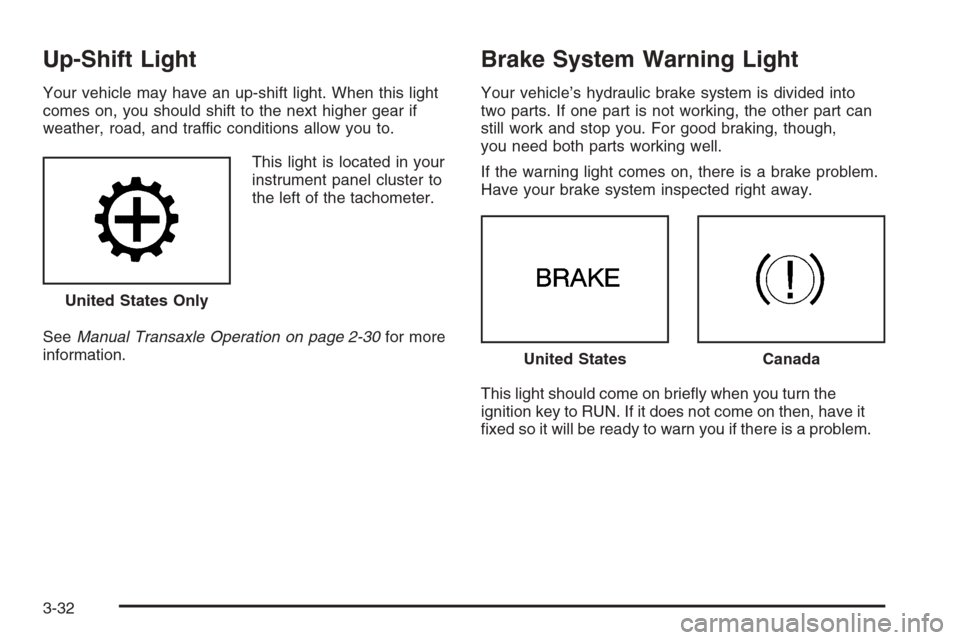
Up-Shift Light
Your vehicle may have an up-shift light. When this light
comes on, you should shift to the next higher gear if
weather, road, and traffic conditions allow you to.
This light is located in your
instrument panel cluster to
the left of the tachometer.
SeeManual Transaxle Operation on page 2-30for more
information.
Brake System Warning Light
Your vehicle’s hydraulic brake system is divided into
two parts. If one part is not working, the other part can
still work and stop you. For good braking, though,
you need both parts working well.
If the warning light comes on, there is a brake problem.
Have your brake system inspected right away.
This light should come on briey when you turn the
ignition key to RUN. If it does not come on then, have it
xed so it will be ready to warn you if there is a problem. United States Only
United StatesCanada
3-32
Page 165 of 394
When the ignition is on, the brake system warning light
will also come on when you set your parking brake.
The light will stay on if your parking brake does not
release fully. If it stays on after your parking brake is
fully released, it means you have a brake problem.
If the light comes on while you are driving, pull off the
road and stop carefully. Make sure the parking brake is
fully released. You may notice that the pedal is harder
to push or, the pedal may go closer to the oor.
It may take longer to stop. If the light is still on, have the
vehicle towed for service. SeeTowing Your Vehicle
on page 4-37.
{CAUTION:
Your brake system may not be working
properly if the brake system warning light is
on. Driving with the brake system warning light
on can lead to an accident. If the light is still
on after you have pulled off the road and
stopped carefully, have the vehicle towed for
service.
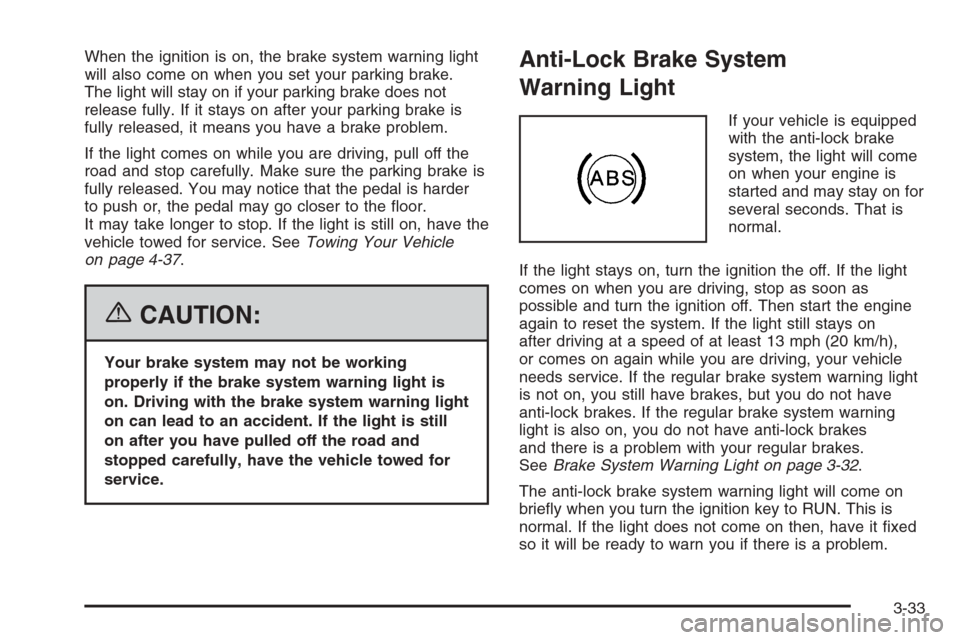
Anti-Lock Brake System
Warning Light
If your vehicle is equipped
with the anti-lock brake
system, the light will come
on when your engine is
started and may stay on for
several seconds. That is
normal.
If the light stays on, turn the ignition the off. If the light
comes on when you are driving, stop as soon as
possible and turn the ignition off. Then start the engine
again to reset the system. If the light still stays on
after driving at a speed of at least 13 mph (20 km/h),
or comes on again while you are driving, your vehicle
needs service. If the regular brake system warning light
is not on, you still have brakes, but you do not have
anti-lock brakes. If the regular brake system warning
light is also on, you do not have anti-lock brakes
and there is a problem with your regular brakes.
SeeBrake System Warning Light on page 3-32.
The anti-lock brake system warning light will come on
briey when you turn the ignition key to RUN. This is
normal. If the light does not come on then, have it xed
so it will be ready to warn you if there is a problem.
3-33