key CHEVROLET HHR 2011 1.G Workshop Manual
[x] Cancel search | Manufacturer: CHEVROLET, Model Year: 2011, Model line: HHR, Model: CHEVROLET HHR 2011 1.GPages: 430, PDF Size: 4.57 MB
Page 224 of 430
Black plate (68,1)Chevrolet HHR Owner Manual - 2011
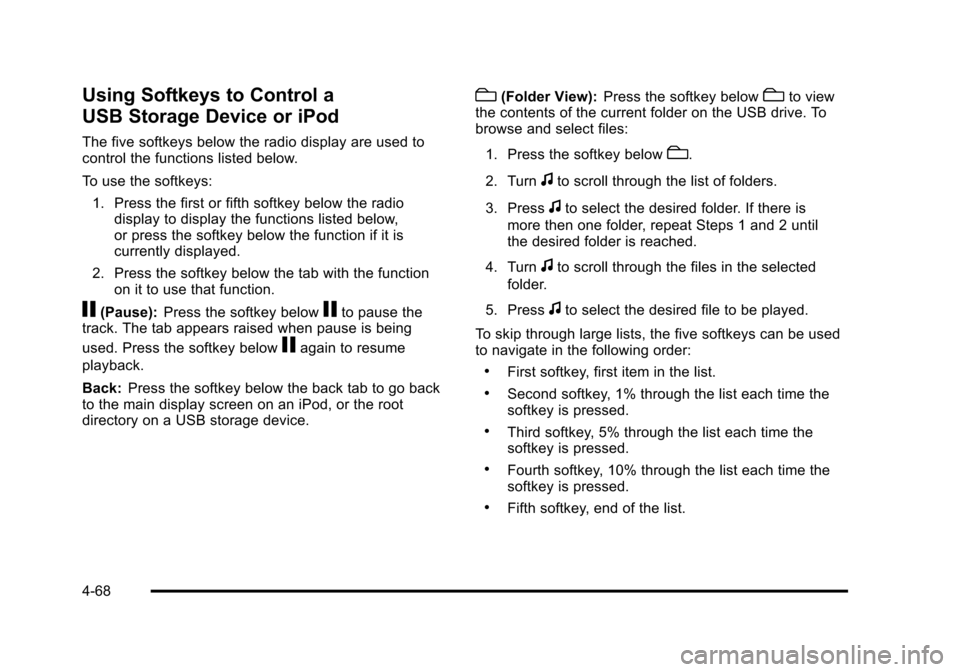
Using Softkeys to Control a
USB Storage Device or iPod
The five softkeys below the radio display are used to
control the functions listed below.
To use the softkeys:1. Press the first or fifth softkey below the radio display to display the functions listed below,
or press the softkey below the function if it is
currently displayed.
2. Press the softkey below the tab with the function on it to use that function.
j(Pause): Press the softkey belowjto pause the
track. The tab appears raised when pause is being
used. Press the softkey below
jagain to resume
playback.
Back: Press the softkey below the back tab to go back
to the main display screen on an iPod, or the root
directory on a USB storage device.
c(Folder View): Press the softkey belowcto view
the contents of the current folder on the USB drive. To
browse and select files:
1. Press the softkey below
c.
2. Turn
fto scroll through the list of folders.
3. Press
fto select the desired folder. If there is
more then one folder, repeat Steps 1 and 2 until
the desired folder is reached.
4. Turn
fto scroll through the files in the selected
folder.
5. Press
fto select the desired file to be played.
To skip through large lists, the five softkeys can be used
to navigate in the following order:
.First softkey, first item in the list.
.Second softkey, 1% through the list each time the
softkey is pressed.
.Third softkey, 5% through the list each time the
softkey is pressed.
.Fourth softkey, 10% through the list each time the
softkey is pressed.
.Fifth softkey, end of the list.
4-68
Page 225 of 430
Black plate (69,1)Chevrolet HHR Owner Manual - 2011
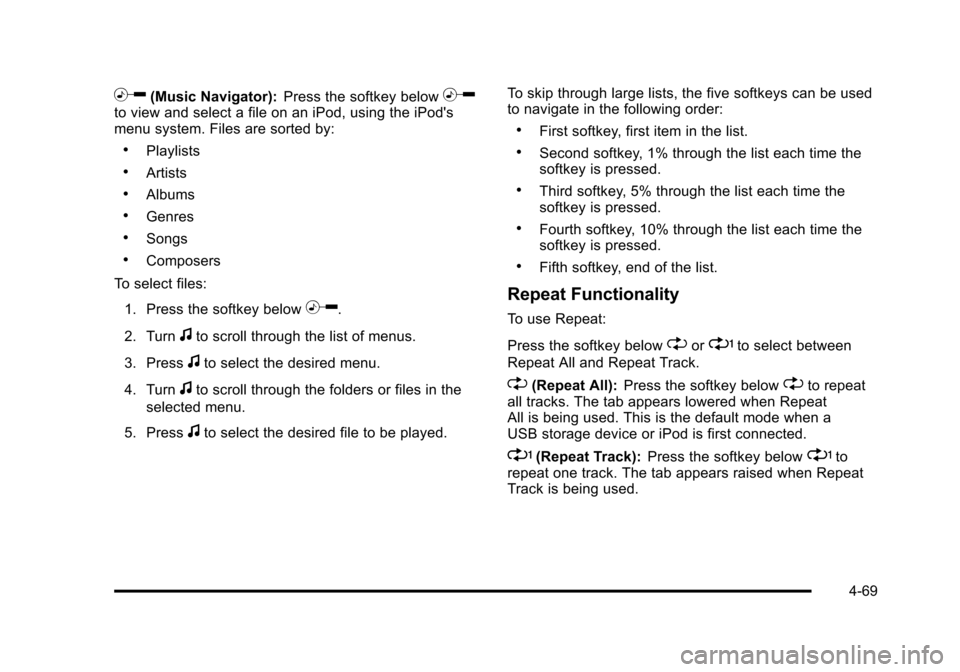
h(Music Navigator):Press the softkey belowhto view and select a file on an iPod, using the iPod's
menu system. Files are sorted by:
.Playlists
.Artists
.Albums
.Genres
.Songs
.Composers
To select files:
1. Press the softkey below
h.
2. Turn
fto scroll through the list of menus.
3. Press
fto select the desired menu.
4. Turn
fto scroll through the folders or files in the
selected menu.
5. Press
fto select the desired file to be played. To skip through large lists, the five softkeys can be used
to navigate in the following order:
.First softkey, first item in the list.
.Second softkey, 1% through the list each time the
softkey is pressed.
.Third softkey, 5% through the list each time the
softkey is pressed.
.Fourth softkey, 10% through the list each time the
softkey is pressed.
.Fifth softkey, end of the list.
Repeat Functionality
To use Repeat:
Press the softkey below
"or'to select between
Repeat All and Repeat Track.
"(Repeat All): Press the softkey below"to repeat
all tracks. The tab appears lowered when Repeat
All is being used. This is the default mode when a
USB storage device or iPod is first connected.
'(Repeat Track): Press the softkey below'to
repeat one track. The tab appears raised when Repeat
Track is being used.
4-69
Page 226 of 430
Black plate (70,1)Chevrolet HHR Owner Manual - 2011
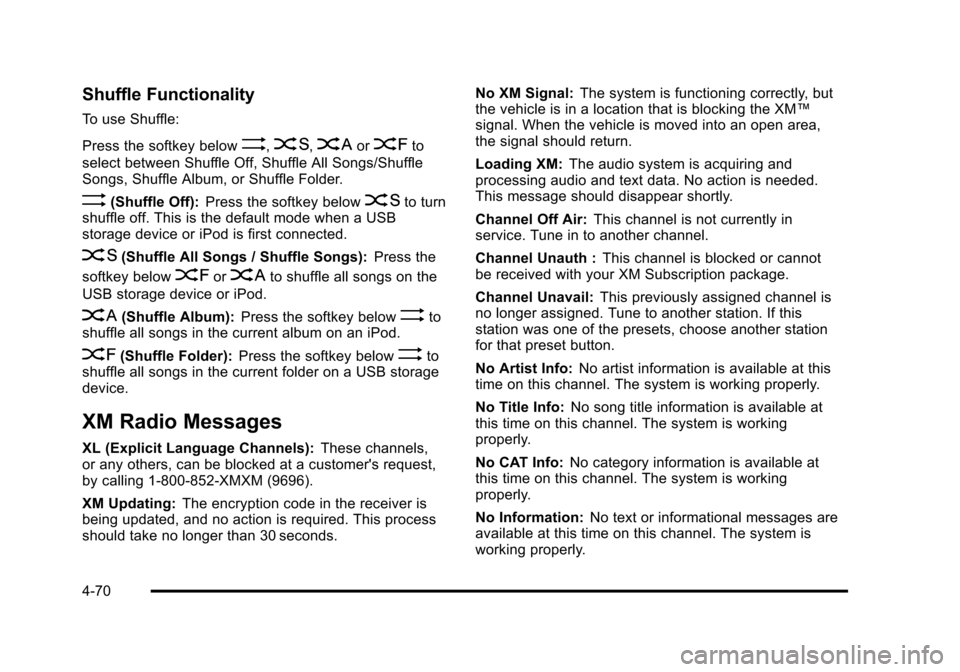
Shuffle Functionality
To use Shuffle:
Press the softkey below
>,2,
Songs, Shuffle Album, or Shuffle Folder.
>(Shuffle Off): Press the softkey below2to turn
shuffle off. This is the default mode when a USB
storage device or iPod is first connected.
2(Shuffle All Songs / Shuffle Songs): Press the
softkey below
=or
<(Shuffle Album): Press the softkey below>to
shuffle all songs in the current album on an iPod.
=(Shuffle Folder): Press the softkey below>to
shuffle all songs in the current folder on a USB storage
device.
XM Radio Messages
XL (Explicit Language Channels): These channels,
or any others, can be blocked at a customer's request,
by calling 1-800-852-XMXM (9696).
XM Updating: The encryption code in the receiver is
being updated, and no action is required. This process
should take no longer than 30 seconds. No XM Signal:
The system is functioning correctly, but
the vehicle is in a location that is blocking the XM™
signal. When the vehicle is moved into an open area,
the signal should return.
Loading XM: The audio system is acquiring and
processing audio and text data. No action is needed.
This message should disappear shortly.
Channel Off Air: This channel is not currently in
service. Tune in to another channel.
Channel Unauth : This channel is blocked or cannot
be received with your XM Subscription package.
Channel Unavail: This previously assigned channel is
no longer assigned. Tune to another station. If this
station was one of the presets, choose another station
for that preset button.
No Artist Info: No artist information is available at this
time on this channel. The system is working properly.
No Title Info: No song title information is available at
this time on this channel. The system is working
properly.
No CAT Info: No category information is available at
this time on this channel. The system is working
properly.
No Information: No text or informational messages are
available at this time on this channel. The system is
working properly.
4-70
Page 227 of 430
Black plate (71,1)Chevrolet HHR Owner Manual - 2011
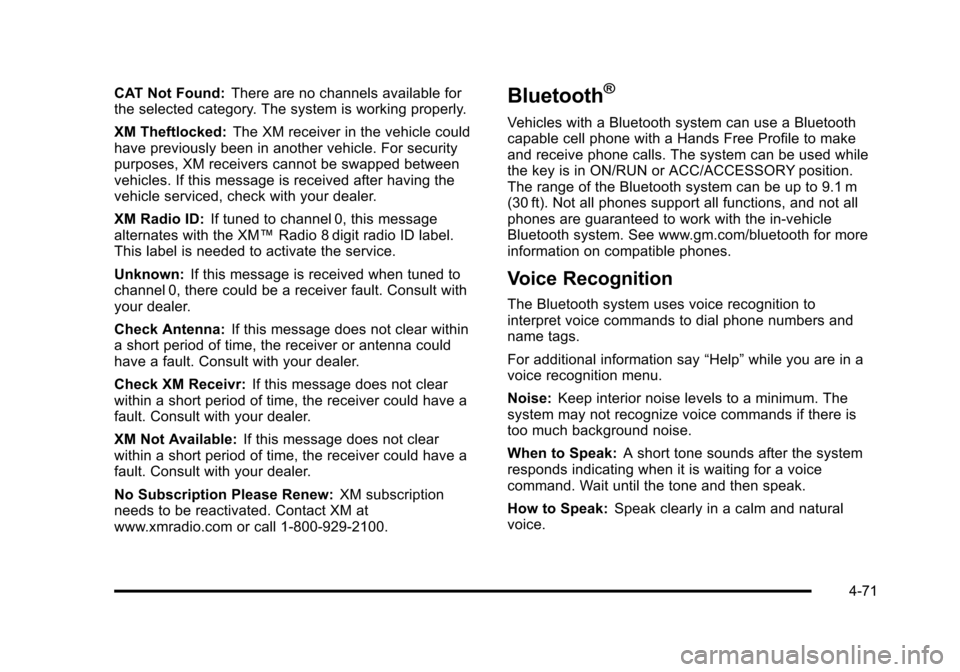
CAT Not Found:There are no channels available for
the selected category. The system is working properly.
XM Theftlocked: The XM receiver in the vehicle could
have previously been in another vehicle. For security
purposes, XM receivers cannot be swapped between
vehicles. If this message is received after having the
vehicle serviced, check with your dealer.
XM Radio ID: If tuned to channel 0, this message
alternates with the XM™ Radio 8 digit radio ID label.
This label is needed to activate the service.
Unknown: If this message is received when tuned to
channel 0, there could be a receiver fault. Consult with
your dealer.
Check Antenna: If this message does not clear within
a short period of time, the receiver or antenna could
have a fault. Consult with your dealer.
Check XM Receivr: If this message does not clear
within a short period of time, the receiver could have a
fault. Consult with your dealer.
XM Not Available: If this message does not clear
within a short period of time, the receiver could have a
fault. Consult with your dealer.
No Subscription Please Renew: XM subscription
needs to be reactivated. Contact XM at
www.xmradio.com or call 1-800-929-2100.Bluetooth®
Vehicles with a Bluetooth system can use a Bluetooth
capable cell phone with a Hands Free Profile to make
and receive phone calls. The system can be used while
the key is in ON/RUN or ACC/ACCESSORY position.
The range of the Bluetooth system can be up to 9.1 m
(30 ft). Not all phones support all functions, and not all
phones are guaranteed to work with the in-vehicle
Bluetooth system. See www.gm.com/bluetooth for more
information on compatible phones.
Voice Recognition
The Bluetooth system uses voice recognition to
interpret voice commands to dial phone numbers and
name tags.
For additional information say “Help”while you are in a
voice recognition menu.
Noise: Keep interior noise levels to a minimum. The
system may not recognize voice commands if there is
too much background noise.
When to Speak: A short tone sounds after the system
responds indicating when it is waiting for a voice
command. Wait until the tone and then speak.
How to Speak: Speak clearly in a calm and natural
voice.
4-71
Page 267 of 430
Black plate (29,1)Chevrolet HHR Owner Manual - 2011
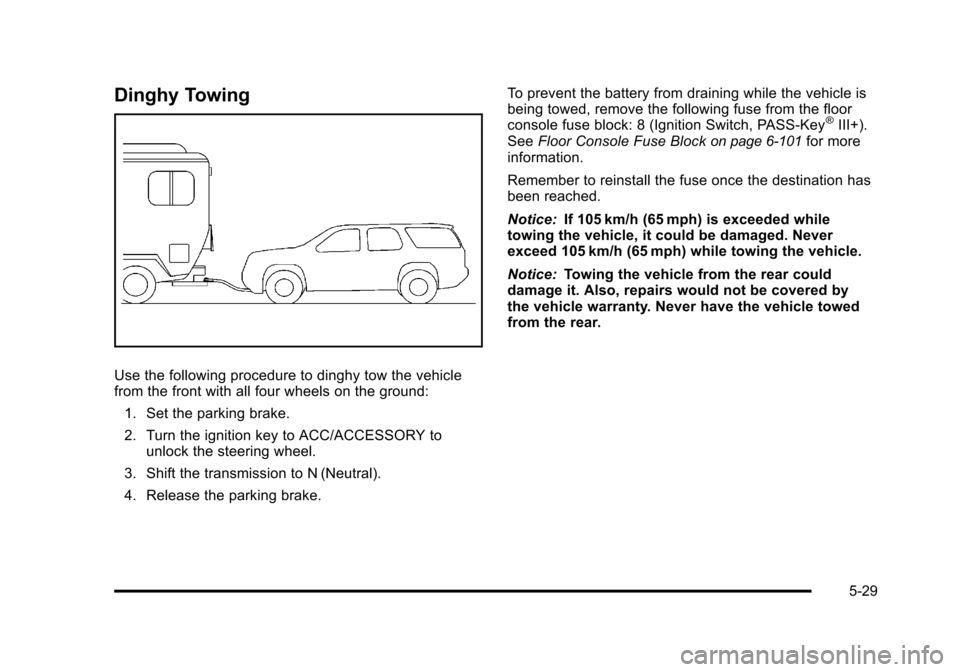
Dinghy Towing
Use the following procedure to dinghy tow the vehicle
from the front with all four wheels on the ground:1. Set the parking brake.
2. Turn the ignition key to ACC/ACCESSORY to unlock the steering wheel.
3. Shift the transmission to N (Neutral).
4. Release the parking brake. To prevent the battery from draining while the vehicle is
being towed, remove the following fuse from the floor
console fuse block: 8 (Ignition Switch, PASS‐Key
®III+).
See Floor Console Fuse Blockon page 6‑101for more
information.
Remember to reinstall the fuse once the destination has
been reached.
Notice: If 105 km/h (65 mph) is exceeded while
towing the vehicle, it could be damaged. Never
exceed 105 km/h (65 mph) while towing the vehicle.
Notice: Towing the vehicle from the rear could
damage it. Also, repairs would not be covered by
the vehicle warranty. Never have the vehicle towed
from the rear.
5-29
Page 268 of 430
Black plate (30,1)Chevrolet HHR Owner Manual - 2011
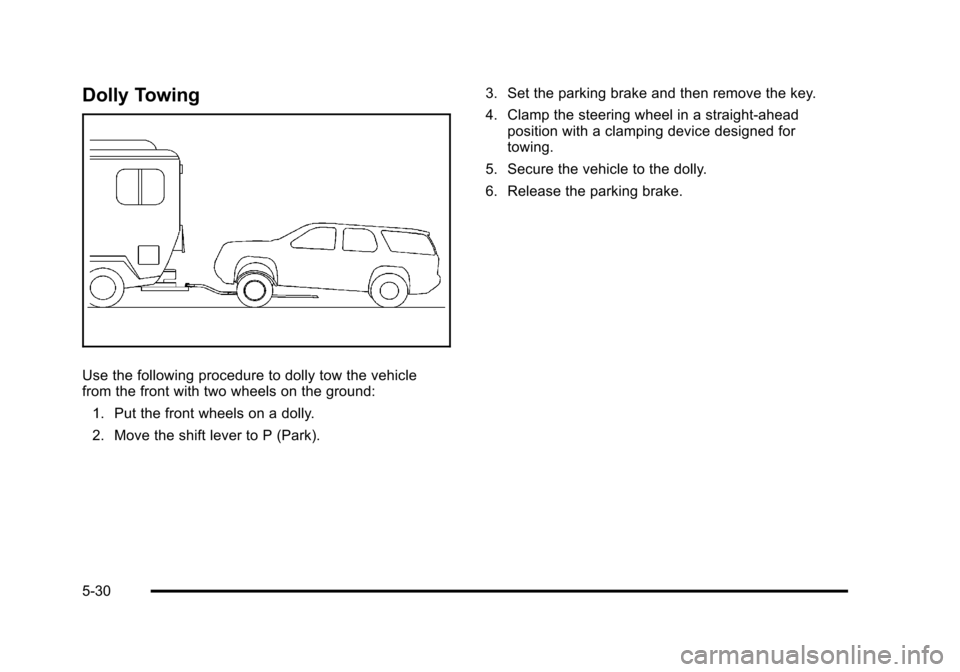
Dolly Towing
Use the following procedure to dolly tow the vehicle
from the front with two wheels on the ground:1. Put the front wheels on a dolly.
2. Move the shift lever to P (Park). 3. Set the parking brake and then remove the key.
4. Clamp the steering wheel in a straight-ahead
position with a clamping device designed for
towing.
5. Secure the vehicle to the dolly.
6. Release the parking brake.
5-30
Page 280 of 430
Black plate (4,1)Chevrolet HHR Owner Manual - 2011
California Proposition 65 Warning
Most motor vehicles, including this one, contain and/or
emit chemicals known to the State of California to
cause cancer and birth defects or other reproductive
harm. Engine exhaust, many parts and systems, many
fluids, and some component wear by-products contain
and/or emit these chemicals.
California Perchlorate Materials
Requirements
Certain types of automotive applications, such as airbag
initiators, seat belt pretensioners, and lithium batteries
contained in remote keyless transmitters, may contain
perchlorate materials. Special handling may be
necessary. For additional information, see
www.dtsc.ca.gov/hazardouswaste/perchlorate.
Doing Your Own Service Work
{WARNING:
You can be injured and the vehicle could be
damaged if you try to do service work on a vehicle
without knowing enough about it.(Continued)
WARNING: (Continued)
.Be sure you have sufficient knowledge,
experience, the proper replacement parts, and
tools before attempting any vehicle
maintenance task.
.Be sure to use the proper nuts, bolts, and
other fasteners. English and metric fasteners
can be easily confused. If the wrong fasteners
are used, parts can later break or fall off. You
could be hurt.
If doing some of your own service work, use the proper
service manual. It tells you much more about how to
service the vehicle than this manual can. To order the
proper service manual, see Service Publications
Ordering Information on page 8‑14.
This vehicle has an airbag system. Before attempting to
do your own service work, see Servicing Your
Airbag-Equipped Vehicle on page 2‑72.
Keep a record with all parts receipts and list the mileage
and the date of any service work performed. See
Maintenance Record on page 7‑12.
6-4
Page 295 of 430
Black plate (19,1)Chevrolet HHR Owner Manual - 2011
Used oil can be a threat to the environment. If you
change your own oil, be sure to drain all the oil from the
filter before disposal. Never dispose of oil by putting it in
the trash or pouring it on the ground, into sewers,
or into streams or bodies of water. Recycle it by taking it
to a place that collects used oil.
Engine Oil Life System
When to Change Engine Oil
This vehicle has the Engine Oil Life System, a computer
system that indicates when to change the engine oil
and filter. This is based on engine revolutions and
engine temperature, and not on mileage. Based on
driving conditions, the mileage at which an oil change is
indicated can vary considerably. For the oil life system
to work properly, the system must be reset every time
the oil is changed.
When the system has calculated that oil life has been
diminished, it indicates that an oil change is necessary.
A CHANGE OIL SOON message comes on. SeeDIC
Warnings and Messages
on page 4‑40. Change the
oil as soon as possible within the next 600 miles
(1 000 km). It is possible that, if driving under the best
conditions, the oil life system might indicate that an oil
change is not necessary for up to a year. The engine oil
and filter must be changed at least once a year and, at
this time, the system must be reset. Your dealer has
trained service people who will perform this work and reset the system. It is also important to check the oil
regularly over the course of an oil drain interval and
keep it at the proper level.
If the system is ever reset accidentally, the oil must be
changed at 3,000 miles (5 000 km) since the last oil
change. Remember to reset the oil life system
whenever the oil is changed.
How to Reset the Engine Oil Life
System
Reset the system whenever the engine oil is changed
so that the system can calculate the next engine oil
change. To reset the system:
1. Turn the ignition to ON/RUN, with the engine off.
2. Press the information and reset buttons on the Driver Information Center (DIC) at the same time to
enter the personalization menu. See DIC Vehicle
Personalization on page 4‑45.
3. Press the information button to scroll through the available personalization menu modes until the
DIC display shows OIL‐LIFE RESET.
4. Press and hold the reset button until the DIC display shows ACKNOWLEDGED. This will tell you
the system has been reset.
5. Turn the key to LOCK/OFF.
6-19
Page 296 of 430
Black plate (20,1)Chevrolet HHR Owner Manual - 2011
For vehicles with the 2.2L (VIN Code V) or 2.4L
(VIN Code B) engines, you can also reset the system
as follows:1. Turn the ignition key to ON/RUN with the engine off.
2. Fully press and release the accelerator pedal slowly three times within five seconds.
3. Turn the key to LOCK/OFF, then start the engine.
If the CHANGE ENGINE OIL SOON message comes
back on when the vehicle is started, the engine oil life
system has not been reset. Repeat the procedure.
Engine Air Cleaner/Filter
When to Inspect the Engine Air Cleaner/
Filter
Inspect the air cleaner/filter at the scheduled
maintenance intervals and replace it at the first oil
change after each 80 000 km (50,000 mi) interval. See
Scheduled Maintenance
on page 7‑3for more
information. If you are driving in dusty/dirty conditions,
inspect the filter at each engine oil change. Replace
filter if appears dusty or dirty.
How to Inspect the Engine Air Cleaner/
Filter
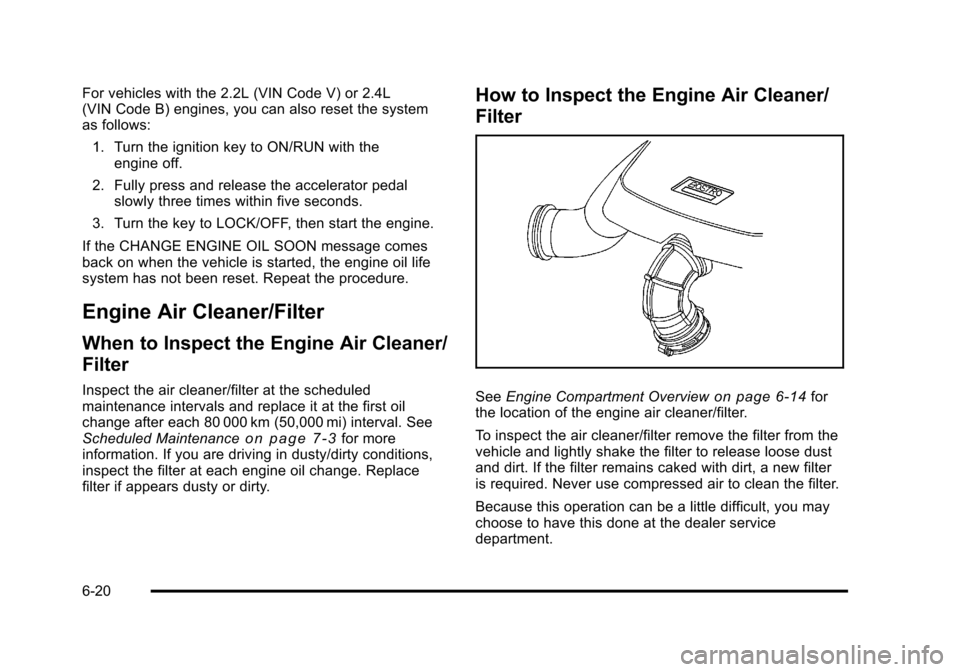
See Engine Compartment Overviewon page 6‑14for
the location of the engine air cleaner/filter.
To inspect the air cleaner/filter remove the filter from the
vehicle and lightly shake the filter to release loose dust
and dirt. If the filter remains caked with dirt, a new filter
is required. Never use compressed air to clean the filter.
Because this operation can be a little difficult, you may
choose to have this done at the dealer service
department.
6-20
Page 335 of 430
Black plate (59,1)Chevrolet HHR Owner Manual - 2011
TPMS Sensor Matching Process
Each TPMS sensor has a unique identification code.
Any time you replace one or more of the TPMS sensors
or rotate the vehicle's tires, the identification codes
need to be matched to the new tire/wheel location. The
sensors are matched, to the tire/wheel locations, in the
following order: driver side front tire, passenger side
front tire, passenger side rear tire, and driver side rear
tire using a TPMS diagnostic tool. See your dealer for
service.
The TPMS sensors can also be matched to each tire/
wheel position by increasing or decreasing the tire's air
pressure. When increasing the tire's pressure, do not
exceed the maximum inflation pressure indicated on the
tire's sidewall. To decrease the tire's air-pressure use
the pointed end of the valve cap, a pencil-style air
pressure gauge, or a key.
You have two minutes to match each tire and wheel
position. If it takes longer than two minutes to match
any tire and wheel position, the matching process stops
and you need to start over.
The TPMS matching process is outlined below:1. Set the parking brake.
2. Turn the ignition switch to ON/RUN with the engine off. 3. Press and hold the Remote Keyless Entry (RKE)
transmitter's LOCK and UNLOCK buttons, at the
same time, for about five seconds to start the
TPMS learn mode. The horn sounds twice
indicating the TPMS receiver is ready and in
learn mode.
4. Start with the driver side front tire. The driver side front turn signal also comes on to indicate that
corner's sensor is ready to be learned.
5. Remove the valve cap from the tire's valve stem. Activate the TPMS sensor by increasing or
decreasing the tire's air pressure for about
eight seconds. The horn chirp, can take up to
30 seconds to sound. It chirps one time and then
all the turn signals flash one time to confirm the
sensor identification code has been matched to the
tire/wheel position.
6. The passenger side front turn signal comes on to indicate that corner sensor is ready to be learned.
Proceed to the passenger side front tire and repeat
the procedure in Step 5.
7. The passenger side rear turn signal comes on to indicate that corner sensor is ready to be learned.
Proceed to the passenger side rear tire and repeat
the procedure in Step 5.
6-59