ECU CHEVROLET IMPALA 2005 8.G Owner's Manual
[x] Cancel search | Manufacturer: CHEVROLET, Model Year: 2005, Model line: IMPALA, Model: CHEVROLET IMPALA 2005 8.GPages: 398, PDF Size: 10.04 MB
Page 77 of 398

Trunk Lock
To unlock the trunk from the outside, insert the key in
the lock and turn it. You can also press the car
symbol on your remote keyless entry transmitter,
if equipped.
Remote Trunk Release
You can also unlock the trunk from inside the vehicle.
Press the button located
below the exterior lamps
control on the underside of
the dashboard. The shift
lever must be in PARK (P)
for the remote trunk
release button to work.
Emergency Trunk Release Handle
There is a glow-in-the-dark trunk release handle located
inside the trunk on the latch. This handle will glow
following exposure to light. Pull the release handle up to
open the trunk from the inside.
Notice:Using the emergency trunk release handle
as a tie-down or anchor point when securing
items in the trunk may damage it. The emergency
trunk release handle is only intended to aid a person
trapped in a latched trunk, to open the trunk from
the inside.
2-11
Page 81 of 398

Arming with the Remote Keyless Entry
Transmitter
Your alarm system will arm when you use your remote
keyless entry transmitter to lock the doors, if the key
is not in the ignition. The light on the radio will turn on to
let you know the system is arming. After all doors and
the trunk are closed and locked, the light on the
radio will begin ashing at a very slow rate to let you
know the system is armed.
Disarming with the Remote Keyless
Entry Transmitter
Your alarm system will disarm when you use your
remote keyless entry transmitter to unlock the doors.
The light on the radio will go off to let you know
the system is no longer armed.
The rst time a remote UNLOCK command is received,
three ashes will be seen and three horn chirps
heard to indicate an alarm condition has occurred since
last arming.
Disarming with Your Key
Your alarm system will disarm when you use your key
to unlock the doors. The light on the radio will go
off to let you know the system is no longer armed.
Passlock®
Your vehicle is equipped with the Passlock®
theft-deterrent system.
Passlock
®is a passive theft-deterrent system. Passlock®
enables fuel if the ignition lock cylinder is turned with
a valid key. If a correct key is not used or the ignition
lock cylinder is tampered with, fuel is disabled and
the engine will not start.
During normal operation, the SECURITY message, on
the instrument panel cluster, will be displayed after
the key is turned to the ON ignition position. See
Security Message on page 3-46.
If the engine stalls and the SECURITY message
ashes, wait until the light stops ashing before trying to
restart the engine.
If the engine is running and the SECURITY message
comes on, you will be able to restart the engine if
you turn the engine off. However, your Passlock
®
system is not working properly and must be serviced by
your dealer. Your vehicle is not protected by Passlock®
at this time. You may also want to check the fuse.
SeeFuses and Circuit Breakers on page 5-99. See your
dealer for service.
In an emergency, contact Roadside Assistance.
SeeRoadside Assistance Program on page 7-6for
more information.
2-15
Page 96 of 398

Heated Outside Mirrors
If your vehicle has this feature, the surface of the
outside mirrors will heat when the rear window defogger
is activated.
Outside Convex Mirror
Your passenger’s side mirror is convex. A convex
mirror’s surface is curved so you can see more from the
driver’s seat.
{CAUTION:
A convex mirror can make things (like other
vehicles) look farther away than they really are.
If you cut too sharply into the right lane, you
could hit a vehicle on your right. Check your
inside mirror or glance over your shoulder
before changing lanes.
OnStar®System
OnStar®uses global positioning system (GPS) satellite
technology, wireless communications, and call centers
to provide you with a wide range of safety, security,
information, and convenience services.
A complete OnStar
®user’s guide and the terms and
conditions of the OnStar®Subscription Service
Agreement are included in the vehicle’s glove box
literature. For more information, visit www.onstar.com or
www.onstarcanada.com. Contact OnStar
®at
1-888-4-ONSTAR (1-888-466-7827), or press the
OnStar
®button to speak to an OnStar®advisor 24 hours
a day, 7 days a week.
Terms and conditions of the Subscription Service
Agreement can be found at www.onstar.com or
www.onstarcanada.com.
OnStar®Services
For new vehicles equipped with OnStar®, the Safe and
Sound Plan is included for the rst year. You can
extend this plan beyond the rst year, or upgrade to the
Directions and Connections Plan to meet your needs.
For more information, press the OnStar
®button to speak
with an advisor.
2-30
Page 98 of 398
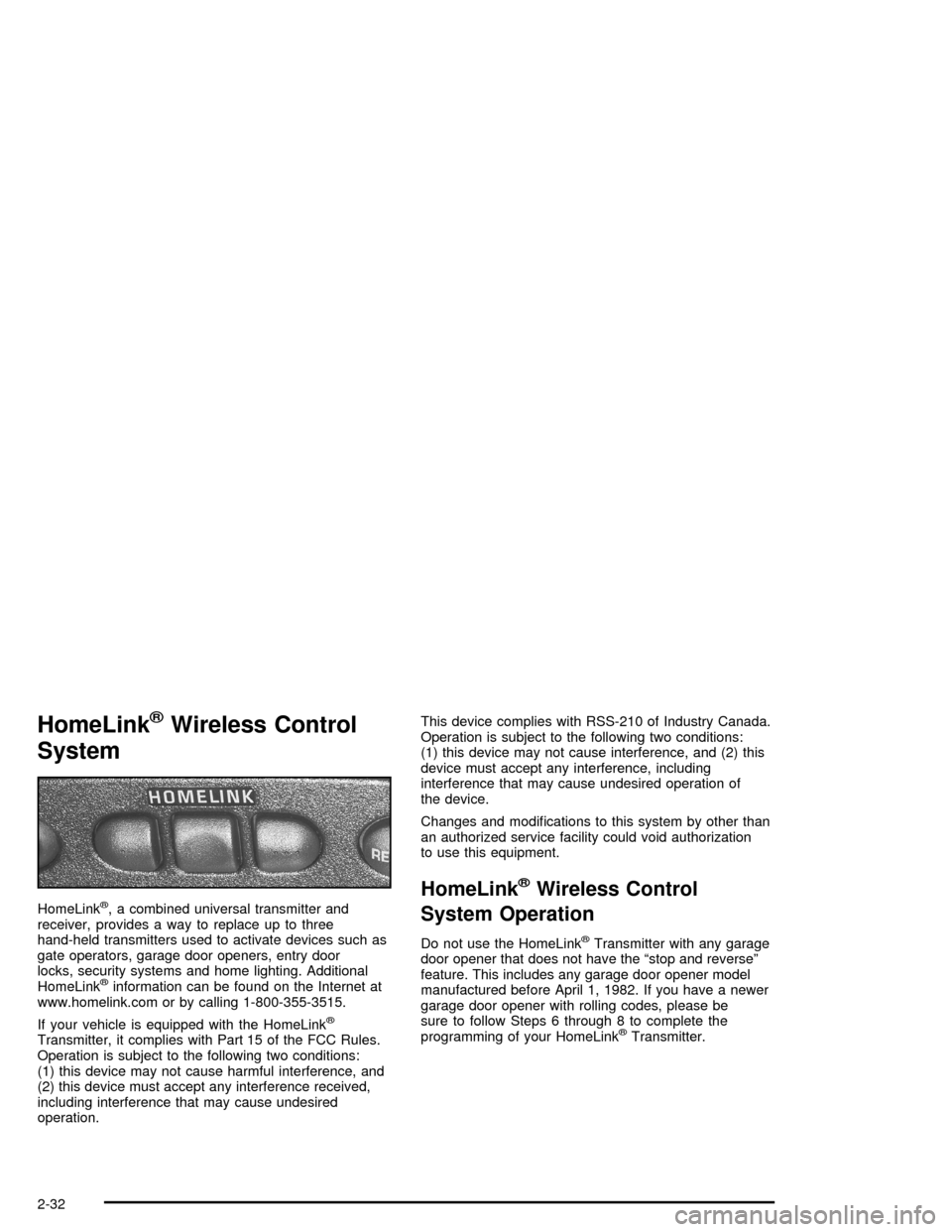
HomeLink®Wireless Control
System
HomeLink®, a combined universal transmitter and
receiver, provides a way to replace up to three
hand-held transmitters used to activate devices such as
gate operators, garage door openers, entry door
locks, security systems and home lighting. Additional
HomeLink
®information can be found on the Internet at
www.homelink.com or by calling 1-800-355-3515.
If your vehicle is equipped with the HomeLink
®
Transmitter, it complies with Part 15 of the FCC Rules.
Operation is subject to the following two conditions:
(1) this device may not cause harmful interference, and
(2) this device must accept any interference received,
including interference that may cause undesired
operation.This device complies with RSS-210 of Industry Canada.
Operation is subject to the following two conditions:
(1) this device may not cause interference, and (2) this
device must accept any interference, including
interference that may cause undesired operation of
the device.
Changes and modications to this system by other than
an authorized service facility could void authorization
to use this equipment.
HomeLink®Wireless Control
System Operation
Do not use the HomeLink®Transmitter with any garage
door opener that does not have the “stop and reverse”
feature. This includes any garage door opener model
manufactured before April 1, 1982. If you have a newer
garage door opener with rolling codes, please be
sure to follow Steps 6 through 8 to complete the
programming of your HomeLink
®Transmitter.
2-32
Page 99 of 398

Read the instructions completely before attempting to
program the HomeLink®Transmitter. Because of
the steps involved, it may be helpful to have another
person available to assist you in programming the
transmitter.
Keep the original transmitter for use in other vehicles as
well as for future HomeLink
®programming. It is also
recommended that upon the sale of the vehicle,
the programmed HomeLink
®buttons should be erased
for security purposes. Refer to “Erasing HomeLink®
Buttons” or, for assistance, contact HomeLink®on
the Internet at: www.homelink.com or by calling
1-800-355-3515.
Be sure that people and objects are clear of the garage
door or gate operator you are programming. When
programming a garage door, it is advised to park outside
of the garage.
It is recommended that a new battery be installed in
your hand-held transmitter for quicker and more
accurate transmission of the radio frequency.
Programming HomeLink®
Your vehicle’s engine should be turned off while
programming the transmitter. Follow these steps to
program up to three channels:
1. Press and hold down the two outside buttons,
releasing only when the indicator light begins to
ash, after 20 seconds. Do not hold down the
buttons for longer than 30 seconds and do not
repeat this step to program a second and/or third
transmitter to the remaining two HomeLink
®buttons.
2. Position the end of your hand-held transmitter about
1 to 3 inches (3 to 8 cm) away from the HomeLink
®
buttons while keeping the indicator light in view.
3. Simultaneously press and hold both the desired
button on HomeLink
®and the hand-held transmitter
button. Do not release the buttons until Step 4
has been completed.
Some entry gates and garage door openers may
require you to substitute Step 3 with the procedure
noted in “Gate Operator and Canadian
Programming” later in this section.
2-33
Page 114 of 398

Message Center.............................................3-40
Service Traction System Warning Message......3-40
Traction Active Message................................3-41
Battery Warning Message..............................3-41
Hot Coolant Temperature Warning Message.....3-42
Low Oil Pressure Message............................3-42
Low Engine Oil Level Message.......................3-43
Change Engine Oil Message..........................3-44
Low Tire Message........................................3-44
Door Ajar Warning Message...........................3-45
Trunk Ajar Warning Message.........................3-45
Security Message.........................................3-46
Low Washer Fluid Warning Message...............3-46
Low Fuel Warning Message...........................3-47
Low Brake Fluid Warning Message.................3-47
Service Vehicle Soon Message.......................3-48
Highbeam Out Warning Message....................3-48Driver Information Center (DIC).......................3-49
Trip Computer................................................3-51
Audio System(s).............................................3-52
Setting the Time...........................................3-52
Radio with Cassette......................................3-53
Radio with CD..............................................3-64
Radio with Cassette and CD..........................3-74
Theft-Deterrent Feature..................................3-87
Audio Steering Wheel Controls.......................3-87
Radio Reception...........................................3-88
Care of the Cassette Tape Player...................3-88
Care of Your CDs.........................................3-90
Care of the CD Player...................................3-90
Backglass Antenna.......................................3-90
XM™ Satellite Radio Antenna System.............3-91
Vehicle Customization Settings.......................3-91
Chime Level Adjustment................................3-91
Section 3 Instrument Panel
3-2
Page 158 of 398

Security Message
This message is displayed to monitor the Passlock®
system.
If the security message is displayed continuously while
driving and stays on, there may be a problem with
the Passlock
®system. Your vehicle will not be protected
by Passlock®and you should see your dealer for
service. SeePasslock®on page 2-15for more
information.
Low Washer Fluid Warning Message
This message is displayed when the vehicle is low on
windshield washer uid.
The message is only displayed for 60 seconds at the
start of each ignition cycle. For more information
seeWindshield Washer Fluid on page 5-44.
When the ignition is turned off, this message will be
displayed again for three seconds to remind you
that your washer uid is low. Be sure to rell the
washer uid tank right away. United States
CanadaUnited StatesCanada
3-46
Page 172 of 398

XM™ Radio Messages (cont’d)
Radio Display
MessageCondition Action Required
No Info Category Name not
availableNo category information is available at this time on this
channel. The system is working properly.
No Info No Text/Informational
message availableNo text or informational messages are available at this
time on this channel. The system is working properly.
Not Found No channel available for
the chosen categoryThere are no channels available for the selected category.
The system is working properly.
XM Lock Theft lock active The XM receiver in your vehicle may have previously been
in another vehicle. For security purposes, XM receivers
cannot be swapped between vehicles. If this message is
received after having your vehicle serviced, check with
your GM dealer.
Radio ID Radio ID label
(channel 0)If tuned to channel 0, this message will alternate with the
XM Radio eight digit radio ID label. This label is needed to
activate the service.
Unknown Radio ID not known
(should only be if
hardware failure)If this message is received when tuned to channel 0, there
may be a receiver fault. Consult with your GM dealer.
Check XM Hardware failure If this message does not clear within a short period of time,
the receiver may have a fault. Consult with your GM
dealer.
3-60
Page 183 of 398

XM™ Radio Messages (cont’d)
Radio Display
MessageCondition Action Required
No Info Category Name not
availableNo category information is available at this time on this
channel. The system is working properly.
No Info No Text/Informational
message availableNo text or informational messages are available at this
time on this channel. The system is working properly.
Not Found No channel available for
the chosen categoryThere are no channels available for the selected category.
The system is working properly.
XM Lock Theft lock active The XM receiver in your vehicle may have previously been
in another vehicle. For security purposes, XM receivers
cannot be swapped between vehicles. If this message is
received after having your vehicle serviced, check with the
servicing facility.
Radio ID Radio ID label (channel 0) If tuned to channel 0, this message will alternate with the
XM Radio 8 digit radio ID label. This label is needed to
activate the service.
Unknown Radio ID not known
(should only be if
hardware failure)If this message is received when tuned to channel 0, there
may be a receiver fault. Consult with your dealer.
Check XM Hardware failure If this message does not clear within a short period of time,
the receiver may have a fault. Consult with your dealer.
3-71
Page 193 of 398

XM™ Radio Messages (cont’d)
Radio Display
MessageCondition Action Required
No Info Category Name not
availableNo category information is available at this time on this
channel. The system is working properly.
No Info No Text/Informational
message availableNo text or informational messages are available at this
time on this channel. The system is working properly.
Not Found No channel available for
the chosen categoryThere are no channels available for the selected category.
The system is working properly.
XM Lock Theft lock active The XM receiver in the vehicle may have previously been
in another vehicle. For security purposes, XM receivers
cannot be swapped between vehicles. If this message is
received after having your vehicle serviced, check with
your GM dealer.
Radio ID Radio ID label (channel 0) If tuned to channel 0, this message will alternate with the
XM Radio 8 digit radio ID label. This label is needed to
activate the service.
Unknown Radio ID not known
(should only be if
hardware failure)If this message is received when tuned to channel 0, there
may be a receiver fault. Consult with your GM dealer.
Check XM Hardware failure If this message does not clear within a short period of time,
the receiver may have a fault. Consult with your GM
dealer.
3-81