keyless entry CHEVROLET IMPALA 2006 9.G Owner's Manual
[x] Cancel search | Manufacturer: CHEVROLET, Model Year: 2006, Model line: IMPALA, Model: CHEVROLET IMPALA 2006 9.GPages: 394, PDF Size: 2.42 MB
Page 176 of 394
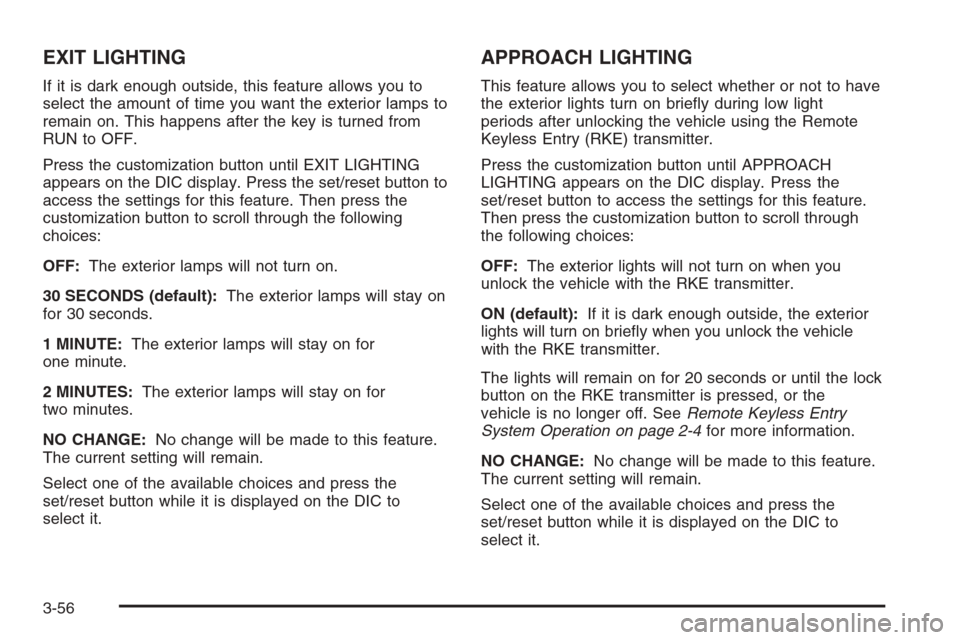
EXIT LIGHTING
If it is dark enough outside, this feature allows you to
select the amount of time you want the exterior lamps to
remain on. This happens after the key is turned from
RUN to OFF.
Press the customization button until EXIT LIGHTING
appears on the DIC display. Press the set/reset button to
access the settings for this feature. Then press the
customization button to scroll through the following
choices:
OFF:The exterior lamps will not turn on.
30 SECONDS (default):The exterior lamps will stay on
for 30 seconds.
1 MINUTE:The exterior lamps will stay on for
one minute.
2 MINUTES:The exterior lamps will stay on for
two minutes.
NO CHANGE:No change will be made to this feature.
The current setting will remain.
Select one of the available choices and press the
set/reset button while it is displayed on the DIC to
select it.
APPROACH LIGHTING
This feature allows you to select whether or not to have
the exterior lights turn on briey during low light
periods after unlocking the vehicle using the Remote
Keyless Entry (RKE) transmitter.
Press the customization button until APPROACH
LIGHTING appears on the DIC display. Press the
set/reset button to access the settings for this feature.
Then press the customization button to scroll through
the following choices:
OFF:The exterior lights will not turn on when you
unlock the vehicle with the RKE transmitter.
ON (default):If it is dark enough outside, the exterior
lights will turn on briey when you unlock the vehicle
with the RKE transmitter.
The lights will remain on for 20 seconds or until the lock
button on the RKE transmitter is pressed, or the
vehicle is no longer off. SeeRemote Keyless Entry
System Operation on page 2-4for more information.
NO CHANGE:No change will be made to this feature.
The current setting will remain.
Select one of the available choices and press the
set/reset button while it is displayed on the DIC to
select it.
3-56
Page 177 of 394
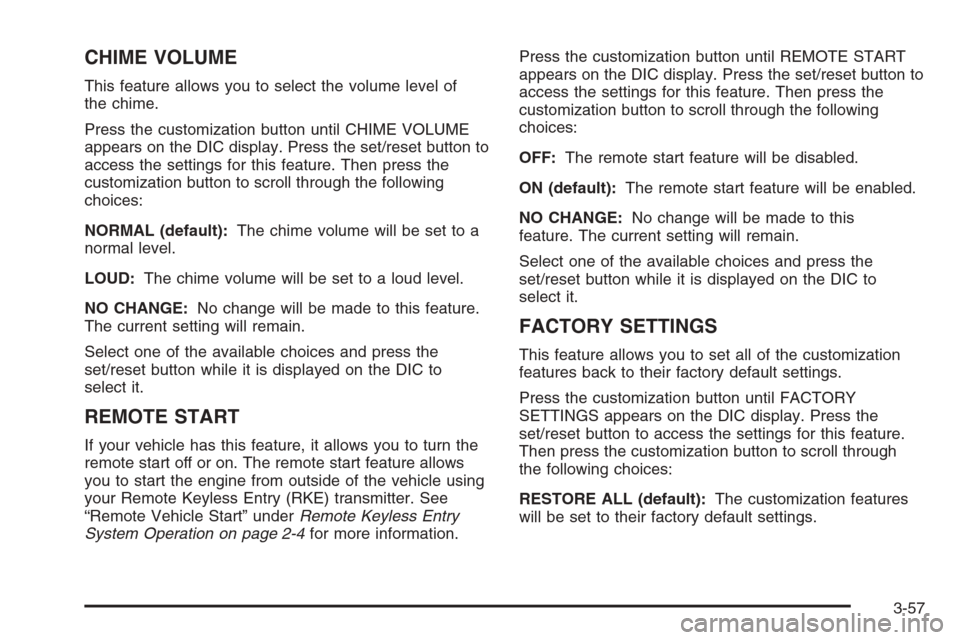
CHIME VOLUME
This feature allows you to select the volume level of
the chime.
Press the customization button until CHIME VOLUME
appears on the DIC display. Press the set/reset button to
access the settings for this feature. Then press the
customization button to scroll through the following
choices:
NORMAL (default):The chime volume will be set to a
normal level.
LOUD:The chime volume will be set to a loud level.
NO CHANGE:No change will be made to this feature.
The current setting will remain.
Select one of the available choices and press the
set/reset button while it is displayed on the DIC to
select it.
REMOTE START
If your vehicle has this feature, it allows you to turn the
remote start off or on. The remote start feature allows
you to start the engine from outside of the vehicle using
your Remote Keyless Entry (RKE) transmitter. See
“Remote Vehicle Start” underRemote Keyless Entry
System Operation on page 2-4for more information.Press the customization button until REMOTE START
appears on the DIC display. Press the set/reset button to
access the settings for this feature. Then press the
customization button to scroll through the following
choices:
OFF:The remote start feature will be disabled.
ON (default):The remote start feature will be enabled.
NO CHANGE:No change will be made to this
feature. The current setting will remain.
Select one of the available choices and press the
set/reset button while it is displayed on the DIC to
select it.
FACTORY SETTINGS
This feature allows you to set all of the customization
features back to their factory default settings.
Press the customization button until FACTORY
SETTINGS appears on the DIC display. Press the
set/reset button to access the settings for this feature.
Then press the customization button to scroll through
the following choices:
RESTORE ALL (default):The customization features
will be set to their factory default settings.
3-57
Page 387 of 394
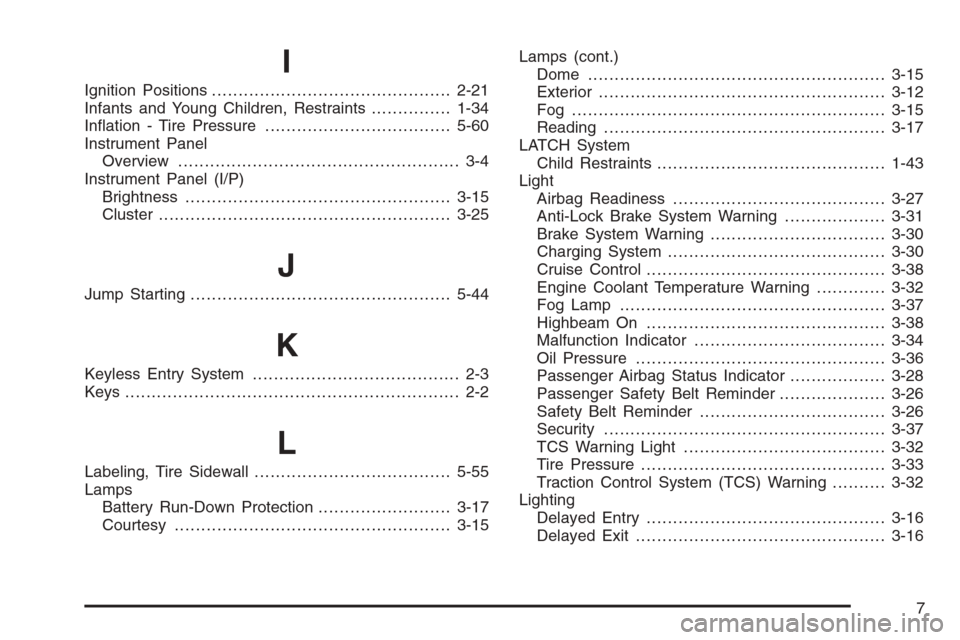
I
Ignition Positions.............................................2-21
Infants and Young Children, Restraints...............1-34
Ination - Tire Pressure...................................5-60
Instrument Panel
Overview..................................................... 3-4
Instrument Panel (I/P)
Brightness..................................................3-15
Cluster.......................................................3-25
J
Jump Starting.................................................5-44
K
Keyless Entry System....................................... 2-3
Keys............................................................... 2-2
L
Labeling, Tire Sidewall.....................................5-55
Lamps
Battery Run-Down Protection.........................3-17
Courtesy....................................................3-15Lamps (cont.)
Dome ........................................................3-15
Exterior......................................................3-12
Fog ...........................................................3-15
Reading.....................................................3-17
LATCH System
Child Restraints...........................................1-43
Light
Airbag Readiness........................................3-27
Anti-Lock Brake System Warning...................3-31
Brake System Warning.................................3-30
Charging System.........................................3-30
Cruise Control.............................................3-38
Engine Coolant Temperature Warning.............3-32
Fog Lamp ..................................................3-37
Highbeam On.............................................3-38
Malfunction Indicator....................................3-34
Oil Pressure...............................................3-36
Passenger Airbag Status Indicator..................3-28
Passenger Safety Belt Reminder....................3-26
Safety Belt Reminder...................................3-26
Security.....................................................3-37
TCS Warning Light......................................3-32
Tire Pressure..............................................3-33
Traction Control System (TCS) Warning..........3-32
Lighting
Delayed Entry.............................................3-16
Delayed Exit...............................................3-16
7
Page 390 of 394
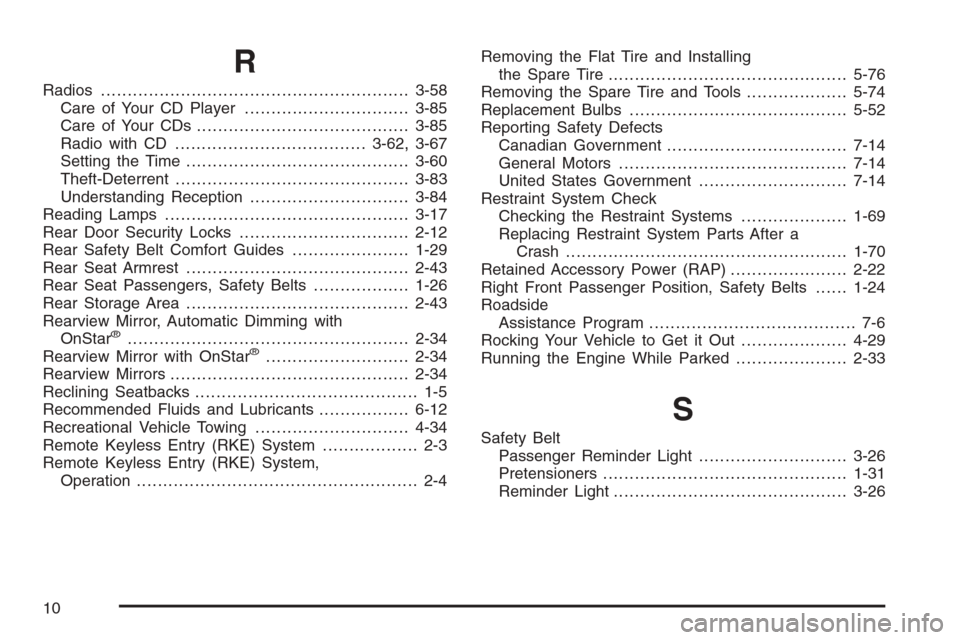
R
Radios..........................................................3-58
Care of Your CD Player...............................3-85
Care of Your CDs ........................................3-85
Radio with CD....................................3-62, 3-67
Setting the Time..........................................3-60
Theft-Deterrent............................................3-83
Understanding Reception..............................3-84
Reading Lamps..............................................3-17
Rear Door Security Locks................................2-12
Rear Safety Belt Comfort Guides......................1-29
Rear Seat Armrest..........................................2-43
Rear Seat Passengers, Safety Belts..................1-26
Rear Storage Area..........................................2-43
Rearview Mirror, Automatic Dimming with
OnStar
®.....................................................2-34
Rearview Mirror with OnStar®...........................2-34
Rearview Mirrors.............................................2-34
Reclining Seatbacks.......................................... 1-5
Recommended Fluids and Lubricants.................6-12
Recreational Vehicle Towing.............................4-34
Remote Keyless Entry (RKE) System.................. 2-3
Remote Keyless Entry (RKE) System,
Operation..................................................... 2-4Removing the Flat Tire and Installing
the Spare Tire.............................................5-76
Removing the Spare Tire and Tools...................5-74
Replacement Bulbs.........................................5-52
Reporting Safety Defects
Canadian Government..................................7-14
General Motors...........................................7-14
United States Government............................7-14
Restraint System Check
Checking the Restraint Systems....................1-69
Replacing Restraint System Parts After a
Crash.....................................................1-70
Retained Accessory Power (RAP)......................2-22
Right Front Passenger Position, Safety Belts......1-24
Roadside
Assistance Program....................................... 7-6
Rocking Your Vehicle to Get it Out....................4-29
Running the Engine While Parked.....................2-33
S
Safety Belt
Passenger Reminder Light............................3-26
Pretensioners..............................................1-31
Reminder Light............................................3-26
10