remote control CHEVROLET IMPALA 2010 9.G User Guide
[x] Cancel search | Manufacturer: CHEVROLET, Model Year: 2010, Model line: IMPALA, Model: CHEVROLET IMPALA 2010 9.GPages: 432, PDF Size: 1.89 MB
Page 143 of 432

2. Locate in the garage, the garage door opener
receiver (motor-head unit). Locate the “Learn”
or “Smart” button. It can usually be found where the
hanging antenna wire is attached to the motor-head
unit and may be a colored button. Press this
button. After pressing this button, complete the
following steps in less than 30 seconds.3. Immediately return to the vehicle. Press and hold
the Universal Home Remote button that will be
used to control the garage door until the garage
door moves. The indicator light, above the selected
button, should slowly blink. This button may
need to be held for up to 20 seconds.
4. Immediately, within one second, release the button
when the garage door moves. The indicator light
will blink rapidly until programming is complete.
5. Press and release the same button again.
The garage door should move, confirming
that programming is successful and complete.
To program another Rolling Code device such as an
additional garage door opener, a security device,
or home automation device, repeat Steps 1-5, choosing
a different function button in Step 3 than what was
used for the garage door opener.
If these instructions do not work, the garage door
opener is probably a Fixed Code unit. Follow the
Programming instructions that follow for a Fixed Code
garage door opener.
3-37
Page 147 of 432
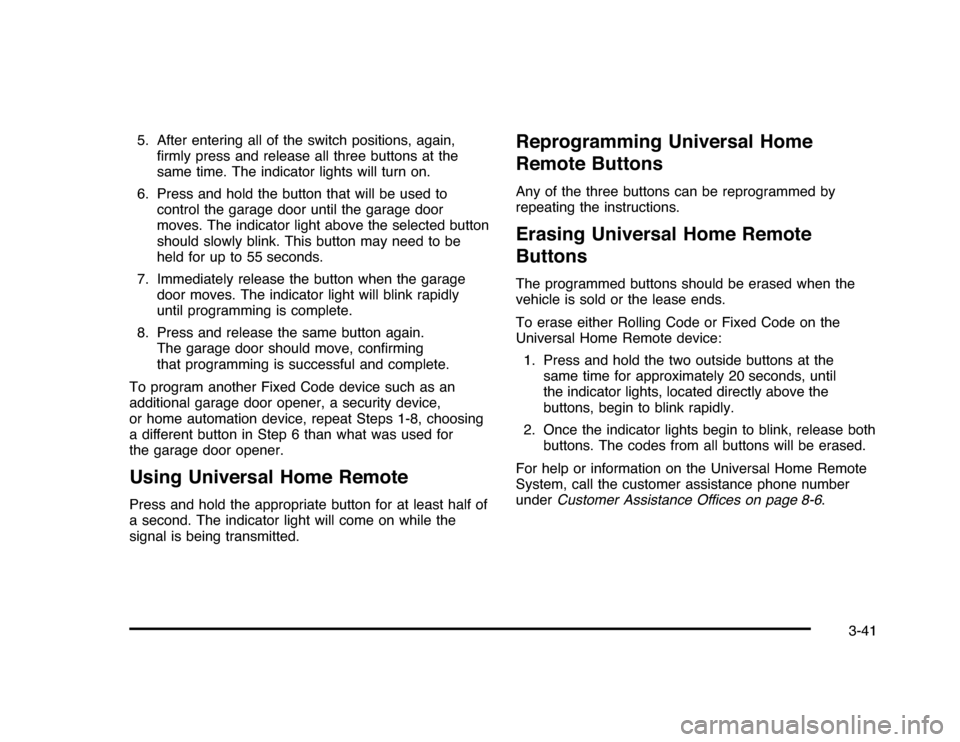
5. After entering all of the switch positions, again,
firmly press and release all three buttons at the
same time. The indicator lights will turn on.
6. Press and hold the button that will be used to
control the garage door until the garage door
moves. The indicator light above the selected button
should slowly blink. This button may need to be
held for up to 55 seconds.
7. Immediately release the button when the garage
door moves. The indicator light will blink rapidly
until programming is complete.
8. Press and release the same button again.
The garage door should move, confirming
that programming is successful and complete.
To program another Fixed Code device such as an
additional garage door opener, a security device,
or home automation device, repeat Steps 1-8, choosing
a different button in Step 6 than what was used for
the garage door opener.Using Universal Home RemotePress and hold the appropriate button for at least half of
a second. The indicator light will come on while the
signal is being transmitted.
Reprogramming Universal Home
Remote ButtonsAny of the three buttons can be reprogrammed by
repeating the instructions.Erasing Universal Home Remote
ButtonsThe programmed buttons should be erased when the
vehicle is sold or the lease ends.
To erase either Rolling Code or Fixed Code on the
Universal Home Remote device:
1. Press and hold the two outside buttons at the
same time for approximately 20 seconds, until
the indicator lights, located directly above the
buttons, begin to blink rapidly.
2. Once the indicator lights begin to blink, release both
buttons. The codes from all buttons will be erased.
For help or information on the Universal Home Remote
System, call the customer assistance phone number
underCustomer Assistance Offices on page 8-6.
3-41
Page 197 of 432
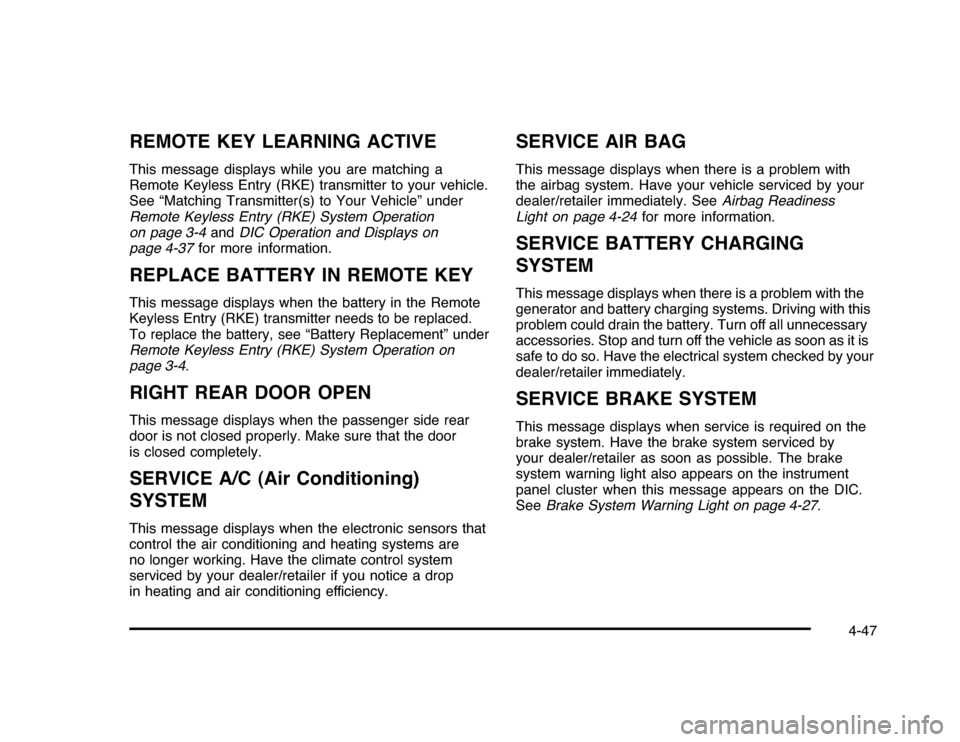
REMOTE KEY LEARNING ACTIVEThis message displays while you are matching a
Remote Keyless Entry (RKE) transmitter to your vehicle.
See “Matching Transmitter(s) to Your Vehicle” under
Remote Keyless Entry (RKE) System Operation
on page 3-4andDIC Operation and Displays on
page 4-37for more information.REPLACE BATTERY IN REMOTE KEYThis message displays when the battery in the Remote
Keyless Entry (RKE) transmitter needs to be replaced.
To replace the battery, see “Battery Replacement” under
Remote Keyless Entry (RKE) System Operation on
page 3-4.RIGHT REAR DOOR OPENThis message displays when the passenger side rear
door is not closed properly. Make sure that the door
is closed completely.SERVICE A/C (Air Conditioning)
SYSTEMThis message displays when the electronic sensors that
control the air conditioning and heating systems are
no longer working. Have the climate control system
serviced by your dealer/retailer if you notice a drop
in heating and air conditioning efficiency.
SERVICE AIR BAGThis message displays when there is a problem with
the airbag system. Have your vehicle serviced by your
dealer/retailer immediately. SeeAirbag Readiness
Light on page 4-24for more information.SERVICE BATTERY CHARGING
SYSTEMThis message displays when there is a problem with the
generator and battery charging systems. Driving with this
problem could drain the battery. Turn off all unnecessary
accessories. Stop and turn off the vehicle as soon as it is
safe to do so. Have the electrical system checked by your
dealer/retailer immediately.SERVICE BRAKE SYSTEMThis message displays when service is required on the
brake system. Have the brake system serviced by
your dealer/retailer as soon as possible. The brake
system warning light also appears on the instrument
panel cluster when this message appears on the DIC.
SeeBrake System Warning Light on page 4-27.
4-47
Page 415 of 432
I
Ignition Positions.............................................3-20
Infants and Young Children, Restraints...............2-35
Inflation - Tire Pressure . . .................................6-59
Instrument Panel
Brightness..................................................4-11
Cluster . . .....................................................4-22
Introduction...................................................... 7-2
J
Jump Starting . . ...............................................6-39
K
Keyless Entry
Remote (RKE) System . .................................. 3-4
Keyless Entry System....................................... 3-4
Keys . . . . ........................................................... 3-3
L
Labeling, Tire Sidewall.....................................6-52
Lamps
Courtesy . . . . ................................................4-11
Dome . . . . . ...................................................4-11
License Plate..............................................6-49Lamps (cont.)
Malfunction Indicator....................................4-31
Map ..........................................................4-13
Reading.....................................................4-13
Lap Belt........................................................2-30
Lap-Shoulder Belt...........................................2-25
LATCH System for Child Restraints . . .................2-43
Lighting
Delayed Entry.............................................4-12
Delayed Exit...............................................4-13
Entry.........................................................4-12
Parade Dimming..........................................4-13
Lights
Airbag Readiness........................................4-24
Antilock Brake System (ABS) Warning . . . . . . . . . . . . 4-28
Brake System Warning . . . . .............................4-27
Charging System.........................................4-26
Cruise Control.............................................4-35
Electronic StabiliTrak Control Indicator . . . . . . . . . . . . 4-29
Engine Coolant Temperature Warning.............4-30
Exterior Lamps . . ........................................... 4-9
Flash-to-Pass............................................... 4-5
Fog Lamps.................................................4-35
Highbeam On.............................................4-36
High/Low Beam Changer................................ 4-5
Oil Pressure...............................................4-34
Passenger Airbag Status Indicator . . . ...............4-25
Safety Belt Reminders..................................4-23
7
Page 418 of 432
R
Radio Frequency
Identification (RFID).....................................8-20
Statement . . . . . . . ............................................8-20
Radio(s) . . . . . . . . . . . . . . ..........................................4-59
Radios
Reception . . . . . . . ............................................4-85
Setting the Clock.........................................4-58
Theft-Deterrent............................................4-84
Reading Lamps . . ............................................4-13
Rear Door Security Locks................................3-11
Rear Seat Armrest..........................................3-42
Rear Storage . . . . . . ...........................................3-42
Rearview Mirrors.............................................3-33
Automatic Dimming......................................3-33
Reclining Seatbacks.......................................... 2-6
Recommended Fluids and Lubricants.................7-10
Recreational Vehicle Towing . . ...........................5-26
Reimbursement Program, GM Mobility................. 8-7
Remote Keyless Entry (RKE) System.................. 3-4
Remote Vehicle Start........................................ 3-7
Removing the Flat Tire and Installing the
Spare Tire . . . . . . . ...........................................6-77
Removing the Spare Tire and Tools...................6-76
Replacement Bulbs.........................................6-49Replacement Parts
Maintenance...............................................7-11
Reporting Safety Defects
Canadian Government..................................8-16
General Motors...........................................8-16
U.S. Government.........................................8-16
Restraint System Check
Checking the Restraint Systems....................2-74
Replacing Restraint System Parts After
a Crash..................................................2-75
Retained Accessory Power (RAP) . . ....................3-21
Ride Control Systems....................................... 5-6
Electronic Stability (ESC)................................ 5-6
Roadside Assistance Program............................ 8-7
Rocking Your Vehicle to Get it Out....................5-20
Roof
Sunroof......................................................3-43
Running the Vehicle While Parked
.....................3-32
S
Safety Belts
Care of......................................................6-90
Extender....................................................2-31
How to Wear Safety Belts Properly................2-17
10
Page 420 of 432

Split Folding Rear Seat....................................2-10
StabiliTrak Control Indicator Light, Electronic.......4-29
Start Vehicle, Remote....................................... 3-7
Starting the Engine.........................................3-21
Steering.......................................................... 5-9
Steering Wheel Controls, Audio.........................4-84
Steering Wheel, Tilt Wheel................................. 4-3
Storage Areas
Center Console...........................................3-42
Convenience Net.........................................3-42
Cupholders . . . . . . ...........................................3-42
Glove Box . . . . . . . . . . ........................................3-42
Rear . . . . . . . ...................................................3-42
Rear Seat Armrest.......................................3-42
Sunglasses Storage Compartment..................3-42
Stuck in Sand, Mud, Ice, or Snow.....................5-19
Sun Visors .....................................................3-16
Sunroof . . . . . ....................................................3-43
T
Tachometer ....................................................4-23
Taillamps
Turn Signal, Sidemarker, Stoplamps, and
Back-Up Lamps.......................................6-47
Text Telephone (TTY) Users............................... 8-6Theft-Deterrent Feature....................................4-84
Theft-Deterrent Systems...................................3-16
Content Theft-Deterrent................................3-17
PASS-Key
®
III+ Electronic Immobilizer............3-18
PASS-Key
®
III+ Electronic Immobilizer
Operation................................................3-18
Tilt Wheel........................................................ 4-3
Time, Setting..................................................4-58
Tires . . ...........................................................6-51
Aluminum Wheels, Cleaning..........................6-93
Buying New Tires........................................6-68
Chains.......................................................6-73
Changing a Flat Tire....................................6-75
Cleaning....................................................6-93
Compact Spare...........................................6-86
Different Size . . ............................................6-69
If a Tire Goes Flat.......................................6-74
Inflation - Tire Pressure................................6-59
Inspection and Rotation................................6-65
Installing the Spare Tire................................6-77
Pressure Light.............................................4-31
Pressure Monitor Operation ...........................6-62
Pressure Monitor System..............................6-60
Removing the Flat Tire.................................6-77
Removing the Spare Tire and Tools...............6-76
Sidewall Labeling.........................................6-52
12
Page 421 of 432

Tires (cont.)
Storing a Flat or Spare Tire and Tools............6-83
Terminology and Definitions...........................6-56
Uniform Tire Quality Grading.........................6-70
Wheel Alignment and Tire Balance.................6-71
Wheel Replacement.....................................6-71
When It Is Time for New Tires......................6-67
Towing
Recreational Vehicle.....................................5-26
Towing a Trailer..........................................5-28
Your Vehicle...............................................5-26
Traction
Control System (TCS).................................... 5-7
Control System Warning Light .......................4-28
Transmission
Fluid, Automatic...........................................6-22
Transmission Operation, Automatic . . ..................3-24
Transportation Program, Courtesy......................8-11
Trunk............................................................3-12
Turn and Lane-Change Signals.......................... 4-4
Turn Signal/Multifunction Lever........................... 4-4
U
Uniform Tire Quality Grading............................6-70
Universal Home Remote System .......................3-35
Operation ...................................................3-35
V
Vehicle
Control........................................................ 5-3
Loading......................................................5-20
Remote Start................................................ 3-7
Running While Parked..................................3-32
Symbols......................................................... iv
Vehicle Customization, DIC..............................4-51
Vehicle Data Recording and Privacy . . . ...............8-18
Vehicle Identification
Number (VIN).............................................6-95
Service Parts Identification Label . . .................6-95
Ventilation Adjustment......................................4-20
Visors...........................................................3-16
W
Warning Lights, Gages, and Indicators...............4-21
Warnings
DIC Warnings and Messages........................4-44
Hazard Flashers............................................ 4-3
Safety and Symbols......................................... iv
Wheels
Alignment and Tire Balance..........................6-71
Different Size..............................................6-69
Replacement...............................................6-71
13