key CHEVROLET IMPALA 2012 9.G Service Manual
[x] Cancel search | Manufacturer: CHEVROLET, Model Year: 2012, Model line: IMPALA, Model: CHEVROLET IMPALA 2012 9.GPages: 374, PDF Size: 5.73 MB
Page 166 of 374
Black plate (8,1)Chevrolet Impala Owner Manual - 2012
7-8 Infotainment System
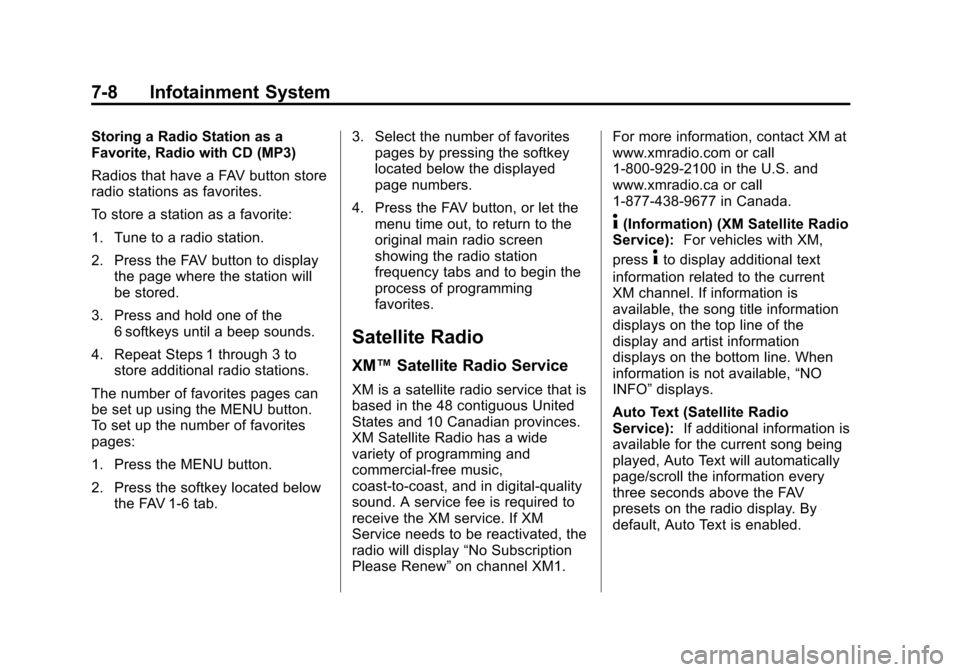
Storing a Radio Station as a
Favorite, Radio with CD (MP3)
Radios that have a FAV button store
radio stations as favorites.
To store a station as a favorite:
1. Tune to a radio station.
2. Press the FAV button to displaythe page where the station will
be stored.
3. Press and hold one of the 6 softkeys until a beep sounds.
4. Repeat Steps 1 through 3 to store additional radio stations.
The number of favorites pages can
be set up using the MENU button.
To set up the number of favorites
pages:
1. Press the MENU button.
2. Press the softkey located below the FAV 1-6 tab. 3. Select the number of favorites
pages by pressing the softkey
located below the displayed
page numbers.
4. Press the FAV button, or let the menu time out, to return to the
original main radio screen
showing the radio station
frequency tabs and to begin the
process of programming
favorites.
Satellite Radio
XM™ Satellite Radio Service
XM is a satellite radio service that is
based in the 48 contiguous United
States and 10 Canadian provinces.
XM Satellite Radio has a wide
variety of programming and
commercial-free music,
coast-to-coast, and in digital-quality
sound. A service fee is required to
receive the XM service. If XM
Service needs to be reactivated, the
radio will display “No Subscription
Please Renew” on channel XM1. For more information, contact XM at
www.xmradio.com or call
1-800-929-2100 in the U.S. and
www.xmradio.ca or call
1-877-438-9677 in Canada.
4(Information) (XM Satellite Radio
Service): For vehicles with XM,
press
4to display additional text
information related to the current
XM channel. If information is
available, the song title information
displays on the top line of the
display and artist information
displays on the bottom line. When
information is not available, “NO
INFO” displays.
Auto Text (Satellite Radio
Service): If additional information is
available for the current song being
played, Auto Text will automatically
page/scroll the information every
three seconds above the FAV
presets on the radio display. By
default, Auto Text is enabled.
Page 167 of 374
Black plate (9,1)Chevrolet Impala Owner Manual - 2012
Infotainment System 7-9
To change the Auto Text setting:
1. Press MENU to display the radiosetup menu.
2. Press the softkey under AUTO TXT tab on the radio display.
3. Press the softkey under the ON or OFF tab on the radio display.
If
4is pressed and the song title or
artist information is longer than what
can be displayed, the extra
information will page every
three seconds when Auto Text is
activated.
Finding an XM Channel
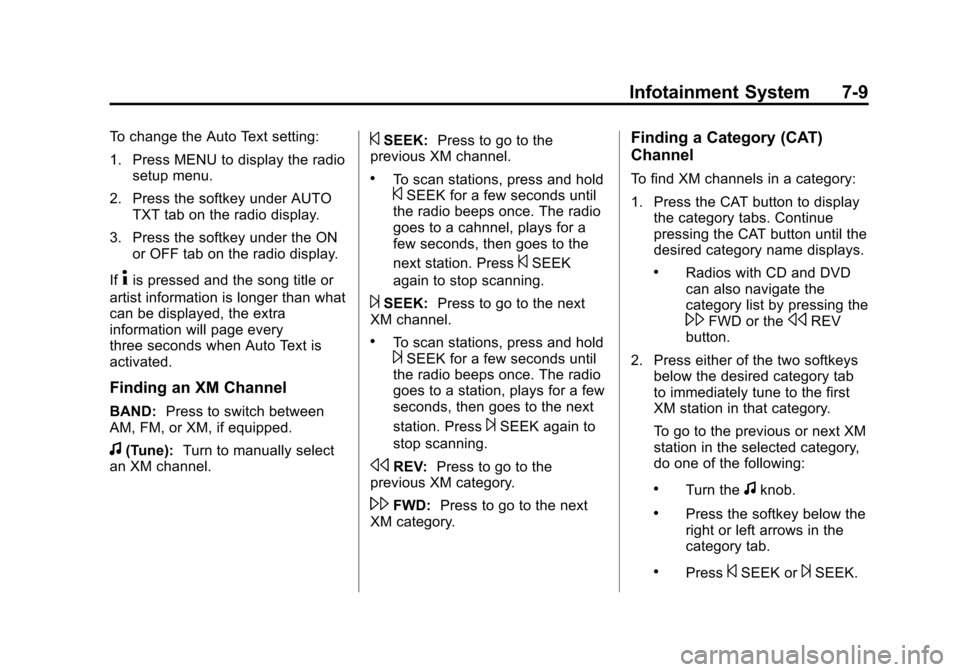
BAND: Press to switch between
AM, FM, or XM, if equipped.
f(Tune): Turn to manually select
an XM channel.
©SEEK: Press to go to the
previous XM channel.
.To scan stations, press and hold©SEEK for a few seconds until
the radio beeps once. The radio
goes to a cahnnel, plays for a
few seconds, then goes to the
next station. Press
©SEEK
again to stop scanning.
¨SEEK: Press to go to the next
XM channel.
.To scan stations, press and hold¨SEEK for a few seconds until
the radio beeps once. The radio
goes to a station, plays for a few
seconds, then goes to the next
station. Press
¨SEEK again to
stop scanning.
sREV: Press to go to the
previous XM category.
\FWD: Press to go to the next
XM category.
Finding a Category (CAT)
Channel
To find XM channels in a category:
1. Press the CAT button to display the category tabs. Continue
pressing the CAT button until the
desired category name displays.
.Radios with CD and DVD
can also navigate the
category list by pressing the
\FWD or thesREV
button.
2. Press either of the two softkeys below the desired category tab
to immediately tune to the first
XM station in that category.
To go to the previous or next XM
station in the selected category,
do one of the following:
.Turn thefknob.
.Press the softkey below the
right or left arrows in the
category tab.
.Press©SEEK or¨SEEK.
Page 168 of 374
Black plate (10,1)Chevrolet Impala Owner Manual - 2012
7-10 Infotainment System
3. To exit the category searchmode, press the FAV button or
BAND button to display the
favorites again.
Adding and Removing Categories
Categories cannot be added or
removed while the vehicle is moving
faster than 8 km/h (5 mph).
To add or remove a category:
1. Press the MENU button.
2. Press the softkey located below the XM CAT tab.
3. Turn the
fknob to display the
category you want to add or
remove.
4. Press the softkey located under the Add or Remove tab.
To restore all removed
categories, press the softkey
under the Restore All tab.
5. Repeat the steps to remove more categories.
Storing XM Channels
Drivers are encouraged to store
radio station while the vehicle is
parked. See Defensive Driving on
page 9‑3. Tune to stored radio
stations using the presets, favorites
button, and steering wheel controls,
if the vehicle has this feature.
Up to 36 stations can be
programmed as favorites using the
6 softkeys below the radio station
frequency tabs and by using the
FAV button. Press the FAV button to
go through up to 6 pages of
favorites, each having 6 favorite
stations available per page. Each
page of favorites can contain any
combination of AM, FM, or XM,
if equipped, stations.
Storing an XM Channel as a
Favorite
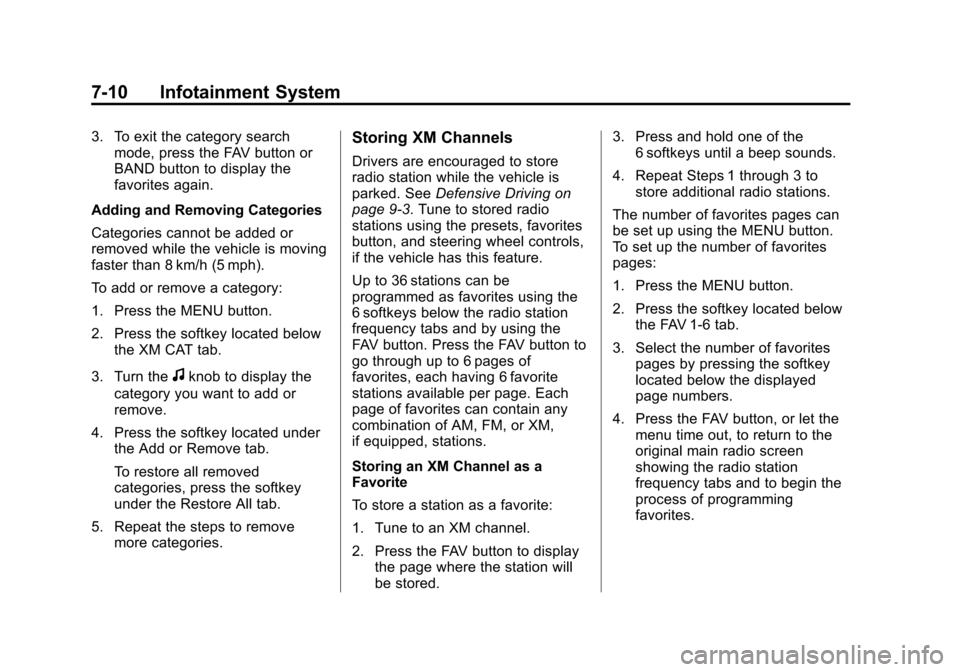
To store a station as a favorite:
1. Tune to an XM channel.
2. Press the FAV button to display the page where the station will
be stored. 3. Press and hold one of the
6 softkeys until a beep sounds.
4. Repeat Steps 1 through 3 to store additional radio stations.
The number of favorites pages can
be set up using the MENU button.
To set up the number of favorites
pages:
1. Press the MENU button.
2. Press the softkey located below the FAV 1-6 tab.
3. Select the number of favorites pages by pressing the softkey
located below the displayed
page numbers.
4. Press the FAV button, or let the menu time out, to return to the
original main radio screen
showing the radio station
frequency tabs and to begin the
process of programming
favorites.
Page 173 of 374
Black plate (15,1)Chevrolet Impala Owner Manual - 2012
Infotainment System 7-15
If the ignition or radio is turned off
when a CD is in the player, the CD
stays in the player. If the ignition or
radio is turned on when a CD is in
the player, the CD starts to play
where it stopped, if it was the last
selected audio source.
Buttons and Knobs
The buttons and knobs on the radio
control the following features.
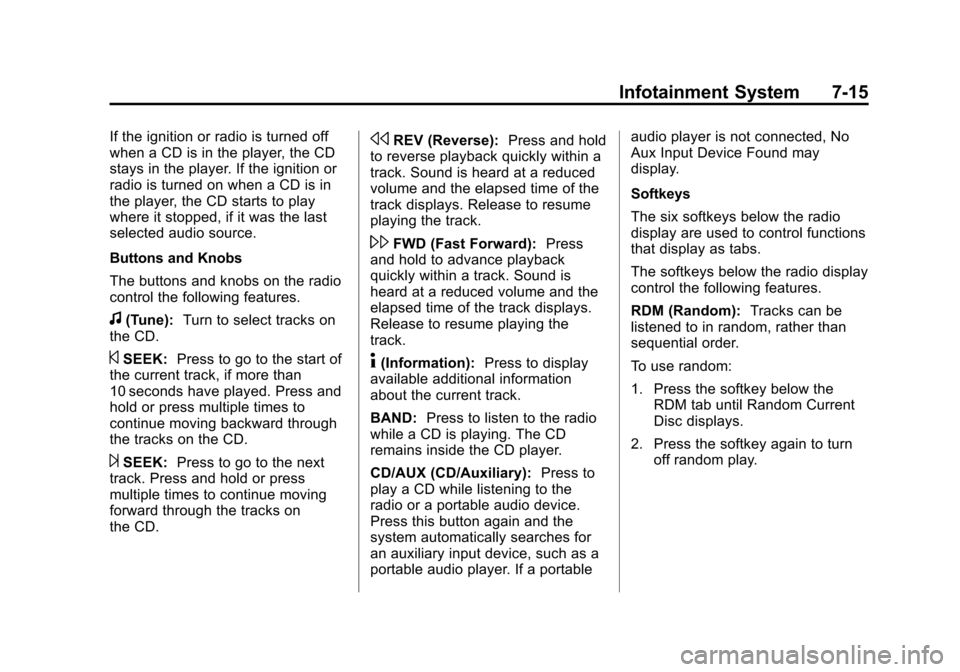
f(Tune):Turn to select tracks on
the CD.
©SEEK: Press to go to the start of
the current track, if more than
10 seconds have played. Press and
hold or press multiple times to
continue moving backward through
the tracks on the CD.
¨SEEK: Press to go to the next
track. Press and hold or press
multiple times to continue moving
forward through the tracks on
the CD.
sREV (Reverse): Press and hold
to reverse playback quickly within a
track. Sound is heard at a reduced
volume and the elapsed time of the
track displays. Release to resume
playing the track.
\FWD (Fast Forward): Press
and hold to advance playback
quickly within a track. Sound is
heard at a reduced volume and the
elapsed time of the track displays.
Release to resume playing the
track.
4(Information): Press to display
available additional information
about the current track.
BAND: Press to listen to the radio
while a CD is playing. The CD
remains inside the CD player.
CD/AUX (CD/Auxiliary): Press to
play a CD while listening to the
radio or a portable audio device.
Press this button again and the
system automatically searches for
an auxiliary input device, such as a
portable audio player. If a portable audio player is not connected, No
Aux Input Device Found may
display.
Softkeys
The six softkeys below the radio
display are used to control functions
that display as tabs.
The softkeys below the radio display
control the following features.
RDM (Random):
Tracks can be
listened to in random, rather than
sequential order.
To use random:
1. Press the softkey below the RDM tab until Random Current
Disc displays.
2. Press the softkey again to turn off random play.
Page 175 of 374
Black plate (17,1)Chevrolet Impala Owner Manual - 2012
Infotainment System 7-17
.Play begins from the first track in
the first folder and continues
sequentially through all tracks in
each folder. When the last track
of the last folder has played,
play continues from the first
track of the first folder.
When playback starts from a new
folder, the new track name displays
unless folder mode has been
chosen as the default display, then
the new folder name displays.
Buttons and Knobs
The buttons and knobs on the radio
control the following features.
f(Tune): Turn to select MP3 files
on the disc.
©SEEK: Press to go to the start of
the track, if more than 10 seconds
have played. Press and hold or
press multiple times to continue
moving backward through tracks.
¨SEEK: Press to go to the next
track. Press and hold or press
multiple times to continue moving
forward through tracks.
sREV (Reverse): Press and hold
to reverse playback quickly. Sound
is heard at a reduced volume and
the elapsed time of the track
displays. Release
sREV to
resume playing.
\FWD (Fast Forward): Press
and hold to advance playback
quickly. Sound is heard at a reduced
volume and the elapsed time of the
track displays. Release
\FWD to
resume playing.
4(Information): Press to display
available additional information
about the current track.
BAND: Press to listen to the radio
while an MP3 disc is playing. The
MP3 disc remains inside the CD
player. CD/AUX (CD/Auxiliary):
Press to
play an MP3 disc while listening to
the radio or a portable audio device.
Press this button again and the
system automatically searches for
an auxiliary input device, such as a
portable audio player. If a portable
audio player is not connected, No
Aux Input Device Found may
display.
Softkeys
The six softkeys below the radio
display are used to control functions
that display as tabs.
The softkeys below the radio display
control the following features.S c(Previous Folder): Press
the softkey below
S cto go to the
first track in the previous folder.
cT (Next Folder): Press the
softkey below
cT to go to the first
track in the next folder.
Page 176 of 374
Black plate (18,1)Chevrolet Impala Owner Manual - 2012
7-18 Infotainment System
RDM (Random):MP3 files can be
listened to on a CD in random,
rather than sequential order. To use
random:
1. Press the softkey under the RDM tab until Random Current
Disc displays to play songs from
the current CD in random order.
2. Press the same softkey again to turn off random play.
h(Music Navigator): Press the
softkey below
hto have the files
played in order by artist or album.
The player scans the disc to sort the
files by artist and album ID3 tag
information. It can take several
minutes to scan the disc depending
on the number of files on the disc.
The radio may begin playing while it
is scanning in the background.
When the scan is finished, the disc
begins playing files in order by
artist. The current artist playing is
shown on the second line of the
display. Once all songs by that artist are played, the player moves to the
next artist in alphabetical order and
begins playing files by that artist.
To listen to files by another artist,
press the softkey located below
either arrow tab. The disc goes to
the next or previous artist in
alphabetical order. Continue
pressing either softkey below the
arrow tab until the desired artist
displays.
To change from playback by artist to
playback by album:
1. Press the softkey located below
the Sort By tab.
2. Press one of the softkeys below the Album tab from the sort
screen.
3. Press the softkey below the Back tab to return to the main
music navigator screen. The album name displays on the
second line between the arrows and
songs from the current album
begins to play. Once all songs from
that album have played, the player
moves to the next album in
alphabetical order on the disc and
begins playing MP3 files from that
album.
To exit music navigator mode, press
the softkey below the Back tab to
return to normal MP3 playback.CD Player Messages
CHECK DISC:
If an error message
displays and/or the disc comes out,
it could be for one of the following
reasons:
.The CD player is very hot. When
the temperature returns to
normal, the disc should play.
.The road is very rough. When
the road becomes smoother, the
disc should play.
Page 178 of 374
Black plate (20,1)Chevrolet Impala Owner Manual - 2012
7-20 Infotainment System
Phone
Bluetooth
For vehicles equipped with
Bluetooth capability, the system can
interact with many cell phones,
allowing:
.Placement and receipt of calls in
a hands-free mode.
.Sharing of the cell phone’s
address book or contact list with
the vehicle.
To minimize driver distraction,
before driving, and with the vehicle
parked:
.Become familiar with the
features of the cell phone.
Organize the phone book and
contact lists clearly and delete
duplicate or rarely used entries.
If possible, program speed dial
or other shortcuts.
.Review the controls and
operation of the infotainment
system.
.Pair cell phone(s) to the vehicle.
The system may not work with
all cell phones. See “Pairing”in
this section for more information.
.If the cell phone has voice
dialing capability, learn to use
that feature to access the
address book or contact list. See
“Voice Pass-Thru” in this section
for more information.
.See “Storing and Deleting Phone
Numbers” in this section for
more information.
{WARNING
When using a cell phone, it can
be distracting to look too long or
too often at the screen of the
phone or the infotainment
(navigation) system. Taking your
eyes off the road too long or too
often could cause a crash
resulting in injury or death. Focus
your attention on driving.
A Bluetooth system can use a
Bluetooth‐capable cell phone with a
Hands‐Free Profile to make and
receive phone calls. The system
can be used while the key is in the
ON/RUN or ACC/ACCESSORY
position. The range of the Bluetooth
system can be up to 9.1 m (30 ft).
Not all phones support all functions,
and not all phones work with the
in-vehicle Bluetooth system. See
www.gm.com/bluetooth for more
information on compatible phones.
Page 208 of 374
Black plate (16,1)Chevrolet Impala Owner Manual - 2012
9-16 Driving and Operating
Starting and
Operating
New Vehicle Break-In
Notice:The vehicle does not
need an elaborate break-in. But it
will perform better in the long run
if you follow these guidelines:
.Do not drive at any one
constant speed, fast or
slow, for the first 805 km
(500 miles). Do not make
full-throttle starts. Avoid
downshifting to brake or
slow the vehicle.
.Avoid making hard stops for
the first 322 km (200 miles) or
so. During this time the new
brake linings are not yet
broken in. Hard stops with
new linings can mean
premature wear and earlier
replacement. Follow this
breaking-in guideline every
time you get new brake
linings.
.Do not tow a trailer during
break-in. See Trailer Towing
on page 9‑46 for the trailer
towing capabilities of your
vehicle and more
information.
Following break‐in, engine speed
and load can be gradually
increased.
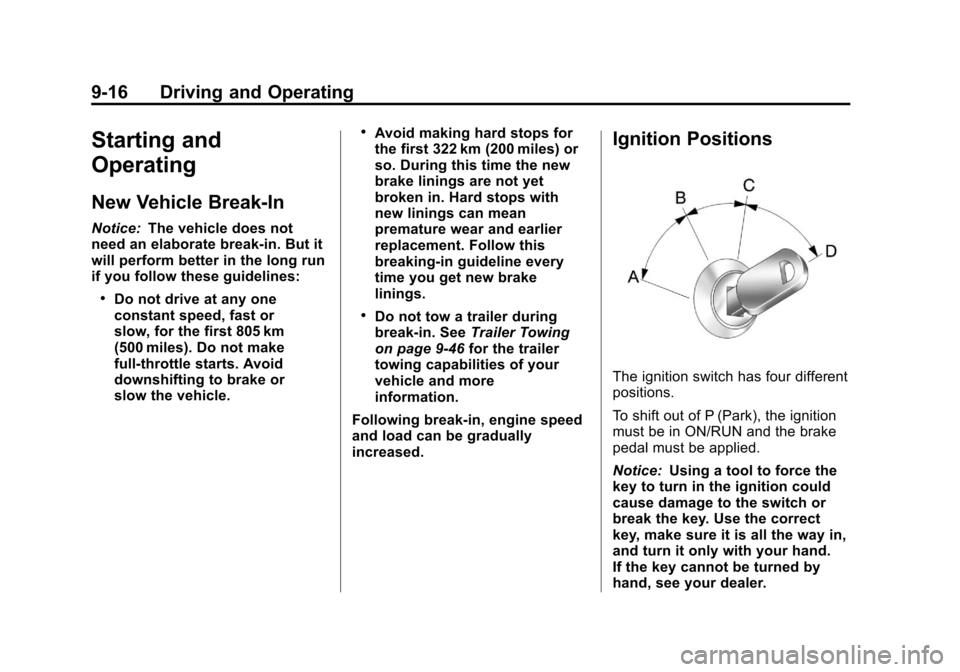
Ignition Positions
The ignition switch has four different
positions.
To shift out of P (Park), the ignition
must be in ON/RUN and the brake
pedal must be applied.
Notice: Using a tool to force the
key to turn in the ignition could
cause damage to the switch or
break the key. Use the correct
key, make sure it is all the way in,
and turn it only with your hand.
If the key cannot be turned by
hand, see your dealer.
Page 209 of 374
Black plate (17,1)Chevrolet Impala Owner Manual - 2012
Driving and Operating 9-17
A (STOPPING THE ENGINE/
LOCK/OFF):When the vehicle is
stopped, turn the ignition switch to
LOCK/OFF to turn the engine off.
Retained Accessory Power (RAP)
will remain active. See Retained
Accessory Power (RAP) on
page 9‑20
This position locks the ignition and
steering wheel. It also locks the
transmission. This is the only
position in which the ignition key
can be inserted or removed.
Do not turn the engine off when the
vehicle is moving. This will cause a
loss of power assist in the brake
and steering systems and disable
the airbags. If the vehicle must be shut off in an
emergency:
1. Brake using a firm and steady
pressure. Do not pump the
brakes repeatedly. This may
deplete power assist, requiring
increased brake pedal force.
2. Shift the vehicle to N (Neutral). This can be done while the
vehicle is moving. After shifting
to N (Neutral), firmly apply the
brakes and steer the vehicle to a
safe location.
3. Come to a complete stop, shift to P (Park), and turn the ignition
to LOCK/OFF. On vehicles with
an automatic transmission, the
shift lever must be in P (Park) to
turn the ignition switch to the
LOCK/OFF position.
4. Set the parking brake. See Parking Brake on page 9‑30{WARNING
Turning off the vehicle while
moving may cause loss of power
assist in the brake and steering
systems and disable the airbags.
While driving, only shut the
vehicle off in an emergency.
If the vehicle cannot be pulled over,
and must be shut off while driving,
turn the ignition to ACC/
ACCESSORY.
The steering can bind with the
wheels turned off center. If this
happens, move the steering wheel
from left to right while turning the
key to ACC/ACCESSORY. If this
doesn't work, then the vehicle needs
service.
Page 210 of 374

Black plate (18,1)Chevrolet Impala Owner Manual - 2012
9-18 Driving and Operating
B (ACC/ACCESSORY):This is the
position in which you can operate
the radio and windshield wipers
while the engine is off. To use ACC/
ACCESSORY, turn the key
clockwise.
C (ON/RUN): This position can be
used to operate the electrical
accessories and to display some
instrument panel cluster warning
and indicator lights. This position
can also be used for service and
diagnostics, and to verify the proper
operation of the malfunction
indicator lamp as may be required
for emission inspection purposes.
The switch stays in this position
when the engine is running.
If you leave the key in the ACC/
ACCESSORY or ON/RUN position
with the engine off, the battery could
be drained. You may not be able to
start the vehicle if the battery is
allowed to drain for an extended
period of time. D (START):
This is the position that
starts the engine. When the engine
starts, release the key. The ignition
switch returns to ON/RUN for
driving.
A warning chime will sound and the
Driver Information Center (DIC) will
display DRIVER DOOR OPEN
when the driver door is opened, the
ignition is in ACC/ACCESSORY or
LOCK/OFF, and the key is in the
ignition. See Door Ajar Messages
on page 5‑30 for more information.
Starting the Engine
Move the shift lever to P (Park) or
N (Neutral). The engine will not start
in any other position. To restart the
engine when the vehicle is already
moving, use N (Neutral) only. Notice:
Do not try to shift to
P (Park) if the vehicle is moving.
If you do, you could damage the
transmission. Shift to P (Park)
only when the vehicle is stopped.
Starting Procedure
1. With your foot off the accelerator pedal, turn the ignition to START.
When the engine starts, let go of
the key. The idle speed will slow
down as the engine warms. Do
not race the engine immediately
after starting it. Operate the
engine and transmission gently
to allow the oil to warm up and
lubricate all moving parts.
The vehicle has a
Computer-Controlled Cranking
System. This feature assists in
starting the engine and protects
components. If the ignition key is
turned to the START position,
and then released when the
engine begins cranking, the
engine will continue cranking for
a few seconds or until the
vehicle starts. If the engine does