wheel CHEVROLET KODIAK 2004 User Guide
[x] Cancel search | Manufacturer: CHEVROLET, Model Year: 2004, Model line: KODIAK, Model: CHEVROLET KODIAK 2004Pages: 366, PDF Size: 6.87 MB
Page 117 of 366
Tilt Wheel
A tilt wheel allows you to adjust the steering wheel
before you drive. You can raise it to the highest level to
give your legs more room when you exit and enter
the vehicle.
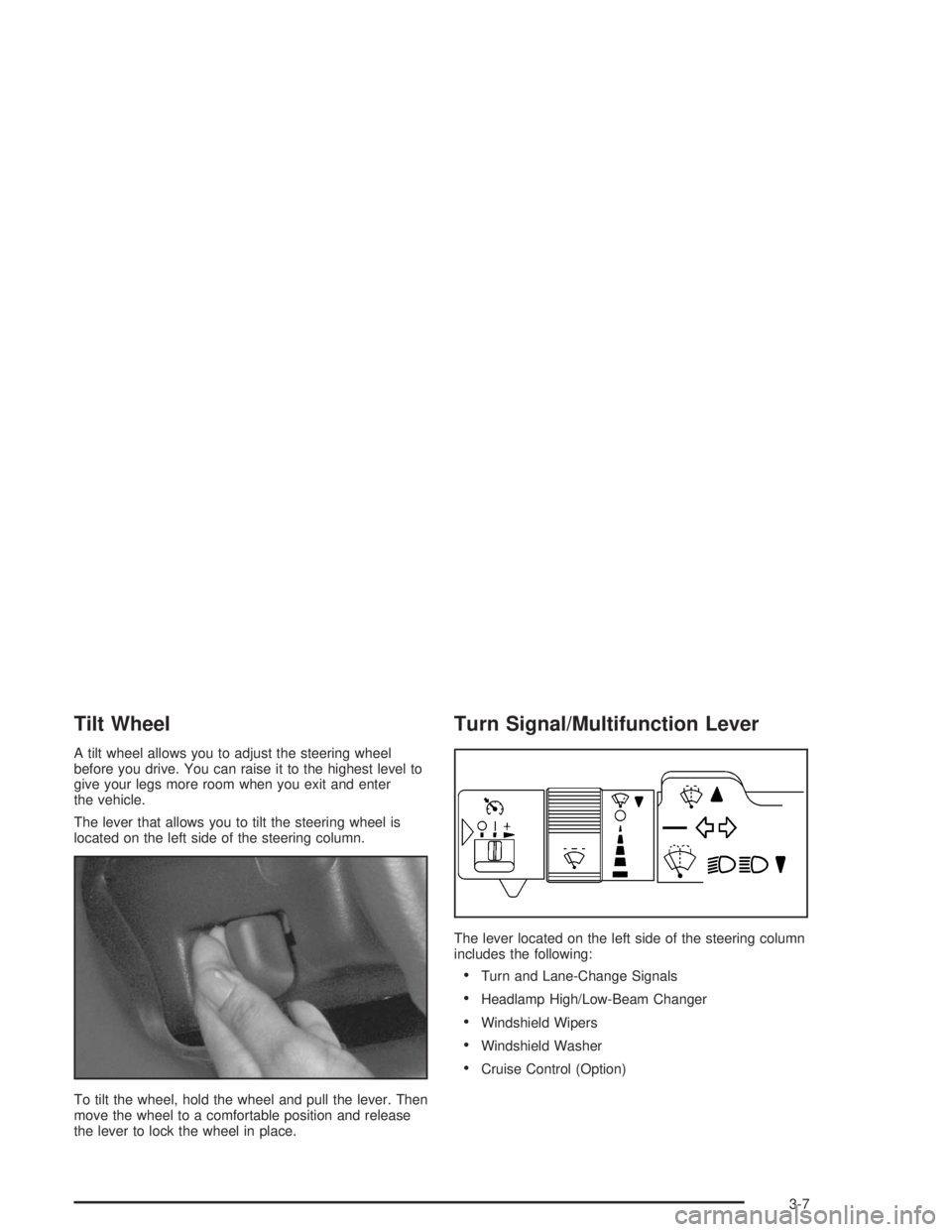
The lever that allows you to tilt the steering wheel is
located on the left side of the steering column.
To tilt the wheel, hold the wheel and pull the lever. Then
move the wheel to a comfortable position and release
the lever to lock the wheel in place.
Turn Signal/Multifunction Lever
The lever located on the left side of the steering column
includes the following:
•Turn and Lane-Change Signals
•Headlamp High/Low-Beam Changer
•Windshield Wipers
•Windshield Washer
•Cruise Control (Option)
3-7
Page 120 of 366
Cruise Control
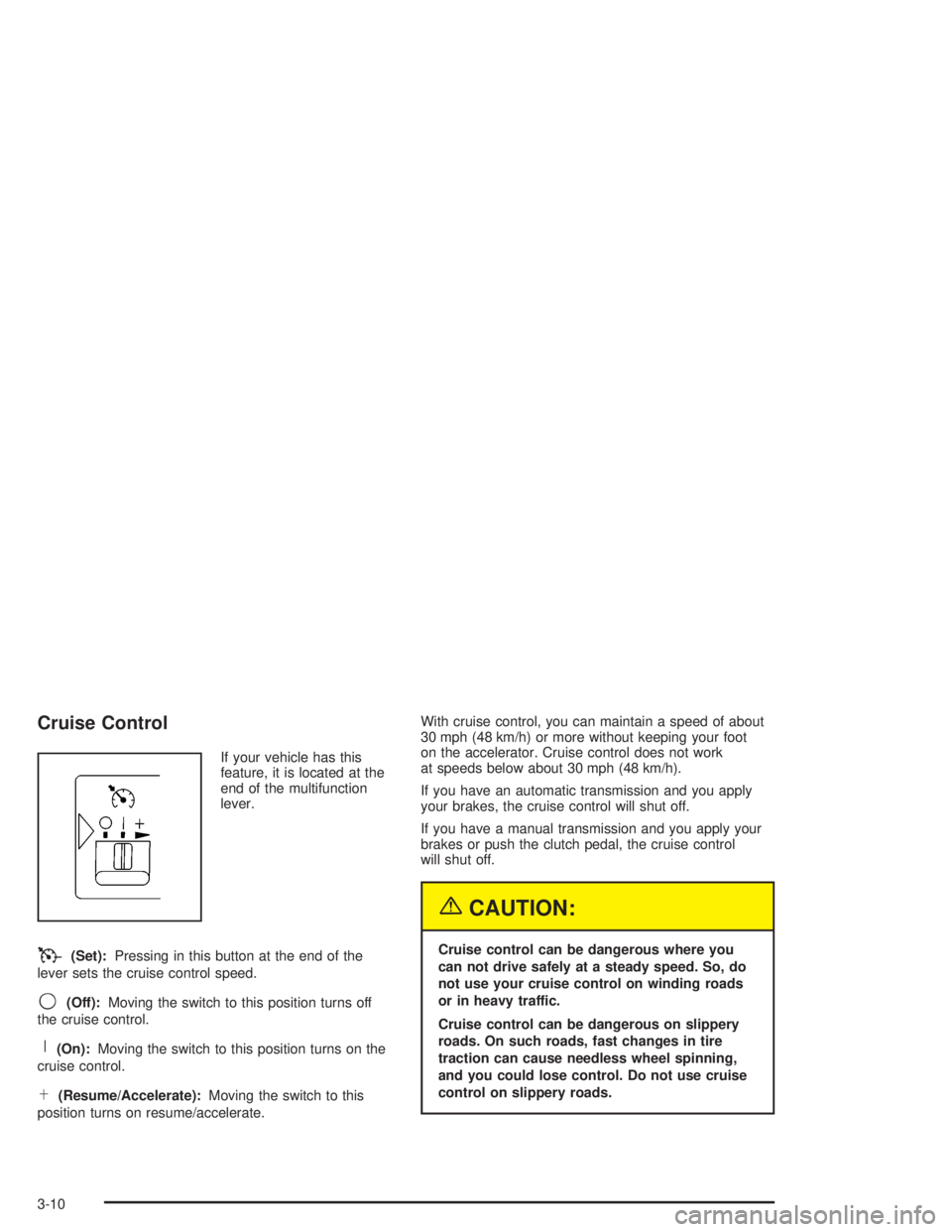
If your vehicle has this
feature, it is located at the
end of the multifunction
lever.
T(Set):Pressing in this button at the end of the
lever sets the cruise control speed.
9(Off):Moving the switch to this position turns off
the cruise control.
R(On):Moving the switch to this position turns on the
cruise control.
S(Resume/Accelerate):Moving the switch to this
position turns on resume/accelerate.With cruise control, you can maintain a speed of about
30 mph (48 km/h) or more without keeping your foot
on the accelerator. Cruise control does not work
at speeds below about 30 mph (48 km/h).
If you have an automatic transmission and you apply
your brakes, the cruise control will shut off.
If you have a manual transmission and you apply your
brakes or push the clutch pedal, the cruise control
will shut off.
{CAUTION:
Cruise control can be dangerous where you
can not drive safely at a steady speed. So, do
not use your cruise control on winding roads
or in heavy traffic.
Cruise control can be dangerous on slippery
roads. On such roads, fast changes in tire
traction can cause needless wheel spinning,
and you could lose control. Do not use cruise
control on slippery roads.
3-10
Page 125 of 366
Interior Lamps
Instrument Panel Brightness Control
This feature controls the brightness of the instrument
panel lights.
The thumbwheel for this feature is located to the right of
the exterior lamp control.
Turn the thumbwheel up to brighten the lights. When
the thumbwheel is moved to the first position, the radio
display and transmission selection display will go to
full intensity. The instrument panel cluster will also be
dimly lit. Moving the thumbwheel up to the next position
will activate the interior dome lamps.
Dome Lamps
The dome lamps will come on when you open a door.
You can also turn the dome lamps on by moving
the thumbwheel, located to the right of the exterior lamp
control, all the way up to the second position. In this
position, the dome lamps will remain on whether a door
is open or closed.
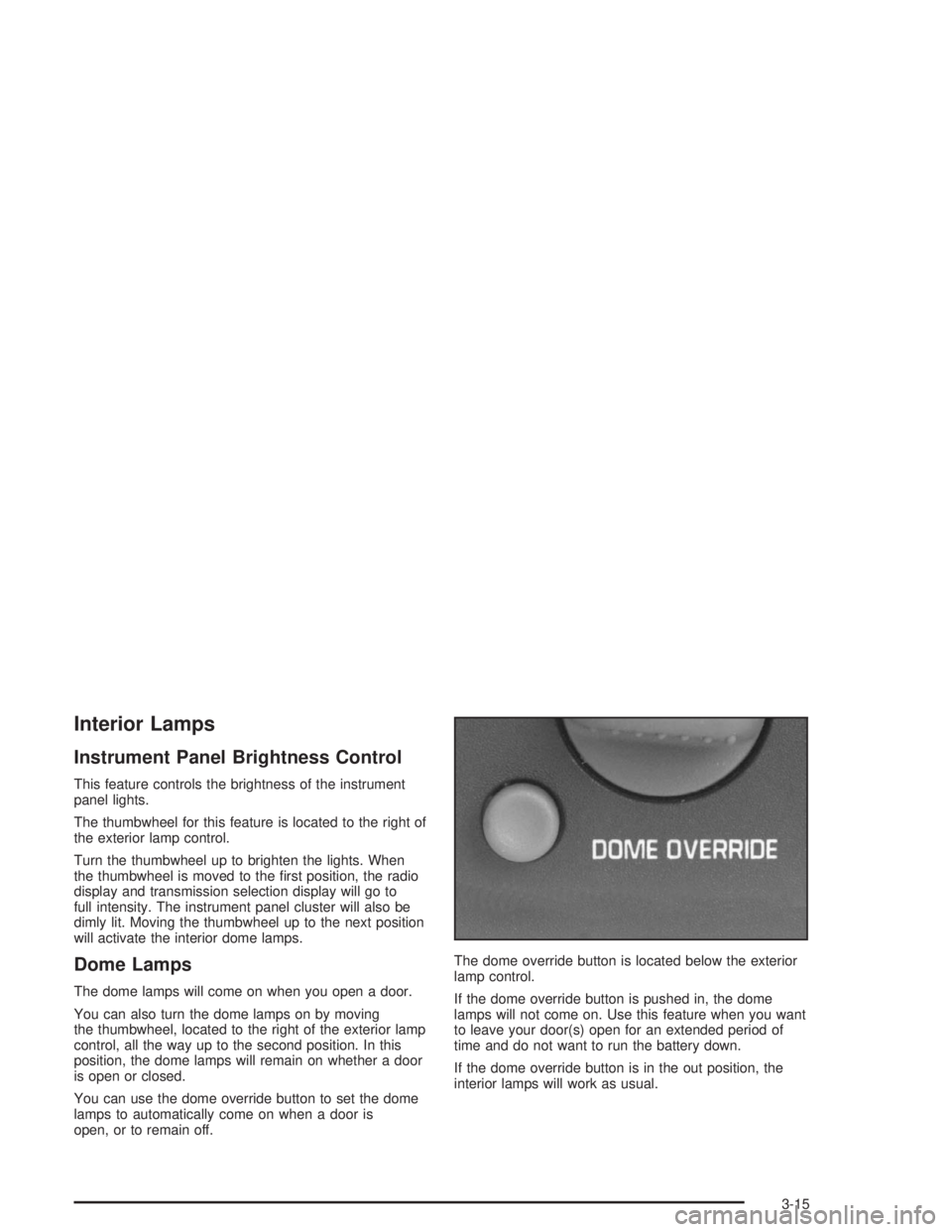
You can use the dome override button to set the dome
lamps to automatically come on when a door is
open, or to remain off.The dome override button is located below the exterior
lamp control.
If the dome override button is pushed in, the dome
lamps will not come on. Use this feature when you want
to leave your door(s) open for an extended period of
time and do not want to run the battery down.
If the dome override button is in the out position, the
interior lamps will work as usual.
3-15
Page 133 of 366
Rear Heating System
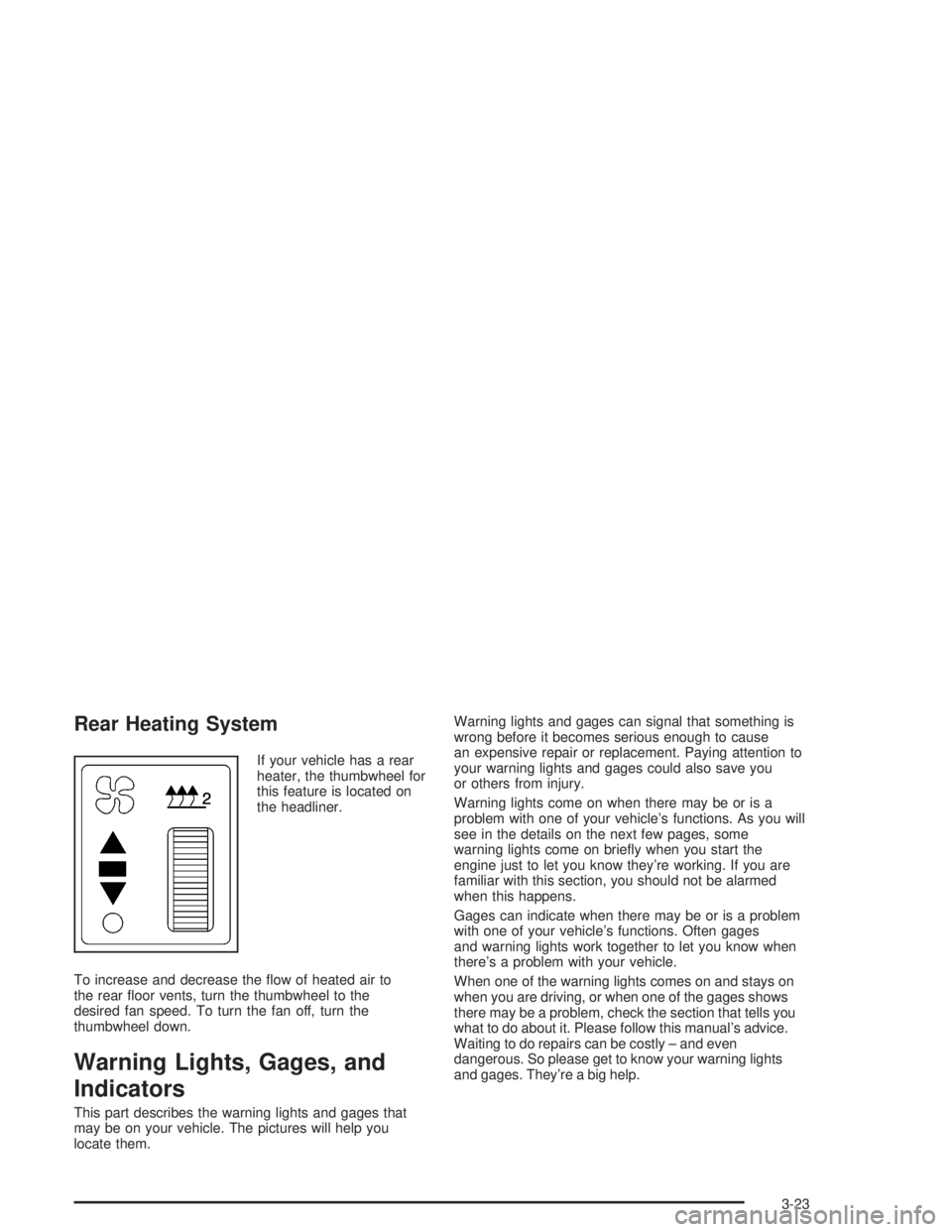
If your vehicle has a rear
heater, the thumbwheel for
this feature is located on
the headliner.
To increase and decrease the flow of heated air to
the rear floor vents, turn the thumbwheel to the
desired fan speed. To turn the fan off, turn the
thumbwheel down.
Warning Lights, Gages, and
Indicators
This part describes the warning lights and gages that
may be on your vehicle. The pictures will help you
locate them.Warning lights and gages can signal that something is
wrong before it becomes serious enough to cause
an expensive repair or replacement. Paying attention to
your warning lights and gages could also save you
or others from injury.
Warning lights come on when there may be or is a
problem with one of your vehicle’s functions. As you will
see in the details on the next few pages, some
warning lights come on briefly when you start the
engine just to let you know they’re working. If you are
familiar with this section, you should not be alarmed
when this happens.
Gages can indicate when there may be or is a problem
with one of your vehicle’s functions. Often gages
and warning lights work together to let you know when
there’s a problem with your vehicle.
When one of the warning lights comes on and stays on
when you are driving, or when one of the gages shows
there may be a problem, check the section that tells you
what to do about it. Please follow this manual’s advice.
Waiting to do repairs can be costly – and even
dangerous. So please get to know your warning lights
and gages. They’re a big help.
3-23
Page 176 of 366

Braking
Braking action involvesperception timeand
reaction time.
First, you have to decide to push on the brake pedal.
That isperception time.Then you have to bring up your
foot and do it. That isreaction time.
Averagereaction timeis about 3/4 of a second. But that
is only an average. It might be less with one driver
and as long as two or three seconds or more with
another. Age, physical condition, alertness, coordination
and eyesight all play a part. So do alcohol, drugs and
frustration. But even in 3/4 of a second, a vehicle moving
at 60 mph (100 km/h) travels 66 feet (20 m). That
could be a lot of distance in an emergency, so keeping
enough space between your vehicle and others is
important.
And, of course, actual stopping distances vary greatly
with the surface of the road (whether it is pavement
or gravel); the condition of the road (wet, dry, icy); tire
tread; the condition of your brakes; the weight of
the vehicle and the amount of brake force applied.
Avoid needless heavy braking. Some people drive
in spurts — heavy acceleration followed by heavy
braking — rather than keeping pace with traffic. This is
a mistake. Your brakes may not have time to cool
between hard stops. Your brakes will wear out much
faster if you do a lot of heavy braking. If you keep pacewith the traffic and allow realistic following distances,
you will eliminate a lot of unnecessary braking.
That means better braking and longer brake life.
If your engine ever stops while you are driving, brake
normally but do not pump your brakes. If you do,
the pedal may get harder to push down. If your engine
stops, you will still have some power brake assist.
But you will use it when you brake. Once the power
assist is used up, it may take longer to stop and
the brake pedal will be harder to push.
Hydraulic Brake Systems
If your engine stops running, or if your primary brake
system stops working, your vehicle has a reserve power
assist system to help you slow down. Just slowly and
steadily apply the brake pedal until you can safely get off
the road. The pedal will seem harder to push down.
Do not pump the pedal; the system will not work well or
at all that way.
You may find that the steering wheel seems hard to turn
when you are turning and braking at the same time.
Also, the PRIMARY BRAKE warning light may come on
and the warning tone may sound. This is normal
because the main hydraulic brake system and power
steering both use the power steering pump. If this ever
happens, let up on the brake pedal a little. When
you let up on the brake pedal in that situation, it lets the
steering get a little more help from the pump.
4-6
Page 177 of 366
Anti-lock Brake System (ABS)
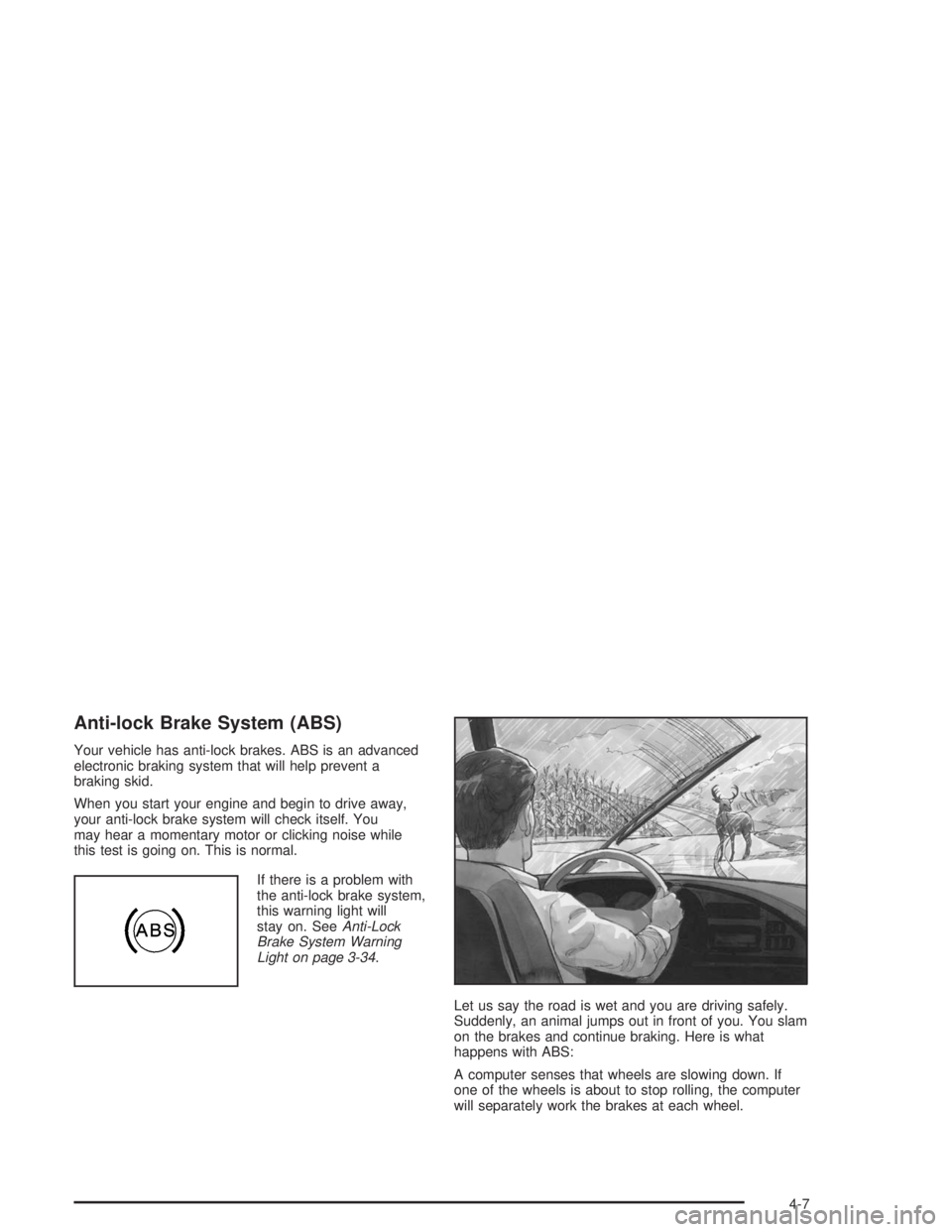
Your vehicle has anti-lock brakes. ABS is an advanced
electronic braking system that will help prevent a
braking skid.
When you start your engine and begin to drive away,
your anti-lock brake system will check itself. You
may hear a momentary motor or clicking noise while
this test is going on. This is normal.
If there is a problem with
the anti-lock brake system,
this warning light will
stay on. SeeAnti-Lock
Brake System Warning
Light on page 3-34.
Let us say the road is wet and you are driving safely.
Suddenly, an animal jumps out in front of you. You slam
on the brakes and continue braking. Here is what
happens with ABS:
A computer senses that wheels are slowing down. If
one of the wheels is about to stop rolling, the computer
will separately work the brakes at each wheel.
4-7
Page 178 of 366
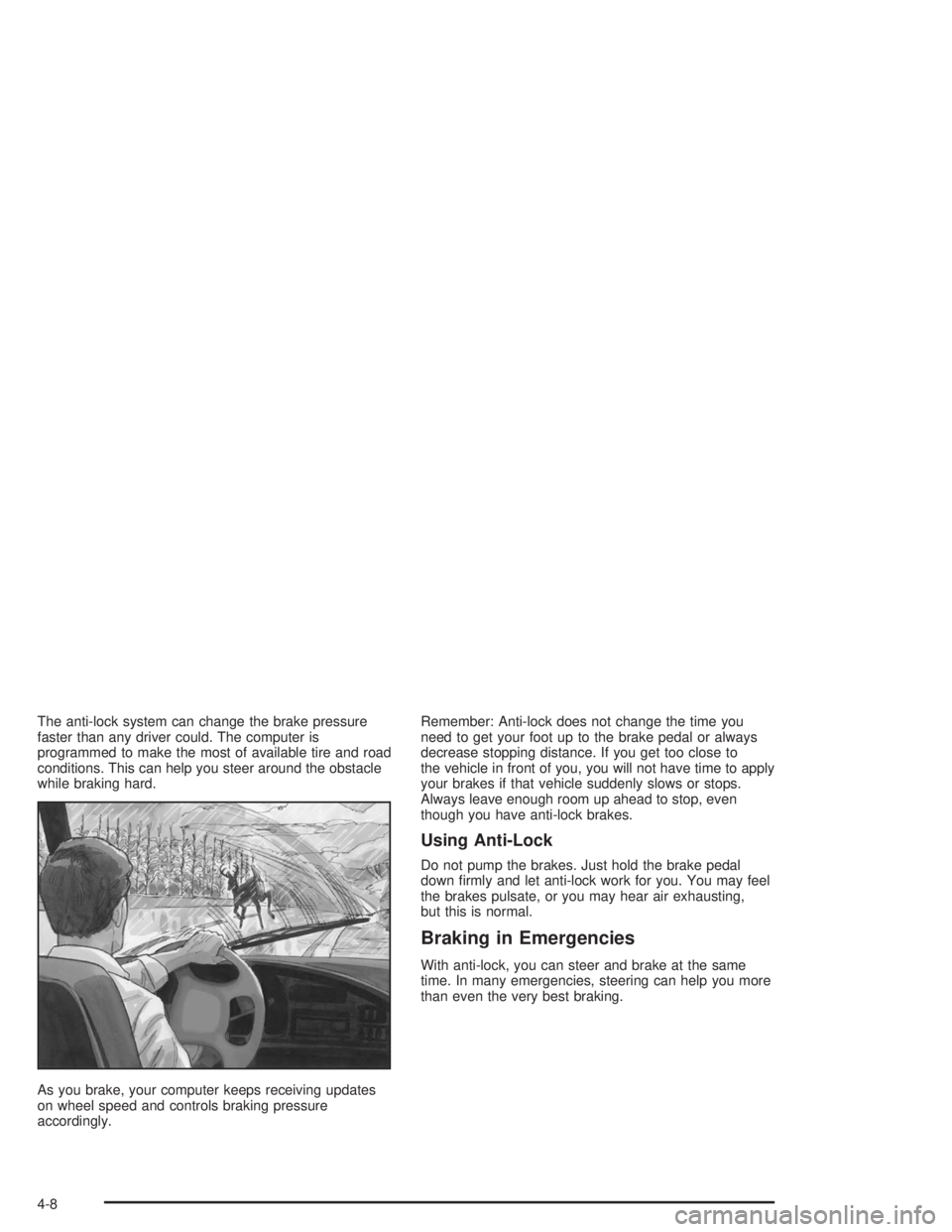
The anti-lock system can change the brake pressure
faster than any driver could. The computer is
programmed to make the most of available tire and road
conditions. This can help you steer around the obstacle
while braking hard.
As you brake, your computer keeps receiving updates
on wheel speed and controls braking pressure
accordingly.Remember: Anti-lock does not change the time you
need to get your foot up to the brake pedal or always
decrease stopping distance. If you get too close to
the vehicle in front of you, you will not have time to apply
your brakes if that vehicle suddenly slows or stops.
Always leave enough room up ahead to stop, even
though you have anti-lock brakes.
Using Anti-Lock
Do not pump the brakes. Just hold the brake pedal
down firmly and let anti-lock work for you. You may feel
the brakes pulsate, or you may hear air exhausting,
but this is normal.
Braking in Emergencies
With anti-lock, you can steer and brake at the same
time. In many emergencies, steering can help you more
than even the very best braking.
4-8
Page 180 of 366
Inter-Axle Differential Lock Control
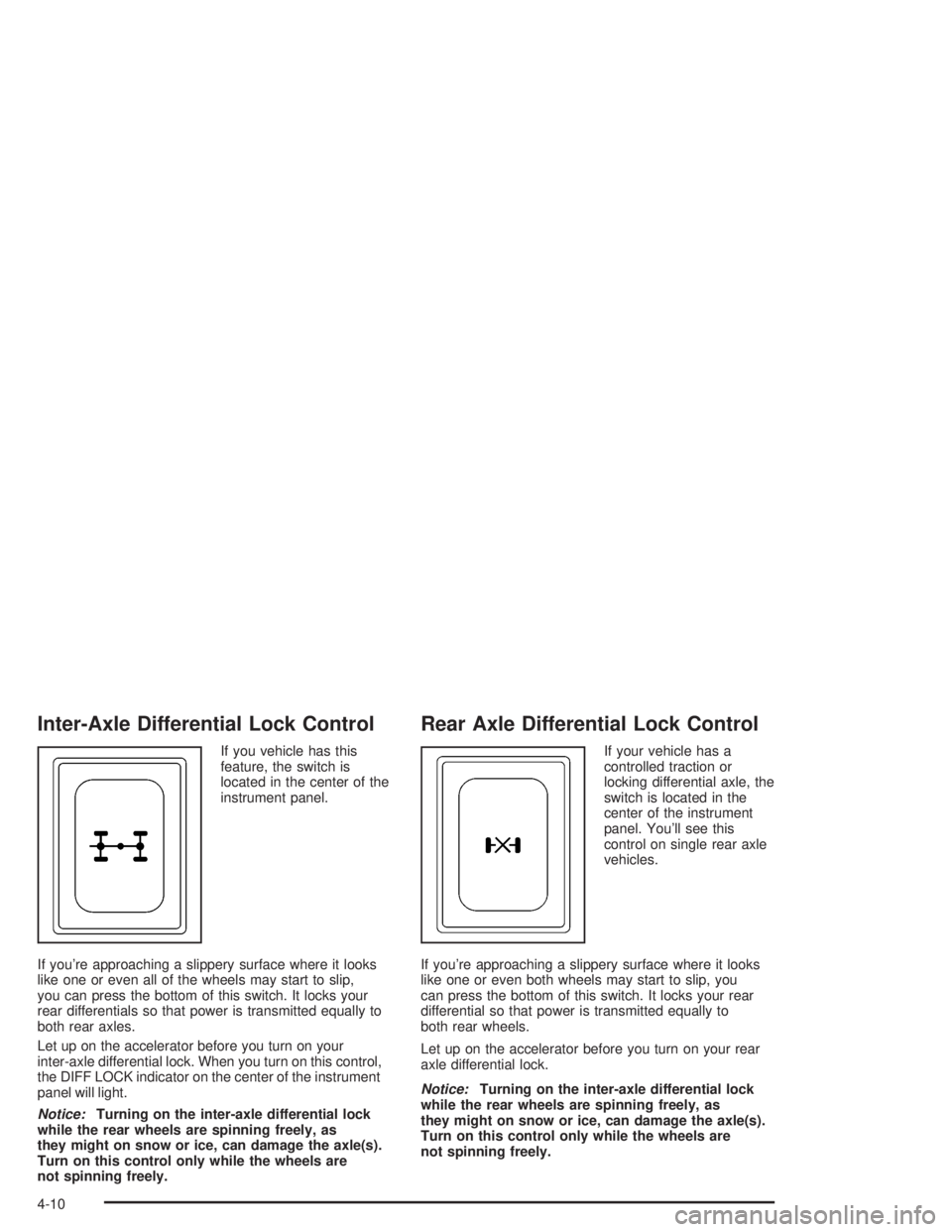
If you vehicle has this
feature, the switch is
located in the center of the
instrument panel.
If you’re approaching a slippery surface where it looks
like one or even all of the wheels may start to slip,
you can press the bottom of this switch. It locks your
rear differentials so that power is transmitted equally to
both rear axles.
Let up on the accelerator before you turn on your
inter-axle differential lock. When you turn on this control,
the DIFF LOCK indicator on the center of the instrument
panel will light.
Notice:Turning on the inter-axle differential lock
while the rear wheels are spinning freely, as
they might on snow or ice, can damage the axle(s).
Turn on this control only while the wheels are
not spinning freely.
Rear Axle Differential Lock Control
If your vehicle has a
controlled traction or
locking differential axle, the
switch is located in the
center of the instrument
panel. You’ll see this
control on single rear axle
vehicles.
If you’re approaching a slippery surface where it looks
like one or even both wheels may start to slip, you
can press the bottom of this switch. It locks your rear
differential so that power is transmitted equally to
both rear wheels.
Let up on the accelerator before you turn on your rear
axle differential lock.
Notice:Turning on the inter-axle differential lock
while the rear wheels are spinning freely, as
they might on snow or ice, can damage the axle(s).
Turn on this control only while the wheels are
not spinning freely.
4-10
Page 181 of 366
Traction Control System (TCS)
Your vehicle may have a traction control system that
limits wheel spin. This is especially useful in slippery
road conditions. The system operates only if it senses
that one or both of the rear wheels are spinning or
beginning to lose traction. When this happens,
the system applies the brake(s) at the affected wheel(s).
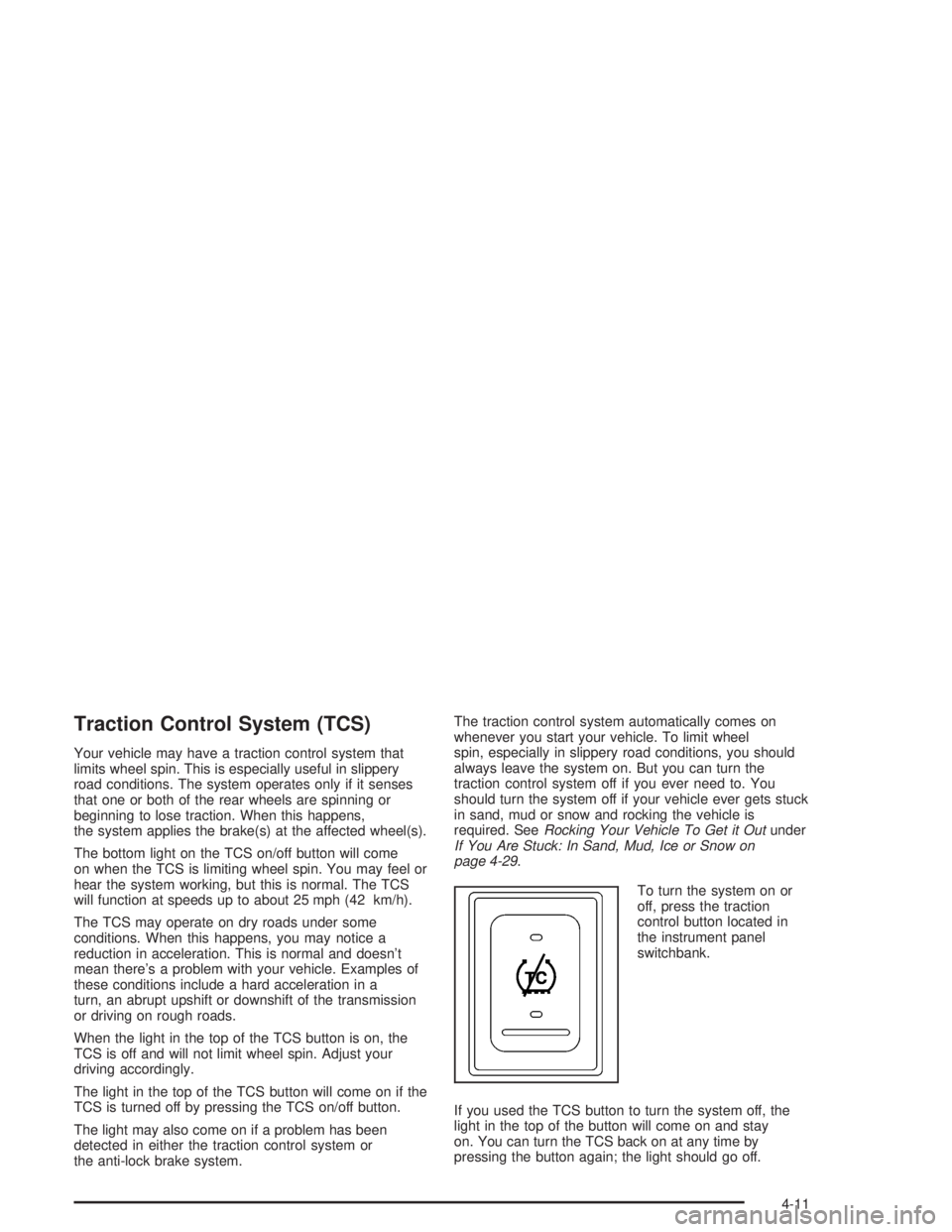
The bottom light on the TCS on/off button will come
on when the TCS is limiting wheel spin. You may feel or
hear the system working, but this is normal. The TCS
will function at speeds up to about 25 mph (42 km/h).
The TCS may operate on dry roads under some
conditions. When this happens, you may notice a
reduction in acceleration. This is normal and doesn’t
mean there’s a problem with your vehicle. Examples of
these conditions include a hard acceleration in a
turn, an abrupt upshift or downshift of the transmission
or driving on rough roads.
When the light in the top of the TCS button is on, the
TCS is off and will not limit wheel spin. Adjust your
driving accordingly.
The light in the top of the TCS button will come on if the
TCS is turned off by pressing the TCS on/off button.
The light may also come on if a problem has been
detected in either the traction control system or
the anti-lock brake system.The traction control system automatically comes on
whenever you start your vehicle. To limit wheel
spin, especially in slippery road conditions, you should
always leave the system on. But you can turn the
traction control system off if you ever need to. You
should turn the system off if your vehicle ever gets stuck
in sand, mud or snow and rocking the vehicle is
required. SeeRocking Your Vehicle To Get it Outunder
If You Are Stuck: In Sand, Mud, Ice or Snow on
page 4-29.
To turn the system on or
off, press the traction
control button located in
the instrument panel
switchbank.
If you used the TCS button to turn the system off, the
light in the top of the button will come on and stay
on. You can turn the TCS back on at any time by
pressing the button again; the light should go off.
4-11
Page 182 of 366
Steering
Power Steering
If you lose power steering assist because the engine
stops or the system is not functioning, you can steer but
it will take much more effort.
On vehicles with hydraulic brakes, the power steering
and main hydraulic brake system both use the
power steering pump. SeeBraking on page 4-6.
Steering Tips
Driving on Curves
It is important to take curves at a reasonable speed.
A lot of the “driver lost control” accidents mentioned on
the news happen on curves. Here is why:
Experienced driver or beginner, each of us is subject to
the same laws of physics when driving on curves.
The traction of the tires against the road surface makes
it possible for the vehicle to change its path when
you turn the front wheels. If there is no traction, inertia
will keep the vehicle going in the same direction. If
you have ever tried to steer a vehicle on wet ice, you
will understand this.The traction you can get in a curve depends on the
condition of your tires and the road surface, the angle at
which the curve is banked, and your speed. While
you are in a curve, speed is the one factor you
can control.
Suppose you are steering through a sharp curve.
Then you suddenly accelerate. Both control
systems — steering and acceleration — have to do their
work where the tires meet the road. Adding the
sudden acceleration can demand too much of those
places. You can lose control. SeeTraction Control
System (TCS) on page 4-11.
What should you do if this ever happens? Ease up on
the accelerator pedal, steer the vehicle the way you
want it to go, and slow down.
Speed limit signs near curves warn that you should
adjust your speed. Of course, the posted speeds
are based on good weather and road conditions. Under
less favorable conditions you will want to go slower.
If you need to reduce your speed as you approach
a curve, do it before you enter the curve, while your front
wheels are straight ahead.
Try to adjust your speed so you can “drive” through the
curve. Maintain a reasonable, steady speed. Wait to
accelerate until you are out of the curve, and then
accelerate gently into the straightaway.
4-12