brake light CHEVROLET KODIAK 2004 Owner's Manual
[x] Cancel search | Manufacturer: CHEVROLET, Model Year: 2004, Model line: KODIAK, Model: CHEVROLET KODIAK 2004Pages: 366, PDF Size: 6.87 MB
Page 144 of 366
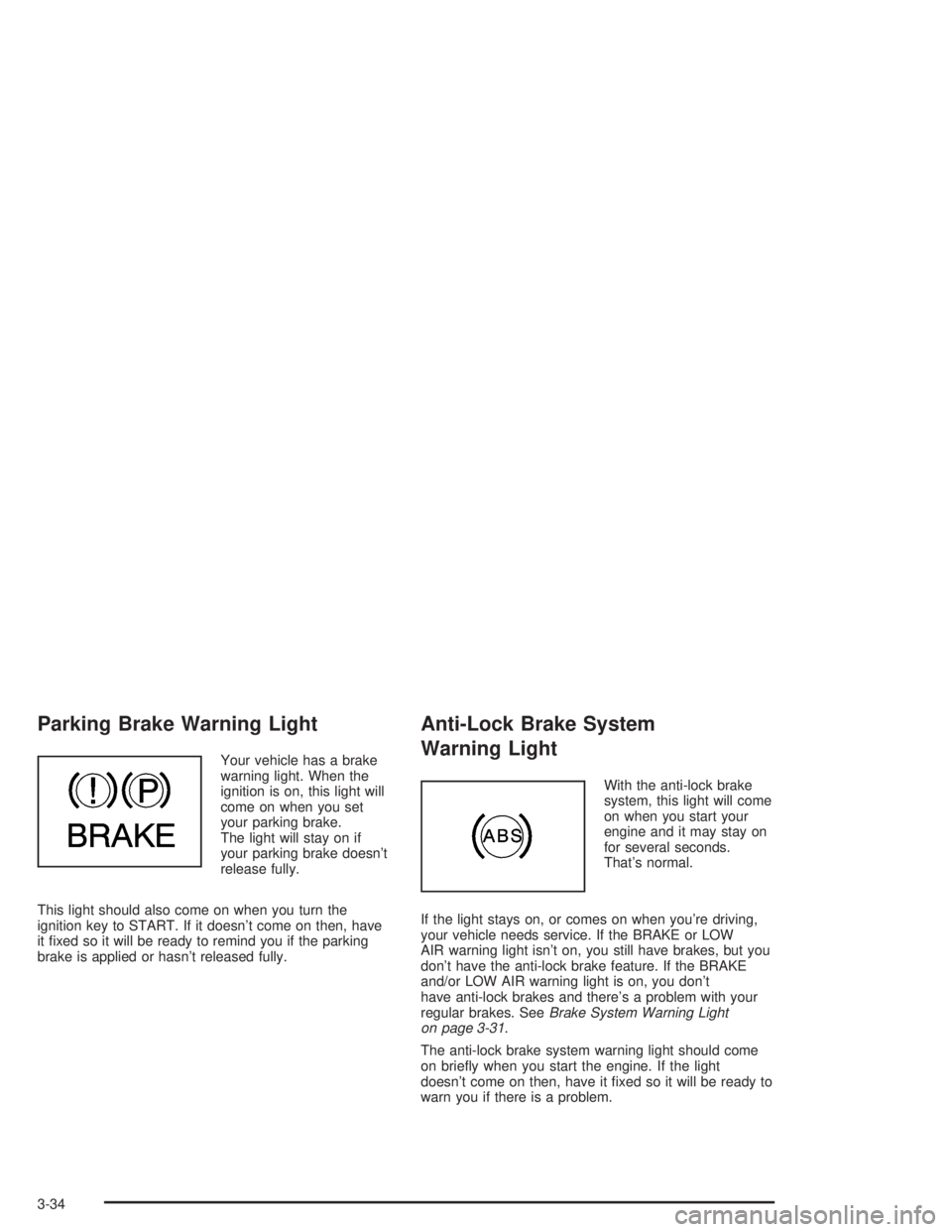
Parking Brake Warning Light
Your vehicle has a brake
warning light. When the
ignition is on, this light will
come on when you set
your parking brake.
The light will stay on if
your parking brake doesn’t
release fully.
This light should also come on when you turn the
ignition key to START. If it doesn’t come on then, have
it fixed so it will be ready to remind you if the parking
brake is applied or hasn’t released fully.
Anti-Lock Brake System
Warning Light
With the anti-lock brake
system, this light will come
on when you start your
engine and it may stay on
for several seconds.
That’s normal.
If the light stays on, or comes on when you’re driving,
your vehicle needs service. If the BRAKE or LOW
AIR warning light isn’t on, you still have brakes, but you
don’t have the anti-lock brake feature. If the BRAKE
and/or LOW AIR warning light is on, you don’t
have anti-lock brakes and there’s a problem with your
regular brakes. SeeBrake System Warning Light
on page 3-31.
The anti-lock brake system warning light should come
on briefly when you start the engine. If the light
doesn’t come on then, have it fixed so it will be ready to
warn you if there is a problem.
3-34
Page 145 of 366
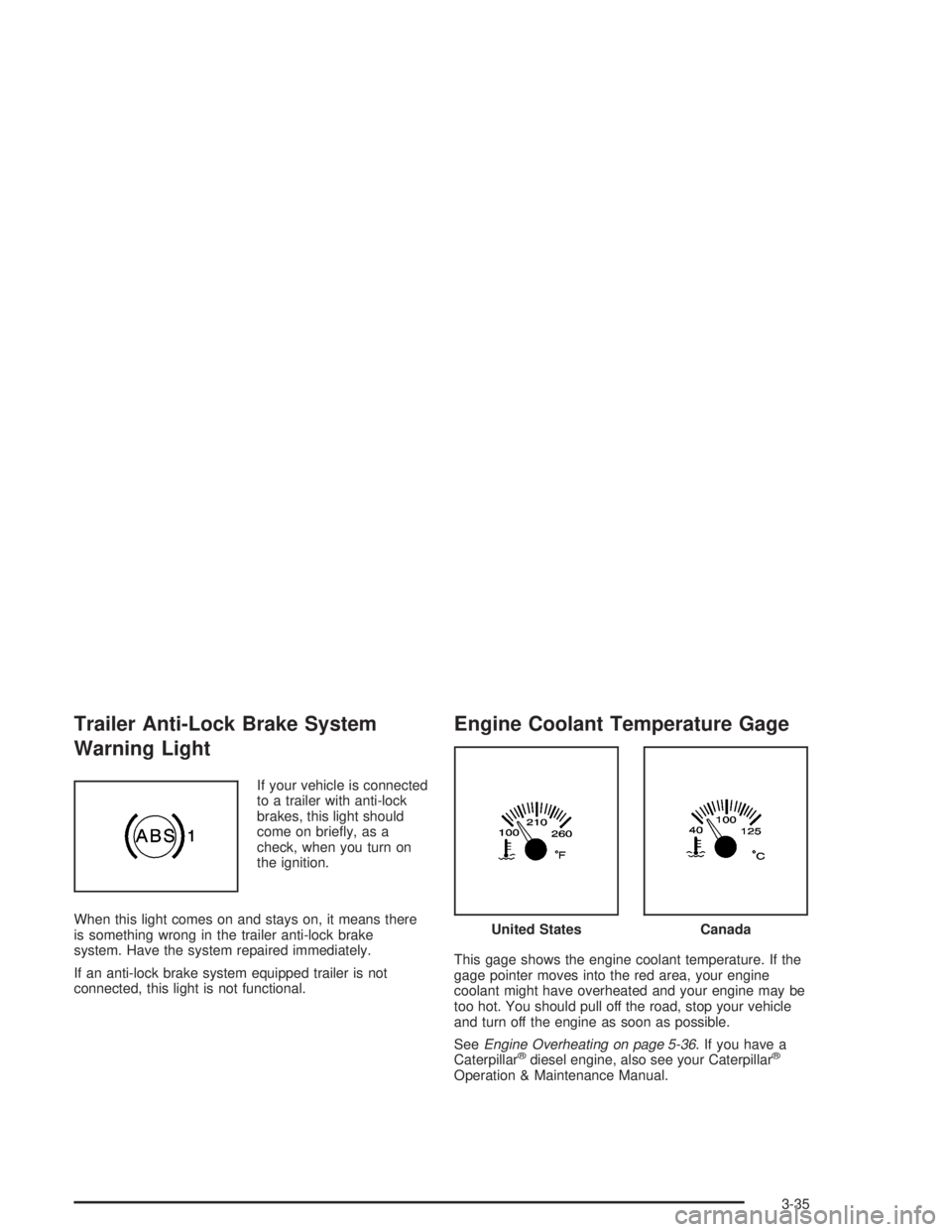
Trailer Anti-Lock Brake System
Warning Light
If your vehicle is connected
to a trailer with anti-lock
brakes, this light should
come on briefly, as a
check, when you turn on
the ignition.
When this light comes on and stays on, it means there
is something wrong in the trailer anti-lock brake
system. Have the system repaired immediately.
If an anti-lock brake system equipped trailer is not
connected, this light is not functional.
Engine Coolant Temperature Gage
This gage shows the engine coolant temperature. If the
gage pointer moves into the red area, your engine
coolant might have overheated and your engine may be
too hot. You should pull off the road, stop your vehicle
and turn off the engine as soon as possible.
SeeEngine Overheating on page 5-36. If you have a
Caterpillar
®diesel engine, also see your Caterpillar®
Operation & Maintenance Manual.
United StatesCanada
3-35
Page 150 of 366
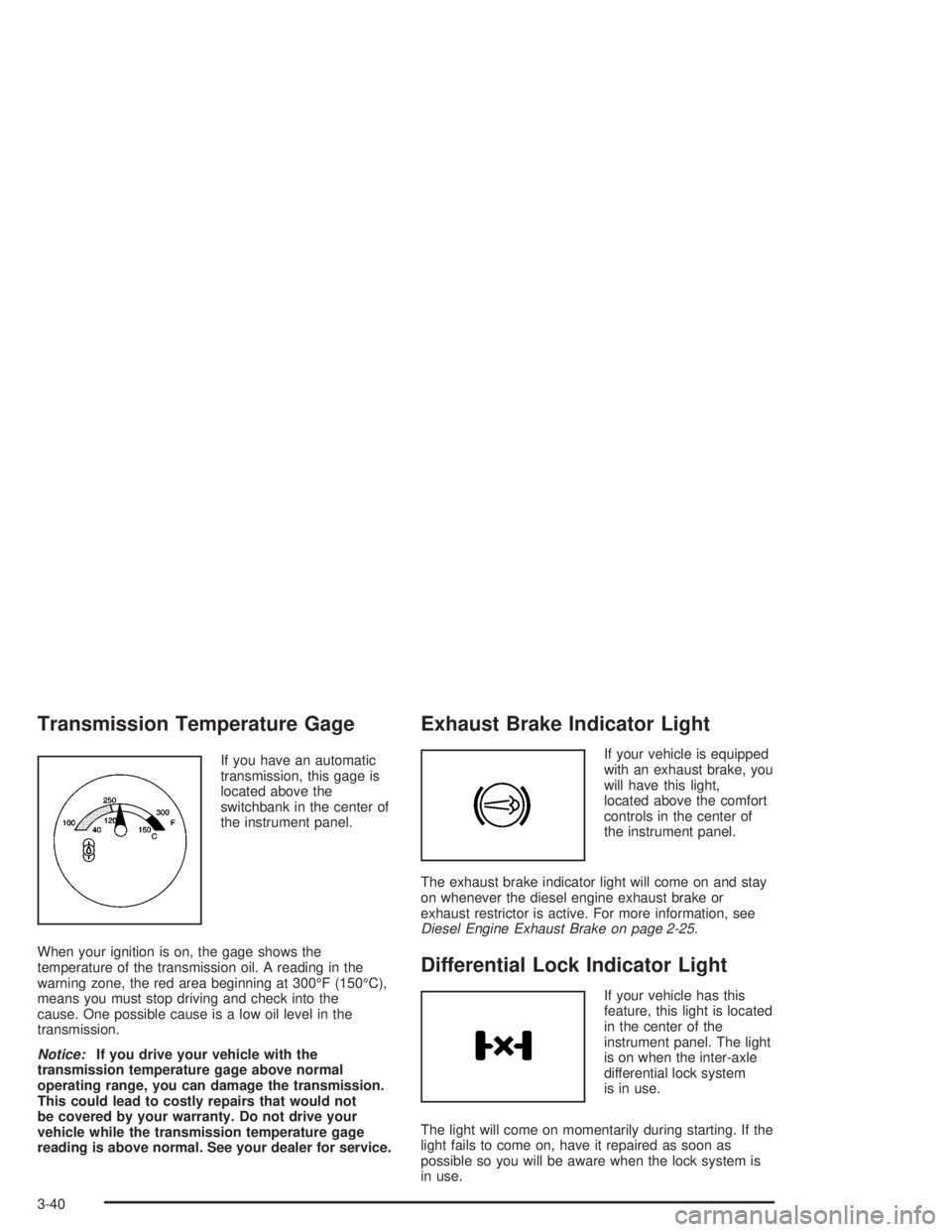
Transmission Temperature Gage
If you have an automatic
transmission, this gage is
located above the
switchbank in the center of
the instrument panel.
When your ignition is on, the gage shows the
temperature of the transmission oil. A reading in the
warning zone, the red area beginning at 300°F (150°C),
means you must stop driving and check into the
cause. One possible cause is a low oil level in the
transmission.
Notice:If you drive your vehicle with the
transmission temperature gage above normal
operating range, you can damage the transmission.
This could lead to costly repairs that would not
be covered by your warranty. Do not drive your
vehicle while the transmission temperature gage
reading is above normal. See your dealer for service.
Exhaust Brake Indicator Light
If your vehicle is equipped
with an exhaust brake, you
will have this light,
located above the comfort
controls in the center of
the instrument panel.
The exhaust brake indicator light will come on and stay
on whenever the diesel engine exhaust brake or
exhaust restrictor is active. For more information, see
Diesel Engine Exhaust Brake on page 2-25.
Differential Lock Indicator Light
If your vehicle has this
feature, this light is located
in the center of the
instrument panel. The light
is on when the inter-axle
differential lock system
is in use.
The light will come on momentarily during starting. If the
light fails to come on, have it repaired as soon as
possible so you will be aware when the lock system is
in use.
3-40
Page 154 of 366
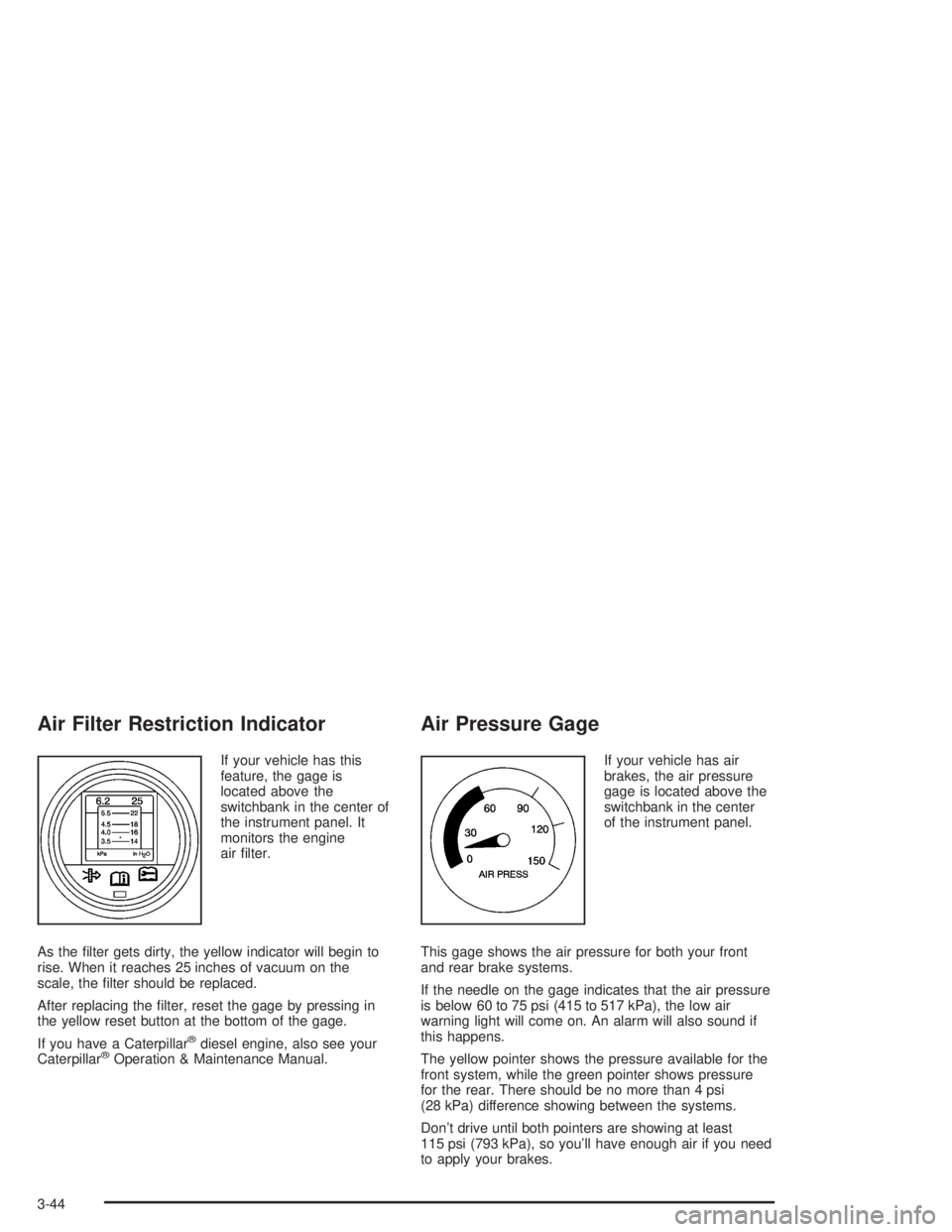
Air Filter Restriction Indicator
If your vehicle has this
feature, the gage is
located above the
switchbank in the center of
the instrument panel. It
monitors the engine
air filter.
As the filter gets dirty, the yellow indicator will begin to
rise. When it reaches 25 inches of vacuum on the
scale, the filter should be replaced.
After replacing the filter, reset the gage by pressing in
the yellow reset button at the bottom of the gage.
If you have a Caterpillar
®diesel engine, also see your
Caterpillar®Operation & Maintenance Manual.
Air Pressure Gage
If your vehicle has air
brakes, the air pressure
gage is located above the
switchbank in the center
of the instrument panel.
This gage shows the air pressure for both your front
and rear brake systems.
If the needle on the gage indicates that the air pressure
is below 60 to 75 psi (415 to 517 kPa), the low air
warning light will come on. An alarm will also sound if
this happens.
The yellow pointer shows the pressure available for the
front system, while the green pointer shows pressure
for the rear. There should be no more than 4 psi
(28 kPa) difference showing between the systems.
Don’t drive until both pointers are showing at least
115 psi (793 kPa), so you’ll have enough air if you need
to apply your brakes.
3-44
Page 176 of 366

Braking
Braking action involvesperception timeand
reaction time.
First, you have to decide to push on the brake pedal.
That isperception time.Then you have to bring up your
foot and do it. That isreaction time.
Averagereaction timeis about 3/4 of a second. But that
is only an average. It might be less with one driver
and as long as two or three seconds or more with
another. Age, physical condition, alertness, coordination
and eyesight all play a part. So do alcohol, drugs and
frustration. But even in 3/4 of a second, a vehicle moving
at 60 mph (100 km/h) travels 66 feet (20 m). That
could be a lot of distance in an emergency, so keeping
enough space between your vehicle and others is
important.
And, of course, actual stopping distances vary greatly
with the surface of the road (whether it is pavement
or gravel); the condition of the road (wet, dry, icy); tire
tread; the condition of your brakes; the weight of
the vehicle and the amount of brake force applied.
Avoid needless heavy braking. Some people drive
in spurts — heavy acceleration followed by heavy
braking — rather than keeping pace with traffic. This is
a mistake. Your brakes may not have time to cool
between hard stops. Your brakes will wear out much
faster if you do a lot of heavy braking. If you keep pacewith the traffic and allow realistic following distances,
you will eliminate a lot of unnecessary braking.
That means better braking and longer brake life.
If your engine ever stops while you are driving, brake
normally but do not pump your brakes. If you do,
the pedal may get harder to push down. If your engine
stops, you will still have some power brake assist.
But you will use it when you brake. Once the power
assist is used up, it may take longer to stop and
the brake pedal will be harder to push.
Hydraulic Brake Systems
If your engine stops running, or if your primary brake
system stops working, your vehicle has a reserve power
assist system to help you slow down. Just slowly and
steadily apply the brake pedal until you can safely get off
the road. The pedal will seem harder to push down.
Do not pump the pedal; the system will not work well or
at all that way.
You may find that the steering wheel seems hard to turn
when you are turning and braking at the same time.
Also, the PRIMARY BRAKE warning light may come on
and the warning tone may sound. This is normal
because the main hydraulic brake system and power
steering both use the power steering pump. If this ever
happens, let up on the brake pedal a little. When
you let up on the brake pedal in that situation, it lets the
steering get a little more help from the pump.
4-6
Page 177 of 366
Anti-lock Brake System (ABS)
Your vehicle has anti-lock brakes. ABS is an advanced
electronic braking system that will help prevent a
braking skid.
When you start your engine and begin to drive away,
your anti-lock brake system will check itself. You
may hear a momentary motor or clicking noise while
this test is going on. This is normal.
If there is a problem with
the anti-lock brake system,
this warning light will
stay on. SeeAnti-Lock
Brake System Warning
Light on page 3-34.
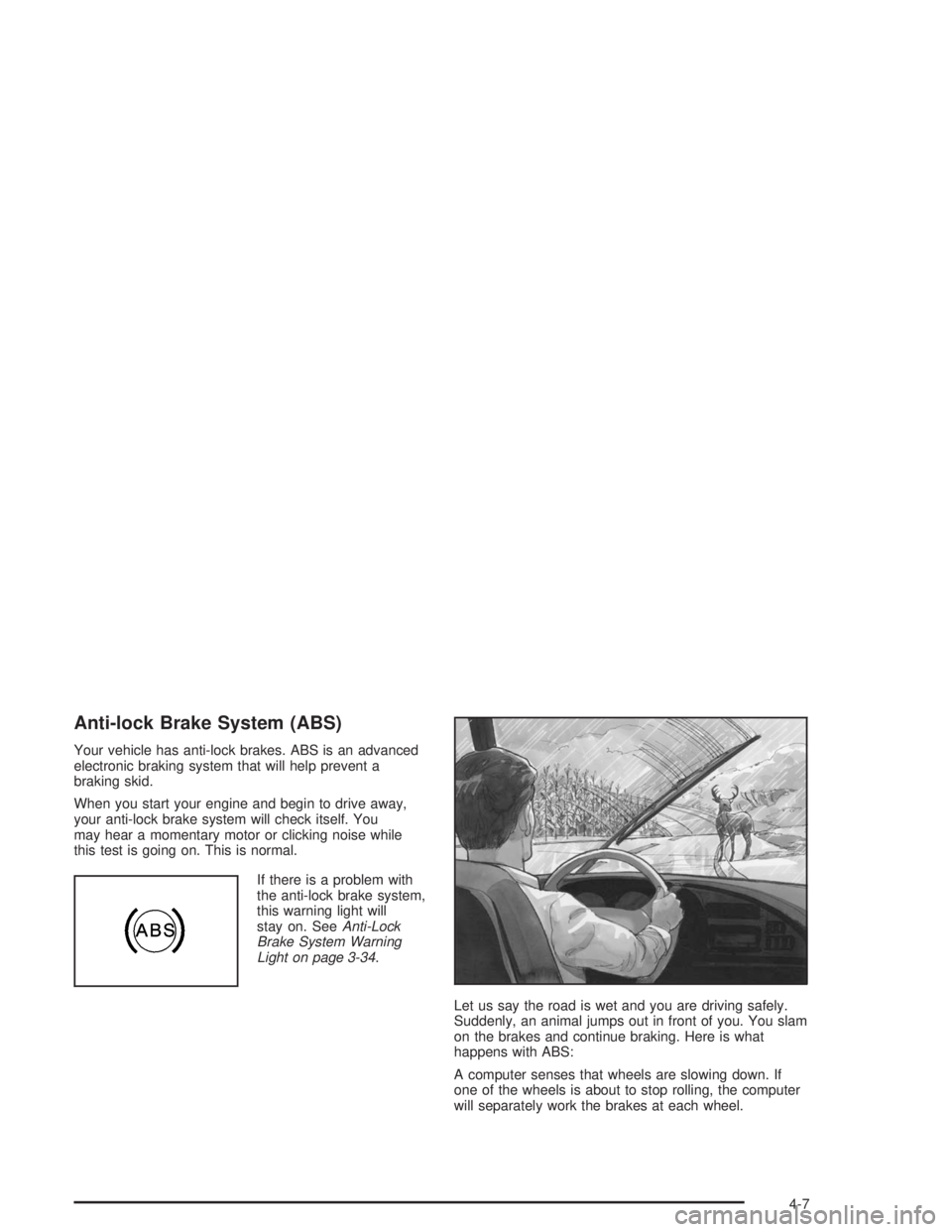
Let us say the road is wet and you are driving safely.
Suddenly, an animal jumps out in front of you. You slam
on the brakes and continue braking. Here is what
happens with ABS:
A computer senses that wheels are slowing down. If
one of the wheels is about to stop rolling, the computer
will separately work the brakes at each wheel.
4-7
Page 181 of 366
Traction Control System (TCS)
Your vehicle may have a traction control system that
limits wheel spin. This is especially useful in slippery
road conditions. The system operates only if it senses
that one or both of the rear wheels are spinning or
beginning to lose traction. When this happens,
the system applies the brake(s) at the affected wheel(s).
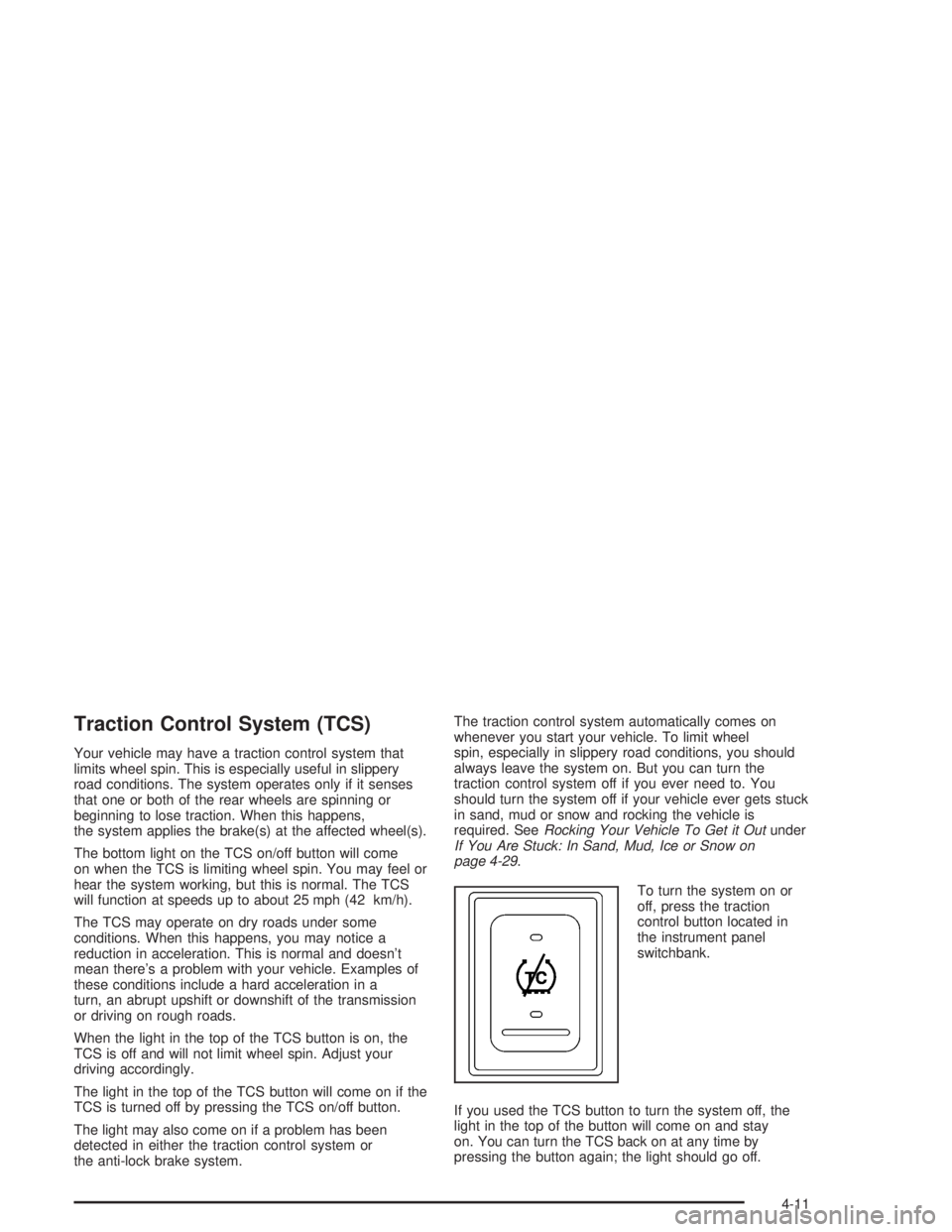
The bottom light on the TCS on/off button will come
on when the TCS is limiting wheel spin. You may feel or
hear the system working, but this is normal. The TCS
will function at speeds up to about 25 mph (42 km/h).
The TCS may operate on dry roads under some
conditions. When this happens, you may notice a
reduction in acceleration. This is normal and doesn’t
mean there’s a problem with your vehicle. Examples of
these conditions include a hard acceleration in a
turn, an abrupt upshift or downshift of the transmission
or driving on rough roads.
When the light in the top of the TCS button is on, the
TCS is off and will not limit wheel spin. Adjust your
driving accordingly.
The light in the top of the TCS button will come on if the
TCS is turned off by pressing the TCS on/off button.
The light may also come on if a problem has been
detected in either the traction control system or
the anti-lock brake system.The traction control system automatically comes on
whenever you start your vehicle. To limit wheel
spin, especially in slippery road conditions, you should
always leave the system on. But you can turn the
traction control system off if you ever need to. You
should turn the system off if your vehicle ever gets stuck
in sand, mud or snow and rocking the vehicle is
required. SeeRocking Your Vehicle To Get it Outunder
If You Are Stuck: In Sand, Mud, Ice or Snow on
page 4-29.
To turn the system on or
off, press the traction
control button located in
the instrument panel
switchbank.
If you used the TCS button to turn the system off, the
light in the top of the button will come on and stay
on. You can turn the TCS back on at any time by
pressing the button again; the light should go off.
4-11
Page 189 of 366
The heavier the rain, the harder it is to see. Even if your
windshield wiper blades are in good shape, a heavy
rain can make it harder to see road signs and
traffic signals, pavement markings, the edge of the road
and even people walking.
It is wise to keep your wiping equipment in good shape
and keep your windshield washer tank filled with
washer fluid. Replace your windshield wiper inserts
when they show signs of streaking or missing areas on
the windshield, or when strips of rubber start to
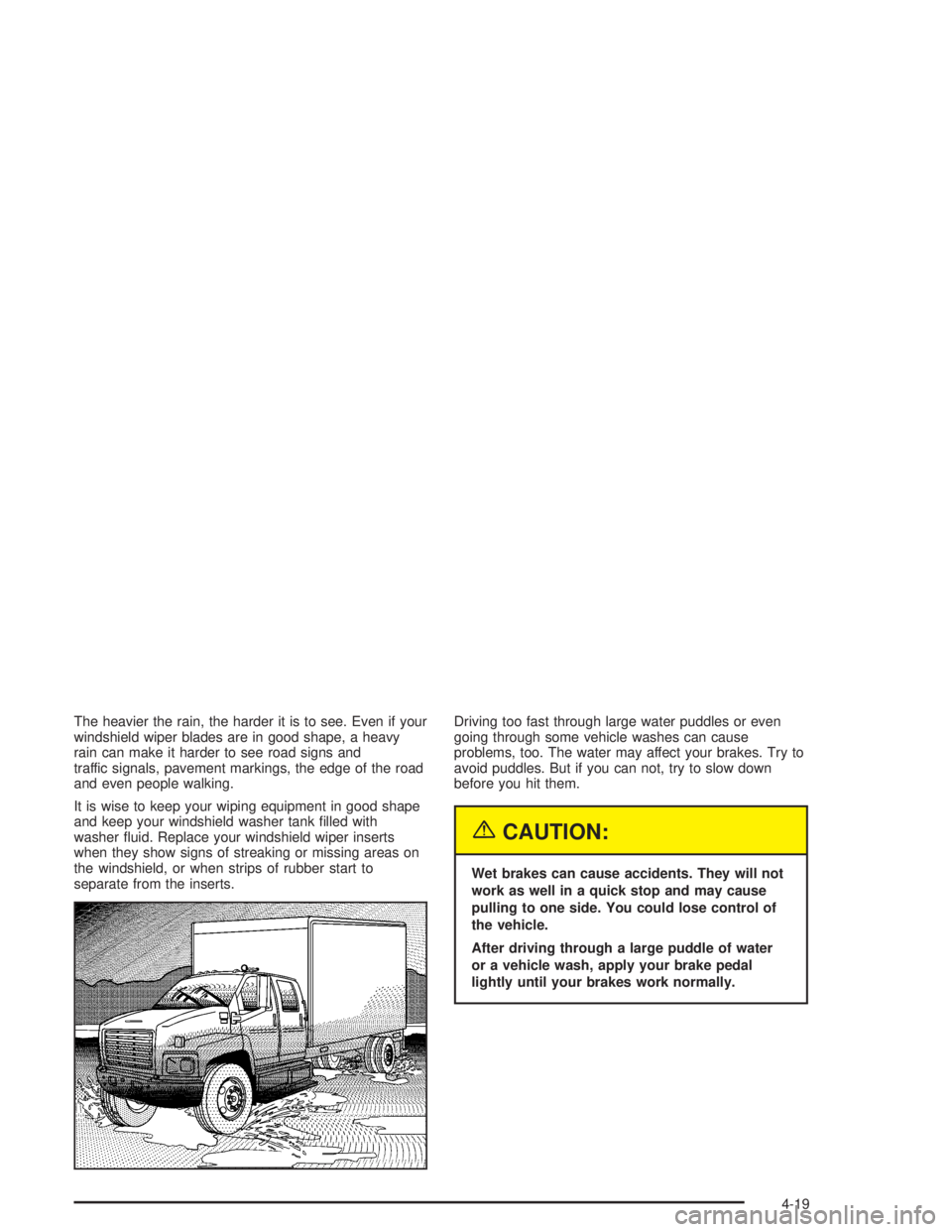
separate from the inserts.Driving too fast through large water puddles or even
going through some vehicle washes can cause
problems, too. The water may affect your brakes. Try to
avoid puddles. But if you can not, try to slow down
before you hit them.
{CAUTION:
Wet brakes can cause accidents. They will not
work as well in a quick stop and may cause
pulling to one side. You could lose control of
the vehicle.
After driving through a large puddle of water
or a vehicle wash, apply your brake pedal
lightly until your brakes work normally.
4-19
Page 205 of 366
Trailer Connections
(C4/C5 Models Only)
Heavy-Duty Trailer Wiring Package
Your vehicle may be equipped with an eight-wire trailer
towing harness. This harness, with a seven-pin
universal heavy-duty trailer connector, is attached to a
bracket on the platform hitch.
The Center High-Mounted Stoplamp (CHMSL) wire is
tied next to the trailer wiring harness for use with a
trailer.The eight-wire harness contains the following trailer
circuits:
•Yellow: Left Stop/Turn Signal
•Dark Green: Right Stop/Turn Signal
•Brown: Taillamps
•White: Ground
•Light Green: Back-up Lamps
•Light Blue: CHMSL
•Red: Battery Feed
•Dark Blue: Trailer Brake
4-35
Page 218 of 366
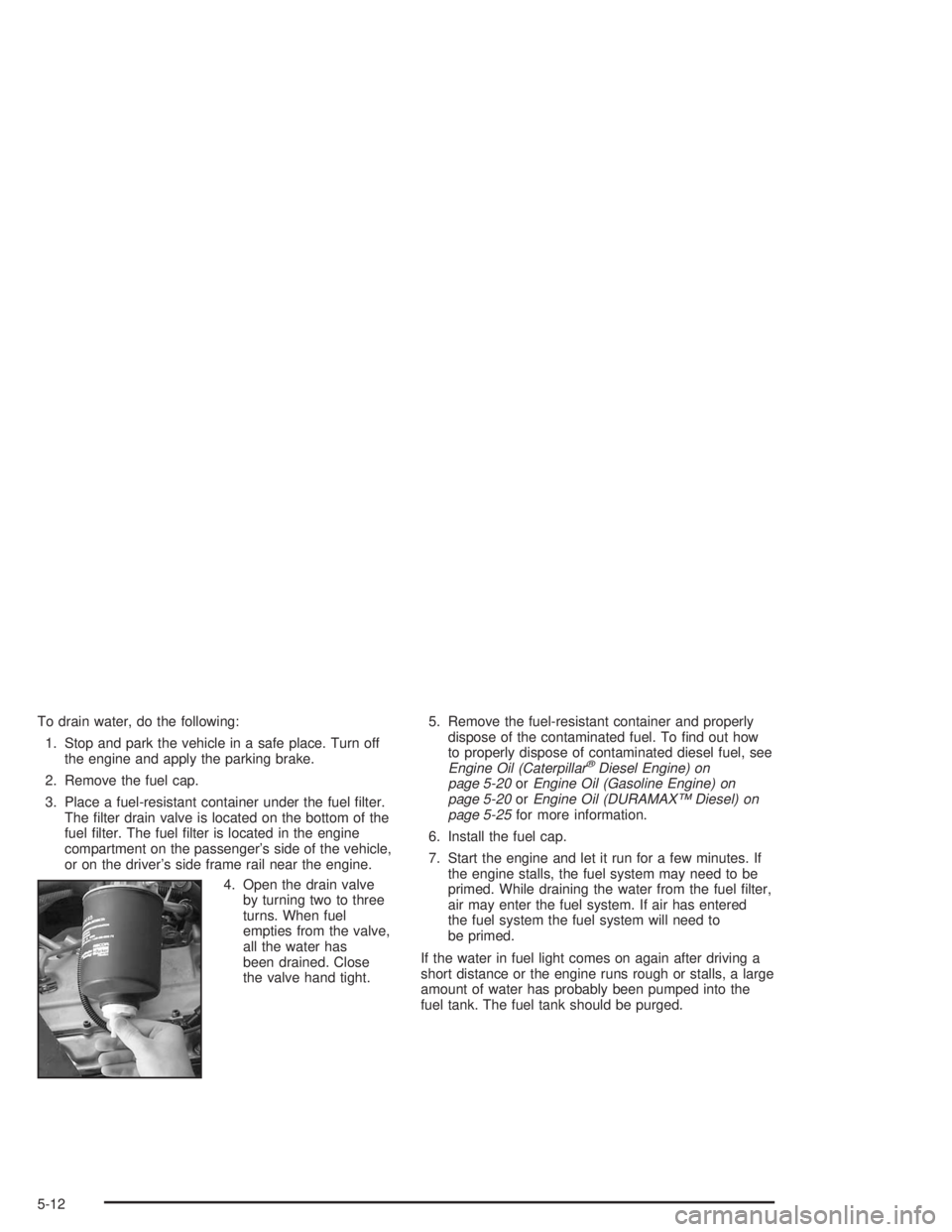
To drain water, do the following:
1. Stop and park the vehicle in a safe place. Turn off
the engine and apply the parking brake.
2. Remove the fuel cap.
3. Place a fuel-resistant container under the fuel filter.
The filter drain valve is located on the bottom of the
fuel filter. The fuel filter is located in the engine
compartment on the passenger’s side of the vehicle,
or on the driver’s side frame rail near the engine.
4. Open the drain valve
by turning two to three
turns. When fuel
empties from the valve,
all the water has
been drained. Close
the valve hand tight.5. Remove the fuel-resistant container and properly
dispose of the contaminated fuel. To find out how
to properly dispose of contaminated diesel fuel, see
Engine Oil (Caterpillar
®Diesel Engine) on
page 5-20orEngine Oil (Gasoline Engine) on
page 5-20orEngine Oil (DURAMAX™ Diesel) on
page 5-25for more information.
6. Install the fuel cap.
7. Start the engine and let it run for a few minutes. If
the engine stalls, the fuel system may need to be
primed. While draining the water from the fuel filter,
air may enter the fuel system. If air has entered
the fuel system the fuel system will need to
be primed.
If the water in fuel light comes on again after driving a
short distance or the engine runs rough or stalls, a large
amount of water has probably been pumped into the
fuel tank. The fuel tank should be purged.
5-12