reset CHEVROLET MALIBU 1998 Owners Manual
[x] Cancel search | Manufacturer: CHEVROLET, Model Year: 1998, Model line: MALIBU, Model: CHEVROLET MALIBU 1998Pages: 362, PDF Size: 19.35 MB
Page 99 of 362
Downloaded from www.Manualslib.com manuals search engine Setting Cruise Control press the cruise control ACCEL RESUME button for
about half
a second.
If you leave your cruise control switch on when
you’re not using cruise, you might hit a button
and go into cruise when you don’t want to. You
could be startled and even lose control. Keep the
cruise control switch
off until you want to use it.
The cruise control buttons are located on the center of
the steering wheel.
1. Press the cruise control ON/OFF button.
2. Get up to the speed you want.
3. Press the SET DECEL button and release it.
4. Take your foot off the accelerator pedal.
Resuming a Set Speed
Suppose you set your cruise control at a desired speed
and then you apply the brake. This, of course, shuts
off
the cruise control. But you don’t need to reset it. Once
you’re going about
25 mph (40 km/h) or more, you can You’ll
go right back up to your chosen speed and
stay there.
If you press the ACCEL RESUME button longer than
half a second, the vehicle will keep going faster until
you release the switch or apply the brake.
So unless
you want to
go faster, don’t hold down the ACCEL
RESUME button.
Increasing Speed While Using Cruise Control
There are two ways to go to a higher speed.
0 Use the accelerator pedal to get to the higher speed.
Push the SET DECEL button, then release the button
and the accelerator pedal. You’ll now cruise at the
higher speed.
0 Press the ACCEL RESUME button. Hold it there
until you get up to the speed you want, and then
release the button. To increase your speed in very
small amounts, press the
ACCEL RESUME button
for less
than half a second and then release it. Each
time you do this, your vehicle will go about
1 mph
(1 -6 km/h) faster.
The accelerate feature will only work after you turn on
the cruise control by pushing the SET DECEL button.
2-34
Page 114 of 362
Downloaded from www.Manualslib.com manuals search engine Speedometer and Odometer
Your speedometer lets you see your speed in both miles
per hour (mph) and kilometers per hour
(km/h).
Your odometer shows how far your vehicle has been
driven, in either miles (used in the United States) or
kilometers (used
in Canada).
Your Chevrolet has a tamper resistant odometer. The
digital odometer will read 999,999 if someone tries to
turn it back.
You may wonder what happens if your vehicle needs a
new odometer installed. If the new one can be set to the
mileage total of the old odometer, then it must be. But if
it can’t, then it’s set at zero and a label must be put on
the driver’s door to show the old mileage reading when
the new odometer was installed.
Trip Odometer
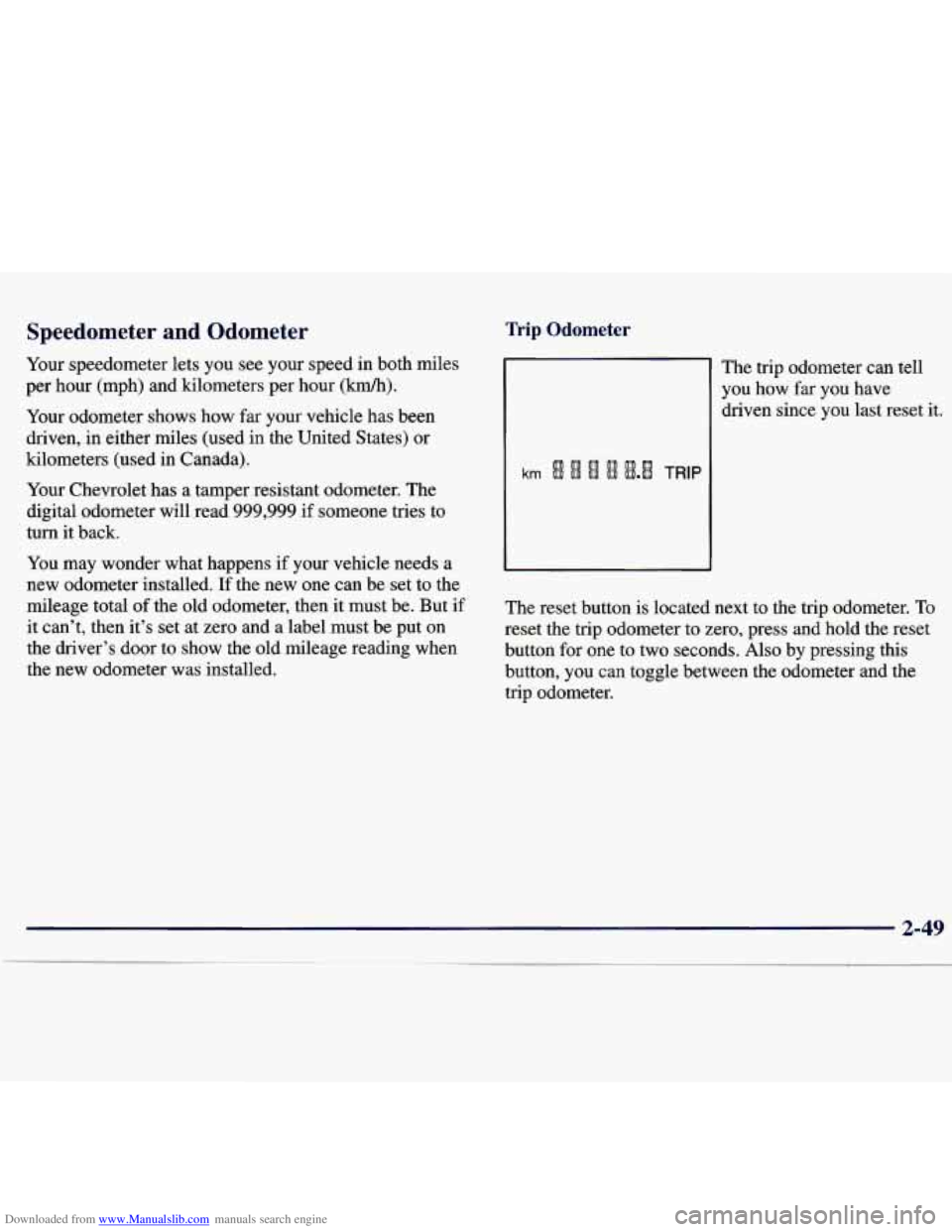
The trip odometer can tell
you how far you have
driven since you last reset it.
The reset button is located next to the trip odometer. To
reset the trip odometer to zero, press and hold the reset
button for one to two seconds. Also by pressing this
button, you can toggle between the odometer and the
trip odometer.
Page 118 of 362
Downloaded from www.Manualslib.com manuals search engine If the light and chime come on while you are driving,
pull off the road and stop carefully. You may notice that
the pedal is harder to push.
Or, the pedal may go closer
to the floor.
It may take longer to stop. If the light is still
on, have the vehicle towed for service. (See “Towing
Your Vehicle” in the Index.)
Your brake system may not be working properly
if the brake system warning light
is on. Driving
with the brake system warning light on can lead
to an accident.
If the light is still on after you’ve
pulled
off the road and stopped carefully, have
the vehicle towed for service.
When the ignition is on, the brake system warning light
will also come on when you set your parking brake. The
light will stay on if your parking brake doesn’t release
fully. If it stays on after your parking brake is fully
released, it means you have a brake problem.
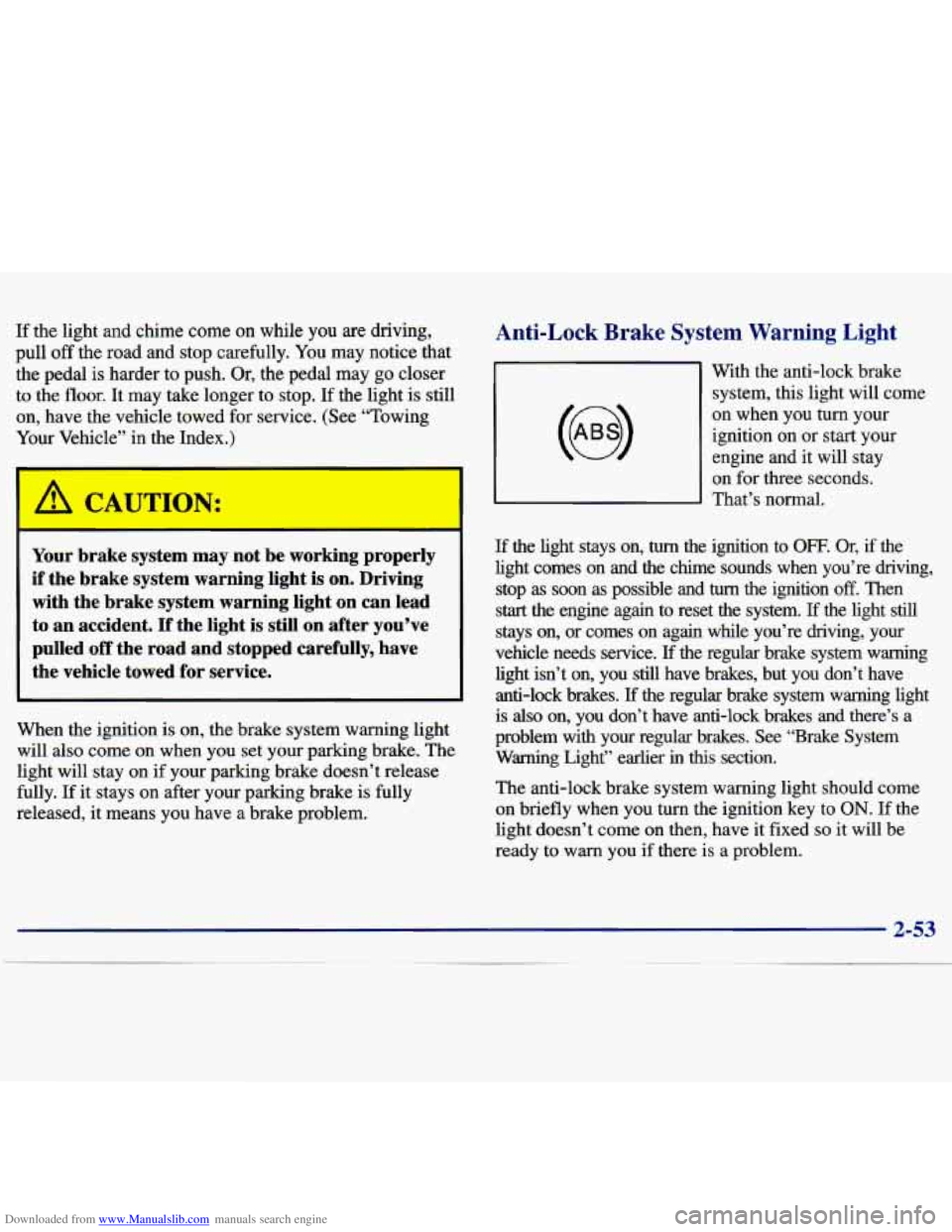
Anti-Lock Brake System Warning Light
With the anti-lock brake
system, this light will come
on when you turn your
ignition on
or start your
engine and it will stay
on for three seconds.
That’s normal.
If the light stays on, turn the ignition to OFF. Or, if the
light comes on and the chime sounds when you’re driving,
stop
as soon as possible and turn the ignition off. Then
start the engine again to reset the system. If the light still
stays on, or comes on again while you’re driving, your
vehicle needs service.
If the regular brake system warning
light isn’t
on, you still have brakes, but you don’t have
anti-lock brakes.
If the regular brake system warning light
is
also on, you don’t have anti-lock brakes and there’s a
problem with
your regular brakes. See “Brake System
Warning Light” earlier in this section.
The anti-lock brake system warning light should come
on briefly when you turn the ignition key
to ON. If the
light doesn’t come on then, have it fixed
so it will be
ready to warn you
if there is a problem.
Page 135 of 362
Downloaded from www.Manualslib.com manuals search engine PUSHBUTTONS: The four numbered pushbuttons let
you return to your favorite stations. You can set up to
14 stations (seven AM and seven FM). Just:
1. Turn the radio on.
2. Press AM-FM to select the band.
3. Tune in the desired station.
4. Press SET. (SET will appear on the display.)
5. Press and hold one of the four numbered buttons,
within five seconds. The sound will mute. When it
returns, release the button. Whenever you press that
numbered button, the station you set will return.
6. Repeat the steps for each pushbutton.
In addition to the four stations already set, up to three
more stations may be preset
on each band by pressing
two adjoining buttons at the same time. Just:
1. Tune in the desired station.
2. Press SET. (SET will appear on the display.)
3. Press any two adjoining pushbuttons at the same
time, within five seconds. The sound will mute.
When it returns, release the buttons. Whenever
you press the same buttons, the station you set
will return.
4. Repeat the steps for each pair of pushbuttons.
Setting the Tone
BASS: Slide the lever up or down to increase or
decrease bass.
TREB: Slide the lever up or down to increase or
decrease treble.
If a station is weak or noisy, you may
want to decrease the treble.
Adjusting the Speakers
BAL: Turn the control behind the upper knob to move
the sound to the left or right speakers. The middle
position balances the sound between the speakers.
FADE: Turn the control behind the lower knob to move
the sound to the front or rear speakers. The middle
position balances the sound between the speakers.
Page 137 of 362
Downloaded from www.Manualslib.com manuals search engine PUSHBUTTONS: The six numbered pushbuttons let
you return to your favorite stations. You can set up to
18 stations (six
AM, six FM1 and six FM2). Just:
1. Turn the radio on.
2. Press AM-FM to select the band.
3. Tune in the desired station.
4. Press AUTO TONE to select the equalization that
best suits the type
of station selected.
5. Press and hold one of the six numbered buttons. The
sound will mute. When
it returns, release the button.
Whenever you press that numbered button, the
station you set will return and the AUTO TONE
equalization that you selected will also be
automatically selected for that button.
6. Repeat the steps for each pushbutton.
P.SCAN: Press this button to listen to each of your
favorite stations stored on your pushbuttons for a few
seconds. The radio will scan through each of the stations
stored on your pushbuttons, except those stations with
weak reception. The AUTO TONE setting stored for
that pushbutton will be automatically chosen. Press P.SCAN
or one of the pushbuttons again to stop
scanning. P.SCAN will be displayed whenever the tuner
is in the P.SCAN mode. The channel number (Pl-P6)
will appear momentarily just before the frequency is
displayed. In FM mode, this function will scan through
both FMl and FM2 preset stations and FMl or FM2
will appear on the display.
Setting the Tone
BASS: Press this knob lightly so it extends. Turn the
knob to the right to increase bass and to the left to
decrease bass. When you use this control, the radio’s
AUTO TONE setting will switch to manual and the
AUTO TONE display will go blank.
TREB: Press this knob lightly so it extends. Turn the
knob to the right to increase treble and to the left to
decrease treble. When you use this control, the radio’s
AUTO TONE setting will switch to manual and the
AUTO TONE display
will go blank. If a station is
weak or noisy, you may want to decrease the treble.
Push these knobs back into their stored positions when
you’re not using them.
Page 138 of 362
Downloaded from www.Manualslib.com manuals search engine AUTO TONE: This feature allows you to choose
preset bass and treble equalization settings designed for
country/western, classical, news, rock, pop and jazz
stations. C/W will appear on the display when you first
press AUTO TONE. Each time you press it, another setting will appear on the display. Press it again after
JAZZ appears and the AUTO TONE display will
go
blank. Tone control will return to the BASS and TREB
knobs. Also, if you use the BASS and TREB knobs,
control will return to them and the AUTO TONE
display will go blank. Use PUSHBUTTONS to program
AUTO TONE.
Adjusting the Speakers
BAL:
Press this knob lightly so 11 extends. Turn the
knob to the right for the right speakers and to the left
for the left speakers. The middle position balances the
sound between the speakers.
FADE: Press this knob lightly so it extends. Turn
the knob to the right to adjust the sound to the front
speakers and to the left for the rear speakers. The middle
position balances the sound between the speakers.
Push these knobs back into their stored positions when
you’re not using them.
Playing a Cassette Tape
Your tape player is built to work best with tapes that are
30 to 45 minutes long on each side. Tapes longer than
that are
so thin they may not work well in this player. If
a tape is inserted when the ignition is on but the radio is
off, the tape will begin playing. A tape symbol is shown
in the center of the graphic display whenever
a tape is
inserted. When a tape is active, the tape symbol will be
accompanied by a direction arrow.
While the tape is playing, use the VOL, AUTO TONE,
BAL, FADE, BASS and TREB controls just as you do
for the radio. Other controls may have different
functions when a tape is inserted. The display will show
the tape symbol and an arrow to show which side of the
tape is playing.
If you hear nothing or hear just a garbled sound, it may
not be in squarely. Press EJECT to remove the tape and
start over.
The player is able to detect a tight or broken tape, and
will eject the tape. The radio will go back
to playing the
last station selected.
The player automatically senses the cassette for metal
or Cr02 and sets the pre-emphasis. Anytime a tape is
inserted, the top side is selected to play first.
Page 140 of 362
Downloaded from www.Manualslib.com manuals search engine EJECT Press this button to remove the tape. The radio
will play. EJECT may be activated with either the
ignition or radio
off. Cassettes may be loaded with the
radio off if this button
is pressed first. If you leave a
cassette tape in the player while listening to the radio,
it may become warm.
CLN: If this message appears on the display, the
cassette tape player needs to be cleaned. It will still play
tapes, but you should clean it as soon as possible to
prevent damage to the tapes and player. See “Care
of
Your Cassette Tape Player” in the Index. After you clean
the player, press and hold EJECT for five seconds to
reset the CLN indicator. The radio will display
--- to
show the indicator was reset.
CD Adapter Kits
It is possible to use a CD adapter kit with your cassette
tape player after activating the bypass feature
on your
tape player.
To activate the bypass feature, use the following steps:
1. Turn the ignition to ON or ACC.
2. Turn the radio off.
3. Press and hold the TAPE AUX button for five
seconds. The tape symbol on the display will flash
for two seconds, indicating the feature is active.
4. Insert the adapter. It will power up the radio and
This override routine will remain active until
EJECT
is pressed. begin playing.
Page 142 of 362
Downloaded from www.Manualslib.com manuals search engine PUSHBUTTONS: The six numbered pushbuttons let
you return to your favorite stations. You can set up to
18 stations (six AM, six FM1 and six FM2). Just:
1. Turn the radio on.
2. Press AM-FM to select the band.
3. Tune in the desired station.
4. Press AUTO TONE to select the equalization that
5. Press and hold one of the six numbered buttons.
best suits the
type of station selected.
The sound will mute. When it returns, release the
button. Whenever you press that numbered button,
the station you set will return and the AUTO
TONE equalization that you selected will also
be automatically selected for that button.
6. Repeat the steps for each pushbutton.
P.SCAN: Press this button to listen to each of your
favorite stations stored
on your pushbuttons for a few
seconds. The radio will scan through each
of the stations
stored
on your pushbuttons, except those stations with
weak reception. The AUTO TONE setting stored for
that pushbutton will be automatically chosen. Press P.SCAN
or one of the pushbuttons again to stop
scanning. P.SCAN will be displayed whenever the tuner
is in the P.SCAN mode. The channel number (Pl-P6)
will appear momentarily just before the frequency is
displayed. In
FM mode, this function will scan through
both FM1 and
FM2 preset stations and FM1 or FM2
will appear on the display.
Setting the Tone
BASS: Press this knob lightly so it extends. Turn the
knob to the right to increase bass and to the left to
decrease bass. When you use this control, the radio’s
AUTO TONE setting will switch to manual and the
AUTO TONE display will
go blank.
TREB: Press this knob lightly so it extends. Turn the
knob to the right to increase treble and to the
left to
decrease treble. When you use this control, the radio’s
AUTO TONE setting will switch to manual and the
AUTO
TONE display will go blank. If a station is
weak
or noisy, you may want to decrease the treble.
Push these knobs back into their stored positions when you’re not using them.
Page 143 of 362
Downloaded from www.Manualslib.com manuals search engine AUTO TONE: This feature allows you to choose
preset bass and treble equalization settings designed for
country/western, classical, news, rock, pop and jazz
stations. CNV will appear on the display when you first
press AUTO TONE. Each time you press it, another
setting will appear on the display. Press it again after
JAZZ appears and the AUTO TONE display will go
blank. Tone control will return to the BASS and TREB
knobs. Also, if you
use the BASS and TREB knobs,
control will return to them and the AUTO TONE
display will
go blank. Use PUSHBUTTONS to
program AUTO TONE.
Adjusting the Speakers
BAL: Press this knob lightly so it extends. Turn the
knob to the right for the right speakers and to the left for
the left speakers. The middle position balances the
sound between the speakers.
FADE: Press this knob lightly so it extends. Turn the
knob to the right to adjust the sound to the front
speakers and to the left for the rear speakers. The middle
position balances the sound between the speakers.
Push these knobs back into their stored positions when
you’re not using them.
Playing a Compact Disc
Insert a disc partway into the slot, label side up. The
player will pull it in. The disc should begin playing. The
display will show
CD and the CD symbol. If you want
to insert a compact disc with the ignition off, first press
RECALL or EJECT.
If you’re driving on a very rough road or if it’s very hot,
the disc may not play and
ERR (error) may appear on
the display. Press RECALL to take ERR off the display.
When things get back to normal, the disc should play. If
the disc comes out, it could be that:
The disc is upside down.
It is dirty, scratched or wet.
It is very humid. (If so, wait about an hour and
try again.)
PREV (1): Press this button or the left SEEK arrow to
go to the previous track if the current selection has been
playing for less than eight seconds.
If the PREV button
is pressed and the current selection has been playing for
more than eight seconds, it will go to the beginning of
the current selection. If you hold the button or press it
more than once, the player will continue moving back
through the disc. The sound will mute while seeking.
Page 144 of 362
Downloaded from www.Manualslib.com manuals search engine RDM (2): Press this button to hear the tracks in random,
rather than sequential, order. RANDOM will show on
the display. Press
RDM again to turn off random play.
RDM
is reset to off when the disc is ejected.
NEXT (3): Press this button or the right SEEK arrow
to go to the next track.
If you hold the button or
press it more than once, the player will continue
moving forward through the disc. The sound will
mute while seeking.
REV (4): Press and hold this button to quickly reverse
within a track. Release it to play the passage. You can
use the counter reading on the display to locate a
passage more easily.
FWD (6): Press and hold this button to advance
quickly within a track. Release it to resume playing.
You can use the counter reading on the display to
locate a passage easily.
RECALL: Press this button to see which track is
playing. Press it again within five seconds to see how
long it has been playing (elapsed time). The track
number also appears when you change the volume or
when a new track starts to play.
AM-FM: Press this button to play the radio when a disc
is in the player. The letters CD will go off the display.
CD AUX: Press this button to change to the disc
function when the radio is on.
A CD icon will appear
on the display when the disc
is in the player, whether
it is active or not. If your system is equipped with a
remote playback device, pressing this button
a second
time will allow the remote device to play.
EJECT Press this button to remove the disc. The radio
will play. The disc will start at the first track when you
reinsert it.
If you turn off the ignition or radio with a disc in
the player, it will stay in the player. When you turn on the ignition or system, the disc will start playing
where it was stopped. If you press EJECT but don’t
remove the disc, the player will pull the disc back in
to protect it after about one minute. If you leave a
compact disc in the player while listening to the radio,
it may become warm.