lights CHEVROLET MALIBU 2007 6.G Owner's Manual
[x] Cancel search | Manufacturer: CHEVROLET, Model Year: 2007, Model line: MALIBU, Model: CHEVROLET MALIBU 2007 6.GPages: 510, PDF Size: 2.8 MB
Page 227 of 510
UNLK (Unlock):This screen displays only if
DRIVER or ALL is selected for the AUTO UNLK
option. This option determines when the automatic
door unlocking will occur, when either the key is
turned to OFF or the vehicle is shifted into
PARK (P). When UNLK appears on the display,
press the enter button to move between KEY OFF
and SHIFT TO P (Park). When you have made
your choice, press the MENU button to record your
selection. The initial setting from the factory is
SHIFT TO P (Park). SeeProgrammable Automatic
Door Locks on page 106for more information.
EXT (Exterior) LIGHTS:If your vehicle has
Remote Keyless Entry (RKE), this option, which
allows the vehicle’s exterior perimeter lighting
to turn on each time the unlock button on the RKE
transmitter is pressed, can be enabled or disabled.
When EXT LIGHTS appears on the display, press
the enter button to move between ON and OFF.When you have made your choice, press the MENU
button to record your selection. The initial setting
from the factory is ON.
LANGUAGE:To select your choice of language,
press the enter button to move between the
optional languages.
The languages are ENGLISH, FRENCH,
SPANISH, and GERMAN.
Choosing a language will display all of the
information on the DIC in the desired language.
When you have made your choice, press the
MENU button for at least one second to record
your selection. The initial setting from the factory
is ENGLISH.
227
Page 307 of 510
Keep the windshield and all the glass on your
vehicle clean — inside and out. Glare at night is
made much worse by dirt on the glass. Even
the inside of the glass can build up a lm caused
by dust. Dirty glass makes lights dazzle and
ash more than clean glass would, making the
pupils of your eyes contract repeatedly.
Remember that the headlamps light up far less of a
roadway when you are in a turn or curve. Keep your
eyes moving; that way, it is easier to pick out dimly
lighted objects. Just as the headlamps should be
checked regularly for proper aim, so should your
eyes be examined regularly. Some drivers suffer
from night blindness — the inability to see in dim
light — and are not even aware of it.Driving in Rain and on Wet Roads
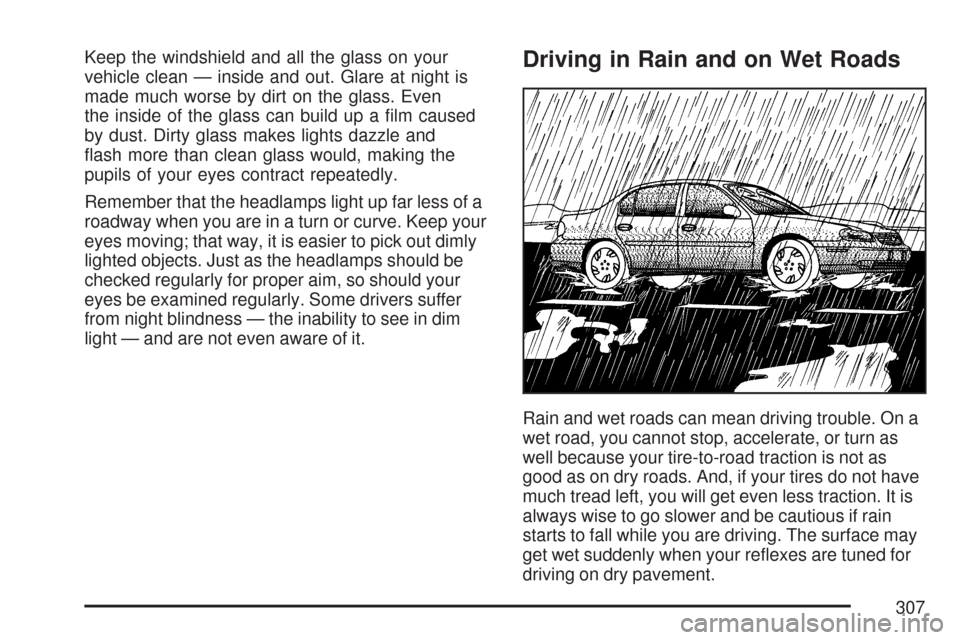
Rain and wet roads can mean driving trouble. On a
wet road, you cannot stop, accelerate, or turn as
well because your tire-to-road traction is not as
good as on dry roads. And, if your tires do not have
much tread left, you will get even less traction. It is
always wise to go slower and be cautious if rain
starts to fall while you are driving. The surface may
get wet suddenly when your reexes are tuned for
driving on dry pavement.
307
Page 368 of 510
How to Add Automatic Transaxle Fluid
Refer to the Maintenance Schedule to determine
what kind of transaxle uid to use. See
Recommended Fluids and Lubricants on page 468.
If the uid level is low, add only enough of the
proper uid to bring the level into the crosshatched
area on the dipstick.
1. Pull out the dipstick.
2. Using a long-neck funnel, add enough uid at
the dipstick hole to bring it to the proper level.
It does not take much uid, generally less
than one pint (0.5 L). Do not overll.
Notice:Use of the incorrect automatic
transaxle uid may damage your vehicle, and
the damages may not be covered by your
warranty. Always use the automatic transaxle
uid listed inRecommended Fluids and
Lubricants on page 468.
3. After adding uid, recheck the uid level as
described under “How to Check Automatic
Transaxle Fluid,” earlier in this section.
4. When the correct uid level is obtained, push
the dipstick back in all the way.
Engine Coolant
The cooling system in your vehicle is lled with
DEX-COOL®engine coolant. This coolant is
designed to remain in your vehicle for ve years or
150,000 miles (240 000 km), whichever occurs
rst, if you add only DEX-COOL
®extended
life coolant.
The following explains the cooling system and
how to add coolant when it is low. If there is
a problem with engine overheating, seeEngine
Overheating on page 371.
A 50/50 mixture of clean, drinkable water and
DEX-COOL
®coolant will:
Give freezing protection down to
−34°F (−37°C).
Give boiling protection up to 265°F (129°C).
Protect against rust and corrosion.
Help keep the proper engine temperature.
Let the warning lights and gages work as they
should.
368
Page 448 of 510
Fuses Usage
HVAC
BLOWER HIGH
(Relay)Climate Control System
CLUSTER/
THEFTInstrument Panel Cluster, Theft
Deterrent System
ONSTAR OnStar
®System
NOT
INSTALLEDNot Used
AIRBAG (IGN) Airbag System
HVAC CTRL
(BATT)Climate Control System
PEDAL Adjustable Throttle and Brake Pedal
WIPER SW Windshield Wiper/Washer Switch
IGN SENSOR Ignition Switch
STR/WHL
ILLUMSteering Wheel Controls
Backlighting
NOT
INSTALLEDNot Used
RADIO Audio System
INTERIOR
LIGHTSOverhead Lighting, Trunk/Cargo
Lighting
REAR WIPER Rear Wiper System/Washer Pump
HVAC CTRL
(IGN)Climate Control System
Fuses Usage
HVAC
BLOWERClimate Control System
DOOR LOCK Automatic Door Lock System
ROOF/HEAT
SEATSunroof, Heated Seats, Automatic
Dimming Rearview Mirror, Compass,
Rear Wiper/Washer System
POWER
WINDOWSPower Window Switch
NOT
INSTALLEDNot Used
NOT
INSTALLEDNot Used
AIRBAG
(BATT)Airbag System
FUSE PULLER Fuse Puller
SPARE FUSE
HOLDERSpare
SPARE FUSE
HOLDERSpare
SPARE FUSE
HOLDERSpare
SPARE FUSE
HOLDERSpare
448
Page 503 of 510
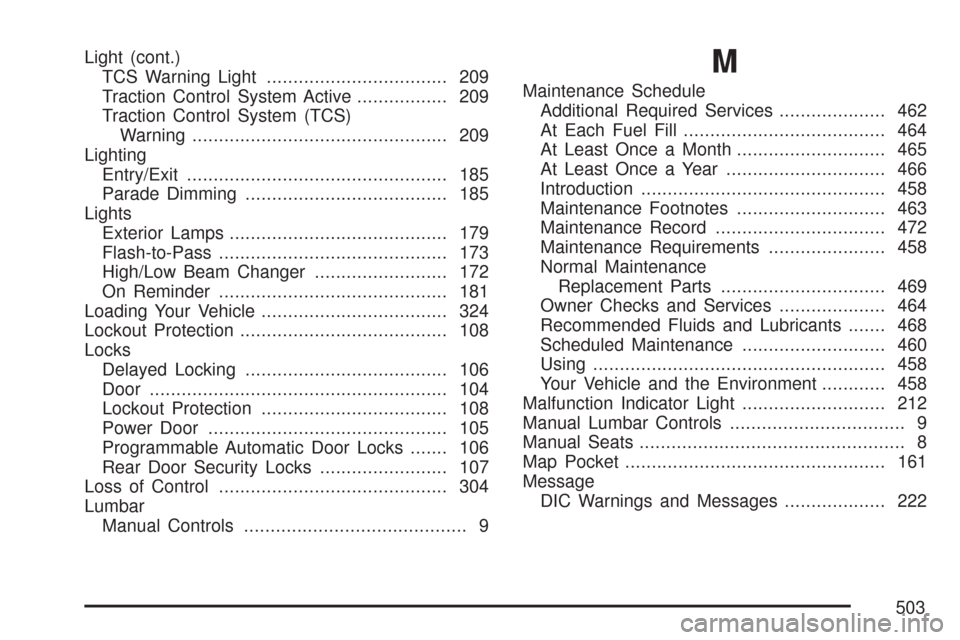
Light (cont.)
TCS Warning Light.................................. 209
Traction Control System Active................. 209
Traction Control System (TCS)
Warning................................................ 209
Lighting
Entry/Exit................................................. 185
Parade Dimming...................................... 185
Lights
Exterior Lamps......................................... 179
Flash-to-Pass........................................... 173
High/Low Beam Changer......................... 172
On Reminder........................................... 181
Loading Your Vehicle................................... 324
Lockout Protection....................................... 108
Locks
Delayed Locking...................................... 106
Door........................................................ 104
Lockout Protection................................... 108
Power Door............................................. 105
Programmable Automatic Door Locks....... 106
Rear Door Security Locks........................ 107
Loss of Control........................................... 304
Lumbar
Manual Controls.......................................... 9M
Maintenance Schedule
Additional Required Services.................... 462
At Each Fuel Fill...................................... 464
At Least Once a Month............................ 465
At Least Once a Year.............................. 466
Introduction.............................................. 458
Maintenance Footnotes............................ 463
Maintenance Record................................ 472
Maintenance Requirements...................... 458
Normal Maintenance
Replacement Parts............................... 469
Owner Checks and Services.................... 464
Recommended Fluids and Lubricants....... 468
Scheduled Maintenance........................... 460
Using....................................................... 458
Your Vehicle and the Environment............ 458
Malfunction Indicator Light........................... 212
Manual Lumbar Controls................................. 9
Manual Seats.................................................. 8
Map Pocket................................................. 161
Message
DIC Warnings and Messages................... 222
503
Page 509 of 510
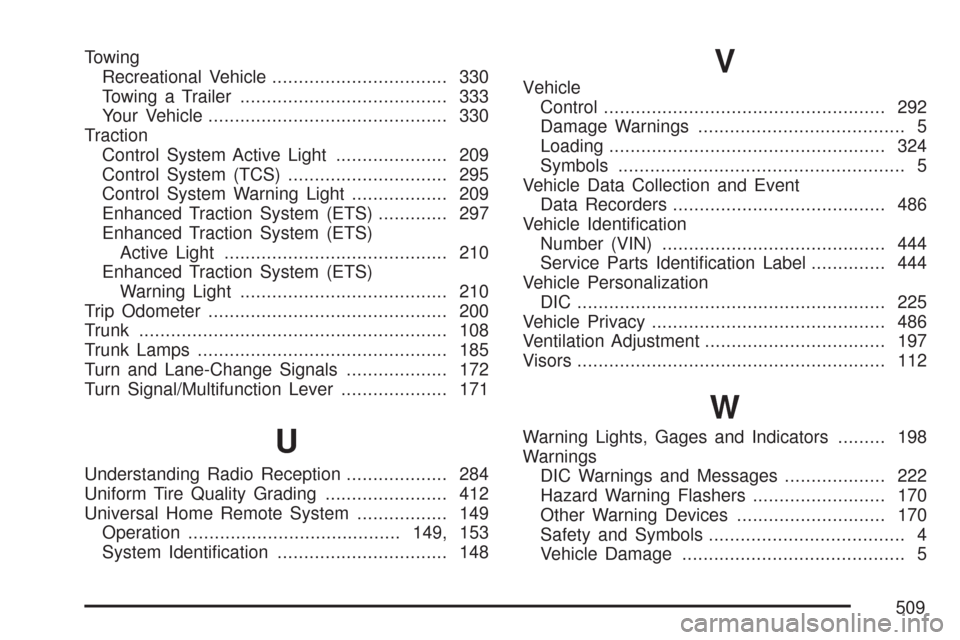
Towing
Recreational Vehicle................................. 330
Towing a Trailer....................................... 333
Your Vehicle............................................. 330
Traction
Control System Active Light..................... 209
Control System (TCS).............................. 295
Control System Warning Light.................. 209
Enhanced Traction System (ETS)............. 297
Enhanced Traction System (ETS)
Active Light.......................................... 210
Enhanced Traction System (ETS)
Warning Light....................................... 210
Trip Odometer............................................. 200
Trunk.......................................................... 108
Trunk Lamps............................................... 185
Turn and Lane-Change Signals................... 172
Turn Signal/Multifunction Lever.................... 171
U
Understanding Radio Reception................... 284
Uniform Tire Quality Grading....................... 412
Universal Home Remote System................. 149
Operation........................................149, 153
System Identication................................ 148
V
Vehicle
Control..................................................... 292
Damage Warnings....................................... 5
Loading.................................................... 324
Symbols...................................................... 5
Vehicle Data Collection and Event
Data Recorders........................................ 486
Vehicle Identication
Number (VIN).......................................... 444
Service Parts Identication Label.............. 444
Vehicle Personalization
DIC .......................................................... 225
Vehicle Privacy............................................ 486
Ventilation Adjustment.................................. 197
Visors.......................................................... 112
W
Warning Lights, Gages and Indicators......... 198
Warnings
DIC Warnings and Messages................... 222
Hazard Warning Flashers......................... 170
Other Warning Devices............................ 170
Safety and Symbols..................................... 4
Vehicle Damage.......................................... 5
509