ignition CHEVROLET MONTE CARLO 1996 5.G Owner's Manual
[x] Cancel search | Manufacturer: CHEVROLET, Model Year: 1996, Model line: MONTE CARLO, Model: CHEVROLET MONTE CARLO 1996 5.GPages: 340, PDF Size: 17.79 MB
Page 103 of 340
Downloaded from www.Manualslib.com manuals search engine Anti-Lock Brake System Warning Light
ANTI -
LOCK
With the anti-lock brake
system, this light will come
on when you start your
engine and
it will stay
on for three seconds.
That’s normal.
If the light flashes when you’re driving, you don’t have
anti-lock brakes and there could be
a problem with your
regular brakes. Pull off the road and stop carefully. You
may notice that the pedal is harder to push. Or, the pedal
may go closer to the floor. It may take longer to stop.
Have the vehicle towed for service. (See “Towing Your
Vehicle”
in the Index.)
Your regular brake system may not be working
properly if the anti-lock brake system warning light
is flashing. Driving with the anti-lock brake system warning light flashing can lead to an accident. After
you’ve pulled
off the road and stopped carefully,
have the vehicle towed for service.
If the anti-lock brake system warning light stays on
longer than normal after you’ve started your engine, turn
the ignition
off. Or, if the light comes on and stays on
when you’re driving, stop
as soon as possible and turn
the ignition off. Then start the engine again
to reset the
system. If the light still stays on, or comes
on again
while you’re driving, your Chevrolet needs service.
If
the light is on but not flashing and the regular brake
system warning light isn’t
on, you still have brakes, but
you don’t have anti-lock brakes.
The anti-lock brake system warning light should come
on briefly when you turn the ignition
key to RUN. If the
light doesn’t come on then, have
it fixed so it will be
ready to warn you
if there is a problem.
Page 104 of 340
Downloaded from www.Manualslib.com manuals search engine Anti-Lock Brake System Active Light
LOW
TRAC
When your anti-lock system
is adjusting brake pressure
to help avoid a braking skid,
the anti-lock brake system
active light will come on.
Engine Coolant Temperature Light
This light tells you that
your engine coolant has
overheated or your radiator
HOT
cooling fan is not working.
Slippery road conditions may exist if this light comes
on, so adjust your driving accordingly. The light will
stay on for a few seconds after the system stops
adjusting brake pressure.
The anti-lock brake system active light also comes on
briefly when you turn the ignition key to RUN. If the
light doesn’t come on then, have it fixed
so it will be
there
to tell you when the system is active. If
you have been operating your vehicle under normal
driving conditions,
you should pull off the road, stop
your vehicle and turn off the engine as soon
as possible.
In “Problems on the Road,” this manual shows what to
do. See “Engine Overheating”
in the Index.
Page 106 of 340
Downloaded from www.Manualslib.com manuals search engine Malfunction Indicator Lamp
(Service Engine Soon Light)
I
SERVICE
ENGINE
SOON
Your Chevrolet is equipped
with
a computer which
monitors operation
of the
fuel, ignition and emission
control systems.
This system is called OBD I1 (On-Board
Diagnostics-Second Generation) and is intended
to assure that emissions are at acceptable levels .for
the
life of the vehicle, helping to produce a cleaner
environment. (In Canada, OBD
I1 is replaced by
Enhanced Diagnostics.) The
SERVICE ENGINE SOON
light comes on to indicate that there is a problem and
service is required. Malfunctions often
will be indicated
by
the system before any problem is apparent, which
may prevent more serious damage to your vehicle. This
system is also designed to assist your service technician
in correctly diagnosing any malfunction.
0
0
NOTICE:
If you keep driving your vehicle with this light
on, after a while, your emission controls may not
work as well, your fuel economy may not
be as
good and your engine may not run as smoothly.
This could lead to costly repairs that may not be
covered by your warranty.
This light should come on, as a check to show you it is
working, when the ignition
is on and the engine is not
running.
If the light doesn’t come on, have it repaired.
This light
will also come on during a malfunction in one
of two ways:
Light Flashing -- A misfire condition has been
detected.
A misfire increases vehicle emissions and
may damage the emission control system on your
vehicle. Dealer or qualified service center diagnosis
and service is required.
Light On Steady -- An emission control system
malfunction
has been detected on your vehicle.
Dealer or qualified service center diagnosis and
service may be required.
2-48
Page 108 of 340
Downloaded from www.Manualslib.com manuals search engine Have you recently changed brandsl’of fuel? Oil Warning Light
If so, be sure to fuel your vehicle with quality fuel (see
“Fuel” in the Index). Poor fuel quality will cause your
engine not to run as efficiently as designed. You may
notice this as stalling after start-up, stalling when
you put the vehicle into gear, misfiring, hesitation
on acceleration or stumbling on acceleration. (These
conditions may go away once the engine is warmed up.)
This will be detected by the system and cause the light
to turn on.
If you experience this condition, change the fuel brand
you use. It will require at least one full tank of the
proper
fuel to turn the light off.
If none of the above steps have made the light turn off,
have your dealer or qualified service center check the
vehicle. Your dealer has the proper test equipment and
diagnostic tools to fix any mechanical or electrical
problems that may have developed.
OIL
If you have a problem with
your oil,
this light may stay
on after
you start your
engine, or come on when
you are driving.
.
This indicates that oil is not going through your engine
quickly enough to keep it lubricated. The engine could
be low on oil or could have some other oil problem.
Have it fixed right away.
The oil light could also come on in two other situations:
0 When the ignition is on but the engine is not running,
the light will come on as ,a test.to show you it is
working, but the light will go out when you turn the
ignition to START.
If it doesn’t come on with the
ignition on, you may have a problem with
the fuse
or bulb. Have
it fixed right away.
2-50
Page 109 of 340
Downloaded from www.Manualslib.com manuals search engine 0 If you make a hard stop, the light may come on for a
moment. This is normal.
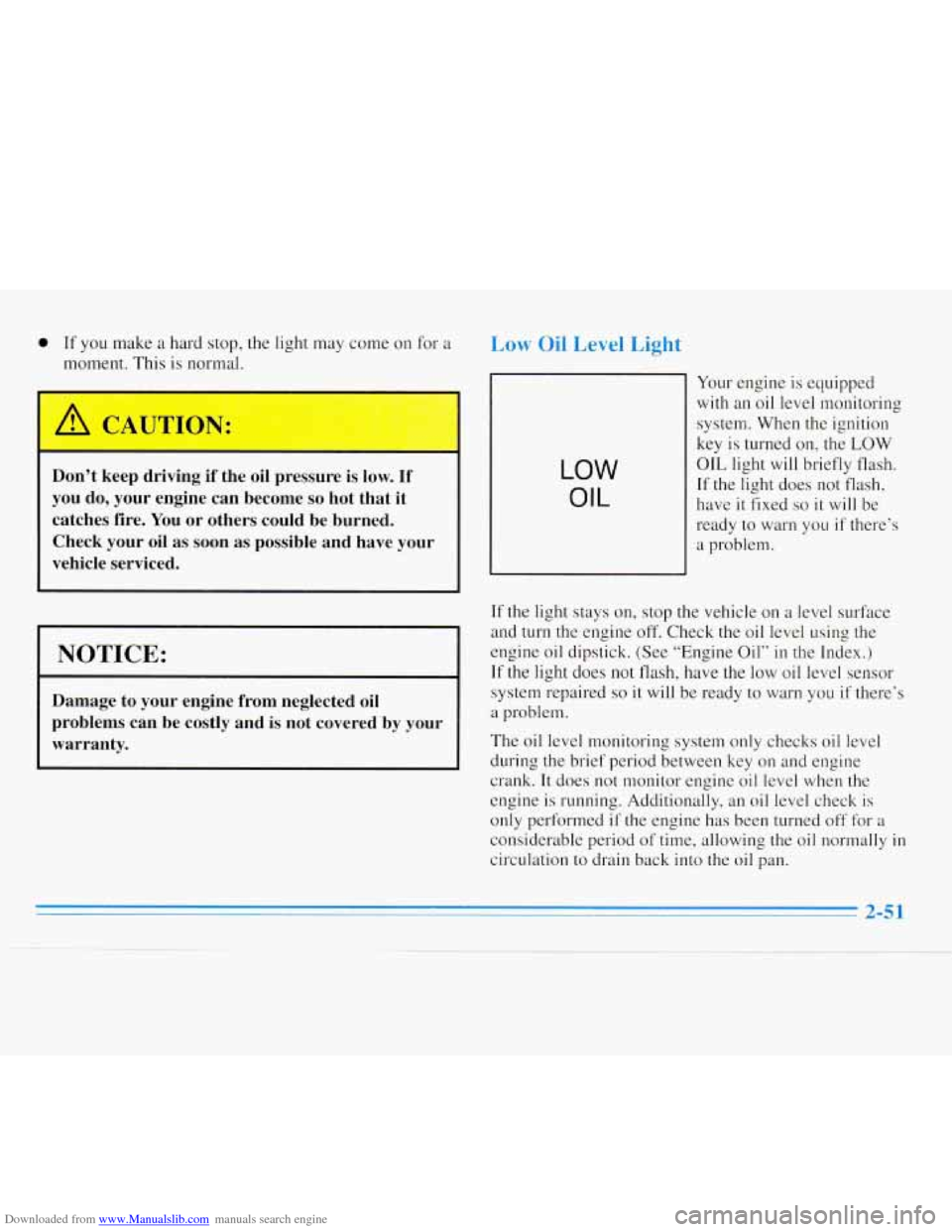
Low Oil Level Light
Don’t keep driving if the oil pressure is low. If
you do, your engine can become
so hot that it
catches fire. You or others could be burned.
Check your oil as soon as possible and have your
vehicle serviced.
I NOTICE:
Damage to your engine from neglected oil
problems can be costly and
is not covered by your
warranty.
LOW
OIL
Your engine is equipped
with an oil level monitoring
system. When the ignition
key
is turned on, the LOW
OIL light will briefly flash.
If the light does not flash,
have
it fixed so it will be
ready to warn you if there’s
a problem.
If the light stays on, stop the vehicle on a level surface
and turn
the engine off. Check the oil level using the
engine oil dipstick. (See “Engine Oil”
in the Index.)
If the light does not flash, have the low oil level sensor
system repaired
so it will be ready to warn you if there’s
a problem.
The oil level monitoring system only checks oil level
during the brief period between key
on and engine
crank. It does not monitor engine oil level when the
engine is running. Additionally, an oil level check
is
only performed if the engine has been turned off for a
considerable period of time, allowing the oil normally in
circulation to drain back into the oil pan.
Page 110 of 340
Downloaded from www.Manualslib.com manuals search engine Security Light
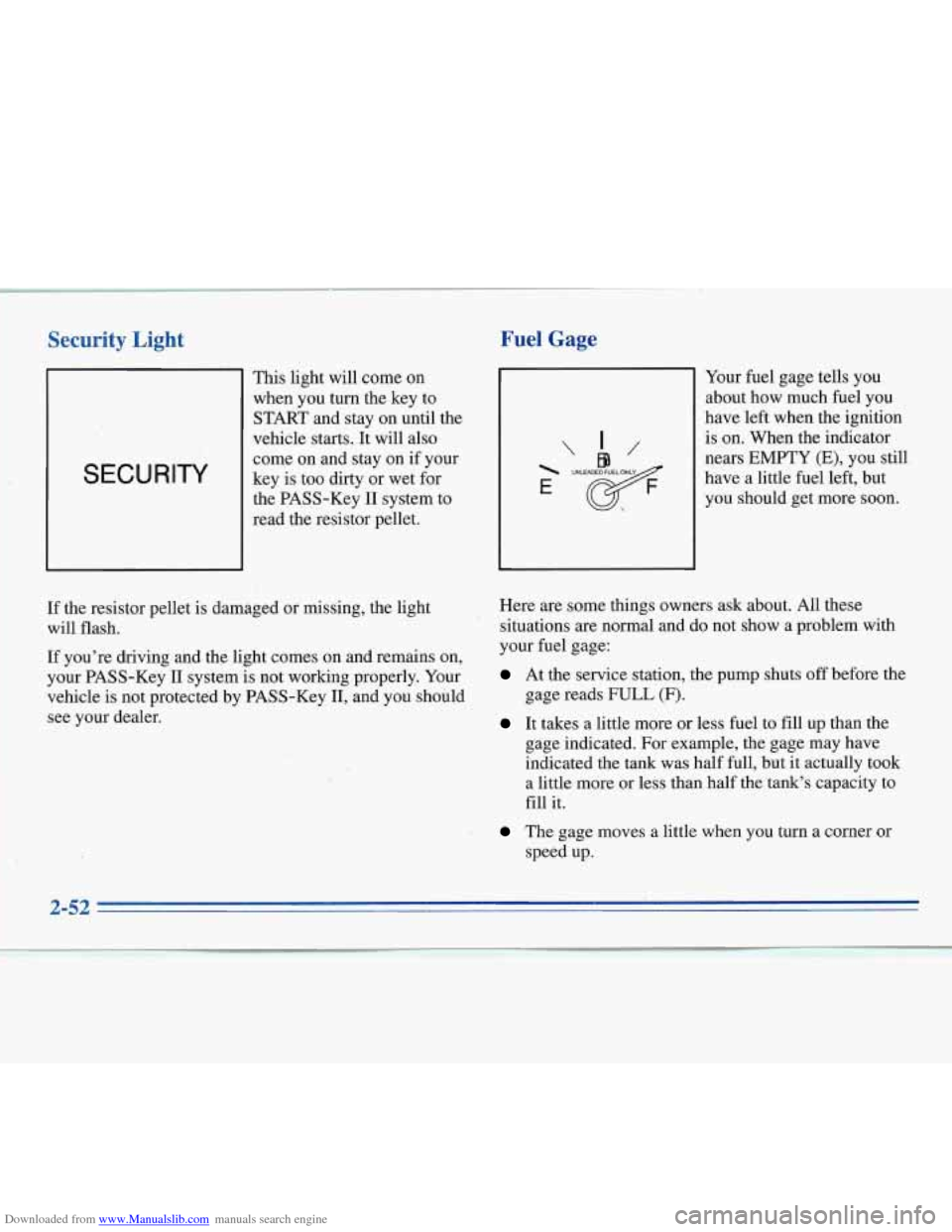
SECURITY
This light will come on
when you turn the key to
START and stay on until the
vehicle starts. It will also
come on and stay on if your
key is too dirty or wet for
the PASS-Key
I1 system to
read the resistor pellet.
Fuel Gage
"/@9 I/
E
If the resistor pellet is damaged or missing, the light
will flash.
If you're driving and the light comes on and remains on,
your PASS-Key
I1 system is not working properly. Your
vehicle is not protected by PASS-Key
11, and you should
see your dealer. Here are some
things owners ask about. All these
situations are normal and do not show a problem with
your fuel gage:
At the service station, the pump shuts off before the
gage reads
FULL (F).
It takes a little more or less fuel to fill up than the
gage indicated. For example, the gage may have
indicated the tank was half full, but it actually took
a little more or less than half the tank's capacity to
fill it.
The gage moves a little when you turn a corner or
speed up. Your
fuel gage tells you
about how much fuel you
have left when the ignition
is on. When the indicator
nears EMPTY (E), you still
have a little fuel left, but
you should get more soon.
2-52 7. I
....
Page 116 of 340
Downloaded from www.Manualslib.com manuals search engine 0
0
0
0
ilation Ti-
For mild outside temperatures when little heating or
cooling is needed, use
VENT to direct outside air
through your vehicle.
Keep the hood and front air inlet free of ice, snow or
any other obstruction, such
as leaves. The heater and
defroster will work far better, reducing the chance of
fogging the inside of your windows.
When you enter
a vehicle in cold weather, set the
mode to FLOOR and the fan to the highest speed for
a few moments before driving off. This helps clear
the intake ducts of snow and moisture and reduces
the chance of fogging the inside
of your windows.
Keep the air path under the front seats clear of objects.
This helps
air to circulate throughout your vehicle.
Defogging and Defrosting
Your system has two settings for clearing the front and
side windows.
To defrost the windows quickly, use
DEFROST with
the temperature knob(s) all the way in
the red area. To warm passengers while keeping the
windows clean, use DEFOG.
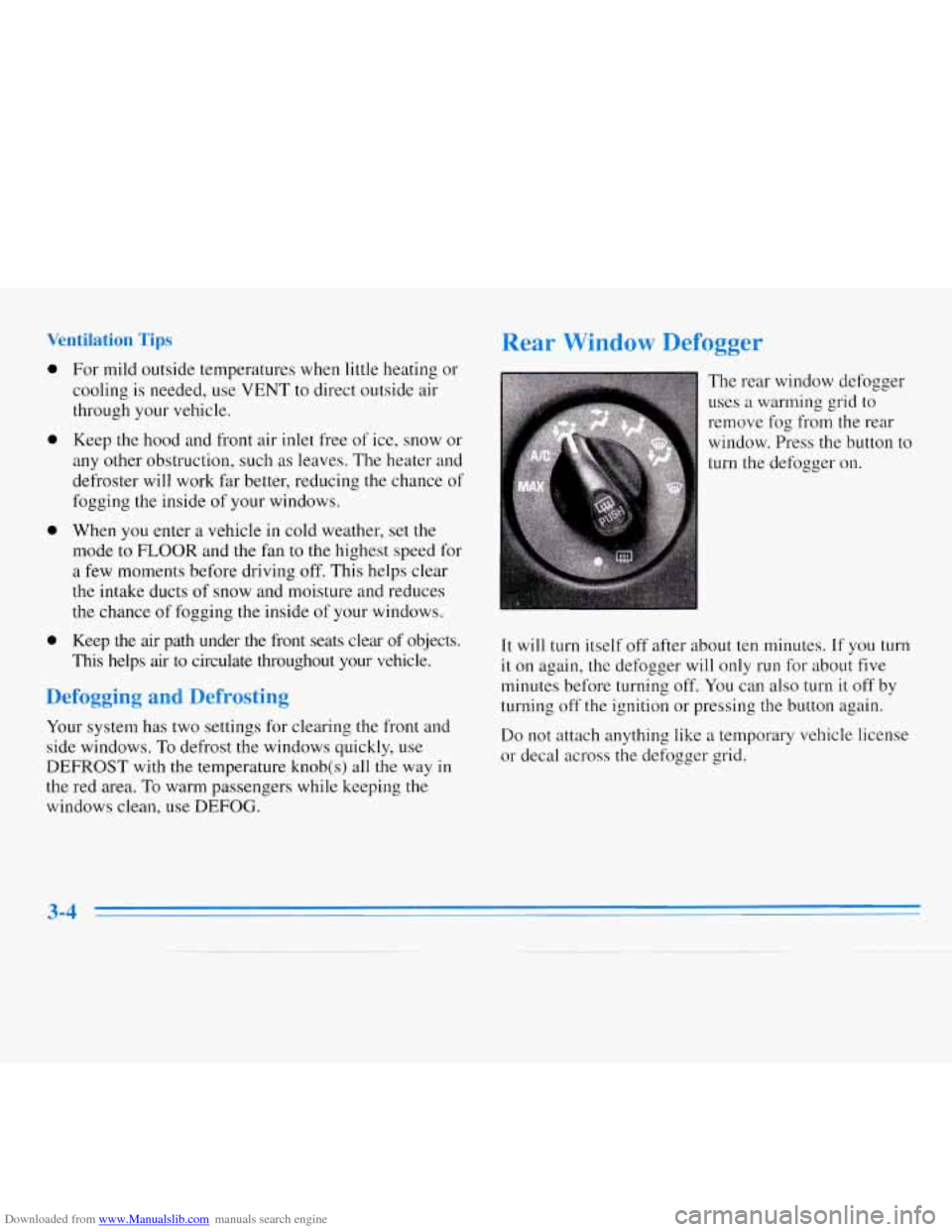
Rear Window Defogger
The rear window defogger
uses a warming grid to
remove fog
from the rear
window. Press the button to
turn the defogger on.
I
It will turn itself off after about ten minutes. If you turn
it on again, the defogger will only run for about five
minutes before turning off. You can also turn
it off by
turning
off the ignition or pressing the button again.
Do not attach anything like a temporary vehicle license
or decal across the defogger grid.
3-4
Page 118 of 340
Downloaded from www.Manualslib.com manuals search engine M-FM Stereo
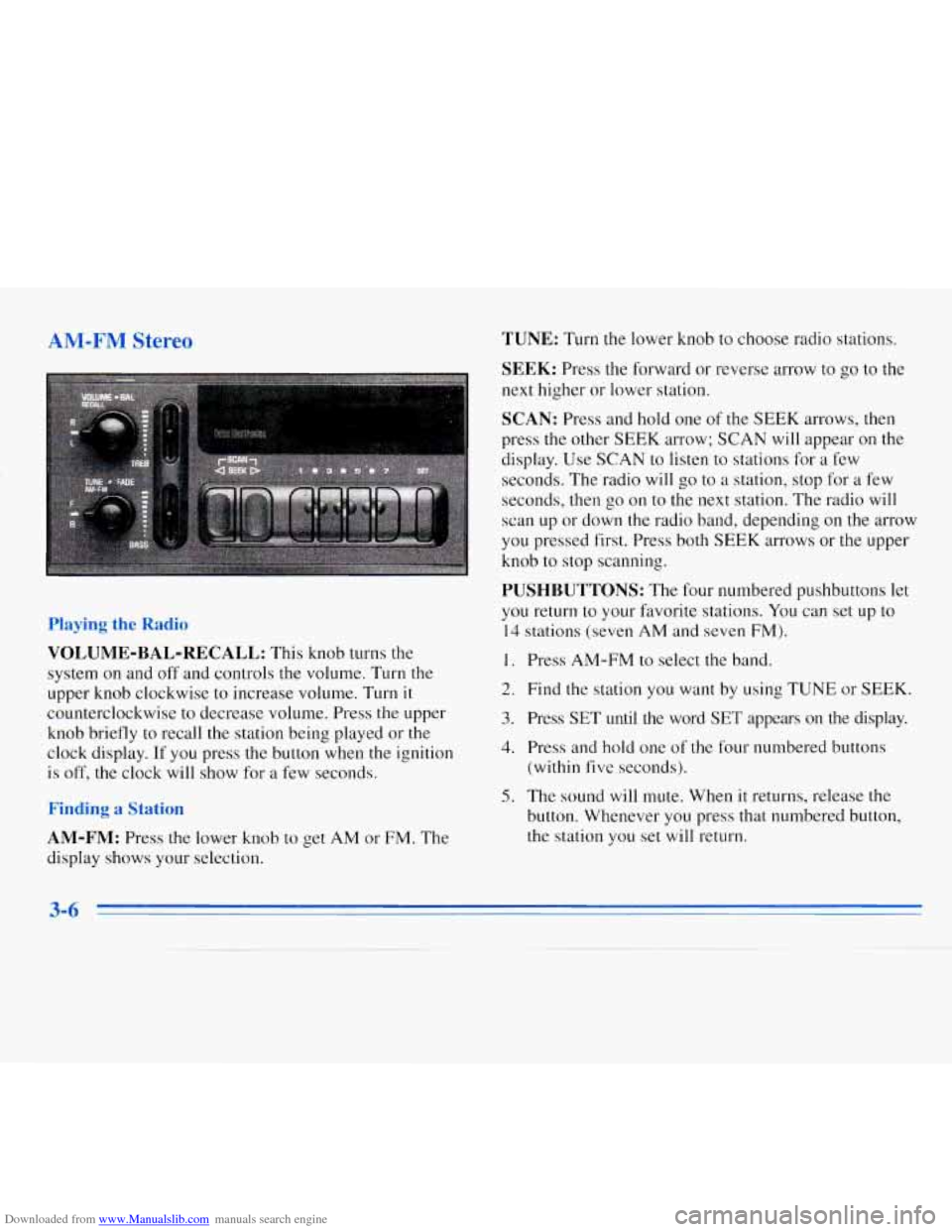
VOLUME-BAL-RECALL: This knob turns the
system
on and off and controls the volume. Turn the
upper knob clockwise to increase volume. Turn
it
counterclockwise to decrease volume. Press the upper
knob briefly to recall the station being played or the
clock display. If you press the button when the ignition
is off, the clock will show for a few seconds.
nding St;
AM-FM: Press the lower knob to get AM or FM. The
display shows your selection.
TUNE: Turn the lower knob to choose radio stations.
SEEK: Press the forward or reverse arrow to go to the
next higher or lower station.
SCAN: Press and hold one of the SEEK arrows, then
press the other SEEK arrow; SCAN
will appear on the
display. Use SCAN to listen to stations for a few
seconds. The radio will go to a station, stop for
a few
seconds, then go on to the next station. The radio will
scan up or down the radio band, depending on the arrow
you pressed first. Press both SEEK arrows or the upper
knob
to stop scanning.
PUSHBUTTONS: The four numbered pushbuttons let
you return to your favorite stations. You can set
up to
14 stations (seven AM and seven FM).
1.
2.
3.
4.
5.
Press AM-FM to select the band.
Find the station you want by using TUNE or
SEEK.
Press SET until the word SET appears on the display.
Press and hold one of the four numbered buttons
(within five seconds).
The sound will mute. When
it returns, release the
button. W-henever you press that numbered button,
the station you set will return.
Page 119 of 340
Downloaded from www.Manualslib.com manuals search engine In addition to the four stations set as above, up to three
additional stations may be preset on each band by
pressing two adjoining buttons at the same time. Just:
1. Tune in the desired station.
2. Press SET.
3. Press any two adjoining pushbuttons at the same
time (within five seconds).
4. The sound will mute. When it returns, release the
buttons. Whenever you press the same buttons, the
station
you set will return.
Setting the Tone
BASS:
Slide the lever up or down to increase or
decrease bass. The middle position is a detent.
TREB: Slide the lever up or down to increase or decrease
treble. The middle position is
a detent. If a station is weak
or noisy, you may want to decrease the treble.
Adjusting the S.peakers
BAL:
Turn the control behind the upper knob to move
the sound
to the left or right speakers. The middle
position is
a detent and balances the speakers.
FADE: Turn the control behind the lower knob to move
the sound to the front or rear speakers. The middle
position
is a detent and balances the speakers.
AM-FM Stereo with Cassette Tape
Player (Option)
Playing the Radio
VOLUME-BAL-RECALL:
This knob turns the
system on and off and controls the volume. Turn the
upper knob clockwise to increase volume. Turn it
counterclockwise to decrease volume. Press the upper
knob briefly to recall the station being played or the
clock display.
If you press the button when the ignition
is off, the clock
will show for a few seconds.
Finding a Station
AM-FM:
Press and release the lower knob to get AM,
FM 1 or FM2. The display shows your selection.
3-7
Page 122 of 340
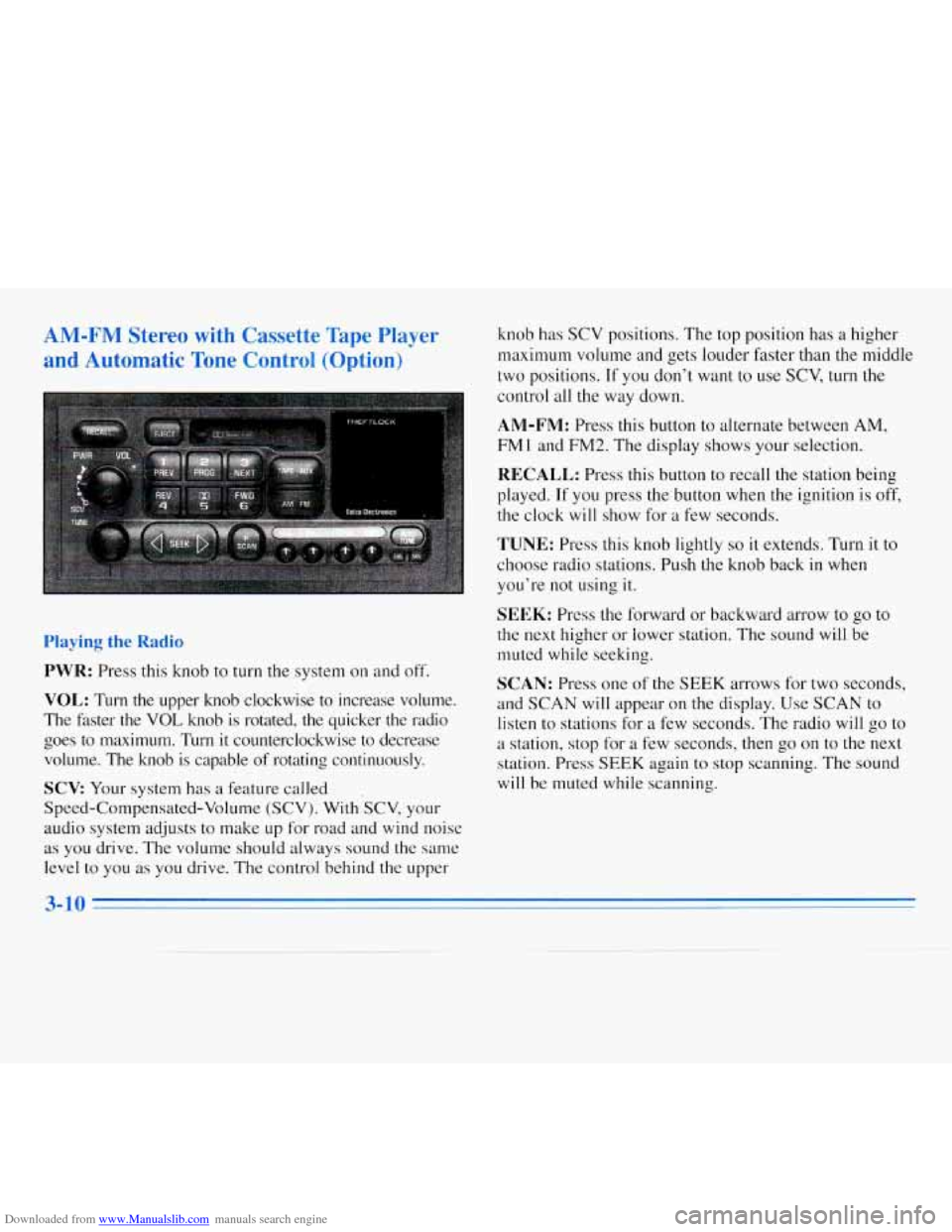
Downloaded from www.Manualslib.com manuals search engine AM-FM Stereo with Cassette Tape Player
and Automatic Tone Control (Option)
Playing the Radio
PWR: Press this knob to turn the system on and off.
VOL: Turn the upper knob clockwise to increase volume.
The faster the
VOL knob is rotated, the quicker the radio
goes to maximum. Turn it counterclockwise to decrease volume. The knob is capable
of rotating continuously.
SCV Your system has a feature called .
Speed-Compensated-Volume (SCV). With SCV, your
audio system adjusts to make
up for road and wind noise
as you drive. The volume should always sound the same
level to you
as you drive. The control behind the upper knob
has SCV positions.
The top position has a higher
maximum volume and gets louder faster than the middle
two positions.
If you don’t want to use SCV, turn the
control all the way down.
AM-FM: Press this button to alternate between AM,
FM 1 and FM2. The display shows your selection.
RECALL: Press this button to recall the station being
played. If you press the button when the ignition is off,
the clock will show for a few seconds.
TUNE: Press this knob lightly so it extends. Turn it to
choose radio stations. Push the knob back in when
you’re not using it.
SEEK: Press the forward or backward arrow to go to
the next higher
or lower station. The sound will be
muted while seeking.
SCAN: Press one of the SEEK arrows for two seconds,
and SCAN will appear on the display. Use
SCAN to
listen to stations for a few seconds. The radio will
go to
a station, stop for a few seconds, then go on to the next
station. Press
SEEK again to stop scanning. The sound
will be muted while scanning.
3-10