light CHEVROLET MONTE CARLO 2003 6.G Owner's Manual
[x] Cancel search | Manufacturer: CHEVROLET, Model Year: 2003, Model line: MONTE CARLO, Model: CHEVROLET MONTE CARLO 2003 6.GPages: 394, PDF Size: 2.73 MB
Page 109 of 394

FOB LIGHT (Remote Visual
Veri®cation)
This feature allows the exterior lights to ¯ash when the
remote keyless entry transmitter is used to lock or
unlock the vehicle, or to program no veri®cation.
Programmable Modes
Mode 1:OFF
Mode 2:On ± One ¯ash for each remote
lock/two ¯ashes for each remote unlock.
Your vehicle was originally programmed to Mode 2.
The mode may have been changed since then.
To determine the current mode, or to change the mode,
do the following:
1. Scroll, using the SEEK PSCAN up or down arrows,
until FOB LIGHT appears on the display.2. Press the 1 PREV or 2 NEXT button to enter the
submenu. The current selection will have an
asterisk (*) next to it. If you do not wish to change
the current mode, you can either exit the
programming mode by following the directions later
in this section or program the next feature
available on your vehicle.
3. Scroll, using the 1 PREV or 2 NEXT buttons,
through the modes to change the current mode.
4. With your preference displayed, press the TUNE
DISP button to select. A chime will be heard to
verify the new setting. The new selection will
be displayed with an asterisk (*) for one second.
If your vehicle has the optional content theft-deterrent
system, the ®rst time a remote UNLOCK command
is received, three ¯ashes will be seen and three horn
chirps heard to indicate an alarm condition has occurred
since last arming. See
Content Theft-Deterrent on
page 2-14.
The mode you selected is now set. You can either exit
the programming mode by following the instructions
later in this section or program the next feature available
on your vehicle.
2-45
Page 115 of 394

Instrument Panel Overview...............................3-4
Hazard Warning Flashers................................3-6
Other Warning Devices...................................3-6
Horn.............................................................3-7
Tilt Wheel.....................................................3-7
Turn Signal/Multifunction Lever.........................3-7
Exterior Lamps.............................................3-15
Interior Lamps..............................................3-17
Accessory Power Outlets...............................3-20
Auxiliary Power Connection (Power Drop).........3-21
Ashtrays and Cigarette Lighter........................3-21
Climate Controls............................................3-22
Dual Climate Control System..........................3-22
Passenger Compartment Air Filter...................3-28
Warning Lights, Gages and Indicators.............3-30
Instrument Panel Cluster................................3-31
Speedometer and Odometer...........................3-33
Tachometer.................................................3-33
Safety Belt Reminder Light.............................3-34
Air Bag Readiness Light................................3-34
Voltmeter Gage............................................3-35
Brake System Warning Light..........................3-36
Anti-Lock Brake System Warning Light.............3-37Traction Control System (TCS)
Warning Light...........................................3-37
Engine Coolant Temperature Gage..................3-38
Malfunction Indicator Lamp.............................3-38
Oil Pressure Indicator Light............................3-42
Cruise Control Light......................................3-43
Fuel Gage...................................................3-43
Message Center.............................................3-44
Service Traction System Warning Message......3-44
Traction Active Message................................3-45
Battery Warning Message..............................3-45
Hot Coolant Temperature Warning Message.....3-46
Low Oil Pressure Message............................3-46
Low Engine Oil Level Message.......................3-47
Change Engine Oil Message..........................3-47
Low Tire Message........................................3-48
Door Ajar Warning Message...........................3-48
Trunk Ajar Warning Message.........................3-49
Security Message.........................................3-49
Low Washer Fluid Warning Message...............3-50
Low Fuel Warning Message...........................3-50
Low Brake Fluid Warning Message.................3-51
Service Vehicle Soon Message.......................3-51
Highbeam Out Warning Message....................3-52
Section 3 Instrument Panel
3-1
Page 123 of 394
Headlamp High/Low-Beam Changer
To change your headlamps from low beams to
high beams, or from high to low, pull the multifunction
lever all the way toward you. Then release it.
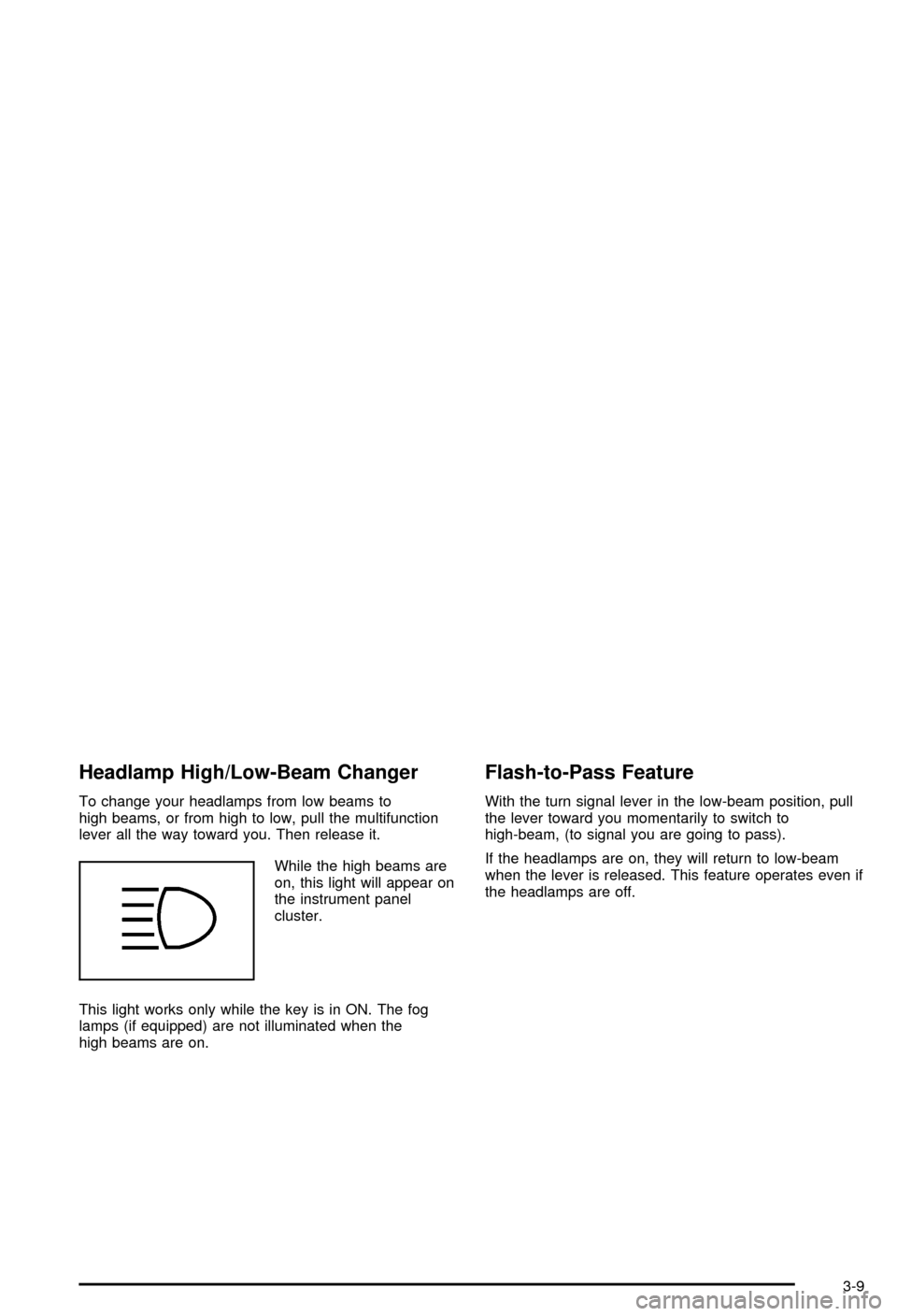
While the high beams are
on, this light will appear on
the instrument panel
cluster.
This light works only while the key is in ON. The fog
lamps (if equipped) are not illuminated when the
high beams are on.
Flash-to-Pass Feature
With the turn signal lever in the low-beam position, pull
the lever toward you momentarily to switch to
high-beam, (to signal you are going to pass).
If the headlamps are on, they will return to low-beam
when the lever is released. This feature operates even if
the headlamps are off.
3-9
Page 127 of 394
Setting Cruise Control
{CAUTION:
If you leave your cruise control on when you're
not using cruise, you might hit a button and go
into cruise when you don't want to. You could
be startled and even lose control. Keep the
cruise control switch off until you want to use
cruise control.
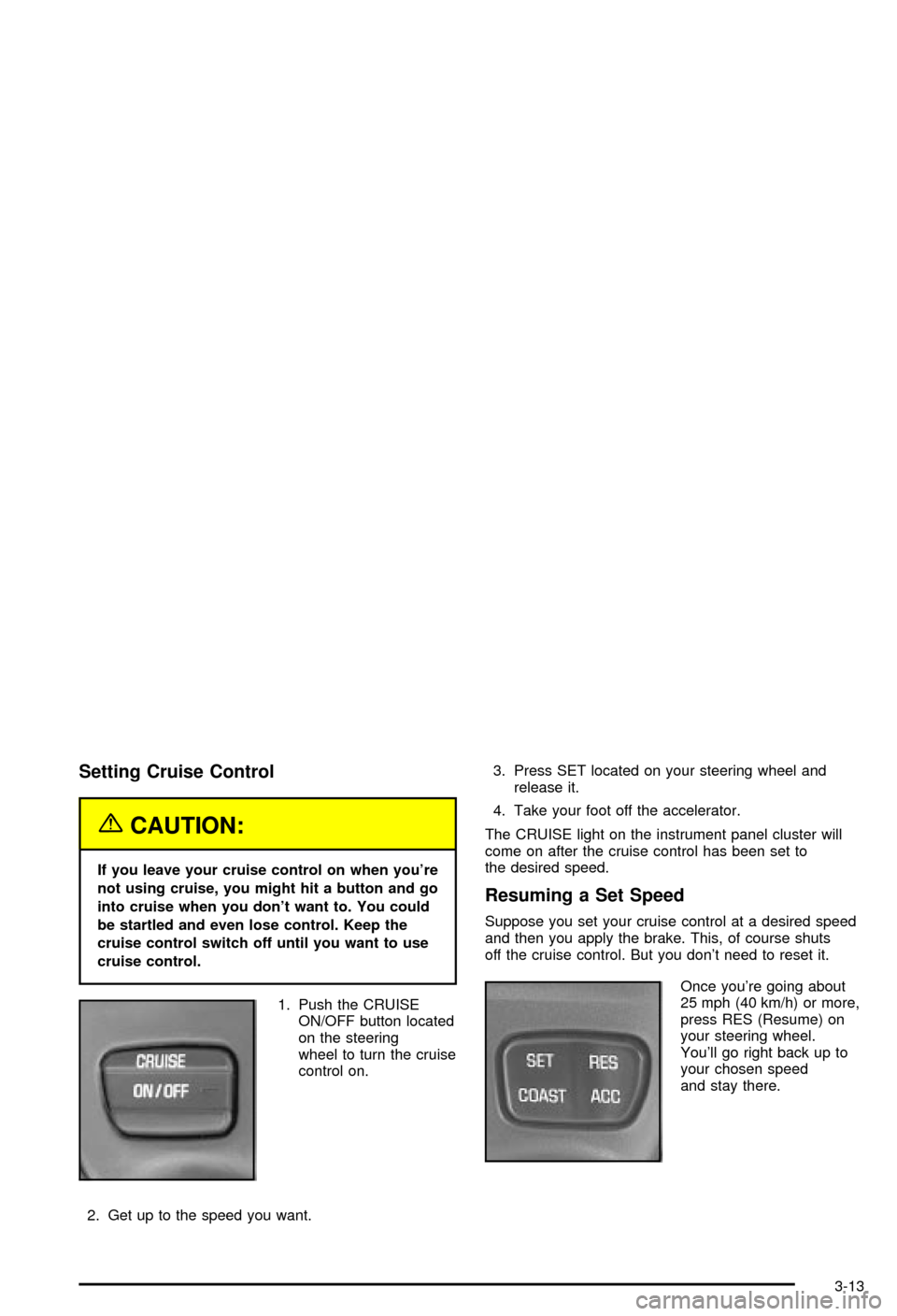
1. Push the CRUISE
ON/OFF button located
on the steering
wheel to turn the cruise
control on.
2. Get up to the speed you want.3. Press SET located on your steering wheel and
release it.
4. Take your foot off the accelerator.
The CRUISE light on the instrument panel cluster will
come on after the cruise control has been set to
the desired speed.
Resuming a Set Speed
Suppose you set your cruise control at a desired speed
and then you apply the brake. This, of course shuts
off the cruise control. But you don't need to reset it.
Once you're going about
25 mph (40 km/h) or more,
press RES (Resume) on
your steering wheel.
You'll go right back up to
your chosen speed
and stay there.
3-13
Page 128 of 394

Increasing Speed While Using Cruise
Control
There are two ways to go to a higher speed:
·Use the accelerator pedal to get to the higher
speed. Press SET on the steering wheel, then
release the button and the accelerator pedal.
You'll now cruise at the higher speed.
·Press ACC (Accelerate) on the steering wheel. Hold
it there until you get up to the speed you want and
then release the button. To increase your speed
in very small amounts, press ACC brie¯y and then
release it. Each time you do this, your vehicle
will go about 1 mph (1.6 km/h) faster.
The accelerate feature will only work after you set the
cruise control speed by pressing SET on the steering
wheel.
Reducing Speed While Using Cruise
Control
There are two ways to reduce your speed while using
cruise control:
·Press COAST on the steering wheel until you reach
the lower speed you want, then release it.
·To slow down in very small amounts, press COAST
on the steering wheel brie¯y. Each time you do this,
you'll go about 1 mph (1.6 km/h) slower.
Passing Another Vehicle While Using
Cruise Control
Use the accelerator pedal to increase your speed.
When you take your foot off the pedal, your vehicle
will slow down to the cruise speed you set earlier.
Using Cruise Control on Hills
How well your cruise control will work on hills depends
upon your speed, load and the steepness of the
hills. When going up steep hills, you may have to step
on the accelerator pedal to maintain your speed.
When going downhill, you may have to brake or shift to
a lower gear to keep your speed down. Of course,
applying the brake takes you out of cruise control. Many
drivers ®nd this to be too much trouble and don't use
cruise control on steep hills.
Ending Cruise Control
There are two ways to cancel the cruise control:
·Step lightly on the brake pedal.
·Press CRUISE ON/OFF on the steering wheel.
Erasing Speed Memory
When you turn off the cruise control or the ignition, your
cruise control set speed memory is erased.
3-14
Page 129 of 394
Exterior Lamps
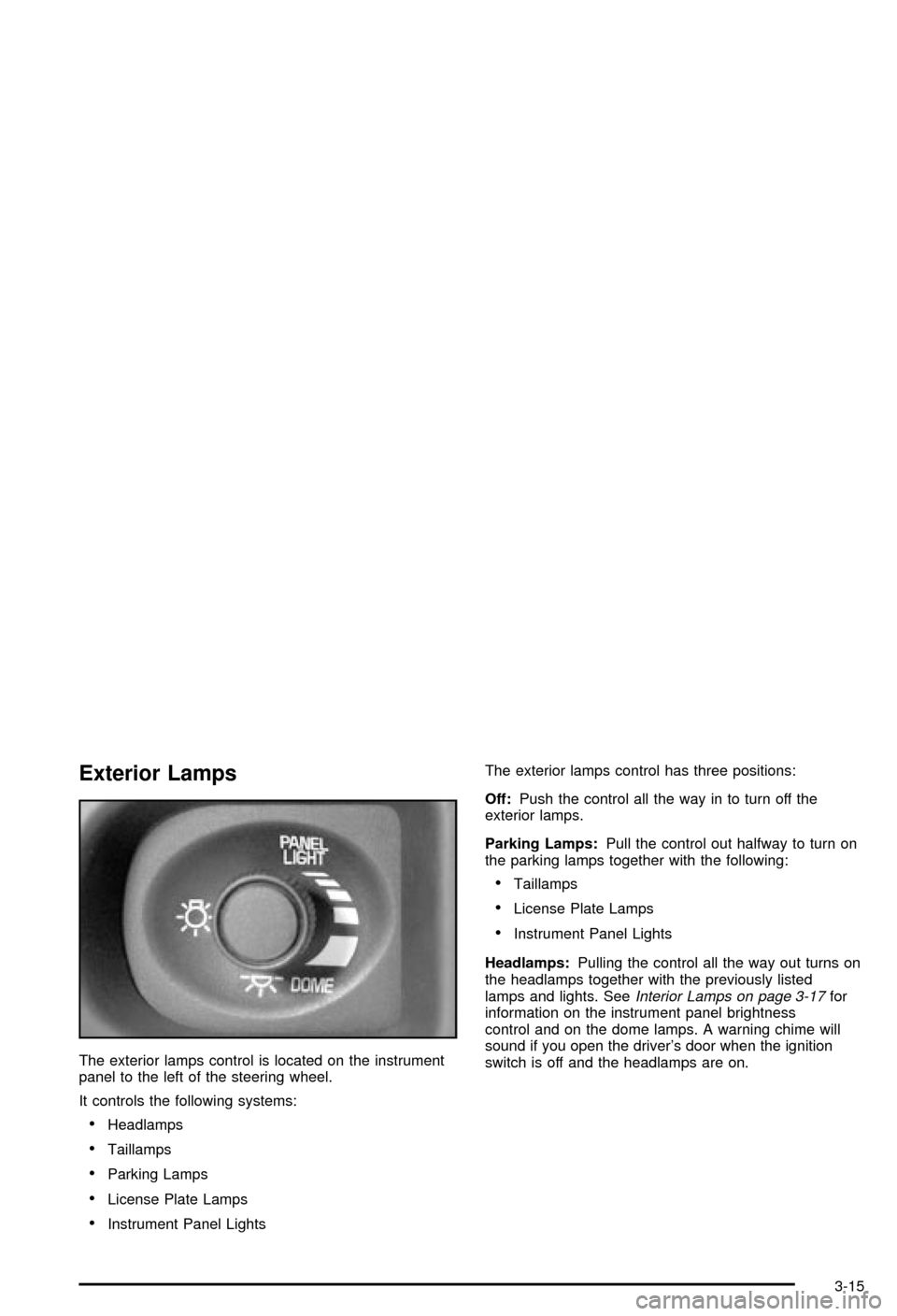
The exterior lamps control is located on the instrument
panel to the left of the steering wheel.
It controls the following systems:
·Headlamps
·Taillamps
·Parking Lamps
·License Plate Lamps
·Instrument Panel LightsThe exterior lamps control has three positions:
Off:Push the control all the way in to turn off the
exterior lamps.
Parking Lamps:Pull the control out halfway to turn on
the parking lamps together with the following:
·Taillamps
·License Plate Lamps
·Instrument Panel Lights
Headlamps:Pulling the control all the way out turns on
the headlamps together with the previously listed
lamps and lights. See
Interior Lamps on page 3-17for
information on the instrument panel brightness
control and on the dome lamps. A warning chime will
sound if you open the driver's door when the ignition
switch is off and the headlamps are on.
3-15
Page 130 of 394

Daytime Running Lamps / Automatic
Headlamp System
Daytime Running Lamps (DRL) can make it easier for
others to see the front of your vehicle during the
day. DRL can be helpful in many different driving
conditions, but they can be especially helpful in the short
periods after dawn and before sunset. Fully functional
daytime running lamps are required on all vehicles
®rst sold in Canada.
A light sensor on top of the instrument panel makes the
DRL work, so be sure it isn't covered.
The DRL system's automatic headlamp control will
make your high-beam headlamps come on at a reduced
brightness when the following conditions are met:
·The ignition is on,
·the exterior lamps control is off and
·the gearshift is not in PARK (P).
When the DRL are on, only your high-beam headlamps,
at a reduced level of brightness, will be on. The
headlamps, taillamps, sidemarker and other lamps won't
be on. Your instrument panel and cluster won't be lit
up either.When it's dark enough outside, your high-beam
headlamps will turn off and the headlamps and parking
lamps will turn on. The other lamps that come on
with your headlamps will also come on.
When it's bright enough outside, your headlamps will go
off and your DRL will come on.
As with any vehicle, you should turn on the regular
headlamps system when you need it.
Delayed Headlamps
The delayed headlamps feature provides a period of
exterior lighting as you leave the area around your
vehicle. The feature is activated when the headlamps
are on due to the automatic headlamps control
feature later described in this section, and when the
ignition is turned off. Your headlamps will then remain on
until the exterior lamps control is moved to the parking
lamps position or until either a 30 second or 60 second
lighting period has ended.
If you turn off the ignition with the headlamps switch in
the parking lamps or headlamps position, the delayed
headlamps cycle will not occur.
To disable the delayed headlamps feature or change
the time of delay, see
Vehicle Customization Settings on
page 3-94.
3-16
Page 131 of 394
Fog Lamps
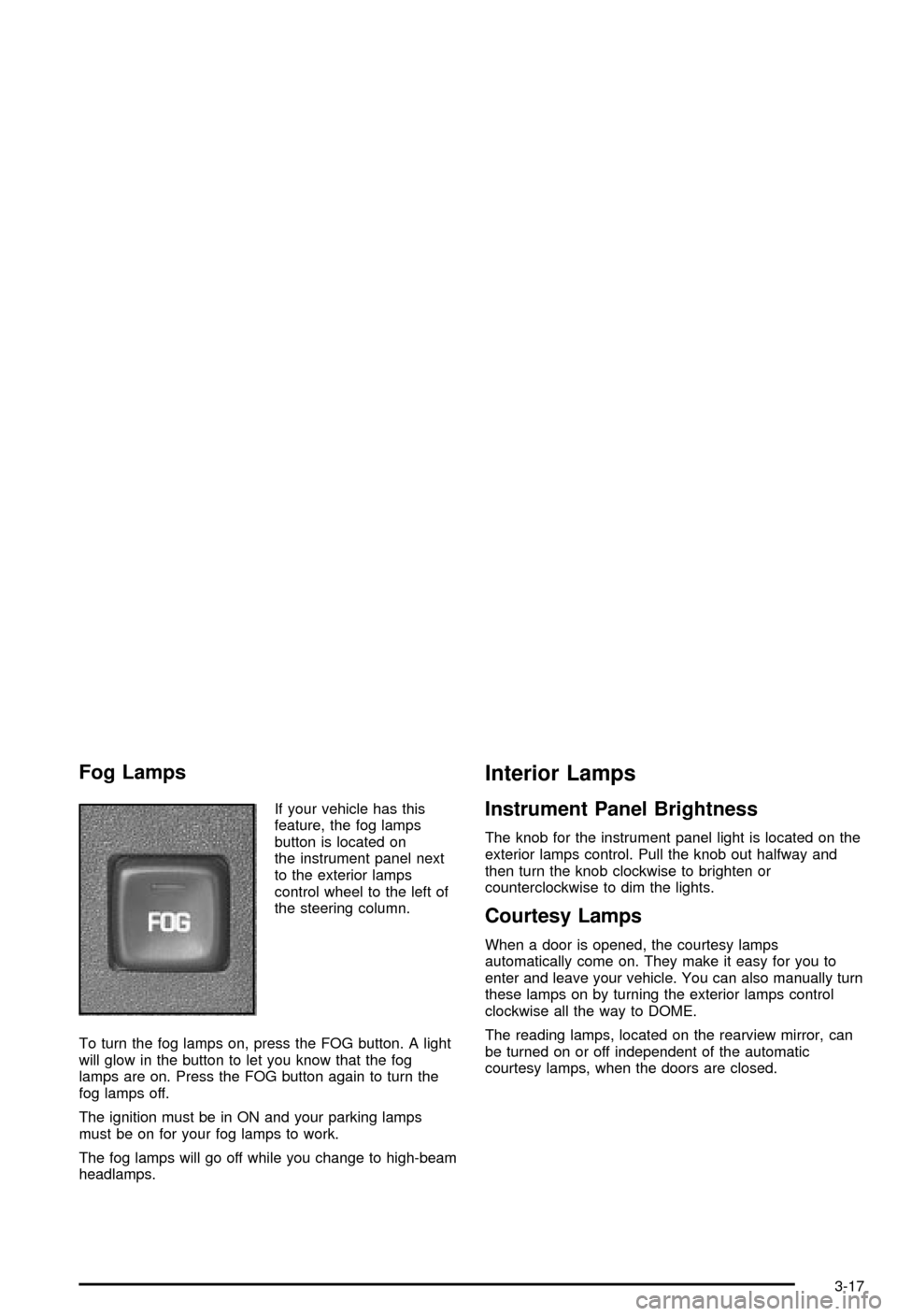
If your vehicle has this
feature, the fog lamps
button is located on
the instrument panel next
to the exterior lamps
control wheel to the left of
the steering column.
To turn the fog lamps on, press the FOG button. A light
will glow in the button to let you know that the fog
lamps are on. Press the FOG button again to turn the
fog lamps off.
The ignition must be in ON and your parking lamps
must be on for your fog lamps to work.
The fog lamps will go off while you change to high-beam
headlamps.
Interior Lamps
Instrument Panel Brightness
The knob for the instrument panel light is located on the
exterior lamps control. Pull the knob out halfway and
then turn the knob clockwise to brighten or
counterclockwise to dim the lights.
Courtesy Lamps
When a door is opened, the courtesy lamps
automatically come on. They make it easy for you to
enter and leave your vehicle. You can also manually turn
these lamps on by turning the exterior lamps control
clockwise all the way to DOME.
The reading lamps, located on the rearview mirror, can
be turned on or off independent of the automatic
courtesy lamps, when the doors are closed.
3-17
Page 132 of 394

Entry Lighting
Your vehicle may have the entry lighting feature. Your
courtesy lamps will come on and stay on for a set
time whenever you press UNLOCK on the remote
keyless entry transmitter.
If you open a door, the lamps will stay on while it's open
and then turn off automatically about 25 seconds after
you close it. If you press UNLOCK and don't open
a door, the lamps will turn off after about 40 seconds.
Illuminated entry includes a feature called theater
dimming. With theater dimming, the lamps don't just
turn off at the end of the delay time. Instead, they slowly
dim after the delay time until they go out. The delay
time is canceled if you turn the ignition key to ON
or press the power door lock switch.
When the ignition is on, illuminated entry is inactive,
which means the courtesy lamps won't come on unless
a door is opened.
Delayed Entry Lighting
Delayed entry lighting illuminates the interior for a
period of time after all the doors have been closed.
The ignition must be off for delayed entry lighting
to work. Immediately after both doors have been closed,the delayed entry lighting feature will continue to work
until one of the following occurs:
·The ignition is moved to ON,
·the doors are locked or
·an illumination period of 25 seconds has elapsed.
If during the illumination period a door is opened,
the timed illumination period will be canceled and the
interior lamps will remain on.
Delayed Exit Lighting
This feature illuminates the interior for a period of time
after the key is removed from the ignition.
The vehicle's ignition must be off for delayed exit
lighting to work.
When the key is removed, interior illumination will
activate and remain on until one of the following occurs:
·The ignition is moved to ON,
·the power door locks are activated or
·an illumination period of 25 seconds has elapsed.
If during the illumination period a door is opened,
the timed illumination period will be canceled and the
interior lamps will remain on.
3-18
Page 133 of 394

Parade Dimming
The instrument panel has an added feature called
parade dimming. This feature prohibits the dimming of
your instrument panel displays during the daylight
while the headlamps are on so that you'll still be able to
see the displays.
Reading Lamps
The reading lamps are located on the rearview mirror.
These lamps and the interior courtesy lamps come
on when any door is opened. Press the button to turn
them on and off while the doors are closed.
Dome Lamp
The dome lamp will come on when you open a door.
You can also turn this lamp on by turning the exterior
lamp control clockwise to DOME.
Battery Rundown Protection
Your vehicle has a feature to help prevent you from
draining the battery in case you accidentally leave on the
interior courtesy lamps, reading/map lamps, visor
vanity lamps, trunk lamp or glove box lamps. If you leave
any of these lamps on, they will automatically turn off
after 10 minutes, if the ignition is off. The lamps
won't come back on again until you do the following:
·Turn the ignition on or
·turn the exterior lamps control off, then on again.
If your vehicle has less than 15 miles (25 km) on
the odometer, the battery saver will turn off the lamps
after only three minutes.
Battery rundown protection will also work if the
headlamps are left on. After having been left on for
10 minutes, the headlamps and the parking lamps will
¯ash three times. They will remain on for one more
minute before turning off automatically.
3-19