ignition CHEVROLET OPTRA 2004 1.G User Guide
[x] Cancel search | Manufacturer: CHEVROLET, Model Year: 2004, Model line: OPTRA, Model: CHEVROLET OPTRA 2004 1.GPages: 346, PDF Size: 2.38 MB
Page 88 of 346

Starting Your Engine
1. With your foot off the accelerator pedal, turn your
ignition key to START. When the engine starts, let
go of the key. The idle speed will go down as
your engine gets warm.
Notice:Holding your key in START for longer than
15 seconds at a time will cause your battery to
be drained much sooner. And the excessive heat
can damage your starter motor. Wait about
15 seconds between each try to help avoid draining
your battery or damaging your starter.
2. If it doesn’t start, wait about 15 seconds and try
again to start the engine by turning the ignition
key to START. Wait about 15 seconds between
each try.
When your engine has run about 10 seconds to
warm up, your vehicle is ready to be driven. Don’t
“race” your engine when it’s cold.
If the weather is below freezing (32°F or 0°C), let
the engine run for a few minutes to warm up.3. If your engine still won’t start (or starts but then
stops), it could be flooded with too much gasoline.
Try pushing your accelerator pedal all the way to the
floor and holding it there as you hold the key in
START for about three seconds. If the vehicle starts
briefly but then stops again, do the same thing, but
this time keep the pedal down for five or six seconds.
This clears the extra gasoline from the engine.
Notice:Your engine is designed to work with the
electronics in your vehicle. If you add electrical
parts or accessories, you could change the way the
engine operates. Before adding electrical equipment,
check with your dealer. If you do not, your engine
might not perform properly.
2-20
Page 91 of 346
Automatic Transaxle Operation
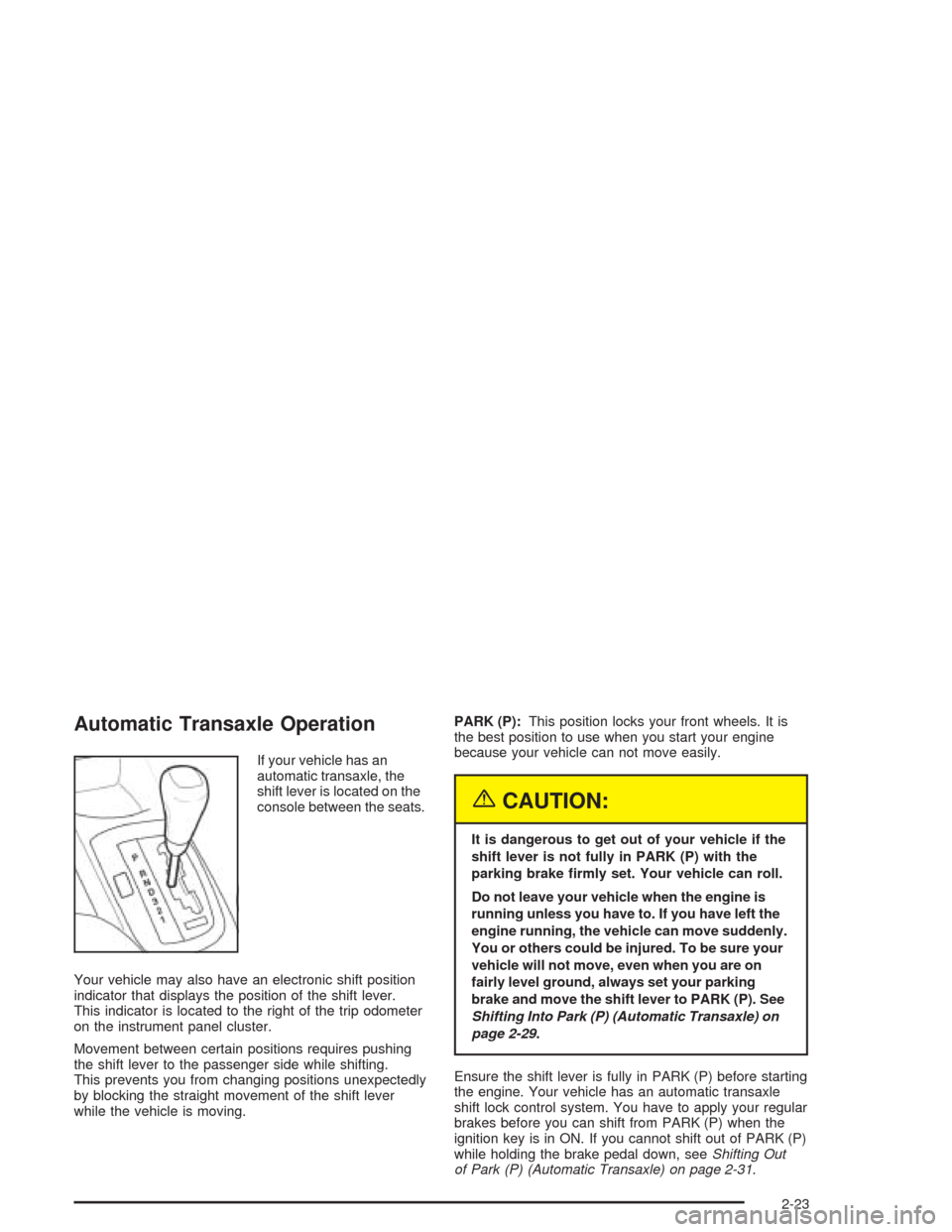
If your vehicle has an
automatic transaxle, the
shift lever is located on the
console between the seats.
Your vehicle may also have an electronic shift position
indicator that displays the position of the shift lever.
This indicator is located to the right of the trip odometer
on the instrument panel cluster.
Movement between certain positions requires pushing
the shift lever to the passenger side while shifting.
This prevents you from changing positions unexpectedly
by blocking the straight movement of the shift lever
while the vehicle is moving.PARK (P):This position locks your front wheels. It is
the best position to use when you start your engine
because your vehicle can not move easily.
{CAUTION:
It is dangerous to get out of your vehicle if the
shift lever is not fully in PARK (P) with the
parking brake rmly set. Your vehicle can roll.
Do not leave your vehicle when the engine is
running unless you have to. If you have left the
engine running, the vehicle can move suddenly.
You or others could be injured. To be sure your
vehicle will not move, even when you are on
fairly level ground, always set your parking
brake and move the shift lever to PARK (P). See
Shifting Into Park (P) (Automatic Transaxle) on
page 2-29.
Ensure the shift lever is fully in PARK (P) before starting
the engine. Your vehicle has an automatic transaxle
shift lock control system. You have to apply your regular
brakes before you can shift from PARK (P) when the
ignition key is in ON. If you cannot shift out of PARK (P)
while holding the brake pedal down, seeShifting Out
of Park (P) (Automatic Transaxle) on page 2-31.
2-23
Page 96 of 346
Shift Speeds
{CAUTION:
If you skip a gear when you downshift, you
could lose control of your vehicle. You could
injure yourself or others. Don’t shift down
more than one gear at a time when you
downshift.
Parking Brake
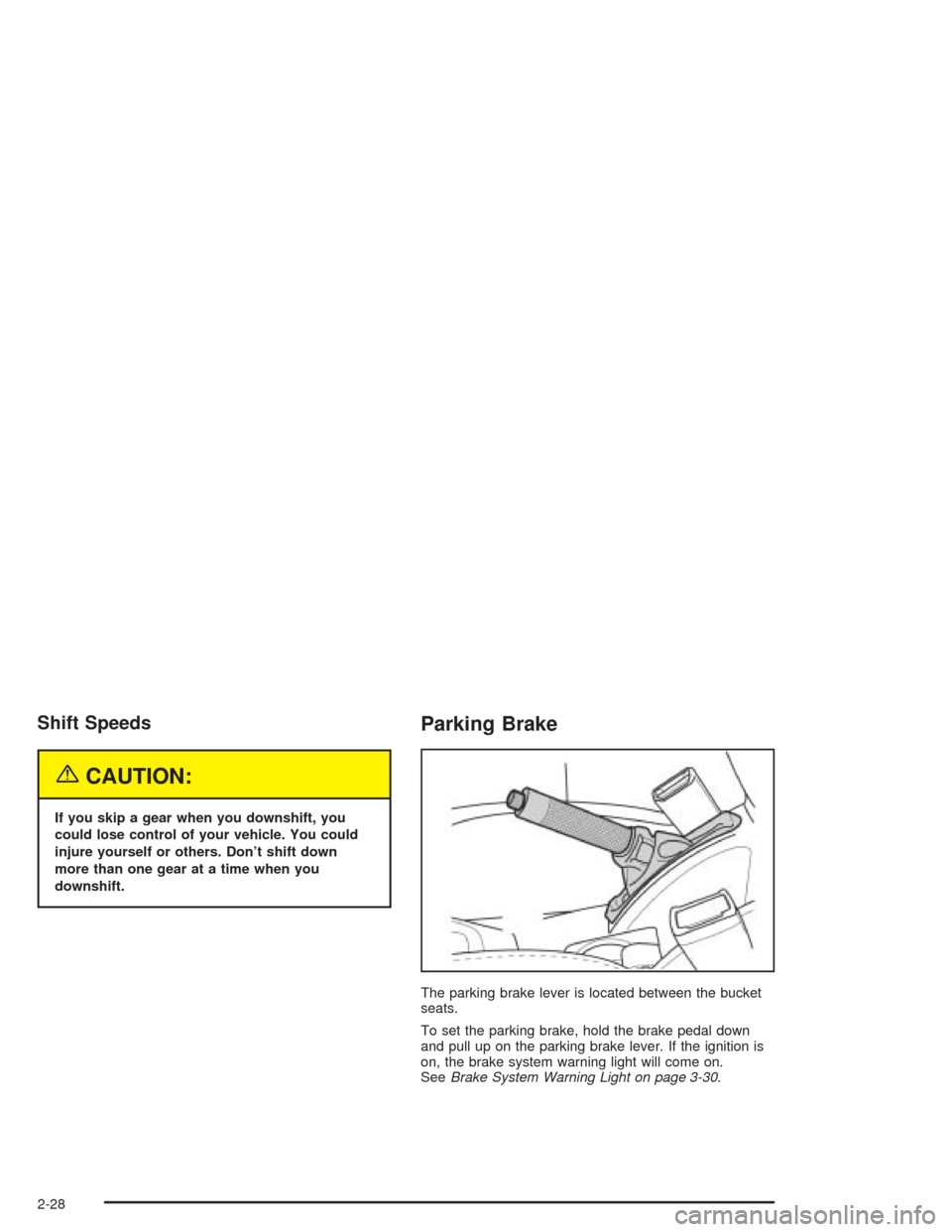
The parking brake lever is located between the bucket
seats.
To set the parking brake, hold the brake pedal down
and pull up on the parking brake lever. If the ignition is
on, the brake system warning light will come on.
SeeBrake System Warning Light on page 3-30.
2-28
Page 97 of 346
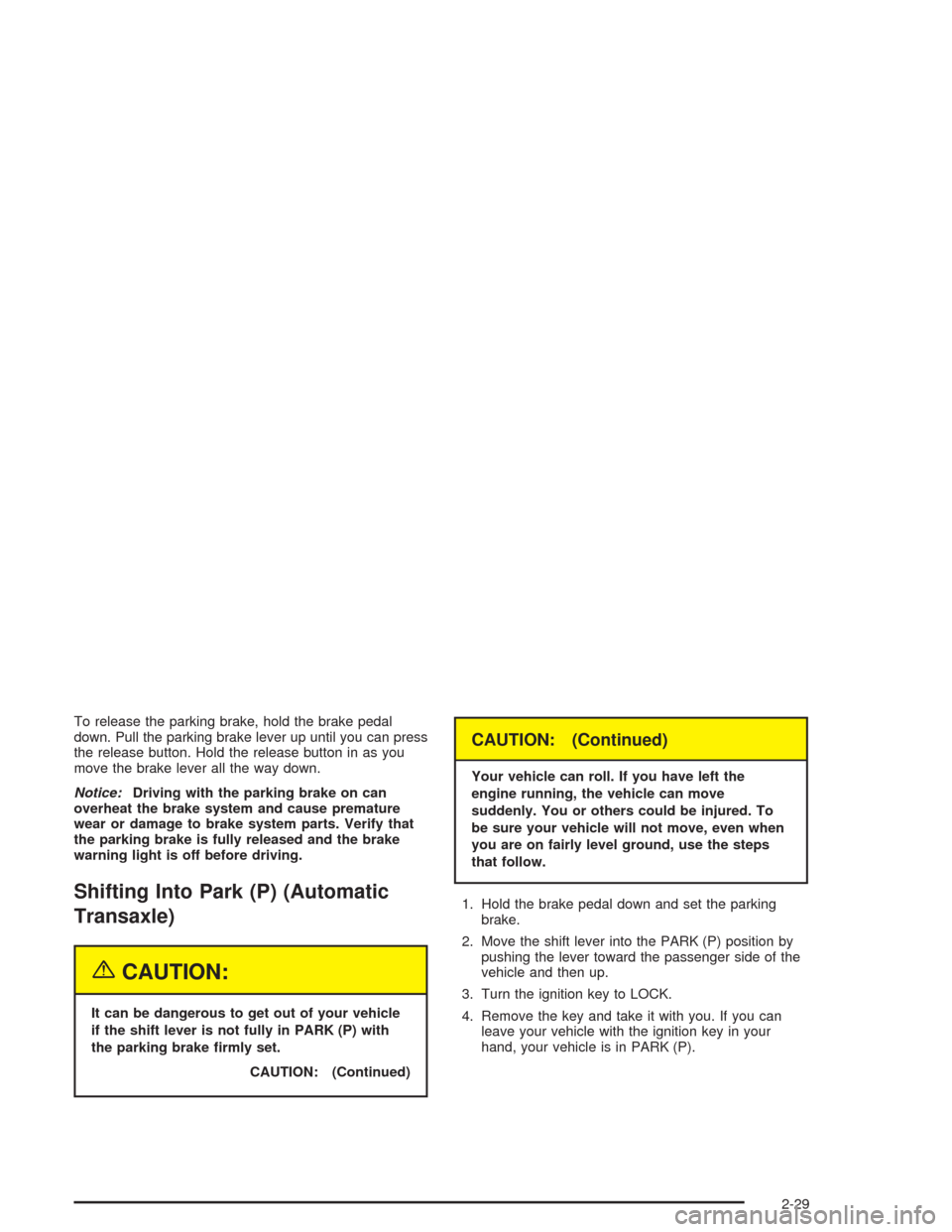
To release the parking brake, hold the brake pedal
down. Pull the parking brake lever up until you can press
the release button. Hold the release button in as you
move the brake lever all the way down.
Notice:Driving with the parking brake on can
overheat the brake system and cause premature
wear or damage to brake system parts. Verify that
the parking brake is fully released and the brake
warning light is off before driving.
Shifting Into Park (P) (Automatic
Transaxle)
{CAUTION:
It can be dangerous to get out of your vehicle
if the shift lever is not fully in PARK (P) with
the parking brake rmly set.
CAUTION: (Continued)
CAUTION: (Continued)
Your vehicle can roll. If you have left the
engine running, the vehicle can move
suddenly. You or others could be injured. To
be sure your vehicle will not move, even when
you are on fairly level ground, use the steps
that follow.
1. Hold the brake pedal down and set the parking
brake.
2. Move the shift lever into the PARK (P) position by
pushing the lever toward the passenger side of the
vehicle and then up.
3. Turn the ignition key to LOCK.
4. Remove the key and take it with you. If you can
leave your vehicle with the ignition key in your
hand, your vehicle is in PARK (P).
2-29
Page 99 of 346
Shifting Out of Park (P) (Automatic
Transaxle)
Your automatic transaxle vehicle has an automatic
transaxle shift lock control system which locks the shift
lever in PARK (P) when the ignition is in LOCK. You
have to fully apply your regular brakes before you can
shift from PARK (P) when the ignition is turned to
ON. SeeAutomatic Transaxle Operation on page 2-23.
If you cannot shift out of PARK (P) while holding the
brake pedal down, try this:
1. Set the parking brake.
2. Turn the ignition off and remove the key.
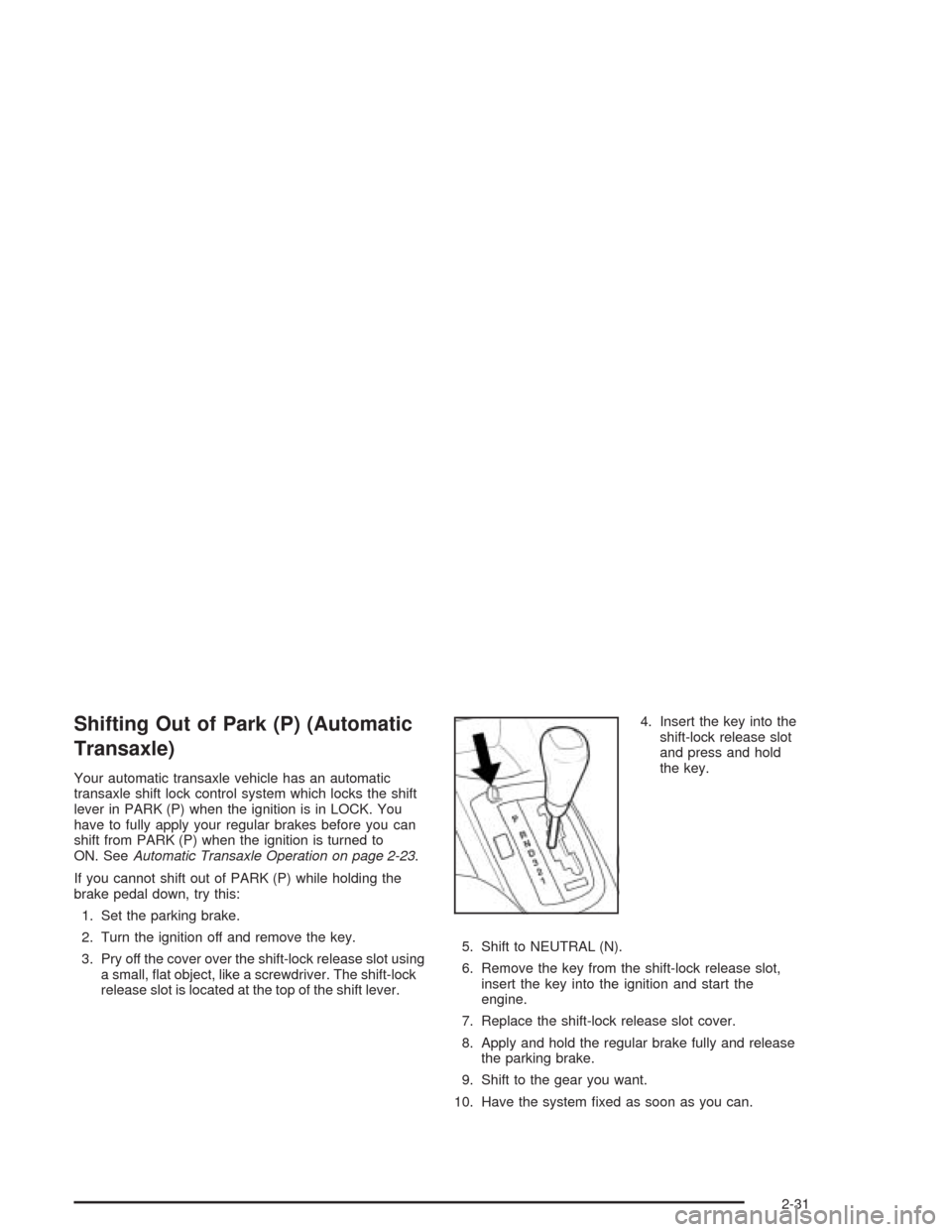
3. Pry off the cover over the shift-lock release slot using
a small, flat object, like a screwdriver. The shift-lock
release slot is located at the top of the shift lever.4. Insert the key into the
shift-lock release slot
and press and hold
the key.
5. Shift to NEUTRAL (N).
6. Remove the key from the shift-lock release slot,
insert the key into the ignition and start the
engine.
7. Replace the shift-lock release slot cover.
8. Apply and hold the regular brake fully and release
the parking brake.
9. Shift to the gear you want.
10. Have the system fixed as soon as you can.
2-31
Page 100 of 346
Parking Your Vehicle (Manual
Transaxle)
Before leaving your vehicle, do the following:
1. Hold the brake pedal down and firmly apply the
parking brake.
2. Fully press in the clutch pedal and place the shift
lever into the appropriate position as stated below:
•When parking on level ground, place the shift
lever into NEUTRAL.
•When parking downhill, place the shift lever in
REVERSE (R).
•When parking uphill, place the shift lever in
FIRST (1).
3. After shifting to the appropriate position, turn the
ignition key to LOCK, remove the key and release
the clutch.
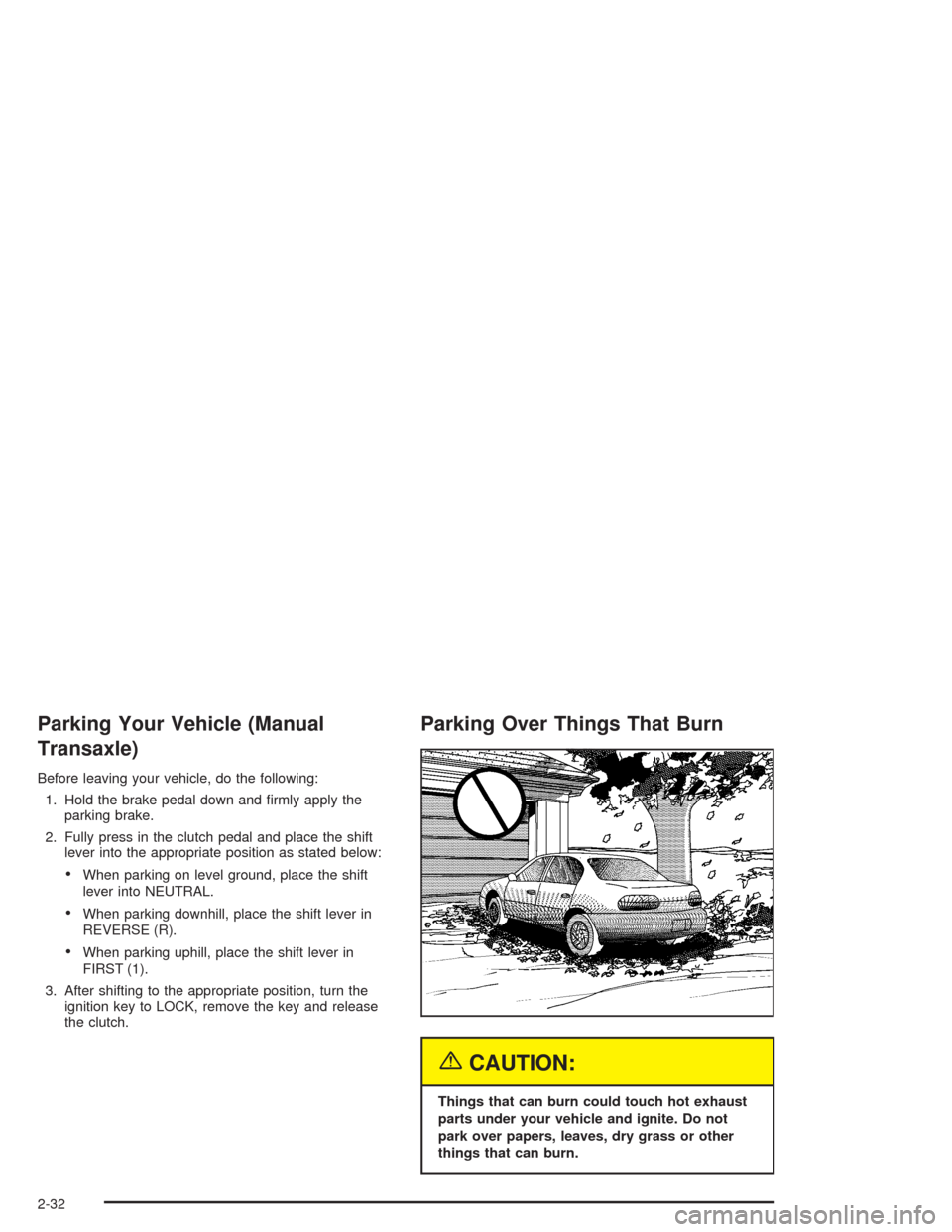
Parking Over Things That Burn
{CAUTION:
Things that can burn could touch hot exhaust
parts under your vehicle and ignite. Do not
park over papers, leaves, dry grass or other
things that can burn.
2-32
Page 104 of 346
Outside Power Mirrors
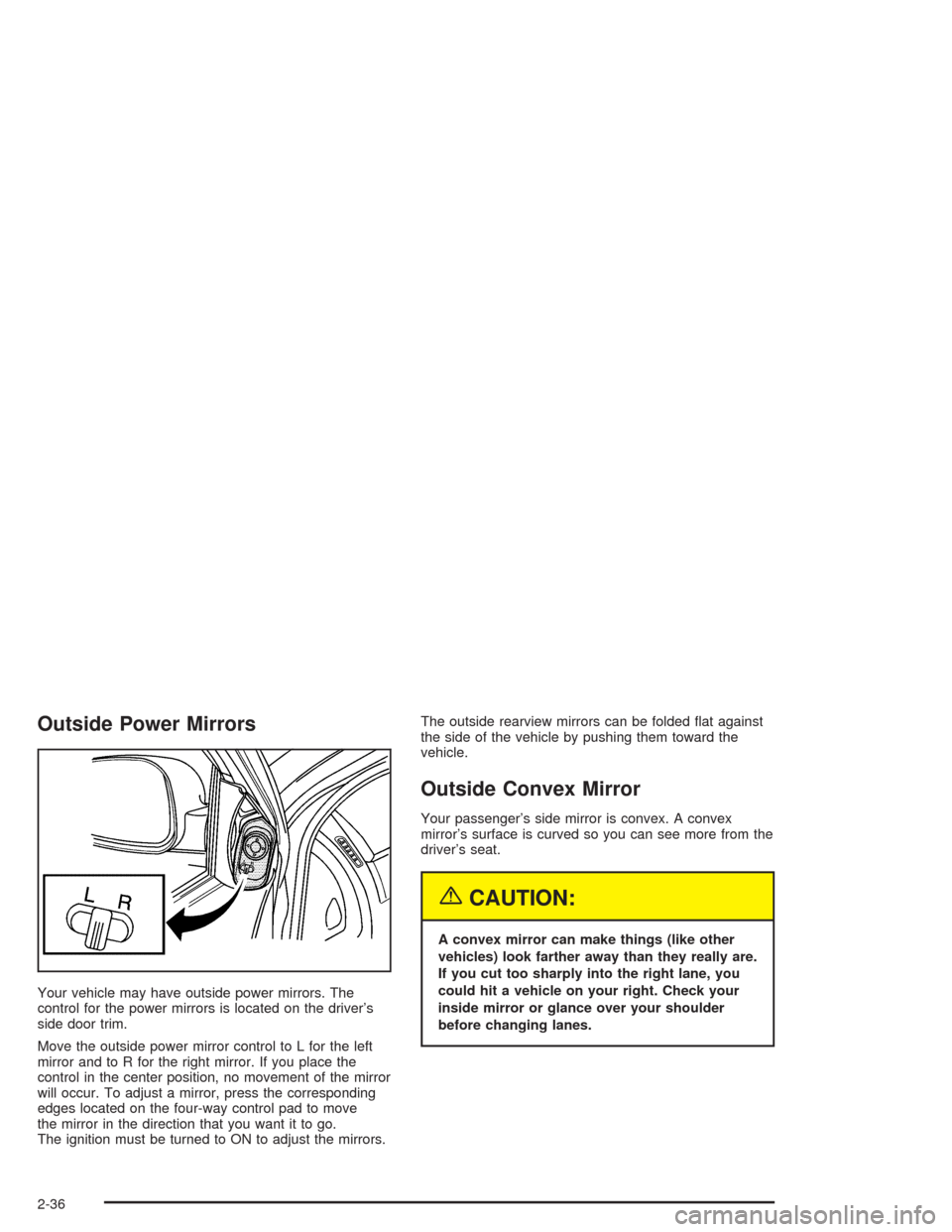
Your vehicle may have outside power mirrors. The
control for the power mirrors is located on the driver’s
side door trim.
Move the outside power mirror control to L for the left
mirror and to R for the right mirror. If you place the
control in the center position, no movement of the mirror
will occur. To adjust a mirror, press the corresponding
edges located on the four-way control pad to move
the mirror in the direction that you want it to go.
The ignition must be turned to ON to adjust the mirrors.The outside rearview mirrors can be folded flat against
the side of the vehicle by pushing them toward the
vehicle.
Outside Convex Mirror
Your passenger’s side mirror is convex. A convex
mirror’s surface is curved so you can see more from the
driver’s seat.
{CAUTION:
A convex mirror can make things (like other
vehicles) look farther away than they really are.
If you cut too sharply into the right lane, you
could hit a vehicle on your right. Check your
inside mirror or glance over your shoulder
before changing lanes.
2-36
Page 107 of 346

Front Armrest Storage Area
Your vehicle has a front armrest storage area. To open
the storage area, pull up on the lift lever and raise
the lid. To close the storage area, lower the lid and push
it down until it latches securely.
Rear Seat Armrest
Your vehicle may have a rear seat armrest that contains
two cupholders. To access the cupholders, pull the
armrest down from the rear seatback.
Sunroof
If your vehicle has this feature, the switch is located
between the map lamp buttons. The sunroof will
only operate when the ignition is turned to ON. The
sunroof can be opened to a vent position or it can be
express-opened all of the way.
You must manually open and close the sunroof cover.
2-39
Page 115 of 346
If a bulb is burned out, replace it to help avoid an
accident. If the arrows do not go on at all when you
signal a turn, check for burned-out bulbs. If the arrow still
does not work, check the fuse. SeeFuses and Circuit
Breakers on page 5-83.
Headlamp High/Low-Beam Changer
To change the headlamps from low beam to high beam,
push the turn signal/multifunction lever away from you.
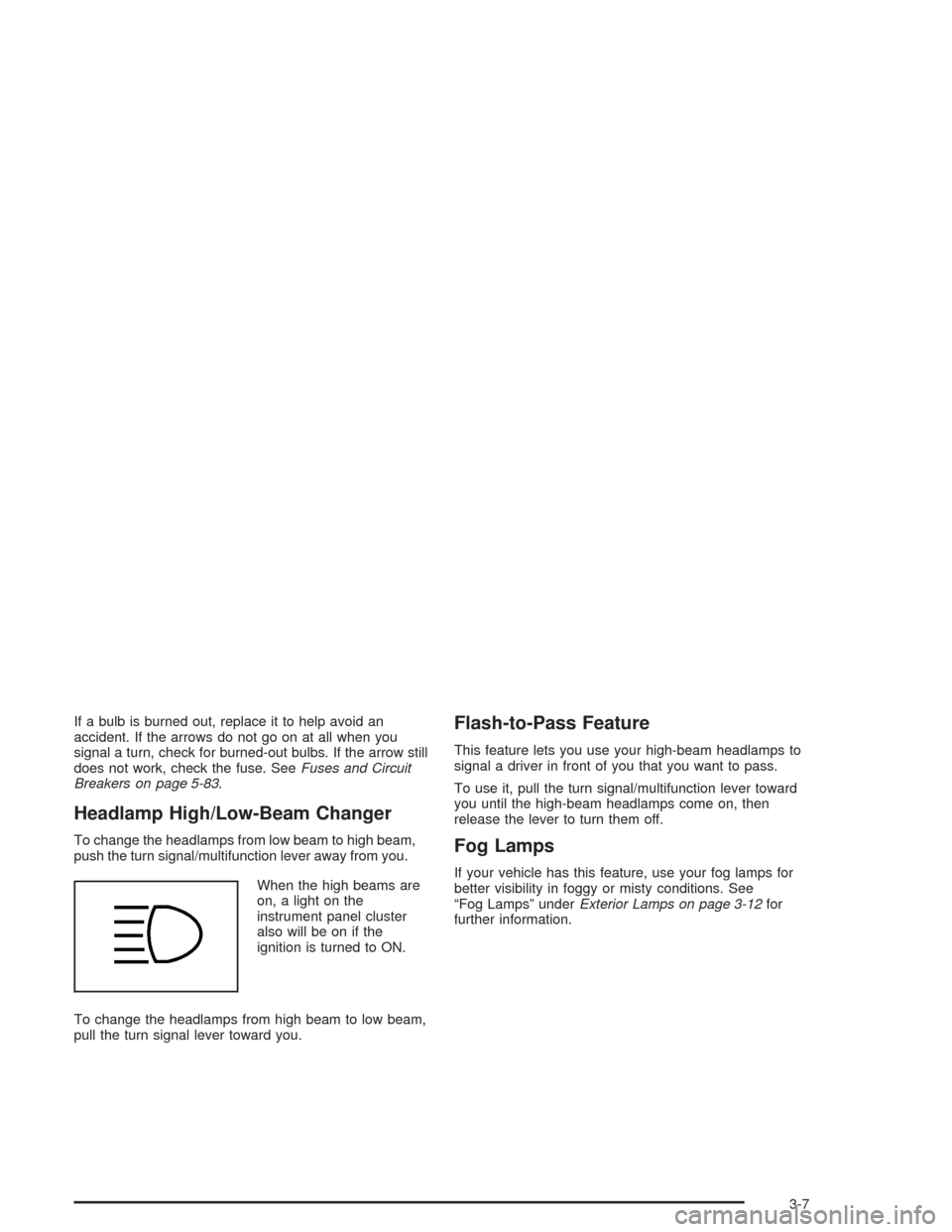
When the high beams are
on, a light on the
instrument panel cluster
also will be on if the
ignition is turned to ON.
To change the headlamps from high beam to low beam,
pull the turn signal lever toward you.
Flash-to-Pass Feature
This feature lets you use your high-beam headlamps to
signal a driver in front of you that you want to pass.
To use it, pull the turn signal/multifunction lever toward
you until the high-beam headlamps come on, then
release the lever to turn them off.
Fog Lamps
If your vehicle has this feature, use your fog lamps for
better visibility in foggy or misty conditions. See
“Fog Lamps” underExterior Lamps on page 3-12for
further information.
3-7
Page 116 of 346
Windshield Wiper Lever
Windshield Wipers
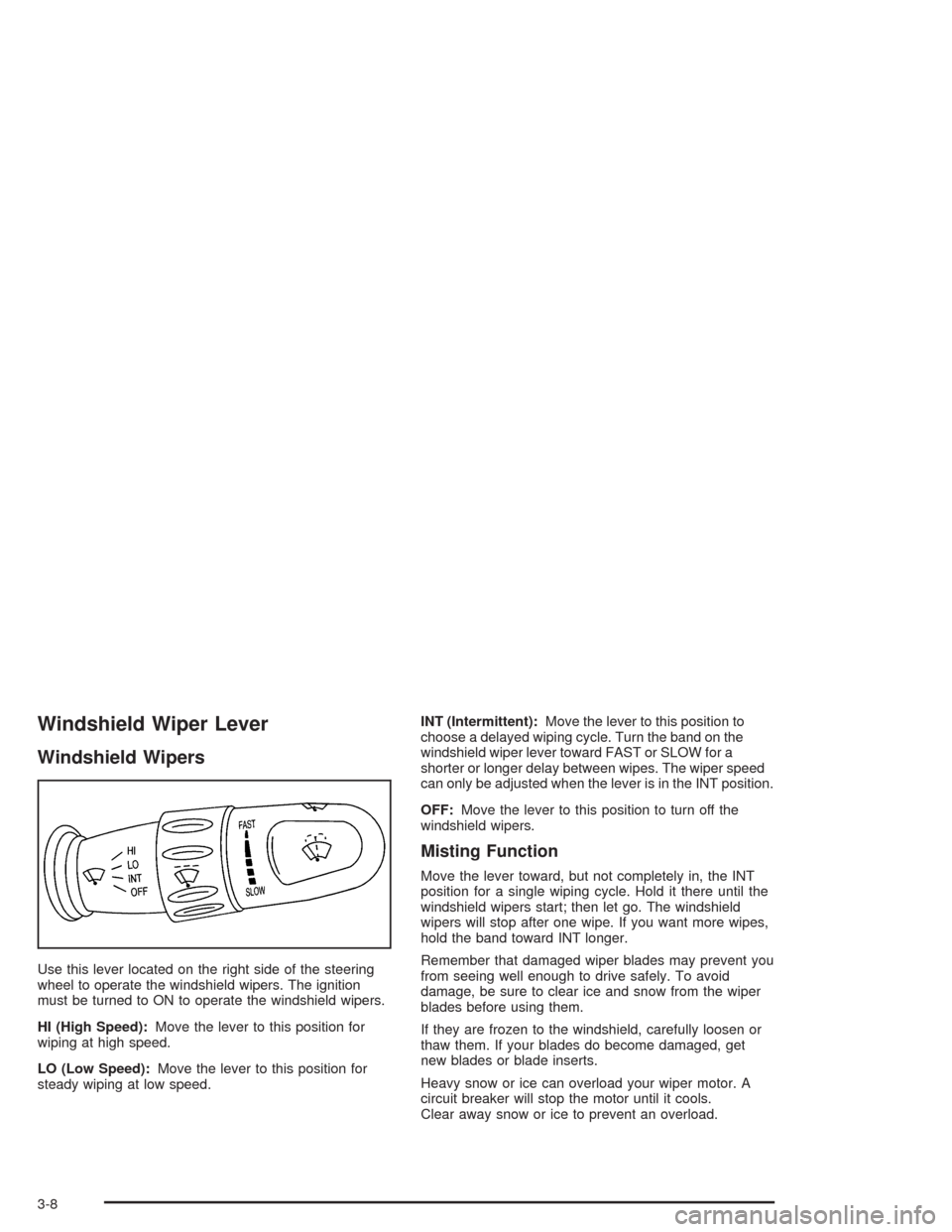
Use this lever located on the right side of the steering
wheel to operate the windshield wipers. The ignition
must be turned to ON to operate the windshield wipers.
HI (High Speed):Move the lever to this position for
wiping at high speed.
LO (Low Speed):Move the lever to this position for
steady wiping at low speed.INT (Intermittent):Move the lever to this position to
choose a delayed wiping cycle. Turn the band on the
windshield wiper lever toward FAST or SLOW for a
shorter or longer delay between wipes. The wiper speed
can only be adjusted when the lever is in the INT position.
OFF:Move the lever to this position to turn off the
windshield wipers.
Misting Function
Move the lever toward, but not completely in, the INT
position for a single wiping cycle. Hold it there until the
windshield wipers start; then let go. The windshield
wipers will stop after one wipe. If you want more wipes,
hold the band toward INT longer.
Remember that damaged wiper blades may prevent you
from seeing well enough to drive safely. To avoid
damage, be sure to clear ice and snow from the wiper
blades before using them.
If they are frozen to the windshield, carefully loosen or
thaw them. If your blades do become damaged, get
new blades or blade inserts.
Heavy snow or ice can overload your wiper motor. A
circuit breaker will stop the motor until it cools.
Clear away snow or ice to prevent an overload.
3-8