trunk CHEVROLET OPTRA 2004 1.G User Guide
[x] Cancel search | Manufacturer: CHEVROLET, Model Year: 2004, Model line: OPTRA, Model: CHEVROLET OPTRA 2004 1.GPages: 346, PDF Size: 2.38 MB
Page 207 of 346
When you put the fuel cap back on, turn it to the right
(clockwise) until you hear a clicking sound. Make
sure you fully install the cap. The diagnostic system can
determine if the fuel cap has been left off or improperly
installed. This would allow fuel to evaporate into the
atmosphere. SeeMalfunction Indicator Lamp on
page 3-33.
{CAUTION:
If a re starts while you are refueling, do not
remove the nozzle. Shut off the ow of fuel by
shutting off the pump or by notifying the
station attendant. Leave the area immediately.
Notice:If you need a new fuel cap, be sure to get
the right type. Your dealer can get one for you.
If you get the wrong type, it may not t properly.
This may cause your malfunction indicator lamp to
light and may damage your fuel tank and emissions
system. SeeMalfunction Indicator Lamp on
page 3-33.
Filling a Portable Fuel Container
{CAUTION:
Never ll a portable fuel container while it is in
your vehicle. Static electricity discharge from
the container can ignite the gasoline vapor.
You can be badly burned and your vehicle
damaged if this occurs. To help avoid injury to
you and others:
Dispense gasoline only into approved
containers.
Do not ll a container while it is inside a
vehicle, in a vehicle’s trunk, pickup bed or
on any surface other than the ground.
Bring the ll nozzle in contact with the
inside of the ll opening before operating
the nozzle. Contact should be maintained
until the lling is complete.
Do not smoke while pumping gasoline.
5-9
Page 246 of 346
Center High-Mounted Stoplamp
(CHMSL)
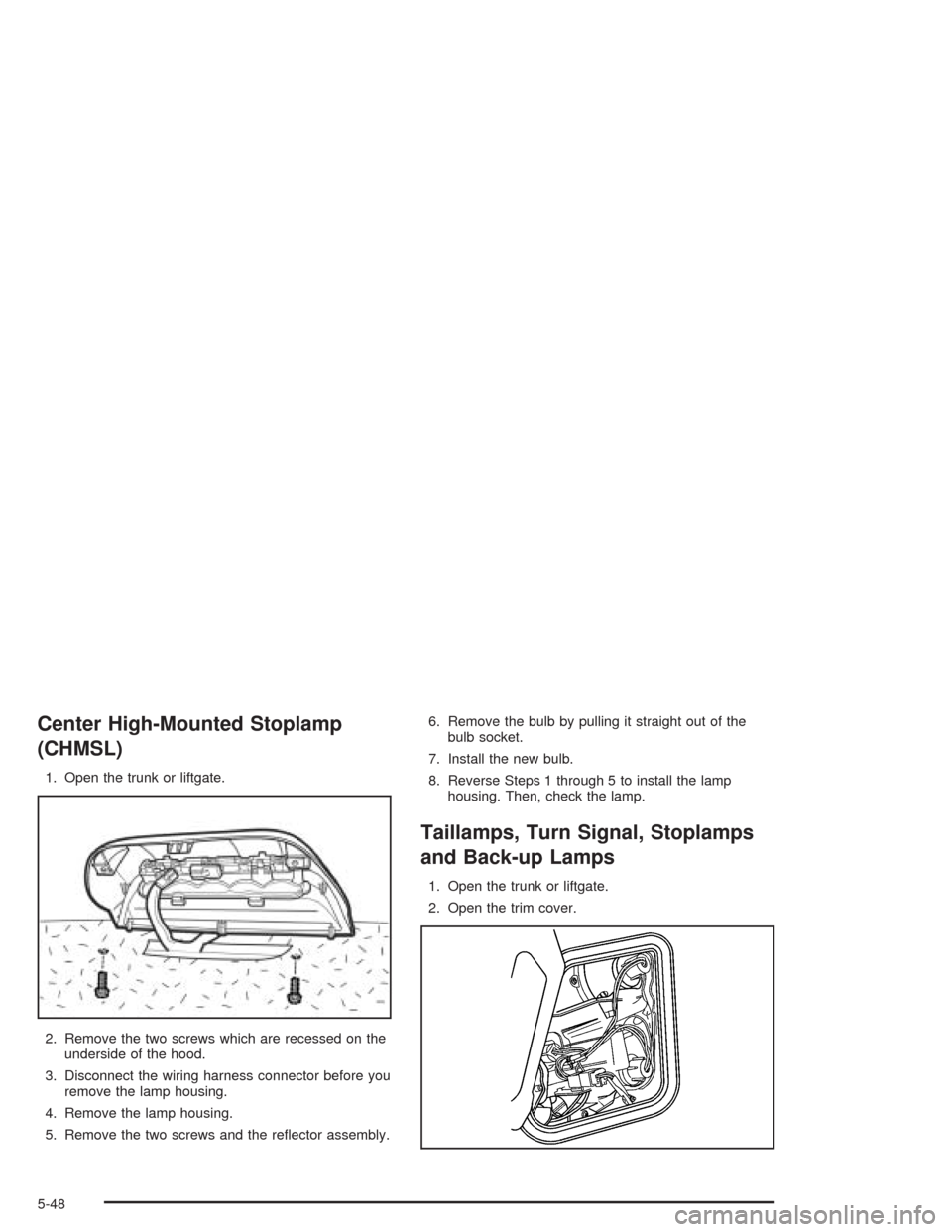
1. Open the trunk or liftgate.
2. Remove the two screws which are recessed on the
underside of the hood.
3. Disconnect the wiring harness connector before you
remove the lamp housing.
4. Remove the lamp housing.
5. Remove the two screws and the reflector assembly.6. Remove the bulb by pulling it straight out of the
bulb socket.
7. Install the new bulb.
8. Reverse Steps 1 through 5 to install the lamp
housing. Then, check the lamp.
Taillamps, Turn Signal, Stoplamps
and Back-up Lamps
1. Open the trunk or liftgate.
2. Open the trim cover.
5-48
Page 247 of 346
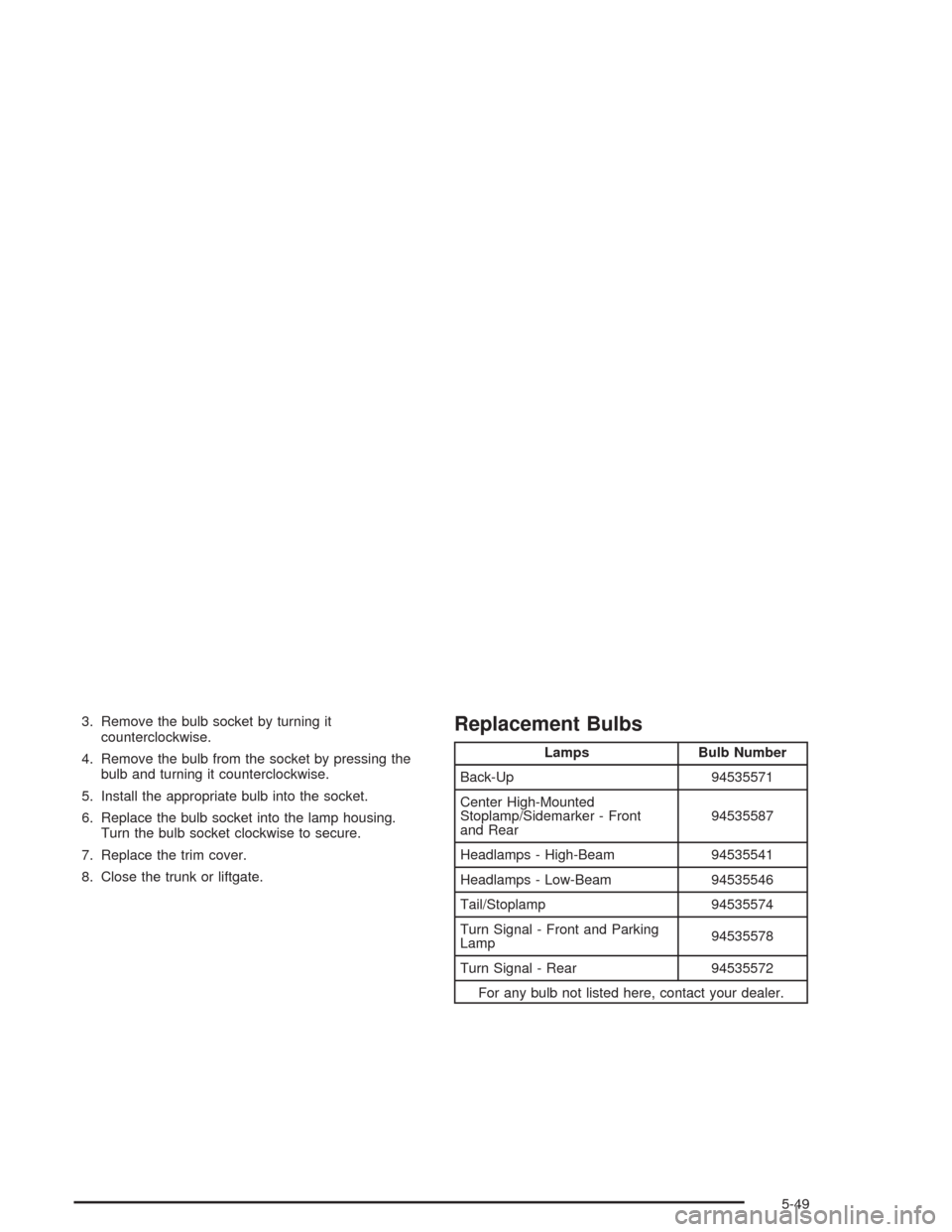
3. Remove the bulb socket by turning it
counterclockwise.
4. Remove the bulb from the socket by pressing the
bulb and turning it counterclockwise.
5. Install the appropriate bulb into the socket.
6. Replace the bulb socket into the lamp housing.
Turn the bulb socket clockwise to secure.
7. Replace the trim cover.
8. Close the trunk or liftgate.Replacement Bulbs
Lamps Bulb Number
Back-Up 94535571
Center High-Mounted
Stoplamp/Sidemarker - Front
and Rear94535587
Headlamps - High-Beam 94535541
Headlamps - Low-Beam 94535546
Tail/Stoplamp 94535574
Turn Signal - Front and Parking
Lamp94535578
Turn Signal - Rear 94535572
For any bulb not listed here, contact your dealer.
5-49
Page 336 of 346
D
Daytime Running Lamps (DRL).........................3-13
Daytime Running Lamps Indicator Light.............3-38
Defensive Driving............................................. 4-2
Defogging and Defrosting.................................3-21
Dinghy Towing................................................4-32
Disarming the System.....................................2-17
Doing Your Own Service Work........................... 5-4
Dolly Towing..................................................4-32
Dome Lamp...................................................3-15
Door
Ajar Light...................................................3-38
Central Door Unlocking System....................... 2-8
Door Ajar Reminder....................................... 2-9
Locks.......................................................... 2-7
Power Door Locks......................................... 2-9
Rear Door Security Locks............................... 2-9
Driver
Position, Safety Belt.....................................1-15
Seat Height Adjuster...................................... 1-4
Driving
At Night.....................................................4-14
City...........................................................4-19
Defensive..................................................... 4-2
Drunken....................................................... 4-2
Freeway.....................................................4-20Driving (cont.)
Hill and Mountain Roads..............................4-23
In Rain and on Wet Roads...........................4-16
Winter........................................................4-25
Driving on Snow or Ice....................................4-26
Driving Through Deep Standing Water...............4-18
Driving Through Flowing Water.........................4-18
E
Electrical System
Add-On Equipment......................................5-82
Fuses and Circuit Breakers...........................5-83
Headlamp Wiring.........................................5-82
Power Windows and Other Power Options......5-82
Windshield Wiper Fuses...............................5-82
Emergency Trunk Release Handle.....................2-12
Emissions Inspection and Maintenance
Programs...................................................3-35
Engine
Air Cleaner/Filter.........................................5-18
Battery.......................................................5-38
Check and Service Engine Soon Light............3-33
Coolant......................................................5-21
Coolant Heater............................................2-21
Coolant Temperature Gage...........................3-32
Cooling System Inspection............................6-23
4
Page 342 of 346
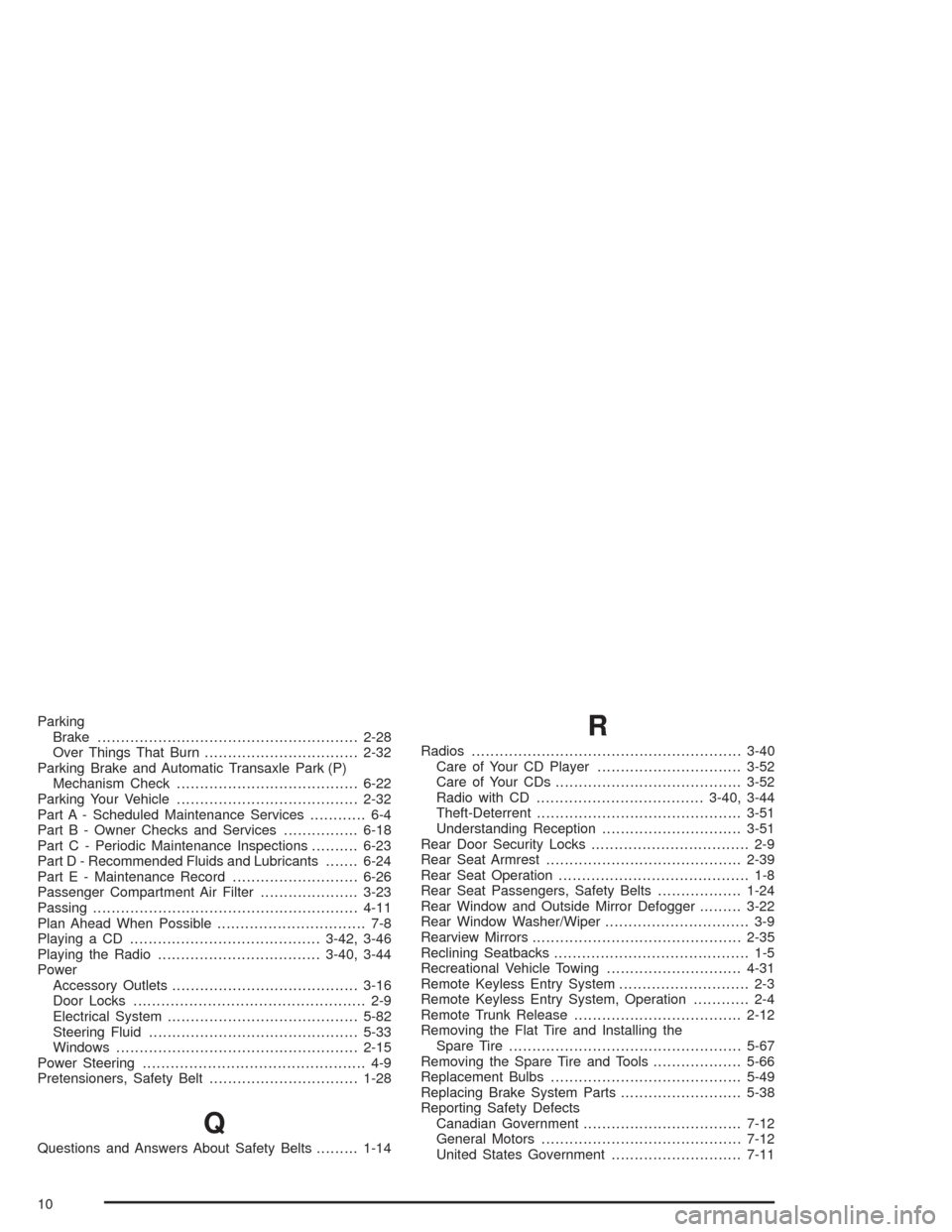
Parking
Brake........................................................2-28
Over Things That Burn.................................2-32
Parking Brake and Automatic Transaxle Park (P)
Mechanism Check.......................................6-22
Parking Your Vehicle.......................................2-32
Part A - Scheduled Maintenance Services............ 6-4
Part B - Owner Checks and Services................6-18
Part C - Periodic Maintenance Inspections..........6-23
Part D - Recommended Fluids and Lubricants.......6-24
Part E - Maintenance Record...........................6-26
Passenger Compartment Air Filter.....................3-23
Passing.........................................................4-11
Plan Ahead When Possible................................ 7-8
Playing a CD.........................................3-42, 3-46
Playing the Radio...................................3-40, 3-44
Power
Accessory Outlets........................................3-16
Door Locks.................................................. 2-9
Electrical System.........................................5-82
Steering Fluid.............................................5-33
Windows....................................................2-15
Power Steering................................................ 4-9
Pretensioners, Safety Belt................................1-28
Q
Questions and Answers About Safety Belts.........1-14
R
Radios..........................................................3-40
Care of Your CD Player...............................3-52
Care of Your CDs........................................3-52
Radio with CD....................................3-40, 3-44
Theft-Deterrent............................................3-51
Understanding Reception..............................3-51
Rear Door Security Locks.................................. 2-9
Rear Seat Armrest..........................................2-39
Rear Seat Operation......................................... 1-8
Rear Seat Passengers, Safety Belts..................1-24
Rear Window and Outside Mirror Defogger.........3-22
Rear Window Washer/Wiper............................... 3-9
Rearview Mirrors.............................................2-35
Reclining Seatbacks.......................................... 1-5
Recreational Vehicle Towing.............................4-31
Remote Keyless Entry System............................ 2-3
Remote Keyless Entry System, Operation............ 2-4
Remote Trunk Release....................................2-12
Removing the Flat Tire and Installing the
Spare Tire..................................................5-67
Removing the Spare Tire and Tools...................5-66
Replacement Bulbs.........................................5-49
Replacing Brake System Parts..........................5-38
Reporting Safety Defects
Canadian Government..................................7-12
General Motors...........................................7-12
United States Government............................7-11
10
Page 345 of 346
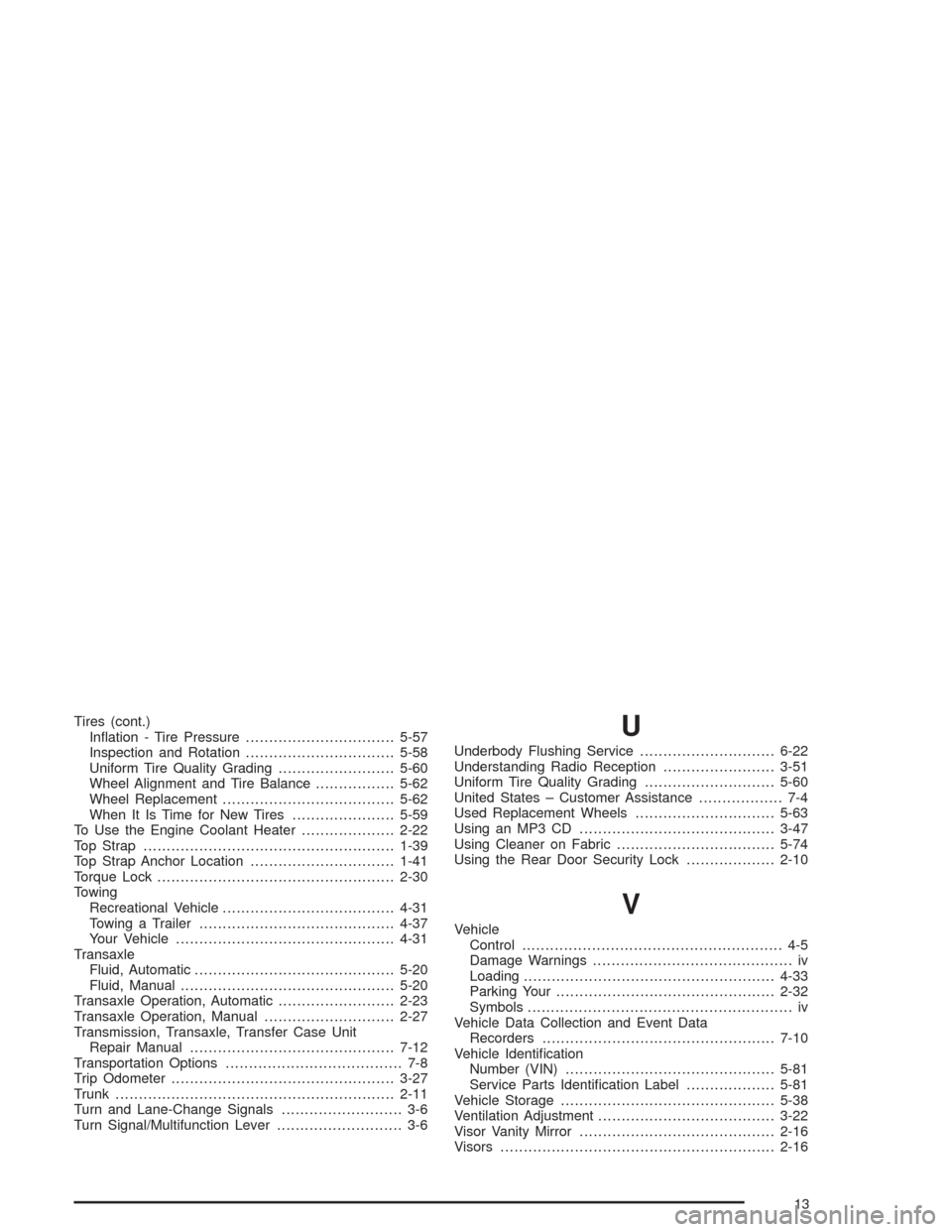
Tires (cont.)
Inflation - Tire Pressure................................5-57
Inspection and Rotation................................5-58
Uniform Tire Quality Grading.........................5-60
Wheel Alignment and Tire Balance.................5-62
Wheel Replacement.....................................5-62
When It Is Time for New Tires......................5-59
To Use the Engine Coolant Heater....................2-22
Top Strap......................................................1-39
Top Strap Anchor Location...............................1-41
Torque Lock...................................................2-30
Towing
Recreational Vehicle.....................................4-31
Towing a Trailer..........................................4-37
Your Vehicle...............................................4-31
Transaxle
Fluid, Automatic...........................................5-20
Fluid, Manual..............................................5-20
Transaxle Operation, Automatic.........................2-23
Transaxle Operation, Manual............................2-27
Transmission, Transaxle, Transfer Case Unit
Repair Manual............................................7-12
Transportation Options...................................... 7-8
Trip Odometer................................................3-27
Trunk............................................................2-11
Turn and Lane-Change Signals.......................... 3-6
Turn Signal/Multifunction Lever........................... 3-6U
Underbody Flushing Service.............................6-22
Understanding Radio Reception........................3-51
Uniform Tire Quality Grading............................5-60
United States – Customer Assistance.................. 7-4
Used Replacement Wheels..............................5-63
Using an MP3 CD..........................................3-47
Using Cleaner on Fabric..................................5-74
Using the Rear Door Security Lock...................2-10
V
Vehicle
Control........................................................ 4-5
Damage Warnings........................................... iv
Loading......................................................4-33
Parking Your...............................................2-32
Symbols......................................................... iv
Vehicle Data Collection and Event Data
Recorders..................................................7-10
Vehicle Identification
Number (VIN).............................................5-81
Service Parts Identification Label...................5-81
Vehicle Storage..............................................5-38
Ventilation Adjustment......................................3-22
Visor Vanity Mirror..........................................2-16
Visors...........................................................2-16
13