battery CHEVROLET S10 1994 2.G User Guide
[x] Cancel search | Manufacturer: CHEVROLET, Model Year: 1994, Model line: S10, Model: CHEVROLET S10 1994 2.GPages: 340, PDF Size: 18.45 MB
Page 135 of 340
Downloaded from www.Manualslib.com manuals search engine 8, Press BAND and 000 will appear again. Now you are ready to enter the
9. Repeat steps 6 and
7 for the last three digits of your code.
last
three digits of your code.
10. Press BAND and rEP will appear for 5 seconds and then 000 will
11. Repeat steps 6 through 10. This time SEC will appear-indicating that
appear.
the radio
is secure.
To Unlock The System After A Fower Loss
When battery power is reapplied to a secured radio, the radio won’t turn on
and
LOC will appear on the display.
Enter your secret code as follows: pause no more than
15 seconds between
steps.
1. Turn the ignition on. (Radio off .)
2. Depress the SET button. The display will show 009.
3. Enter the six digits of the code following steps 6-9 above. The display
4. Depress the BAND knob and the time appears - indicating that the
disabling sequence was successful. If the display indicates
SEC, the
numbers did not match and the unit is still secured.
will show
the numbers as entered.
Disabling The Theft System
1. Depress presets 1 and 4 f?r 5 seconds with ignition on and radio power
off. The display will show SEC, indicating the unit is in the secure
mode.
2. Depress the SET button. The display will show 000.
3. Enter the first three digits of the code following steps 6 and 7 of the
4. Depress the BAND knob. The radio will display 000.
preceding paragraphs. The display will show the numbers as entered.
5. Enter the second three digits of the code. The display will L-- JW the
6. Depress the BAND knob. If the display shows “- - - ”, the disabling
numbers
as entered.
sequence was successful. The numbers matched the user-selected code
or the factory back-up code, and the unit
is in the UNSECURED mode.
If the display shows
SEC, the disabling sequence was unsuccessful and
the numbers did not match either of the codes and the
unit will remain
in the
SECURED mode.
3-21
Page 172 of 340
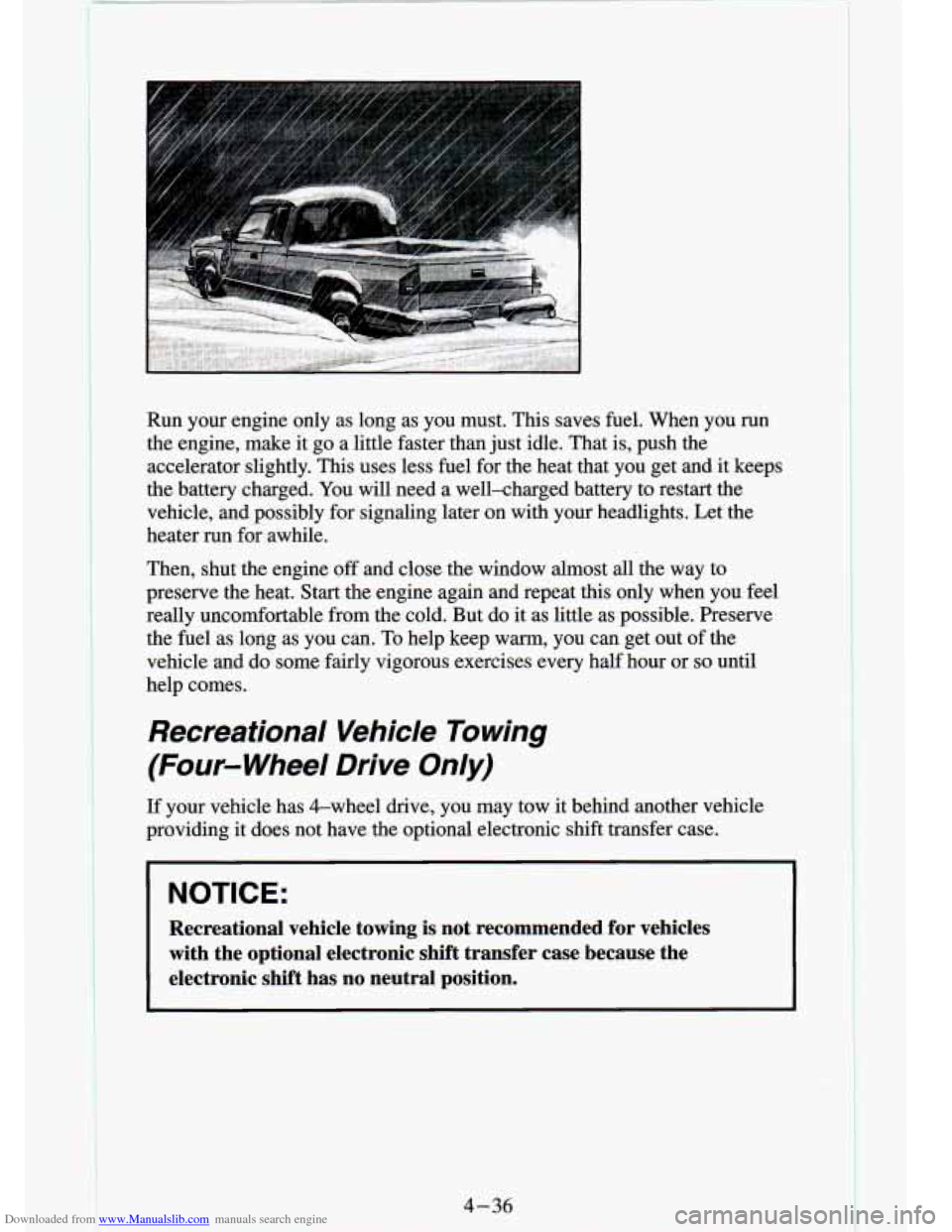
Downloaded from www.Manualslib.com manuals search engine Run your engine only as long as you must. This saves fuel. When you run
the engine, make it go a little faster than just idle. That is, push the
accelerator slightly. This uses less fuel for the heat that you get and it keeps
the battery charged. You will need a well-charged battery to restart the
vehicle, and possibly for signaling later on with your headlights. Let the
heater run for awhile.
Then, shut the engine off and close the window almost all the way to
preserve the heat. Start the engine again and repeat this only\
when you feel
really uncomfortable from the cold. But do it as little as possible. Preserve
the fuel as long as you can. To help keep warm, you can get out of the
vehicle and do some fairly vigorous exercises every half hour \
or
so until
help comes.
Recreational Vehicle Towing
(Four- Wheel Drive Only)
If your vehicle has &wheel drive, you may tow it behind another vehicle
providing it does not have the optional electronic shift transfer case.
NOTICE:
Recreational vehicle towing is not recommended for vehicles
with the optional electronic shift transfer case because the
electronic shift has no neutral position.
4-36
Page 173 of 340
Downloaded from www.Manualslib.com manuals search engine Before towing, you should:
1. Set the parking brake firmly.
2. Place the automatic transmission in “P’ (Park) or the manual
transmission
in the lowest gear (1 st gear).
hitch manufacturer’s instructions.
3. Firmly attach
the vehicle being towed to the tow vehicle. Refer to the
4. Place the transfer case shift lever in “N’ (Neutral).
5. Release the parking brake only after the vehicle being towed i\
s firmly
6. Insert the ignition key into the ignition switch and turn it one notch
forward
of the LOCK position. This places the key into the OFF
po.sition, which unlocks the steering column while preventing battery
drain. Unlocking the steering column
will allow for proper movement
of the front wheelshires during towing.
attached to
the tow vehicle.
I NOTICE:
I You should exercise extra care whenever towing another vehicle.
4-37
Page 185 of 340
Downloaded from www.Manualslib.com manuals search engine Other Warning Devices
If you carry reflective triangles, you can set one up at the side of the road
ab.out
300 feet (100 m) behind your vehicle.
Jump Starting
If your battery has run down, you may want to use another ve\
hicle and some
jumper cables to
start your vehicle. But please follow the steps below to do
it safely.
NOTICE:
Ignoring these steps could result in costly damage to your
vehicle that wouldn’t be covered by your warranty.
Trying to start your vehicle by pushing or pulling
it could
damage your vehicle, even
if you have a manual transmission.
And
if you have an automatic transmission, it won’t start that
way.
Page 186 of 340

Downloaded from www.Manualslib.com manuals search engine I E
To Jump Start Your Vehicle:
1. Check the other vehicle. It must have a 12-volt battery wlm a\
negauve
ground system.
NOTICE:
If the other system isn’t a 12-volt system with a negative \
ground, both vehicles can be damaged.
2. Get the vehicles close enough so the jumper cables can reach, but be
sure the vehicles aren’t touching each other. If they are, it could cause
a
ground connection you don’t want. You wouldn’t be able to start your
vehicle, and the bad grounding could damage the electrical syst\
ems.
You could be injured if the vehicles roll, Set the parking brake
firmly
on each vehicle. Put an automatic transmission in “P” (Park)\
or a
manual transmission
in “N’ (Neutral). If you have a four-wheel drive
vehicle with
a manual transfer case shift lever, be sure the transfer case
is not in “N’ (Neutral).
3. Turn off the ignition on both vehicles. Turn off all lights t\
hat aren’t
needed, and radios. This will avoid sparks and help save both batteries.
And it could save your radio!
I NOTICE:
I
If you leave your radio on, it could be badly damaged. The
repairs wouldn’t be covered by your warranty.
4. Open the hoods and locate the batteries. Find the positive (+) and
negative
(-) terminals on each battery.
5-4
I
Page 187 of 340
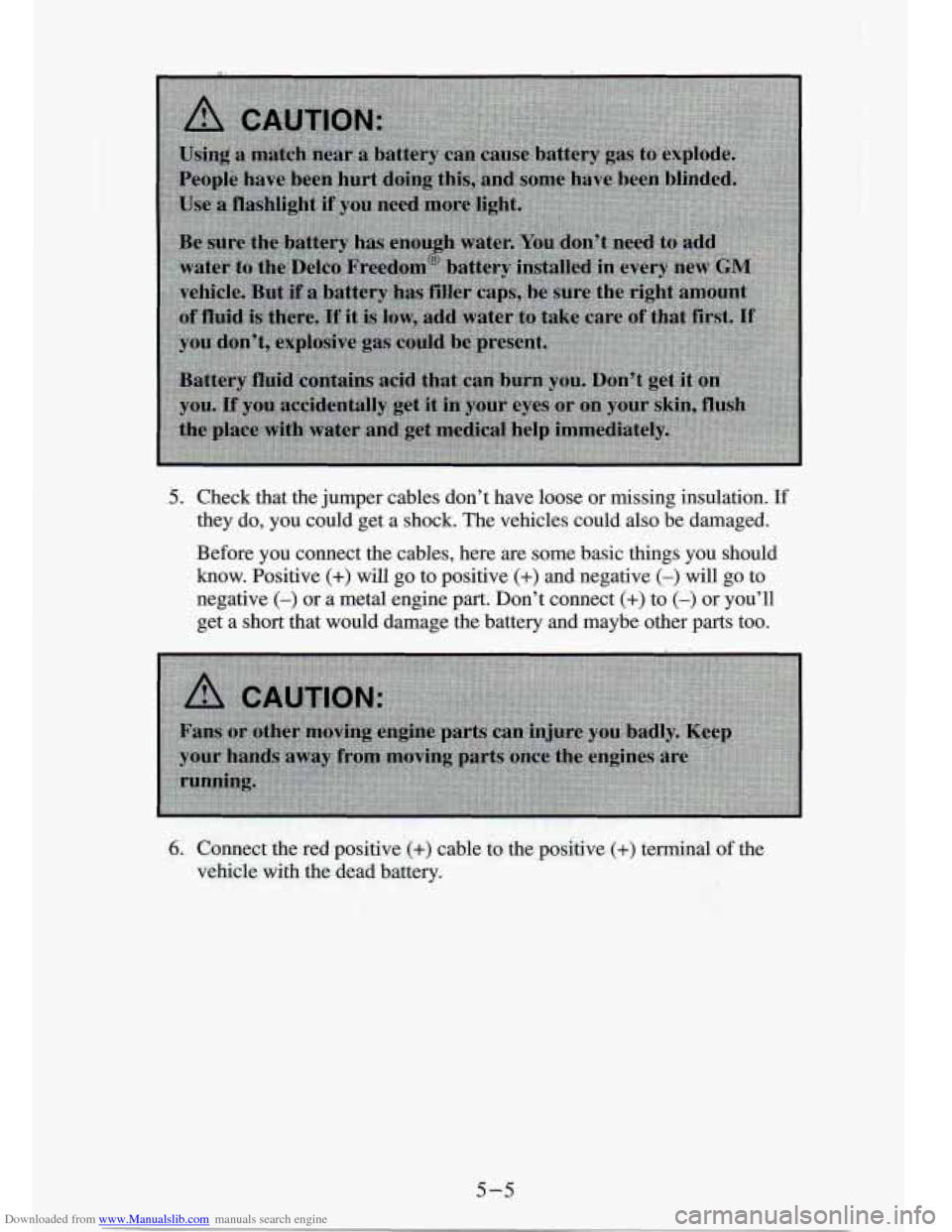
Downloaded from www.Manualslib.com manuals search engine 5. Check that the jumper cables don’t have loose or missing insulation. I€
they do, you could get a shock. The vehicles could also be damaged.
Before you connect the cables, here are some basic things you should \
how. Positive (+) will go to positive (+) and negative (-) will go to
negative
(-) or SL metal engine part. Don’t. connect (+) to (-) or you’ll
get
a short that would damage the battery and maybe other parts too.
5-5
Page 188 of 340
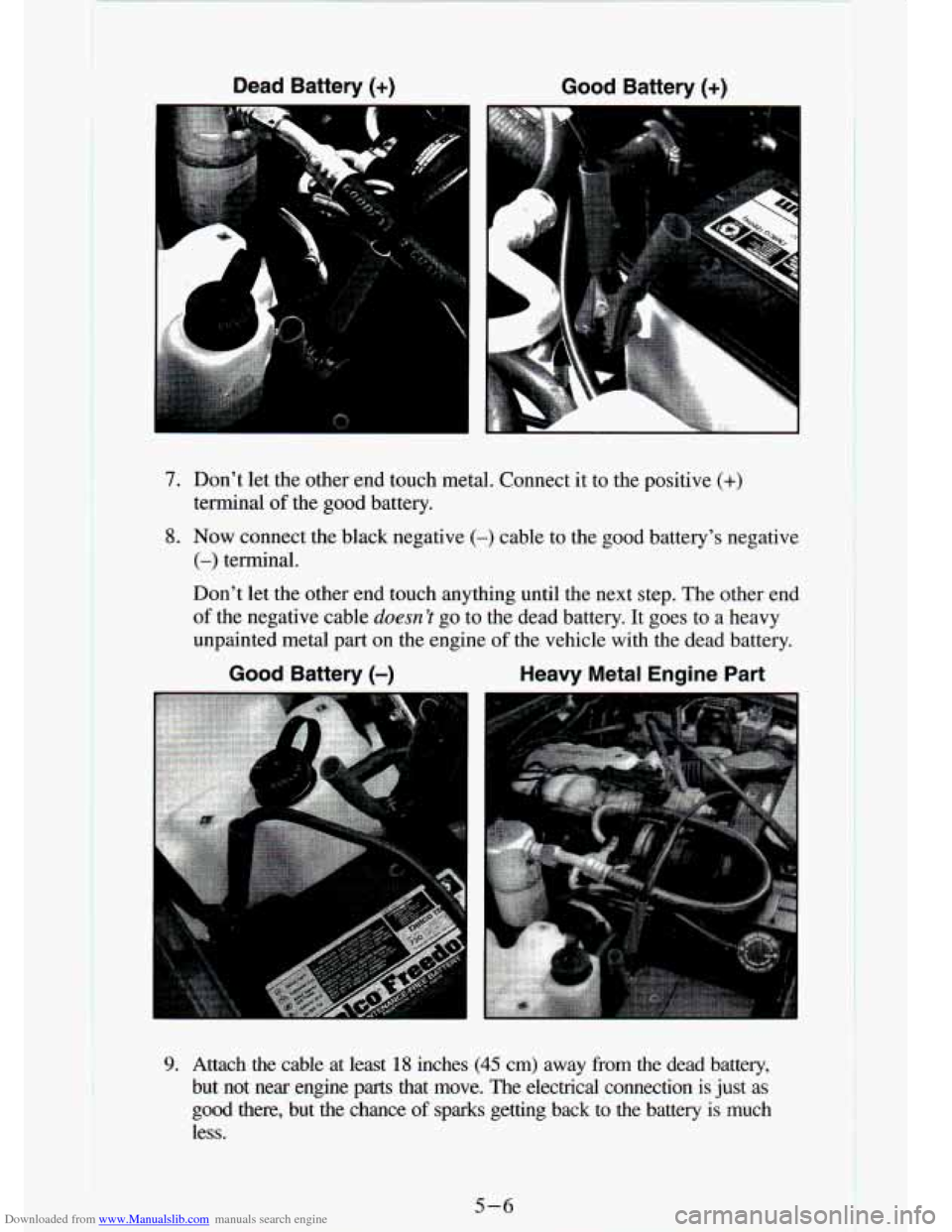
Downloaded from www.Manualslib.com manuals search engine Dead Battery (+) Good Battery (+)
7. Don’t let the other end touch metal. Connect it to the positive (+)
terminal of the good battery.
8. Now connect the black negative (-) cable to the good battery’s negative
(-) terminal.
Don’t let the other end touch anything until the next step. The other e\
nd
of the negative cable doesn ’I go to the dead battery. It goes to a heavy
unpainted metal
part on the engine of the vehicle with the dead battery.
Good Battery (-) Heavy Metal Engine Part
9. Attach the cable at least 18 inches (45 cm) away from the dead battery,
but not near engine
parts that move. The electrical connection is just as
good there, but
the chance of sparks getting back to the battery is much
less.
5-6
Page 189 of 340
Downloaded from www.Manualslib.com manuals search engine 10. Now start the vehicle with the good battery and run the engine for a
while.
11. Try to start the vehicle with the dead battery. If it won’t start after a few
tries, it probably needs service.
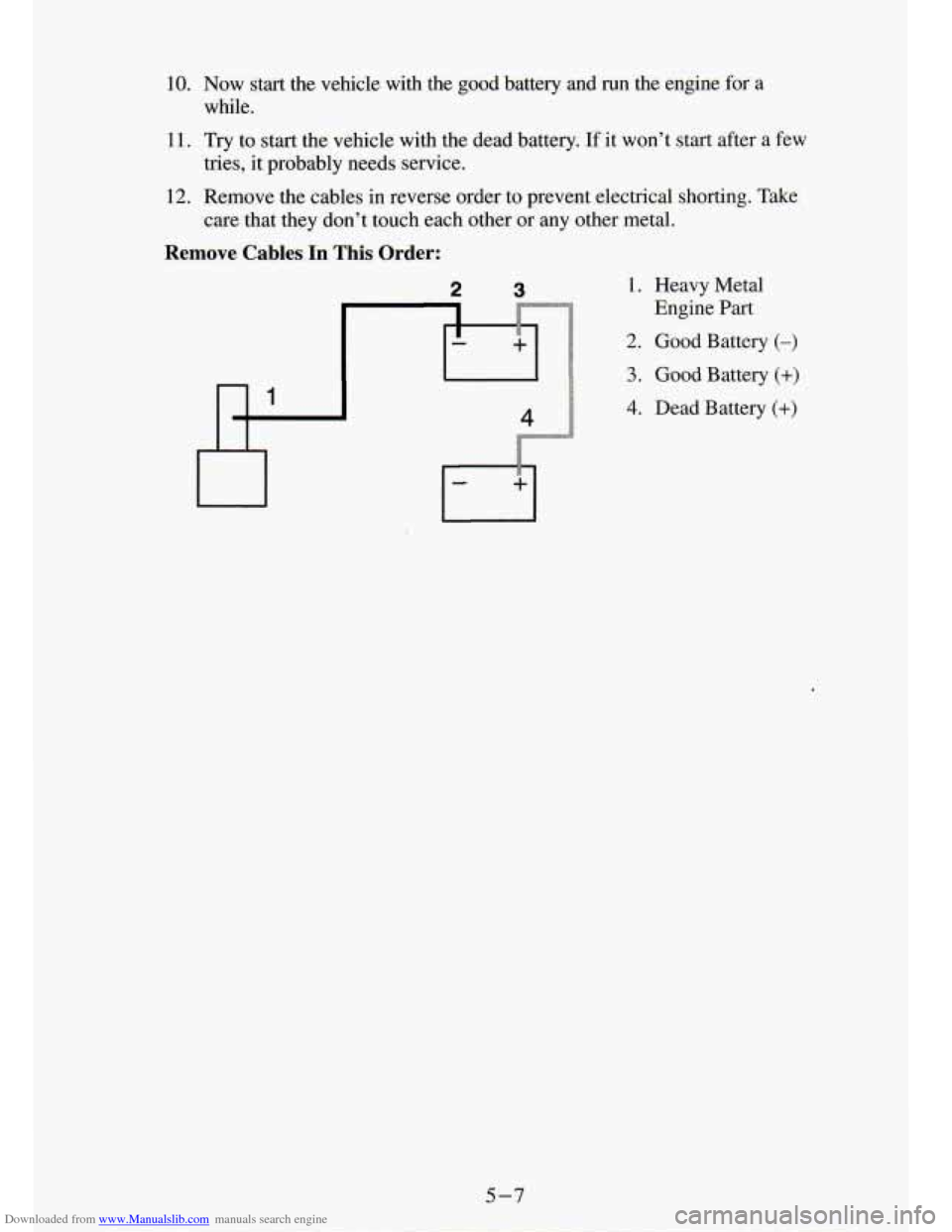
12. Remove the cables in reverse order to prevent electrical shorti\
ng. Take
Remove Cables In This Order:
care that they don’t touch each otk or anv other metal.
2 3 1. Heavy Metal
2. Good Battery (-)
3. Good Battery (+)
4. Dead Battery (+)
Engine Part
5-7
Page 219 of 340
Downloaded from www.Manualslib.com manuals search engine Service & Appearance Care
I
Section
Here you will find information about the care of your vehicle . This part
begins with service and fuel information. and then it shows ho\
w to check important fluid and lubricant levels
. There is also technical information
about your vehicle. and a section devoted to its appearance care
.
Service ................................................... 6-2
Fuel
..................................................... 6-3
Engineoil
.............................................. 6-9
Aircleaner
............................................ 6-14
Automatic Transmission Fluid
............................. 6-15
Manual Transmission Fluid
............................... 6-18
Hydraulic Clutch
........................................ 6-20
RearAxle
............................................. 6-20
Transfer Case
.......................................... 6-21
FrontAxle
............................................. 6-22
Power Steering Fluid
.................................... 6-26
Windshield Washer Fluid
................................. 6-28
Checking Things Under the Hood
.............................. 6-6
Engine Coolant
......................................... 6-23
Brake Master Cylinder
................................... 6-29
Replacing Brake System Parts
................................ 6-32
Bulb Replacement
......................................... 6-33
Battery
.................................................. 6-32
Vehiclestorage
........................................... 6-32
Other Maintenance Items
.................................... 6-39
Loading Your Vehicle
...................................... 6-45
Tires
.................................................... 6-51
Appearancecare
.......................................... 6-59
Vehicle Identification Number (VIN)
.......................... 6-68
Service Parts Identification Label
............................. 6-70
Fuses and Circuit Breakers
.................................. 6-70
Capacities and Specifications Charts
........................... 6-73
6-1
Page 250 of 340
Downloaded from www.Manualslib.com manuals search engine Replacing Brake System Parts
The braking system on a modern vehicle is complex. Its many parts have to
be of top quality and work well together if the vehicle is to have \
really good
braking. Vehicles
we design and test have topquality GM brake parts in
them, as your vehicle does when it is new. When you replace parts of your
braking system
- for example, when your brake linings wear down and
you have to have new ones put in
- be sure you get new genuine GM
replacement parts. If you don’t, your brakes may no longer work properly.
For example, if someone puts in brake linings that are wrong \
for your vehicle, the balance between your front and rear brakes can change, for the
worse. The braking performance you’ve come to expect can change in many
other ways if someone puts in the wrong replacement brake parts.
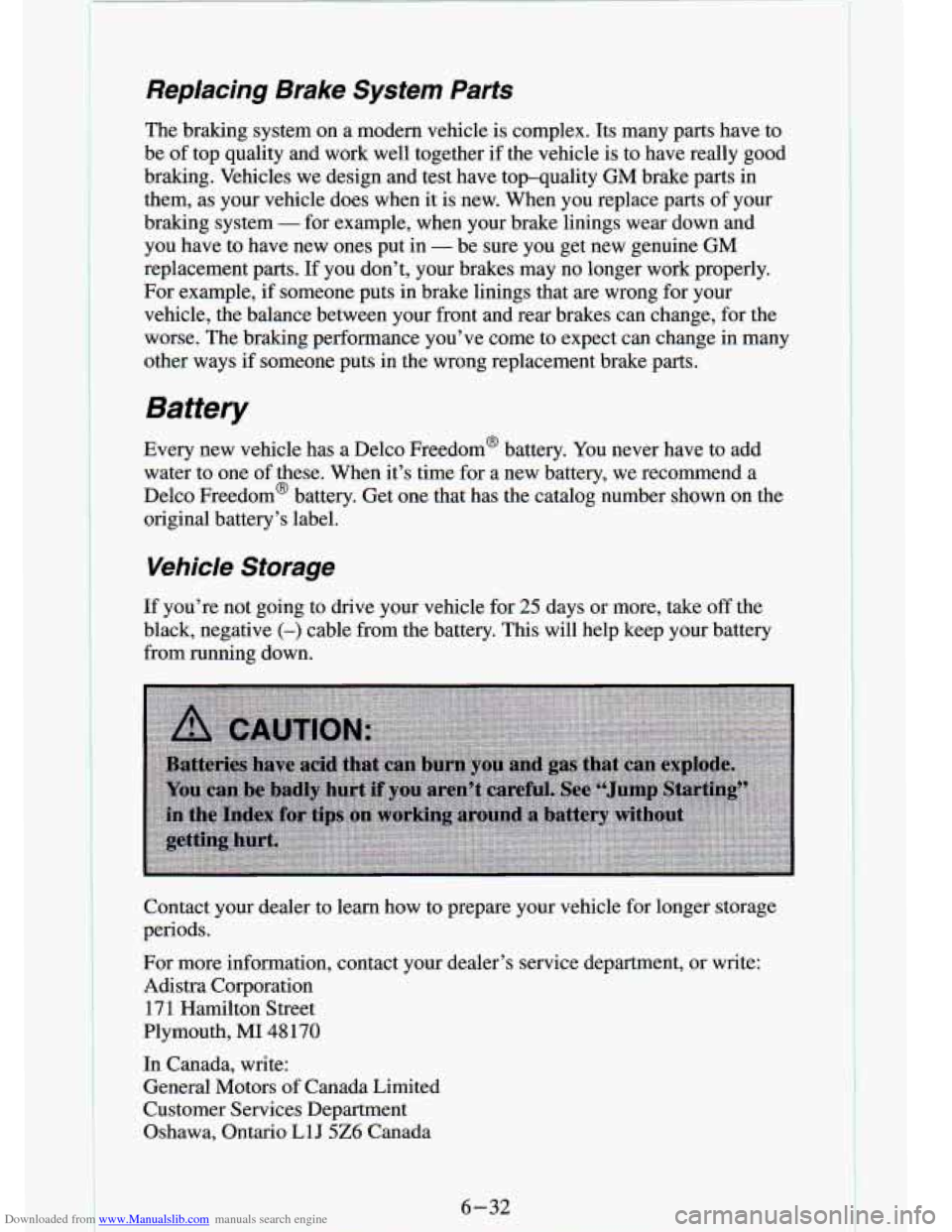
Battery
Every new vehicle has a Delco Freedom@ battery. You never have to add
water to one of these. When it’s time for a new battery,
we recommend a
Delco Freedom’ battery. Get one that has the catalog number shown on the
original battery’s label.
Vehicle Storage
If you’re not going to drive your vehicle for 25 days or more, take off the
black, negative
(-) cable from the battery. This will help keep your battery
from running down.
Contact your dealer to learn how to prepare your vehicle for longer storage
periods.
For more information, contact your dealer’s service department\
, or write: Adistra Corporation
171 Hamilton Street
Plymouth,
MI 48 170
In Canada, write:
General Motors
of Canada Limited
Customer Services Department
Oshawa, Ontario
L1J 5Z6 Canada
6-32
!