change time CHEVROLET S10 1996 2.G Owners Manual
[x] Cancel search | Manufacturer: CHEVROLET, Model Year: 1996, Model line: S10, Model: CHEVROLET S10 1996 2.GPages: 375, PDF Size: 20.73 MB
Page 3 of 375
Downloaded from www.Manualslib.com manuals search engine GM -
GENERAL MOTORS, GM and the GM Emblem,
CHEVROLET
and the CHEVROLET Emblem are
registered trademarks of General Motors Corporation.
This manual includes the latest information at the time
it
was printed. We reserve the right to make changes in the
product after that time without further notice. For
vehicles first sold in Canada, substitute the name
“General Motors of Canada Limited” for Chevrolet
Division whenever
it appears in this manual.
Please keep this manual in your vehicle,
so it will be
there
if you ever need it when you’re on the road. Tf you
sell the vehicle, please leave this manual
in it so the new
owner can use
it.
Litho in U.S.A.
C9608
B First Edition
WE SUPPORT VOLUNTARY TECHNICIAN CERTIFICATION THROUGH
National Institute for
AUTOMOTIVE
SERVICE
EXCELLENCE
. We support voluntary
technician certification.
I
For Canadian Owners Who Prefer a
French Language Manual:
Aux propriktaires canadiens: Vous pouvez vous
procurer
un exemplaire de ce guide en franpis chez
votre concessionaire ou au:
DGN Marketing Services Ltd.
1500 Bonhill Rd.
Mississauga, Ontario L5T IC7
@Copyright General Motors Corporation 1995
All Rights Reserved
ii
Page 4 of 375
Downloaded from www.Manualslib.com manuals search engine Supplement to the 1996 GMC Jimmy, Chevrolet Blazer, GMC Sonoma and
Chevrolet S-Series
muck Owner’s Manuals
This supplement includes the latest information at the time of printing.
We reserve the right to make changes in the product aJzer that time without cficrther notice.
@Copyright 1996 General Motors Corporation. All rights reserved. Printed in U.S.A. GENERAL MOTORS, GMC,
CHEVROLET, JIMMY, BLAZER and SONOMA are registered trademarks of General Motors Corporation.
,15026635
1
Page 56 of 375
Downloaded from www.Manualslib.com manuals search engine Keyless Entry System (Option)
If your vehicle has this option, you can lock and unlock
your doors from up to
30 feet (9 m) away using the key
chain transmitter supplied with your vehicle.
Your Keyless
Entry System operates on a radio
frequency subject
to Federal Communications
Commission
(FCC) Rules.
This device complies with Part 15 of the FCC Rules.
Operation is subject to the following two conditions:
(1) This device may not cause harmful interference, and
(2), This device must accept any interference received,
including interference that may cause undesired operation.
Should interference to this system occur, try this:
0
0
0
0
Check to determine if battery replacement is necessary.
See the instructiohs on battery replacement.
Check the distance.
You may be too far from your
vehicle.
This product has a maximum range.
Check the location. Other vehicles or objects may be
blocking the signal.
See your
GM dealer or a qualified technician
for service.
Changes or modifications to this system by other than an
authorized service facility could void authorization to
use this equipment.
Operation
When you press UNLOCK, the driver's door will
unlock 'automatically.
If you press UNLOCK again
within five seconds, all the doors will unlock. Press
LOCK to lock all the doors.
.Matching Transmitter(s) To Your Vehicle
Each key chain transmitter is coded to prevent another
transmitter
from unlocking. your vehicle. If a transmitter is
lost or stolen, a replacement can
be .purchased through
your dealer. Remember to bring any remaining transmitters
with you when you
go to your dealer. When the dealer
matches the replacement'transmitter to your vehicle, any
remaining transmitters must also be matched. Once the
new transmitter is coded, the lost transmitter will not
unlock your vehicle. Each vehicle can have only two
transmitters matched to it.
Battery Replacement
Under normal use, the batteries in your key chain
transmitter should last about two years.
You can tell the batteries are weak if the transmitter
won't work at the normal range in any location.
If you
have to get close to your vehicle before the transmitter
works, it's probably time to change the batteries.
2-5
,
Page 62 of 375
Downloaded from www.Manualslib.com manuals search engine Manual transmission
The gear selector should be in NEUTRAL (N). Hold
the clutch pedal to the floor and start the engine. Your
vehicle won’t start
if the clutch pedal is not all the way
down
-- that’s a safety feature.
Starting Your 2.2 Liter Engine
1. Without pushing the accelerator pedal, turn your
ignition key to START. When
the engine starts, let
go
of the key. The idle speed will go down as your
engine gets warm.
1
Holding your key in START for longer than
15 seconds at a time will cause your battery to be
drained much sooner. And the excessive heat can
1
damage your starter motor. I
2. If your engine still won’t start (or starts but then
stops), it could be flooded with too much gasoline.
Try pushing your accelerator pedal all the way
to the
floor and holding
it there as you hold the key in
START for about three seconds. If the vehicle starts
briefly but then stops again, do the same thing, but
this time keep the pedal down for five or six seconds.
This clears the extra gasoline from
the engine.
NOTICE:
Your engine is designed to work with the
electronics in your vehicle. If you add electrical
parts or accessories, you could change the
way
the engine operates. Before adding electrical
equipment, check with your dealer.
If you don’t,
your engine might not perform properly.
If you ever have to have your vehicle towed, see
the part of this manual that tells how to do it
without damaging your vehicle. See “Towing
Your Vehicle” in the Index.
2-11
Page 63 of 375
Downloaded from www.Manualslib.com manuals search engine Starting Your “VORTEC” 4300 Engine
1. Without pushing the accelerator pedal, turn your
ignition key to
START. When the engine starts, let
go of the key. The idle speed will go down as your
engine gets warm.
NOTICE:
Holding your key in START for longer than
15 seconds at a time will cause your battery to be
drained much sooner. And the excessive heat can
damage your starter motor.
2. If it doesn’t start right away, hold your key in
START. If it doesn’t start in 10 seconds, push the
accelerator pedal all the way down for five more
seconds, or until
it starts.
3. ‘If your engine still won’t start (or starts but then
stops), wait
15 seconds and start over.
When
the engine starts, let go of the key and the
accelerator pedal.
NOTICE:
Your engine is designed to work with the
electronics in your vehicle. If you add electrical
parts or accessories, you could change the
way
the engine operates. Before adding electrical
equipment, check with your dealer. If you don’t,
your engine might not perform properly.
If you ever have to have your vehicle towed, see
the part
of this manual that tells how to do it
without damaging your vehicle. See “Towing
Your Vehicle” in the Index.
2-12
Page 70 of 375
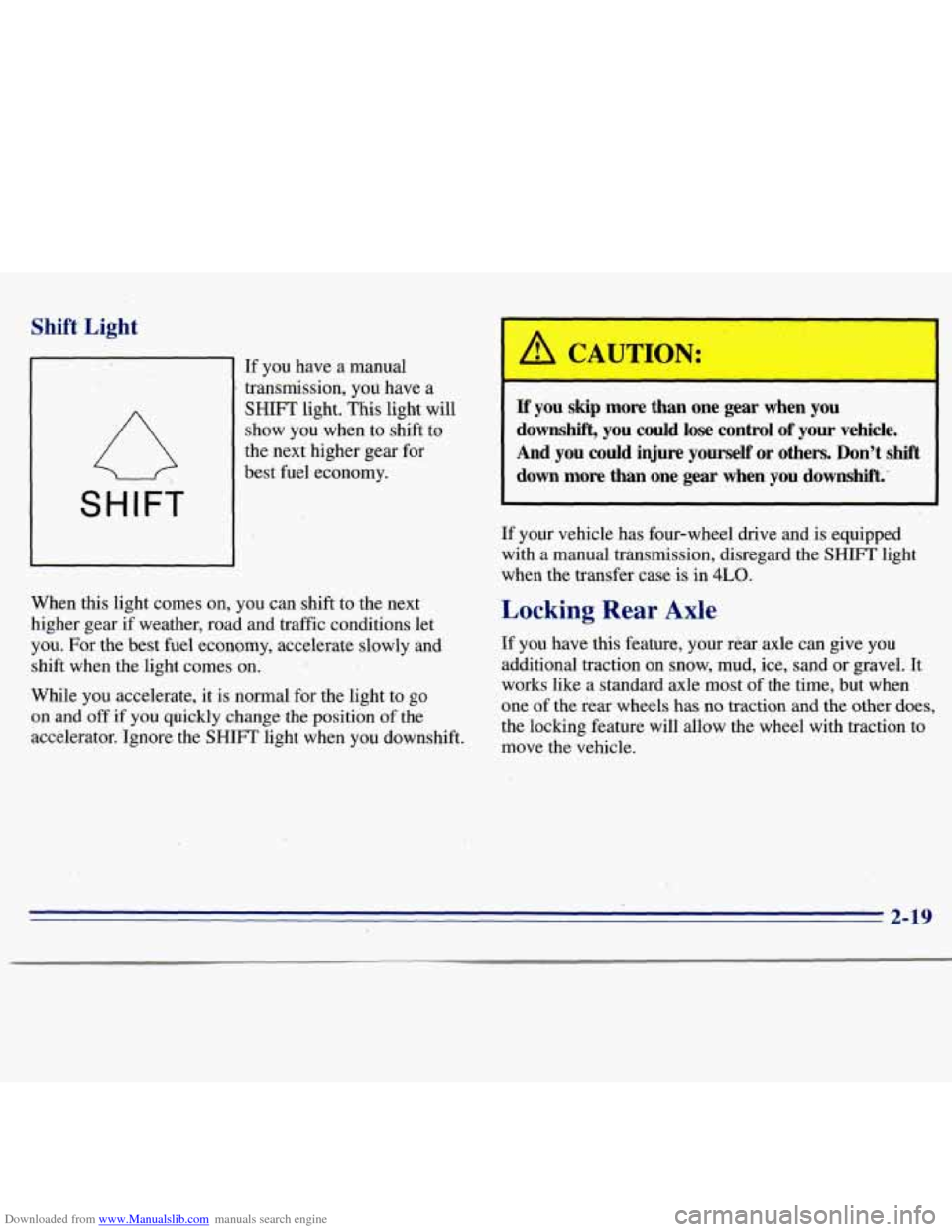
Downloaded from www.Manualslib.com manuals search engine Shift Light
SHIFT
If you have a manual
transmission, you have a
SHIFT light. This light will
show you when to shift
to
the next higher gear for
best fuel economy.
When this light comes on,
you can shift to the next
higher gear
if weather, road and traffic conditions let
you.
For the best fuel economy, accelerate slowly and
shift when
the light comes on.
While you accelerate, it is normal for the light to go
on
and off if you quickly change the position of the
accelerator. 'Ignore the SHIFT light when you downshift.
a CAUTION:
If you skip more than one gear when you
downshift, you could lose' control of your vehicle.
And
you could injure yourself' or others. Don't shift
down more than one gear when you downshift.'
If your vehicle has four-wheel drive and is equipped
with a manual transmission, disregard the
SHIFT light
when the transfer case
is in 4LO.
Locking Rear Axle
If you have this feature, your rear axle can give you
additional traction on snow, mud, ice, sad or gravel. It
works like a standard axle most of the time, but when
one
of the rear wheels has no traction and the other does,
the locking feature will allow the wheel with traction to
move the vehicle.
Page 86 of 375
Downloaded from www.Manualslib.com manuals search engine If a bulb is burned out, replace it to help avoid an
accident. If the arrows don’t go
on at all when you
signal a turn, check the fuse (see “Fuses and Circuit
Breakers” in the Index) and for burned-out bulbs.
If
you have a trailer towing option with added wiring for
the trailer lamps,
a different turn signal flasher is used.
With this flasher installed, the signal indicator will flash
even if a turn signal bulb is burned out. Check the front
and rear turn signal lamps regularly to make sure they
are working.
Headlamp High/Low Beam Changer
To change the headlamps from low-beam to high or
high to low, pull the multifunction lever all the way
toward you. Then release it.
When the high-beam
headlamps are
on, this
indicator light
on the
instrument panel also
will be
on.
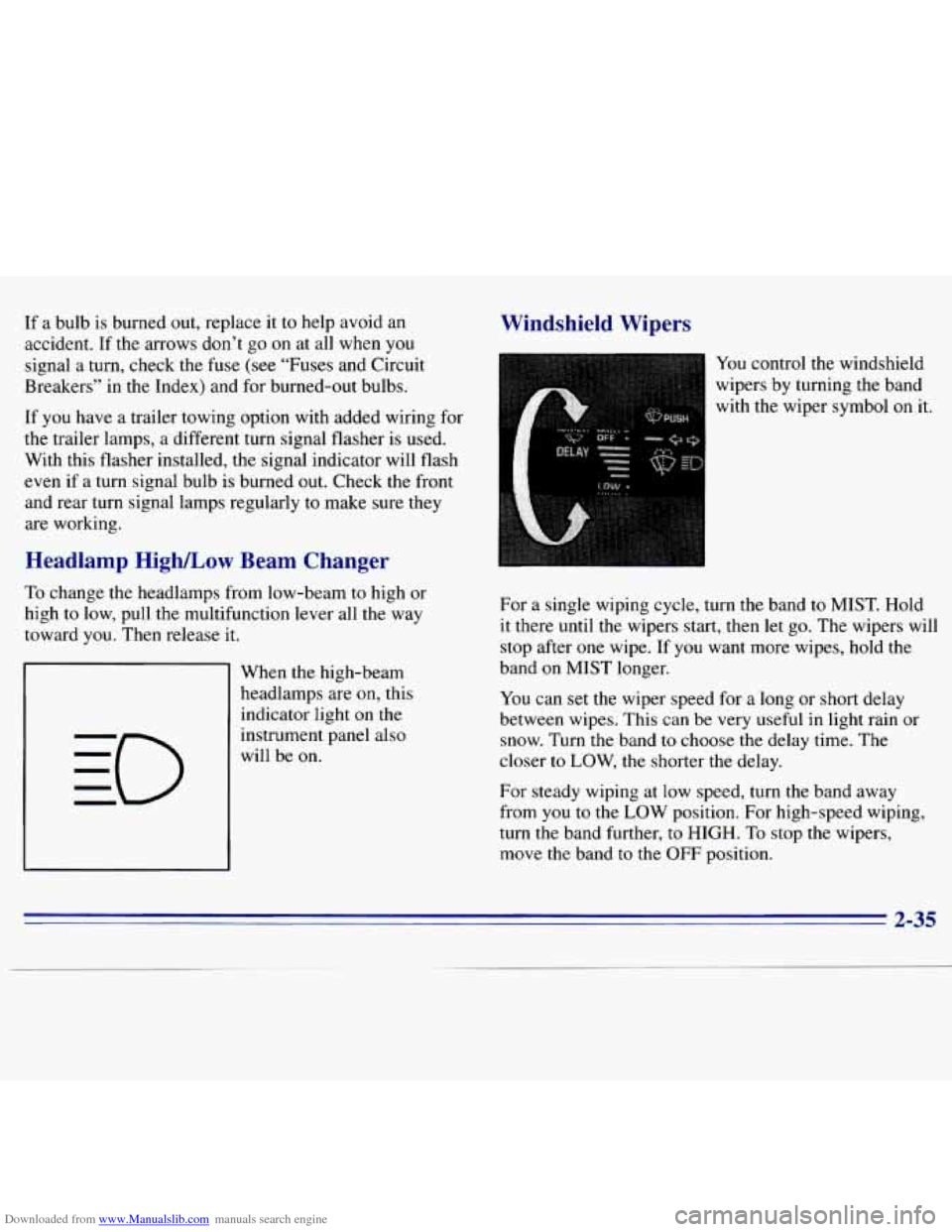
Windshield Wipers
You control the windshield
wipers by turning the band
with the wiper symbol
on it.
For a single wiping cycle, turn the band
to MIST. Hold
it there until the wipers start, then let go. The wipers will
stop after one wipe. If you want more wipes, hold the
band
on MIST longer.
You can set the wiper speed for a long or short delay
between wipes. This can be very useful in light rain or
snow. Turn the band
to choose the delay time. The
closer
to LOW, the shorter the delay.
For steady wiping at
low speed, turn the band away
from
you to the LOW position. For high-speed wiping,
turn the band further,
to HIGH. To stop the wipers,
move the band
to the OFF position.
2-35
Page 116 of 375
Downloaded from www.Manualslib.com manuals search engine Temperature Knob
The upper knob regulates the temperature of the air
coming through the system. Turn the knob clockwise for warmer
air. Turn the knob counterclockwise for cooler air.
Mode Knob
The lower knob allows you to choose the direction of
air delivery.
OFF: This setting turns the system off. Some outside air
will still enter the vehicle whenever the vehicle is
moving forward.
MAX NC: This setting provides maximum cooling
with the least amount of work. MAX A/C recirculates
much
of the air inside your vehicle so it cools quickly.
A/C: This setting cools the air entering your vehicle and
directs it through the instrument panel outlets.
+# BI-LEVEL A/C: Air is delivered through the heater
floor outlets
as well as the instrument panel outlets.
+e
/J VENT: This setting directs airflow through the
instrument panel outlets. The air conditioning
compressor is not working when VENT is selected.
+’ HEATER: This setting directs warmed air through
the heater floor outlets and windshield defroster outlets.
+e
0
w.
+’ BLEND: Airflow is divided equally between the
heater floor outlet and the windshield defroster outlets.
DEFROST: This setting directs most air through
the windshield defroster
outlets and some through the
heater outlets.
Air Conditioning (Option)
On hot days, open the windows long enough to let hot
inside air escape. This reduces the time
it takes for your
vehicle to cool down. Then keep your windows closed
for the air conditioner to work its best.
For quick cool-down
on very hot days, use MAX A/C
with the temperature knob turned counterclockwise. This
setting should be used to keep odors and/or dust from
entering the vehicle. For normal cooling on hot days, use
A/C with the temperature knob turned counterclockwise.
On
cool but sunny days, use BI-LEVEL A/C to deliver
warm air to the floor and cooler air to the instrument
panel outlets.
If you have the “VORTEC”
4300 engine, when the air
conditioner is on, you may sometimes notice slight
changes in your vehicle’s engine speed and power. This
is normal because the system is designed to cycle the
compressor on and
off to keep the desired temperature.
3-3
Page 127 of 375
Downloaded from www.Manualslib.com manuals search engine RCL: Press this button to see what track is playing.
Press
it again within five seconds to see how long it has
been playing. The track number also appears when you
change the volume or when a new track starts to play.
COMP (2): Press this button to make loud and soft
passages more nearly equal in volume. COMP
will
appear on the display while using this control.
RDM (3): Press this button to play tracks in a random,
rather than sequential, order. RDM will appear on the
display while using this control. Press the button again
to return to normal sequence.
REV (4): Press and hold this button to return to a
passage quickly. Release
it to play the passage. The
counter reading will appear on
the display while using
this control.
FWD (5): Press and hold this button to advance to a
passage quickly. Release it to resume playing. Watch the
display
to stop at a specific passage.
SCAN: Press this button to listen to each selection for
about six seconds. The disc will go to the next selection,
stop for a few seconds, then go to the next selection.
Press
RDM, SCAN or any other motion button again to
stop scanning.
PREV: Hold the backward arrow or press it more than
once to return the disc to previous tracks.
NEXT Press the forward arrow to hear the next track
now instead of waiting
until the current track is finished.
If you hold this button or press it more than once, the
disc will advance further.
ST-PL: Press this button to stop the disc and play the
radio. Press
it again to restart the disc at the point where
it stopped.
Press the POWER-VOL knob or turn the ignition key
off to stop the disc player. The disc stays in the player
and will resume playing at the point where it stopped.
E JCT Press this button to eject the disc and play the
radio. The disc
will start at track one when you reinsert it.
Theft-Deterrent Feature
Delco LOC II@ is a theft-deterrent feature for the
compact disc player. It can be used or ignored.
If ignored,
the system plays normally. If used, your player won’t be
usable
if it is ever stolen, because it won’t turn on.
The instructions below tell you how to enter a secret code
into the system. It is recommended that you read through
all 11 steps before starting the procedure. If your vehicle
loses battery power for any reason, you must unlock the system with your secret code before the radio will
turn on.
NOTE: If you allow more than 15 seconds to elapse
between
any steps, the radio automatically .reverts to
time and you must start the procedure over at Step
4.
3-14
Page 139 of 375
Downloaded from www.Manualslib.com manuals search engine As you brake, your computer keeps receiving updates on
wheel speed and controls braking pressure accordingly.
Remember: Anti-lock doesn’t change the time you need
to get your foot up to the brake pedal or always decrease
stopping distance. If
you get too close to the vehicle in
front of
you, you won’t have time to apply your brakes
if that vehicle suddenly
slows or stops. Always leave
enough room up ahead
to stop, even though you have
anti-lock brakes.
Using Anti-Lock
Don’t pump the brakes. Just hold the brake pedal
down and let anti-lock work for
you. You may feel
the brakes vibrate, or
you may notice some noise, but
this is normal. On vehicles with four-wheel drive, your
anti-lock brakes work at all times
-- whether you are
in two-wheel drive or four-wheel drive.
Braking in Emergencies
Use your anti-lock braking system when you need to.
With anti-lock, you can steer and brake
at the same
time. In many emergencies, steering can help you more
than even the very best braking.
Steering
Power Steering
If you lose power steering assist because the engine
stops or the system is not functioning,
you can steer but
it will take much more effort.
Steering Tips
Driving on Curves
It’s important to take curves at a reasonable speed.
A lot of the “driver lost control” accidents mentioned on
the news happen
on curves. Here’s why:
Experienced driver or beginner, each
of us is subject to
the same laws
of physics when driving on curves. The
traction
of the tires against the road surface makes it
possible for the vehicle to change its path when you turn
the front wheels. If there’s no traction, inertia will keep
the vehicle going
in the same direction. If you’ve ever
tried
to steer a vehicle on wet ice, you’ll understand this.
The traction you can get in a curve depends
on the
condition of your tires and the road surface, the angle at which
the curve is banked, and your speed. While you’re
in a curve, speed is the one factor you can control.
4-8