stop start CHEVROLET S10 1996 2.G Owners Manual
[x] Cancel search | Manufacturer: CHEVROLET, Model Year: 1996, Model line: S10, Model: CHEVROLET S10 1996 2.GPages: 375, PDF Size: 20.73 MB
Page 59 of 375
Downloaded from www.Manualslib.com manuals search engine New Vehicle “Break-In”
NOTICE:
Your modern vehicle doesn’t need an elaborate
“break-in.” But it will perform better in the long
run if you follow these guidelines:
0
0
0
0
Keep your speed at 55 mph (88 km/h) or
less for the first
500 miles (804 km).
Don’t drive at any one speed
-- fast or
slow
-- for the first 500 miles (804 km).
Don’t make full-throttle starts.
Avoid making hard stops for the first
200 miles (322 km) or so. During this time
your new brake linings aren’t yet broken in.
Hard stops with new linings can mean
premature wear and earlier replacement.
Follow this breaking-in guideline every time
you get new brake linings.
Don’t tow
a trailer during break-in.
See “Towing a Trailer” in the Index for
more information.
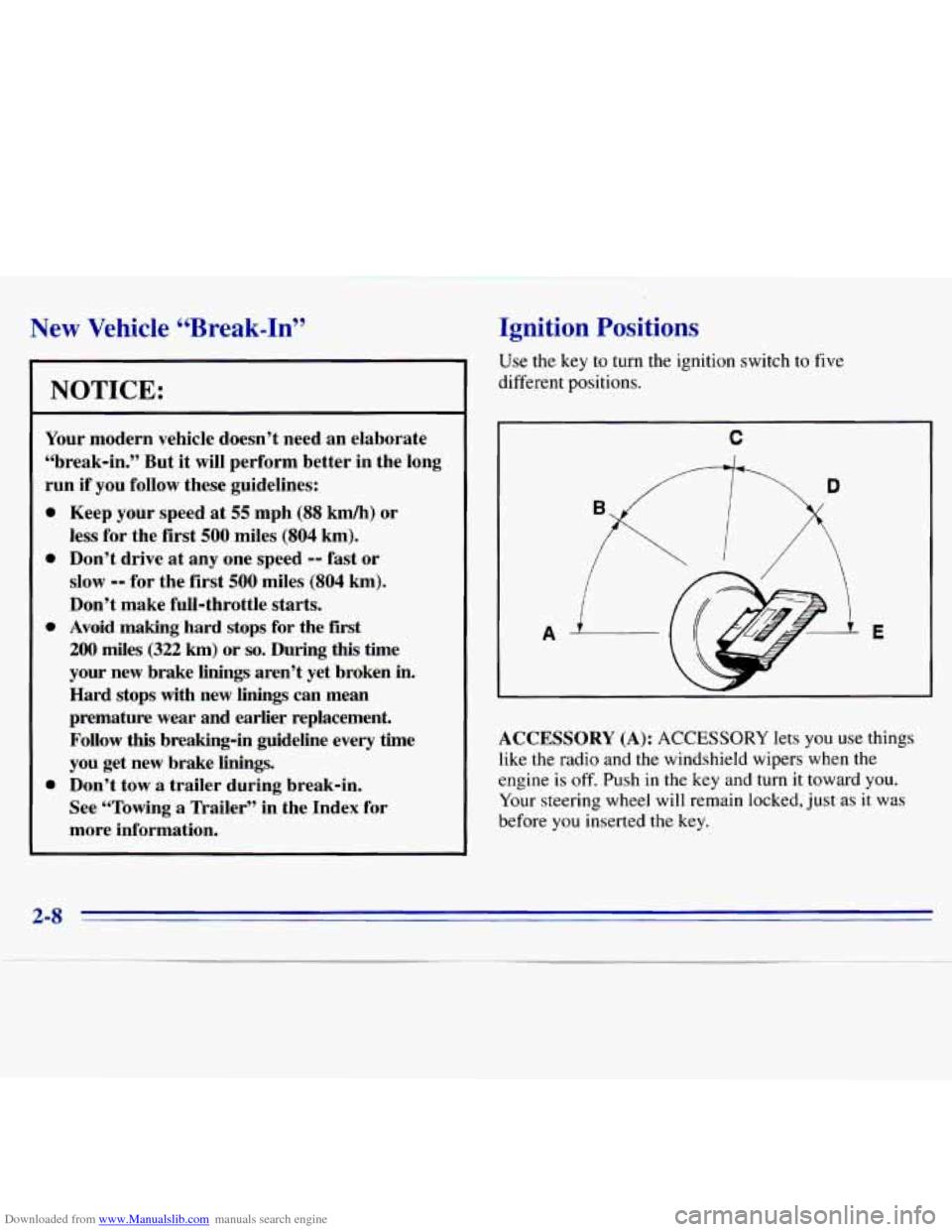
Ignition Positions
Use the key to turn the ignition switch to five
different positions.
A
C
E
ACCESSORY (A): ACCESSORY lets you use things
like the radio and the windshield wipers when the
engine is off. Push in
the key and turn it toward you.
Your steering wheel will remain locked, just as
it was
before you inserted the key.
2-8
Page 62 of 375
Downloaded from www.Manualslib.com manuals search engine Manual transmission
The gear selector should be in NEUTRAL (N). Hold
the clutch pedal to the floor and start the engine. Your
vehicle won’t start
if the clutch pedal is not all the way
down
-- that’s a safety feature.
Starting Your 2.2 Liter Engine
1. Without pushing the accelerator pedal, turn your
ignition key to START. When
the engine starts, let
go
of the key. The idle speed will go down as your
engine gets warm.
1
Holding your key in START for longer than
15 seconds at a time will cause your battery to be
drained much sooner. And the excessive heat can
1
damage your starter motor. I
2. If your engine still won’t start (or starts but then
stops), it could be flooded with too much gasoline.
Try pushing your accelerator pedal all the way
to the
floor and holding
it there as you hold the key in
START for about three seconds. If the vehicle starts
briefly but then stops again, do the same thing, but
this time keep the pedal down for five or six seconds.
This clears the extra gasoline from
the engine.
NOTICE:
Your engine is designed to work with the
electronics in your vehicle. If you add electrical
parts or accessories, you could change the
way
the engine operates. Before adding electrical
equipment, check with your dealer.
If you don’t,
your engine might not perform properly.
If you ever have to have your vehicle towed, see
the part of this manual that tells how to do it
without damaging your vehicle. See “Towing
Your Vehicle” in the Index.
2-11
Page 63 of 375
Downloaded from www.Manualslib.com manuals search engine Starting Your “VORTEC” 4300 Engine
1. Without pushing the accelerator pedal, turn your
ignition key to
START. When the engine starts, let
go of the key. The idle speed will go down as your
engine gets warm.
NOTICE:
Holding your key in START for longer than
15 seconds at a time will cause your battery to be
drained much sooner. And the excessive heat can
damage your starter motor.
2. If it doesn’t start right away, hold your key in
START. If it doesn’t start in 10 seconds, push the
accelerator pedal all the way down for five more
seconds, or until
it starts.
3. ‘If your engine still won’t start (or starts but then
stops), wait
15 seconds and start over.
When
the engine starts, let go of the key and the
accelerator pedal.
NOTICE:
Your engine is designed to work with the
electronics in your vehicle. If you add electrical
parts or accessories, you could change the
way
the engine operates. Before adding electrical
equipment, check with your dealer. If you don’t,
your engine might not perform properly.
If you ever have to have your vehicle towed, see
the part
of this manual that tells how to do it
without damaging your vehicle. See “Towing
Your Vehicle” in the Index.
2-12
Page 66 of 375
Downloaded from www.Manualslib.com manuals search engine It is dangerous to get out of your vehicle if the
shift lever
is not fully in,PARK (P) with the ’
parking brake firmly set. Your vehicle can roll.
Don’t leave your vehicle when the engine is
running unless you have to.
If you have left the
engine running, the vehicle can move suddenly.
You or others could be injured. To be sure your
vehicle won’t move, even when you’re on fairly
level ground, always set your parking brake and
move the shift .lever to PARK
(P).
If you have four-wheel drive, your vehicle
will be free to roll
-- even .if your shift lever
is in PARK (P) -- if your transfer case is in
NEUTRAL (N). So, be sure the transfer case is in
a drive gear, two-wheel high (2HI) or four-wheel
high (4HI) or four-wheel low (4LO)
-- not in
NEUTRAL
(N). See “Shifting Into PARK (P)” in
the Index.
If you’re pulling a trailer, see “Towing
a Trailer” in the Index. Ensure’ the shift lever
is €ully in PARK (P) range
before starting the engine. Your vehicle has a
brake-transmission shift interlock. You have to fully
apply your regular brakes before you can shift from
PARK (P) when the ignition key is
ii.1 the RUN position.
If you cannot shift out of PARK (P), ease pressure on
the shift lever
-- push the shift lever all the way into
PARK (P) as you maintain brake application. Then
move the shift lever into the gear you wish. See
“Shifting Out of PARK (P)” in the Index.
REVERSE (R): Use this gear to back up.
NOTICE:
Shifting to REVERSE (R) while your vehicle is
moving forward could damage your transmission.
Shift to REVERSE (Rjonly after your vehicle
is stopped.
To rock your vehicle back and forth to get out of snow,
ice
or sand without damaging your transmission, see
“Stuck in Sand, Mud, Ice
or Snow” in the Index.
2-15
Page 69 of 375
Downloaded from www.Manualslib.com manuals search engine Here’s how to operate your transmission:
FIRST (1): Press the clutch pedal and shift into
FIRST
(1). Then, slowly let up on the clutch pedal
as you press the accelerator pedal.
You can shift into FIRST (1) when you’re going less
than
20 mph (32 km/h). If you’ve come to a complete
stop and it’s hard to shift into FIRST
(l), put the shift
lever
in NEUTRAL (N) and let up on the clutch. Press
the clutch pedal back down. Then shift into FIRST (1).
SECOND (2): Press the clutch pedal as you let up on
the accelerator pedal and shift into SECOND (2). Then,
slowly let up
on the clutch pedal as you press the
accelerator pedal.
THIRD, FOURTH AND FIFTH (3,4 and 5): Shift
into THIRD
(3), FOURTH (4) and FIFTH (5) the
same way
you do for SECOND (2). Slowly let up on
the clutch pedal as you press the accelerator pedal.
To stop, let up on the accelerator pedal and press the
brake pedal. Just before the vehicle stops, press the
clutch pedal and the brake pedal, and shift
to
NEUTRAL (N).
NEUTRAL (N): Use this position when you start or
idle your engine.
REVERSE (R): To back up, press the clutch pedal
down, wait about six seconds, then shift into
REVERSE (R). Then let up on the clutch pedal
slowly while pressing
the accelerator pedal.
riGCE:
Shift to REVERSE (R) only after your vehicle is
stopped. Shifting to
REVERSE (R) while your
vehicle is moving could damage your transmission.
Use REVER$E (R), along with the parking brake, for
parking your vehicle.
2-18
Page 86 of 375
Downloaded from www.Manualslib.com manuals search engine If a bulb is burned out, replace it to help avoid an
accident. If the arrows don’t go
on at all when you
signal a turn, check the fuse (see “Fuses and Circuit
Breakers” in the Index) and for burned-out bulbs.
If
you have a trailer towing option with added wiring for
the trailer lamps,
a different turn signal flasher is used.
With this flasher installed, the signal indicator will flash
even if a turn signal bulb is burned out. Check the front
and rear turn signal lamps regularly to make sure they
are working.
Headlamp High/Low Beam Changer
To change the headlamps from low-beam to high or
high to low, pull the multifunction lever all the way
toward you. Then release it.
When the high-beam
headlamps are
on, this
indicator light
on the
instrument panel also
will be
on.
Windshield Wipers
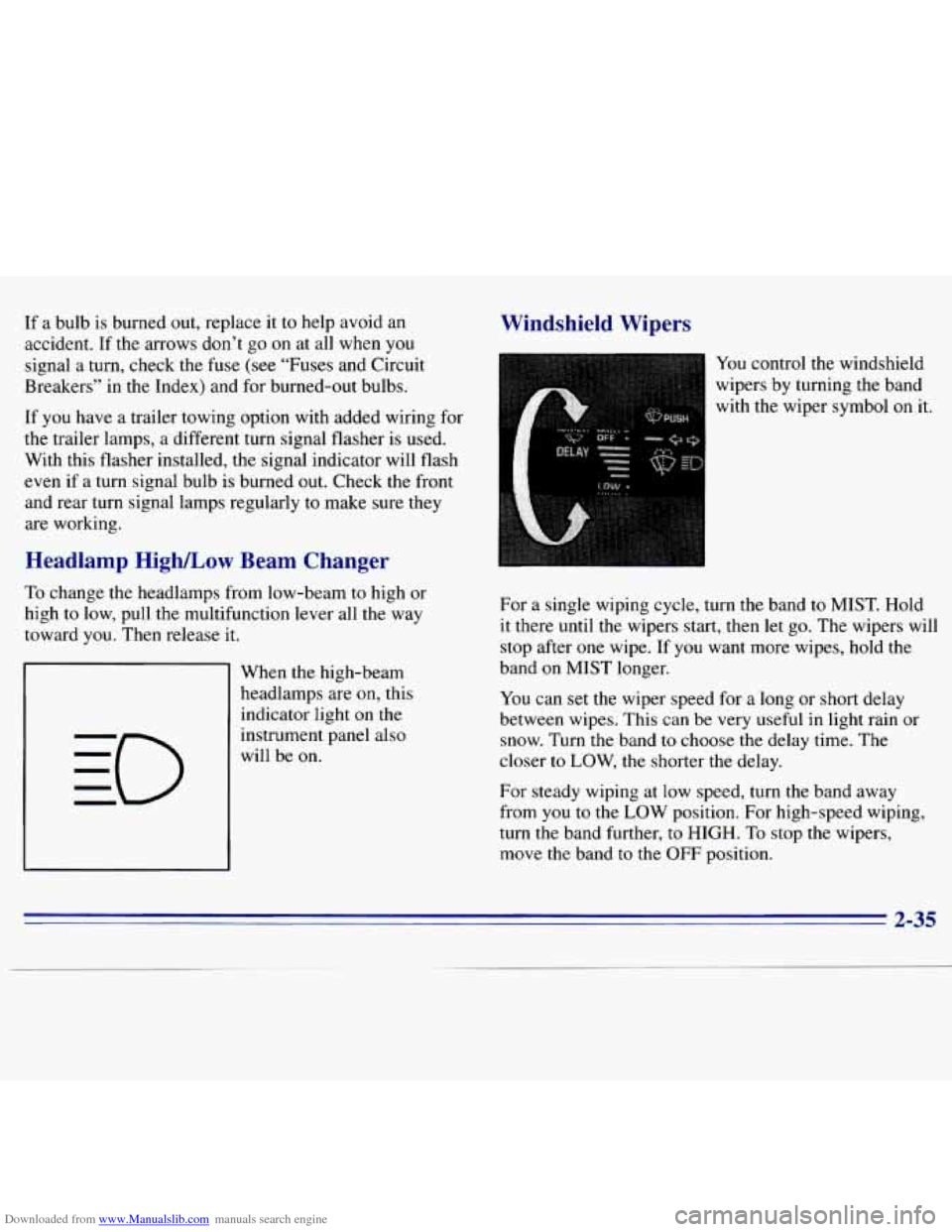
You control the windshield
wipers by turning the band
with the wiper symbol
on it.
For a single wiping cycle, turn the band
to MIST. Hold
it there until the wipers start, then let go. The wipers will
stop after one wipe. If you want more wipes, hold the
band
on MIST longer.
You can set the wiper speed for a long or short delay
between wipes. This can be very useful in light rain or
snow. Turn the band
to choose the delay time. The
closer
to LOW, the shorter the delay.
For steady wiping at
low speed, turn the band away
from
you to the LOW position. For high-speed wiping,
turn the band further,
to HIGH. To stop the wipers,
move the band
to the OFF position.
2-35
Page 107 of 375
Downloaded from www.Manualslib.com manuals search engine If the light c.omes on while you are driving, pull off the
road and stop carefully. You may notice that the pedal is
harder to push. Or, the pedal may go closer to the floor.
It may take longer to stop. If the light is still on, have the
vehicle towed for service. (See “Towing Your Vehicle”
in the Index.)
A CAUTION:
I
Your brake system may not be working properly
if the brake system warning light
is on. Driving
with the brake system warning light on can lead
to an accident. If the light is still on after you’ve
pulled
off the road and stopped carefully, have
the vehicle towed for service.
When the ignition is on, the brake system warning light
will also come on when you
set your parking brake. The
light will stay
on if your parking brake doesn’t release
fully.
If it stays on after your parking brake is fully
released, it means you have a brake problem.
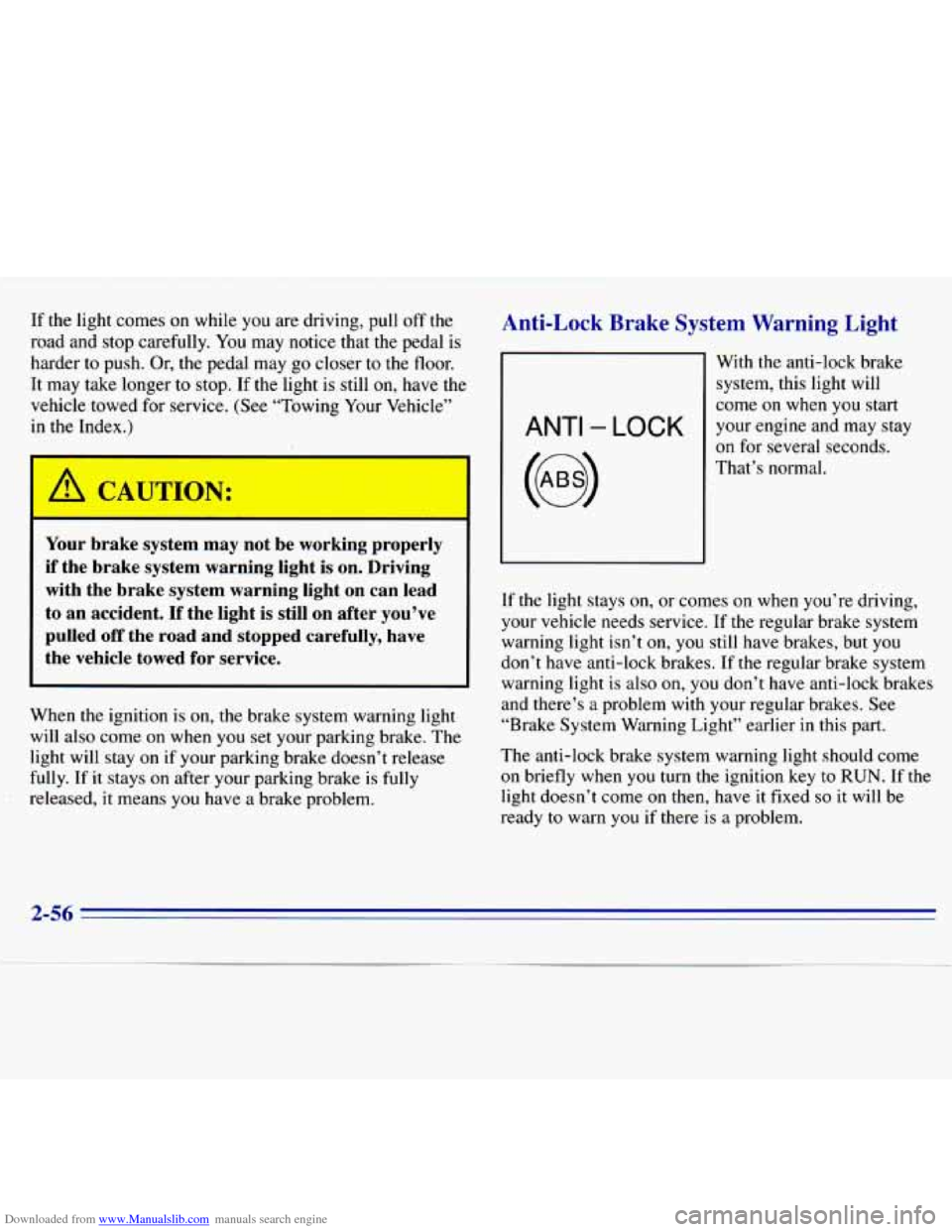
Anti-Lock Brake System Warning Light
ANTI - LOCK
With the anti-lock brake
system, this light will
come
on when you start
your engine and may stay
on for several seconds.
That’s normal.
If the light stays on, or
comes on when you’re driving,
your vehicle needs service. If the regular brake system
warning light isn’t
on, you still have brakes, but you
don’t have anti-lock brakes. If the regular brake system
warning light is also on, you don’t have anti-lock brakes
and there’s
a problem with your regular brakes. See
“Brake System Warning Light” earlier in this part.
The anti-lock brake system warning light should come
on briefly when
you turn the ignition key to RUN. If the
light doesn’t come
on then, have it fixed so it will be
ready
to warn you if there is a problem.
2-56
Page 109 of 375
Downloaded from www.Manualslib.com manuals search engine NOTICE:
~~
If you keep driving your vehicle with this light
on, after a while, your emission controls may not work as well, your fuel economy may not be as
good and your engine may not run as smoothly.
This could lead to costly repairs that may not be
covered by your warranty.
This light should come on, as a check to show you it is
working, when the ignition is on and the engine is not
running. If the light doesn’t come on, have
it repaired.
This light will also come
on during a malfunction in one
of two ways:
Light Flashing -- A misfire condition has been
detected. A misfire increases vehicle emissions and
may damage the emission control system on your
vehicle. Dealer or qualified service center diagnosis
and service is required.
Light On Steady -- An emission control system
malfunction has been detected on your vehicle.
Dealer or qualified service center diagnosis and
service may be required.
If the Light Is Flashing
The following may prevent more serious damage to
your vehicle:
Reduce vehicle speed.
0 Avoid hard accelerations.
Avoid steep uphill grades.
0 If towing a trailer, reduce the amount of cargo being
hauled as soon as
it is possible.
If the light
stops flashing and remains on steady, see “If
the Light
Is On Steady” following.
If
the light continues to flash, when it is safe to do so,
stop the vehicle. Put your vehicle in PARK (P). Turn the
key off, wait at least
10 seconds and restart the engine.
If the light remains on steady, see “If the Light
Is On
Steady” following. If
the light is still flashing follow the
previous steps, and drive the vehicle to your dealer or
qualified service center for service.
2-58
Page 123 of 375
Downloaded from www.Manualslib.com manuals search engine SCAN: Press this button to listen to each station for a
few seconds. The radio will go to the next station, stop
for
a few seconds, then go to the next station. SCAN will
appear
on the display. Press SCAN again to stop scanning.
PUSHBUTTONS: The four numbered pushbuttons let
you return to your favorite stations. You can set up to
14 stations (seven AM and seven FM).
1. Tune in the desired station.
2. Press SET.
3. Press one of the four pushbuttons, within five seconds,
to store the station. Whenever you press that numbered
button,
the station you set will return.
4. Repeat the steps for each pushbutton.
In addition to the four stations set as above, up to
three additional stations may be preset on each band by
pressing two adjoining buttons at the same time. Just:
1. Tune in the desired station.
2. Press SET. (SET will appear on the display.)
3. Press two adjoining pushbuttons at the same time,
within five seconds. Whenever you press the same
two buttons, the station you set will return.
4. Repeat these steps for each pair of buttons.
AM-ST Press this button to tune an AM station that
broadcasts in stereo. Your STEREO light will come on
when you’re receiving
AM stereo. If you press AM-ST
and there is no more noise, it means the station is weak.
You’ll hear the station better if you do not use
AM-ST.
Press the button again to delete stereo.
Setting the Tone
TONE ADJUSTMENT
Set the bass, midrange and
treble
by using the levers in the upper middle left corner to
get the sound you
want. The 60 and 250 levers adjust the
bass,
1K is midrange, and 3.5K and 10K control the treble.
We suggest you start with
1K in the midpoint position.
Then move
the other levers up until you get the amount
of bass and treble you like.
Adjusting the Speakers
BAL:
This control ring behind the PWR-VOL-PROG-RCL
knob adjusts the balance between the left and right speakers.
FADE: This control ring behind the TUNE-AM-FM knob
adjusts the balance between the front
and rear speakers.
3-10
Page 127 of 375
Downloaded from www.Manualslib.com manuals search engine RCL: Press this button to see what track is playing.
Press
it again within five seconds to see how long it has
been playing. The track number also appears when you
change the volume or when a new track starts to play.
COMP (2): Press this button to make loud and soft
passages more nearly equal in volume. COMP
will
appear on the display while using this control.
RDM (3): Press this button to play tracks in a random,
rather than sequential, order. RDM will appear on the
display while using this control. Press the button again
to return to normal sequence.
REV (4): Press and hold this button to return to a
passage quickly. Release
it to play the passage. The
counter reading will appear on
the display while using
this control.
FWD (5): Press and hold this button to advance to a
passage quickly. Release it to resume playing. Watch the
display
to stop at a specific passage.
SCAN: Press this button to listen to each selection for
about six seconds. The disc will go to the next selection,
stop for a few seconds, then go to the next selection.
Press
RDM, SCAN or any other motion button again to
stop scanning.
PREV: Hold the backward arrow or press it more than
once to return the disc to previous tracks.
NEXT Press the forward arrow to hear the next track
now instead of waiting
until the current track is finished.
If you hold this button or press it more than once, the
disc will advance further.
ST-PL: Press this button to stop the disc and play the
radio. Press
it again to restart the disc at the point where
it stopped.
Press the POWER-VOL knob or turn the ignition key
off to stop the disc player. The disc stays in the player
and will resume playing at the point where it stopped.
E JCT Press this button to eject the disc and play the
radio. The disc
will start at track one when you reinsert it.
Theft-Deterrent Feature
Delco LOC II@ is a theft-deterrent feature for the
compact disc player. It can be used or ignored.
If ignored,
the system plays normally. If used, your player won’t be
usable
if it is ever stolen, because it won’t turn on.
The instructions below tell you how to enter a secret code
into the system. It is recommended that you read through
all 11 steps before starting the procedure. If your vehicle
loses battery power for any reason, you must unlock the system with your secret code before the radio will
turn on.
NOTE: If you allow more than 15 seconds to elapse
between
any steps, the radio automatically .reverts to
time and you must start the procedure over at Step
4.
3-14