radio CHEVROLET S10 1997 2.G Owners Manual
[x] Cancel search | Manufacturer: CHEVROLET, Model Year: 1997, Model line: S10, Model: CHEVROLET S10 1997 2.GPages: 402, PDF Size: 21.04 MB
Page 58 of 402
Downloaded from www.Manualslib.com manuals search engine New Vehkk “Bre-ak-In”
NOTICE:
Your modern vehicle d.oesn’t need an elaborate
“break-in.”
But it will perform better in the long
run if you follow these guidelines:
0 Keep your speed at 55 mph (88 km/h) or
less far the first 500 miles (805 km).
Don’t drive at any one speed -- fast or
slow
-- for the first-500 miles (805 km).
Don’t make full-thro.ttle starts.
200 miles. (322 km) or so. During this time
your
new brake linings aren’t yetbro-ken
in. Hard stops with new linings cmmean
premature wear and earlier replacement.
Follow this breaking-in guideline every
time you
get new brake linings.
See “Tbwing a Trailer” in the Index for
more information..
Avoid makiilg hard stops for the first
Don’ttow a trailer during break-in.
Ignition Positions
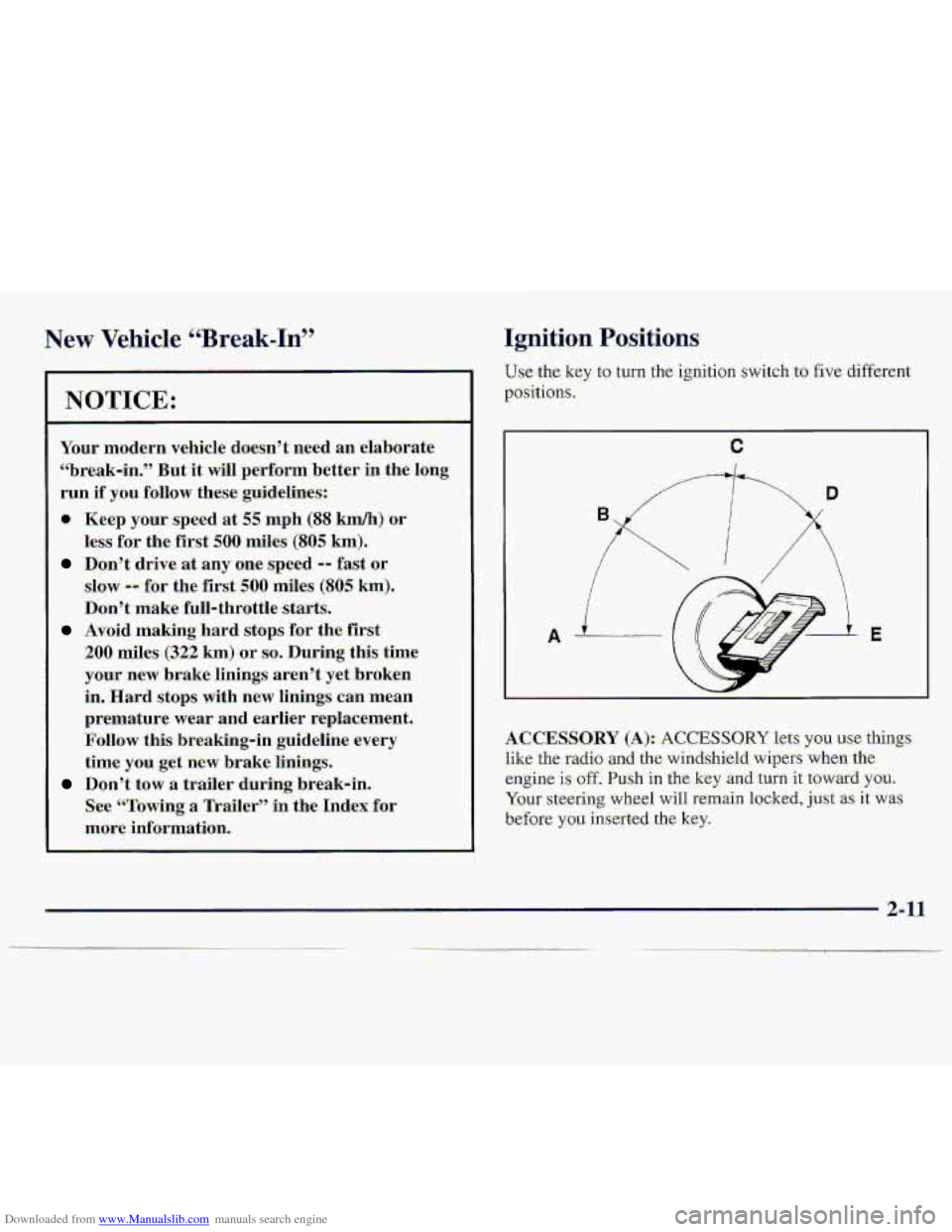
Use.the key to-turn the ignition switch to €ive different
positions,
A 3.
ACCESSORY (A):. ACCESSO-RY lets ysu .use‘-thi-ngs
like the radio ad the.winds,hield wipe-rs when the
engine is off. Push i.n the key -and turn it toward. YOU.
Your steering wheel will remain locked, just. as it was
before
you inserted the. key.
2-11
Page 72 of 402
Downloaded from www.Manualslib.com manuals search engine TO shift into or mt. of 4LQ:
1. The-vehicle myst be movingless than 3 mph
(4.8 h) with the tfansrnissi-on in NEUTRAL (N)
fa an automatic transmisSion. Fm a n~anual.
transmission, the clutch pedal must
.be engaged. The
p-referred method for shi€tin.g into 4LO is to have
your vehicle moving
1 to 2 mph (1.5 to 3.2 Wh).
2. Press the trans€er case s:hi€t buttan .and shift in one
continuous motion.
Don't pausejn
N SET PARIK;BRAKE as y-ou shift into
or out of 4L0, or your gears could clash.
Remember that driving in 4HI ur 4LO may reduce fuel
ec-onomy.
Also, driving in fo.ur-whee1 drive:on dry
pavement could cause your tires to wear faster and
make your transfer case harder to shift and-reduce
powertrain longevity.
Electronic Transfer. Case (KEquipped)
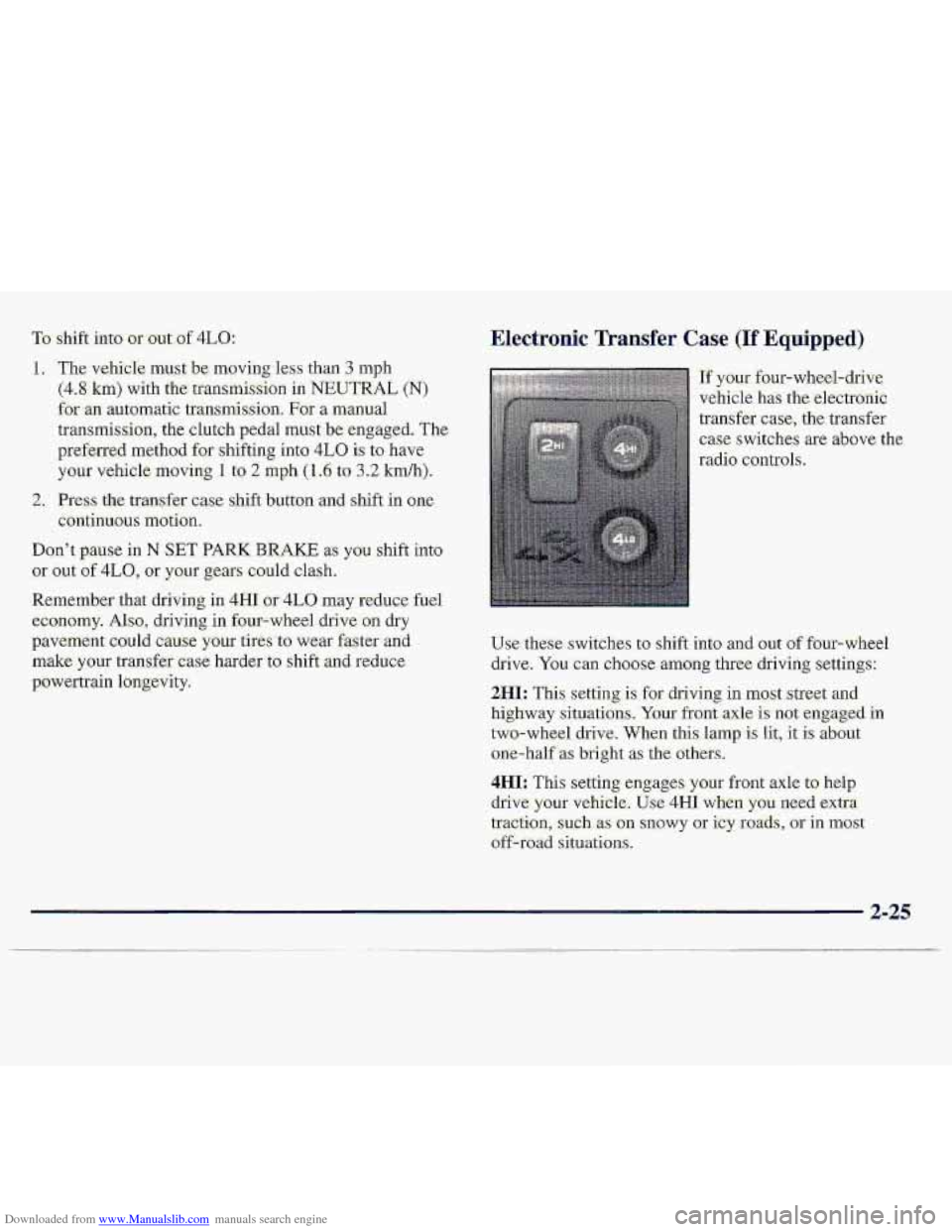
I~y~~~-four-wheel-drive
vehicle
has the electrofiic
transfer
case, the transfer
case switches are above the,
radio controls.
Use these switches to shift into and out of four-wheel
drive.
You can choosea-rmng three driving settings:
2M[: This setting- is for driving in most .street and
highway situatibns ... Your front axle is not engaged in
two-wheel drive. When this. lamp is lit, it is about
orre-half as bright as the Others.
4HI: This setting engages your front axle ta- help
drive,
your vehitk. Use 4Hi when YOU. need extra
traction, such as
on snowy or icy rcmds, or in mast
off-road situations-.
Page 103 of 402
Downloaded from www.Manualslib.com manuals search engine Air Bag. Readiness-L-ight
There is '.an air hag readines.s light on the instrumen-t
panel, which shows A1R.BA.G. The syste.m checks the.
air.
bag's electrical system for malfunction-s. The light
,tells
.you, if thereis -an ekctrical pmbkm. The system
check
ificlndes .the ak bag sensors, the ,air bag. nzQdule,
the wiring. and the diagnostic module. For- more
infcjrmation on the air bag system, s,ee "Air Bag" in
the
Index.
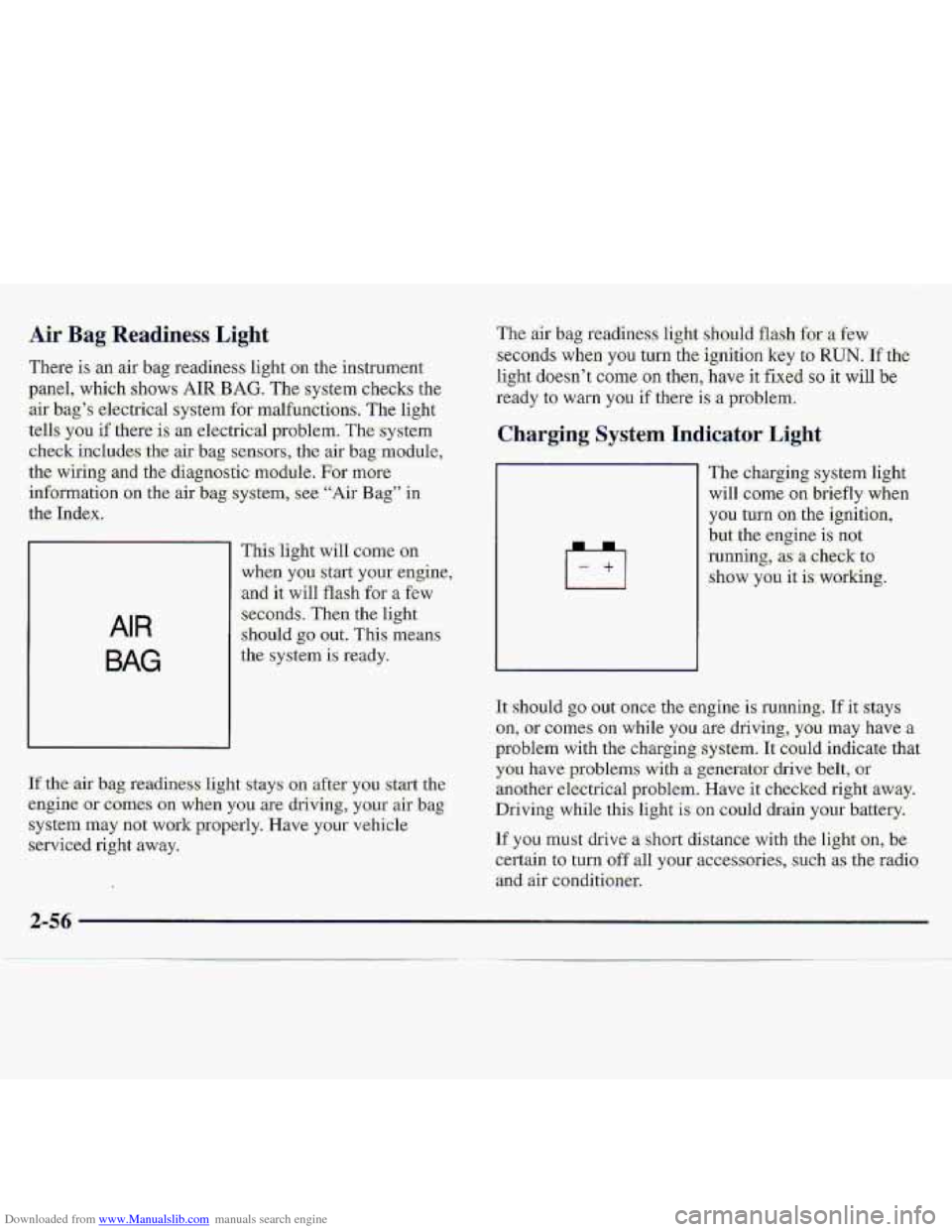
AIR
BAG
'This, light will come on
when you start your engine,
and it will flash for a few
-seconds. Then the light
:should go Out.. This means
,the system is r"eady.
If-tbe air bag readiness light stays on afterylau start the
efi.gine or c.omes on wh&n you are drivingj. yo.ur air bag
s.ystem may not work properly. Have :your vehicle
serviced right away.
The air bag readiness light sho.uid. flash.for a few
seconds when you turn the. ignition key to RUN. If the
light doesn't come
on. then, have it- fixed SO it will be
ready to warn you if there is a problem.
I--i/
The charging system light
will c.ome on briefly when
you turn on the ignition,
but the engine is not
-running, as- ,a cheek to
show -you it is- working.
1t:should go .out once the engine. is Iuming. If it stays
on, or corms on while you are driving; you may have a
problem with the chargigg system. It c'ould. indicate that
you have problems with a generator ,dsive belt, or
%math& ekctrical probIern. Have it checked right away.
Driving whilethis light is. on could drain ,your b.attery.
If you must drive a short distance. with the light an, be,
certain
to turn. off all your wxssories, .such as the radio
adair conditioner.
Page 114 of 402
Downloaded from www.Manualslib.com manuals search engine Section 3 Comfort Controls and Audio Systems
In this section, you’ll find out how to operate the comfort control and audio systems offered with your vehicle; Be
sure to read about the particular systems supplied with your vehicle.
3-2
3 -2
3-3
3-4
3 -4
3 -4
3-5
3 -6
3 -6
3-6
3-6
Comfort Controls
Standard Climate Control System
Optional Climate Control Syste-m
Air Conditioning (Option)
Heating
Ventilation System
Defogging and Defro.sting
Audio Systems Setting the Clock
Setting the Clock for AM-FM Stereo with
Compact Disc- Player and Automatic
Tone Control
AM-FM Stereo
3-8
3-10
3- 13
3-17
3-19
3-19
3-20
3-21
3-21
AM-FM Stereo with Cassette Tape Player
(If Equipped)
AM-FM Stereo with Cassette Tape PlayeT
and
Equalizer (If Equipped)
AM-FM Stereo with Compact Disc Player and
Automatic Tone Control
(if Equipped)
Theft-Deterrent Feature
Understanding Radio Reception
Tips About Your Audio System
Care of Your Cassette Tape Player
Care of Your Compact Discs
Fixed Mast Antenna
3-1
Page 119 of 402
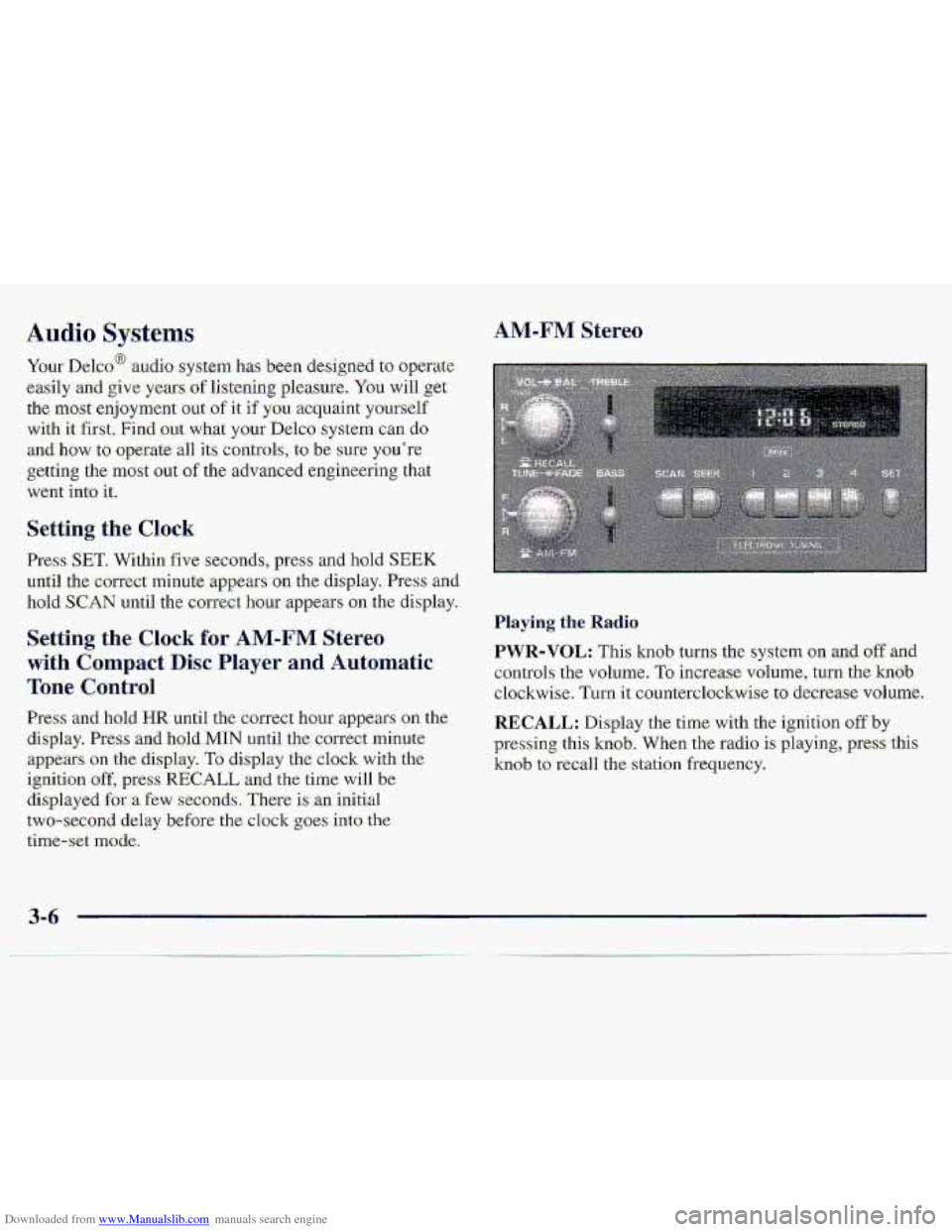
Downloaded from www.Manualslib.com manuals search engine Your Delco@ audio system has -been designed to operate
easily afid give years df 1iste.hg pleasure. You will.,get
the
mast enjoyment out of it if yuu acquaint yourxelf
with It first. Find out what your Delco system can do
and how to operate-all its coatr.ols, to be swe you're
getting the most 0-ut of the advanced erigineerhg that
went into it.
Setting the Clock
Press SET. Within five seconds, press and hold SEEK
uri-ti1 the correct minute appears on the. display. Press and
hoId SCAN -until the ccmect hour appears on the di,splay.
Press and, hold HR until the correct hour appears .on the
display. Press and hold.MIN until the correct minute
appears on the display. To display the clock with the
ignition off, pres-s RECALL and .the time will be
displayed for -a €ew seconds, There is an initial
two-sec-ond
delay before-the clo.ck goes into the
time-set mode.
Playing the .Radio.
PWR-VOL: This knob turns :the system on .and. off -and
controls the
volume. To increase. volulme, turn the hob
clockwise. Turn it counterclockwise to decrease volume.
RECALL: Display the time. with the ignition off by
plxessing this knob. 'When the radio is .playing, press this
knob to red1 the station frequency.
3-6
Page 120 of 402
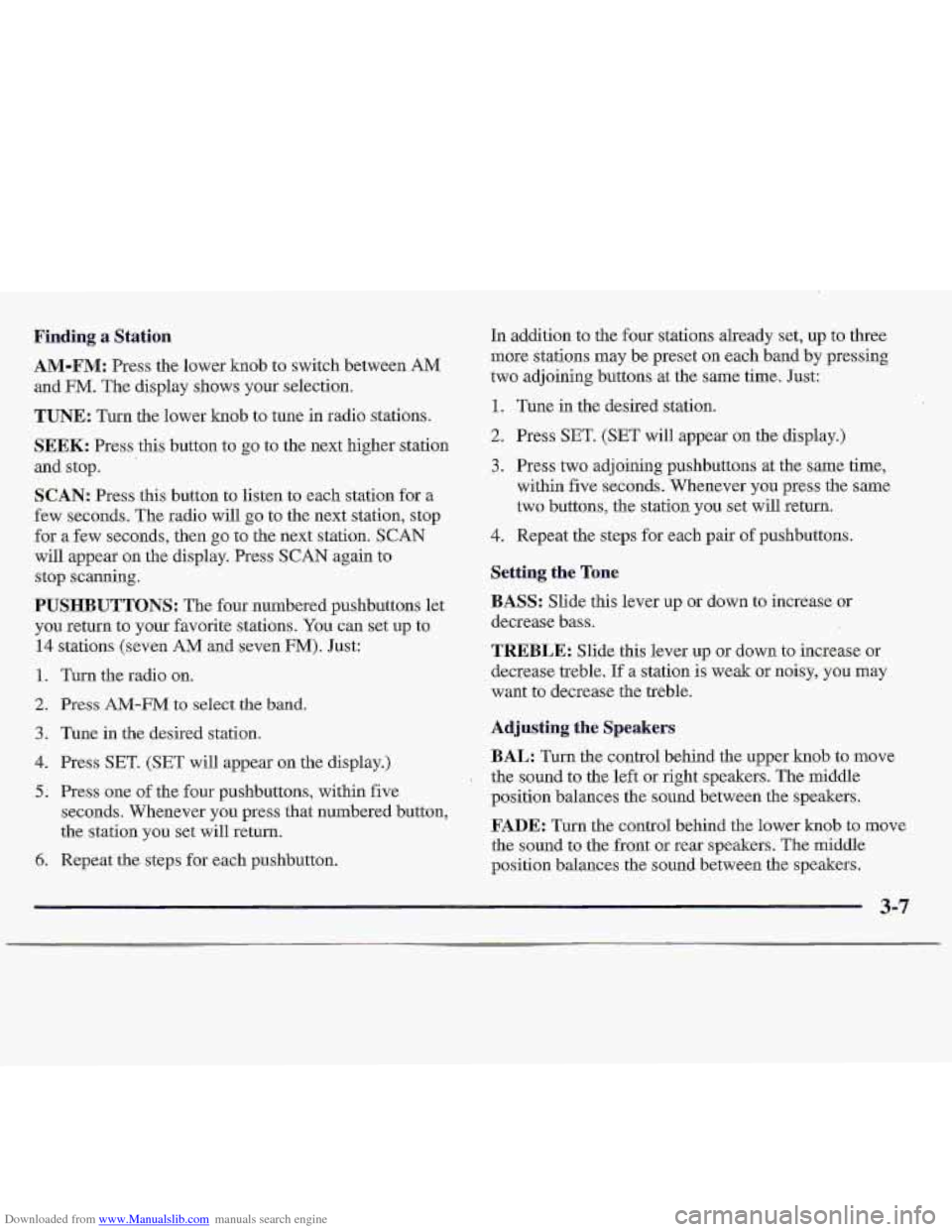
Downloaded from www.Manualslib.com manuals search engine Finding a Station
AM-FM: Press the lower knob to switch between, AM
and FM. The display shows your selection.
TUNE: Turn the lower knob to tune in radio stations.
SEEK: Press this button to go to the next higher station
land stop.
'1 'SCAN: Press this button to listen to. each station for a
few seconds. The fadio will
go to the next station, stop
for a few seconds, then
go to the next station. SCAN
will appear on the display. Press SCAN again to
stop scanning.
PUS.HBUTTONS: The four numbered pushbuttons let
you return to your favorite stations. You can set up to
14 stations (seven AM and seven FM). Fist:
1. Turn the radio on.
2. Press AM-FILI to select the band.
3. Tune in the desired station.
4. Press SET. (SET will appear on the display.)
5. Press one of the four pushbuttons, within five
seconds. Whenever you press that numbered button,
the station
you set will return.
6. Repeat the steps for each pushbutton. In addition
to the-four stations already set, up
to three
more stations may be preset on each band by pressing.
two adjoining buttons at the same time. Just:
1. Tune in the desired station.
2. Press S-ET. (SET will appear on the display.)
3. Press two adjoining pushbuttons at the same time,
within five seconds. Whenever
you press the same
two buttons, the station you set will return.
4. Repeat the steps for each pair of pushbuttons.
Setting the Tone
BASS: Slide this lever up- or down to increase or
decrease bass.
TREBLE: Slide this lever up or down to .increase or
decrease treble.
If a station is weak or noisy, you may
want to decrease the treble.
Adjusting the Speakers
BAL: Turn the control behind the upper knob to move
the sound to the left or right speakers. The middle
position balances the sound between. the speakers.
FADE: Turn the control behind. the lowex knob to move
the sound to the front or rear speakers. The middle
position balances the sound between the speakers.
3-7
Page 121 of 402
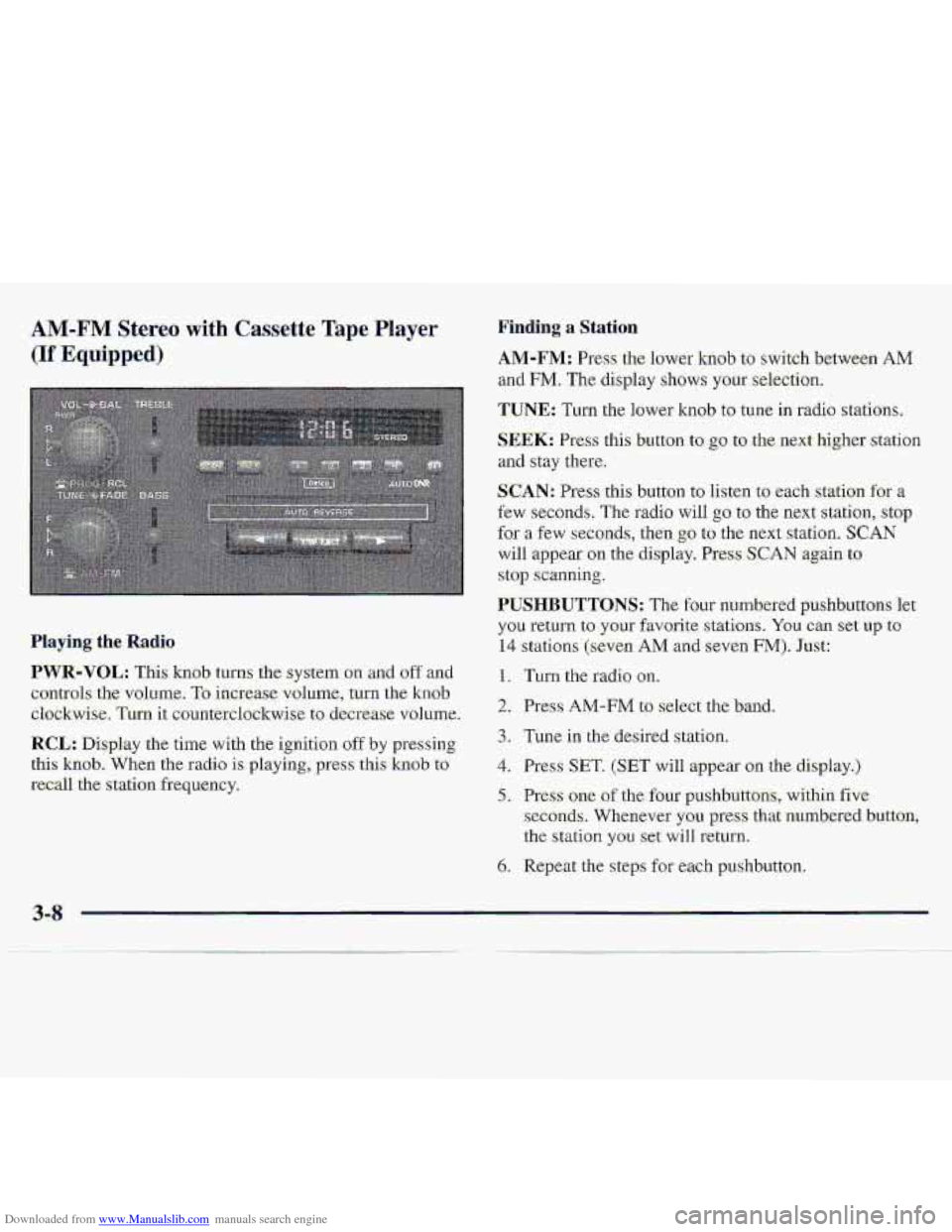
Downloaded from www.Manualslib.com manuals search engine AM-FM Stereo with Cassette Tape Player
(If Equipped)
Finding a Station
.AM-FM: Press the lower knob to switch betwe-en AM
and FM. The display shows your selection.
TUNE: Turn the lower knob to tune in radio stations,
SEEK: Press this button to go to the next higher station
and stay there.
SCAN: Press this button to listen to each station for a
few seconds, The radio will go to the next station, stop
for a few seconds, then go to the ne.xt station. SCAN
will appear on the display. Press SCAN again to
stop scanning.
PUSHBUTTONS: The four numbered p-ushbuttons let
you return to your favorite. stations. You can set up to
14 stations (seven AM and seven FM). Just:
1. Turn the radio on.
2. Press AM-FM to select the band.
3. Tune in the desired slation,
4. Press SET. (SET will appear on the display.)
5. Press one of the four pushbuttons, within five
seconds. Whenever you press that numbered button,
the
stalion you set will return.
6. Repeat the steps for each pushbu.tton.
Playing the Radio
PWR-VOL: This knob turns the system on and off and
controls- the- volume,
To increase volume, turn the knob.
clockwise. Turn it countetclsckwise to. decrease vol~me-.
RCL: Display the time with the ignition off by pressing
thi-s knob. When the radio is playing,.press this knob to
recall the station freq,uency.
3-8
Page 122 of 402
Downloaded from www.Manualslib.com manuals search engine 1. Tune in the desired st.ation.
2. Press SET. (SET will .appear on the display.)
:3. Pres-s two ackjoini~ngpuslibuttixis at.tksame-time,
within
five .s&mds. Whenever you press the s-arne
two butto.ns, the statim yau set will return.
4: Repeat the s~~eps fox each. pair of pushhttons.
Sktting ths Tone
BASS.: $lid.e this lexr upr .down to,-increase or
decrease bass.
TREBLE: Slide this lever up,or down to- increase or
decrease .treble. If a stati0.n is we.& or noisy, y.ou:may
want to decrease the treble.
Playing a Cassette Tape
Your tape player is built to work best with tapes that are
30. to 45 minutes tong 0.n each si-&- Tapes longer than
that are- so thin they may not work well in this player.
Once the tape, is. playing, use the PWR-VOL, BAL Qnd
FADE knobs just as yob do for the radioi A lighted
arrow will-be displayed to show tape play direc.ti;on.
FORWARD: Press the arrow button in the direcrian that
the lighted arrow points to advance qui.c-kly
to another
part of the tape. Press STOP-EECT lightly to-stop
forwarding and play the tape.
REVERSE: Press the arrow button in the cppo.site
direction that the lighted arrow points
to reverse qGckly
to another part of the tape. Press STOP-EJECT lightly
to stop revefsing:and play the tape.
PROG: PESS. this knob to-go from: me si-de of the tape
to the other.
STOP-EJECT Press this button eo re.rnove the tape or
-stop 'phying the. tape ijn .ordet to play'the radio. Lf you
1e;ave a cassette tape in the player while :listening to the,
radio, it may :bec:ome w@m.
FADE: Turn the control behind. the hmL knob to move
the sound to the front or rear speakers. The .middle
position balances the souhd between the speakers.
3.4
Page 123 of 402
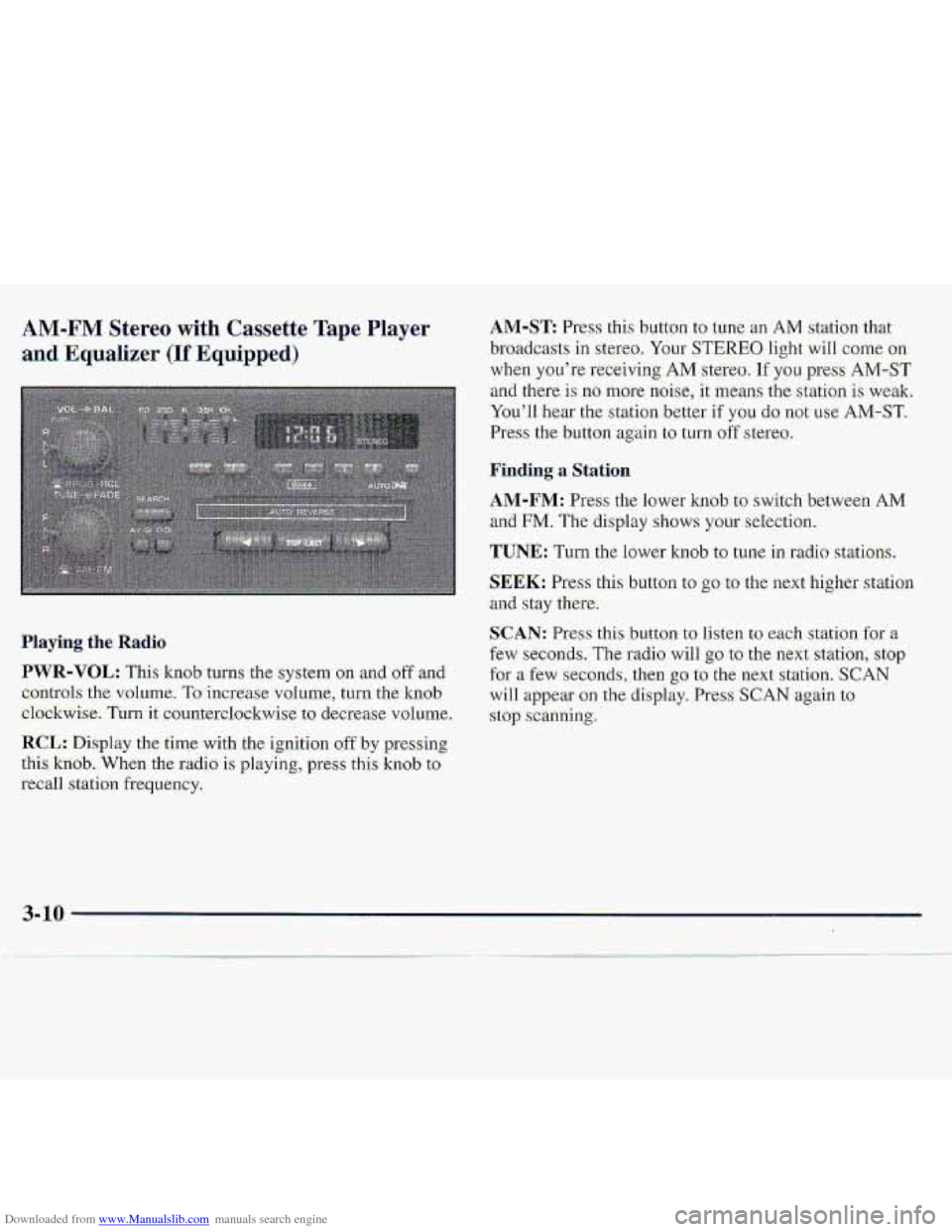
Downloaded from www.Manualslib.com manuals search engine AM-FM Stereo with Cassette Tape Player
and Equalizer (If Equipped)
.Playing the- Radio
PWR-VOL: This knob turns the system on and oftand
c,ontrols
the vnl.ume. To increase volume, turn the knob
el.ockwise. Turnit counterdo-ckwise to decrease v~olurne.
RCL: Disp1.a~ the time with the ignition off by presshg
.this
kxiob. When the r.adio is playing, press this kn0.b to
recall station frequency.
AM-ST Press this button to tune an AM station that
..broadcasts
in ste.reo. Your STEREO. light wiIl come on
when you’re receiving AM stereo. If you press AM-ST
and there- is no more noise, it ‘means the station is weaki
You’ll hear
the st.at.ian bewr if YOU do not use AM-ST.
Press the button again to turn off stereo.
~Firrding a Station
AM-FM: Press the lower knob to switch between AM
and FM. The display shows your selection.
TUNE: Turn the lower knob to tune in .radio stations.
$EEK: Press this button to go to the ne-xt higher station
and stay there.
c,
SCAN: Pr.ess thisbutton to listen to each station fgr a
few seconds. The radio will go to the next statiofl, stop
for a few seconds, then go to the next station. SCAN
will appear-on the display. Press SCAN again to
.stop scanning.
Page 126 of 402
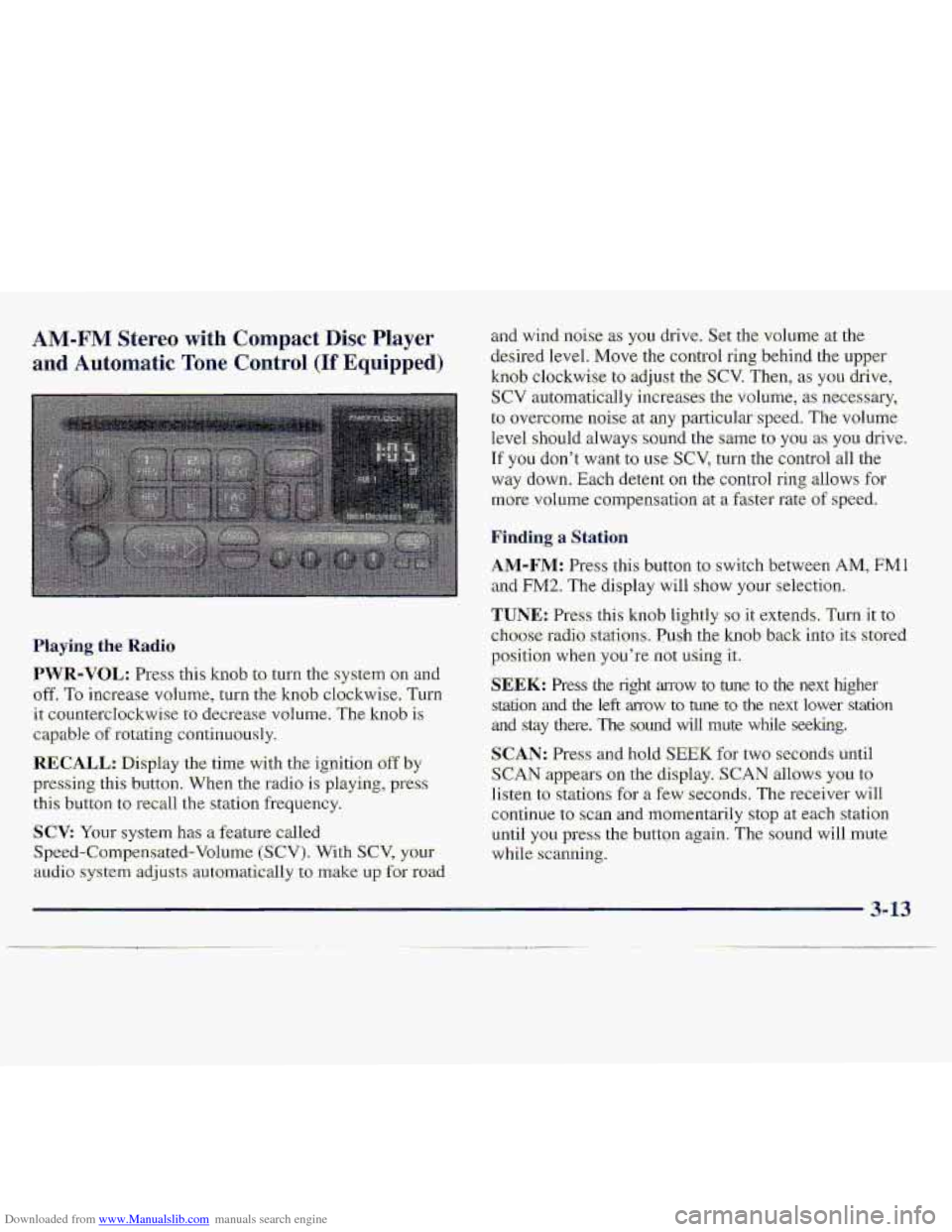
Downloaded from www.Manualslib.com manuals search engine AM-FM Stereo with Compact Disc Player
and Automatic Tone Control (If Equipped)
Haying. the Radio
PWR-VOL: Press: this kmb to turn the system on an-d
off. To increase vohlme, turn the knob clockwise, Turn
it: countercIockwise to decrease volume. The knob is
capable of rotating continuously.
RECALL.: Display the time with the ignition off by
pressing thi-s button. When the radio is playing, press
this button to recall the station frequ.ency.
SCV: Your system has a feature called
Speed-Compensated-Volumc (SCV). With SCV, your
au.cli.0 system adjusts automat-ically t:, make u~,f~r road
and-wind .noise as you drive. Set the volume xthe
desired Ievel.
Move the control ring behind the upper
knob clockwise to adjust the SCV. Then; as you drive,
SCV automatically increases the volume, as necessary,
to overcome- noise at any particular speed. The volume
level
.should always sound the same to you as YOU. drive.
If you don't want to we SCV, turn. the control all the
way down. Each detent on the co.nt1-ol ring allows for
mo.re volume compensatio.n at -a fastm-ate of speed.
Finding a Station
AM-FM: Press this button to swi.tch between AM, FMl
and FM2. The display will show YOLII' selection.
TUNE.: Press this knob lightly so it extends. Turn it to
cho-ose radio. stations. Push the knob- back into its stored
position
when you're not using it..
SEEK: Press the right arrow to tune to the next higher
srdtion and the left mow to tune to the next lower station
and stay there. The sound wfl1 mute while seeking.
SCAN: Pres and hold; SEEK for two seconds until
S,CAN appears on the display. SCAN allows you to
Iisten to stations for a few seconds. The receiver will
continue to scan -and lmmentarily
stop at each station
until
you press the button again. The sound will mute
while.
scanning.
3- 13