lock CHEVROLET S10 1998 User Guide
[x] Cancel search | Manufacturer: CHEVROLET, Model Year: 1998, Model line: S10, Model: CHEVROLET S10 1998Pages: 404, PDF Size: 22.29 MB
Page 73 of 404
.... .. .. ..
.. ..
Theft
YO vehicle is equipped .. with the Passlock
theft-de$errent system.
During normal qeratioq, the SECURITY light will go
off after the- engine i.~ started.
..
2-10
ProCarManuals.com
Page 76 of 404
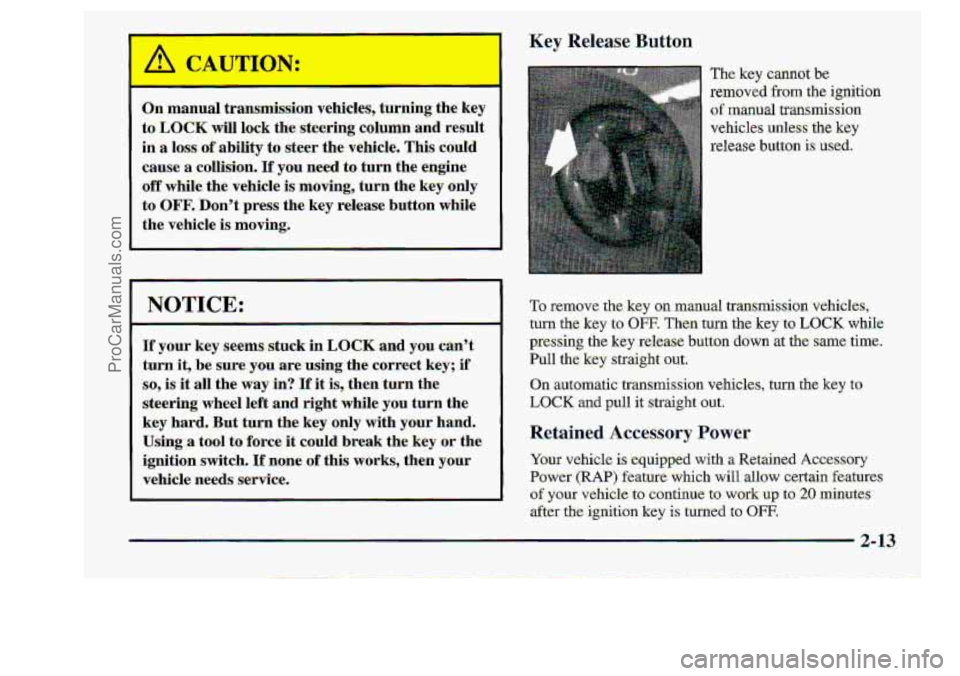
Key Release Button
The: key cannor
removed fkom the Ignmon
of manual transmission
vehicles unless
the key
release
button is used.
'To remove the key on manual transmission.vehicles,
turn the.key
to OFF. Then turn the key to LOCK whge
pressing the keyrelease button down
at the--same time.
Pull' the key straight .out;
On automatic transmission vehicles, turr.the key to
LOCK and pull it strairrht o
Retained Accessa 7 Power
Your vehicle is equipped with a Retained Accessory
Power
(RAP) feature which will -allow certain features.
of your vehicle to continue to work up to 20 minutes
after the. ignition
key is turned to OFF.
2-13.
ProCarManuals.com
Page 92 of 404
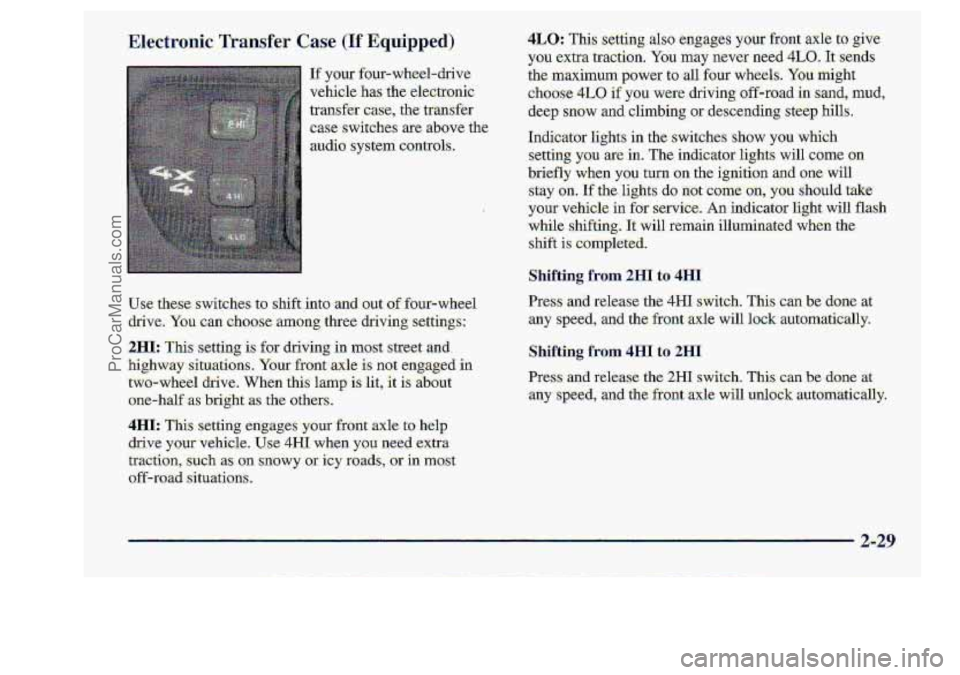
If your four-wheel-drive
vehicle
has the .electronic
traWer
case, the transfer
.case switches are above the,
audio. system controls.
use these switches tg shift. into 1 x Qut: of four-wheel
drive.
You can choose among.three driving settings:
2HI: Thk setting is for driving in most street and.
highw3ay-situatians-. Your front..alcle
is not engaged .in
two-wheel drive. When this lamp i:s lit, it is about
one-half
as .bright :as the others
4IsI: This setting--eng.ages y:om front axle. to help
drive y'ourvehicle. U.se 4H1 when you, need .extra
tractim,
such as on snowy .. or icy goads, or in mast
off-road .situati.ons.
4LO: TI setting also eagageS your %r.ont .axle to ,give
you extra traction. You mhy never. need. 4LO. -1t:s:nds
the maximum-pawer to -all four wheels. Y0.u. milght
choose 4L0, if you were clmving sff+oad in..sand, mud,
-deep snow and climbing mdescending steep hllls..
Indicator lights
in the- switches sh0.w you which
-setting you arein. The indicqtoelights will came on
briefly when you turn on the. ignition and .one will
-stay -on.
If thelights do not come-.on, you should take
-your vehicle in for servke. -Anindicator light will flash
while shifting. 1t:will remain illurninat when the
shift
is completed.
Shifting from 2HI to 4HI
ILr=ss cUld tdease the; 4H1 switch. This cm.be~d~rne at
any speed, and the front axle will lo.& automatically.
Shifting from 4HI to 2HI
Press and release the 2HI switc.h.. This can be..,done at
:any speed, and the' front ,axle will unlock -automatically.
ProCarManuals.com
Page 98 of 404
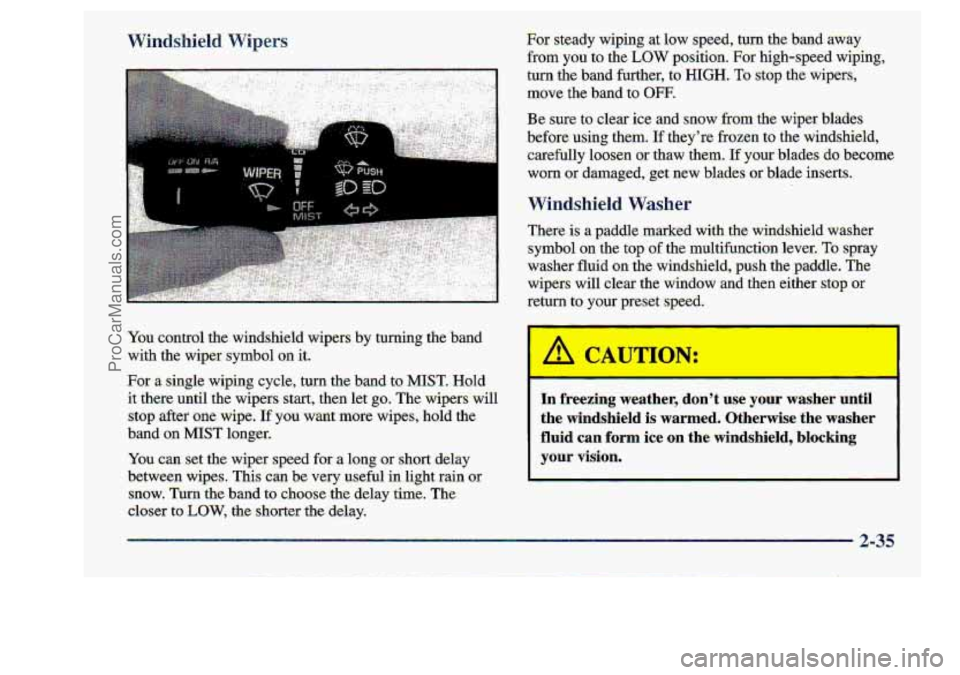
You control the windshield wipers by turning the band
with the wiper symbol an it.
For a single wiping cycle, turn the band t~ MIST. Hold
it there until the wip.ers start,^ then let go. The wipers will
stop after one wipe. If you warit more wip&, .hold the
band- on MIST longer.
You can set the-wiper speed for a long or shortdelay
ktween wipes.. This cw be very useful in light rain of
snow. Turn the band to: choose the delay time. The
closer to .LOW, the .shorter the -delay.
r
In fireezilng weather, .don’t use your washer until
the windshield is warmed. Otherwise the. washer
fluid .can form ice on the. windshield, blocking
.your vision.
I
ProCarManuals.com
Page 126 of 404
Security WarniTlg Light Service 4WD Light
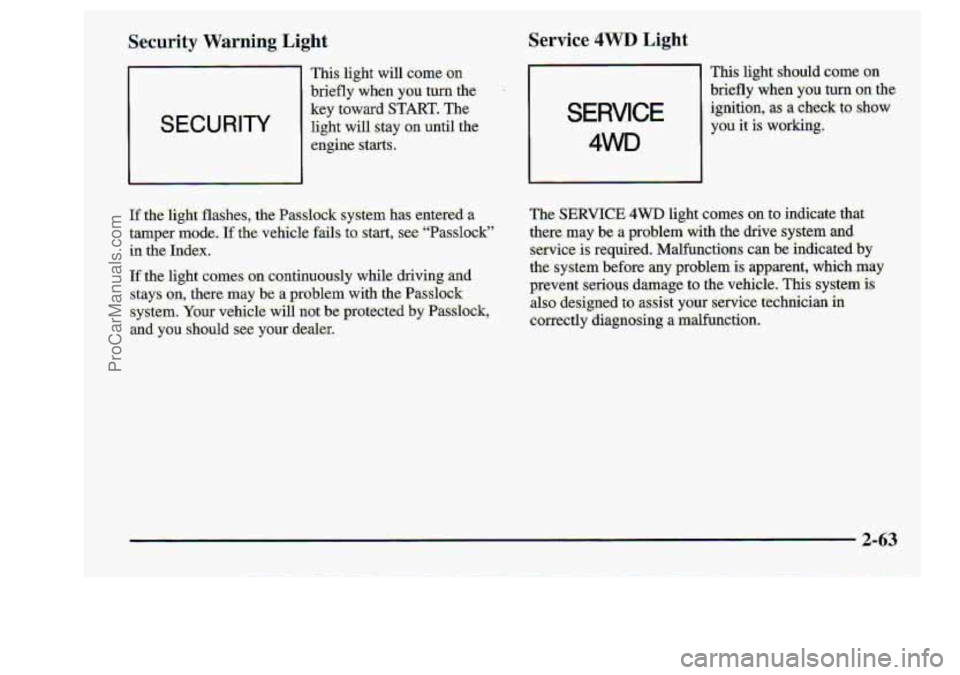
This. Iight w1u mme on
-briefly. when you turn the
SECURITY 1
key toward START. The
light will. stay on until the
I
engine starts.
If the light flashes, .the PaSslc sy :m nas enxerea a
tamper mode. If the ve.hic1.e faus to. start, see “Passlock”
in the Index?
If the light comes. ,on.-continu.ously while driving and
stays
qn, there may be a problem with the Pass1oc;k
s,ystem. Your :vehicle will-not be protected by PassSIock,
and yuu ghould see yuur dealer,
SERVICE
4WD
This li.ght should ‘come on
briefly when you~turn -00 the
ignition, :as a check to-show
you it is working,
ProCarManuals.com
Page 135 of 404
1
It
I
Audio Systems
Your DeIco Electtonics--audio system. has been.designed
to operate-easily
.and give years of listening -pleasure.
You..wilJ
get the rnost-.enjoyment out of it if you acquaint:
yot@se€f with it first,. Find out what your Delco
Elec.tmnics system cm,do-and how to operate all its
:controls; t.o be sure y.ou're getting the most out OP the
a&anced engineering that went into it..
AM-FM Stereo
.Setting the. Clock for Systems without
Autowtic Tone. Control
.Setting the Clock for Systems with
Autonmt~ic Tone Contr.0.l
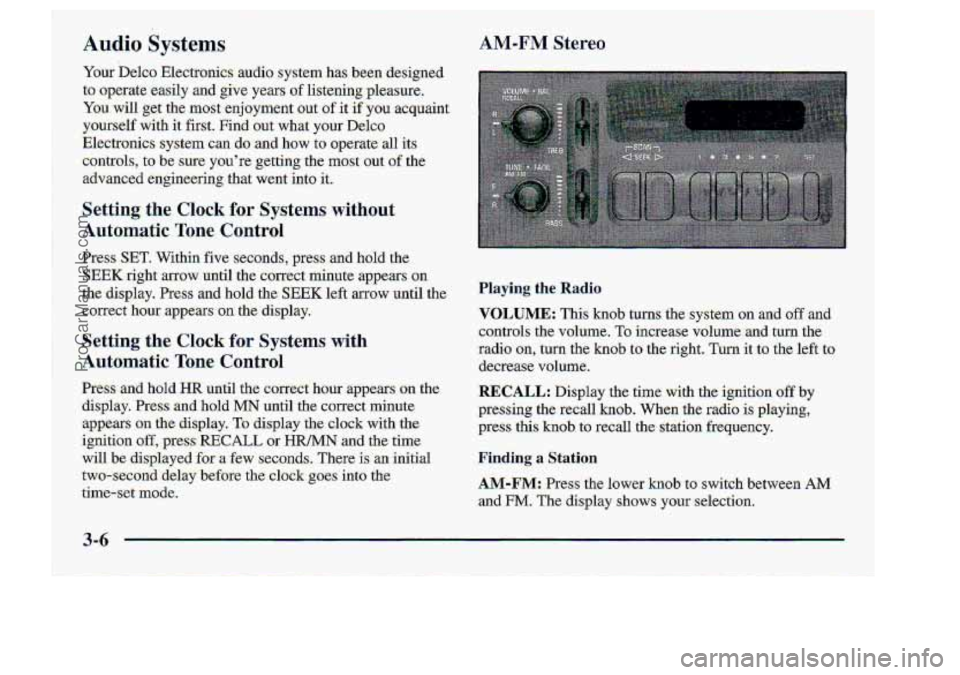
cantrols the volu.me. To increase volume and turn. the
.radio-on, turn the knob tQ.th@,riglg., It tci the left to
decrease volume.
-Preg~ and.hold=HR until the correct hou? appears CM the.
..display. Pses-s and'hold MN until the correct minute
-appe-ars
on the display. Tu display the clock with the.
ignition
off,.press-RECALL or HR/MN and the time
will be :displayed
far a few se~c=cmd.$.. There is -an initial
two-secoird
:delay before the c10& goes into the
tim.e-set-:m&de.
RECALL: Display.the.tim& with the ignition off by
pressing the-recall
hob. When .the radio is .playing9
,press this knob. to recall the station fieequency.
Finding. a Station
AM-F" Press the lower knob to.-switch between AM
-and EM. The- display shows your selectition.
ProCarManuals.com
Page 152 of 404
To unlock a secured radio, see “Unlocking the’
Theft-Dtt Feature
.After a Power Loss7’ earller
in this section.
-Understanding. Radio Reception
To. help avoid hearmg
Adjust the volume. control to the lowest setting.
Increase volume slowly -.until yowhear comfortably
and clearly.
AM
The range for most AM stations is :greater than for FM,
espe&ky tit night; The longer raqge, hawever, can
c.ause sta~ons t.o.interfere with .each ather. AM .canpick
up noise from things 1ike:storms and power lines. Try
reducing the treble to reduce :this noise if you ever get it.
FMSteseo
I NOTICE:
ProCarManuals.com
Page 162 of 404
Anti-L0c.k Brakes (ABS)
Your vehicle has anti-lock bfakes..(ABS). ABS is an
advanced. electronic braking
system that :will help
prevent a braking: skid.
When you start your engine. and begin to drive away;
yaw anti-lock brake syxiem. will check itself. You may
he’& a-momentary motor or c1icking noise whikthis test;
is goi on. This is-nomal.
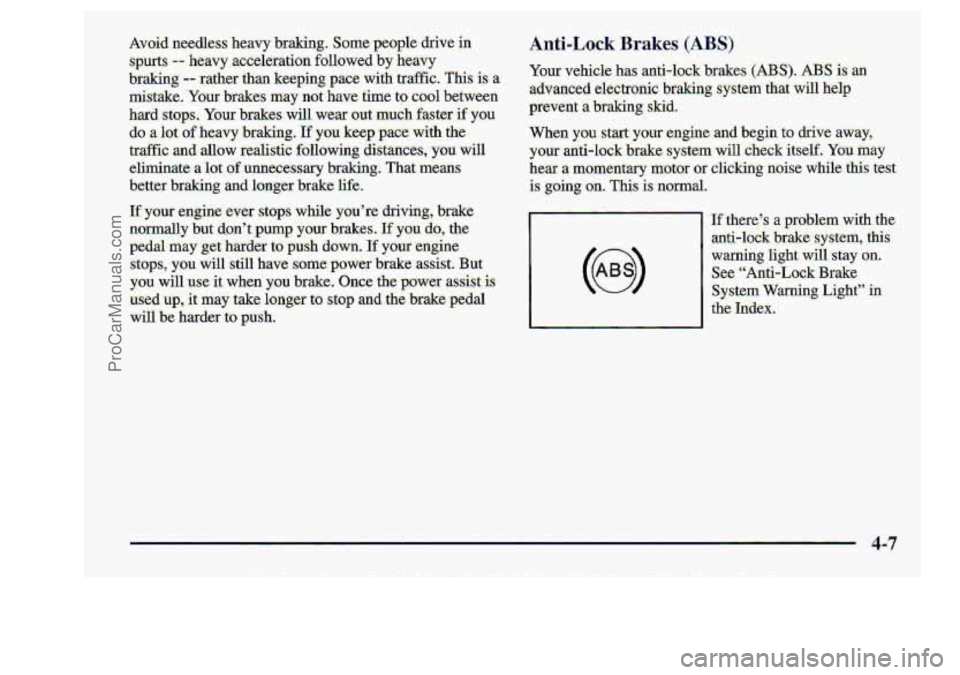
I€,there.’s a problem with the
mti-lock
brake system, this
warfiing light -will :stay 13wr.
System. Warning Light’%
the
Index.
I See. “Anti-Lo-ckBrake
ProCarManuals.com
Page 163 of 404
I
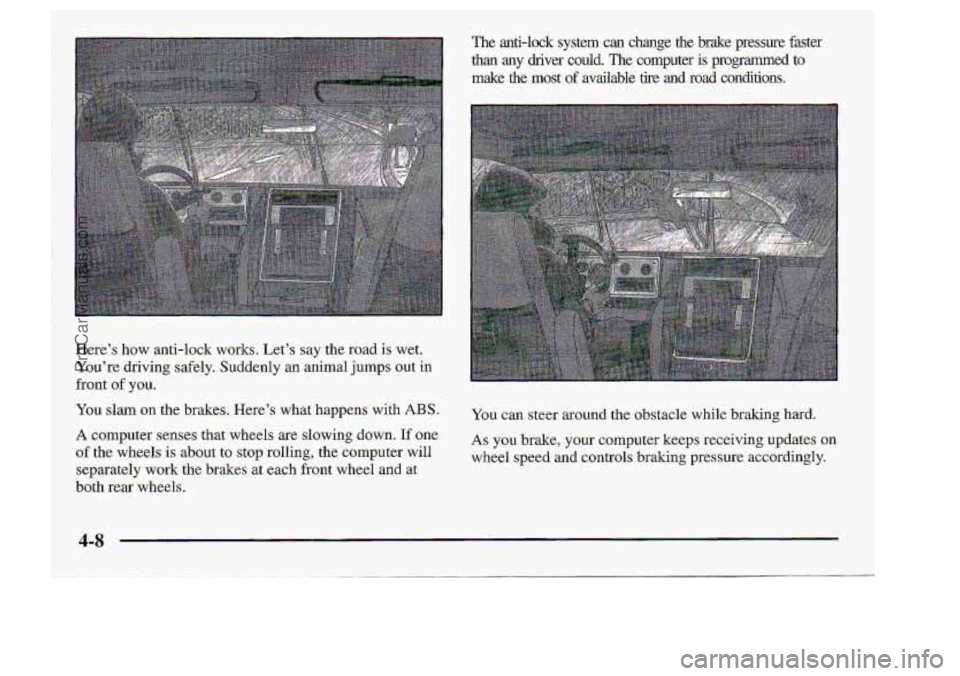
Here's how anti-lock works. Let's say the road is wet.
You're driving: safely. Suddenly an animal jumps out in
You slam on the brakes. Here's what happens .with ABS.
A computer-senses that wheels are slowing down. If'one,
of the wheels is about to stop. r.olling,. the-compter will
separately work the brakes. at .each- front wheel and at
both. rear -wheels.
front
of you.
_.. .
The anti-lock system can change.the brake pressure faster
than any driver could. The .computer is-programmed to
make the most o€'mailable tire .mil road conditions.
You can steer around the obstacle while braking hard,
AS you brake, your computer keeps receiving updates on
wheel speed and ~ontrols braking pressur.e accordingly.
t
ProCarManuals.com
Page 229 of 404
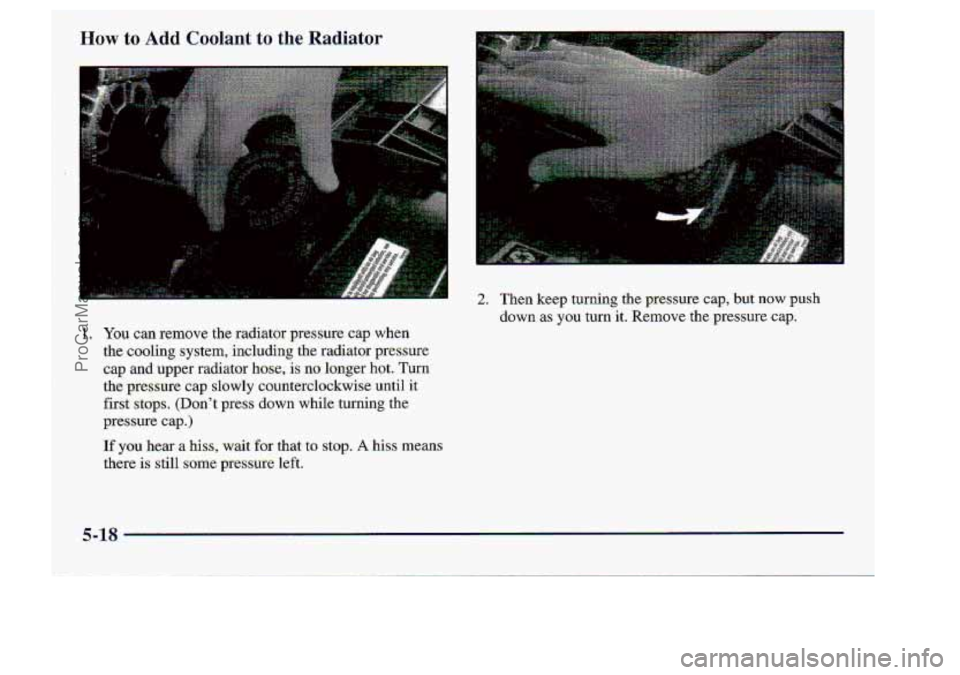
How to Add Coolant to the Radiator
1. You can remove the radiator pressure. cap when
the
caoling system,. including the rachator pressure
cap
and upper radiator haw; is no longer hot. Turn
the
pressuice cap slowly counterclockwise until it
first stops. (Don't press down while turning the
pgessure cap.)
If you hem a hiss, wait for that .to stop. A .hiss means
there
is still s-ome pressme left.
2. Then keep turning.the.pressure cap,.but now push
down as
you turn it. Remove the pressure cap.
5-18
i
!
ProCarManuals.com