keyless CHEVROLET SILVERADO 2005 1.G User Guide
[x] Cancel search | Manufacturer: CHEVROLET, Model Year: 2005, Model line: SILVERADO, Model: CHEVROLET SILVERADO 2005 1.GPages: 580, PDF Size: 3.44 MB
Page 231 of 580
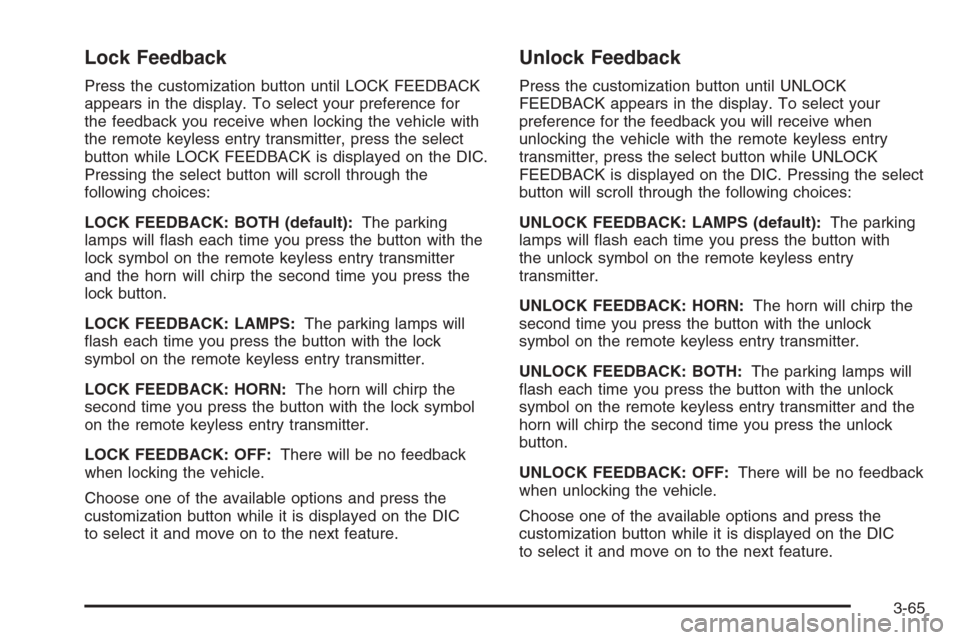
Lock Feedback
Press the customization button until LOCK FEEDBACK
appears in the display. To select your preference for
the feedback you receive when locking the vehicle with
the remote keyless entry transmitter, press the select
button while LOCK FEEDBACK is displayed on the DIC.
Pressing the select button will scroll through the
following choices:
LOCK FEEDBACK: BOTH (default):The parking
lamps will ash each time you press the button with the
lock symbol on the remote keyless entry transmitter
and the horn will chirp the second time you press the
lock button.
LOCK FEEDBACK: LAMPS:The parking lamps will
ash each time you press the button with the lock
symbol on the remote keyless entry transmitter.
LOCK FEEDBACK: HORN:The horn will chirp the
second time you press the button with the lock symbol
on the remote keyless entry transmitter.
LOCK FEEDBACK: OFF:There will be no feedback
when locking the vehicle.
Choose one of the available options and press the
customization button while it is displayed on the DIC
to select it and move on to the next feature.
Unlock Feedback
Press the customization button until UNLOCK
FEEDBACK appears in the display. To select your
preference for the feedback you will receive when
unlocking the vehicle with the remote keyless entry
transmitter, press the select button while UNLOCK
FEEDBACK is displayed on the DIC. Pressing the select
button will scroll through the following choices:
UNLOCK FEEDBACK: LAMPS (default):The parking
lamps will ash each time you press the button with
the unlock symbol on the remote keyless entry
transmitter.
UNLOCK FEEDBACK: HORN:The horn will chirp the
second time you press the button with the unlock
symbol on the remote keyless entry transmitter.
UNLOCK FEEDBACK: BOTH:The parking lamps will
ash each time you press the button with the unlock
symbol on the remote keyless entry transmitter and the
horn will chirp the second time you press the unlock
button.
UNLOCK FEEDBACK: OFF:There will be no feedback
when unlocking the vehicle.
Choose one of the available options and press the
customization button while it is displayed on the DIC
to select it and move on to the next feature.
3-65
Page 232 of 580
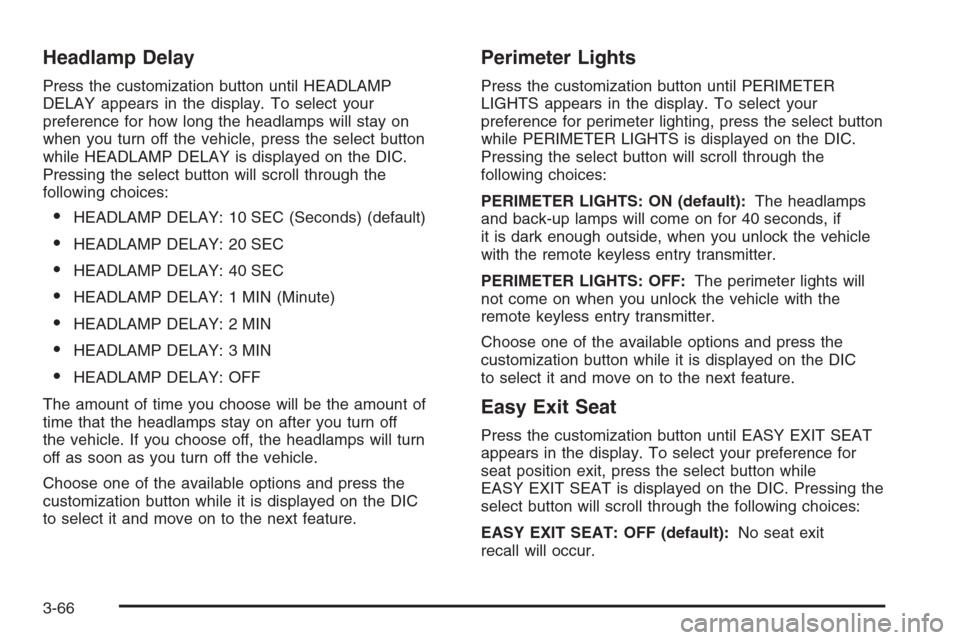
Headlamp Delay
Press the customization button until HEADLAMP
DELAY appears in the display. To select your
preference for how long the headlamps will stay on
when you turn off the vehicle, press the select button
while HEADLAMP DELAY is displayed on the DIC.
Pressing the select button will scroll through the
following choices:
HEADLAMP DELAY: 10 SEC (Seconds) (default)
HEADLAMP DELAY: 20 SEC
HEADLAMP DELAY: 40 SEC
HEADLAMP DELAY: 1 MIN (Minute)
HEADLAMP DELAY: 2 MIN
HEADLAMP DELAY: 3 MIN
HEADLAMP DELAY: OFF
The amount of time you choose will be the amount of
time that the headlamps stay on after you turn off
the vehicle. If you choose off, the headlamps will turn
off as soon as you turn off the vehicle.
Choose one of the available options and press the
customization button while it is displayed on the DIC
to select it and move on to the next feature.
Perimeter Lights
Press the customization button until PERIMETER
LIGHTS appears in the display. To select your
preference for perimeter lighting, press the select button
while PERIMETER LIGHTS is displayed on the DIC.
Pressing the select button will scroll through the
following choices:
PERIMETER LIGHTS: ON (default):The headlamps
and back-up lamps will come on for 40 seconds, if
it is dark enough outside, when you unlock the vehicle
with the remote keyless entry transmitter.
PERIMETER LIGHTS: OFF:The perimeter lights will
not come on when you unlock the vehicle with the
remote keyless entry transmitter.
Choose one of the available options and press the
customization button while it is displayed on the DIC
to select it and move on to the next feature.
Easy Exit Seat
Press the customization button until EASY EXIT SEAT
appears in the display. To select your preference for
seat position exit, press the select button while
EASY EXIT SEAT is displayed on the DIC. Pressing the
select button will scroll through the following choices:
EASY EXIT SEAT: OFF (default):No seat exit
recall will occur.
3-66
Page 573 of 580
Hill and Mountain Roads..................................4-42
HomeLink®Wireless Control System..................2-70
HomeLink®Wireless Control System Operation.....2-71
Hood
Checking Things Under................................5-12
Release.....................................................5-13
Horn ............................................................... 3-6
How to Use This Manual...................................... ii
How to Wear Safety Belts Properly...................1-15
Hydraulic Clutch.............................................5-34
I
Ignition Positions.............................................2-22
Infants and Young Children, Restraints...............1-32
Ination -- Tire Pressure..................................5-80
Instrument Panel
Overview..................................................... 3-4
Instrument Panel (I/P)
Brightness..................................................3-17
Cluster.......................................................3-32
J
Jump Starting.................................................5-52
K
Keyless Entry System....................................... 2-5
Keys............................................................... 2-3
L
Labelling, Tire Sidewall....................................5-74
Lamps
Auxiliary Roof Mounted Lamp........................3-17
Cargo........................................................3-19
Dome ........................................................3-17
Dome Lamp Override...................................3-18
Fog ...........................................................3-16
Front Reading.............................................3-18
LATCH System
Child Restraints...........................................1-45
Securing a Child Restraint Designed for
the LATCH System...................................1-47
Latches, Seatback............................................ 1-8
Light
Airbag Off..................................................3-34
Airbag Readiness........................................3-34
Anti-Lock Brake System Warning...................3-41
Battery Warning..........................................3-38
Brake System Warning.................................3-40
Cruise Control.............................................3-47
Four-Wheel-Drive.........................................3-48
7
Page 577 of 580
Recreational Vehicle Towing.............................4-63
Remote Keyless Entry System............................ 2-5
Remote Keyless Entry System, Operation............ 2-6
Removing the Flat Tire and Installing the
Spare Tire..................................................5-96
Removing the Spare Tire and Tools...................5-92
Replacement Bulbs.........................................5-71
Reporting Safety Defects
Canadian Government..................................7-11
General Motors...........................................7-11
United States Government............................7-10
Restraint System Check
Checking the Restraint Systems....................1-79
Replacing Restraint System Parts
After a Crash..........................................1-80
Retained Accessory Power (RAP)......................2-23
Right Front Passenger Position, Safety Belts......1-23
Roadside
Assistance Program....................................... 7-6
Rocking Your Vehicle to Get it Out....................4-48
Running the Engine While Parked.....................2-56
S
Safety Belt
Reminder Light............................................3-33
Safety Belts
Care of ....................................................5-116
Center Passenger Position............................1-23Safety Belts (cont.)
Driver Position............................................1-15
How to Wear Safety Belts Properly................1-15
Questions and Answers About
Safety Belts.............................................1-14
Rear Safety Belt Comfort Guides...................1-27
Rear Seat Passengers.................................1-24
Right Front Passenger Position......................1-23
Safety Belt Extender....................................1-29
Safety Belt Use During Pregnancy.................1-22
Safety Belts Are for Everyone.......................1-10
Safety Warnings and Symbols.............................. iii
Scheduled Maintenance..................................... 6-4
Seatback Latches............................................. 1-8
Seats
Head Restraints............................................ 1-7
Heated Seats............................................... 1-5
Manual........................................................ 1-3
Memory .....................................................2-79
Power Lumbar .............................................. 1-4
Power Seats................................................. 1-4
Rear Seat Operation...............................1-8, 1-9
Reclining Seatbacks...................................... 1-6
Seatback Latches.......................................... 1-8
Secondary Latch System................................5-105
Securing a Child Restraint
Center Front Seat Position............................1-51
Center Rear Seat Position............................1-49
Designed for the LATCH System...................1-47
11