brakes CHEVROLET SILVERADO 2007 1.G Owners Manual
[x] Cancel search | Manufacturer: CHEVROLET, Model Year: 2007, Model line: SILVERADO, Model: CHEVROLET SILVERADO 2007 1.GPages: 684, PDF Size: 3.4 MB
Page 143 of 684
This shift stabilization feature is designed to
determine, before making an upshift, if the engine
is able to maintain vehicle speed by analyzing
things such as vehicle speed, throttle position, and
vehicle load. If the shift stabilization feature
determines that a current vehicle speed cannot be
maintained, the transmission does not upshift
and instead holds the current gear. In some cases,
this could appear to be a delayed shift, however
the transmission is operating normally.
Your vehicle’s transmission uses adaptive shift
controls. Adaptive shift controls continually
compares key shift parameters to pre-programmed
ideal shifts stored in the transmissions computer.
The transmission constantly makes adjustments to
improve vehicle performance according to how the
vehicle is being used, such as with a heavy load or
when temperature changes. During this adaptive
shift control process, shifting might feel different as
the transmission determines the best settings.When temperatures are very cold, the Allison
Transmission®and Hydra-Matic®6-Speed
transmission’s gear shifting could be delayed
providing more stable shifts until the engine warms
up. Shifts could be more noticeable with a cold
transmission. This difference in shifting is normal.
MANUAL MODE (M):This position, is available
on vehicles with the Allison Transmission
®or
Hydra-Matic®6-Speed transmission. It lets drivers
select the range of gears appropriate for current
driving conditions. If your vehicle has this feature,
see Range Select Mode (Allison Transmission
®
or Hydra-Matic®6-Speed transmission) later in this
section.
THIRD (3):This position is also used for normal
driving. It reduces vehicle speed more than
DRIVE (D) without using the brakes. You might
choose THIRD (3) instead of DRIVE (D) when
driving on hilly, winding roads, when towing
a trailer, so there is less shifting between gears
and when going down a steep hill.
143
Page 144 of 684
SECOND (2):This position reduces vehicle speed
even more than THIRD (3) without using your
brakes. You can use SECOND (2) on hills. It can
help control your speed as you go down steep
mountain roads, but then you would also want to
use the brakes off and on.
If you manually select SECOND (2) in an
automatic transmission, the transmission will start
in second gear. You can use this feature for
reducing the speed of the rear wheels when you
are trying to start your vehicle from a stop on
slippery road surfaces.
FIRST (1):For the Hydra-Matic
®4-Speed
transmission this position reduces vehicle speed
even more than SECOND (2) without using
the brakes. You can use it on very steep hills, or
in deep snow or mud. If the shift lever is put
in FIRST (1) while the vehicle is moving forward,
the transmission does not shift into rst gear
until the vehicle is going slowly enough.For an Allison Transmission
®or Hydra-Matic®
6-Speed transmission, this position reduces
vehicle speed without using your brakes. You can
use it for major/severe downgrades and off-road
driving where the vehicle would otherwise
accelerate due to steepness of grade. When you
shift to FIRST (1) it provides the lowest gear
appropriate to your current road speed and
continues to downshift as the vehicle slows,
eventually downshifting to FIRST (1) gear.
Notice:Spinning the tires or holding the
vehicle in one place on a hill using only the
accelerator pedal may damage the
transmission. The repair will not be covered by
your warranty. If you are stuck, do not spin
the tires. When stopping on a hill, use the
brakes to hold the vehicle in place.
144
Page 146 of 684
Grade Braking is not available when the Range
Selection Mode is active. SeeTow/Haul Mode on
page 146
While using the Range Selection mode feature,
cruise control and the Tow/Haul mode can
be used.
Notice:Spinning the tires or holding the
vehicle in one place on a hill using only the
accelerator pedal may damage the
transmission. The repair will not be covered by
your warranty. If you are stuck, do not spin
the tires. When stopping on a hill, use the
brakes to hold the vehicle in place.
Low Traction Mode
If your vehicle has the Allison Transmission®,or
the Hydra-Matic®6-Speed Automatic
Transmission, it has a Low Traction Mode that
assist in vehicle acceleration when road conditions
are slippery, such as with ice or snow. While
the vehicle is at a stop, select the second gear
range using the Range Selection system. This will
limit torque to the wheels after it detects wheel
slip, preventing the tires from spinning.
Tow/Haul Mode
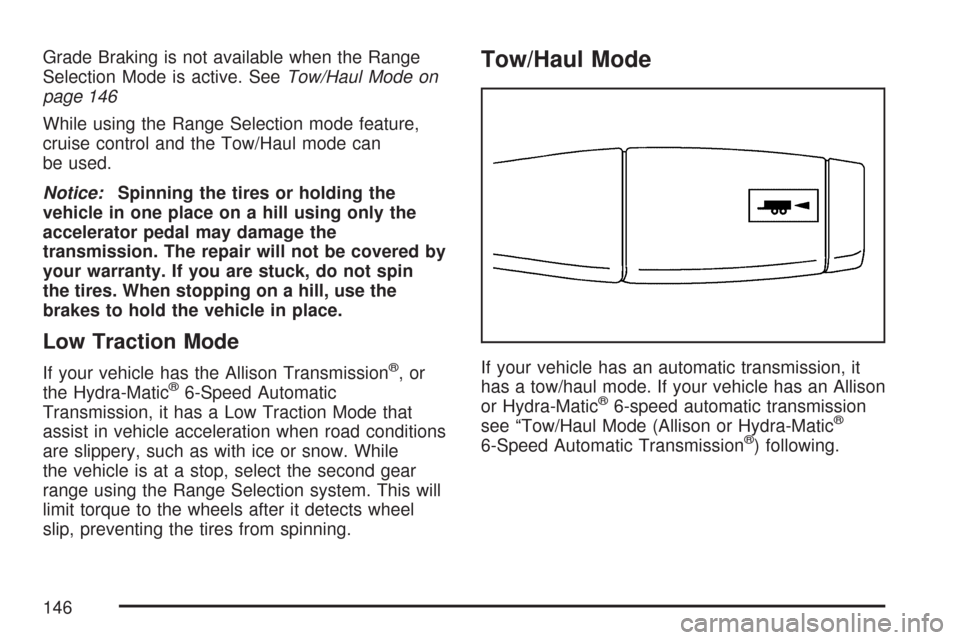
If your vehicle has an automatic transmission, it
has a tow/haul mode. If your vehicle has an Allison
or Hydra-Matic
®6-speed automatic transmission
see “Tow/Haul Mode (Allison or Hydra-Matic®
6-Speed Automatic Transmission®) following.
146
Page 167 of 684
Torque Lock
If you are parking on a hill and you do not shift
your transmission into PARK (P) properly,
the weight of the vehicle may put too much force
on the parking pawl in the transmission. You
may nd it difficult to pull the shift lever out
of PARK (P). This is called torque lock. To prevent
torque lock, set the parking brake and then shift
into PARK (P) properly before you leave the
driver’s seat. To nd out how, seeShifting Into
Park (P) on page 165.
When you are ready to drive, move the shift lever
out of PARK (P) before you release the parking
brake.
If torque lock does occur, you may need to have
another vehicle push yours a little uphill to
take some of the pressure from the parking pawl
in the transmission, then you will be able to
pull the shift lever out of PARK (P).
Shifting Out of Park (P)
Your vehicle has an automatic transmission shift
lock control system which locks the shift lever
in PARK (P) when the ignition is in the LOCK. You
have to fully apply your regular brakes before
you can shift from PARK (P) when the ignition is
in RUN. SeeAutomatic Transmission Operation on
page 140.
If you cannot shift out of PARK (P), ease pressure
on the shift lever and push the shift lever all the
way up into PARK (P) as you maintain brake
application. Move the shift lever into another gear.
167
Page 220 of 684
Cruise Control
{CAUTION:
Cruise control can be dangerous where
you cannot drive safely at a steady speed.
So, do not use your cruise control on
winding roads or in heavy traffic.
Cruise control can be dangerous on
slippery roads. On such roads, fast
changes in tire traction can cause
excessive wheel slip, and you could lose
control. Do not use cruise control on
slippery roads.
With cruise control, you can maintain a speed of
about 25 mph (40 km/h) or more without
keeping your foot on the accelerator. This can
really help on long trips. Cruise control does not
work at speeds below about 25 mph (40 km/h).
When you apply your brakes, cruise control
is turned off.If your vehicle has an Allison
®automatic
transmission, see “Grade Braking and Cruise
Grade Braking (Allison Transmission
®) under
Tow/Haul Mode on page 146for an explanation of
how cruise control interacts with the Range
Selection Mode, tow/haul and grade braking
systems.
If your vehicle has the StabiliTrak
®™ system and
begins to limit wheel spin while you are using
cruise control, the cruise control will automatically
disengage. SeeStabiliTrak
®System on
page 384. When road conditions allow you to
safely use it again, you may turn the cruise control
back on.
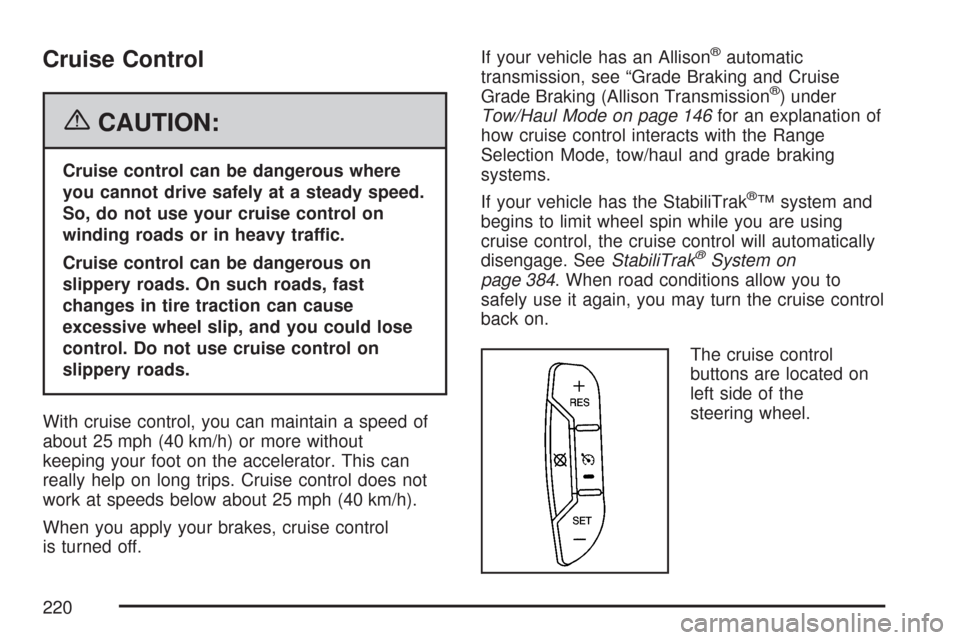
The cruise control
buttons are located on
left side of the
steering wheel.
220
Page 233 of 684
When the System Does Not Seem to
Work Properly
If the URPA system will not activate due to a
temporary condition, the message PARK ASSIST
OFF will be displayed on the DIC screen and a
red light will come on the URPA display when the
shift lever is moved into REVERSE (R). This
occurs under the following conditions:
The driver disables the system.
The parking brake pedal is depressed.
A trailer was attached to your vehicle, or a
bicycle or an object was hanging out of your
trunk during your last drive when you turned off
the vehicle. If the attached objects are removed
from your vehicle before the start of your next
drive, the system will return to normal operation
unless an object is detected when the vehicle is
shifted into REVERSE (R). If this occurs, URPA
assumes the object is still attached, so you will
have to wait until the vehicle is driven forward
above 15 mph (25 km/h) before URPA will
return to normal operation.
The ultrasonic sensors are not kept clean. So,
be sure to keep your vehicle’s rear bumper free
of mud, dirt, snow, ice, and slush. For cleaning
instructions, seeWashing Your Vehicle on
page 605. If the DIC still displays the PARK
ASSIST OFF message after cleaning the
bumper and driving forward at a speed of at
least 15 mph (25 km/h), see your dealer.
Other conditions that may affect system
performance include vibrations from a
jackhammer or the compression of air brakes
on a very large truck or other mechanical
devices that interfere with URPA performance.
When URPA is disabled without driver action
and the driver attempts to turn URPA back on
by pressing the rear park aid button, the
indicator light will ash for 3 seconds and then
stay lit to indicate that URPA is off.
As always, drivers should use care when backing
up a vehicle. Always look behind you, being
sure to check for other vehicles, obstructions and
blind spots.
233
Page 258 of 684
Brake System Warning Light
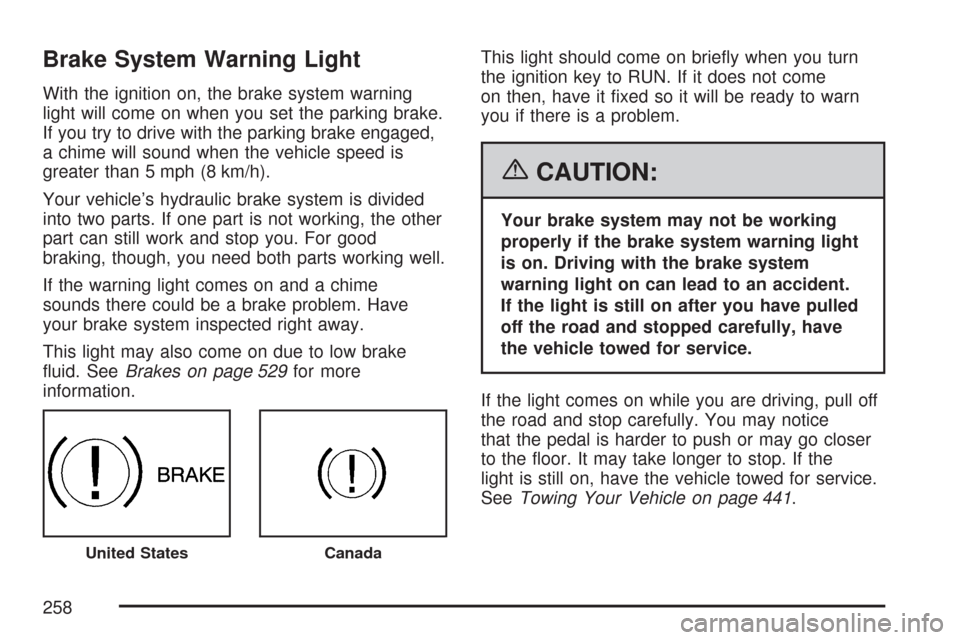
With the ignition on, the brake system warning
light will come on when you set the parking brake.
If you try to drive with the parking brake engaged,
a chime will sound when the vehicle speed is
greater than 5 mph (8 km/h).
Your vehicle’s hydraulic brake system is divided
into two parts. If one part is not working, the other
part can still work and stop you. For good
braking, though, you need both parts working well.
If the warning light comes on and a chime
sounds there could be a brake problem. Have
your brake system inspected right away.
This light may also come on due to low brake
uid. SeeBrakes on page 529for more
information.This light should come on briey when you turn
the ignition key to RUN. If it does not come
on then, have it xed so it will be ready to warn
you if there is a problem.
{CAUTION:
Your brake system may not be working
properly if the brake system warning light
is on. Driving with the brake system
warning light on can lead to an accident.
If the light is still on after you have pulled
off the road and stopped carefully, have
the vehicle towed for service.
If the light comes on while you are driving, pull off
the road and stop carefully. You may notice
that the pedal is harder to push or may go closer
to the oor. It may take longer to stop. If the
light is still on, have the vehicle towed for service.
SeeTowing Your Vehicle on page 441.
United StatesCanada
258
Page 259 of 684
Anti-Lock Brake System
Warning Light
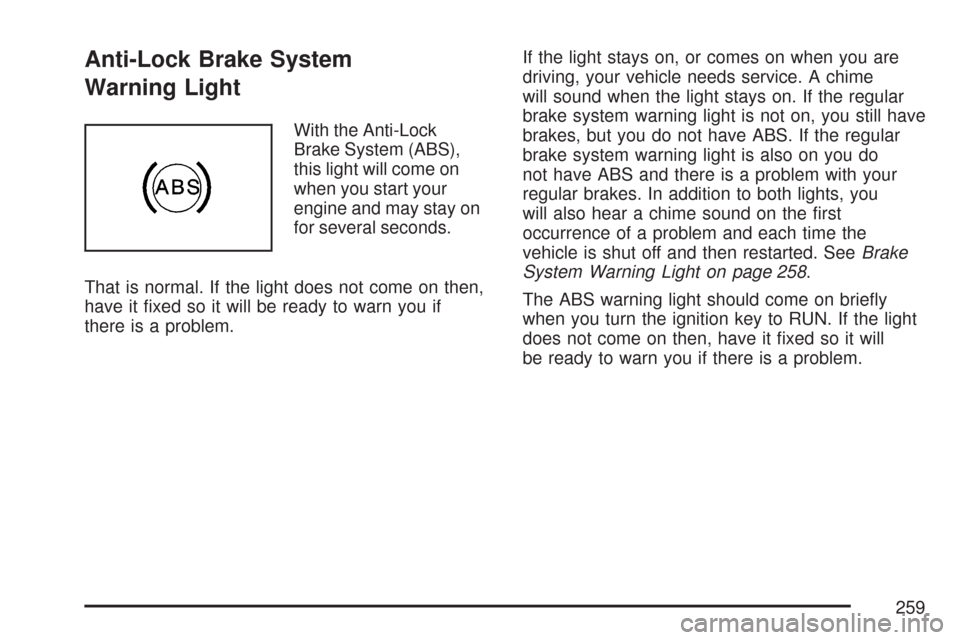
With the Anti-Lock
Brake System (ABS),
this light will come on
when you start your
engine and may stay on
for several seconds.
That is normal. If the light does not come on then,
have it xed so it will be ready to warn you if
there is a problem.If the light stays on, or comes on when you are
driving, your vehicle needs service. A chime
will sound when the light stays on. If the regular
brake system warning light is not on, you still have
brakes, but you do not have ABS. If the regular
brake system warning light is also on you do
not have ABS and there is a problem with your
regular brakes. In addition to both lights, you
will also hear a chime sound on the rst
occurrence of a problem and each time the
vehicle is shut off and then restarted. SeeBrake
System Warning Light on page 258.
The ABS warning light should come on briey
when you turn the ignition key to RUN. If the light
does not come on then, have it xed so it will
be ready to warn you if there is a problem.
259
Page 276 of 684
OUTPUT shows the power output to the trailer
anytime a trailer with electric brakes is connected.
Output is displayed in 0 to 10 bars. Dashes
may appear in the OUTPUT display. See
“Integrated Trailer Brake Control System” under
Towing a Trailer on page 447for more information.
Engine Hours
Press the vehicle information button until ENGINE
HOURS displays. This display shows the total
number of hours the engine has run.
Relearn Tire Positions
If your vehicle has a Tire Pressure Monitor (TPM)
system, after rotating the tires or after replacing
a tire or sensor, the system must re-learn the tire
positions. To re-learn the tire positions, see
Tire Pressure Monitor System on page 563. See
Tire Inspection and Rotation on page 568andDIC
Warnings and Messages on page 281for more
information.
Relearn Remote Key
This display allows you to match Remote Keyless
Entry (RKE) transmitters to your vehicle. To match
an RKE transmitter to your vehicle, do the following:
1. Press the vehicle information button until
PRESS
VTO RELEARN REMOTE KEY
displays.
2. Press the set/reset button until REMOTE KEY
LEARNING ACTIVE is displayed.
3. Press and hold the lock and unlock buttons
on the rst transmitter at the same time for
about 15 seconds.
On vehicles with memory recall seats, the rst
transmitter learned will match driver 1 and
the second will match driver 2.
A chime will sound indicating that the
transmitter is matched.
4. To match additional transmitters at this time,
repeat Step 3.
Each vehicle can have a maximum of eight
transmitters matched to it.
5. To exit the programming mode, you must
cycle the key to LOCK.
276
Page 279 of 684
To adjust this setting, see “Integrated Trailer
Brake Control System” underTowing a Trailer on
page 447for more information.
OUTPUT shows the power output to the trailer
anytime a trailer with electric brakes is connected.
Output is displayed in 0 to 10 bars. Dashes
may appear in the OUTPUT display. See
“Integrated Trailer Brake Control System” under
Towing a Trailer on page 447for more information.
Oil Life
To access this display, the vehicle must be in
PARK (P). Press the trip odometer reset stem until
OIL LIFE REMAINING displays. This display
shows an estimate of the oil’s remaining useful
life. If you see 99% OIL LIFE REMAINING on the
display, that means 99% of the current oil life
remains. The engine oil life system will alert you to
change your oil on a schedule consistent with
your driving conditions.
When the remaining oil life is low, the CHANGE
ENGINE OIL SOON message will appear on the
display. See “CHANGE ENGINE OIL SOON” under
DIC Warnings and Messages on page 281. You
should change your oil as soon as you can.SeeEngine Oil (Gasoline Engine) on page 502.In
addition to the engine oil life system monitoring the
oil life, additional maintenance is recommended in
the Maintenance Schedule in this manual. See
Scheduled Maintenance (Gasoline Engine) on
page 627for more information.
Remember, you must reset the OIL LIFE display
yourself after each oil change. It will not reset
itself. Also, be careful not to reset the OIL LIFE
display accidentally at any time other than
when the oil has just been changed. It cannot be
reset accurately until the next oil change. To
reset the engine oil life system, seeEngine Oil
Life System on page 505.
Relearn Tire Positions
To access this display, the vehicle must be in
PARK (P). If your vehicle has a Tire Pressure
Monitor (TPM) system, after rotating the tires or
after replacing a tire or sensor, the system
must re-learn the tire positions. To re-learn the tire
positions, seeTire Pressure Monitor System on
page 563. SeeTire Inspection and Rotation
on page 568andDIC Warnings and Messages on
page 281for more information.
279