ad blue CHEVROLET SILVERADO 2009 2.G User Guide
[x] Cancel search | Manufacturer: CHEVROLET, Model Year: 2009, Model line: SILVERADO, Model: CHEVROLET SILVERADO 2009 2.GPages: 600, PDF Size: 3.24 MB
Page 327 of 600
Audio Steering Wheel Controls
Vehicles with audio
steering wheel controls
could differ depending on
the vehicle’s options.
Some audio controls
can be adjusted at the
steering wheel.
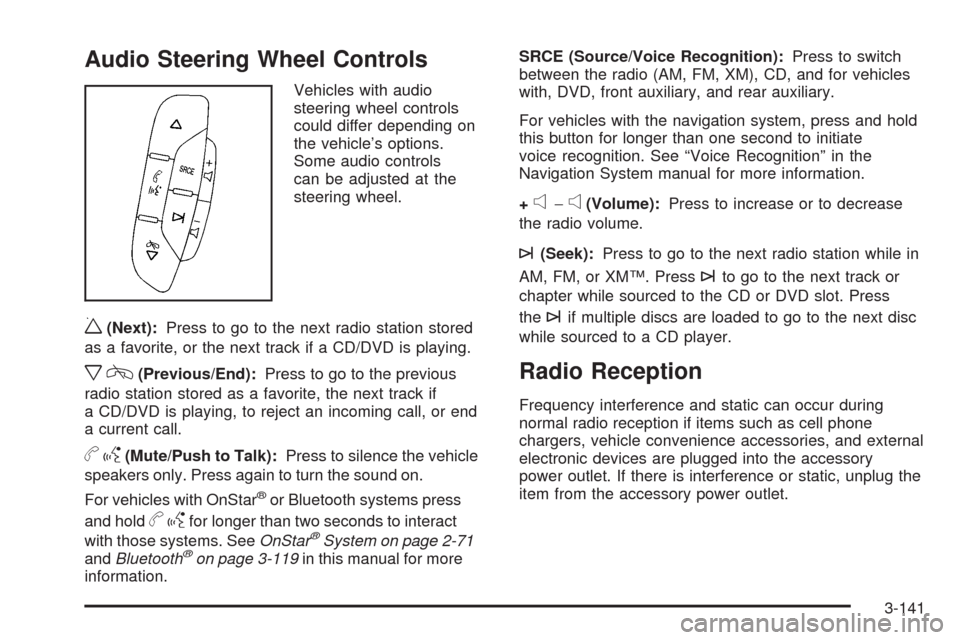
w(Next):Press to go to the next radio station stored
as a favorite, or the next track if a CD/DVD is playing.
xc(Previous/End):Press to go to the previous
radio station stored as a favorite, the next track if
a CD/DVD is playing, to reject an incoming call, or end
a current call.
bg(Mute/Push to Talk):Press to silence the vehicle
speakers only. Press again to turn the sound on.
For vehicles with OnStar
®or Bluetooth systems press
and hold
bgfor longer than two seconds to interact
with those systems. SeeOnStar®System on page 2-71
andBluetooth®on page 3-119in this manual for more
information.SRCE (Source/Voice Recognition):Press to switch
between the radio (AM, FM, XM), CD, and for vehicles
with, DVD, front auxiliary, and rear auxiliary.
For vehicles with the navigation system, press and hold
this button for longer than one second to initiate
voice recognition. See “Voice Recognition” in the
Navigation System manual for more information.
+
e−e(Volume):Press to increase or to decrease
the radio volume.
¨(Seek):Press to go to the next radio station while in
AM, FM, or XM™. Press
¨to go to the next track or
chapter while sourced to the CD or DVD slot. Press
the
¨if multiple discs are loaded to go to the next disc
while sourced to a CD player.
Radio Reception
Frequency interference and static can occur during
normal radio reception if items such as cell phone
chargers, vehicle convenience accessories, and external
electronic devices are plugged into the accessory
power outlet. If there is interference or static, unplug the
item from the accessory power outlet.
3-141
Page 409 of 600
Heavy-DutyTrailer Wiring Harness
Package
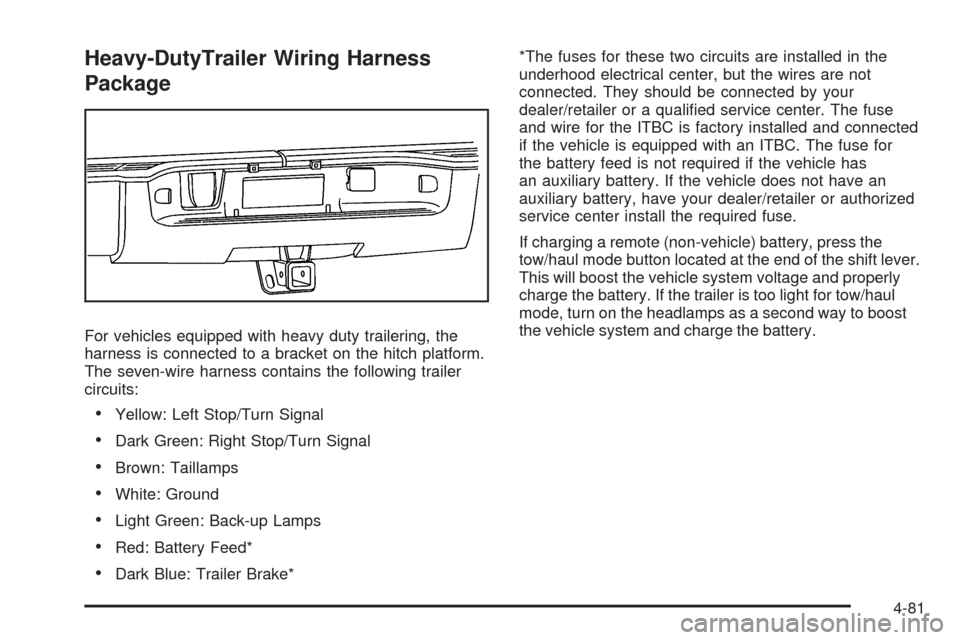
For vehicles equipped with heavy duty trailering, the
harness is connected to a bracket on the hitch platform.
The seven-wire harness contains the following trailer
circuits:
Yellow: Left Stop/Turn Signal
Dark Green: Right Stop/Turn Signal
Brown: Taillamps
White: Ground
Light Green: Back-up Lamps
Red: Battery Feed*
Dark Blue: Trailer Brake**The fuses for these two circuits are installed in the
underhood electrical center, but the wires are not
connected. They should be connected by your
dealer/retailer or a qualied service center. The fuse
and wire for the ITBC is factory installed and connected
if the vehicle is equipped with an ITBC. The fuse for
the battery feed is not required if the vehicle has
an auxiliary battery. If the vehicle does not have an
auxiliary battery, have your dealer/retailer or authorized
service center install the required fuse.
If charging a remote (non-vehicle) battery, press the
tow/haul mode button located at the end of the shift lever.
This will boost the vehicle system voltage and properly
charge the battery. If the trailer is too light for tow/haul
mode, turn on the headlamps as a second way to boost
the vehicle system and charge the battery.
4-81
Page 410 of 600
Camper/Fifth-Wheel Trailer Wiring Package
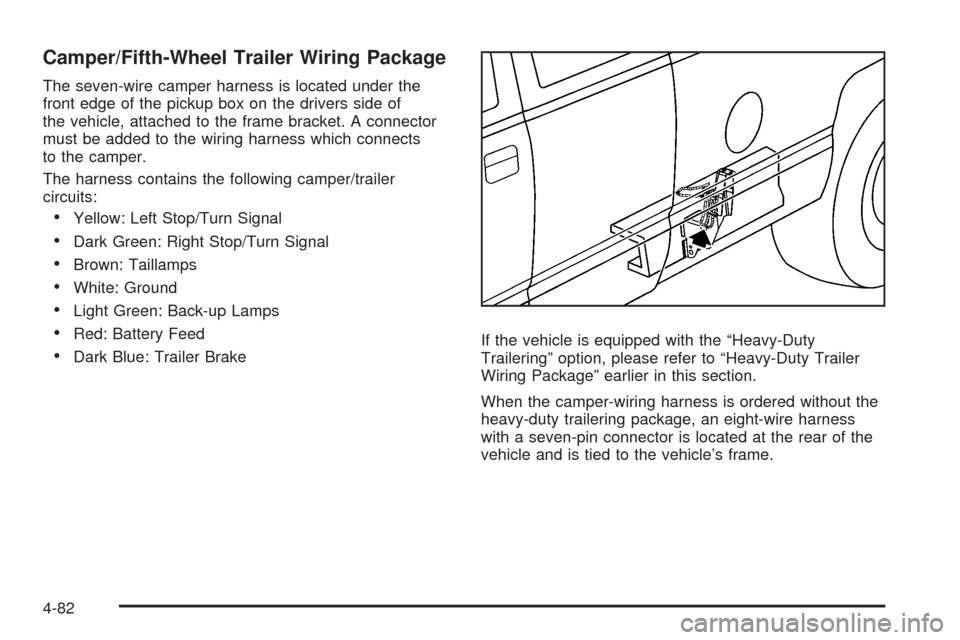
The seven-wire camper harness is located under the
front edge of the pickup box on the drivers side of
the vehicle, attached to the frame bracket. A connector
must be added to the wiring harness which connects
to the camper.
The harness contains the following camper/trailer
circuits:
Yellow: Left Stop/Turn Signal
Dark Green: Right Stop/Turn Signal
Brown: Taillamps
White: Ground
Light Green: Back-up Lamps
Red: Battery Feed
Dark Blue: Trailer BrakeIf the vehicle is equipped with the “Heavy-Duty
Trailering” option, please refer to “Heavy-Duty Trailer
Wiring Package” earlier in this section.
When the camper-wiring harness is ordered without the
heavy-duty trailering package, an eight-wire harness
with a seven-pin connector is located at the rear of the
vehicle and is tied to the vehicle’s frame.
4-82
Page 411 of 600
Electric Brake Control Wiring
Provisions
These wiring provisions are included with the vehicle
as part of the trailer wiring package. These provisions
are for an electric brake controller. The instrument panel
contains blunt cut wires behind the steering column
for the trailer brake controller. The harness contains the
following wires:
Dark Blue: Brake Signal to Trailer Connector
Red/Black: Battery
Light Blue/White: Brake Switch
White: Ground
It should be installed by your dealer/retailer or a
qualied service center.
If the vehicle is equipped with an ITBC, the blunt cuts
exist, but are not connected further in the harness.
If an aftermarket trailer brake controller is installed,
the ITBC must be disconnected. Do not power
both ITBC and aftermarket controllers to control the
trailer brakes at the same time.
Auxiliary Battery
The auxiliary battery provision can be used to supply
electrical power to additional equipment that may
be added, such as a slide-in camper. If the vehicle hasthis provision, this relay will be located on the drivers
side of the vehicle, next to the underhood electrical
center.
Be sure to follow the proper installation instructions that
are included with any electrical equipment that is installed.
Notice:Leaving electrical equipment on for
extended periods will drain the battery. Always turn
off electrical equipment when not in use and do not
use equipment that exceeds the maximum amperage
rating for the auxiliary battery provision.
Trailer Recommendations
Subtract the hitch loads from the Cargo Weight Rating
(CWR). CWR is the maximum weight of the load the
vehicle can carry. It does not include the weight of the
people inside, but you can gure about 150 lbs. (68 kg)
for each passenger. The total cargo load must not be
more than the vehicles CWR.
Weigh the vehicle with the trailer attached, so the
GVWR or GAWR are not exceeded. If using a
weight-distributing hitch, weigh the vehicle without the
spring bars in place.
The best performance is obtained by correctly spreading
out the weight of the load and choosing the correct
hitch and trailer brakes.
For more information seeTowing a Trailer on page 4-51.
4-83
Page 586 of 600
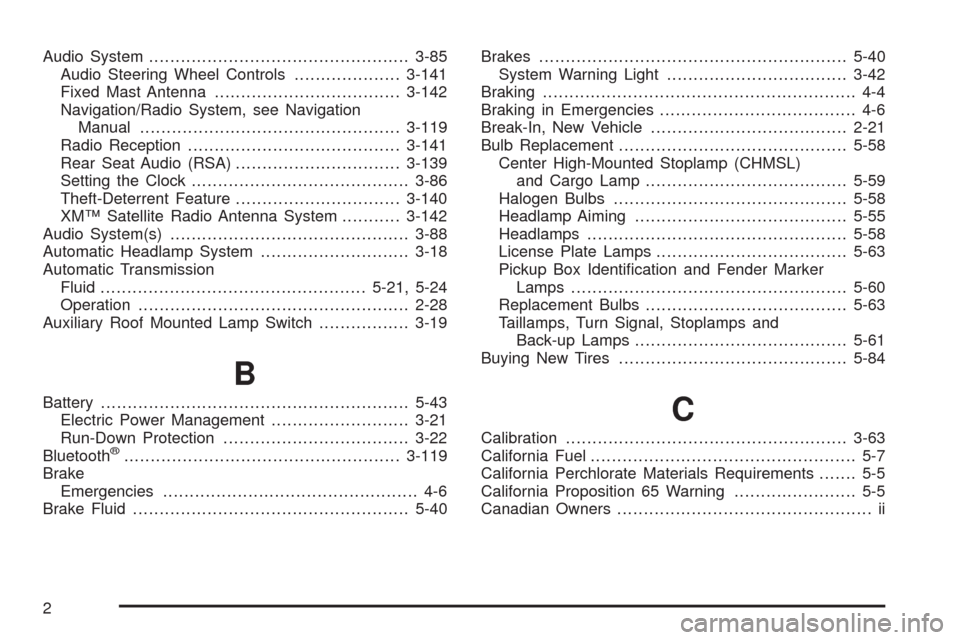
Audio System.................................................3-85
Audio Steering Wheel Controls....................3-141
Fixed Mast Antenna...................................3-142
Navigation/Radio System, see Navigation
Manual.................................................3-119
Radio Reception........................................3-141
Rear Seat Audio (RSA)...............................3-139
Setting the Clock.........................................3-86
Theft-Deterrent Feature...............................3-140
XM™ Satellite Radio Antenna System...........3-142
Audio System(s).............................................3-88
Automatic Headlamp System............................3-18
Automatic Transmission
Fluid..................................................5-21, 5-24
Operation...................................................2-28
Auxiliary Roof Mounted Lamp Switch.................3-19
B
Battery..........................................................5-43
Electric Power Management..........................3-21
Run-Down Protection...................................3-22
Bluetooth
®....................................................3-119
Brake
Emergencies................................................ 4-6
Brake Fluid....................................................5-40Brakes..........................................................5-40
System Warning Light..................................3-42
Braking........................................................... 4-4
Braking in Emergencies..................................... 4-6
Break-In, New Vehicle.....................................2-21
Bulb Replacement...........................................5-58
Center High-Mounted Stoplamp (CHMSL)
and Cargo Lamp......................................5-59
Halogen Bulbs............................................5-58
Headlamp Aiming........................................5-55
Headlamps.................................................5-58
License Plate Lamps....................................5-63
Pickup Box Identication and Fender Marker
Lamps ....................................................5-60
Replacement Bulbs......................................5-63
Taillamps, Turn Signal, Stoplamps and
Back-up Lamps........................................5-61
Buying New Tires...........................................5-84
C
Calibration.....................................................3-63
California Fuel.................................................. 5-7
California Perchlorate Materials Requirements....... 5-5
California Proposition 65 Warning....................... 5-5
Canadian Owners................................................ ii
2
Page 595 of 600
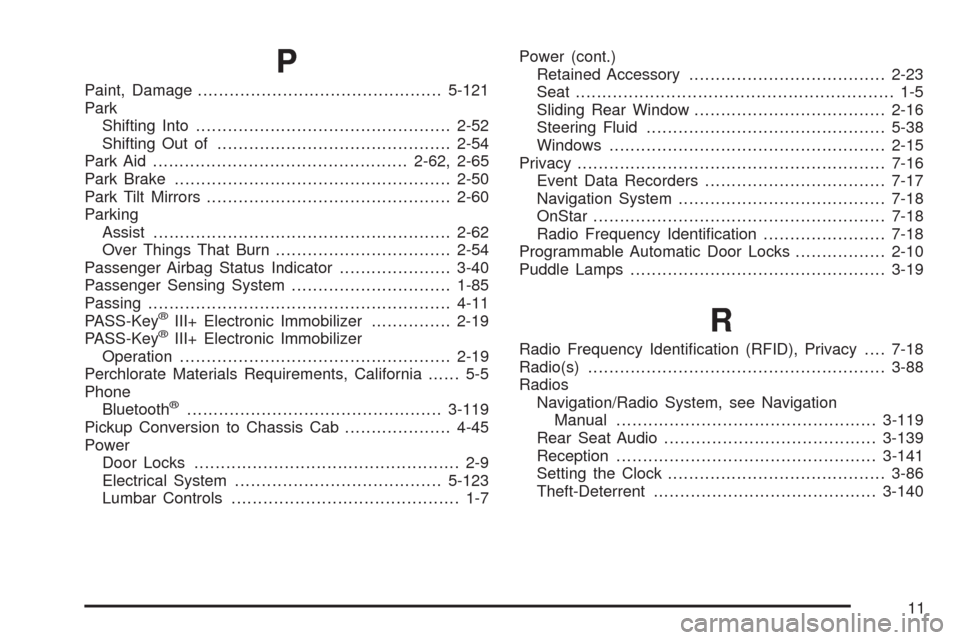
P
Paint, Damage..............................................5-121
Park
Shifting Into................................................2-52
Shifting Out of............................................2-54
Park Aid................................................2-62, 2-65
Park Brake....................................................2-50
Park Tilt Mirrors..............................................2-60
Parking
Assist........................................................2-62
Over Things That Burn.................................2-54
Passenger Airbag Status Indicator.....................3-40
Passenger Sensing System..............................1-85
Passing.........................................................4-11
PASS-Key
®III+ Electronic Immobilizer...............2-19
PASS-Key®III+ Electronic Immobilizer
Operation...................................................2-19
Perchlorate Materials Requirements, California...... 5-5
Phone
Bluetooth
®................................................3-119
Pickup Conversion to Chassis Cab....................4-45
Power
Door Locks.................................................. 2-9
Electrical System.......................................5-123
Lumbar Controls........................................... 1-7Power (cont.)
Retained Accessory.....................................2-23
Seat............................................................ 1-5
Sliding Rear Window....................................2-16
Steering Fluid.............................................5-38
Windows....................................................2-15
Privacy..........................................................7-16
Event Data Recorders..................................7-17
Navigation System.......................................7-18
OnStar.......................................................7-18
Radio Frequency Identication.......................7-18
Programmable Automatic Door Locks.................2-10
Puddle Lamps................................................3-19
R
Radio Frequency Identication (RFID), Privacy....7-18
Radio(s)........................................................3-88
Radios
Navigation/Radio System, see Navigation
Manual.................................................3-119
Rear Seat Audio........................................3-139
Reception.................................................3-141
Setting the Clock.........................................3-86
Theft-Deterrent..........................................3-140
11