lumbar support CHEVROLET SILVERADO 2011 2.G Owners Manual
[x] Cancel search | Manufacturer: CHEVROLET, Model Year: 2011, Model line: SILVERADO, Model: CHEVROLET SILVERADO 2011 2.GPages: 588, PDF Size: 7.99 MB
Page 18 of 588
Black plate (12,1)Chevrolet Silverado Owner Manual - 2011
1-12 In Brief
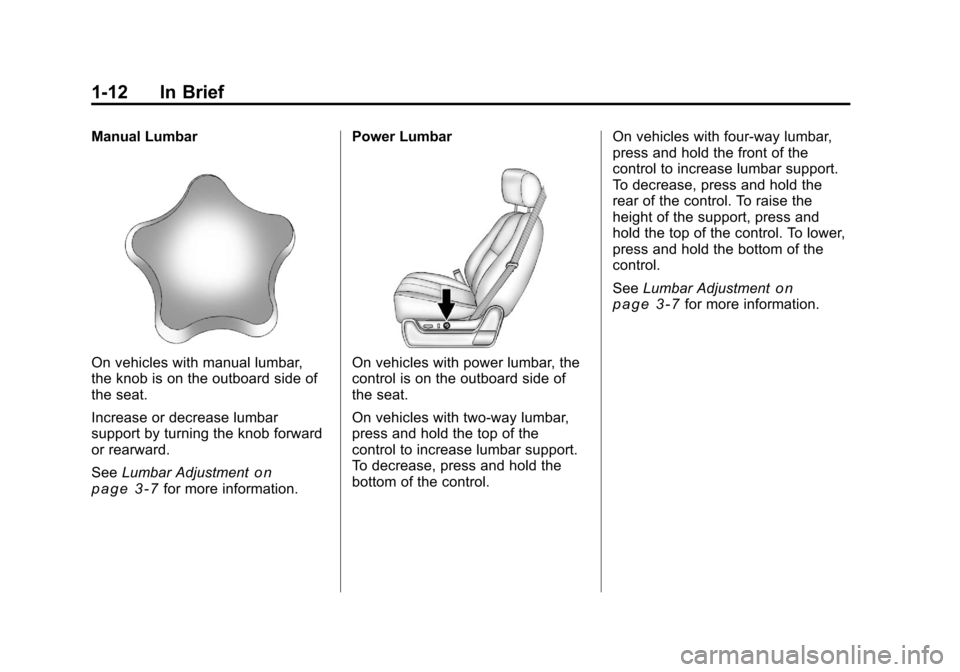
Manual Lumbar
On vehicles with manual lumbar,
the knob is on the outboard side of
the seat.
Increase or decrease lumbar
support by turning the knob forward
or rearward.
SeeLumbar Adjustment
on
page 3‑7for more information. Power Lumbar
On vehicles with power lumbar, the
control is on the outboard side of
the seat.
On vehicles with two-way lumbar,
press and hold the top of the
control to increase lumbar support.
To decrease, press and hold the
bottom of the control.
On vehicles with four-way lumbar,
press and hold the front of the
control to increase lumbar support.
To decrease, press and hold the
rear of the control. To raise the
height of the support, press and
hold the top of the control. To lower,
press and hold the bottom of the
control.
See
Lumbar Adjustment
on
page 3‑7for more information.
Page 75 of 588
Black plate (7,1)Chevrolet Silverado Owner Manual - 2011
Seats and Restraints 3-7
If something has blocked the driver
seat and/or the adjustable pedals
while recalling a memory position,
the recall may stop. Remove the
obstruction; then press and hold the
appropriate manual control for the
memory item that is not recalling
for two seconds. Try recalling the
memory position again by pressing
the appropriate memory button.
If the memory position is still not
recalling, see your dealer for
service.
Easy Exit Driver Seat
The easy exit driver seat feature
can move the seat rearward to allow
extra room to exit the vehicle.
B(Easy Exit Driver Seat):Press
to recall the easy exit seat position.
The vehicle must be in P (Park).
If the easy exit seat feature is
programmed on in the vehicle
personalization menu, automatic
seat movement occurs when the
ignition key is removed. A single beep sounds. The driver
seat moves back approximately
8 cm (3 in). To move the seat back
farther, press the easy exit seat
button again until the seat is all the
way back.
If something has blocked the driver
seat while recalling the exit position,
the recall may stop. Remove the
obstruction; then press and hold
the power seat control rearward for
two seconds. Try recalling the exit
position again. If the exit position is
still not recalling, see your dealer for
service.
See
“Easy Exit Recall” and
“Easy Exit Setup” underVehicle
Personalization (with DIC Buttons)on page 5‑53for more information.
Lumbar Adjustment
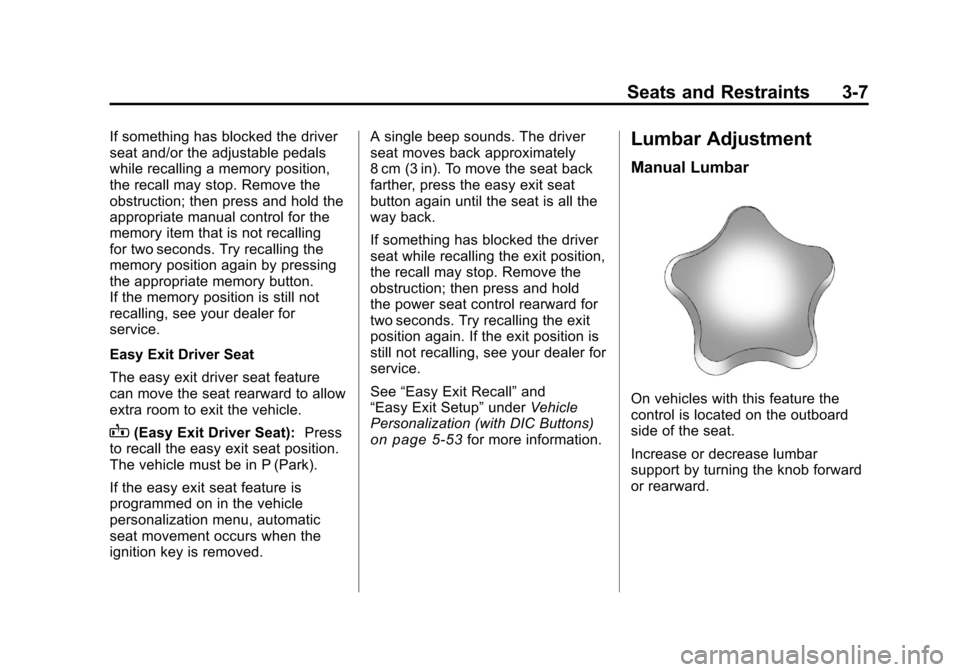
Manual Lumbar
On vehicles with this feature the
control is located on the outboard
side of the seat.
Increase or decrease lumbar
support by turning the knob forward
or rearward.
Page 76 of 588
Black plate (8,1)Chevrolet Silverado Owner Manual - 2011
3-8 Seats and Restraints
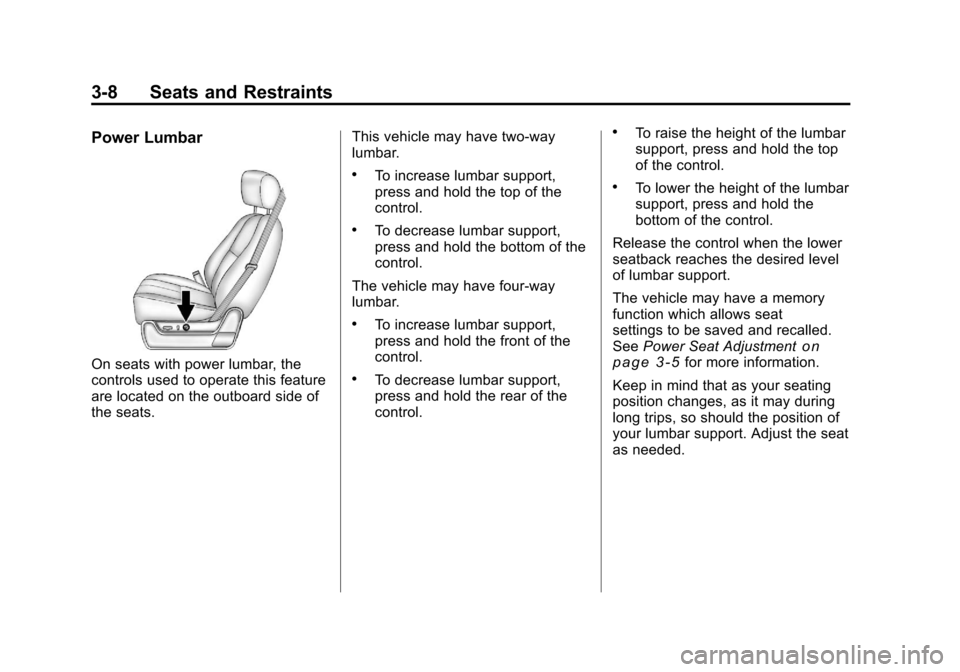
Power Lumbar
On seats with power lumbar, the
controls used to operate this feature
are located on the outboard side of
the seats.This vehicle may have two‐way
lumbar.
.To increase lumbar support,
press and hold the top of the
control.
.To decrease lumbar support,
press and hold the bottom of the
control.
The vehicle may have four‐way
lumbar.
.To increase lumbar support,
press and hold the front of the
control.
.To decrease lumbar support,
press and hold the rear of the
control.
.To raise the height of the lumbar
support, press and hold the top
of the control.
.To lower the height of the lumbar
support, press and hold the
bottom of the control.
Release the control when the lower
seatback reaches the desired level
of lumbar support.
The vehicle may have a memory
function which allows seat
settings to be saved and recalled.
See Power Seat Adjustment
on
page 3‑5for more information.
Keep in mind that as your seating
position changes, as it may during
long trips, so should the position of
your lumbar support. Adjust the seat
as needed.