radio controls CHEVROLET SILVERADO 2024 Owner's Manual
[x] Cancel search | Manufacturer: CHEVROLET, Model Year: 2024, Model line: SILVERADO, Model: CHEVROLET SILVERADO 2024Pages: 433, PDF Size: 14.15 MB
Page 166 of 433
Chevrolet Silverado 2500 HD/3500 HD Owner Manual (GMNA-Localizing-U.
S./Canada/Mexico-16908339) - 2024 - CRC - 12/5/22
164 Infotainment System
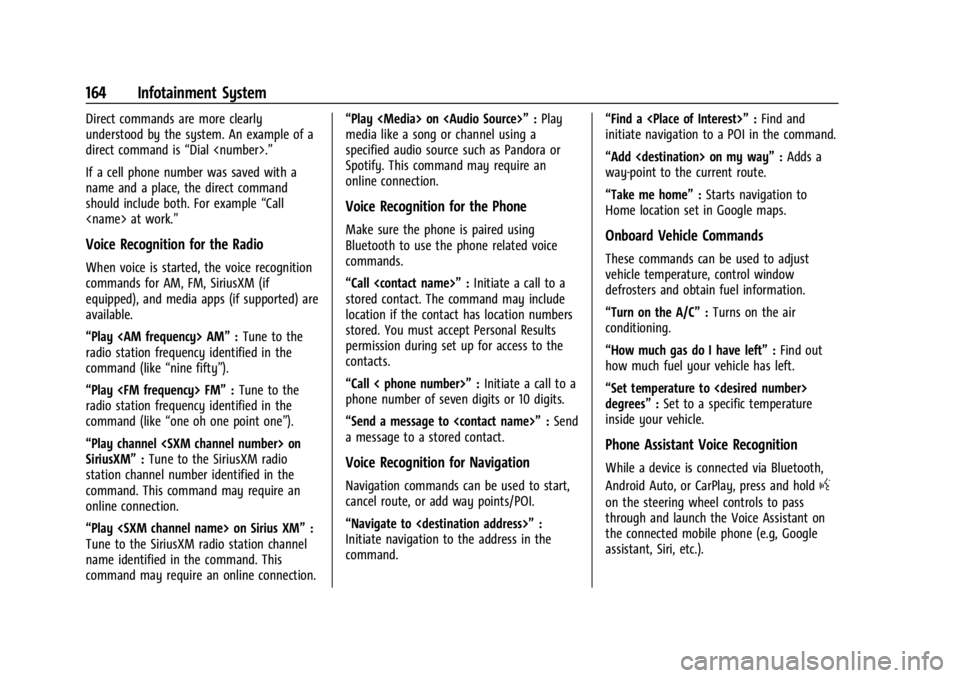
Direct commands are more clearly
understood by the system. An example of a
direct command is“Dial
If a cell phone number was saved with a
name and a place, the direct command
should include both. For example “Call
Voice Recognition for the Radio
When voice is started, the voice recognition
commands for AM, FM, SiriusXM (if
equipped), and media apps (if supported) are
available.
“Play
radio station frequency identified in the
command (like “nine fifty”).
“Play
radio station frequency identified in the
command (like “one oh one point one”).
“Play channel
SiriusXM” :Tune to the SiriusXM radio
station channel number identified in the
command. This command may require an
online connection.
“Play
Tune to the SiriusXM radio station channel
name identified in the command. This
command may require an online connection. “Play
Page 167 of 433
Chevrolet Silverado 2500 HD/3500 HD Owner Manual (GMNA-Localizing-U.
S./Canada/Mexico-16908339) - 2024 - CRC - 12/5/22
Infotainment System 165
Phone
Bluetooth (Overview)
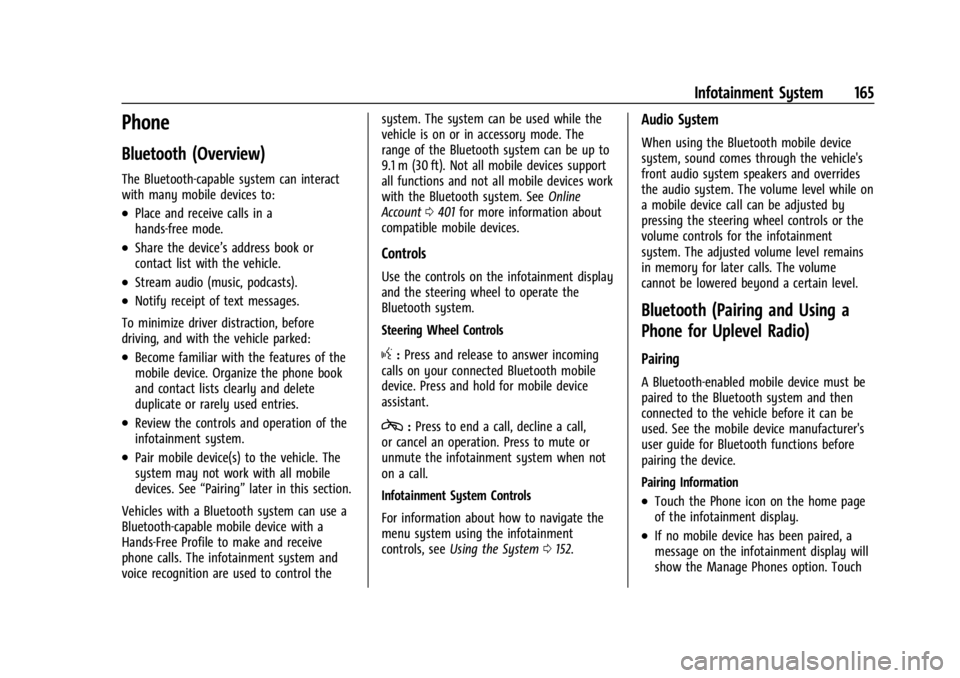
The Bluetooth-capable system can interact
with many mobile devices to:
.Place and receive calls in a
hands-free mode.
.Share the device’s address book or
contact list with the vehicle.
.Stream audio (music, podcasts).
.Notify receipt of text messages.
To minimize driver distraction, before
driving, and with the vehicle parked:
.Become familiar with the features of the
mobile device. Organize the phone book
and contact lists clearly and delete
duplicate or rarely used entries.
.Review the controls and operation of the
infotainment system.
.Pair mobile device(s) to the vehicle. The
system may not work with all mobile
devices. See “Pairing”later in this section.
Vehicles with a Bluetooth system can use a
Bluetooth-capable mobile device with a
Hands-Free Profile to make and receive
phone calls. The infotainment system and
voice recognition are used to control the system. The system can be used while the
vehicle is on or in accessory mode. The
range of the Bluetooth system can be up to
9.1 m (30 ft). Not all mobile devices support
all functions and not all mobile devices work
with the Bluetooth system. See
Online
Account 0401 for more information about
compatible mobile devices.
Controls
Use the controls on the infotainment display
and the steering wheel to operate the
Bluetooth system.
Steering Wheel Controls
g: Press and release to answer incoming
calls on your connected Bluetooth mobile
device. Press and hold for mobile device
assistant.
c: Press to end a call, decline a call,
or cancel an operation. Press to mute or
unmute the infotainment system when not
on a call.
Infotainment System Controls
For information about how to navigate the
menu system using the infotainment
controls, see Using the System 0152.
Audio System
When using the Bluetooth mobile device
system, sound comes through the vehicle's
front audio system speakers and overrides
the audio system. The volume level while on
a mobile device call can be adjusted by
pressing the steering wheel controls or the
volume controls for the infotainment
system. The adjusted volume level remains
in memory for later calls. The volume
cannot be lowered beyond a certain level.
Bluetooth (Pairing and Using a
Phone for Uplevel Radio)
Pairing
A Bluetooth-enabled mobile device must be
paired to the Bluetooth system and then
connected to the vehicle before it can be
used. See the mobile device manufacturer's
user guide for Bluetooth functions before
pairing the device.
Pairing Information
.Touch the Phone icon on the home page
of the infotainment display.
.If no mobile device has been paired, a
message on the infotainment display will
show the Manage Phones option. Touch
Page 171 of 433
Chevrolet Silverado 2500 HD/3500 HD Owner Manual (GMNA-Localizing-U.
S./Canada/Mexico-16908339) - 2024 - CRC - 12/5/22
Infotainment System 169
.Touch Answer on the infotainment
display.
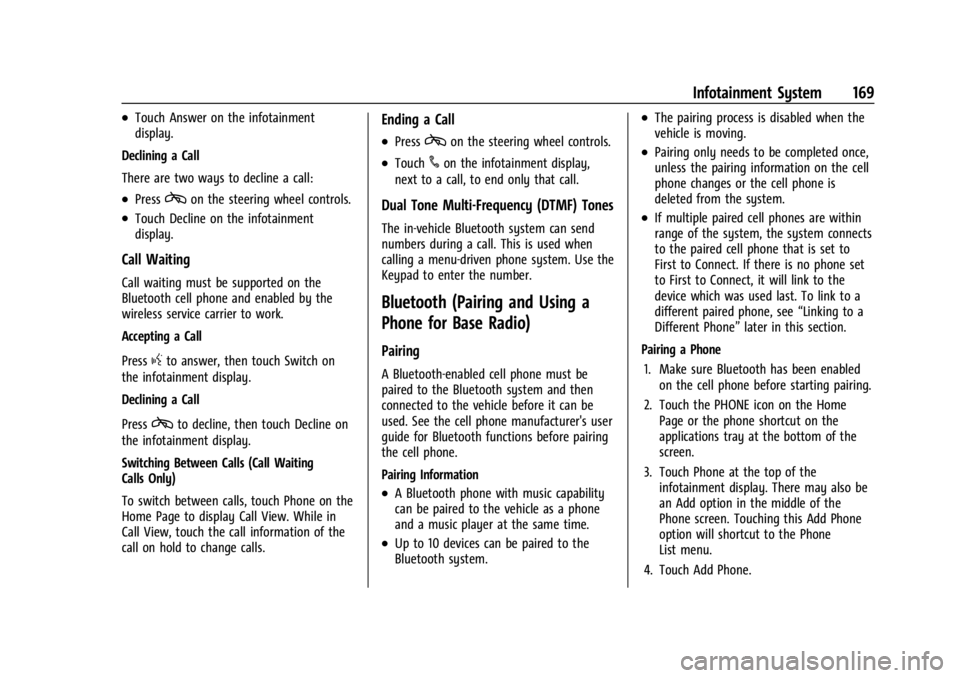
Declining a Call
There are two ways to decline a call:
.Presscon the steering wheel controls.
.Touch Decline on the infotainment
display.
Call Waiting
Call waiting must be supported on the
Bluetooth cell phone and enabled by the
wireless service carrier to work.
Accepting a Call
Press
gto answer, then touch Switch on
the infotainment display.
Declining a Call
Press
cto decline, then touch Decline on
the infotainment display.
Switching Between Calls (Call Waiting
Calls Only)
To switch between calls, touch Phone on the
Home Page to display Call View. While in
Call View, touch the call information of the
call on hold to change calls.
Ending a Call
.Presscon the steering wheel controls.
.Touch#on the infotainment display,
next to a call, to end only that call.
Dual Tone Multi-Frequency (DTMF) Tones
The in-vehicle Bluetooth system can send
numbers during a call. This is used when
calling a menu-driven phone system. Use the
Keypad to enter the number.
Bluetooth (Pairing and Using a
Phone for Base Radio)
Pairing
A Bluetooth-enabled cell phone must be
paired to the Bluetooth system and then
connected to the vehicle before it can be
used. See the cell phone manufacturer's user
guide for Bluetooth functions before pairing
the cell phone.
Pairing Information
.A Bluetooth phone with music capability
can be paired to the vehicle as a phone
and a music player at the same time.
.Up to 10 devices can be paired to the
Bluetooth system.
.The pairing process is disabled when the
vehicle is moving.
.Pairing only needs to be completed once,
unless the pairing information on the cell
phone changes or the cell phone is
deleted from the system.
.If multiple paired cell phones are within
range of the system, the system connects
to the paired cell phone that is set to
First to Connect. If there is no phone set
to First to Connect, it will link to the
device which was used last. To link to a
different paired phone, see “Linking to a
Different Phone” later in this section.
Pairing a Phone 1. Make sure Bluetooth has been enabled on the cell phone before starting pairing.
2. Touch the PHONE icon on the Home Page or the phone shortcut on the
applications tray at the bottom of the
screen.
3. Touch Phone at the top of the infotainment display. There may also be
an Add option in the middle of the
Phone screen. Touching this Add Phone
option will shortcut to the Phone
List menu.
4. Touch Add Phone.
Page 174 of 433
Chevrolet Silverado 2500 HD/3500 HD Owner Manual (GMNA-Localizing-U.
S./Canada/Mexico-16908339) - 2024 - CRC - 12/5/22
172 Infotainment System
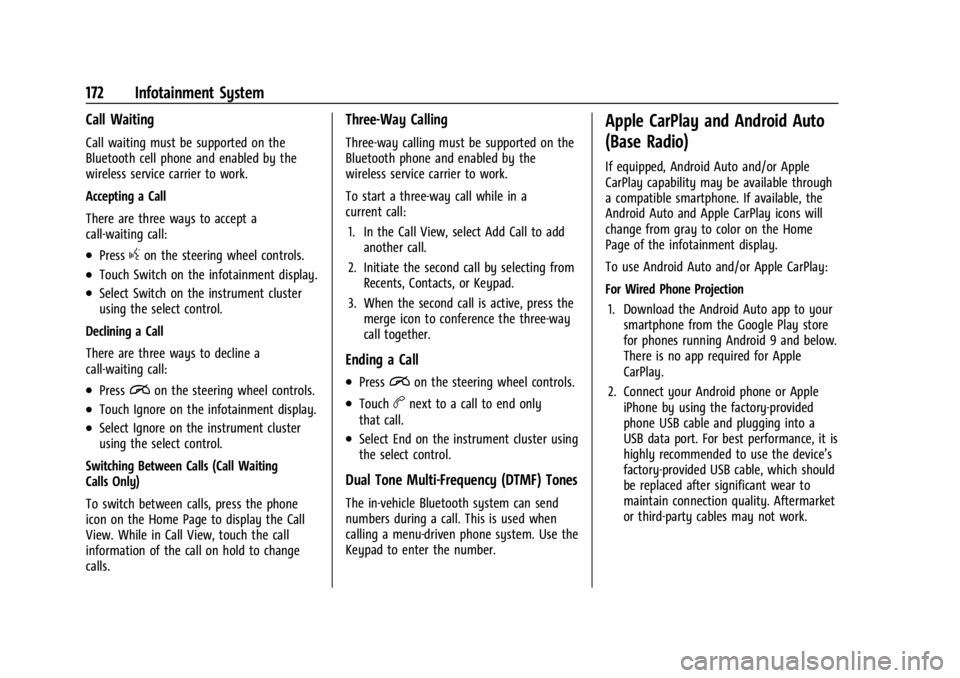
Call Waiting
Call waiting must be supported on the
Bluetooth cell phone and enabled by the
wireless service carrier to work.
Accepting a Call
There are three ways to accept a
call-waiting call:
.Pressgon the steering wheel controls.
.Touch Switch on the infotainment display.
.Select Switch on the instrument cluster
using the select control.
Declining a Call
There are three ways to decline a
call-waiting call:
.Pression the steering wheel controls.
.Touch Ignore on the infotainment display.
.Select Ignore on the instrument cluster
using the select control.
Switching Between Calls (Call Waiting
Calls Only)
To switch between calls, press the phone
icon on the Home Page to display the Call
View. While in Call View, touch the call
information of the call on hold to change
calls.
Three-Way Calling
Three-way calling must be supported on the
Bluetooth phone and enabled by the
wireless service carrier to work.
To start a three-way call while in a
current call: 1. In the Call View, select Add Call to add another call.
2. Initiate the second call by selecting from Recents, Contacts, or Keypad.
3. When the second call is active, press the merge icon to conference the three-way
call together.
Ending a Call
.Pression the steering wheel controls.
.Touchbnext to a call to end only
that call.
.Select End on the instrument cluster using
the select control.
Dual Tone Multi-Frequency (DTMF) Tones
The in-vehicle Bluetooth system can send
numbers during a call. This is used when
calling a menu-driven phone system. Use the
Keypad to enter the number.
Apple CarPlay and Android Auto
(Base Radio)
If equipped, Android Auto and/or Apple
CarPlay capability may be available through
a compatible smartphone. If available, the
Android Auto and Apple CarPlay icons will
change from gray to color on the Home
Page of the infotainment display.
To use Android Auto and/or Apple CarPlay:
For Wired Phone Projection
1. Download the Android Auto app to your smartphone from the Google Play store
for phones running Android 9 and below.
There is no app required for Apple
CarPlay.
2. Connect your Android phone or Apple iPhone by using the factory-provided
phone USB cable and plugging into a
USB data port. For best performance, it is
highly recommended to use the device’s
factory-provided USB cable, which should
be replaced after significant wear to
maintain connection quality. Aftermarket
or third-party cables may not work.
Page 179 of 433
Chevrolet Silverado 2500 HD/3500 HD Owner Manual (GMNA-Localizing-U.
S./Canada/Mexico-16908339) - 2024 - CRC - 12/5/22
Infotainment System 177
Climate and Air Quality
Adjusts different climate settings.
Collision/Detection Systems
Adjusts different driver assistance system
settings.
Comfort and Convenience
Adjusts different comfort and convenience
settings.
Lighting
Adjusts different lighting settings.
Power Door Locks
Adjusts different door lock settings.
Remote Lock, Unlock, and Start
Adjusts different remote lock settings.
Ride Height
Adjusts different ride height settings.
Power Assist Steps
Adjusts different running board settings.
Seating Position
Adjusts different seat settings.
Suspension
Adjusts different suspension settings.Trailering
Adjusts different trailering settings.
Teen Driver
See
Teen Driver 0179.
Valet Mode
This will lock the infotainment system and
steering wheel controls. It may also limit
access to vehicle storage locations,
if equipped.
To enable valet mode: 1. Enter a four-digit code on the keypad.
2. Select Enter to go to the confirmation screen.
3. Re-enter the four-digit code.
Touch Lock or Unlock to lock or unlock the
system. Touch Back to go back to the
previous menu.
Settings (Uplevel Radio)
To access the Settings menus: 1. Touch Settings on the Home Page on the infotainment display.
2. Touch the desired category to display a list of available options. 3. Touch to select the desired feature
setting.
4. Touch the options on the infotainment display to disable or enable a feature.
5. Touch
Sto go back.
The Settings menu may contain the
following:
Connections
The menu may contain the following:
Phones
Allows connecting to a different cell phone
or mobile device source, disconnect a cell
phone or media device, or delete a cell
phone or media device.
Wi-Fi Networks
Shows connected and available Wi-Fi
networks.
Wi-Fi Hotspot
Allows adjustment of different Wi-Fi
features.
Page 195 of 433
Chevrolet Silverado 2500 HD/3500 HD Owner Manual (GMNA-Localizing-U.
S./Canada/Mexico-16908339) - 2024 - CRC - 12/12/22
Driving and Operating 193
Filling a Portable Fuel Container . . . . . . . 270
Trailer Towing
General Towing Information . . . . . . . . . . . 270
Driving Characteristics andTowing Tips . . . . . . . . . . . . . . . . . . . . . . . . . 270
Trailer Towing . . . . . . . . . . . . . . . . . . . . . . . . . 274
Towing Equipment . . . . . . . . . . . . . . . . . . . . 278
Trailer Sway Control (TSC) . . . . . . . . . . . . . 288
Trailering App . . . . . . . . . . . . . . . . . . . . . . . . . 290
Conversions and Add-Ons
Add-On Electrical Equipment . . . . . . . . . . 300
Adding a Snow Plow or Similar Equipment . . . . . . . . . . . . . . . . . . . . . . . . . . 300
Pickup Conversion to Chassis Cab . . . . . 302
Driving Information
Driving for Better Fuel Economy
Driving habits can affect fuel mileage. Here
are some driving tips to get the best fuel
economy possible:
.Set the climate controls to the desired
temperature after the engine is started,
or turn them off when not required.
.Avoid fast starts and accelerate smoothly.
.Brake gradually and avoid abrupt stops.
.Avoid idling the engine for long periods
of time.
.When road and weather conditions are
appropriate, use cruise control.
.Always follow posted speed limits or
drive more slowly when conditions
require.
.Keep vehicle tires properly inflated.
.Combine several trips into a single trip.
.Replace the vehicle's tires with the same
TPC Spec number molded into the tire's
sidewall near the size.
.Follow recommended scheduled
maintenance.
Distracted Driving
Distraction comes in many forms and can
take your focus from the task of driving.
Exercise good judgment and do not let other
activities divert your attention away from
the road. Many local governments have
enacted laws regarding driver distraction.
Become familiar with the local laws in
your area.
To avoid distracted driving, keep your eyes
on the road, keep your hands on the
steering wheel, and focus your attention on
driving.
.Do not use a phone in demanding driving
situations. Use a hands-free method to
place or receive necessary phone calls.
.Watch the road. Do not read, take notes,
or look up information on phones or
other electronic devices.
.Designate a front seat passenger to
handle potential distractions.
.Become familiar with vehicle features
before driving, such as programming
favorite radio stations and adjusting
climate control and seat settings. Program
all trip information into any navigation
device prior to driving.
Page 410 of 433
Chevrolet Silverado 2500 HD/3500 HD Owner Manual (GMNA-Localizing-U.
S./Canada/Mexico-16908339) - 2024 - CRC - 12/5/22
408 Customer Information
and notify General Motors of Canada
Company. Call Transport Canada at
1-800-333-0510; go to:
www.tc.gc.ca/recalls (English)
www.tc.gc.ca/rappels (French)
or write to:
Transport Canada
Motor Vehicle Safety Directorate
Defect Investigations and Recalls
Division
80 Noel Street
Gatineau
,QC J8Z 0A1
Reporting Safety Defects to
General Motors
In addition to notifying NHTSA (or Transport
Canada) in a situation like this, notify
General Motors.
In the U.S., call 1-800-222-1020, or write:
Chevrolet Motor Division
Chevrolet Customer Assistance Center
P.O. Box 33170
Detroit, MI 48232-5170
In Canada, call 1-800-263-3777 (English) or
1-800-263-7854 (French), or write:Customer Care Centre
General Motors of Canada Company
500 Wentworth Street W
Oshawa, ON L1J 0C5
In Mexico, call 800-466-0811 or
800-508-0000.
In other Central America and Caribbean
Countries, call 52-555-901-2369.
Vehicle Data Recording and
Privacy
The vehicle has a number of computers that
record information about the vehicle’s
performance and how it is driven or used.
For example, the vehicle uses computer
modules to monitor and control engine and
transmission performance, to monitor the
conditions for airbag deployment and
deploy them in a crash, and, if equipped, to
provide antilock braking to help the driver
control the vehicle. These modules may
store data to help the dealer technician
service the vehicle or to help GM improve
safety or features. Some modules may also
store data about how the vehicle is
operated, such as rate of fuel consumption
or average speed. These modules may retain
personal preferences, such as radio presets,
seat positions, and temperature settings.
Cybersecurity
GM collects information about the use of
your vehicle including operational and safety
related information. We collect this
information to provide, evaluate, improve,
and troubleshoot our products and services
and to develop new products and services.
The protection of vehicle electronics systems
and customer data from unauthorized
outside electronic access or control is
important to GM. GM maintains appropriate
security standards, practices, guidelines and
controls aimed at defending the vehicle and
the vehicle service ecosystem against
unauthorized electronic access, detecting
possible malicious activity in related
networks, and responding to suspected
cybersecurity incidents in a timely,
coordinated and effective manner. Security
incidents could impact your safety or
compromise your private data. To minimize
security risks, please do not connect your
vehicle electronic systems to unauthorized
devices or connect your vehicle to any
unknown or untrusted networks (such as
Bluetooth, WIFI or similar technology). In
Page 424 of 433

Chevrolet Silverado 2500 HD/3500 HD Owner Manual (GMNA-Localizing-U.
S./Canada/Mexico-16908339) - 2024 - CRC - 12/5/22
422 Index
Engine (cont'd)Overheating . . . . . . . . . . . . . . . . . . . . . . . . . . . 315
Power Messages . . . . . . . . . . . . . . . . . . . . . . . 134
Running While Parked . . . . . . . . . . . . . . . . . . 217
Starting . . . . . . . . . . . . . . . . . . . . . . . . . . . . . . . . 213
Entry Lighting . . . . . . . . . . . . . . . . . . . . . . . . . . . 146
Equipment, Towing . . . . . . . . . . . . . . . . . . . . . . 278
Event Data Recorders . . . . . . . . . . . . . . . . . . . . 409
Exit Lighting . . . . . . . . . . . . . . . . . . . . . . . . . . . . . 146
Extended Mirrors . . . . . . . . . . . . . . . . . . . . . . . . . .32
Extended Parking . . . . . . . . . . . . . . . . . . . . . . . . . 217
Extender, Seat Belt . . . . . . . . . . . . . . . . . . . . . . . 59
Exterior Cargo Lamps . . . . . . . . . . . . . . . . . . . . . . . . . . . 144
Lamp Controls . . . . . . . . . . . . . . . . . . . . . . . . . 138
Lamps Off Reminder . . . . . . . . . . . . . . . . . . . 140
Lighting Battery Saver . . . . . . . . . . . . . . . . . 147
F
FanEngine . . . . . . . . . . . . . . . . . . . . . . . . . . . . . . . . . . 317
Filter
Engine Air Cleaner . . . . . . . . . . . . . . . . . . . . . 312
Flash-to-Pass . . . . . . . . . . . . . . . . . . . . . . . . . . . . . 140
Flashers, Hazard Warning . . . . . . . . . . . . . . . . . 141
Flat Tire . . . . . . . . . . . . . . . . . . . . . . . . . . . . . . . . . 358 Changing . . . . . . . . . . . . . . . . . . . . . . . . . . . . . . 360 Floor Console
Storage . . . . . . . . . . . . . . . . . . . . . . . . . . . . . . . . . 96
Floor Mats . . . . . . . . . . . . . . . . . . . . . . . . . . . . . . . 385
Fluid Automatic Transmission . . . . . . . . . . . . . . . . 311
Brakes . . . . . . . . . . . . . . . . . . . . . . . . . . . . . . . . . 320
Power Steering . . . . . . . . . . . . . . . . . . . . . . . . . 317
Washer . . . . . . . . . . . . . . . . . . . . . . . . . . . . . . . . 318
Fog Lamp Light Front . . . . . . . . . . . . . . . . . . . . . . . . . . . . . . . . . . 125
Fog Lamps . . . . . . . . . . . . . . . . . . . . . . . . . . . . . . . .142
Folding Mirrors . . . . . . . . . . . . . . . . . . . . . . . . . . . .33
Four-Wheel Drive . . . . . . . . . . . . . . . . . . . . 221, 323
Four-Wheel-Drive
Light . . . . . . . . . . . . . . . . . . . . . . . . . . . . . . . . . . . 120
Frequency Statement
Radio . . . . . . . . . . . . . . . . . . . . . . . . . . . . . . . . . . 407
Front Axle . . . . . . . . . . . . . . . . . . . . . . . . . . . . . . . . . . . 323
Heated and Ventilated Seats . . . . . . . . . . . . 50
Front Seats
Adjustment . . . . . . . . . . . . . . . . . . . . . . . . . . . . . 45
Fuel Additives . . . . . . . . . . . . . . . . . . . . . . . . . . . . . . 266
E85 . . . . . . . . . . . . . . . . . . . . . . . . . . . . . . . . . . . . 266
Economy, Driving for Better . . . . . . . . . . . 193
Filling a Portable Fuel Container . . . . . . . 270
Filling the Tank . . . . . . . . . . . . . . . . . . . 267, 269 Fuel (cont'd)
Foreign Countries . . . . . . . . . . . . . . . . . . . . . . 266
Gauge . . . . . . . . . . . . . . . . . . . . . . . . . . . . . . . . . . 111
Low Fuel Warning Light . . . . . . . . . . . . . . . 124
Prohibited Fuels . . . . . . . . . . . . . . . . . . . . . . . 266
Recommended . . . . . . . . . . . . . . . . . . . . . . . . . 266
Top Tier . . . . . . . . . . . . . . . . . . . . . . . . . . . . . . . 265
Full-Size Spare Tire . . . . . . . . . . . . . . . . . . . . . . . 370
Fuses Engine Compartment Fuse Block . . . . . . . 332
Fuses and Circuit Breakers . . . . . . . . . . . . . 332
Instrument Panel Fuse Block . . . . . . . 335, 337
G
Garage Door Opener . . . . . . . . . . . . . . . . . . . . . .134Programming . . . . . . . . . . . . . . . . . . . . . . . . . . 135
Gas Strut(s) . . . . . . . . . . . . . . . . . . . . . . . . . . . . . . 326
Gauges
Engine Coolant Temperature . . . . . . . . . . . . 113
Engine Oil Pressure . . . . . . . . . . . . . . . . . . . . . 112
Fuel . . . . . . . . . . . . . . . . . . . . . . . . . . . . . . . . . . . . . 111
Odometer . . . . . . . . . . . . . . . . . . . . . . . . . . . . . . 111
Speedometer . . . . . . . . . . . . . . . . . . . . . . . . . . . 111
Tachometer . . . . . . . . . . . . . . . . . . . . . . . . . . . . . 111
Transmission Temperature . . . . . . . . . . . . . . 114
Trip Odometer . . . . . . . . . . . . . . . . . . . . . . . . . . 111
Voltmeter . . . . . . . . . . . . . . . . . . . . . . . . . . . . . . . 114
Warning Lights and Indicators . . . . . . . . . 106