buttons CHEVROLET SONIC 2017 2.G User Guide
[x] Cancel search | Manufacturer: CHEVROLET, Model Year: 2017, Model line: SONIC, Model: CHEVROLET SONIC 2017 2.GPages: 342, PDF Size: 7.2 MB
Page 157 of 342
Chevrolet Sonic Owner Manual (GMNA-Localizing-U.S./Canada-10122660) -2017 - crc - 5/13/16
156 Infotainment System
.Pair cell phone(s) to the vehicle.The system may not work withall cell phones. See“Pairing”inthis section.
.If the cell phone has voicedialing capability, learn to usethat feature to access theaddress book or contact list. See“Vo i c e P a s s - T h r u”in thissection.
.See“Storing and Deleting PhoneNumbers”in this section.
{Warning
When using a cell phone, it can
be distracting to look too long or
too often at the screen of the
phone or the infotainment system.
Ta k i n g y o u r e y e s o f f t h e r o a d t o o
long or too often could cause a
crash resulting in injury or death.
Focus your attention on driving.
Vehicles with a Bluetooth systemcan use a Bluetooth-capable cellphone with a Hands-Free Profile tomake and receive phone calls. Theinfotainment system and voice
recognition are used to control thesystem. The system can be usedwhile in ON/RUN or ACC/ACCESSORY. The range of theBluetooth system can be up to 9.1 m(30 ft). Not all phones support allfunctions and not all phones workwith the Bluetooth system. Seewww.gm.com/bluetooth for moreinformation about compatiblephones.
Bluetooth Controls
Use the buttons located on theinfotainment system and thesteering wheel to operate theBluetooth system.
Steering Wheel Controls
b/g:Press to answer incomingcalls, confirm system information,and start voice recognition.
$/i:Press to end a call, rejectacall,orcancelanoperation.
Infotainment System Controls
If equipped, the infotainment systemallows certain controls to beselected on the infotainment display.SeeOnStar Overview0321.
For information about how tonavigate the menu system using theinfotainment controls. SeeOperation0144.
5\>:Press to enter the Phonemain menu. Press to mute the audiosystem.
Voice Recognition
The voice recognition system usescommands to control the systemand dial phone numbers.
Noise :The system may notrecognize voice commands if thereis too much background noise.
When to Speak :Atonesoundstoindicate that the system is ready foravoicecommand.Waitforthetoneand then speak.
How to Speak :Speak clearly in acalm and natural voice.
Audio System
When using the Bluetooth system,sound comes through the vehicle'sfront audio system speakers andoverrides the audio system. Use the
VOL/Oknob during a call to
Page 163 of 342
Chevrolet Sonic Owner Manual (GMNA-Localizing-U.S./Canada-10122660) -2017 - crc - 5/13/16
162 Infotainment System
Hands-Free Phone Controls
Use the buttons on the infotainmentsystem and the steering wheel tooperate the Hands-Free Phonesystem.
Steering Wheel Controls
Steering wheel controls can beused to:
.Answer incoming calls.
.Confirm system information.
.End a call.
.Decline a call.
.Cancel an operation.
.Make outgoing calls using thecall list.
g:Press to answer incoming calls.
i:Press to end a call, decline acall, or cancel an operation.
Making a Call by Entering a PhoneNumber
.Press5on the faceplate.
.Press{,thentouchPHONEon
the screen.
.Pressgon the steering wheel.
If a wrong number is entered, touch}to delete the number one digit at
atime,ortouchandhold}to
delete all digits of the number.
Switching a Call to the Cell Phone(Private Mode)
To s w i t c h t h e c a l l f r o m t h e c e l lphone to hands-free:
1. Touch0.
2. Touch0again to switch back
to hands-free.
Turning the Microphone Onand Off
To u c h3to turn the microphone on
or off.
Calling by Redial
To c a l l b y u s i n g r e d i a l :
.Pression the steering wheel
controls to display the redialguidance screen.
.To u c h5on the screen.
Redialing is not possible when thereis no call history.
Taking Calls
When a phone call comes throughthe connected Bluetooth cell phone,the audio system will be muted orpaused and the phone will ring withthe relevant information displayed.
Pression the steering wheel
controls, touch5on the screen,
or press5on the faceplate.
To d e c l i n e t h e c a l l , p r e s sion the
steering wheel controls or touchReject on the screen.
Using the Contacts Menu
1. Touch contacts on the phonescreen.
2. TouchQorRto scroll through
the list.
3. Touch the phone book entryto call.
4. If there is more than onenumber associated with thename, touch the numberto dial.
Page 322 of 342
Chevrolet Sonic Owner Manual (GMNA-Localizing-U.S./Canada-10122660) -2017 - crc - 5/13/16
OnStar 321
OnStar
OnStar Overview
OnStar Overview . . . . . . . . . . . . . 321
OnStar Services
Emergency . . . . . . . . . . . . . . . . . . . 322Security . . . . . . . . . . . . . . . . . . . . . . 322Navigation . . . . . . . . . . . . . . . . . . . . 323Connections . . . . . . . . . . . . . . . . . . 323Diagnostics . . . . . . . . . . . . . . . . . . . 325
OnStar Additional Information
OnStar AdditionalInformation . . . . . . . . . . . . . . . . . . 326
OnStar Overview
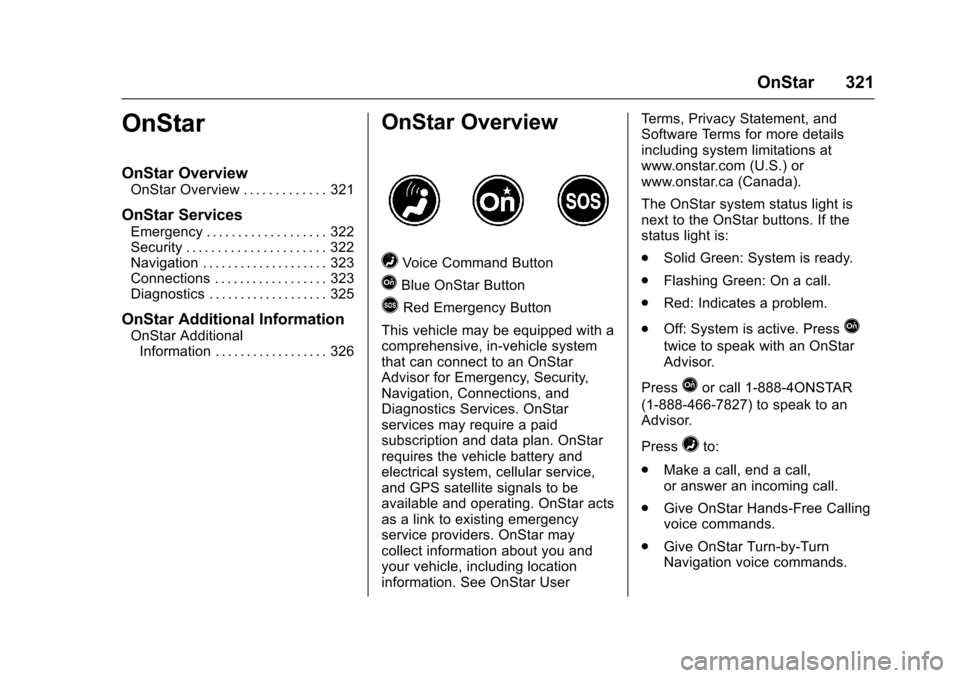
=Voice Command Button
QBlue OnStar Button
>Red Emergency Button
This vehicle may be equipped with acomprehensive, in-vehicle systemthat can connect to an OnStarAdvisor for Emergency, Security,Navigation, Connections, andDiagnostics Services. OnStarservices may require a paidsubscription and data plan. OnStarrequires the vehicle battery andelectrical system, cellular service,and GPS satellite signals to beavailable and operating. OnStar actsas a link to existing emergencyservice providers. OnStar maycollect information about you andyour vehicle, including locationinformation. See OnStar User
Te r m s , P r i v a c y S t a t e m e n t , a n dSoftware Terms for more detailsincluding system limitations atwww.onstar.com (U.S.) orwww.onstar.ca (Canada).
The OnStar system status light isnext to the OnStar buttons. If thestatus light is:
.Solid Green: System is ready.
.Flashing Green: On a call.
.Red: Indicates a problem.
.Off: System is active. PressQ
twice to speak with an OnStarAdvisor.
PressQor call 1-888-4ONSTAR
(1-888-466-7827) to speak to anAdvisor.
Press=to:
.Make a call, end a call,or answer an incoming call.
.Give OnStar Hands-Free Callingvoice commands.
.Give OnStar Turn-by-TurnNavigation voice commands.