light CHEVROLET SSR 2003 1.G Owner's Guide
[x] Cancel search | Manufacturer: CHEVROLET, Model Year: 2003, Model line: SSR, Model: CHEVROLET SSR 2003 1.GPages: 374, PDF Size: 2.55 MB
Page 122 of 374
Climate Controls
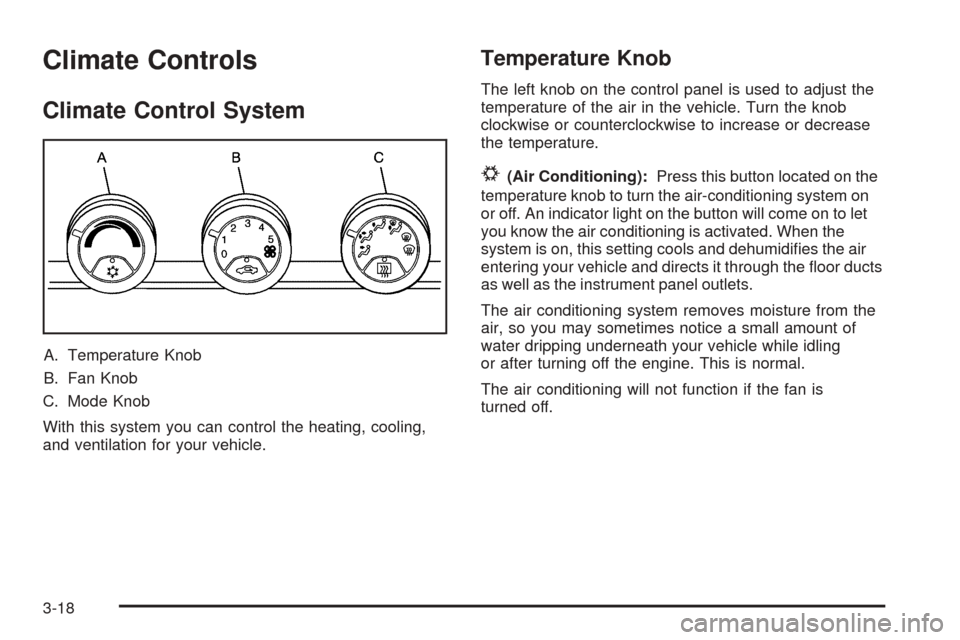
Climate Control System
A. Temperature Knob
B. Fan Knob
C. Mode Knob
With this system you can control the heating, cooling,
and ventilation for your vehicle.
Temperature Knob
The left knob on the control panel is used to adjust the
temperature of the air in the vehicle. Turn the knob
clockwise or counterclockwise to increase or decrease
the temperature.
#(Air Conditioning):Press this button located on the
temperature knob to turn the air-conditioning system on
or off. An indicator light on the button will come on to let
you know the air conditioning is activated. When the
system is on, this setting cools and dehumidies the air
entering your vehicle and directs it through the oor ducts
as well as the instrument panel outlets.
The air conditioning system removes moisture from the
air, so you may sometimes notice a small amount of
water dripping underneath your vehicle while idling
or after turning off the engine. This is normal.
The air conditioning will not function if the fan is
turned off.
3-18
Page 123 of 374
Fan Knob
The center knob on the control panel is used to control
the fan speed. Turn the knob clockwise or
counterclockwise to increase or decrease the fan speed.
?(Recirculation):This mode keeps outside air
from coming in the vehicle. It can be used to prevent
outside air and odors from entering your vehicle or help
heat or cool the air inside your vehicle more quickly.
Press this button on the fan knob to turn the recirculation
mode on or off. An indicator light on the button will
come on to let you know the recirculation mode
is activated.
Recirculation is only available in the bi-level and vent
modes. If you push the recirculation button while
the system is in any other mode, the light on the button
will ash to indicate that recirculation is not available.
Mode Knob
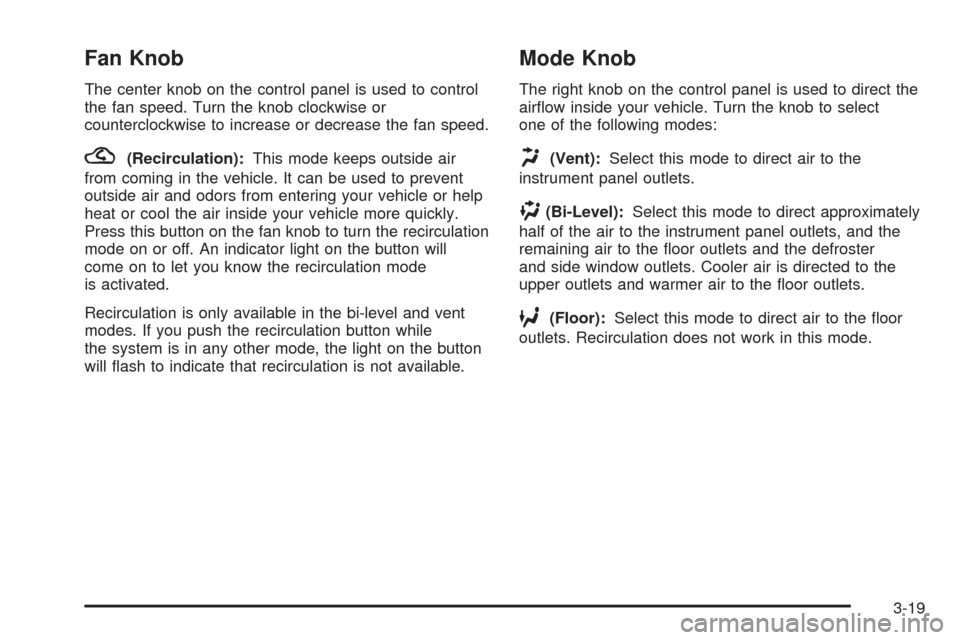
The right knob on the control panel is used to direct the
airow inside your vehicle. Turn the knob to select
one of the following modes:
H(Vent):Select this mode to direct air to the
instrument panel outlets.
)(Bi-Level):Select this mode to direct approximately
half of the air to the instrument panel outlets, and the
remaining air to the oor outlets and the defroster
and side window outlets. Cooler air is directed to the
upper outlets and warmer air to the oor outlets.
6(Floor):Select this mode to direct air to the oor
outlets. Recirculation does not work in this mode.
3-19
Page 125 of 374
Rear Window Defogger
The rear window defogger uses a warming grid to
remove fog from the rear window.
The rear window defogger will only work when the
ignition is on.
=(Rear):Press this button on the right knob to turn
the rear window defogger on or off. An indicator light
on the button will come on to let you know that the rear
window defogger is activated.
When the rear defogger button is pressed, the outside
heated mirrors will warm to help clear any fog or
frost from the surface of the mirrors.
Notice:Using a razor blade or sharp object to clear
the inside rear window may damage the rear
window defogger. Repairs would not be covered by
your warranty. Do not clear the inside of the rear
window with sharp objects.
Outlet Adjustment
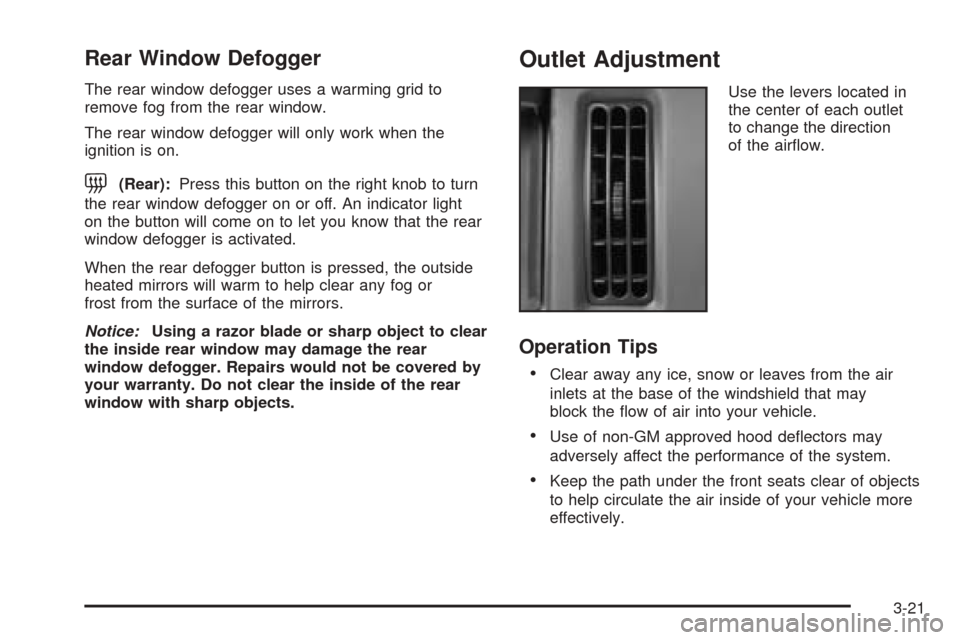
Use the levers located in
the center of each outlet
to change the direction
of the airow.
Operation Tips
Clear away any ice, snow or leaves from the air
inlets at the base of the windshield that may
block the ow of air into your vehicle.
Use of non-GM approved hood deectors may
adversely affect the performance of the system.
Keep the path under the front seats clear of objects
to help circulate the air inside of your vehicle more
effectively.
3-21
Page 126 of 374

Warning Lights, Gages, and
Indicators
This part describes the warning lights and gages that
may be on your vehicle. The pictures will help you
locate them.
Warning lights and gages can signal that something is
wrong before it becomes serious enough to cause
an expensive repair or replacement. Paying attention to
your warning lights and gages could also save you
or others from injury.
Warning lights come on when there may be or is a
problem with one of your vehicle’s functions. As you
will see in the details on the next few pages, some
warning lights come on briey when you start the engine
just to let you know they’re working. If you are familiar
with this section, you should not be alarmed when
this happens.Gages can indicate when there may be or is a problem
with one of your vehicle’s functions. Often gages
and warning lights work together to let you know when
there’s a problem with your vehicle.
When one of the warning lights comes on and stays
on when you are driving, or when one of the gages
shows there may be a problem, check the section
that tells you what to do about it. Please follow this
manual’s advice. Waiting to do repairs can be costly,
and even dangerous. So please get to know your
warning lights and gages. They’re a big help.
Your vehicle also has a Driver Information Center (DIC)
that works along with the warning lights and gages.
SeeDriver Information Center (DIC) on page 3-41for
more information.
3-22
Page 128 of 374
Speedometer and Odometer
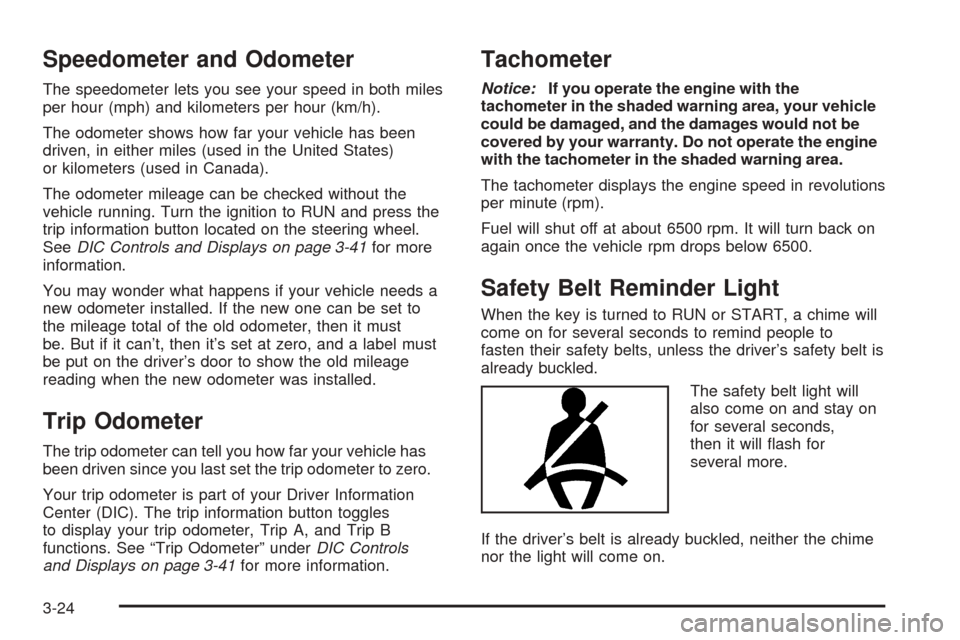
The speedometer lets you see your speed in both miles
per hour (mph) and kilometers per hour (km/h).
The odometer shows how far your vehicle has been
driven, in either miles (used in the United States)
or kilometers (used in Canada).
The odometer mileage can be checked without the
vehicle running. Turn the ignition to RUN and press the
trip information button located on the steering wheel.
SeeDIC Controls and Displays on page 3-41for more
information.
You may wonder what happens if your vehicle needs a
new odometer installed. If the new one can be set to
the mileage total of the old odometer, then it must
be. But if it can’t, then it’s set at zero, and a label must
be put on the driver’s door to show the old mileage
reading when the new odometer was installed.
Trip Odometer
The trip odometer can tell you how far your vehicle has
been driven since you last set the trip odometer to zero.
Your trip odometer is part of your Driver Information
Center (DIC). The trip information button toggles
to display your trip odometer, Trip A, and Trip B
functions. See “Trip Odometer” underDIC Controls
and Displays on page 3-41for more information.
Tachometer
Notice:If you operate the engine with the
tachometer in the shaded warning area, your vehicle
could be damaged, and the damages would not be
covered by your warranty. Do not operate the engine
with the tachometer in the shaded warning area.
The tachometer displays the engine speed in revolutions
per minute (rpm).
Fuel will shut off at about 6500 rpm. It will turn back on
again once the vehicle rpm drops below 6500.
Safety Belt Reminder Light
When the key is turned to RUN or START, a chime will
come on for several seconds to remind people to
fasten their safety belts, unless the driver’s safety belt is
already buckled.
The safety belt light will
also come on and stay on
for several seconds,
then it will ash for
several more.
If the driver’s belt is already buckled, neither the chime
nor the light will come on.
3-24
Page 129 of 374
Airbag Readiness Light
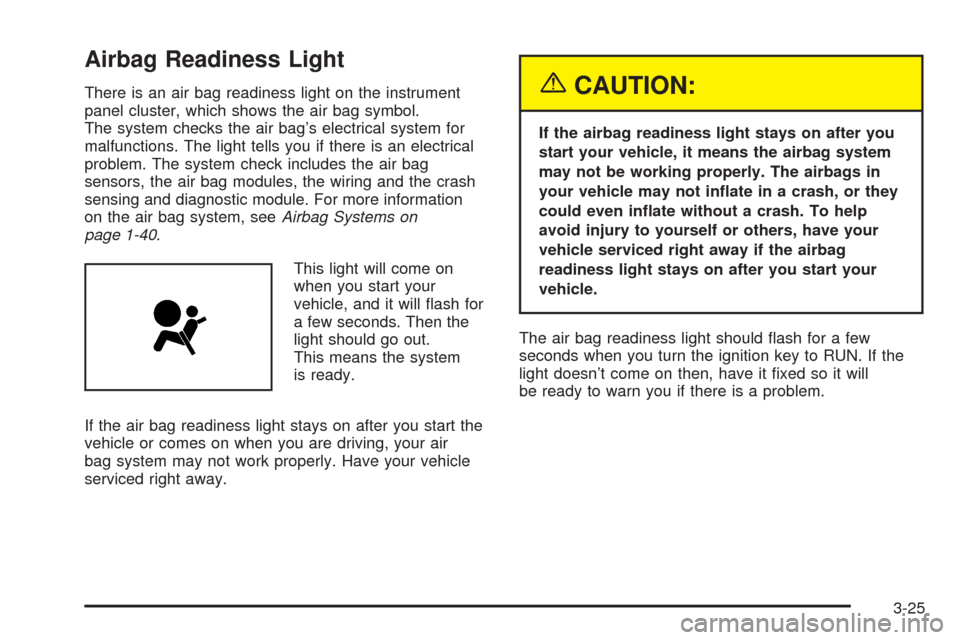
There is an air bag readiness light on the instrument
panel cluster, which shows the air bag symbol.
The system checks the air bag’s electrical system for
malfunctions. The light tells you if there is an electrical
problem. The system check includes the air bag
sensors, the air bag modules, the wiring and the crash
sensing and diagnostic module. For more information
on the air bag system, seeAirbag Systems on
page 1-40.
This light will come on
when you start your
vehicle, and it will ash for
a few seconds. Then the
light should go out.
This means the system
is ready.
If the air bag readiness light stays on after you start the
vehicle or comes on when you are driving, your air
bag system may not work properly. Have your vehicle
serviced right away.{CAUTION:
If the airbag readiness light stays on after you
start your vehicle, it means the airbag system
may not be working properly. The airbags in
your vehicle may not inate in a crash, or they
could even inate without a crash. To help
avoid injury to yourself or others, have your
vehicle serviced right away if the airbag
readiness light stays on after you start your
vehicle.
The air bag readiness light should ash for a few
seconds when you turn the ignition key to RUN. If the
light doesn’t come on then, have it xed so it will
be ready to warn you if there is a problem.
3-25
Page 130 of 374
Airbag Off Light
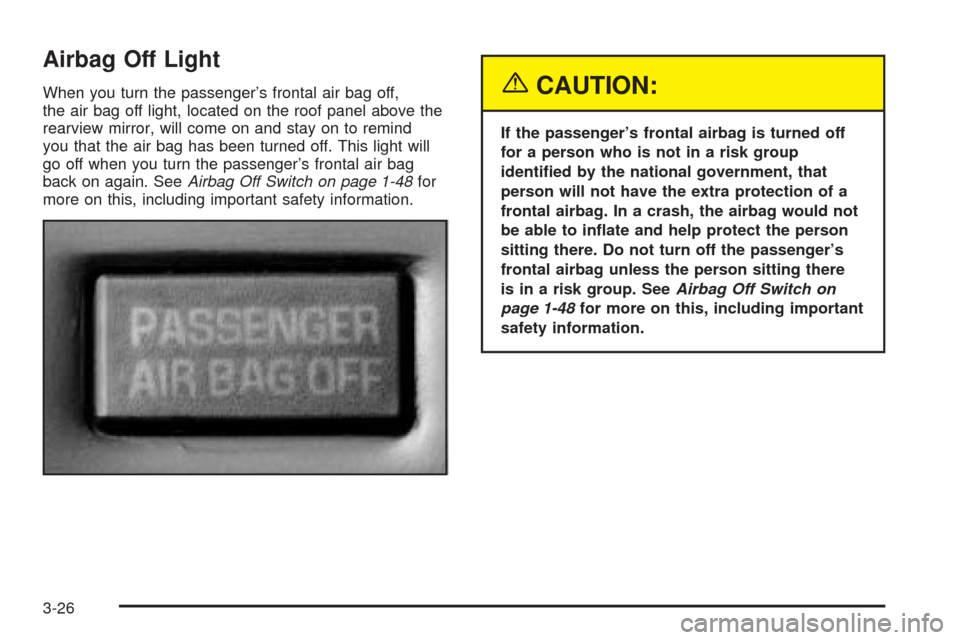
When you turn the passenger’s frontal air bag off,
the air bag off light, located on the roof panel above the
rearview mirror, will come on and stay on to remind
you that the air bag has been turned off. This light will
go off when you turn the passenger’s frontal air bag
back on again. SeeAirbag Off Switch on page 1-48for
more on this, including important safety information.{CAUTION:
If the passenger’s frontal airbag is turned off
for a person who is not in a risk group
identied by the national government, that
person will not have the extra protection of a
frontal airbag. In a crash, the airbag would not
be able to inate and help protect the person
sitting there. Do not turn off the passenger’s
frontal airbag unless the person sitting there
is in a risk group. SeeAirbag Off Switch on
page 1-48for more on this, including important
safety information.
3-26
Page 131 of 374
{CAUTION:
If the airbag readiness light ever comes on
when you have turned off the passenger’s
frontal airbag, it means that something may be
wrong with the airbag system. The passenger’s
frontal airbag could inate even though the
switch is off. If this ever happens, do not let
anyone whom the national government has
identied as a member of a passenger airbag
risk group sit in the passenger’s position
(for example, do not secure a rear-facing child
restraint in your vehicle) until you have your
vehicle serviced. SeeAirbag Off Switch on
page 1-48.
Charging System Light
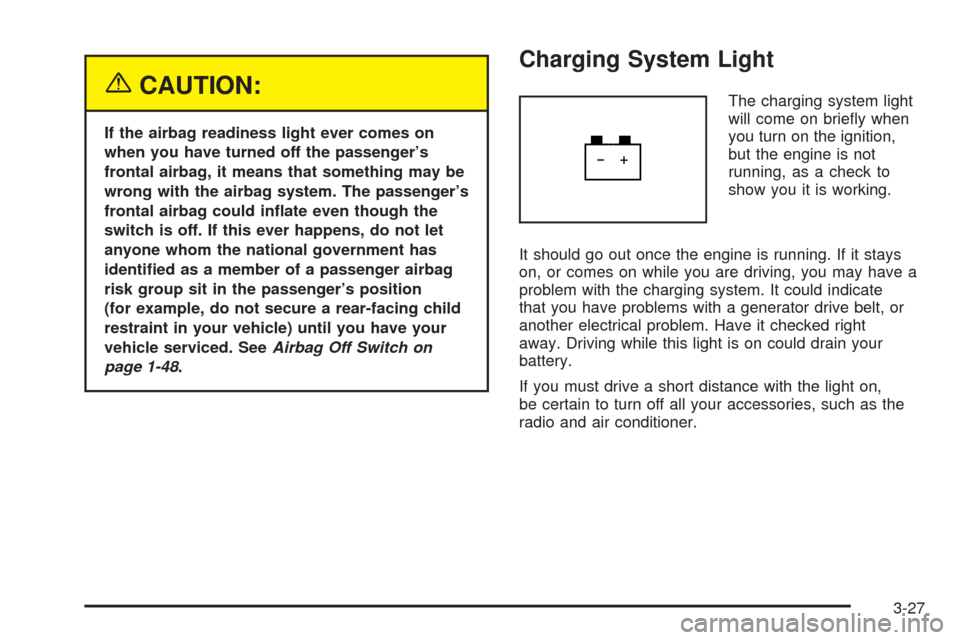
The charging system light
will come on briey when
you turn on the ignition,
but the engine is not
running, as a check to
show you it is working.
It should go out once the engine is running. If it stays
on, or comes on while you are driving, you may have a
problem with the charging system. It could indicate
that you have problems with a generator drive belt, or
another electrical problem. Have it checked right
away. Driving while this light is on could drain your
battery.
If you must drive a short distance with the light on,
be certain to turn off all your accessories, such as the
radio and air conditioner.
3-27
Page 132 of 374
Brake System Warning Light
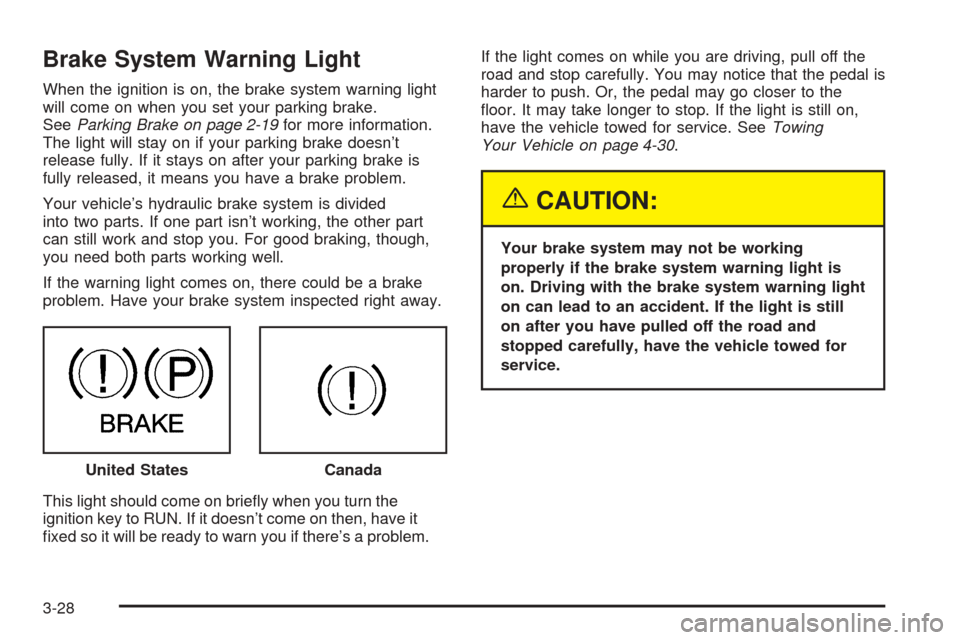
When the ignition is on, the brake system warning light
will come on when you set your parking brake.
SeeParking Brake on page 2-19for more information.
The light will stay on if your parking brake doesn’t
release fully. If it stays on after your parking brake is
fully released, it means you have a brake problem.
Your vehicle’s hydraulic brake system is divided
into two parts. If one part isn’t working, the other part
can still work and stop you. For good braking, though,
you need both parts working well.
If the warning light comes on, there could be a brake
problem. Have your brake system inspected right away.
This light should come on briey when you turn the
ignition key to RUN. If it doesn’t come on then, have it
xed so it will be ready to warn you if there’s a problem.If the light comes on while you are driving, pull off the
road and stop carefully. You may notice that the pedal is
harder to push. Or, the pedal may go closer to the
oor. It may take longer to stop. If the light is still on,
have the vehicle towed for service. SeeTowing
Your Vehicle on page 4-30.
{CAUTION:
Your brake system may not be working
properly if the brake system warning light is
on. Driving with the brake system warning light
on can lead to an accident. If the light is still
on after you have pulled off the road and
stopped carefully, have the vehicle towed for
service.
United States
Canada
3-28
Page 133 of 374
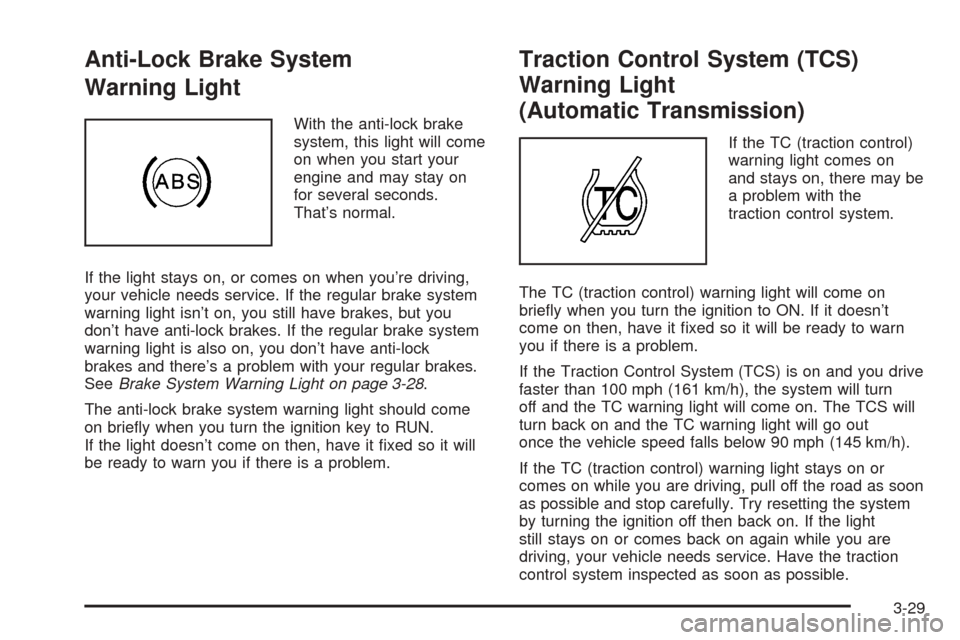
Anti-Lock Brake System
Warning Light
With the anti-lock brake
system, this light will come
on when you start your
engine and may stay on
for several seconds.
That’s normal.
If the light stays on, or comes on when you’re driving,
your vehicle needs service. If the regular brake system
warning light isn’t on, you still have brakes, but you
don’t have anti-lock brakes. If the regular brake system
warning light is also on, you don’t have anti-lock
brakes and there’s a problem with your regular brakes.
SeeBrake System Warning Light on page 3-28.
The anti-lock brake system warning light should come
on briey when you turn the ignition key to RUN.
If the light doesn’t come on then, have it xed so it will
be ready to warn you if there is a problem.
Traction Control System (TCS)
Warning Light
(Automatic Transmission)
If the TC (traction control)
warning light comes on
and stays on, there may be
a problem with the
traction control system.
The TC (traction control) warning light will come on
briey when you turn the ignition to ON. If it doesn’t
come on then, have it xed so it will be ready to warn
you if there is a problem.
If the Traction Control System (TCS) is on and you drive
faster than 100 mph (161 km/h), the system will turn
off and the TC warning light will come on. The TCS will
turn back on and the TC warning light will go out
once the vehicle speed falls below 90 mph (145 km/h).
If the TC (traction control) warning light stays on or
comes on while you are driving, pull off the road as soon
as possible and stop carefully. Try resetting the system
by turning the ignition off then back on. If the light
still stays on or comes back on again while you are
driving, your vehicle needs service. Have the traction
control system inspected as soon as possible.
3-29