lights CHEVROLET SUBURBAN 1993 User Guide
[x] Cancel search | Manufacturer: CHEVROLET, Model Year: 1993, Model line: SUBURBAN, Model: CHEVROLET SUBURBAN 1993Pages: 386, PDF Size: 21.06 MB
Page 112 of 386
Reading Lights
I
K2252
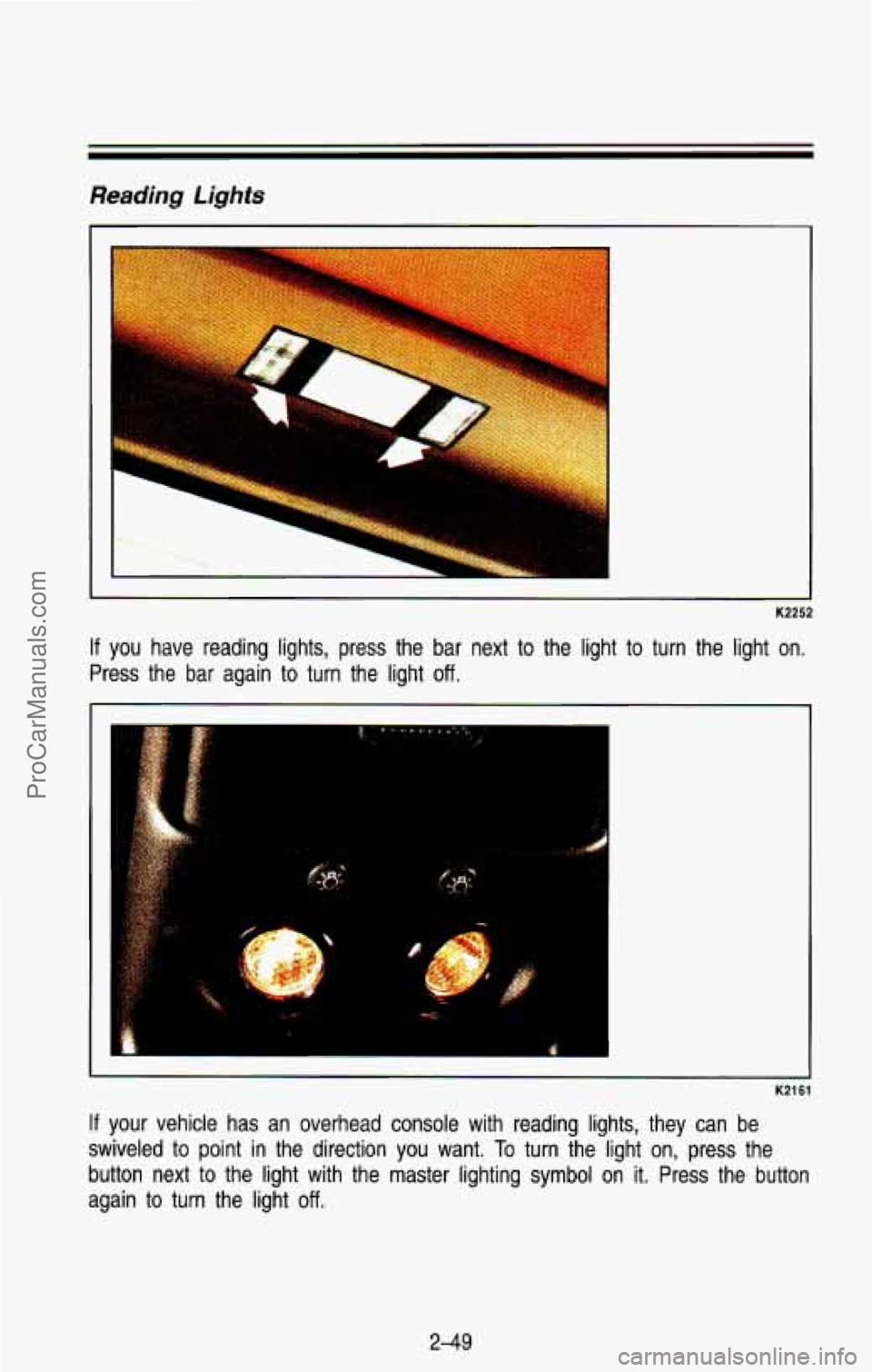
If you have reading lights, press the bar next to the light to turn the light on.
Press the bar again to turn the light
off.
K2161
If your vehicle has an overhead console with reading lights, they \
can be
swiveled to point
in the direction you want. To turn the light on, press the
button next to the light with the master lighting symbol on it. Press the button
again to turn the light
off.
2-49
ProCarManuals.com
Page 114 of 386

Mirrors
I
K2256
inside Mirror
Push or pull the tab under the mirror to reduce glare from headlights behin\
d
you after dark.
Outside Mirrors
K2295
Adjust your outside mirrors so you can just see the side of your vehicle, and
have a clear view of objects behind you. Some mirrors can
be folded in to
enter narrow doorways.
2-5 1
ProCarManuals.com
Page 116 of 386
.. .
%.> ’_
Sun Visors
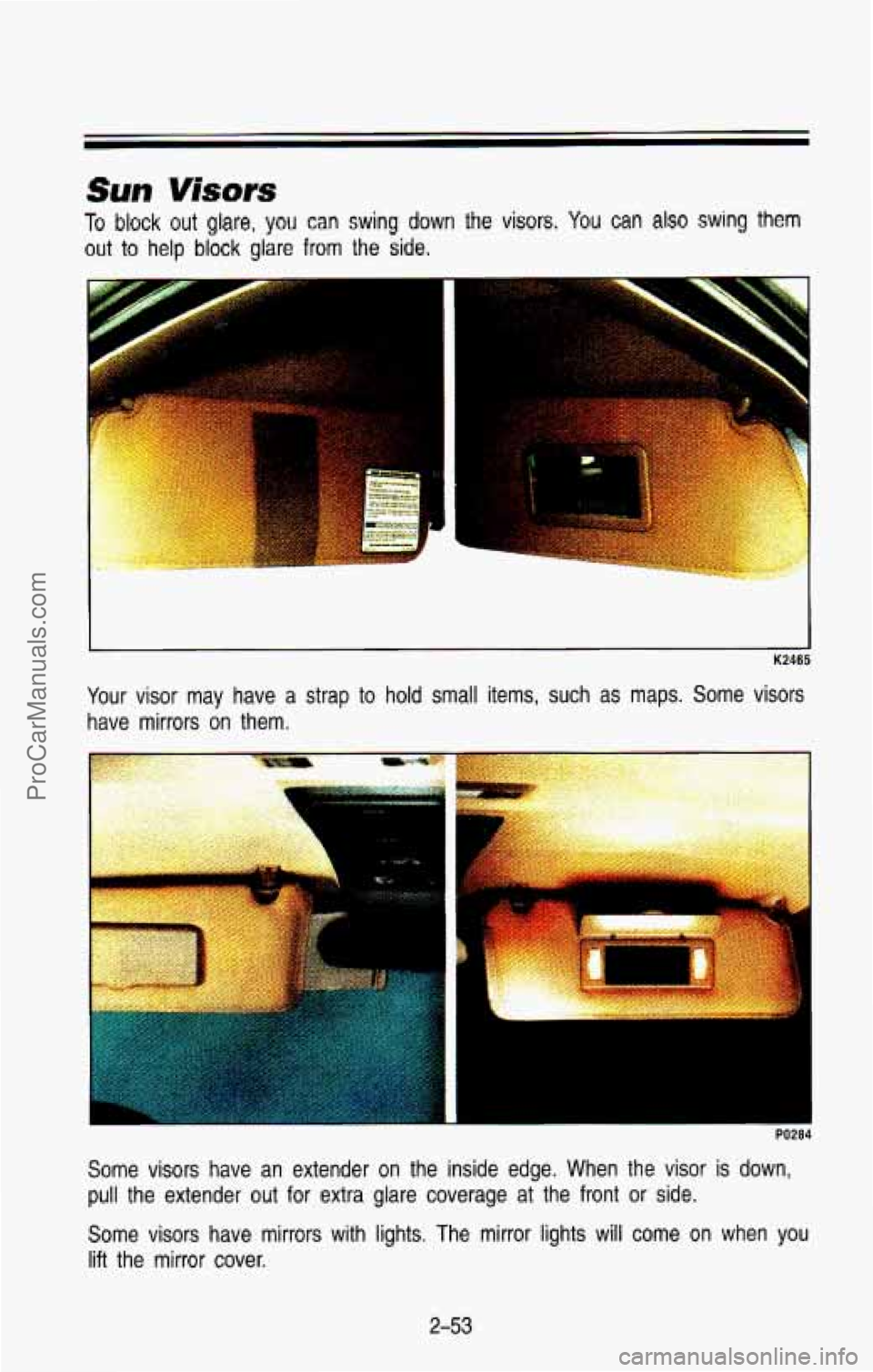
To block out glare, you can swing down the visors. You can also swing them
out to help block glare from the side.
- .~ : .. =,? , ~ ~.
K2465
Your visor may have a strap to hold small items, such as maps. Some visors
have mirrors on them.
- ~ i
PO284
Some visors have an extender on the inside edge. When the vis\
or is down,
pull the extender out for extra glare coverage at the front or side.
Some visors have mirrors with lights. The mirror lights will c\
ome
on when you
lift the mirror cover.
2-53
ProCarManuals.com
Page 131 of 386
Features & Controls
Do not operate the engine with the tachometer in the red area, or engine
damage may occur.
Damage
to your engine or vehicle caused by operating the engine in the
red area isn’t covered by your vehicle warranty.
Warning Lights, Gages and lndicafors
This part describes the warning lights and gages that are on \
your vehicle.
The pictures will help you locate them.
Warning lights and gages can signal that something is wrong be\
fore it
becomes serious enough
to cause an expensive repair or replacement. Paying
attention to your warning lights and gages could also save you or others from
injury.
Warning lights go on when there may be or is a problem with one of your
vehicle’s functions.
As you will see in the details on the next few pages,
some warning lights come on briefly when you turn the ignition\
key just
to let
you know they’re working.
If you are familiar with this part, you should not be
alarmed when this happens.
Gages can indicate when there may be
or is a problem with one of your
vehicle’s functions. Often gages and warning lights work together to let you
know when there’s
a problem with your vehicle.
When one of the warning lights comes on and stays on when you are
driving, or when one of the gages shows there may be a problem, check the
part that tells you what to
do about it. Please follow the manual’s advice.
Waiting
to do repairs can be costly-and even dangerous. So please get to
know your warning lights and gages. They’re a big help.
2-68
ProCarManuals.com
Page 136 of 386
CHECK GAGES Light
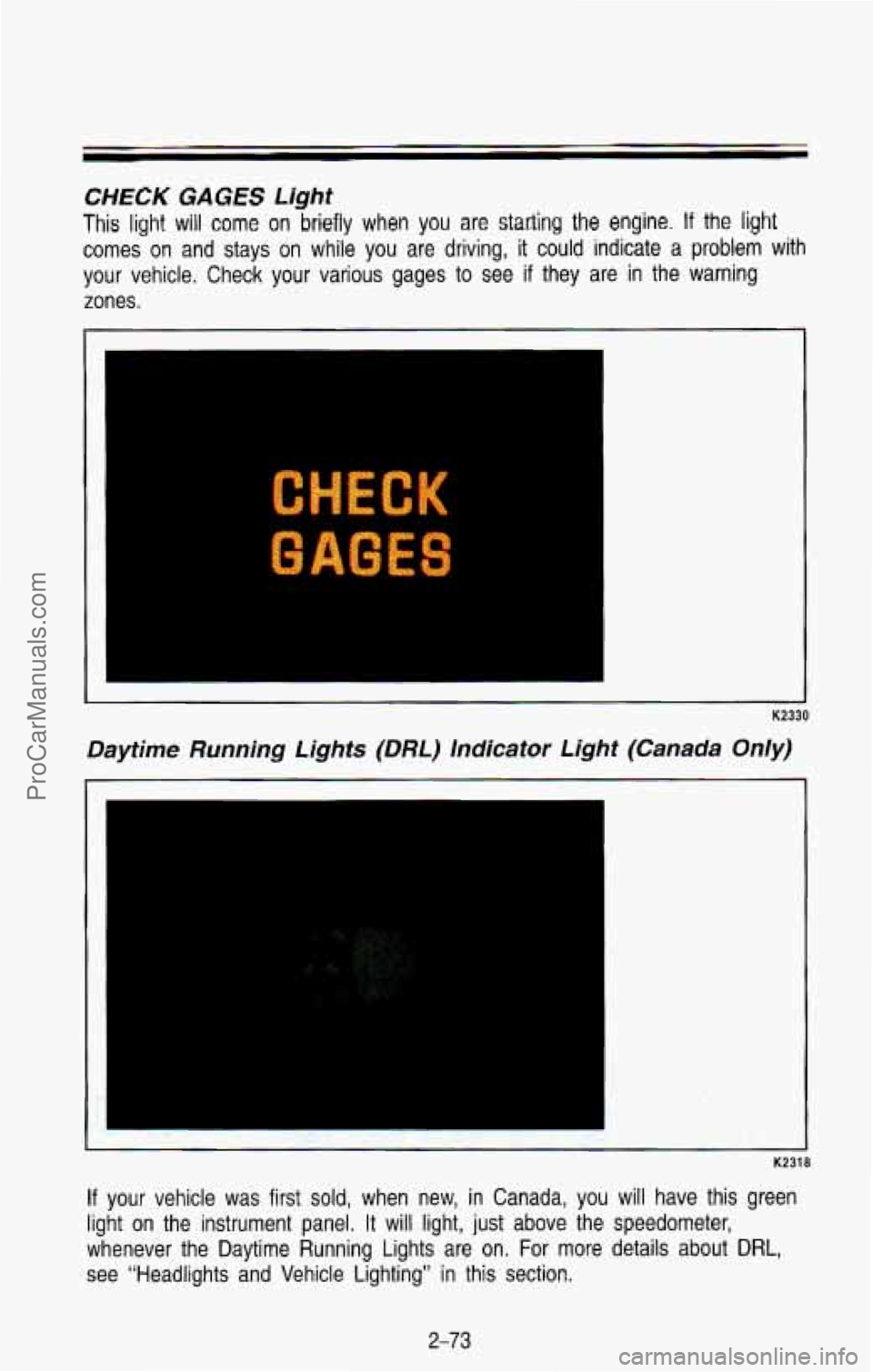
This light will come on briefly when you are statling the engine. If the light
comes on and stays on while you are driving, it could indicate a problem with
your vehicle. Check your various gages to see if they are in the warning
zones.
C “5 XK
GAGES
K2330
Daytime Running Lights (DRL) Indicator tight (Canada Only)
K2318
If your vehicle was first sold, when new, in Canada, you will have this green
light on the instrument panel. It will light,
just above the speedometer,
whenever the Daytime Running Lights are on. For more details a\
bout
DRL,
see “Headlights and Vehicle Lighting’’ in this section.
2-73
ProCarManuals.com
Page 138 of 386
beam headlights. For more details about high beams, see “Headlight
High-Low
Beam Changer” earlier in this section,
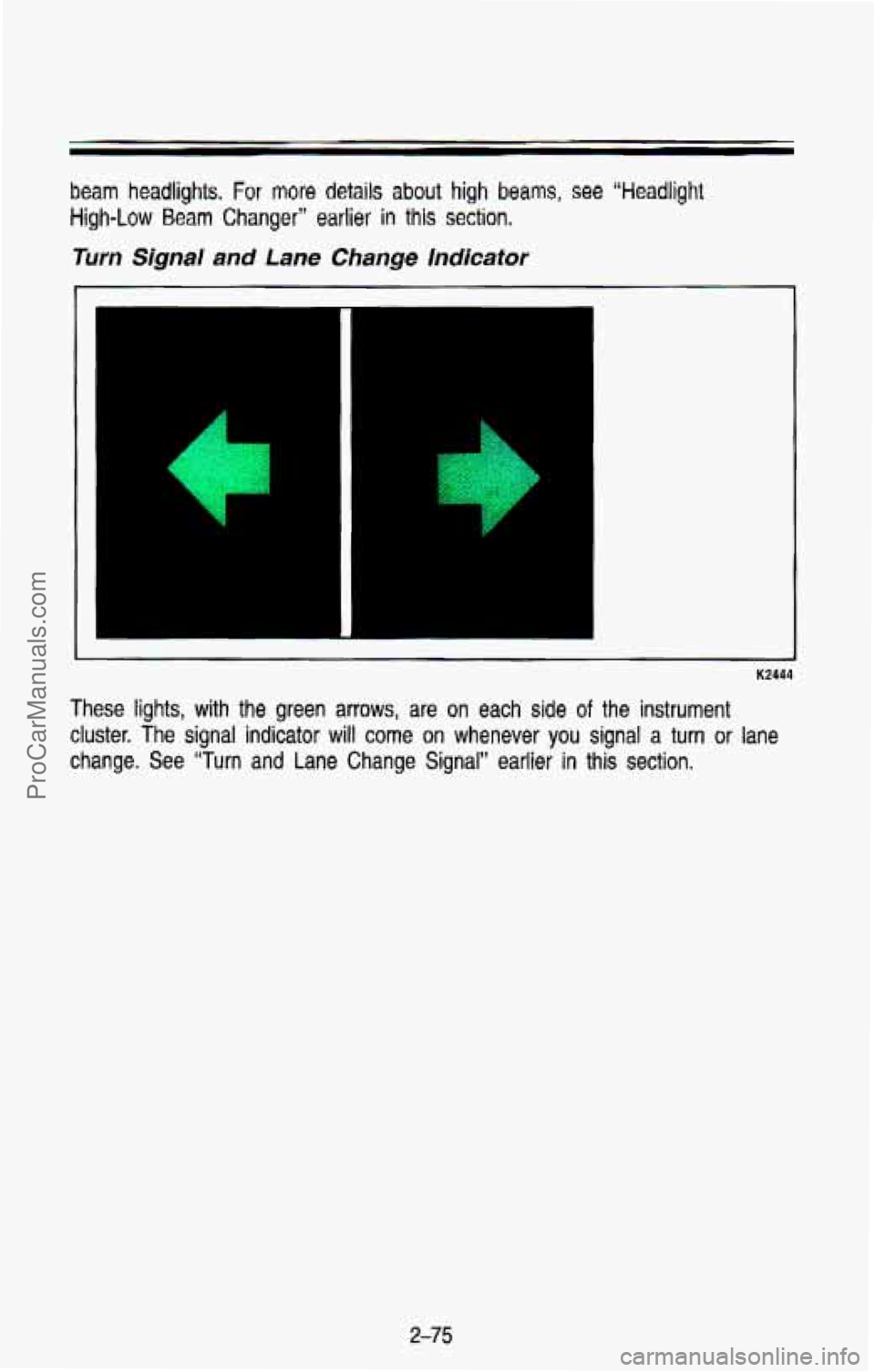
Turn Signal and Lane Change Indicator
K2444
These lights, with the green arrows, are on each side of the instrument
cluster. The signal
indicator will come on whenever you signal a turn or lane
change. See “Turn and Lane Change Signal” earlier
in this section.
2-75
ProCarManuals.com
Page 151 of 386

K2313
Your system has a lighted display showing each system when it is operating.
During normal operation, all the lights won’t come on at th\
e same time. Only
the ones displaying the current settings will light.
System Controls
NC Button: Press the button marked NC to turn your air conditioner on and
off. The AIC symbol will light on your display and air will come out of your
dashboard vents. The fan
will automatically be set on LOW.
When you press the NC button to turn the air conditioner off, the system will
operate in the vent mode. When you turn the air conditioner back on, the\
system will operate in the mode that you last selected unless the
OFF button
was pressed.
OFF Button: Press this button to turn the air conditioning/ heating system off.
Pressing OFF will erase the present mode of operation from the system’s
memory. Outside air will still come out of the heater outlet \
whenever the
vehicle is moving forward.
If the OFF button was pressed, you must press NC, MAX, or one of the
BLEND buttons for the system to come back on.
Air Controls (BLEND)
The two buttons to the right of the system display control the air flow. You
can blend the air flow to suit your needs, The amount of blending is shown
on the display by an arrow moving between the figure’s feet (floor air flow)
and head (vent air flow).
3-6
ProCarManuals.com
Page 174 of 386

Traffic Lights
I
I I
AM402014
We’re all familiar with traffic lights or stop lights. Often green arrows\
are
being used in the lights for improved traffic control. On some multilane roads,
green arrows light up, indicating that traffic in one or more lanes can move or
make a turn. Green arrows don’t mean “go no matter what,” You’ll still need
to proceed with caution, yielding the right of way to pedestrians and
sometimes to other vehicles.
Some traffic
lights also use red arrows to signify that you must stop before
turning on red.
REVERSIBLE
LANE
ON
ROADWAY MULTI-LANE
AM402015
Many city roads and expressways, and even bridges, use reversib\
le-lane
traffic control during rush hours.
A red X light above a lane means no driving
in that lane at that time.
A green arrow means you may drive in that lane.
Look for the signs posted to warn drivers what hours and days these
systems are in effect.
4-7
ProCarManuals.com
Page 175 of 386
Pavement Markings
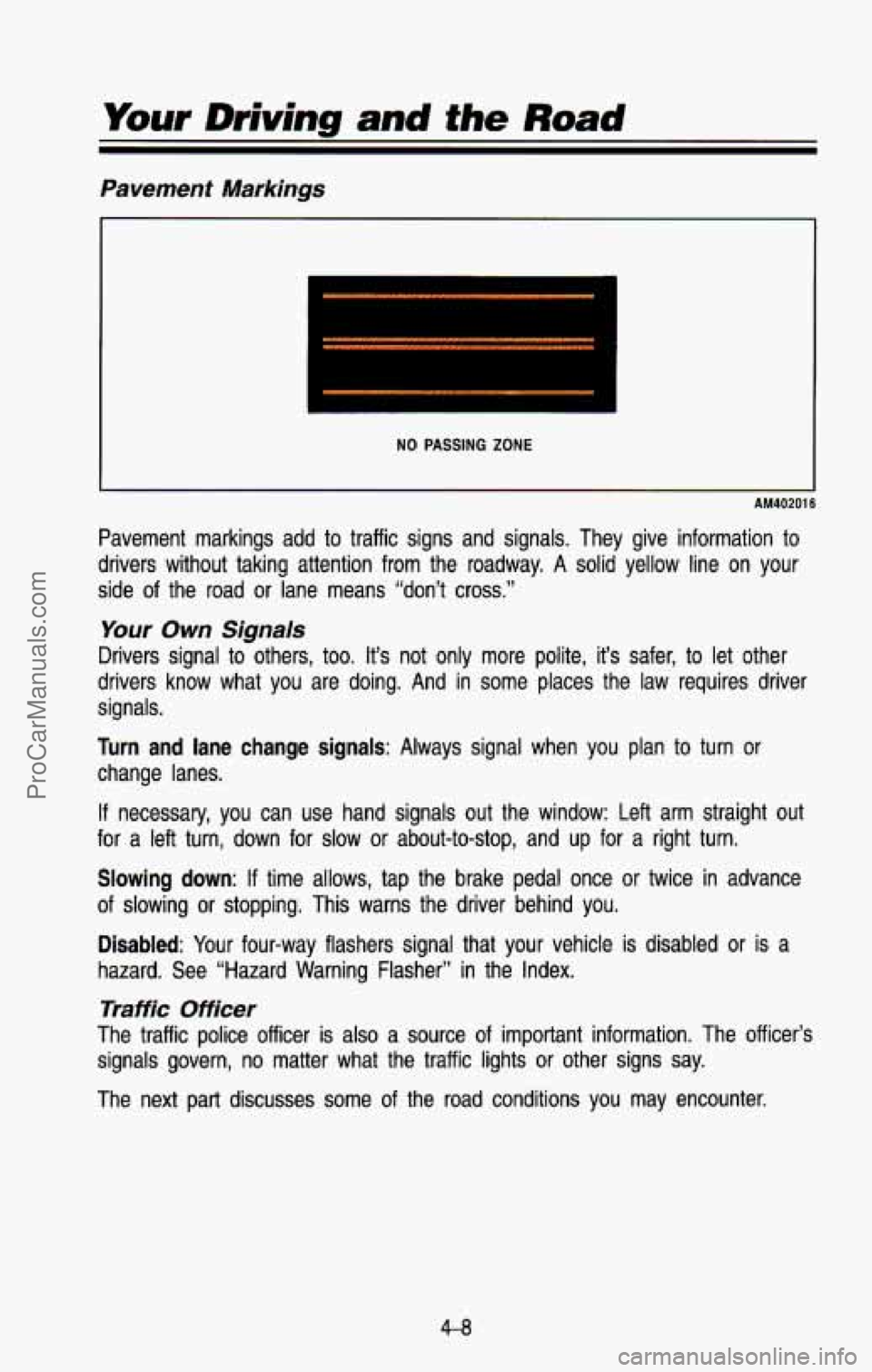
NO PASSING ZONE
AM40201 6
Pavement markings add to traffic signs and signals. They give information to
drivers without taking attention from the roadway. A solid yell\
ow line on your
side of the road or lane means “don’t cross.”
Your Own Signals
Drivers signal to others, too. It’s not only more polite, it’s safer, to let other
drivers know what you are doing. And in some places the law requires driver
signals.
Turn and lane change signals: Always signal when you plan to turn or
change lanes.
If necessary, you can use hand signals out the window: Left arm straight out
for
a left turn, down for slow or about-to-stop, and up for a right\
turn.
Slowing down: If time allows, tap the brake pedal once or twice in advance
of slowing or stopping. This warns the driver behind you.
Disabled: Your four-way flashers signal that your vehicle is disabled or \
is a
hazard. See “Hazard Warning Flasher” in the Index.
Traffic Officer
The traffic police officer is also a source of important information. The officer’s
signals govern, no matter what the traffic lights or other signs say. \
The next part discusses some of the road conditions you may e\
ncounter.
4-8
ProCarManuals.com
Page 186 of 386
The traction you can get in a curve depends on the condition of your tires
and the
road surface, the angle at which the curve is banked, and your
speed. While you’re in
a curve, speed is the one factor you can control.
Suppose you’re steering through a sharp curve. Then you suddenly
accelerate. Those two control systems-steering and acceleration-ca\
n
overwhelm those places where the tires meet the road and make \
you lose
control.
What should you do if this ever happens? Let up on the accel\
erator peaal,
steer the vehicle the way you want it
to go, and slow down.
Speed limit signs near curves warn that you should adjust your\
speed. Of
course, the posted speeds are based
on good weather and road conditions.
Under less favorable conditions you’ll want
to go slower.
If you need to reduce your speed as you approach a curve, do it before you
enter the curve, while your front wheels are straight ahead.
Try to adjust your speed so you can “drive” through the curve. Maintain a
reasonable, steady speed. Wait to accelerate until
you are out of the curve,
and then accelerate gently into the straightaway.
When you drive into
a curve at night, it’s harder to see the road ahead of
you because it bends away from the straight beams
of your lights. This is
one
good reason to drive slower.
Steering in Emergencies
There are times when steering can be more effective than braki\
ng. For
example, you come over a hill and find a truck stopped in your lane, or a
car suddenly pulls out from nowhere,
or a child darts out from between
parked cars and stops right in front of you. You can avoid these problems by
braking-if you can stop in time. But sometimes you can’t; there isn’t room.
That’s the time for evasive action-steering around the proble\
m.
Your vehicle can perform very well in emergencies like these. First \
apply your
brakes.
It is better
to remove as much speed as you can from a possible collision.
Then steer around the problem, to the left or right depending \
on the space
available.
An emergency like this requires close attention and a quick decision.
If you
are holding the steering wheel at the recommended
9 and 3 o’clock positions,
you can turn it a full
180 degrees very quickly without removing either hand.
But you have
to act fast, steer quickly, and just as quickly straighten the
4-1 9
ProCarManuals.com