instrument panel CHEVROLET SUBURBAN 1995 User Guide
[x] Cancel search | Manufacturer: CHEVROLET, Model Year: 1995, Model line: SUBURBAN, Model: CHEVROLET SUBURBAN 1995Pages: 486, PDF Size: 26.58 MB
Page 128 of 486
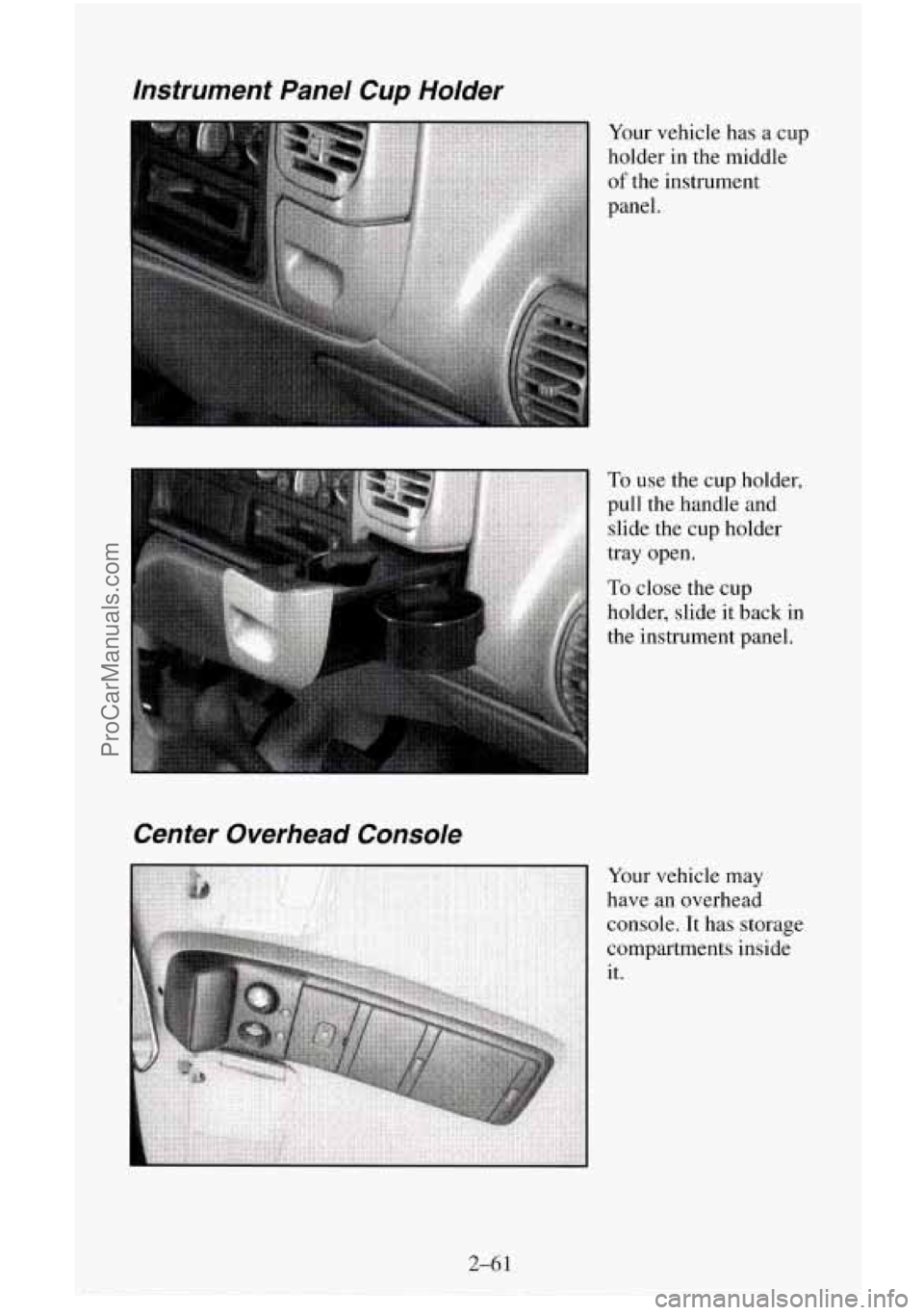
Instrument Panel Cup Holder
Your vehicle has a cup
holder in the middle
of the instrument
panel.
Center Overhead Console
To use the cup holder,
pull the handle and
slide the
cup holder
tray open.
To close the cup
holder, slide it
back in
the instrument panel.
Your vehicle may
have an overhead
console. It has storage
compartments inside
it.
ProCarManuals.com
Page 134 of 486
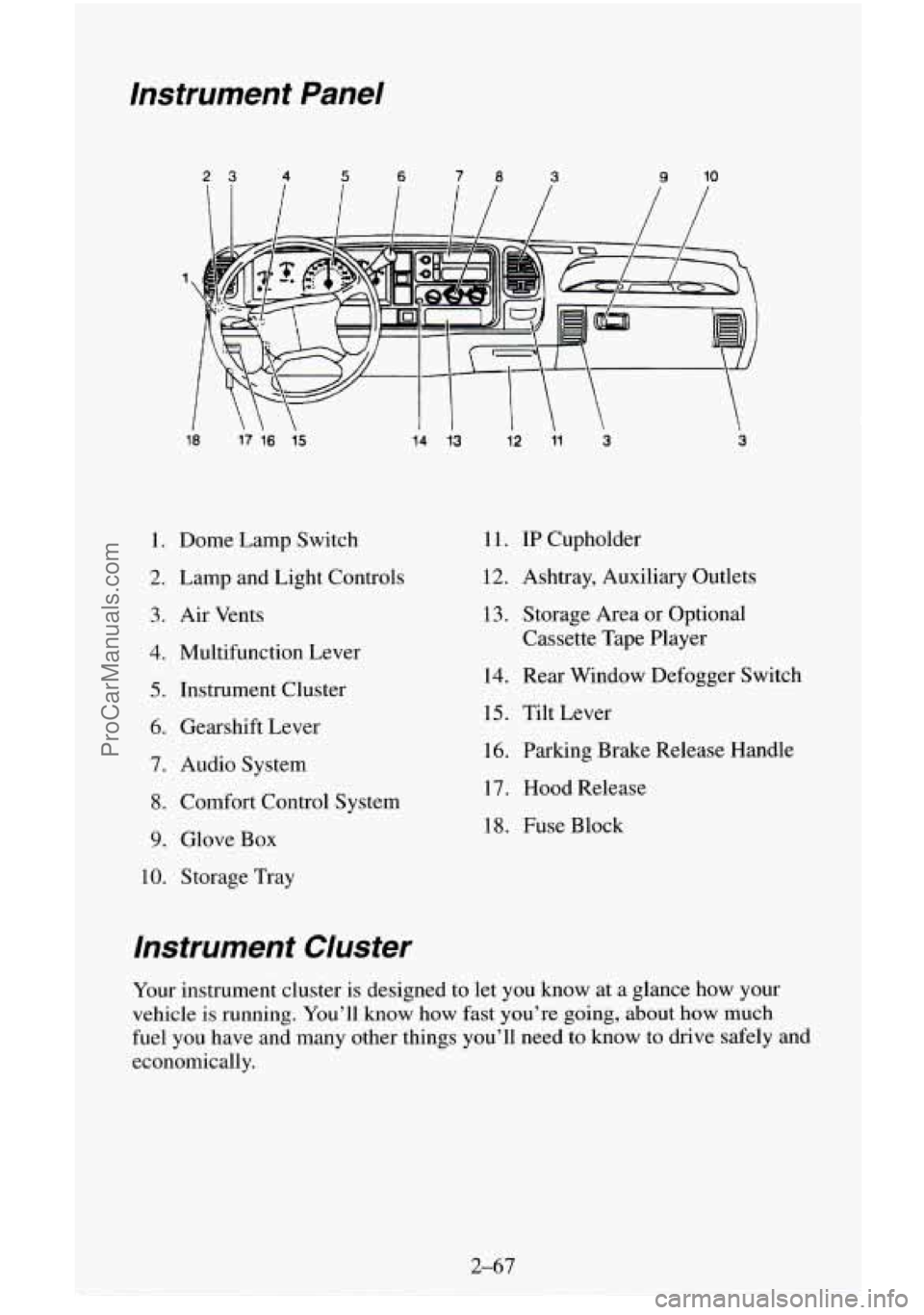
Instrument Panel
23 4 5 6 78 3 9 10
18
17 16 15
1. Dome Lamp Switch
2. Lamp and Light Controls
3. Air Vents
4. Multifunction Lever
5. Instrument Cluster
6. Gearshift Lever
7. Audio System
8. Comfort Control System
9. Glove Box
10. Storage Tray
14 13 12 11 3 3
1 1. IP Cupholder
12. Ashtray, Auxiliary Outlets
13. Storage Area or Optional
Cassette Tape Player
14. Rear Window Defogger Switch
15. Tilt Lever
16. Parking Brake Release Handle
17. Hood Release
18. Fuse Block
Instrument Cluster
Your instrument cluster is designed to let you know at a glance how your
vehicle
is running. You’ll know how fast you’re going, about how much
fuel you have and many other things you’ll need to know to drive safely and
economically.
2-67
ProCarManuals.com
Page 137 of 486
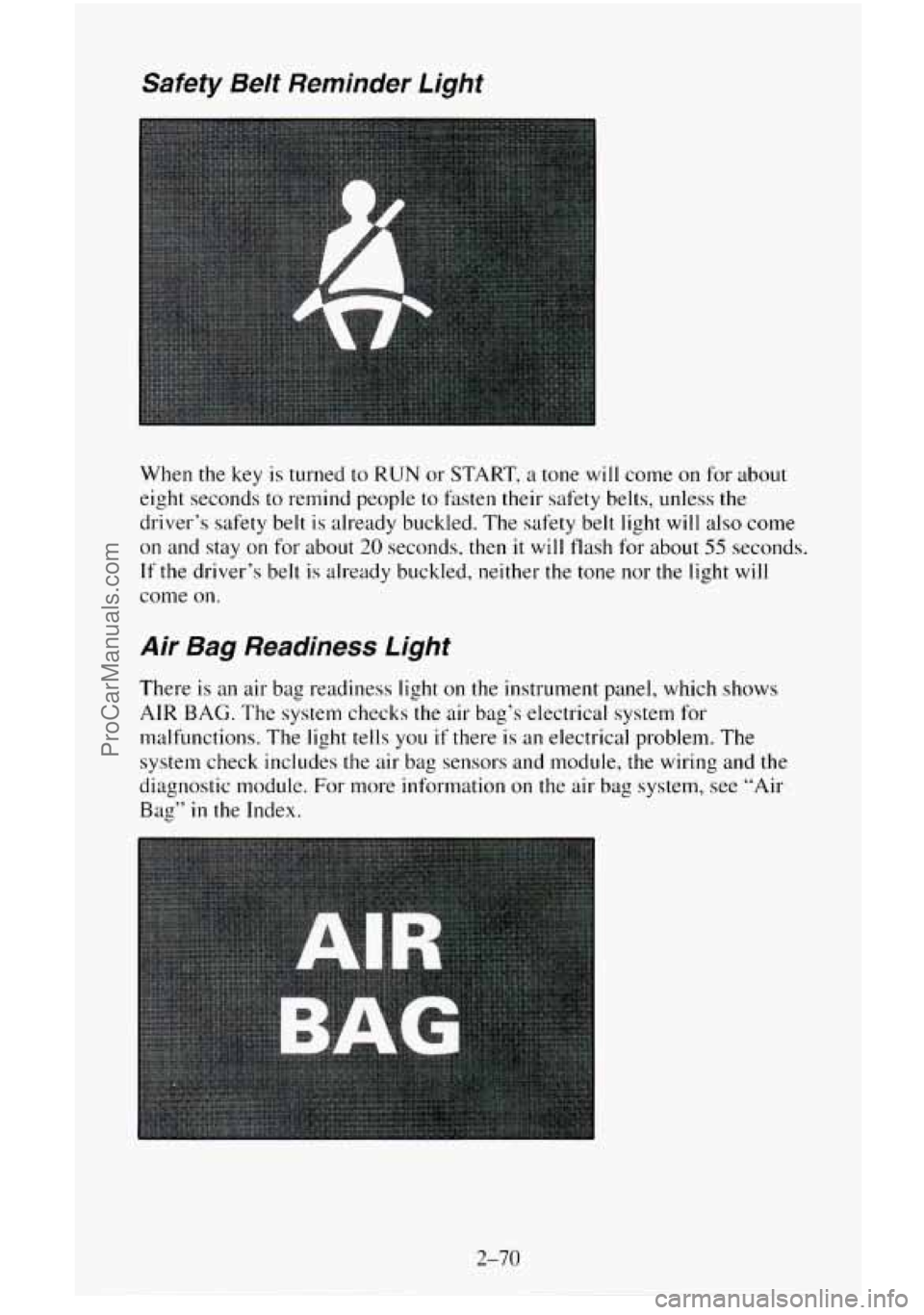
Safety Belt Reminder Light
When the key is turned to RUN or START, a tone will come on for about
eight seconds to remind people to fasten their safety belts, unless the
driver’s safety belt is already buckled. The safety belt light will also come
on and stay on for about 20 seconds, then it will flash for about 55 seconds.
If the driver’s belt is already buckled, neither the tone nor the light will
come on.
Air Bag Readiness Light
There is an air bag readiness light on the instrument panel, which shows
AIR BAG. The system checks the air bag’s electrical system for
malfunctions. The light tells you
if there is an electrical problem. The
system check includes the air bag sensors and module, the wiring and the
diagnostic module. For more information
on the air bag system, see “Air
Bag” in the Index.
2-70
ProCarManuals.com
Page 141 of 486
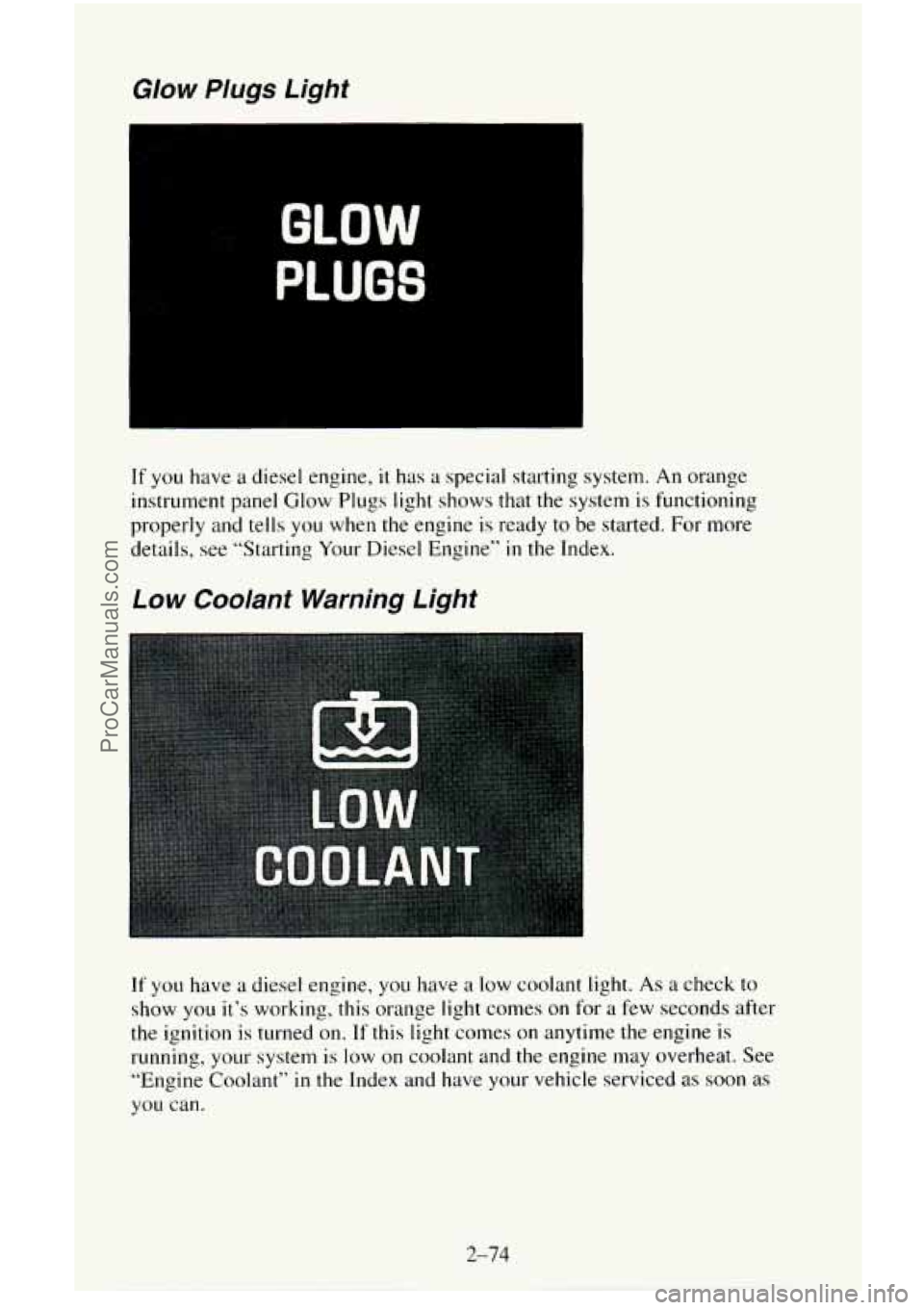
Glow Plugs Light
GLOW
PLUGS
If you have a diesel engine, it has a special starting system. An orange
instrument panel Glow Plugs light shows that the system is functioning
properly and tells you when the engine is ready to be started. For more
details, see “Starting Your Diesel Engine”
in the Index.
Low Coolant Warning Light
If you have a diesel engine, you have a low coolant light. As a check to
show you it’s working, this orange light comes on for a few seconds after
the ignition
is turned on. If this light comes on anytime the engine is
running,
your system is low on coolant and the engine may overheat. See
“Engine
Coolant” in the Index and have your vehicle serviced as soon as
you can.
2-74
ProCarManuals.com
Page 144 of 486
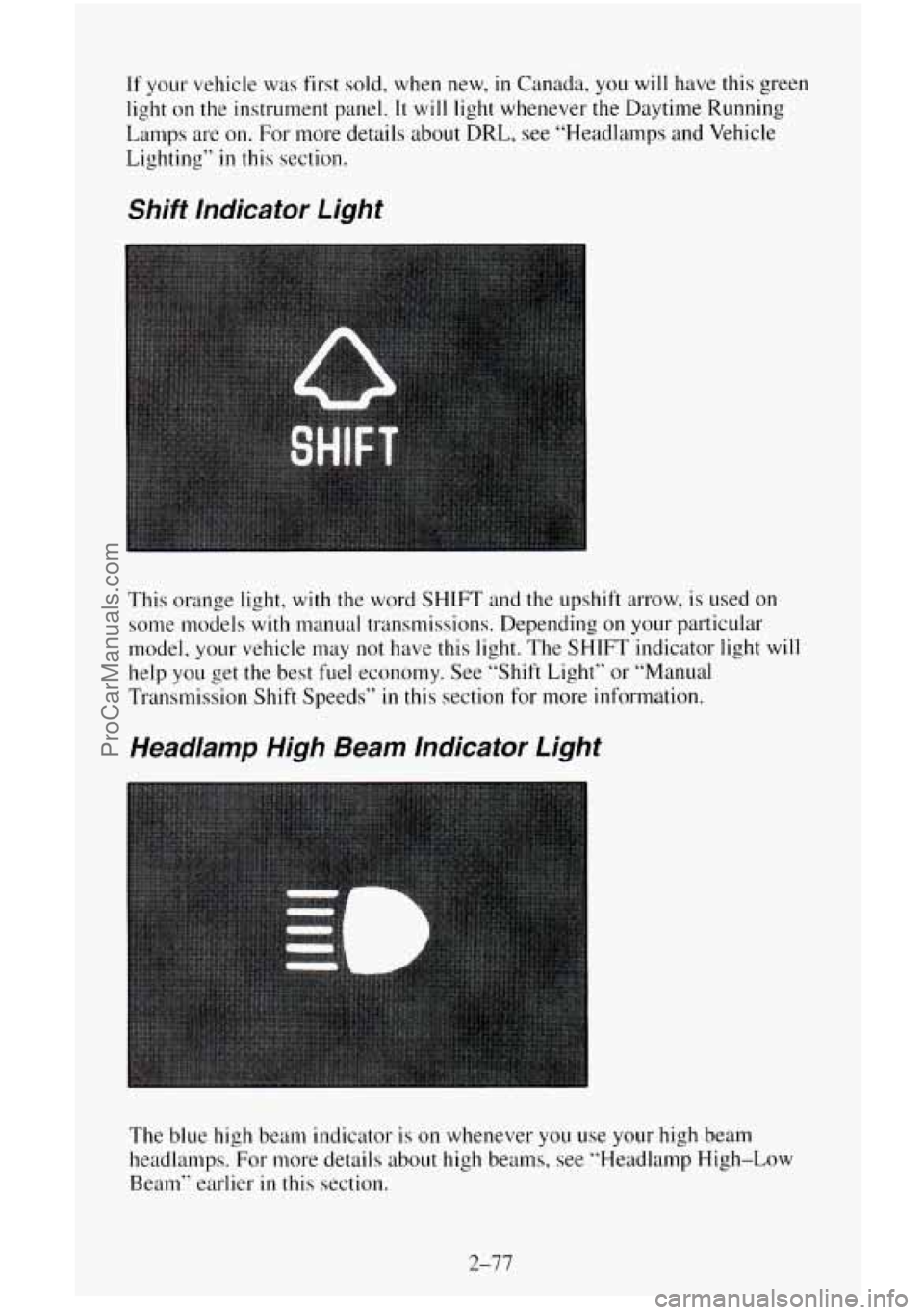
If your vehicle was first sold, when new, in Canada, you will have this green
light on
the instrument panel. It will light whenever the Daytime Running
Lamps
are on. For more details about DRL, see “Headlamps and Vehicle
Lighting’’
in this section.
Shift lndicator Light
This orange light, with the word SHIFT and the upshift arrow, is used on
some models with manual transmissions. Depending on your particular
model, your vehicle may
not have this light. The SHIFT indicator light will
help you get the best fuel economy. See “Shift Light” or “Manual
Transmission Shift Speeds”
in this section for more information.
Headlamp High Beam lndicator Light
The blue high beam indicator is on whenever you use your high beam
headlamps. For more details about high beams, see “Headlamp High-Low
Beam” earlier in this section.
2-77
ProCarManuals.com
Page 157 of 486
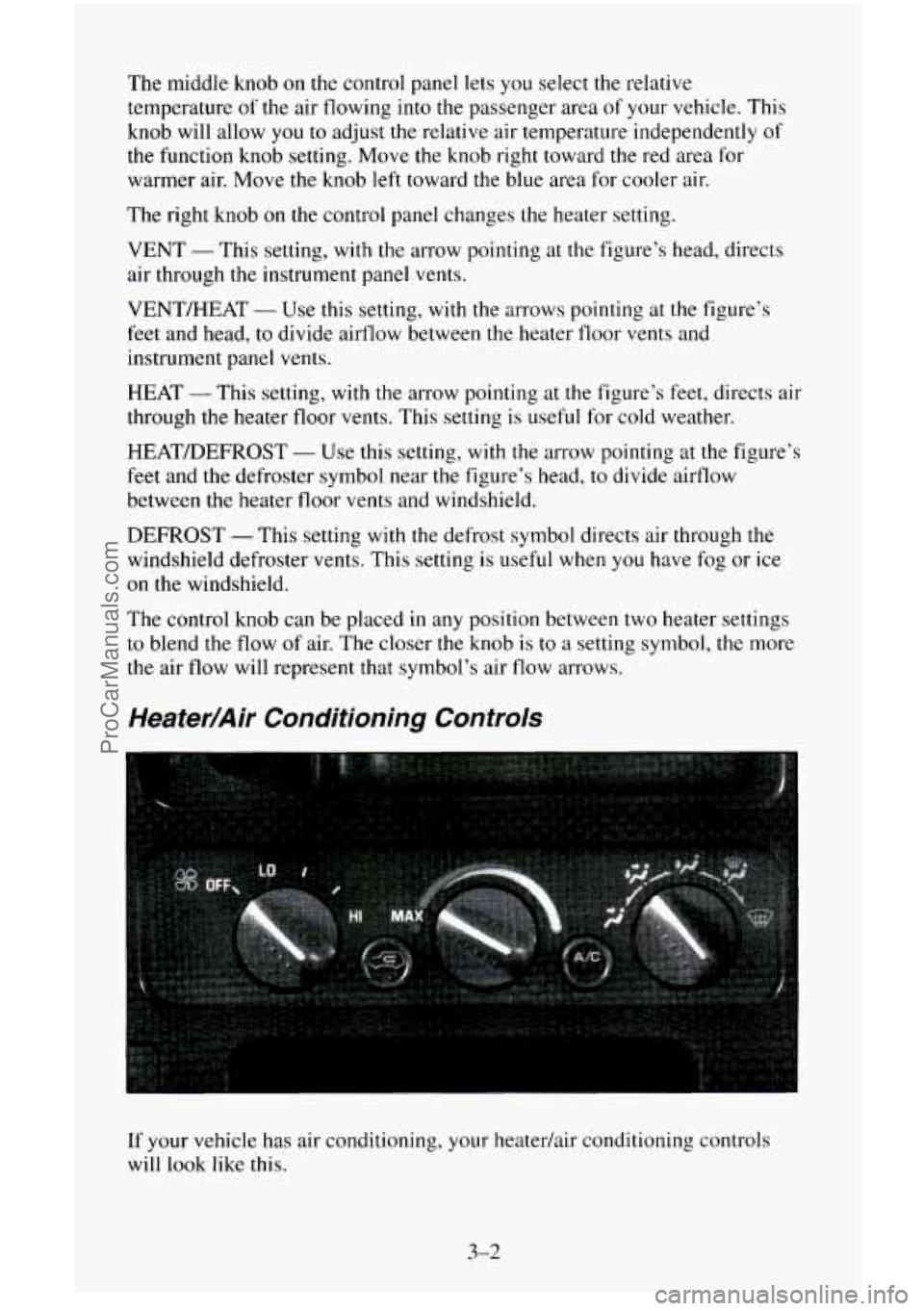
The middle knob on the control panel lets you select the relative
temperature
of the air flowing into the passenger area of your vehicle. This
knob will allow
you to adjust the relative air temperature independently of
the function knob setting. Move the knob right toward the red area for
warmer air. Move the knob left toward the blue area for cooler air.
The right
knob on the control panel changes the heater setting.
VENT
- This setting, with the arrow pointing at the figure’s head, directs
air through the instrument panel vents.
VENT/HEAT
- Use this setting, with the arrows pointing at the figure’s
feet and head, to divide airflow between the heater
floor vents and
instrument panel vents.
HEAT -This setting, with the arrow pointing at the figure’s
feet, directs air
through
the heater floor vents. This setting is useful for cold weather.
HEAT/DEFROST
- Use this setting, with the arrow pointing at the figure’s
feet
and the defroster symbol near the figure’s head, to divide airflow
between the heater floor vents and windshield.
DEFROST -This setting with the defrost symbol directs air through the
windshield defroster vents.
This setting is useful when you have fog or ice
on the windshield.
The control knob
can be placed in any position between two heater settings
to blend the flow of air. The closer the knob is to a setting symbol, the more
the air flow will represent
that symbol’s air flow arrows.
Heater/Air Conditioning Controls
If your vehicle has air conditioning, your heatedair conditioning controls
will look like this.
3-2
ProCarManuals.com
Page 158 of 486
Before using your vehicle’s air conditioning, open the windows to clear the
vehicle of
hot air.
Using the recirculation function can also help. See “Recirculation Button”
in this section for more information.
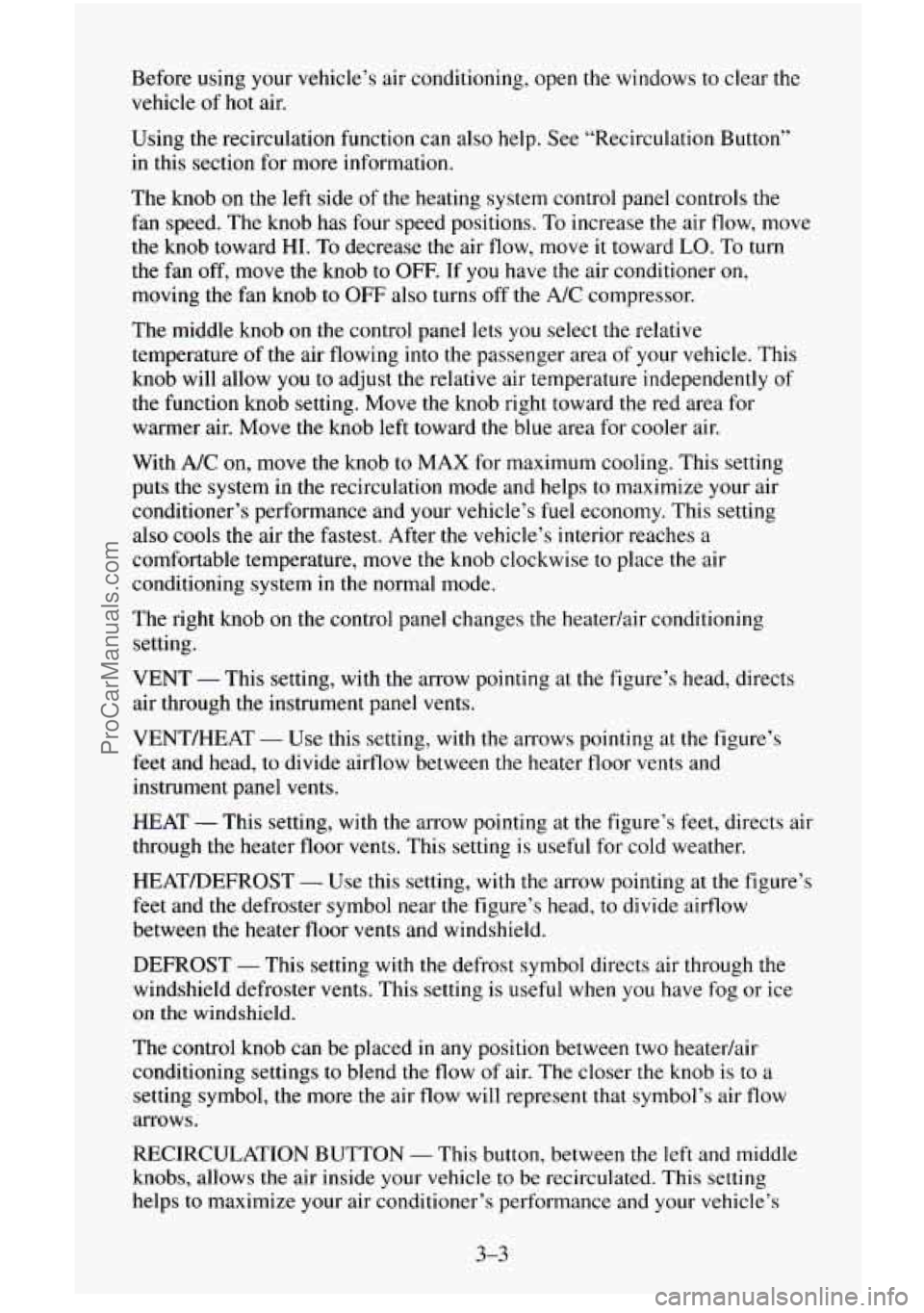
The knob on the left side of the heating system control panel controls the
fan speed. The knob has four speed positions. To increase the air flow, move
the knob toward HI.
To decrease the air flow, move it toward LO. To turn
the fan off, move the knob to
OFF. If you have the air conditioner on,
moving the fan knob to OFF also turns off the A/C compressor.
The middle knob
on the control panel lets you select the relative
temperature
of the air flowing into the passenger area of your vehicle. This
knob will allow
you to adjust the relative air temperature independently of
the function knob setting. Move the knob right toward the red area for
warmer air. Move the knob left toward the blue area for cooler air.
With
A/C on, move the knob to MAX for maximum cooling. This setting
puts the system in the recirculation mode and helps to maximize your air
conditioner’s performance and your vehicle’s fuel economy. This setting
also cools the air
the fastest. After the vehicle’s interior reaches a
comfortable temperature, move
the knob clockwise to place the air
conditioning system
in the normal mode.
The right knob on the control panel changes the heatedair conditioning
setting.
VENT
- This setting, with the arrow pointing at the figure’s head, directs
air through the instrument panel vents.
VENT/HEAT
- Use this setting, with the arrows pointing at the figure’s
feet and head, to divide airflow between the heater floor vents and
instrument panel vents.
HEAT
- This setting, with the arrow pointing at the figure’s feet, directs air
through the heater floor vents. This setting
is useful for cold weather.
HEAT/DEFROST
- Use this setting, with the arrow pointing at the figure’s
feet and the defroster symbol near
the figure’s head, to divide airflow
between the heater floor
vents and windshield.
DEFROST
- This setting with the defrost symbol directs air through the
windshield defroster vents. This setting is useful when
you have fog or ice
on the windshield.
The control knob can be placed in any position between two heatedair
conditioning settings to blend the flow of air. The closer the knob
is to a
setting symbol, the more
the air flow will represent that symbol’s air flow
arrows.
RECIRCULATION BUTTON
- This button, between the left and middle
knobs, allows the air inside your vehicle to be recirculated. This setting
helps to maximize your air conditioner’s performance and your vehicle’s
3-3
ProCarManuals.com
Page 159 of 486
fuel economy. This setting also cools the air the fastest and can be used to
keep “unwanted odors” and/or dust from entering the vehicle. When using
the air conditioner, turn off recirculation after the vehicle reaches
a
comfortable interior temperature.
When the right knob
on the control panel is between HEAT and DEFROST,
the recirculation feature will not function.
NC - This button, between the middle and right knobs, allows the air
coming into your vehicle
to be cooled and directed through the instrument
panel vents. This setting
is useful for normal cooling on hot days. When you
first
use A/C with the recirculation button pushed in, turn off recirculation
as soon as the vehicle reaches a comfortable interior temperature.
Engine Coolant Heater
If your vehicle has a diesel engine, it is equipped with an engine coolant
heater. An engine coolant heater is optional
on gas engine vehicles. If you
use the engine coolant heater before starting your engine (in cold weather
(20” F, (-8” C), or lower) your heating system will produce warmer air
faster, to heat
the passenger compartment in cold weather.
The use of an engine coolant heater also reduces
the time it takes for the
engine to reach normal operating temperature, and shortens the time it takes
the heater
to reach full output. For more information, See “Engine Coolant
Heater” in the Index.
Diesel Engine Heater Output
If you idle your diesel engine for a long time when it’s cold outside, your
heater may blow out cool air. This is normal. When you increase the engine
speed, your heater should blow
out warmer air. If it doesn’t, your coolant
level may be too low. See “Engine Coolant” in the Index to see how to
check your coolant level.
Rear Air Conditioning and Heating Systems (Suburban)
If your vehicle has either or both of these systems, you can increase and
decrease the air flow at the rear vents. Depending
on the system you have
and the setting selected, you can send cooled or heated air to the rear of the
vehicle.
Rear Air Conditioning (Without Rear Heater)
If your vehicle has rear air conditioning (without rear heater), the controls
are located above the front and second seats. The front and rear overhead
controls let
you increase and decrease the air flow at the rear vents.
3-4
ProCarManuals.com
Page 160 of 486
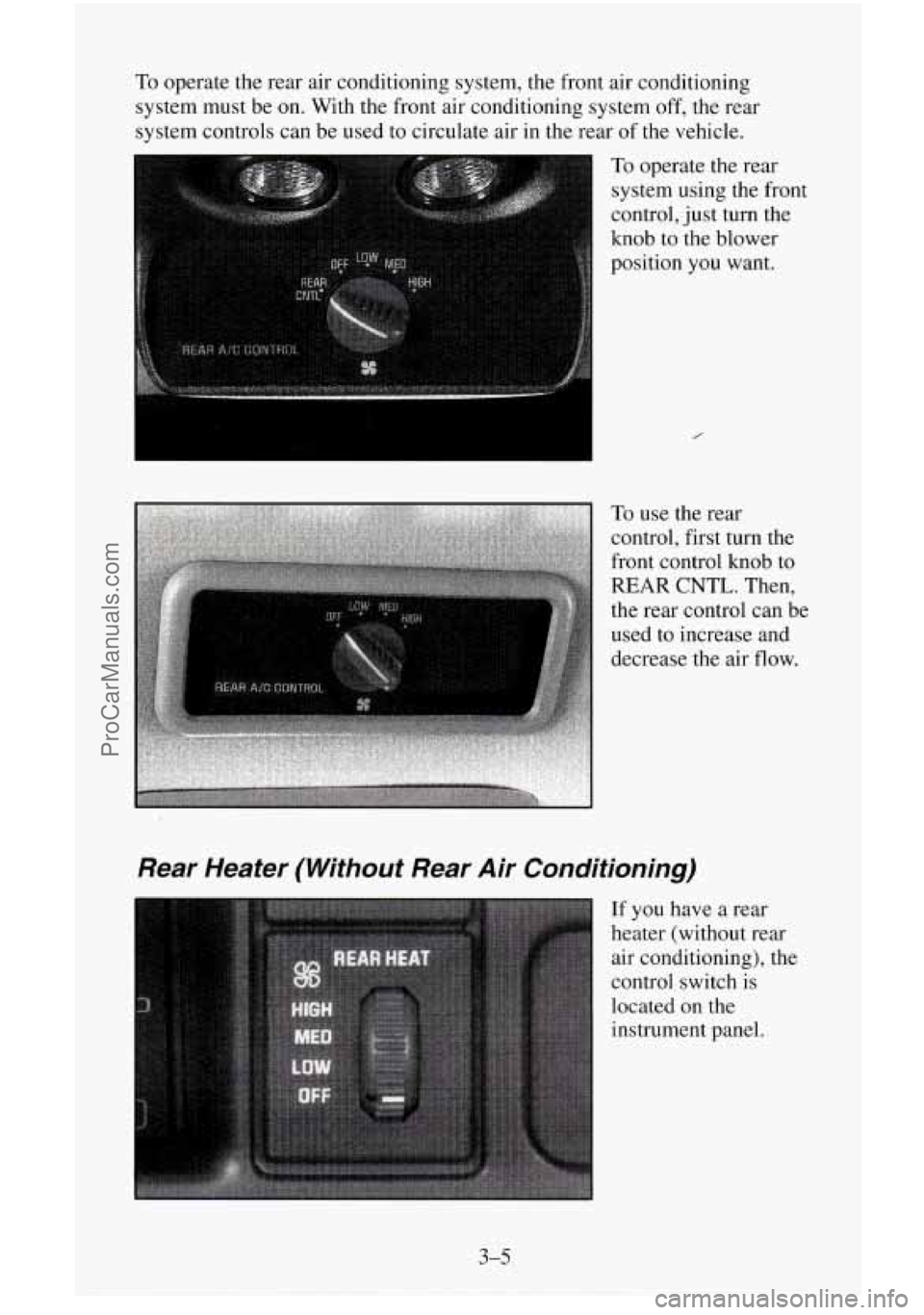
To operate the rear air conditioning system, the front air conditioning
system must be on. With the front air conditioning system
off, the rear
system controls can be used to circulate air in the rear of the vehicle.
0 To operate the rear
system using the front
control, just turn the
knob to the blower
position you want.
Rear Heater (Without Rear Air Conditioning)
If you have a rear
heater (without rear
air conditioning), the
control switch is
located
on the
instrument panel.
3-5
ProCarManuals.com
Page 164 of 486
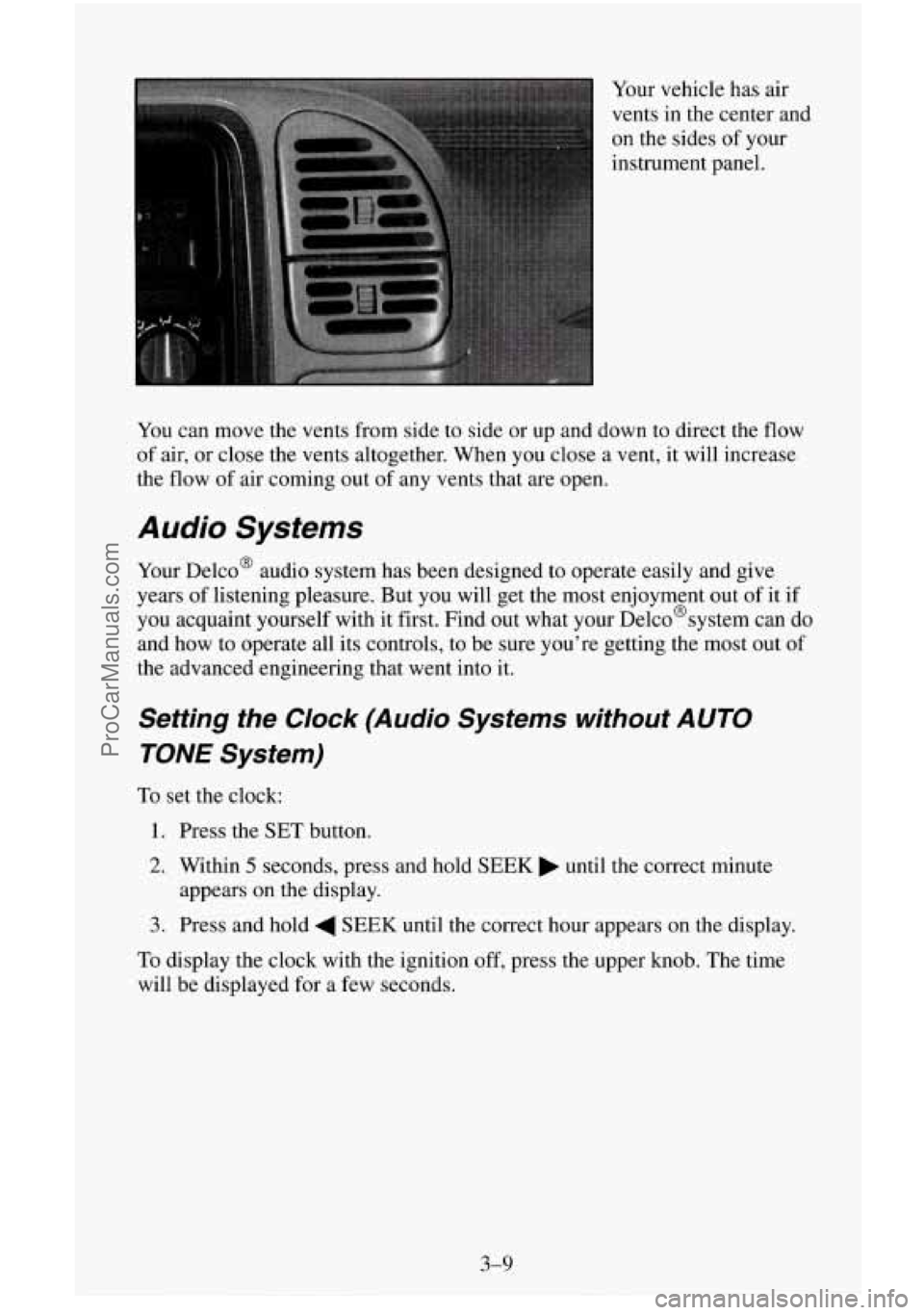
Your vehicle has air
vents in the center and
on the sides of your
instrument panel.
You can move the vents from side to side or up and down to direct the
flow
of air, or close the vents altogether. When you close a vent, it will increase
the flow of air coming out of any vents that are open.
Audio Systems
Your Delco@ audio system has been designed to operate easily and give
years of listening pleasure. But
you will get the most enjoyment out of it if
you acquaint yourself with it first. Find out what your Delco@systern can
do
and how to operate all its controls, to be sure you’re getting the most out of
the advanced engineering that went into it.
Setting the Clock (Audio Systems without AUTO
TONE System)
To set the clock:
1. Press the SET button.
2. Within 5 seconds, press and hold SEEK until the correct minute
3. Press and hold 4 SEEK until the correct hour appears on the display.
appears
on the display.
To display the clock with the ignition off, press the upper knob. The time
will be displayed for a few seconds.
3-9
ProCarManuals.com