change time CHEVROLET SUBURBAN 1996 User Guide
[x] Cancel search | Manufacturer: CHEVROLET, Model Year: 1996, Model line: SUBURBAN, Model: CHEVROLET SUBURBAN 1996Pages: 486, PDF Size: 26.58 MB
Page 175 of 486
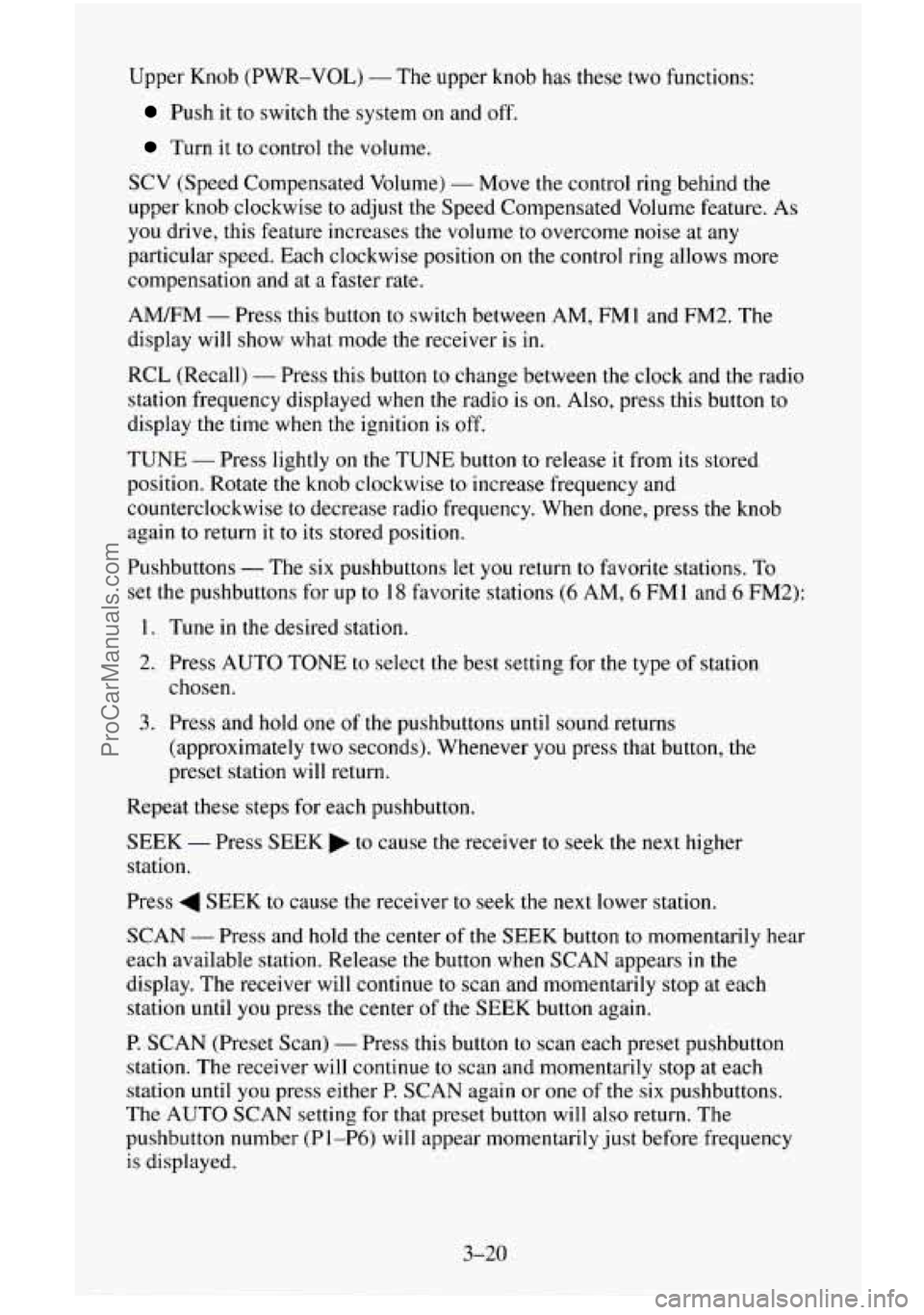
Upper Knob (PWR-VOL) - The upper knob has these two functions:
Push it to switch the system on and off.
Turn it to control the volume.
SCV (Speed Compensated Volume) - Move the control ring behind the
upper knob clockwise
to adjust the Speed Compensated Volume feature. As
you drive, this feature increases the volume to overcome noise at any
particular speed. Each clockwise position
on the control ring allows more
compensation and at
a faster rate.
AM/FM - Press this button to switch between AM, FMl and FM2. The
display will
show what mode the receiver is in.
RCL (Recall) - Press this button to change between the clock and the radio
station frequency displayed when the radio is
on. Also, press this button to
display the time when the ignition is off.
TUNE
- Press lightly on the TUNE button to release it from its stored
position. Rotate the knob clockwise
to increase frequency and
counterclockwise
to decrease radio frequency. When done, press the knob
again to return it to its stored position.
Pushbuttons
- The six pushbuttons let you return to favorite stations. To
set the pushbuttons for up
to 18 favorite stations (6 AM, 6 FM1 and 6 FM2):
1. Tune in the desired station.
2. Press AUTO TONE to select the best setting for the type of station
chosen.
3. Press and hold one of the pushbuttons until sound returns
(approximately two seconds). Whenever
you press that button, the
preset station will return.
Repeat these steps for each pushbutton.
SEEK - Press SEEK to cause the receiver to seek the next higher
station.
Press
4 SEEK to cause the receiver to seek the next lower station.
SCAN - Press and hold the center of the SEEK button to momentarily hear
each available station. Release the button when SCAN appears in the
display. The receiver will
continue to scan and momentarily stop at each
station until you press the center of the
SEEK button again.
P. SCAN (Preset Scan) - Press this button to scan each preset pushbutton
station. The receiver will continue to scan and momentarily stop at each
station until you press either P.
SCAN again or one of the six pushbuttons.
The AUTO
SCAN setting for that preset button will also return. The
pushbutton number (Pl-P6) will appear momentarily just before frequency
is displayed.
3-20
ProCarManuals.com
Page 189 of 486
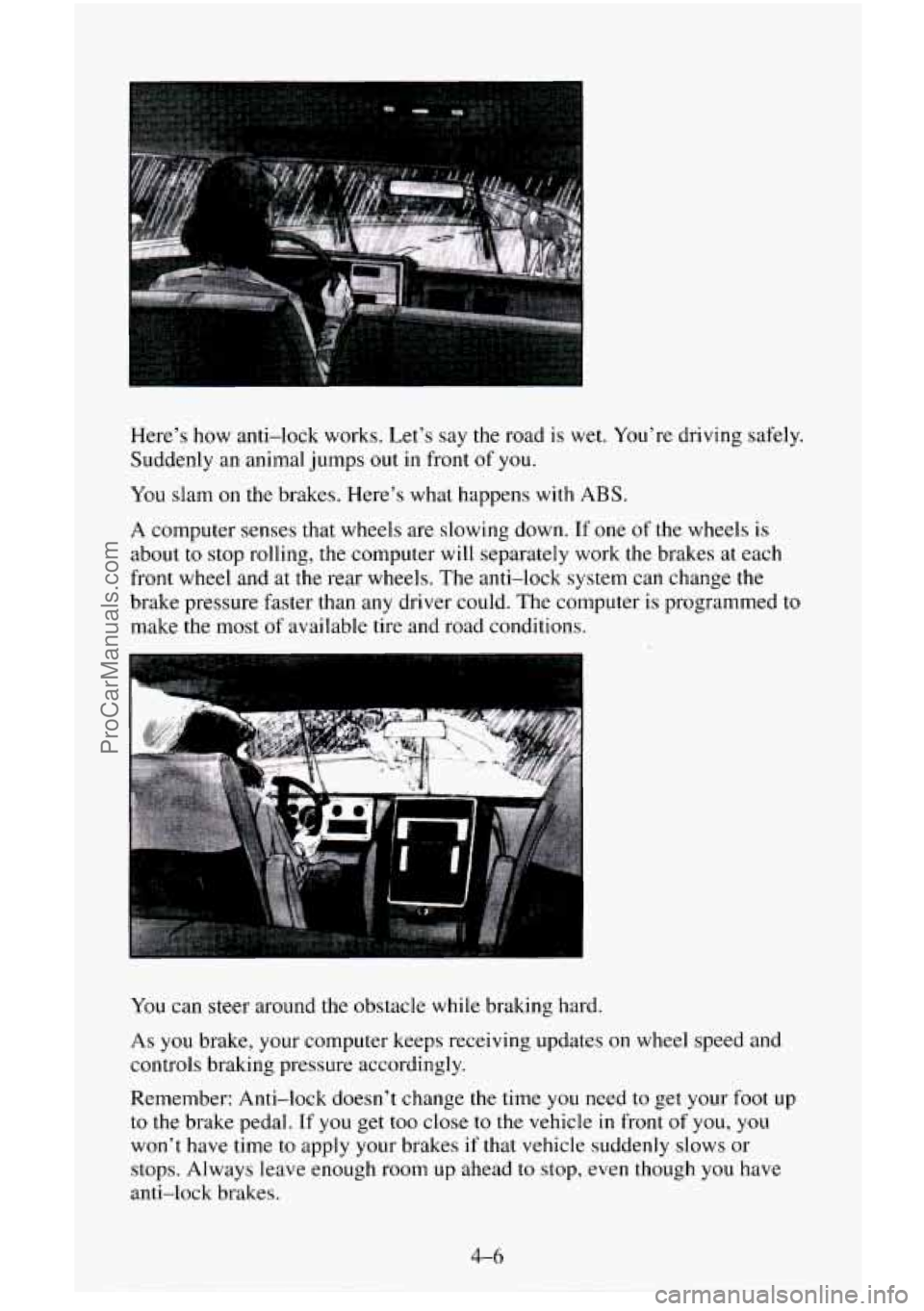
Here’s how anti-lock works. Let’s say the road is wet. You’re driving safely.
Suddenly an animal jumps
out in front of you.
You slam on the brakes. Here’s what happens with ABS.
A computer senses that wheels are slowing down. If one of the wheels is
about to stop rolling, the computer will separately work the brakes at each
front wheel and at
the rear wheels. The anti-lock system can change the
brake pressure faster than any driver could. The computer is programmed to
make the most of available tire and road conditions.
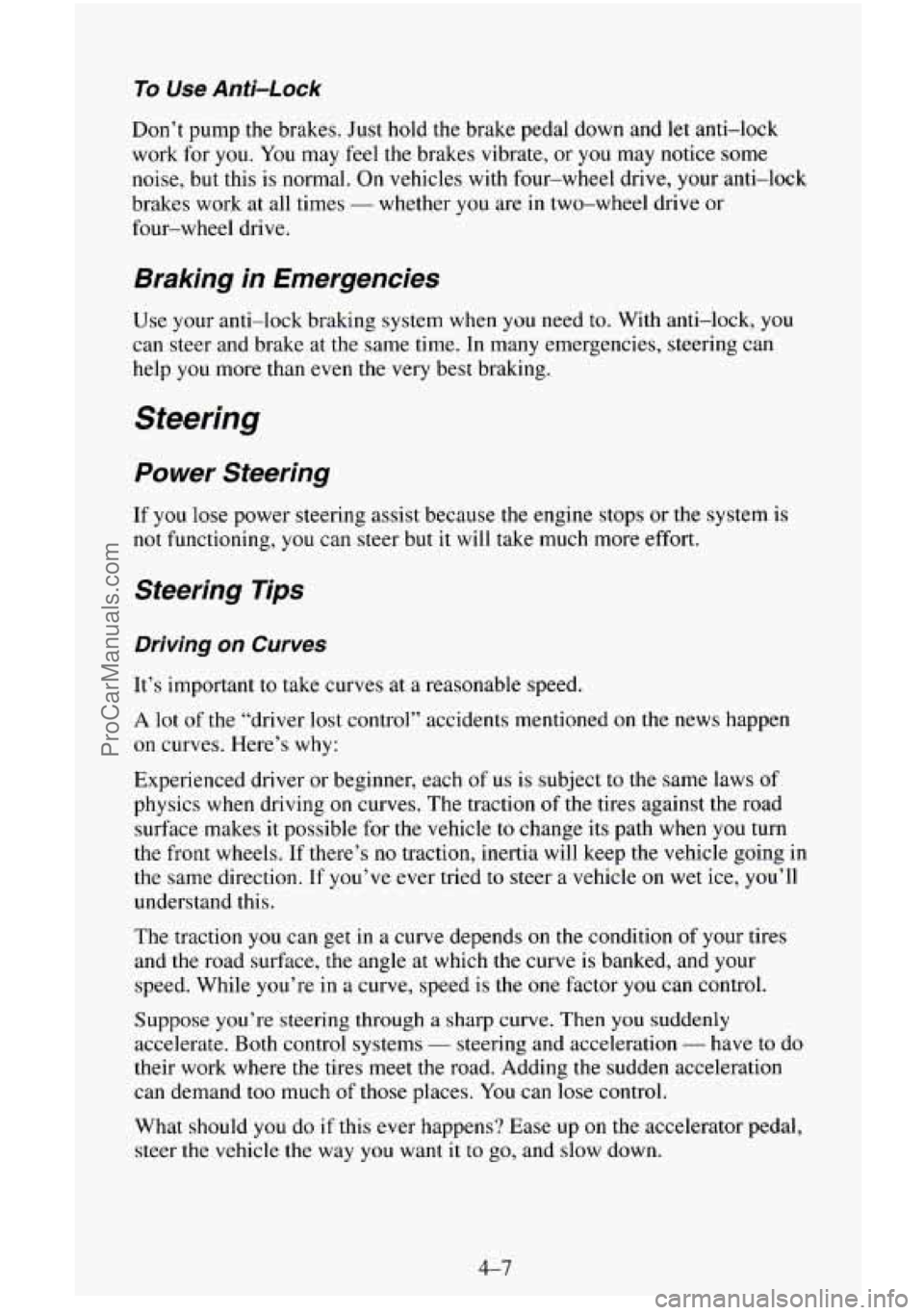
You can steer around the obstacle while braking hard.
As
you brake, your computer keeps receiving updates on wheel speed and
controls braking pressure accordingly.
Remember: Anti-lock doesn’t change the time you need
to get your foot up
to the brake pedal.
If you get too close to the vehicle in front of you, you
won’t have time to apply your brakes if that vehicle suddenly slows or
stops. Always leave enough room up ahead
to stop, even though you have
anti-lock brakes.
ProCarManuals.com
Page 190 of 486
To Use Anti-Lock
Don’t pump the brakes. Just hold the brake pedal down and let anti-lock
work for
you. You may feel the brakes vibrate, or you may notice some
noise, but this is normal. On vehicles with four-wheel drive, your anti-lock
brakes work at all times
- whether you are in two-wheel drive or
four-wheel drive.
Braking in Emergencies
Use your anti-lock braking system when you need to. With anti-lock, you
can steer and brake at the same time. In many emergencies, steering can
help
you more than even the very best braking.
Steering
Power Steering
If you lose power steering assist because the engine stops or the system is
not functioning, you can steer but it will take much more effort.
Steering Tips
Driving on Curves
It’s important to take curves at a reasonable speed.
A lot of the “driver lost control” accidents mentioned on the news happen
on curves. Here’s why:
Experienced driver or beginner, each
of us is subject to the same laws of
physics when driving on curves. The traction
of the tires against the road
surface makes it possible for the vehicle to change its path when
you turn
the front wheels.
If there’s no traction, inertia will keep the vehicle going in
the same direction. If you’ve ever tried to steer a vehicle on wet ice, you’ll
understand this.
The traction
you can get in a curve depends on the condition of your tires
and the road surface,
the angle at which the curve is banked, and your
speed. While you’re in a curve, speed is the
one factor you can control.
Suppose you’re steering through a sharp curve. Then you suddenly
accelerate. Both control systems
- steering and acceleration - have to do
their work where the tires meet the road. Adding
the sudden acceleration
can demand
too much of those places. You can lose control.
What should you do if this ever happens? Ease up on the accelerator pedal,
steer the
vehicle the way you want it to go, and slow down.
4-7
ProCarManuals.com
Page 193 of 486
0
0
0
0
0
0
0
Do not get too close to the vehicle you want to pass while you’re
awaiting an opportunity. For
one thing, following too closely reduces
your area of
vision, especially if you’re following a larger vehicle.
Also,
you won’t have adequate space if the vehicle ahead suddenly
slows or stops. Keep back a reasonable distance.
When it looks like
a chance to pass is coming up, start to accelerate but
stay in the right lane and don’t get too close. Time your move
so you
will be increasing speed as the time comes to move into the other lane.
If the way
is clear to pass, you will have a “running start” that more
than makes up for the distance
you would lose by dropping back. And
if something happens to cause you to cancel your pass, you need only
slow down and drop back again and wait for another opportunity.
If other cars are lined up
to pass a slow vehicle, wait your turn. But
take care that someone isn’t trying to pass
you as you pull out to pass
the slow vehicle. Remember
to glance over your shoulder and check
the blind spot.
Check your mirrors, glance over your shoulder, and start your left lane
change signal before moving
out of the right lane to pass. When you
are far enough ahead
of the passed vehicle to see its front in your inside
mirror, activate your right lane change signal and move back
into the
right lane. (Remember that if your right outside mirror is convex, the
vehicle
you just passed may seem to be farther away from you than it
really is.)
Try not to pass more
than one vehicle at a time on two-lane roads.
Reconsider before passing
the next vehicle.
Don’t overtake a slowly moving vehicle
too rapidly. Even though the
brake lights are not flashing, it may be slowing down or starting to turn.
If you’re being passed, make it easy for the following driver to get
ahead of
you. Perhaps you can ease a little to the right.
Loss of Control
Let’s review what driving experts say about what happens when the three
control systems (brakes, steering and acceleration) don’t have enough
friction where
the tires meet the road to do what the driver has asked.
In any emergency, don’t give up. Keep trying
to steer and constantly seek an
escape route or area of less danger.
Skidding
In a skid, a driver can lose control of the vehicle. Defensive drivers avoid
most skids by taking reasonable care suited
to existing conditions, and by
not “overdriving” those conditions. But skids are always possible.
4-10
ProCarManuals.com
Page 197 of 486
Controlling your vehicle is the key to successful off-road driving. One of
the best ways to control your vehicle is to control your speed. Here are some
things to keep
in mind. At higher speeds:
you approach things faster and you have less time to scan the terrain for
obstacles.
you have less time to react.
you have more vehicle bounce when you drive over obstacles.
you’ll need more distance for braking, especially since you’re on an
unpaved surface.
Scanning the Terrain
Off-road driving can take you over many different kinds of terrain. You
need to be familiar with the terrain and its many different features. Here are
some things to consider.
Surface Cunditiuns. Off-roading can take you over hard-packed dirt,
gravel, rocks, grass, sand, mud, snow or ice. Each
of these surfaces affects
the steering, acceleration, and braking of your vehicle in different ways.
Depending upon the kind
of surface you are on, you may experience
slipping, sliding,
wheel spinning, delayed acceleration, poor traction, and
longer braking distances.
Surface Obstacles . Unseen or hidden obstacles can be hazardous. A rock,
log, hole, rut, or bump can startle you if you’re not prepared for them. Often
these obstacles are hidden by grass, bushes, snow or even the rise and fall
of
the terrain itself. Here are some things to consider:
Is the path ahead clear?
Will the surface texture change abruptly up ahead?
Does the travel take you uphill or downhill? (There’s more discussion
of these subjects later.)
0 Will you have to stop suddenly or change direction quickly?
When you drive over obstacles or rough terrain, keep a firm grip
on the
steering wheel. Ruts, troughs, or other surface features can jerk the wheel
out
of your hands if you’re not prepared.
4-14
ProCarManuals.com
Page 198 of 486
When you drive over bumps, rocks, or other obstacles, your wheels can
leave the ground.
If this happens, even with one or two wheels, you can’t
control the vehicle as well or at all.
Because you will be on an unpaved surface, it’s especially important to
avoid sudden acceleration, sudden turns, or sudden braking.
In a way, off-road driving requires a different kind of alertness from driving
on paved roads and highways. There are no road signs, posted speed limits
or signal lights. You have to use your own good judgment about what is safe
and what isn’t.
Drinking and driving can be very dangerous on any road. And this is
certainly
true for off-road driving. At the very time you need special
alertness and driving skills, your reflexes, perceptions and judgment can be
affected by even
a small amount of alcohol. You could have a serious - or
even fatal
- accident if you drink and drive or ride with a driver who has
been drinking. (See “Drunken Driving” in the Index.)
Driving On Off-Road Hills
Off-road driving often takes you up, down, or across a hill. Driving safely
on hills requires good judgment and an understanding of what your vehicle
can and can’t do. There are some hills that simply can’t be driven, no matter
how well built the vehicle.
Approaching a Hill
When you approach a hill, you need to decide if it’s one of those hills that’s
just too steep to climb, descend, or cross. Steepness can be hard to judge.
On a very small hill, for example, there may be a smooth, constant incline
with only
a small change in elevation where you can easily see all the way
to the top. On a large hill, the incline may get steeper as you near the top,
but you may not see this because the crest of the hill is hidden by bushes,
grass, or shrubs.
4-15
ProCarManuals.com
Page 222 of 486
Towing a Trailer
NOTICE:
Pulling a trailer improperly can damage your vehicle and result
in costly repairs not covered by your warranty.
To pull a trailer
correctly, follow the advice in this part, and see your
GM dealer
for important information about towing a trailer with your
vehicle.
Most vehicles are ready for some trailer towing. If yours was built with
trailering options, as many are, it’s ready for heavier trailers. But trailering
is different than just driving your vehicle by itself. Trailering means changes
in handling, durability, and fuel economy. Successful, safe trailering takes
correct equipment, and
it has to be used properly.
That’s the reason for this part.
In it are many time-tested, important
trailering tips and safety rules. Many of these are important for your safety
and that of your passengers.
So please read this section carefully before you
pull a trailer.
4-39
ProCarManuals.com
Page 286 of 486
3. Close the air bleed valve.
4. Turn the ignition key to START for 10 to 15 seconds at a time until
your engine starts.
Fuel Filter Replacement (Diesel Engines)
If you want to change the fuel filter yourself, here's how to do it:
First, drain any water from the filter following the procedure for draining
water listed previously.
Your vehicle's engine should be off until the end of the following procedure.
r.
1. Apply the parking brake.
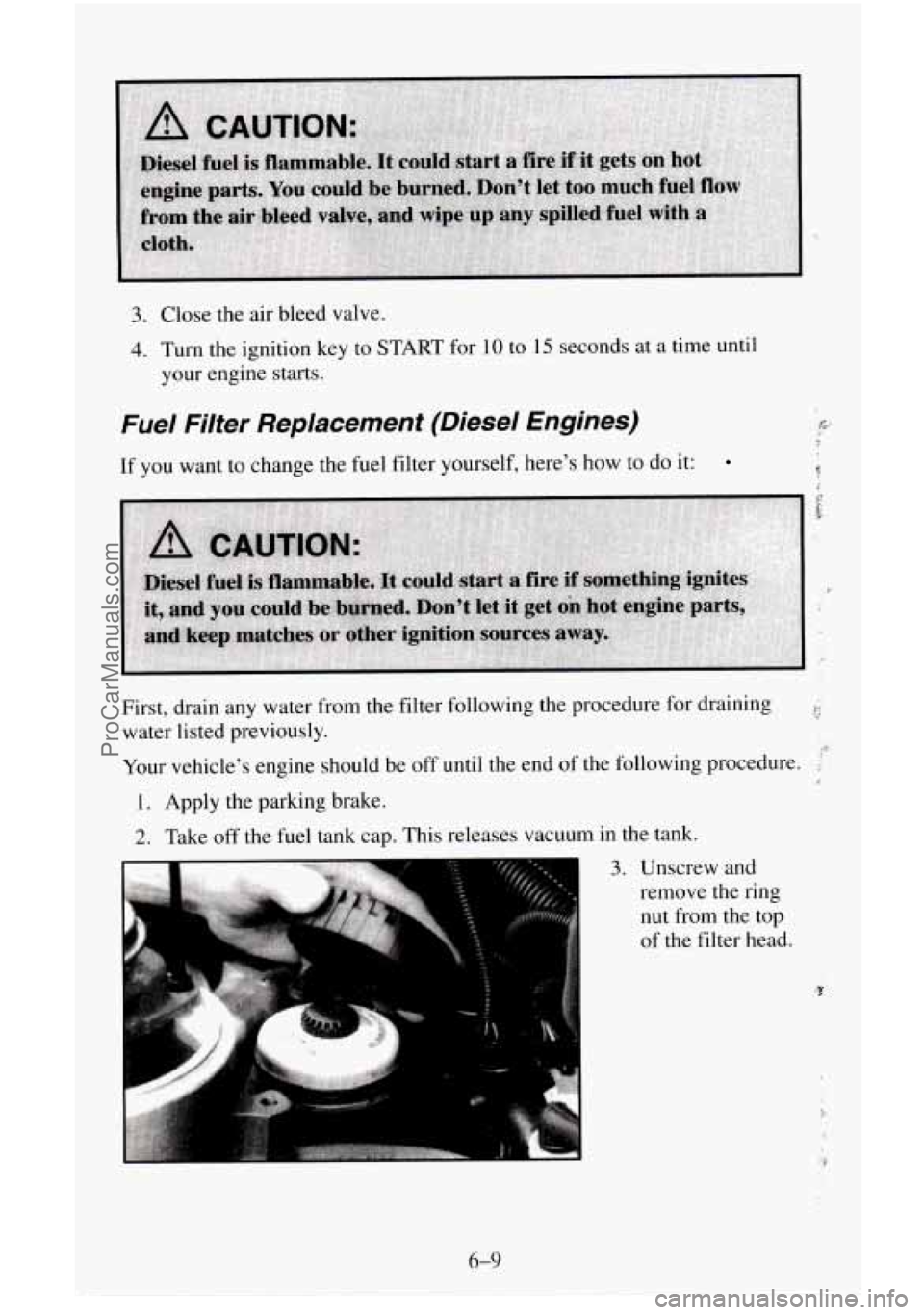
2. Take off the fuel tank cap. This releases vacuum in the tank.
3. Unscrew and
remove the ring
nut from the top
of the filter head.
6-9
ProCarManuals.com
Page 297 of 486
What to Do with Used Oil
Did you know that used engine oil contains certain elements that may be
unhealthy for your skin and could
even cause cancer‘? Don’t let used oil stay
on your skin for very long. Clean your skin and nails
with soap and water,
or
a good hand cleaner. Wash or properly throw away clothing or rags
containing used engine
oil. (See the manufacturer’s warnings about the use
and disposal of oil products.)
Used
oil can be a real threat to the environment. If you change your own oil,
be sure to drain all free-flowing oil from the filter before disposal. Don’t
ever dispose
of oil by putting it in the trash, pouring it on the ground, into
sewers, or into streams or bodies
of water. Instead, recycle it by taking it to
a place that collects used oil. If you have a problem properly disposing of
your used oil,
ask your dealer, a service station or a local recycling center
for help.
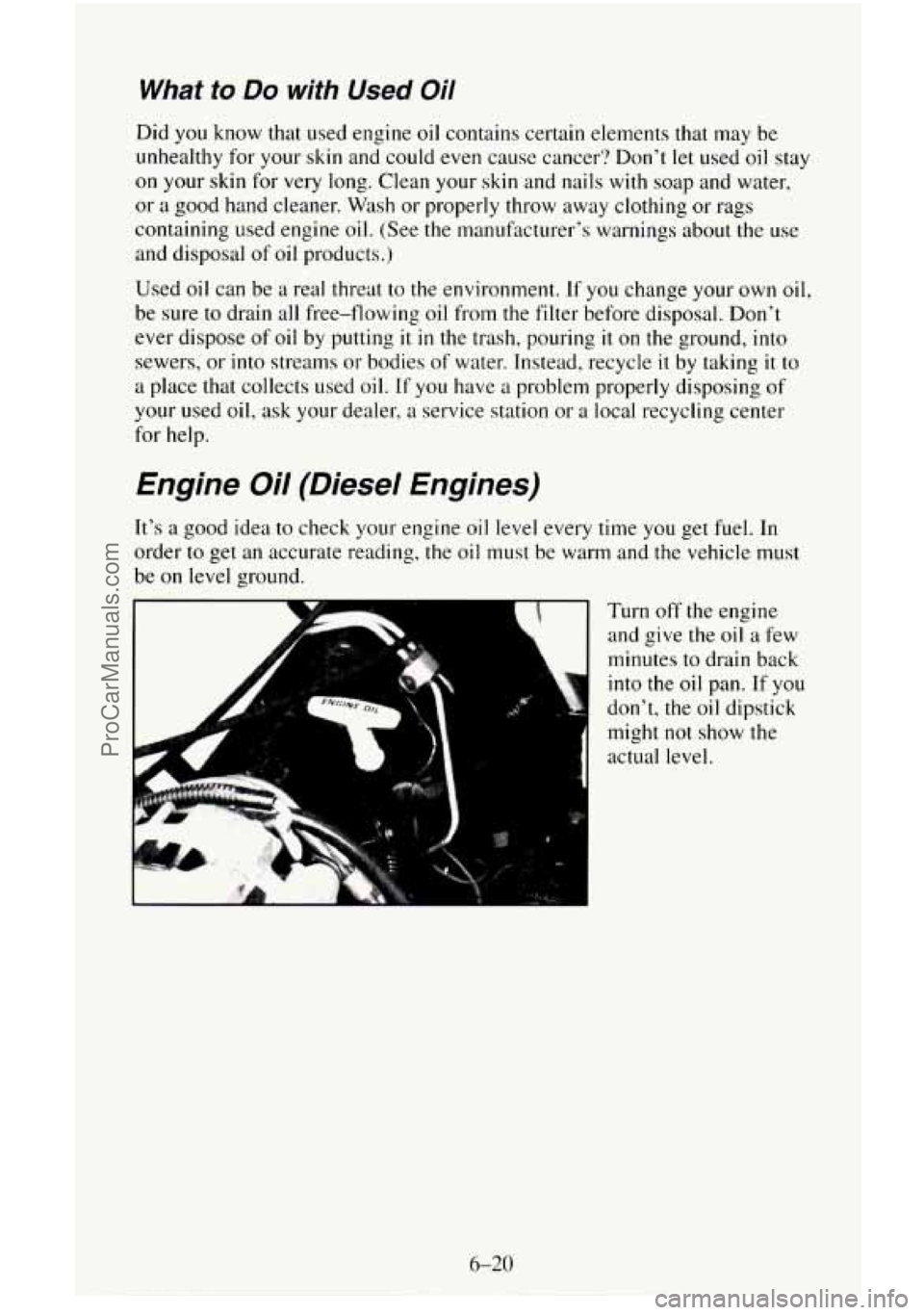
Engine Oil (Diesel Engines)
It’s a good idea to check your engine oil level every time you get fuel. In
order
to get an accurate reading, the oil must be warm and the vehicle must
be on level ground.
r Turn off the engine
and give
the oil a few
minutes to drain back
into the
oil pan. If you
don’t, the oil dipstick
might not show the
actual level.
6-20
ProCarManuals.com
Page 303 of 486
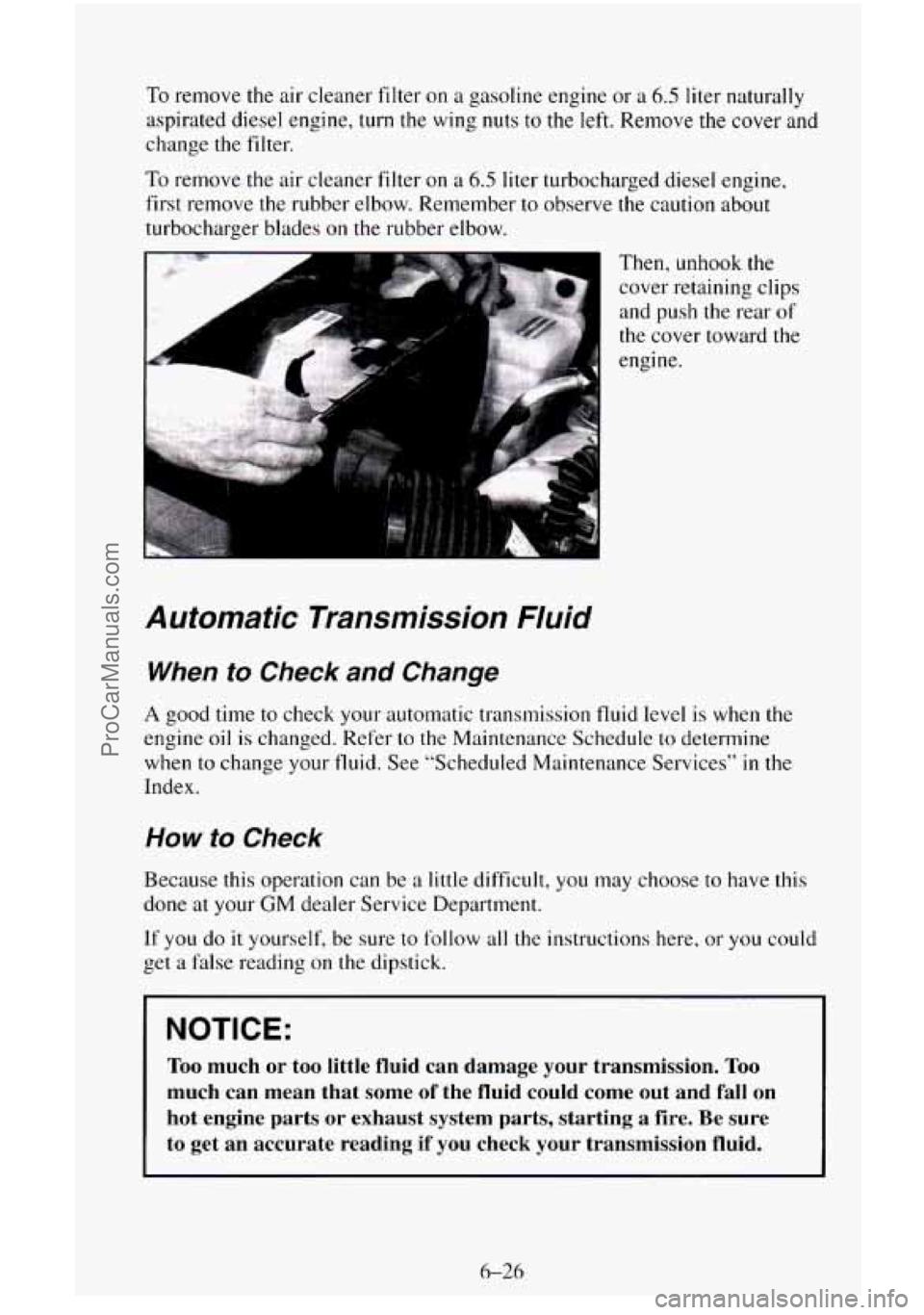
To remove the air cleaner filter on a gasoline engine or a 6.5 liter naturally
aspirated diesel engine, turn the wing nuts
to the left. Remove the cover and
change
the filter.
To remove the air cleaner filter on a 6.5 liter turbocharged diesel engine,
first remove the rubber elbow. Remember to observe the caution about
turbocharger blades
on the rubber elbow.
Then, unhook the cover retaining clips
and push the rear
of
the cover toward the
engine.
Automatic Transmission Nuid
When to Check and Change
A good time to check your automatic transmission fluid level is when the
engine
oil is changed. Refer to the Maintenance Schedule to determine
when to change your
fluid. See “Scheduled Maintenance Services” in the
Index.
How to Check
Because this operation can be a little difficult, you may choose to have this
done
at your GM dealer Service Department.
If you do
it yourself, be sure to follow all the instructions here, or you could
get a false reading on the dipstick.
NOTICE:
Too much or too little fluid can damage your transmission. Too
much can mean that some of the fluid could come out and fall on
hot engine parts or exhaust system parts, starting a fire. Be \
sure
to get an accurate reading
if you check your transmission fluid.
6-26
ProCarManuals.com