engine CHEVROLET SUBURBAN 2014 10.G Service Manual
[x] Cancel search | Manufacturer: CHEVROLET, Model Year: 2014, Model line: SUBURBAN, Model: CHEVROLET SUBURBAN 2014 10.GPages: 494, PDF Size: 6.21 MB
Page 161 of 494
(41,1)Chevrolet Tahoe/Suburban Owner Manual (GMNA-Localizing-U.S./Canada/
Mexico-6081502) - 2014 - crc2 - 9/17/13
Instruments and Controls 5-41
STABILITRAK OFF may also
display when the stability control
has been automatically disabled.
There are several conditions that
can cause this message to appear.
.One condition is overheating,
which could occur if StabiliTrak
activates continuously for an
extended period of time.
.The message also displays if the
brake system warning light is on.
SeeBrake System Warning
Light on page 5-21.
.The message could display if the
stability system takes longer
than usual to complete its
diagnostic checks due to driving
conditions.
.The message displays if an
engine or vehicle related
problem has been detected and
the vehicle needs service. See
your dealer. The message turns off as soon as
the conditions that caused the
message to be displayed are no
longer present.
Airbag System Messages
SERVICE AIR BAG
This message displays if there is a
problem with the airbag system.
Have your dealer inspect the
system for problems. See
Airbag
Readiness Light on page 5-16 and
Airbag System on page 3-27 for
more information.
Security Messages
SERVICE THEFT DETERRENT
SYSTEM
This message displays when there
is a problem with the theft-deterrent
system. The vehicle may or may not
restart, so you may want to take the
vehicle to your dealer before turning
off the engine. See Immobilizer
Operation on page 2-14.
Tire Messages
SERVICE TIRE MONITOR
SYSTEM
On vehicles with the Tire Pressure
Monitor System (TPMS), this
message displays if a part on the
TPMS is not working properly. The
tire pressure light also flashes and
then remains on during the same
ignition cycle. See Tire Pressure
Light on page 5-23. Several
conditions may cause this message
to appear. See Tire Pressure
Monitor Operation on page 10-52 for
more information. If the warning
comes on and stays on, there may
be a problem with the TPMS. See
your dealer.
TIRE LEARNING ACTIVE
On vehicles with the Tire Pressure
Monitor System (TPMS), this
message displays when the TPMS
is re-learning the tire positions on
your vehicle. The tire positions must
be re-learned after rotating the tires
or after replacing a tire or sensor.
Page 163 of 494
(43,1)Chevrolet Tahoe/Suburban Owner Manual (GMNA-Localizing-U.S./Canada/
Mexico-6081502) - 2014 - crc2 - 9/17/13
Instruments and Controls 5-43
TRANSMISSION HOT IDLE
ENGINE
Notice:Do not drive the vehicle
while the transmission fluid is
overheating and the transmission
temperature warning is displayed
on the instrument cluster and/or
DIC, or the transmission can be
damaged. This could lead to
costly repairs that would not be
covered by the warranty.
This message displays and a chime
may sound if the transmission fluid
in the vehicle gets hot. Driving with
the transmission fluid temperature
high can cause damage to the
vehicle. Stop the vehicle and let it
idle to allow the transmission to
cool. This message clears and the
chime stops when the fluid
temperature reaches a safe level.
Vehicle Reminder
Messages
CHECK TRAILER WIRING
On vehicles with the Integrated
Trailer Brake Control (ITBC) system,
this message may display and a
chime may sound when one of the
following conditions exists:
.A trailer with electric brakes
becomes disconnected from the
vehicle.
‐ If the disconnect occurs while
the vehicle is stopped, this
message clears itself after a
short time.
‐ If the disconnect occurs while
the vehicle is moving, this
message stays on until the
ignition is turned off.
.There is a short in the wiring to
the electric trailer brakes.
When this message displays, power
is no longer available to the trailer
brakes. As soon as it is safe to do so,
carefully pull the vehicle over to the
side of the road and turn the ignition
off. Check the wiring connection to
the trailer and turn the ignition back
on. This message clears if the trailer
is reconnected. This message also
clears if you acknowledge it. If this
message still displays, either the
vehicle or the trailer needs service.
See your dealer.
See
“Integrated Trailer Brake
Control System” underTowing
Equipment on page 9-67.
ICE POSSIBLE DRIVE
WITH CARE
This message displays when ice
conditions are possible.
TRAILER CONNECTED
On vehicles with the Integrated
Trailer Brake Control (ITBC) system,
this message displays briefly when
a trailer with electric brakes is first
connected to the vehicle.
Page 164 of 494
(44,1)Chevrolet Tahoe/Suburban Owner Manual (GMNA-Localizing-U.S./Canada/
Mexico-6081502) - 2014 - crc2 - 9/17/13
5-44 Instruments and Controls
This message clears itself after
several seconds. This message also
clears if you acknowledge it. After
this message clears, the TRAILER
GAIN/OUTPUT display appears in
the DIC.
See“Trailer Gain and Output” under
Driver Information Center (DIC) on
page 5-26 and“Integrated Trailer
Brake Control System” under
Towing Equipment on page 9-67.
Washer Fluid Messages
WASHER FLUID LOW ADD
FLUID
This message displays when the
windshield washer fluid is low. Fill
the windshield washer fluid reservoir
as soon as possible. See Engine
Compartment Overview on
page 10-5 for the location of the
windshield washer fluid reservoir.
Also, see Washer Fluid on
page 10-21 for more information.
Vehicle
Personalization
Vehicle Personalization
(With DIC Buttons)
Your vehicle may have
customization capabilities that allow
you to program certain features to
one preferred setting. Customization
features can only be programmed to
one setting on the vehicle and
cannot be programmed to a
preferred setting for two different
drivers.
All of the customization options may
not be available on your vehicle.
Only the options available will be
displayed on the DIC.
The default settings for the
customization features were set
when your vehicle left the factory,
but may have been changed from
their default state since then.
The customization preferences are
automatically recalled. To change customization
preferences, use the following
procedure.
Entering the Feature
Settings Menu
1. Turn the ignition on and place
the vehicle in P (Park).
To avoid excessive drain on the
battery, it is recommended that
the headlamps are turned off.
2. Press the customization button to scroll through the available
customizable options.
Feature Settings Menu Items
The following are customization
features that allow you to program
settings to the vehicle:
DISPLAY IN ENGLISH
This feature will only display if a
language other than English has
been set. This feature allows you to
change the language in which the
DIC messages appear to English.
Page 171 of 494
(51,1)Chevrolet Tahoe/Suburban Owner Manual (GMNA-Localizing-U.S./Canada/
Mexico-6081502) - 2014 - crc2 - 9/17/13
Instruments and Controls 5-51
NO CHANGE:No change will be
made to this feature. The current
setting will remain.
To select a setting, press the set/
reset button while the desired
setting is displayed on the DIC.
REMOTE START
If your vehicle has this feature, it
allows you to turn the remote start
off or on. The remote start feature
allows you to start the engine from
outside of the vehicle using the
Remote Keyless Entry (RKE)
transmitter. See Remote Vehicle
Start on page 2-5 for more
information.
Press the customization button until
REMOTE START appears on the
DIC display. Press the set/reset
button once to access the settings
for this feature. Then press the
customization button to scroll
through the following settings:
OFF: The remote start feature will
be disabled. ON (default):
The remote start
feature will be enabled.
NO CHANGE: No change will be
made to this feature. The current
setting will remain.
To select a setting, press the set/
reset button while the desired
setting is displayed on the DIC.
FACTORY SETTINGS
This feature allows you to set all of
the customization features back to
their factory default settings.
Press the customization button until
FACTORY SETTINGS appears on
the DIC display. Press the set/reset
button once to access the settings
for this feature. Then press the
customization button to scroll
through the following settings:
RESTORE ALL (default): The
customization features will be set to
their factory default settings. DO NOT RESTORE:
The
customization features will not be
set to their factory default settings.
To select a setting, press the set/
reset button while the desired
setting is displayed on the DIC.
EXIT FEATURE SETTINGS
This feature allows you to exit the
feature settings menu.
Press the customization button until
PRESS
VTO EXIT FEATURE
SETTINGS appears in the DIC
display. Press the set/reset button
once to exit the menu.
If you do not exit, pressing the
customization button again will
return you to the beginning of the
feature settings menu.
Page 182 of 494
(4,1)Chevrolet Tahoe/Suburban Owner Manual (GMNA-Localizing-U.S./Canada/
Mexico-6081502) - 2014 - crc2 - 9/17/13
6-4 Lighting
The system may also turn on the
headlamps when driving through a
parking garage or heavy overcast
weather. This is normal.
There is a delay in the transition
between the daytime and nighttime
operation of the Daytime Running
Lamps (DRL) and the automatic
headlamp systems so that driving
under bridges or bright overhead
street lights does not affect the
system. The DRL and automatic
headlamp system are only affected
when the light sensor detects a
change in lighting lasting longer
than the delay.
If the vehicle is started in a dark
garage, the automatic headlamp
system comes on immediately.
Once the vehicle leaves the garage,
it takes approximately one minute
for the automatic headlamp system
to change to DRL if it is bright
enough outside. During that delay,
the instrument cluster may not be as
bright as usual. Make sure the
instrument panel brightness controlis in the full bright position. See
Instrument Panel Illumination
Control on page 6-7.
To idle the vehicle with the
automatic headlamp system off, turn
the control to the off position.
The headlamps will also stay on
after you exit the vehicle. This
feature can be programmed using
the Driver Information Center (DIC).
See
Vehicle Personalization (With
DIC Buttons) on page 5-44.
If the vehicle is not equipped with
DIC buttons, exit lighting is
automatic. When it is dark enough
outside, the exterior lamps remain
on for 30 seconds after the ignition
is moved from ON/RUN to
LOCK/OFF.
For vehicles without a radio, the
instrument panel light remains on for
30 seconds with the driver door
closed. For vehicles with a radio,
the instrument panel light remains
on for 10 minutes with the driver door closed. See
Retained
Accessory Power (RAP) on
page 9-24.
The regular headlamp system can
be turned on when needed.
Lights On with Wipers
If the windshield wipers are
activated in daylight with the engine
on, and the exterior lamp control is
in AUTO, the headlamps, parking
lamps, and other exterior lamps
come on. The transition time for the
lamps coming on varies based on
wiper speed. When the wipers are
not operating, these lamps turn off.
Move the exterior lamp control to
P
or;to disable this feature.
Page 187 of 494
(9,1)Chevrolet Tahoe/Suburban Owner Manual (GMNA-Localizing-U.S./Canada/
Mexico-6081502) - 2014 - crc2 - 9/17/13
Lighting 6-9
enough at idle to produce all the
power that is needed for very high
electrical loads.
A high electrical load occurs when
several of the following are on, such
as: headlamps, high beams, fog
lamps, rear window defogger,
climate control fan at high speed,
heated seats, engine cooling fans,
trailer loads, and loads plugged into
accessory power outlets.
EPM works to prevent excessive
discharge of the battery. It does this
by balancing the generator's output
and the vehicle's electrical needs.
It can increase engine idle speed to
generate more power, whenever
needed. It can temporarily reduce
the power demands of some
accessories.
Normally, these actions occur in
steps or levels, without being
noticeable. In rare cases at the
highest levels of corrective action,
this action may be noticeable to the
driver. If so, a Driver Information
Center (DIC) message might bedisplayed, such as BATTERY LOW
START VEHICLE. If this message
displays, it is recommended that the
driver reduce the electrical loads as
much as possible and restart the
vehicle. See
Battery Voltage and
Charging Messages on page 5-34.
Battery Power Protection
This feature shuts off the dome and
reading lamps if they are left on for
more than 10 minutes when the
ignition is off. This will keep the
battery from running down.
Page 190 of 494
(2,1)Chevrolet Tahoe/Suburban Owner Manual (GMNA-Localizing-U.S./Canada/
Mexico-6081502) - 2014 - crc2 - 9/17/13
7-2 Infotainment System
.Set up the tone, speaker
adjustments, and preset radio
stations.
For more information, see Defensive
Driving on page 9-3.
This vehicle's audio system may be
equipped with a noise reduction
system which can work improperly if
the audio amplifier, engine
calibrations, exhaust system,
microphones, radio, or speakers are
modified or replaced. This could
result in more noticeable engine
noise at certain speeds.
Notice: Contact your dealer
before adding any equipment.
Adding audio or communication
equipment could interfere with
the operation of the engine, radio,
or other systems, and could
damage them. Follow federal
rules covering mobile radio and
telephone equipment.
The vehicle has Retained
Accessory Power (RAP). With RAP,
the audio system can be played even after the ignition is turned off.
See
Retained Accessory Power
(RAP) on page 9-24 for more
information.
Navigation/Radio System
For vehicles with a navigation radio
system, see the separate Navigation
System manual.
Theft-Deterrent Feature
TheftLock®is designed to
discourage theft of the vehicle's
radio by learning a portion of the
Vehicle Identification Number (VIN).
The radio does not operate if it is
stolen or moved to a different
vehicle.
Page 246 of 494
(2,1)Chevrolet Tahoe/Suburban Owner Manual (GMNA-Localizing-U.S./Canada/
Mexico-6081502) - 2014 - crc2 - 9/17/13
8-2 Climate Controls
9(Fan Control):Turn the left
knob clockwise or counterclockwise
to increase or decrease the fan
speed. Turn the knob all the way
counterclockwise to turn the front
system off.
Air Delivery Mode Control: Turn
clockwise or counterclockwise to
change the airflow direction inside
the vehicle. By positioning the knob
between two modes, a combination
of those modes is selected.
Select from the following modes:
H(Vent): Air is directed to the
instrument panel outlets.
)(Bi-Level): Air is divided
between the instrument panel and
floor outlets. Some air is directed
towards the windshield and side
window outlets. Cooler air is
directed to the upper outlets and
warmer air to the floor outlets.
6(Floor): Air is directed to the
floor outlets, with some of the air
directed to the windshield, side
window, and second row floor outlets. In this mode, the system
automatically selects outside air.
Recirculation cannot be selected
when in Floor Mode.
-(Defog):
The defog mode is
used to clear the windows of fog or
moisture. Air is directed to the
windshield, floor outlets, and side
window vents. In this mode, the
system turns off recirculation and
runs the air conditioning compressor
unless the outside temperature is
close to freezing. The recirculation
mode cannot be selected while in
the defog mode.
0(Defrost): The defrost mode is
used to remove fog or frost from the
windshield more quickly. Air is
directed to the windshield and side
window vents, with some directed to
the floor vents. In this mode, the
system automatically forces outside
air into the vehicle. The recirculation
mode cannot be selected while in
the defrost mode. The air
conditioning compressor runs automatically in this setting, unless
the outside temperature is close to
freezing.
Do not drive the vehicle until all the
windows are clear.
#(Air Conditioning):
Press this
button to turn the air conditioning
system on or off. An indicator light
comes on to show that the air
conditioning is on. The air
conditioning can be selected in any
mode as long as the fan switch
is on.
On hot days, open the windows to
let hot inside air escape; then close
them. This helps to reduce the time
it takes for the vehicle to cool down.
It also helps the system to operate
more efficiently.
The air conditioning system
removes moisture from the air, so a
small amount of water might drip
under the vehicle while idling or
after turning off the engine. This is
normal.
Page 247 of 494
(3,1)Chevrolet Tahoe/Suburban Owner Manual (GMNA-Localizing-U.S./Canada/
Mexico-6081502) - 2014 - crc2 - 9/17/13
Climate Controls 8-3
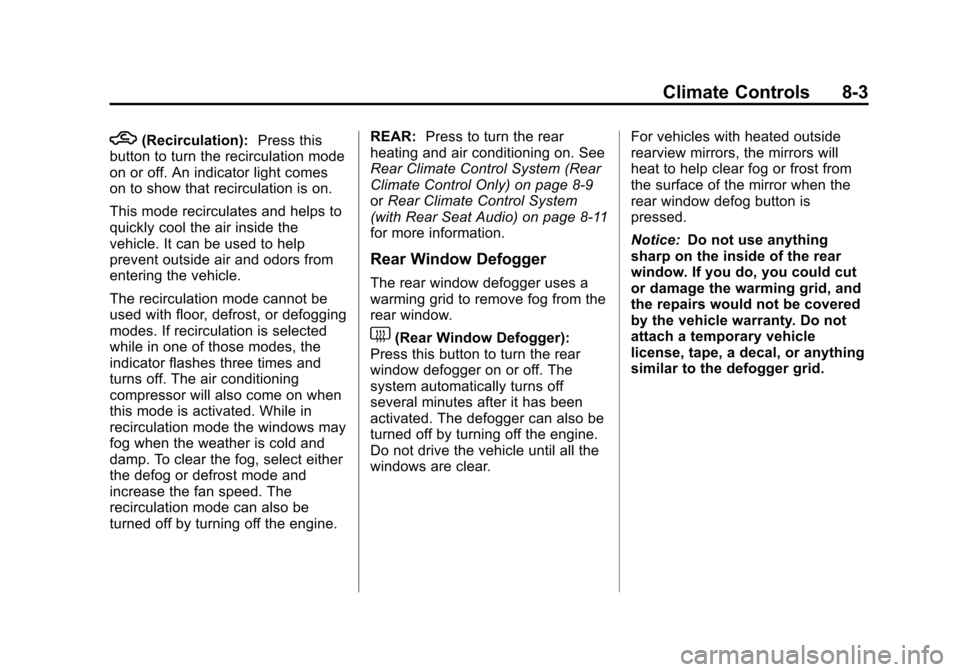
h(Recirculation):Press this
button to turn the recirculation mode
on or off. An indicator light comes
on to show that recirculation is on.
This mode recirculates and helps to
quickly cool the air inside the
vehicle. It can be used to help
prevent outside air and odors from
entering the vehicle.
The recirculation mode cannot be
used with floor, defrost, or defogging
modes. If recirculation is selected
while in one of those modes, the
indicator flashes three times and
turns off. The air conditioning
compressor will also come on when
this mode is activated. While in
recirculation mode the windows may
fog when the weather is cold and
damp. To clear the fog, select either
the defog or defrost mode and
increase the fan speed. The
recirculation mode can also be
turned off by turning off the engine. REAR:
Press to turn the rear
heating and air conditioning on. See
Rear Climate Control System (Rear
Climate Control Only) on page 8-9
or Rear Climate Control System
(with Rear Seat Audio) on page 8-11
for more information.
Rear Window Defogger
The rear window defogger uses a
warming grid to remove fog from the
rear window.
1(Rear Window Defogger):
Press this button to turn the rear
window defogger on or off. The
system automatically turns off
several minutes after it has been
activated. The defogger can also be
turned off by turning off the engine.
Do not drive the vehicle until all the
windows are clear. For vehicles with heated outside
rearview mirrors, the mirrors will
heat to help clear fog or frost from
the surface of the mirror when the
rear window defog button is
pressed.
Notice:
Do not use anything
sharp on the inside of the rear
window. If you do, you could cut
or damage the warming grid, and
the repairs would not be covered
by the vehicle warranty. Do not
attach a temporary vehicle
license, tape, a decal, or anything
similar to the defogger grid.
Page 250 of 494
(6,1)Chevrolet Tahoe/Suburban Owner Manual (GMNA-Localizing-U.S./Canada/
Mexico-6081502) - 2014 - crc2 - 9/17/13
8-6 Climate Controls
To avoid blowing cold air in cold
weather, the system will delay
turning on the fan until warm air is
available. The length of delay
depends on the engine coolant
temperature. Pressing the fan
switch will override this delay and
change the fan to a selected speed.
Manual Operation
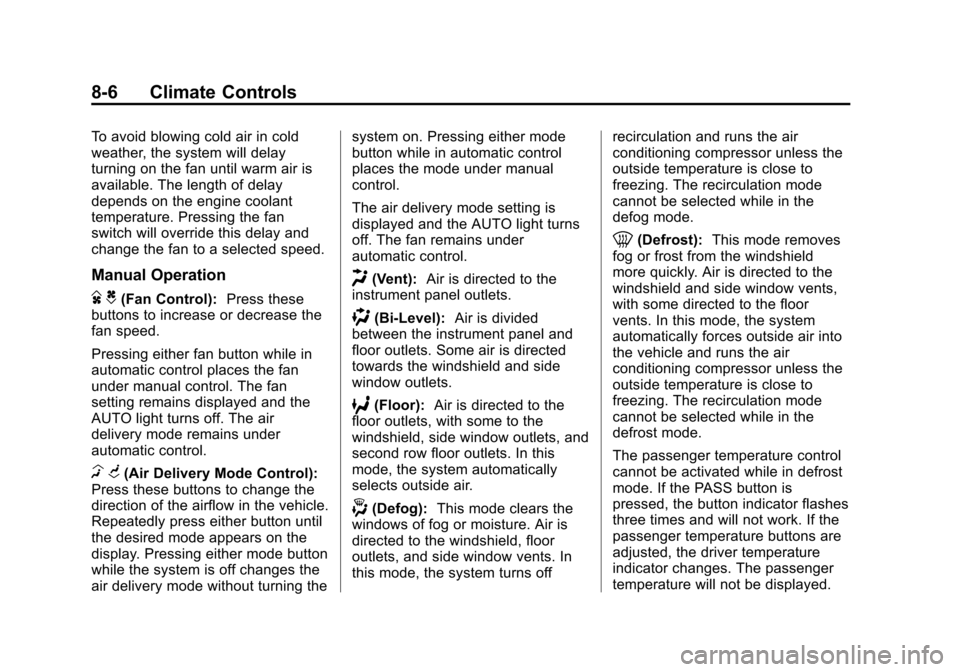
D C(Fan Control):Press these
buttons to increase or decrease the
fan speed.
Pressing either fan button while in
automatic control places the fan
under manual control. The fan
setting remains displayed and the
AUTO light turns off. The air
delivery mode remains under
automatic control.
H G(Air Delivery Mode Control):
Press these buttons to change the
direction of the airflow in the vehicle.
Repeatedly press either button until
the desired mode appears on the
display. Pressing either mode button
while the system is off changes the
air delivery mode without turning the system on. Pressing either mode
button while in automatic control
places the mode under manual
control.
The air delivery mode setting is
displayed and the AUTO light turns
off. The fan remains under
automatic control.
H(Vent):
Air is directed to the
instrument panel outlets.
)(Bi-Level): Air is divided
between the instrument panel and
floor outlets. Some air is directed
towards the windshield and side
window outlets.
6(Floor): Air is directed to the
floor outlets, with some to the
windshield, side window outlets, and
second row floor outlets. In this
mode, the system automatically
selects outside air.
-(Defog): This mode clears the
windows of fog or moisture. Air is
directed to the windshield, floor
outlets, and side window vents. In
this mode, the system turns off recirculation and runs the air
conditioning compressor unless the
outside temperature is close to
freezing. The recirculation mode
cannot be selected while in the
defog mode.
0(Defrost):
This mode removes
fog or frost from the windshield
more quickly. Air is directed to the
windshield and side window vents,
with some directed to the floor
vents. In this mode, the system
automatically forces outside air into
the vehicle and runs the air
conditioning compressor unless the
outside temperature is close to
freezing. The recirculation mode
cannot be selected while in the
defrost mode.
The passenger temperature control
cannot be activated while in defrost
mode. If the PASS button is
pressed, the button indicator flashes
three times and will not work. If the
passenger temperature buttons are
adjusted, the driver temperature
indicator changes. The passenger
temperature will not be displayed.