park assist CHEVROLET SUBURBAN 2020 Owners Manual
[x] Cancel search | Manufacturer: CHEVROLET, Model Year: 2020, Model line: SUBURBAN, Model: CHEVROLET SUBURBAN 2020Pages: 438, PDF Size: 6.76 MB
Page 5 of 438
Chevrolet Tahoe/Suburban Owner Manual (GMNA-Localizing-U.S./Canada/
Mexico-13566622) - 2020 - CRC - 4/15/19
4 Introduction
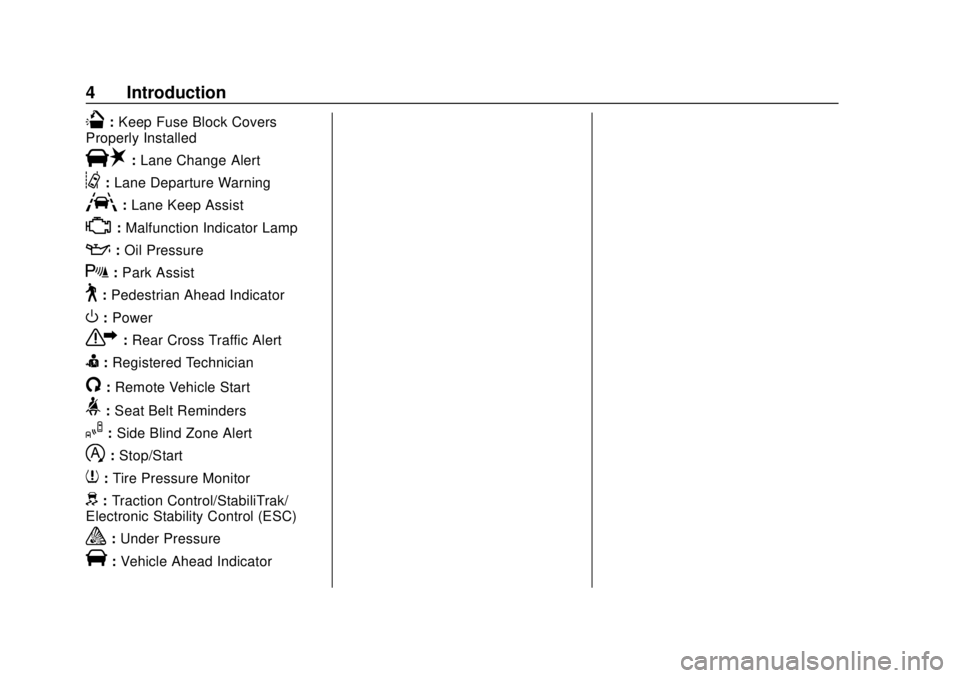
Q:Keep Fuse Block Covers
Properly Installed
|: Lane Change Alert
@:Lane Departure Warning
A:Lane Keep Assist
*:Malfunction Indicator Lamp
::Oil Pressure
X:Park Assist
~:Pedestrian Ahead Indicator
O:Power
7: Rear Cross Traffic Alert
I:Registered Technician
/:Remote Vehicle Start
>: Seat Belt Reminders
I:Side Blind Zone Alert
h:Stop/Start
7: Tire Pressure Monitor
d:Traction Control/StabiliTrak/
Electronic Stability Control (ESC)
a: Under Pressure
V:Vehicle Ahead Indicator
Page 7 of 438

Chevrolet Tahoe/Suburban Owner Manual (GMNA-Localizing-U.S./Canada/
Mexico-13566622) - 2020 - CRC - 4/15/19
6 Introduction
1.Air Vents 0183.
2. Head-Up Display (HUD) 0150
(If Equipped).
3.
gTraction Control/Electronic
Stability Control 0229.
jPower Assist Steps 032 (If
Equipped).
XPark Assist Button (If
Equipped). See Assistance
Systems for Parking or Backing
0 244.
ALane Keep Assist (LKA)
0 254 (If Equipped).
0Pedal Adjust Switch (If
Equipped). See Adjustable
Throttle and Brake Pedal
0 204.
4. Turn Signal Lever. See Turn
and Lane-Change Signals
0 171.
Windshield Wiper/Washer
0 117.
5. Favorite Switches (Out of View). See Steering Wheel
Controls 0117. Volume Switches (Out of View).
See
Steering Wheel Controls
0 117.
6. Instrument Cluster 0127.
7. Hazard Warning Flashers
0171.
8. Shift Lever. See Automatic
Transmission 0216.
Tow/Haul Selector Button. See
Tow/Haul Mode 0221.
Range Selection Mode (If
Equipped). See Manual Mode
0 219.
9. Light Sensor. See Automatic
Headlamp System 0170.
10. Infotainment 0177.
11. Dual Automatic Climate Control
System 0178.
12. Heated and Ventilated Front
Seats 053 (If Equipped).
13. USB Ports (If Equipped). See infotainment manual.
14. Power Outlets 0121 (If
Equipped). 15. 110/120-Volt Power Outlet (If
Equipped). See Power Outlets
0 121.
16. Rear Climate Control Buttons. SeeDual Automatic Climate
Control System 0178.
17. Engine START/STOP Button. SeeIgnition Positions (Keyless
Access) 0205 or
Ignition Positions (Key Access)
0 207.
18. Steering Wheel Controls 0117.
19. Hood Release. See Hood
0 286.
20. Horn 0117.
21. Steering Wheel Adjustment
0116.
22. Cruise Control 0232.
Adaptive Cruise Control 0235
(If Equipped).
Forward Collision Alert (FCA)
System 0248 (If Equipped).
Heated Steering Wheel 0117
(If Equipped).
23. Parking Brake 0228.
Page 33 of 438
Chevrolet Tahoe/Suburban Owner Manual (GMNA-Localizing-U.S./Canada/
Mexico-13566622) - 2020 - CRC - 4/15/19
32 Keys, Doors, and Windows
liftgate by another method or
start the vehicle. The feature will
be re-enabled.
When closing the liftgate using this
feature, there will be a short delay.
The rear lights will flash and a
chime will sound. Step away from
the liftgate before it starts moving.
Power Assist Steps
{Warning
To avoid personal injury or
property damage, before entering
or exiting the vehicle, be sure the
power assist step is fully
extended. Do not step on the
power assist step while it is
moving. Never place hands or
other body parts between the
extended power assist step and
the vehicle.
If equipped, the power assist steps
will deploy when the door is opened
and automatically retract
three seconds after the door is closed. The power assist steps will
retract immediately if the vehicle
starts moving.
Disable the power assist steps
before jacking or placing any object
under the vehicle. Too much ice
buildup may prevent deployment of
the power assist steps. Check the
step position before exiting the
vehicle. If this happens, disable the
power assist steps, clear the ice,
then enable the assist steps and
confirm normal function prior to use.
Keep hands, children, pets, objects,
and clothing clear of the power
assist steps when in motion. The
steps will reverse direction if they
encounter an obstruction when
opening or closing. Remove the
obstruction, then open and close the
door on the same side to complete
the motion of the assist steps. If the
obstruction is not cleared, the assist
steps remain extended while driving.
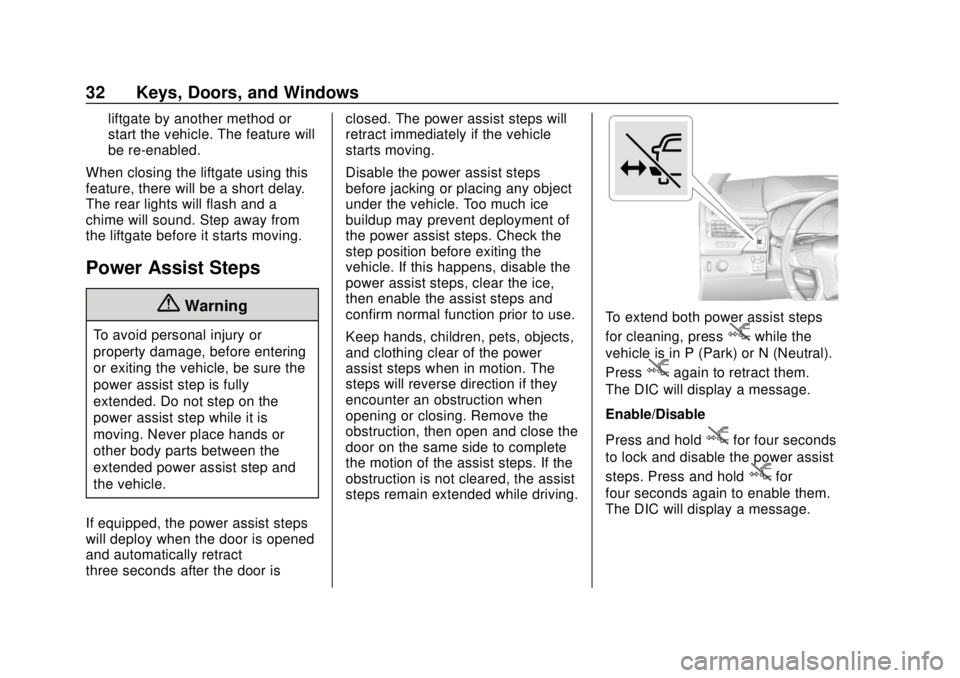
To extend both power assist steps
for cleaning, press
jwhile the
vehicle is in P (Park) or N (Neutral).
Press
jagain to retract them.
The DIC will display a message.
Enable/Disable
Press and hold
jfor four seconds
to lock and disable the power assist
steps. Press and hold
jfor
four seconds again to enable them.
The DIC will display a message.
Page 152 of 438
Chevrolet Tahoe/Suburban Owner Manual (GMNA-Localizing-U.S./Canada/
Mexico-13566622) - 2020 - CRC - 4/15/19
Instruments and Controls 151
.Adaptive Cruise Control and set
speed
. Lane Departure Warning/Lane
Keep Assist
. Low Fuel
Some vehicle messages or alerts
displayed in the HUD may be
cleared by using the steering wheel
controls. See Vehicle Messages
0 153.
Some information shown may not
be available on your vehicle if it is
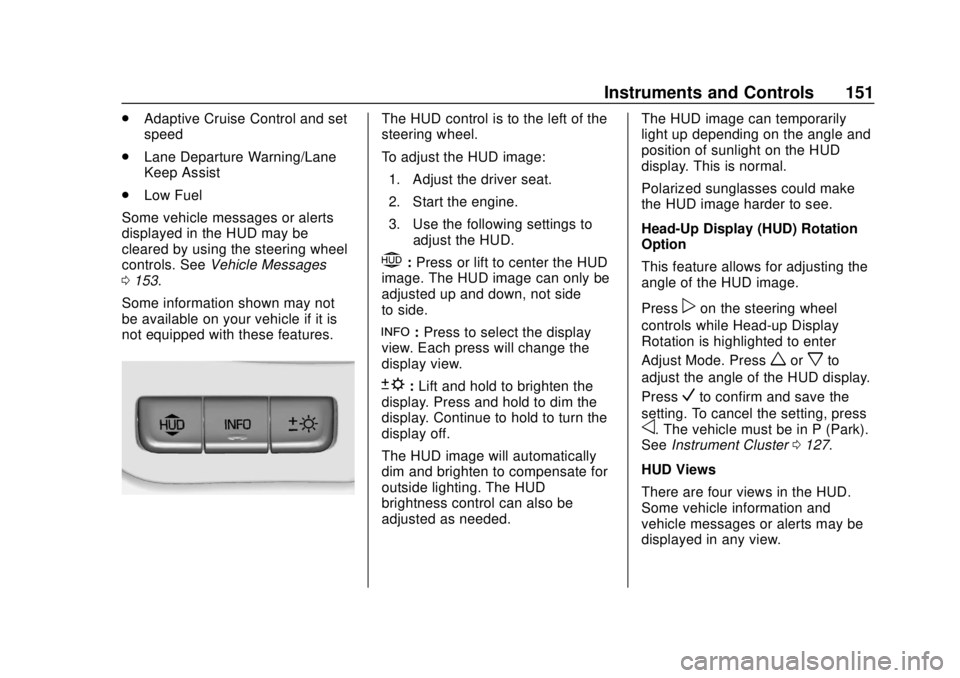
not equipped with these features.The HUD control is to the left of the
steering wheel.
To adjust the HUD image: 1. Adjust the driver seat.
2. Start the engine.
3. Use the following settings to adjust the HUD.
$:Press or lift to center the HUD
image. The HUD image can only be
adjusted up and down, not side
to side.
!: Press to select the display
view. Each press will change the
display view.
D: Lift and hold to brighten the
display. Press and hold to dim the
display. Continue to hold to turn the
display off.
The HUD image will automatically
dim and brighten to compensate for
outside lighting. The HUD
brightness control can also be
adjusted as needed. The HUD image can temporarily
light up depending on the angle and
position of sunlight on the HUD
display. This is normal.
Polarized sunglasses could make
the HUD image harder to see.
Head-Up Display (HUD) Rotation
Option
This feature allows for adjusting the
angle of the HUD image.
Press
pon the steering wheel
controls while Head-up Display
Rotation is highlighted to enter
Adjust Mode. Press
worxto
adjust the angle of the HUD display.
Press
Vto confirm and save the
setting. To cancel the setting, press
o. The vehicle must be in P (Park).
See Instrument Cluster 0127.
HUD Views
There are four views in the HUD.
Some vehicle information and
vehicle messages or alerts may be
displayed in any view.
Page 158 of 438
Chevrolet Tahoe/Suburban Owner Manual (GMNA-Localizing-U.S./Canada/
Mexico-13566622) - 2020 - CRC - 4/15/19
Instruments and Controls 157
Select Off or On.
Collision/Detection Systems
Select and the following may
display:
.Alert Type
. Forward Collision System
. Adaptive Cruise Go Notifier
. Park Assist
. Lane Change Alert
. Rear Cross Traffic Alert
. Side Blind Zone Alert
Alert Type
This setting specifies the type of
vehicle feedback provided, either a
beep or seat vibration, when you
are in danger of colliding with an
object.
Select Beeps or Safety Alert Seat.
Forward Collision System
This setting controls the vehicle
response when detecting a vehicle
ahead of you. The Off setting
disables all FCA and AEB functions.
With the Alert and Brake setting, both FCA and AEB are available.
The Alert setting disables AEB. See
Automatic Emergency Braking
(AEB)
0250.
Select Off, Alert and Brake, or Alert.
Adaptive Cruise Go Notifier
This feature will give a reminder that
Adaptive Cruise Control provides
when it has brought the vehicle to a
complete stop behind another
stopping vehicle, and then that
vehicle drives on.
Select Off or On.
Park Assist
If equipped, this allows the feature
to be turned on or off. See
Assistance Systems for Parking or
Backing 0244.
Select Off, On, or On with Towbar
Attached.
Lane Change Alert
This allows the feature to be turned
on or off. See Lane Change Alert
(LCA) 0252.
Select Off or On. Rear Cross Traffic Alert
This allows the feature to be turned
on or off. See
Assistance Systems
for Parking or Backing 0244.
Select Off or On.
Side Blind Zone Alert
This allows the feature to be turned
on or off. See Side Blind Zone Alert
(SBZA) 0252.
Select Off or On.
Comfort and Convenience
Select and the following may
display:
. Auto Memory Recall
. Easy Exit Options
. Chime Volume
. Hands Free Liftgate Control
. Reverse Tilt Mirror
. Auto Mirror Folding
. Auto Wipe in Reverse Gear
Page 163 of 438
Chevrolet Tahoe/Suburban Owner Manual (GMNA-Localizing-U.S./Canada/
Mexico-13566622) - 2020 - CRC - 4/15/19
162 Instruments and Controls
Turn Display Off
Select to turn the display off. Touch
anywhere on the infotainment
display or press any infotainment
controls on the center stack to turn
the display on.
Rear Camera
Select and the following may
display:
.Guidance Lines
. Rear Park Assist Symbols
Guidance Lines
Select to turn Off or On. See
Assistance Systems for Parking or
Backing 0244.
Rear Park Assist Symbols
Select to turn Off or On. See
Assistance Systems for Parking or
Backing 0244.
Return to Factory Settings
Select and the following may
display:
.
Restore Vehicle Settings
. Clear All Private Data .
Restore Radio Settings
Restore Vehicle Settings
This allows selection of restoring
vehicle settings.
Select Restore or Cancel.
Clear All Private Data
This allows selection to clear all
private information from the vehicle.
Select Delete or Cancel.
Restore Radio Settings
This allows selection to restore
radio settings.
Select Restore or Cancel.
Software Information
Select to view or update the
infotainment system current
software information.
Wi-Fi
Select and the following may
display:
. Wi-Fi
. Manage Wi-Fi Networks Wi-Fi
This feature allows Wi-Fi networks
to be turned off or on.
Select Off or On.
Manage Wi-Fi Networks
Select to manage Wi-Fi networks.
Wi-Fi must be on for this feature to
be accessed.
Page 164 of 438
Chevrolet Tahoe/Suburban Owner Manual (GMNA-Localizing-U.S./Canada/
Mexico-13566622) - 2020 - CRC - 4/15/19
Instruments and Controls 163
Universal Remote
System
SeeRadio Frequency Statement
0 410.
Universal Remote System
Programming
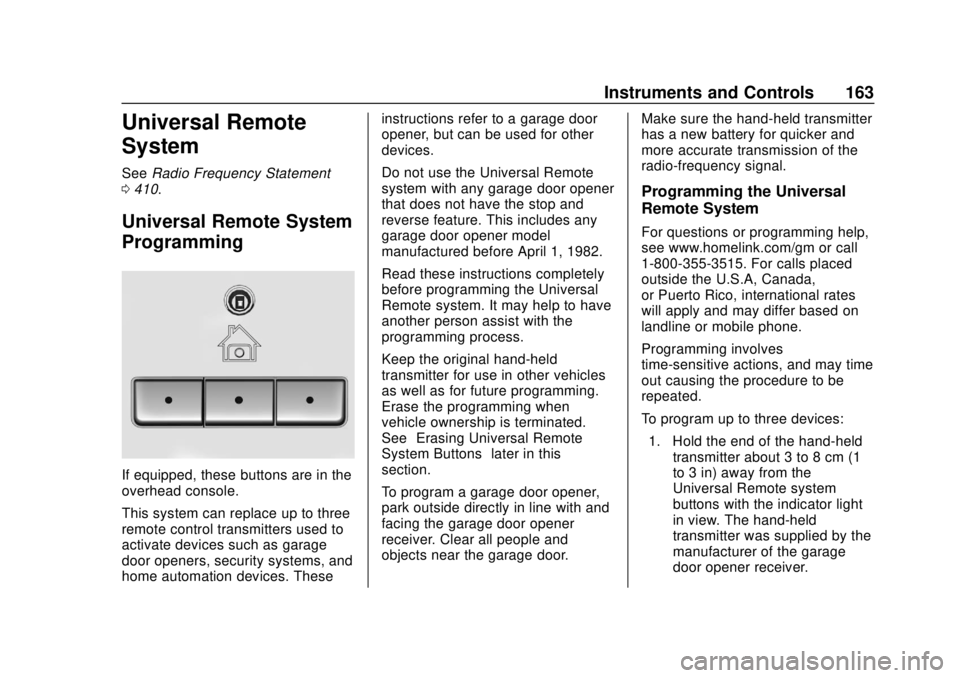
If equipped, these buttons are in the
overhead console.
This system can replace up to three
remote control transmitters used to
activate devices such as garage
door openers, security systems, and
home automation devices. These instructions refer to a garage door
opener, but can be used for other
devices.
Do not use the Universal Remote
system with any garage door opener
that does not have the stop and
reverse feature. This includes any
garage door opener model
manufactured before April 1, 1982.
Read these instructions completely
before programming the Universal
Remote system. It may help to have
another person assist with the
programming process.
Keep the original hand-held
transmitter for use in other vehicles
as well as for future programming.
Erase the programming when
vehicle ownership is terminated.
See
“Erasing Universal Remote
System Buttons” later in this
section.
To program a garage door opener,
park outside directly in line with and
facing the garage door opener
receiver. Clear all people and
objects near the garage door. Make sure the hand-held transmitter
has a new battery for quicker and
more accurate transmission of the
radio-frequency signal.
Programming the Universal
Remote System
For questions or programming help,
see www.homelink.com/gm or call
1-800-355-3515. For calls placed
outside the U.S.A, Canada,
or Puerto Rico, international rates
will apply and may differ based on
landline or mobile phone.
Programming involves
time-sensitive actions, and may time
out causing the procedure to be
repeated.
To program up to three devices:
1. Hold the end of the hand-held transmitter about 3 to 8 cm (1
to 3 in) away from the
Universal Remote system
buttons with the indicator light
in view. The hand-held
transmitter was supplied by the
manufacturer of the garage
door opener receiver.
Page 187 of 438
Chevrolet Tahoe/Suburban Owner Manual (GMNA-Localizing-U.S./Canada/
Mexico-13566622) - 2020 - CRC - 4/24/19
186 Driving and Operating
Driving and
Operating
Driving Information
Driving for Better FuelEconomy . . . . . . . . . . . . . . . . . . . . 187
Distracted Driving . . . . . . . . . . . . 187
Defensive Driving . . . . . . . . . . . . . 188
Drunk Driving . . . . . . . . . . . . . . . . . 188
Control of a Vehicle . . . . . . . . . . . 189
Braking . . . . . . . . . . . . . . . . . . . . . . . 189
Steering . . . . . . . . . . . . . . . . . . . . . . 189
Off-Road Recovery . . . . . . . . . . . 190
Loss of Control . . . . . . . . . . . . . . . 190
Off-Road Driving . . . . . . . . . . . . . 191
Driving on Wet Roads . . . . . . . . 196
Hill and Mountain Roads . . . . . 196
Winter Driving . . . . . . . . . . . . . . . . 197
If the Vehicle Is Stuck . . . . . . . . 198
Vehicle Load Limits . . . . . . . . . . . 200
Starting and Operating
New Vehicle Break-In . . . . . . . . . 204
Adjustable Throttle and Brake Pedal . . . . . . . . . . . . . . . . . . . . . . . 204
Ignition Positions (Keyless Access) . . . . . . . . . . . . . . . . . . . . . 205 Ignition Positions (Key
Access) . . . . . . . . . . . . . . . . . . . . . 207
Starting the Engine . . . . . . . . . . . 209
Engine Heater . . . . . . . . . . . . . . . . 211
Retained Accessory Power (RAP) . . . . . . . . . . . . . . . . 212
Shifting Into Park . . . . . . . . . . . . . 212
Shifting out of Park . . . . . . . . . . . 214
Parking over Things That Burn . . . . . . . . . . . . . . . . . . . 214
Active Fuel Management . . . . . 214
Extended Parking . . . . . . . . . . . . 214
Engine Exhaust
Engine Exhaust . . . . . . . . . . . . . . 215
Running the Vehicle While Parked . . . . . . . . . . . . . . . . . . . . . . 216
Automatic Transmission
Automatic Transmission . . . . . . 216
Manual Mode . . . . . . . . . . . . . . . . . 219
Tow/Haul Mode . . . . . . . . . . . . . . . 221
Drive Systems
Four-Wheel Drive . . . . . . . . . . . . . 222
Brakes
Antilock Brake
System (ABS) . . . . . . . . . . . . . . . 227
Parking Brake . . . . . . . . . . . . . . . . 228
Brake Assist . . . . . . . . . . . . . . . . . . 228
Hill Start Assist (HSA) . . . . . . . . 228
Ride Control Systems
Traction Control/Electronic Stability Control . . . . . . . . . . . . . 229
Hill Descent Control (HDC) . . . 231
Magnetic Ride Control . . . . . . . . 232
Locking Rear Axle . . . . . . . . . . . . 232
Automatic Level Control . . . . . . 232
Cruise Control
Cruise Control . . . . . . . . . . . . . . . . 232
Adaptive Cruise Control . . . . . . 235
Driver Assistance Systems
Driver Assistance Systems . . . 243
Assistance Systems for Parking or Backing . . . . . . . . . . 244
Assistance Systems for Driving . . . . . . . . . . . . . . . . . . . . . . 248
Forward Collision Alert (FCA) System . . . . . . . . . . . . . . . . . . . . . . 248
Automatic Emergency Braking (AEB) . . . . . . . . . . . . . . . 250
Side Blind Zone Alert (SBZA) . . . . . . . . . . . . . . . . 252
Lane Change Alert (LCA) . . . . . 252
Lane Keep Assist (LKA) . . . . . . 254
Fuel
Top Tier Fuel . . . . . . . . . . . . . . . . . 256
Recommended Fuel (5.3L V8 Engine) . . . . . . . . . . . . . . . . . . 257
Page 190 of 438
Chevrolet Tahoe/Suburban Owner Manual (GMNA-Localizing-U.S./Canada/
Mexico-13566622) - 2020 - CRC - 4/24/19
Driving and Operating 189
Control of a Vehicle
Braking, steering, and accelerating
are important factors in helping to
control a vehicle while driving.
Braking
Braking action involves perception
time and reaction time. Deciding to
push the brake pedal is perception
time. Actually doing it is
reaction time.
Average driver reaction time is
about three-quarters of a second. In
that time, a vehicle moving at
100 km/h (60 mph) travels 20 m
(66 ft), which could be a lot of
distance in an emergency.
Helpful braking tips to keep in mind
include:
.Keep enough distance between
you and the vehicle in front
of you.
. Avoid needless heavy braking.
. Keep pace with traffic. If the engine ever stops while the
vehicle is being driven, brake
normally but do not pump the
brakes. Doing so could make the
pedal harder to push down. If the
engine stops, there will be some
power brake assist but it will be
used when the brake is applied.
Once the power assist is used up, it
can take longer to stop and the
brake pedal will be harder to push.
Steering
Caution
To avoid damage to the steering
system, do not drive over curbs,
parking barriers, or similar objects
at speeds greater than 3 km/h
(1 mph). Use care when driving
over other objects such as lane
dividers and speed bumps.
Damage caused by misuse of the
vehicle is not covered by the
vehicle warranty.
Electric Power Steering
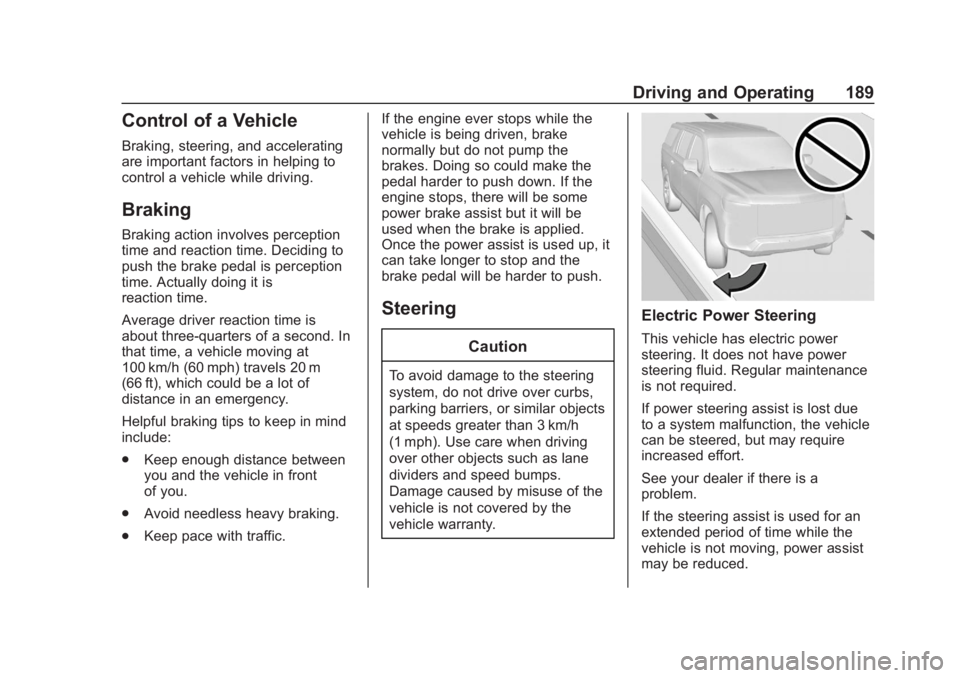
This vehicle has electric power
steering. It does not have power
steering fluid. Regular maintenance
is not required.
If power steering assist is lost due
to a system malfunction, the vehicle
can be steered, but may require
increased effort.
See your dealer if there is a
problem.
If the steering assist is used for an
extended period of time while the
vehicle is not moving, power assist
may be reduced.
Page 207 of 438
Chevrolet Tahoe/Suburban Owner Manual (GMNA-Localizing-U.S./Canada/
Mexico-13566622) - 2020 - CRC - 4/24/19
206 Driving and Operating
Do not turn the engine off when the
vehicle is moving. This will cause a
loss of power assist in the brake
and steering systems and disable
the airbags.
The vehicle may have an electric
steering column lock. The lock is
activated when the ignition is turned
off and either front door is opened.
A sound may be heard as the lock
actuates or releases. The steering
column lock may not release with
the wheels turned off center. If this
happens, the vehicle may not start.
Move the steering wheel from left to
right while attempting to start the
vehicle. If this does not work, the
vehicle needs service.
If the vehicle must be shut off in an
emergency:1. Brake using a firm and steady pressure. Do not pump the
brakes repeatedly. This may
deplete power assist, requiring
increased brake pedal force.
2. Shift the vehicle to N (Neutral). This can be done while the
vehicle is moving. After shifting to N (Neutral), firmly apply the
brakes and steer the vehicle to
a safe location.
3. Come to a complete stop, shift to P (Park), and turn the
ignition off. The shift lever must
be in P (Park) to turn the
ignition off.
4. Set the parking brake. See Parking Brake 0228.
{Warning
Turning off the vehicle while
moving may cause loss of power
assist in the brake and steering
systems and disable the airbags.
While driving, only shut the
vehicle off in an emergency.
If the vehicle cannot be pulled over,
and must be shut off while driving,
press and hold ENGINE START/
STOP for longer than two seconds,
or press twice in five seconds. ACC/ACCESSORY (Amber
Indicator Light) :
This mode allows
some electrical accessories to be
used when the engine is off.
With the ignition off, pressing the
button one time without the brake
pedal applied will place the ignition
system in ACC/ACCESSORY.
The ignition will switch from ACC/
ACCESSORY to off after
five minutes to prevent battery
rundown.
ON/RUN/START (Green Indicator
Light) : This mode is for driving and
starting. With the ignition off, and
the brake pedal applied, pressing
the button once will turn the ignition
on. Once engine cranking begins,
release the button. Engine cranking
will continue until the engine starts.
See Starting the Engine 0209.
Service Mode
This power mode is available for
service and diagnostics, and to
verify the proper operation of the
malfunction indicator lamp as may
be required for emission inspection
purposes. With the vehicle off, and