brakes CHEVROLET TAHOE 1997 1.G Owners Manual
[x] Cancel search | Manufacturer: CHEVROLET, Model Year: 1997, Model line: TAHOE, Model: CHEVROLET TAHOE 1997 1.GPages: 433, PDF Size: 22.05 MB
Page 6 of 433
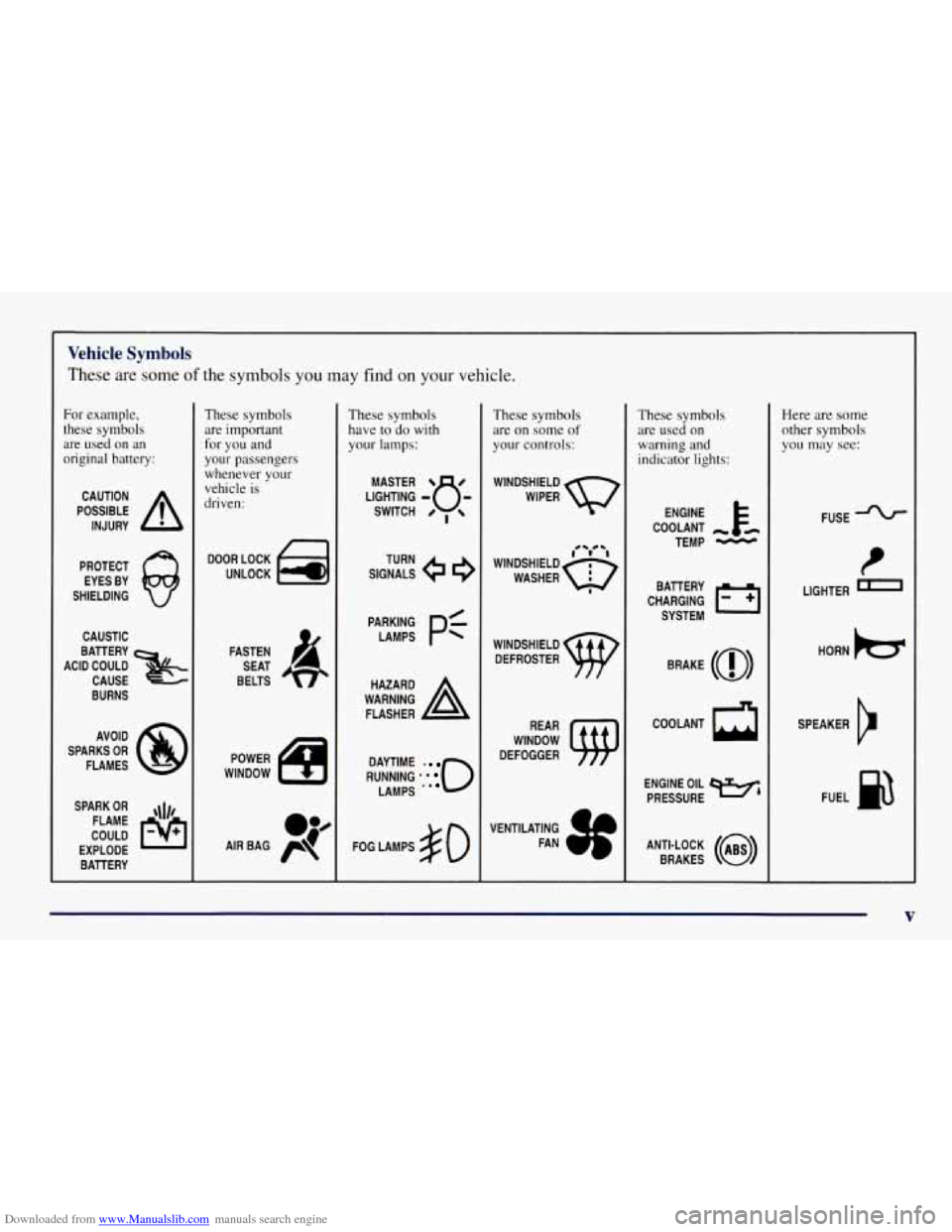
Downloaded from www.Manualslib.com manuals search engine Vehicle Symbols
These are some of the symbols you may find on your vehicle.
For example,
these symbols
are used on an
original battery:
POSSIBLE A
CAUTION
INJURY
PROTECT EYES BY
SHIELDING
CAUSTIC
ACID COULD BAllERY
CAUSE
BURNS
AVOID
SPARKS
OR
FLAMES
SPARK
OR ,\I/,
COULD FLAME
EXPLODE BATTERY
These symbols
are important
for you and
your passengers
whenever your
vehicle is
driven:
DOOR LOCK
UNLOCK
FASTEN SEAT
BELTS
POWER
WINDOW
These symbols
have to
do with
your lamps:
SIGNALS e
TURN
WARNING
A
HAZARD
FLASHER
RUNNING
* . 0
DAYTIME
LAMPS
FOG LAMPS $0
These symbols
are on some
of
your controls:
WINDSHIELD
WIPER
WINDSHIELD DEFROSTER
WINDOW
DEFOGGER
VENTILATING FAN
These symbols are used on
warning and
indicator lights:
COOLANT -
TEMP -
CHARGING I-1
BATTERY
SYSTEM
BRAKE
(a)
COOLANT a
ENGINE OIL w,
PRESSURE
ANTI-LOCK
(@)
BRAKES
Here are some
other symbols
you may see:
FUSE
t
LIGHTER n
HORN )cr
SPEAKER
b
FUEL p3
V
Page 90 of 433
Downloaded from www.Manualslib.com manuals search engine AUTOMATIC OVERDRIVE (03): This position is for
normal driving. If you need more power for passing,
and you’re:
Going less than about 35 mph (56 km/h), push your
accelerator pedal about halfway down.
Going about 35 mph (56 km/h) or more, push the
accelerator all the way down.
You’ll shift down to the next gear and have
more power.
AUTOMATIC OVERDRIVE
(0) can be used when
towing a trailer, carrying a heavy load, driving on steep
hills or for off-road driving. You may want to shift the
transmission to THIRD
(3) or, if necessary, a lower gear
selection if the transmission shifts too often.
THIRD (3): This position is also used for normal
driving, however, it offers more power and lower fuel
economy than AUTOMATIC OVERDRIVE
(0).
SECOND (2): This position gives you more power but
lower fuel economy. You can use SECOND
(2) on hills.
It can help control your speed as you go down steep
mountain roads, but then
you would also want to use
your brakes off and
on.
If you manually select SECOND (2), the transmission will
drive
in second gear. You may use this feature for reducing
torque to the rear wheels when you are trying to start
your
vehicle from a stop on slippery road surfaces.
FIRST (1): This position gives you even more power
(but lower
fuel economy) than SECOND (2). You can
use it on very steep hills,
or in deep snow or mud. If the
selector lever is put in FIRST
(1) while the vehicle is
moving forward, the transmission won’t shift into first
gear until the vehicle is going slowly enough.
NOTICE:
If your rear wheels can’t rotate, don’t try to
drive. This might happen if you were stuck in
very deep sand or mud or were up against a solid
object. You could damage your transmission.
Also, if you stop when going uphill, don’t hold
your vehicle there with only the accelerator
pedal. This could overheat and damage the
transmission. Use your brakes or shift into
PARK (P) to hold your vehicle in position
on a hill.
2-19
Page 96 of 433
Downloaded from www.Manualslib.com manuals search engine Parking Brake
To set the parking brake, hold the regular brake pedal
down with your right foot. Push down the parking brake
pedal with your left foot.
If the ignition is
on, the brake system warning light will
come on.
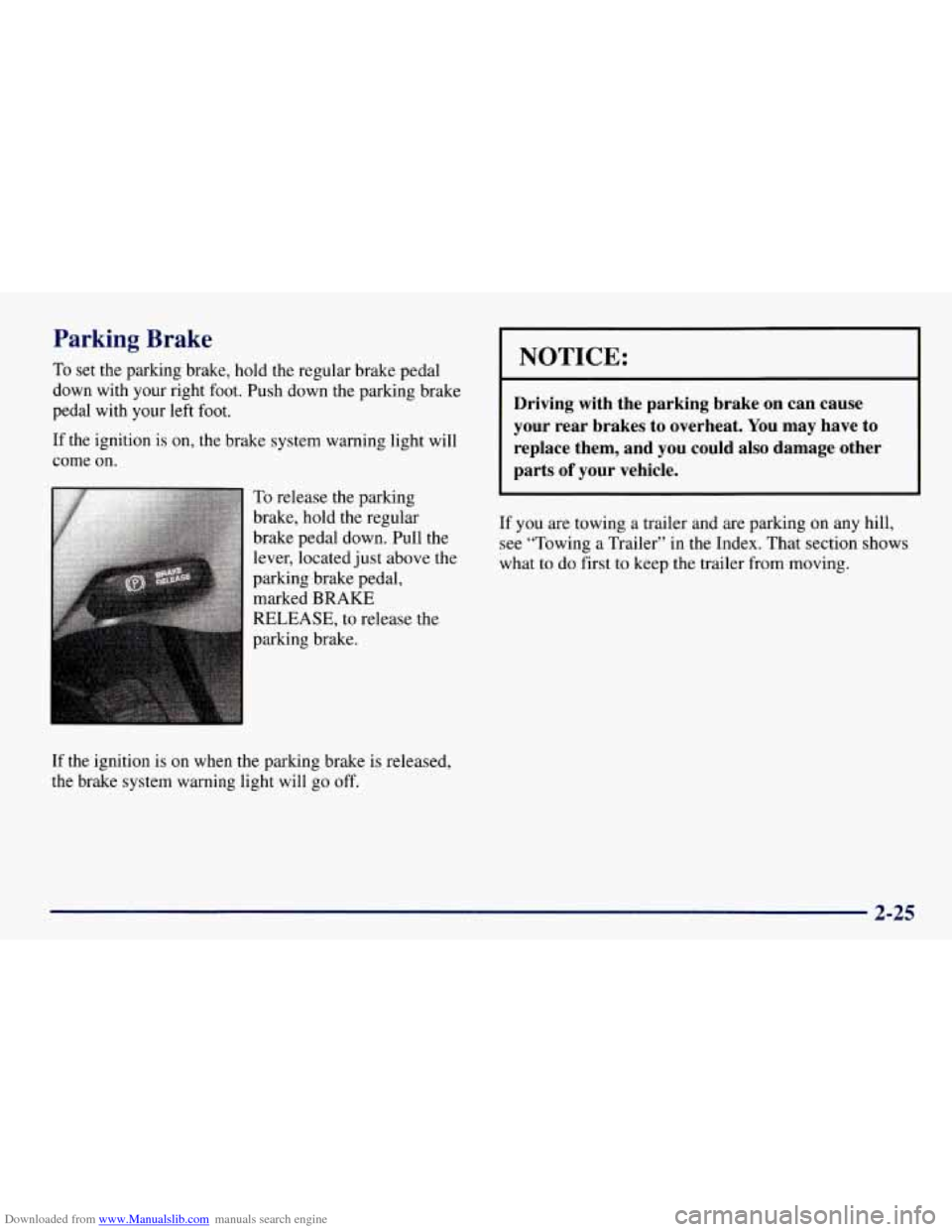
To release the parking
brake, hold the regular
brake pedal down. Pull the
lever, located just above the
parking brake pedal, marked
BRAKE
RELEASE, to release the
parking brake.
If the ignition is on when the parking brake is released,
the brake system warning light will
go off.
NOTICE:
Driving with the parking brake on can cause
your rear brakes to overheat. You may have to
replace them, and you could also damage other
parts
of your vehicle.
If you are towing a trailer and are parking on any hill,
see “Towing a Trailer” in the Index. That section shows
what to do first to keep the trailer from moving.
2-25
Page 99 of 433
Downloaded from www.Manualslib.com manuals search engine Torque Lock
If you are parking on a hill and you don’t shift your
transmission into PARK (P) properly, the weight of the
vehicle may put too much force on the parking pawl in
the transmission. You may find
it difficult to pull the
shift lever out
of PARK (P). This is called “torque lock.”
To prevent torque lock, set the parking brake and then
shift into PARK (P) properly before you leave the
driver’s seat. To find out how, see “Shifting Into
PARK
(P)” in the Index.
When you
are ready to drive, move the shift lever out of
PARK
(P) before you release the parking brake.
If torque lock does occur, you may need to have another
vehicle push yours a little uphill to take some of the
pressure from the parking pawl in the transmission,
so
you can pull the shift lever out of PARK (P).
Shifting Out of PARK (P)
Your vehicle has a brake-transmission shift interlock
system. You have
to fully apply your regular brakes
before you can shift from PARK (P) when the ignition
is in RUN. See “Automatic Transmission” in the Index.
If you cannot shift out of PARK (P), ease pressure on
the shift lever and push the shift lever all the way up
into PARK (P) as you maintain brake application. Then,
move the shift lever into the gear you want.
If you ever hold the brake pedal down but still can’t
shift out
of PARK (P), try this:
1. Turn the key to OFF.
2. Apply and hold the brake until the end of Step 4.
3. Shift the vehicle to NEUTRAL (N).
4. Start the vehicle and then shift to the drive gear
you want.
5. Have the brake-transmission shift interlock system
fixed as soon as you can.
2-28
Page 108 of 433
Downloaded from www.Manualslib.com manuals search engine Washer fluid will spray as long as you push the paddle.
When you let
go of the paddle, the wipers will continue
to wipe for a few seconds and then either stop or return
to the preset speed.
The use of hood mounted air deflectors may adversely
affect windshield wiper and washer performance.
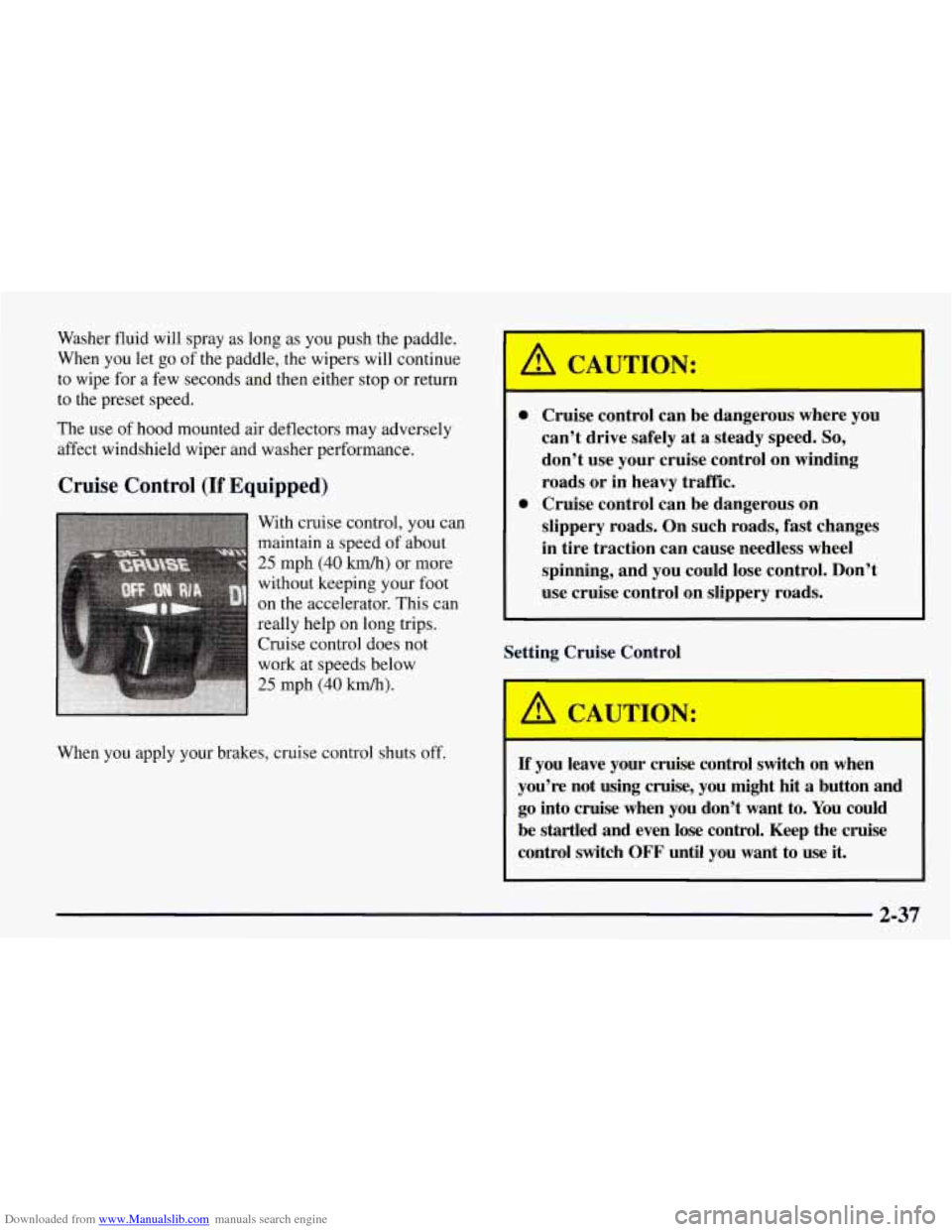
Cruise Control (If Equipped)
When you apply your brakes, cruise control shuts off.
0 Cruise control can be dangerous where you
can’t drive safely at a steady speed.
So,
don’t use your cruise control on winding
roads or in heavy traffic.
slippery roads. On such roads, fast changes
in tire traction can cause needless wheel
spinning, and you could lose control. Don’t
use cruise control on slippery roads.
0 Cruise control can be dangerous on
Setting Cruise Control
-
If you leave your cruise control switch on when
you’re not using cruise, you might hit
a button and
go into cruise when you don’t want to. You could
be startled and even lose control. Keep the cruise
control switch
OFF until you want to use it.
I I
2-37
Page 139 of 433
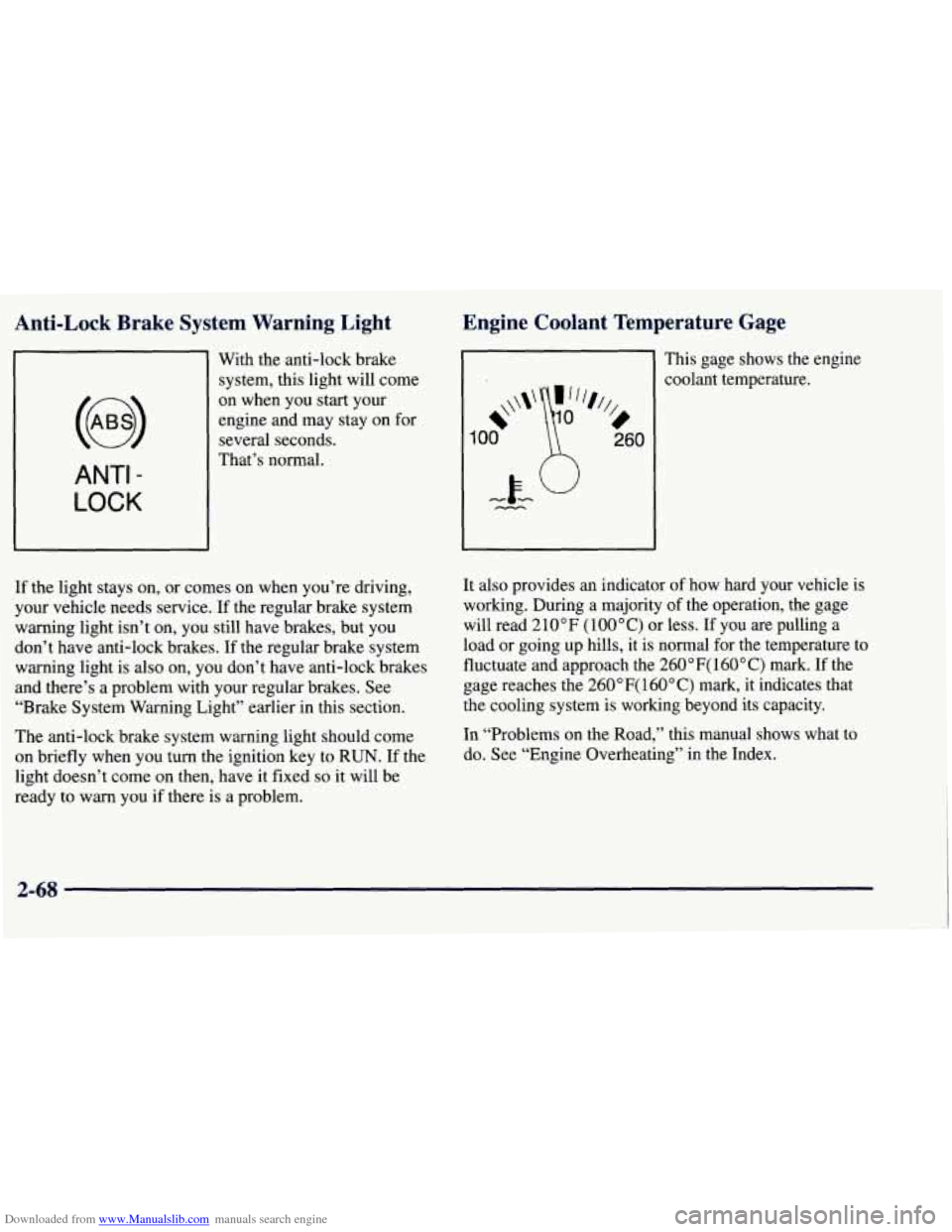
Downloaded from www.Manualslib.com manuals search engine Anti-Lock Brake System Warning Light
With the anti-lock brake
system, this light will come
ANTI -
LOCK
on when you start your
engine and may stay on for
several seconds.
That’s normal.
Engine Coolant Temperature Gage
This gage shows the engine
coolant temperature.
If the light stays on, or comes on when you’re driving,
your vehicle needs service. If the regular brake system
warning light isn’t on, you still have brakes, but you
don’t have anti-lock brakes. If the regular brake system
warning light is also on, you don’t have anti-lock brakes
and there’s a problem with your regular brakes. See
“Brake System Warning Light” earlier in this section.
The anti-lock brake system warning light should come
on briefly when you turn the ignition key to
RUN. If the
light doesn’t come on then, have it fixed
so it will be
ready to warn you if there is a problem.
It also provides an indicator of how hard your vehicle is
working. During a majority of the operation, the gage
will read
2 10 OF ( 100 ” C) or less. If you are pulling a
load or going up hills, it is normal for the temperature
to
fluctuate and approach the 260 OF( 160” C) mark. If the
gage reaches the
260”F( 160°C) mark, it indicates that
the cooling system
is working beyond its capacity.
In “Problems on the Road,” this manual shows what to
do. See “Engine Overheating” in the Index.
2-68
Page 185 of 433
Downloaded from www.Manualslib.com manuals search engine Control of a Vehicle
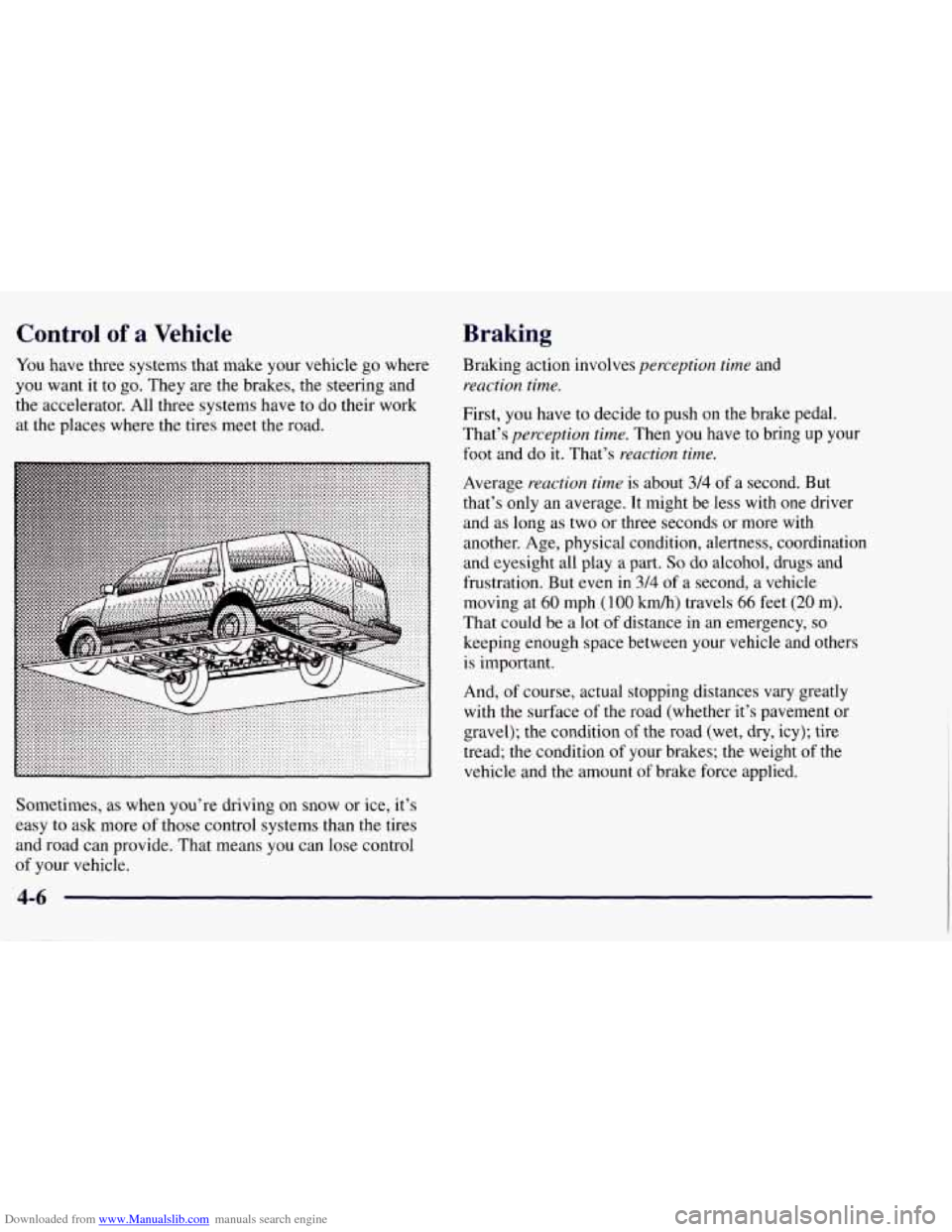
You have three systems that make your vehicle go where
you want it to
go. They are the brakes, the steering and
the accelerator. All three systems have to do their work
at the places where the tires meet the road.
Sometimes,
as when you’re driving on snow or ice, it’s
easy to ask more
of those control systems than the tires
and road can provide. That means you can lose control
of your vehicle.
Braking
Braking action involves perception time and
reaction time.
First, you have to decide to push on the brake pedal.
That’s
perception time. Then you have to bring up your
foot and do it. That’s reaction time.
Average reaction time is about 3/4 of a second. But
that’s only an average. It might be less with one driver
and as long as two or three seconds or more with
another. Age, physical condition, alertness, coordination
and eyesight all play a part.
So do alcohol, drugs and
frustration. But even
in 3/4 of a second, a vehicle
moving at
60 mph (100 km/h) travels 66 feet (20 m).
That could be a lot of distance in an emergency,
so
keeping enough space between your vehicle and others
is important.
And,
of course, actual stopping distances vary greatly
with the surface
of the road (whether it’s pavement or
gravel); the condition of the road (wet, dry, icy); tire
tread;
the condition of your brakes; the weight of the
vehicle and the amount
of brake force applied.
Page 186 of 433
Downloaded from www.Manualslib.com manuals search engine Avoid needless heavy braking. Some people drive in
spurts
-- heavy acceleration followed by heavy
braking
-- rather than keeping pace with traffic. This is a
mistake. Your brakes may not have time to cool between
hard stops. Your brakes will wear out much faster if you
do a lot of heavy braking. If you keep pace with the
traffic and allow realistic following distances, you will
eliminate a lot
of unnecessary braking. That means
better braking and longer brake life.
If your engine ever stops while you’re driving, brake
normally but don’t pump your brakes. If you do, the
pedal may get harder to push down. If your engine
stops, you will still have some power brake assist. But
you will use it when you brake. Once the power assist is
used up, it may take longer to stop and the brake pedal
will be harder to push.
Anti-Lock Brakes (ABS)
Your vehicle has anti-lock brakes (ABS). ABS is an
advanced electronic braking system that will help
prevent a braking skid.
When you start your engine and begin to drive away,
your anti-lock brake system will check itself. You may
hear a momentary motor or clicking noise while this test
is going on. This is normal.
ANTI -
LOCK
If there’s a problem with the
anti-lock brake system, this
warning light will stay on.
See “Anti-Lock Brake
System Warning Light” in
the Index.
4-7
Page 187 of 433
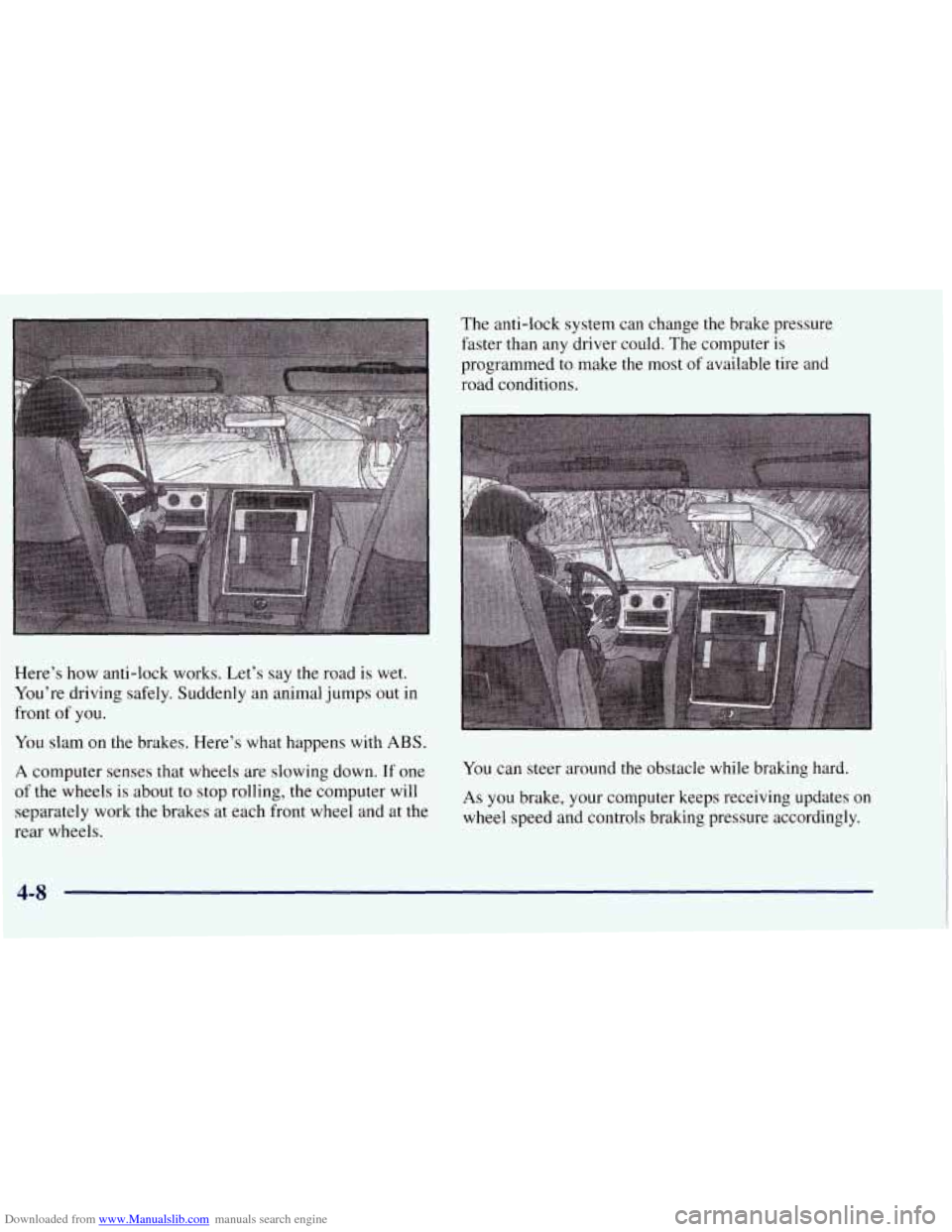
Downloaded from www.Manualslib.com manuals search engine Here’s how anti-lock works. Let’s say the road is wet.
You’re driving safely. Suddenly an animal jumps out in
front
of you.
You slam on the brakes. Here’s what happens with ABS.
A computer senses that wheels are slowing down. If one
of the wheels is about to stop rolling, the computer will
separately work the brakes at each front wheel and at the
rear wheels. The
anti-lock system can change the brake pressure
faster than any driver could. The computer is
programmed to make the most of available tire and
road conditions.
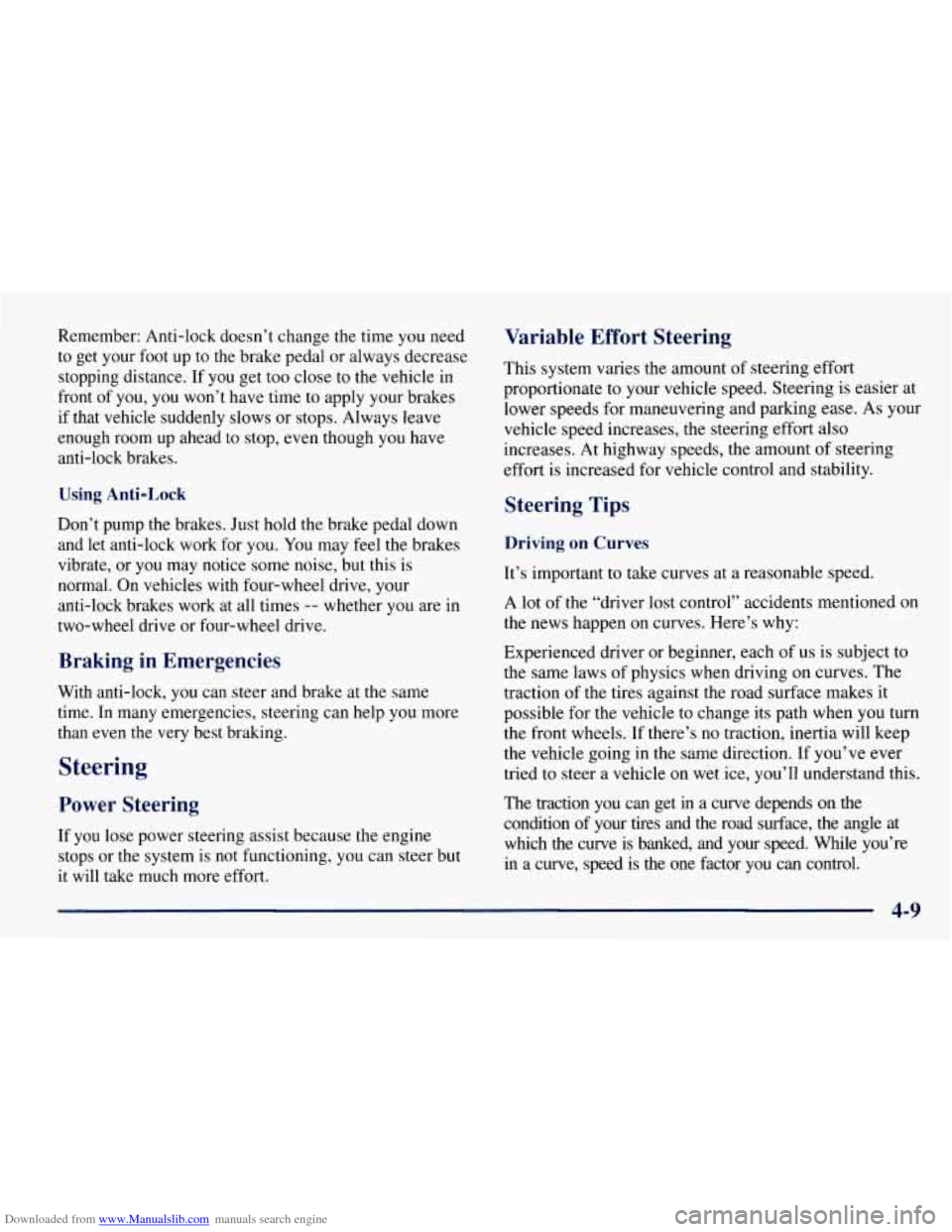
You can steer around the obstacle while braking hard. As you brake, your computer keeps receiving updates on
wheel speed and controls braking pressure accordingly.
4-8
Page 188 of 433
Downloaded from www.Manualslib.com manuals search engine Remember: Anti-lock doesn’t change the time you need
to get your foot up to the brake pedal or always decrease
stopping distance. If you get too close to the vehicle in
front of you, you won’t have time to apply your brakes
if that vehicle suddenly slows or stops. Always leave
enough room up ahead
to stop, even though you have
anti-lock brakes.
Using Anti-Lock
Don’t pump the brakes. Just hold the brake pedal down
and let anti-lock work for
you. You may feel the brakes
vibrate, or you may notice some noise, but this is
normal. On vehicles with four-wheel drive, your
anti-lock brakes work at all times
-- whether you are in
two-wheel drive or four-wheel drive.
Braking in Emergencies
With anti-lock, you can steer and brake at the same
time. In many emergencies, steering can help you more
than even the very best braking.
Steering
Power Steering
If you lose power steering assist because the engine
stops or the system is not functioning, you can steer but
it will take much more effort.
Variable Effort Steering
This system varies the amount of steering effort
proportionate to your vehicle speed. Steering is easier at
lower speeds for maneuvering and parking ease. As your
vehicle speed increases, the steering effort also
increases. At highway speeds, the amount
of steering
effort is increased for vehicle control and stability.
Steering Tips
Driving on Curves
It’s important to take curves at a reasonable speed.
A lot
of the “driver lost control” accidents mentioned on
the news happen on curves. Here’s why:
Experienced driver or beginner, each
of us is subject to
the same laws of physics when driving on curves. The
traction of the tires against the road surface makes it
possible for the vehicle to change its path when you turn
the front wheels. If there’s no traction, inertia will keep
the vehicle going in the same direction. If you’ve ever
tried to steer a vehicle on wet ice, you’ll understand this.
The traction you can get
in a curve depends on the
condition of your tires and the road surface, the angle at
which the curve is banked, and your speed. While you’re
in a curve, speed is the one factor you can control.