keyless CHEVROLET TAHOE 2004 2.G User Guide
[x] Cancel search | Manufacturer: CHEVROLET, Model Year: 2004, Model line: TAHOE, Model: CHEVROLET TAHOE 2004 2.GPages: 556, PDF Size: 3.37 MB
Page 225 of 556
Personalization Button
You can program certain features to a preferred setting
for up to two people. Press the personalization button
to scroll through the following personalization features.
All of the personalization options may not be available
on your vehicle. Only the options available will be
displayed on your DIC.
If your vehicle is not equipped with the DIC steering
wheel buttons you will not have any of the following
personalization options except for DISPLAY
LANGUAGE. See DISPLAY LANGUAGE later in this
section for more information.
AUTOMATIC LOCKING
AUTOMATIC UNLOCKING
DELAYED LOCKING
REMOTE LOCK FEEDBACK
ALARM WARNING TYPE
REMOTE UNLOCK FEEDBACK
HEADLAMPS ON AT EXIT
PERIMETER LIGHTING
SEAT POSITION RECALL
EASY EXIT DRIVER SEAT
CURB VIEW ASSIST
DISPLAY LANGUAGE
DISPLAY UNITS (ENG/MET)
The default options for the above features were set
when your vehicle left the factory. The default options
are noted in the text following, but may have been
changed from their default state since then.
The driver’s preferences can be recalled by pressing the
unlock button on the remote keyless entry transmitter
labeled 1 or 2 or by pressing the appropriate memory
button 1 or 2 located on the driver’s door.
3-61
Page 227 of 556
Automatic Unlocking
Press the personalization button until AUTOMATIC
UNLOCKING appears in the display. To select
your personalization for automatic unlocking, press the
select button while AUTOMATIC UNLOCKING is
displayed on the DIC. Pressing the select button will
scroll through the following choices:
UNLOCK ALL IN PARK (default):All of the doors will
unlock when the vehicle is shifted into PARK (P).
UNLOCK ALL AT KEY OUT:All of the doors will
unlock when the key is taken out of the ignition.
UNLOCK DOORS MANUALLY:The doors will not be
unlocked automatically.
UNLOCK DRIVER IN PARK:The driver’s door will be
unlocked when the vehicle is shifted into PARK (P).
Choose one of the four options and press the
personalization button while it is displayed on the DIC to
select it and move on to the next feature. For more
information on automatic door locks seeProgrammable
Automatic Door Locks on page 2-11.
Delayed Locking
If your DIC does not have this feature, you can still
program the delayed locking feature. SeeDelayed
Locking on page 2-10for more information.When locking the doors with the power lock switch or
the keyless entry transmitter and a door or the liftgate is
open, the delayed locking feature will delay locking
the doors and tailgate until ve seconds after the last
door is closed.
Press the personalization button until DELAYED
LOCKING appears in the display. To select your
personalization for delayed locking, press the select
button while DELAYED LOCKING is displayed on the
DIC. Pressing the select button will scroll through
the following choices:
DELAYED LOCKING ON:The doors will not lock until
ve seconds after the last door or the liftgate is
closed. You will hear three chimes to signal that the
delayed locking feature is in use. You can temporarily
override delayed locking by pressing the lock button
on the door or keyless entry transmitter a second time.
DELAYED LOCKING OFF:The doors will lock
immediately when pressing the power lock switch or the
lock button on the keyless entry transmitter.
Choose one of the two options and press the
personalization button while it is displayed on the DIC to
select it and move on to the next feature. For more
information on automatic door locks seeProgrammable
Automatic Door Locks on page 2-11.
This feature will not operate if the key is in the ignition.
3-63
Page 228 of 556
Seat Position Recall
Press the personalization button until SEAT POSITION
RECALL appears in the display. To select your
personalization for seat position recall, press the select
button while SEAT POSITION RECALL is displayed
on the DIC. Pressing the select button will scroll through
the following choices:
SEAT POSITION RECALL OFF (default):The memory
seat position you saved will only be recalled when the
memory button 1 or 2 is pressed.
SEAT POSITION RECALL AT KEY IN:The memory
seat position you saved will be recalled when you
put the key in the ignition.
SEAT POSITION RECALL ON REMOTE:The memory
seat position you saved will be recalled when you
unlock the vehicle with the remote keyless entry
transmitter.
Choose one of the three options and press the
personalization button while it is displayed on the DIC to
select it and move on to the next feature. For more
information on seat position recall seeMemory Seat on
page 2-67.
Perimeter Lighting
Press the personalization button until PERIMETER
LIGHTING appears in the display. To select your
personalization for perimeter lighting, press the select
button while PERIMETER LIGHTING is displayed on the
DIC. Pressing the select button will scroll through the
following choices:
PERIMETER LIGHTING ON (default):The headlamps
and back-up lamps will come on for 40 seconds, if it
is dark enough outside, when you unlock the vehicle
with the remote keyless entry transmitter.
PERIMETER LIGHTING OFF:The perimeter lights will
not come on when you unlock the vehicle with the
remote keyless entry transmitter.
Choose one of the two options and press the
personalization button while it is displayed on the DIC to
select it and move on to the next feature.
3-64
Page 229 of 556
Remote Lock Feedback
Press the personalization button until REMOTE LOCK
FEEDBACK appears in the display. To select your
personalization for the feedback you will receive when
locking the vehicle with the remote keyless entry
transmitter, press the select button while REMOTE
LOCK FEEDBACK is displayed on the DIC. Pressing
the select button will scroll through the following choices:
LOCK FEEDBACK: BOTH (default):The parking
lamps will ash each time you press the button with the
lock symbol on the remote keyless entry transmitter
and the horn will chirp the second time you press the
lock button.
LOCK FEEDBACK: OFF:There will be no feedback
when locking the vehicle.
LOCK FEEDBACK: HORN:The horn will chirp the
second time you press the button with the lock symbol
on the remote keyless entry transmitter.
LOCK FEEDBACK: LAMPS:The parking lamps will
ash each time you press the button with the lock
symbol on the remote keyless entry transmitter.
Choose one of the four options and press the
personalization button while it is displayed on the DIC to
select it and move on to the next feature.
Remote Unlock Feedback
Press the personalization button until REMOTE
UNLOCK FEEDBACK appears in the display. To select
your personalization for the feedback you will receive
when unlocking the vehicle with the remote keyless
entry transmitter, press the select button while REMOTE
UNLOCK FEEDBACK is displayed on the DIC.
Pressing the select button will scroll through the
following choices:
UNLOCK FEEDBACK: LAMPS (default):The parking
lamps will ash each time you press the button with
the unlock symbol on the remote keyless entry
transmitter.
UNLOCK FEEDBACK: BOTH:The parking lamps will
ash each time you press the button with the unlock
symbol on the remote keyless entry transmitter and the
horn will chirp the second time you press the unlock
button.
UNLOCK FEEDBACK: OFF:There will be no feedback
when unlocking the vehicle.
UNLOCK FEEDBACK: HORN:The horn will chirp the
second time you press the button with the unlock
symbol on the remote keyless entry transmitter.
Choose one of the four options and press the
personalization button while it is displayed on the DIC to
select it and move on to the next feature.
3-65
Page 235 of 556
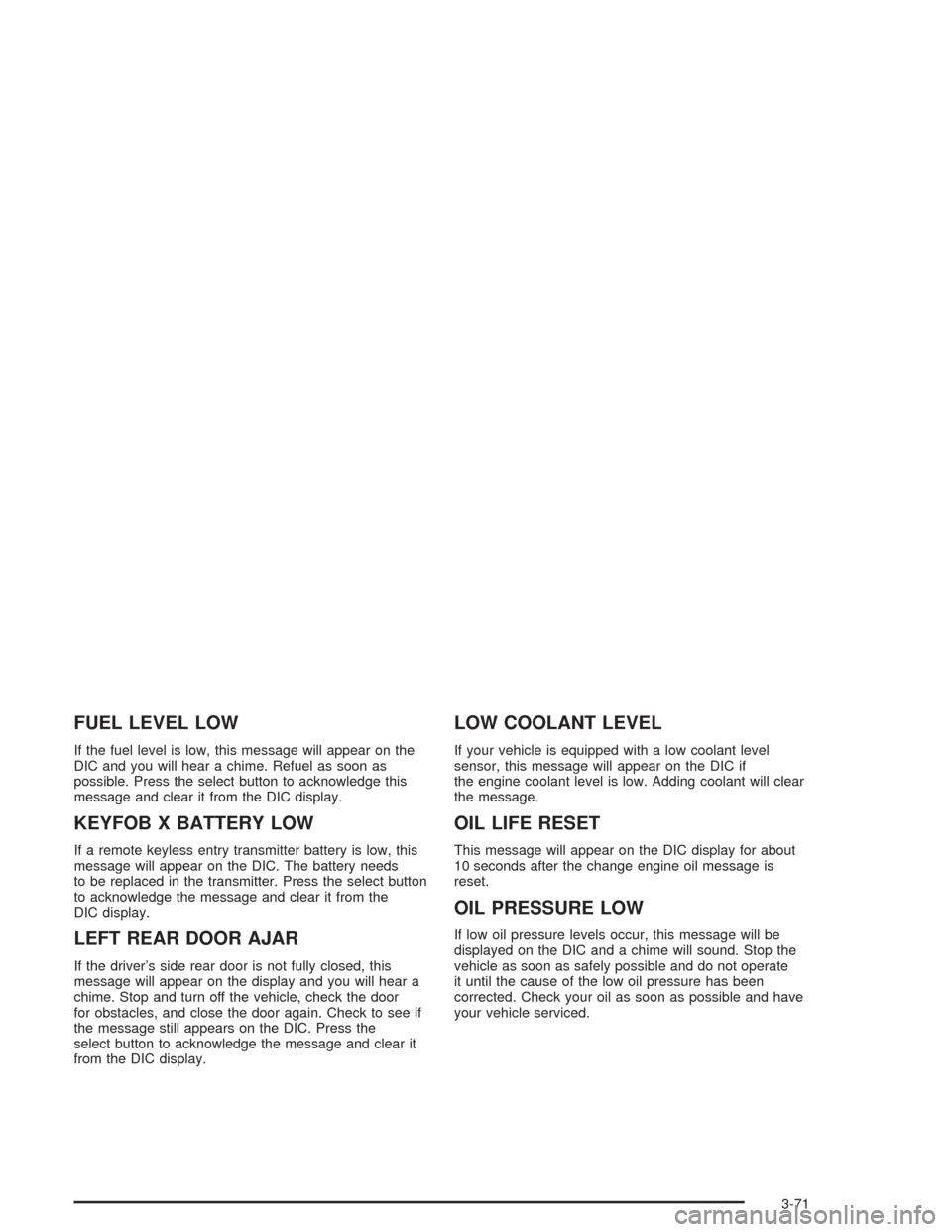
FUEL LEVEL LOW
If the fuel level is low, this message will appear on the
DIC and you will hear a chime. Refuel as soon as
possible. Press the select button to acknowledge this
message and clear it from the DIC display.
KEYFOB X BATTERY LOW
If a remote keyless entry transmitter battery is low, this
message will appear on the DIC. The battery needs
to be replaced in the transmitter. Press the select button
to acknowledge the message and clear it from the
DIC display.
LEFT REAR DOOR AJAR
If the driver’s side rear door is not fully closed, this
message will appear on the display and you will hear a
chime. Stop and turn off the vehicle, check the door
for obstacles, and close the door again. Check to see if
the message still appears on the DIC. Press the
select button to acknowledge the message and clear it
from the DIC display.
LOW COOLANT LEVEL
If your vehicle is equipped with a low coolant level
sensor, this message will appear on the DIC if
the engine coolant level is low. Adding coolant will clear
the message.
OIL LIFE RESET
This message will appear on the DIC display for about
10 seconds after the change engine oil message is
reset.
OIL PRESSURE LOW
If low oil pressure levels occur, this message will be
displayed on the DIC and a chime will sound. Stop the
vehicle as soon as safely possible and do not operate
it until the cause of the low oil pressure has been
corrected. Check your oil as soon as possible and have
your vehicle serviced.
3-71
Page 547 of 556
K
KEYFOB X BATTERY LOW.............................3-71
Keyless Entry System....................................... 2-5
Keys............................................................... 2-3
L
Lamps
Exterior......................................................3-14
Interior.......................................................3-18
Lamps On Reminder.......................................3-16
Lap Belt........................................................1-41
Lap-Shoulder Belt...........................................1-31
LATCH System
Child Restraints...........................................1-62
Securing a Child Restraint Designed for the
LATCH System........................................1-64
Leaving Your Vehicle With the
Engine Running..........................................2-40
LEFT REAR DOOR AJAR................................3-71
Level Control..................................................4-64
Liftgate..........................................................2-14
Liftgate Glass and Liftgate................................2-15
Light
Air Bag Readiness.......................................3-42
Anti-Lock Brake System Warning...................3-46
Battery Warning..........................................3-44
Brake System Warning.................................3-45
Cruise Control.............................................3-54Light (cont.)
Four-Wheel-Drive.........................................3-54
Low Fuel Warning.......................................3-55
Malfunction Indicator....................................3-50
Passenger Air Bag Status Indicator................3-42
Safety Belt Reminder...................................3-41
Tire Pressure..............................................3-49
Tow/Haul Mode...........................................3-54
Traction Off................................................3-46
Lighted Visor Vanity Mirror...............................2-18
Listening to a DVD..............................3-107, 3-122
Loading Your Vehicle.......................................4-58
Loading Your Vehicle for Off-Road Driving..........4-26
Locking Rear Axle...........................................4-11
Lockout Protection..........................................2-14
Lock-Out Switch.............................................2-18
Locks
Delayed Locking..........................................2-10
Door........................................................... 2-8
Lockout Protection.......................................2-14
Power Door.................................................. 2-9
Programmable Automatic Door Locks.............2-11
Rear Door Security Locks.............................2-13
Loss of Control...............................................4-22
LOW COOLANT LEVEL..................................3-71
Low Fuel Warning Light...................................3-55
Luggage Carrier..............................................2-63
Lumbar
Power Controls............................................. 1-5
9
Page 551 of 556
Rearview Mirrors.............................................2-45
Reclining Seatbacks.......................................... 1-7
Reclining the Seatbacks...................................1-23
Recommended Fluids and Lubricants.................6-13
Recreational Vehicle Towing.............................4-55
REDUCED ENGINE POWER...........................3-72
Remote Control.............................................3-128
Remote Keyless Entry System............................ 2-5
Remote Keyless Entry System, Operation............ 2-6
Removing the 50/50 Split Bench Seat................1-16
Removing the Bench Seat................................1-21
Removing the Flat Tire and Installing the
Spare Tire..................................................5-86
Removing the Spare Tire and Tools...................5-82
REPLACE LIFTGATE FUSE.............................3-72
Replacement Bulbs.........................................5-60
Replacing Brake System Parts..........................5-43
Replacing the 50/50 Split Bench Seat................1-17
Replacing the Bench Seat................................1-22
Reporting Safety Defects
Canadian Government..................................7-11
General Motors...........................................7-11
United States Government............................7-10
Reprogramming a Single HomeLink
®Button.......2-62
Resetting Defaults...........................................2-62
Restraint System Check
Checking Your Restraint Systems...................1-89
Replacing Restraint System Parts After a
Crash.....................................................1-90Restraint Systems
Checking....................................................1-89
Replacing Parts...........................................1-90
Resynchronization............................................. 2-8
Retained Accessory Power (RAP)......................2-22
Right Front Passenger Position, Safety Belts......1-40
RIGHT REAR DOOR AJAR..............................3-72
Roadside
Assistance Program....................................... 7-6
Rocking Your Vehicle To Get It Out...................4-53
Routing, Engine Drive Belt...............................6-17
Running Your Engine While You Are Parked.......2-44
S
Safety Belt
Reminder Light............................................3-41
Safety Belts
Care of....................................................5-103
Center Passenger Position............................1-40
Driver Position............................................1-31
How to Wear Safety Belts Properly................1-31
Questions and Answers About Safety Belts.....1-30
Rear Safety Belt Comfort Guides for Children
and Small Adults......................................1-45
Rear Seat Passengers.................................1-42
Right Front Passenger Position......................1-40
Safety Belt Extender....................................1-47
13