audio CHEVROLET TRACKER 1993 Owners Manual
[x] Cancel search | Manufacturer: CHEVROLET, Model Year: 1993, Model line: TRACKER, Model: CHEVROLET TRACKER 1993Pages: 339, PDF Size: 15.75 MB
Page 3 of 339
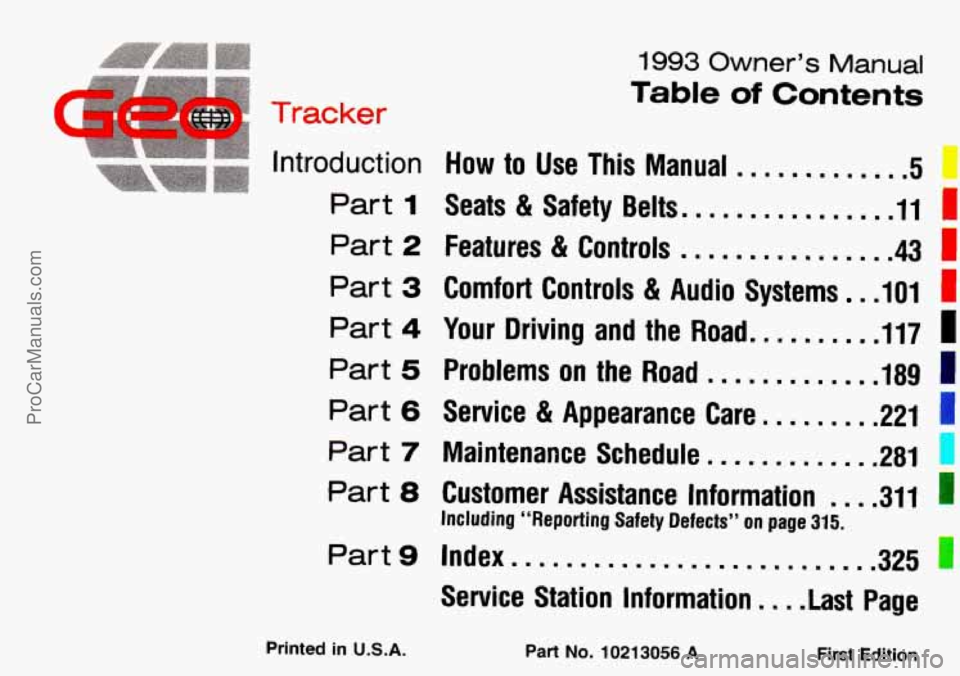
1993 Owner’s Manual
Table of Contents
C
. .’acker
Introduction How to Use This Manual .............
Part 1 Seats & Safety Belts. ............... 11 I
1
Part 2 Features & Controls ................ 43 I
Part 3 Comfort Controls 81 Audio Systems rn ,101
Part 4 Your Driving and the Road. ......... 117 I
Part 5 Problems on the Road ............. 189 I
Part 6 Service & Appearance Care.. ....... 221 1
Part 7 Maintenance Schedule ............. 281 1
Part 8 Customer Assistance Information .... 311
325
Including “Reporting Safety Defects” on page 315.
I
Part9 Index.. .........................
Service Station Information .... Last Page
Printed in U.S.A. Part No. 10213056 A First Edition
ProCarManuals.com
Page 7 of 339
How to Use This
Manual
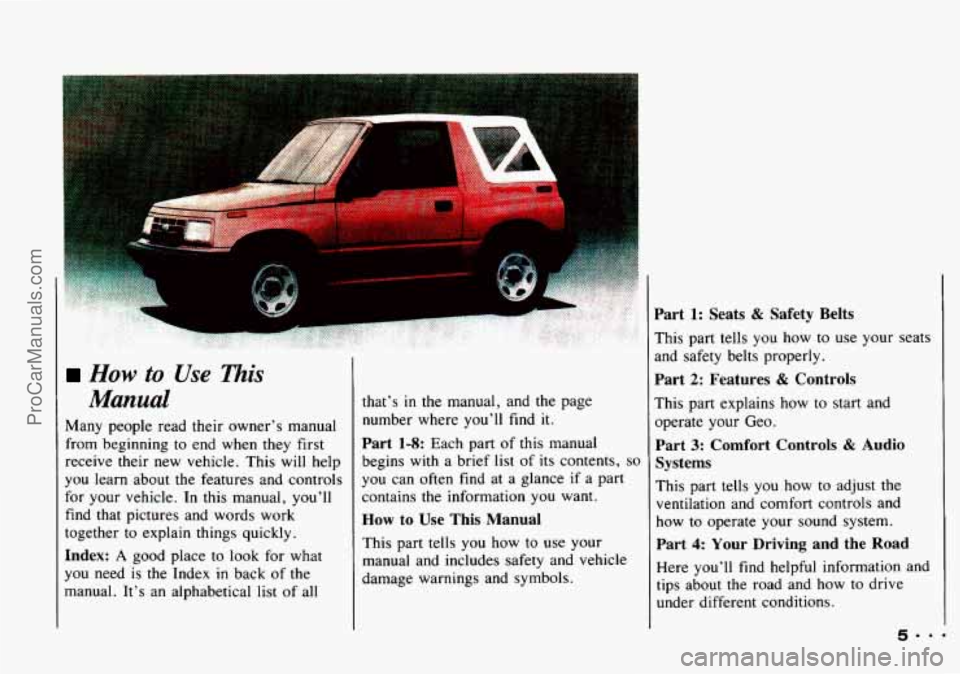
Many people read their owner’s manual
from beginning to end when they first
receive their new vehicle. This will help
you learn about
the features and controls
for your vehicle.
In this manual, you’ll
find that pictures and words work
together to explain things quickly.
Index: A good place to look for what
you need is
the Index in back of the
manual. It’s an alphabetical list
of all that’s
in the
manual, and the page
number where you’ll find it.
Part 1-8: Each part of this manual
begins with a brief list
of its contents, so
you can often find at a glance if a part
contains
the information you want.
How to Use This Manual
This part tells you how to use your
manual and includes safety and vehicle
damage warnings and symbols.
Part 1: Seats & Safety Belts
This part tells you how to use your seats
and safety belts properly.
Part 2: Features & Controls
This part explains how to start and
operate your Geo.
Part 3: Comfort Controls & Audio
Systems
This part tells you how to adjust the
ventilation and comfort controls and
how to operate your sound system.
Part 4: Your Driving and the Road
Here you’ll find helpful information and
tips about the road and how to drive
under different conditions.
5.. .
ProCarManuals.com
Page 81 of 339
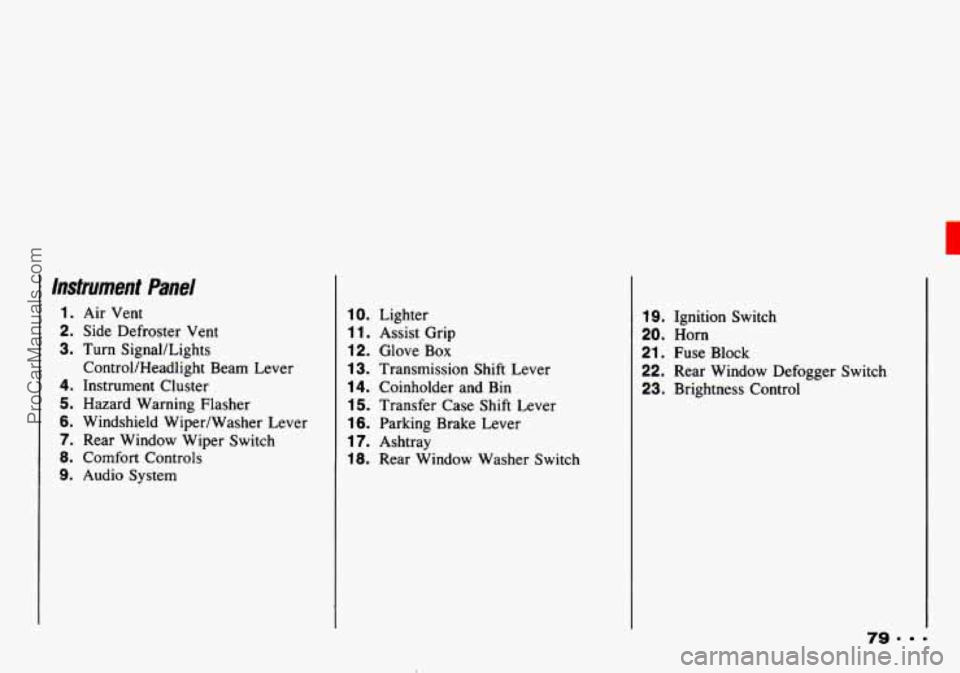
Instrument Panel
1. Air Vent
2. Side Defroster Vent
3. Turn SignaULights
4. Instrument Cluster
5. Hazard Warning Flasher
6. Windshield Wiper/Washer Lever
7. Rear Window Wiper Switch
8. Comfort Controls
9. Audio System ControVHeadlight Beam
Lever
10. Lighter
1 1. Assist Grip
12. Glove Box
13. Transmission Shift Lever
14. Coinholder and Bin
15. Transfer Case Shift Lever
16. Parking Brake Lever
17. Ashtray
18. Rear Window Washer Switch
19. Ignition Switch
20. Horn
21. Fuse Block
22. Rear Window Defogger Switch
23. Brightness Control
79. =
ProCarManuals.com
Page 103 of 339
In this part you'll find out how to
operate the comfort control
system and audio systems
offered with your Geo
. Be sure to
read about the particular system
supplied with your vehicle
.
Part 3
Comfort Controls &
Audio Systems
Comfort Controls ...............................................
Heater Controls ...............................................
Heating ......................................................
..... 102
..... 102
..... 103
Bi-LevelHeating
................................................... 103
Ventilation
........................................................ 103
Defogging and Defrosting Windows
................................... 104
Air Conditioner Controls
............................................ 104
Cooling
........................................................... 104
Dehumidifying
..................................................... 105
Rearwindow Defogger
............................................. 105
Flow-Through Ventilation System
..................................... 106
Audiosystems
....................................................... 106
Setting the Clock
................................................... 107
AM/FM Stereo
.................................................... 108
AM/FM Stereo with Cassette Tape Player
.............................. 110
Understanding Radio Reception
....................................... 115
Care
of Your Cassette Tape Player .................................... 115
Antenna
.......................................................... 116
101
ProCarManuals.com
Page 104 of 339
Comfort Controls & Audio Systems
urnfort Controls
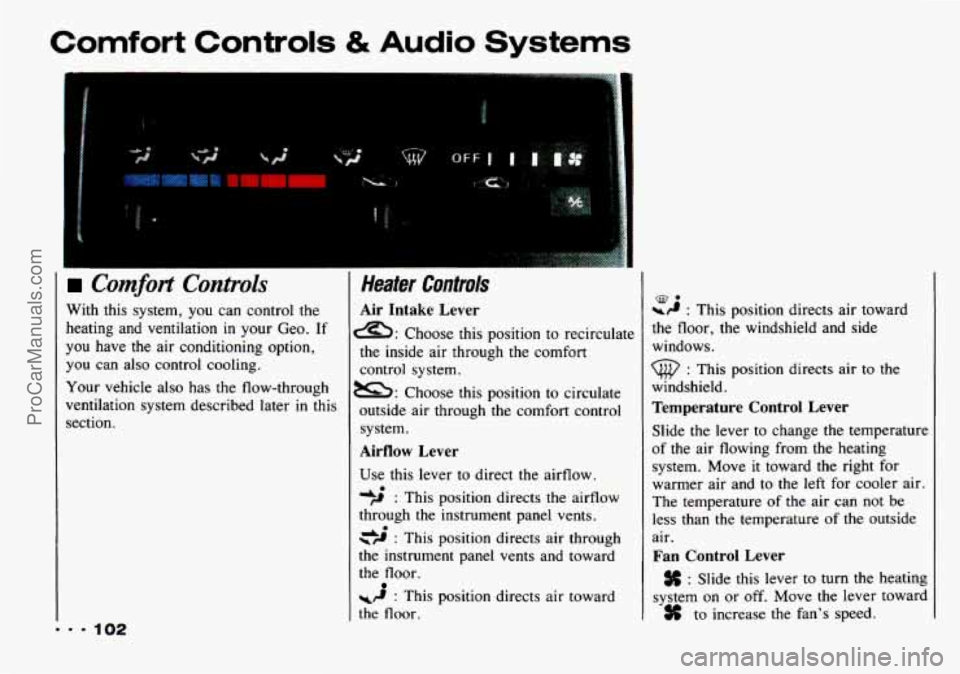
With this system, you can control the
heating and ventilation in your Geo. If
you have
the air conditioning option,
you can also control cooling,
Your vehicle also has the flow-through
ventilation system described later
in this
section.
Heater Controls
Air Intake Lever
a: Choose this position to recirculate
the inside air through the comfort
control system.
m: Choose this position to circulate
outside air through
the comfort control
system.
Airflow Lever
Use this lever to direct the airflow.
*; : This position directs the airflow
through the instrument panel vents.
\# : This position directs air through do
the instrument panel vents and toward
the floor.
WP : This position directs air toward
the
floor.
-9 : This position directs air toward
the floor, the windshield and side
windows.
till, : This position directs air to the
windshield.
Temperature Control Lever
Slide the lever to change the temperature
of the air flowing from the heating
system. Move
it toward the right for
warmer air and to the
left for cooler air.
The temperature
of the air can not be
less than the temperature of the outside
air.
Fan Control Lever
: Slide this lever to turn the heating
system on or
off. Move the lever toward
to increase
the fan's speed.
ProCarManuals.com
Page 106 of 339
Comfort Controls & Audio Systems
I
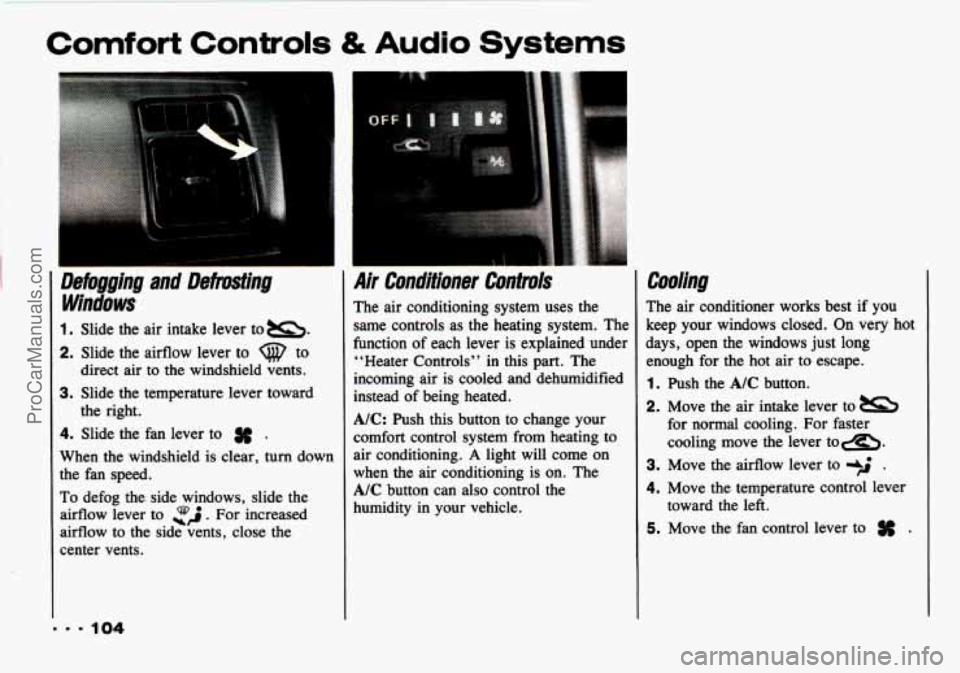
1. Slide the air intake lever to =.
2. Slide the airflow lever to Q to
direct air to the windshield vents.
3. Slide the temperature lever toward
4. Slide the fan lever to # .
When the windshield is clear, turn down
the fan speed.
To defog the side windows, slide the
airflow lever to
ZJ. For increased
airflow to the side vents, close the
center vents. the
right.
Air Conditioner Controls
The air conditioning system uses the
same controls as the heating system. The
function of each lever is explained under
“Heater Controls” in this part. The
incoming air is cooled and dehumidified
instead of being heated.
A/C: Push this button to change your
comfort control system from heating
to
air conditioning. A light will come on
when the air conditioning is on. The
A/C button can also control the
humidity in your vehicle.
Cooling
The air conditioner works best if you
keep your windows closed. On very hot
days, open the windows just long
enough for the hot air to escape.
1. Push the A/C button.
2. Move the air intake lever to
for normal cooling. For
faster
cooling move the lever tom.
3. Move the airflow lever to -$ .
4. Move the temperature control lever
5. Move the fan control lever to # .
toward the left.
... 104
ProCarManuals.com
Page 108 of 339
Comfort Controls & Audio Systems
106
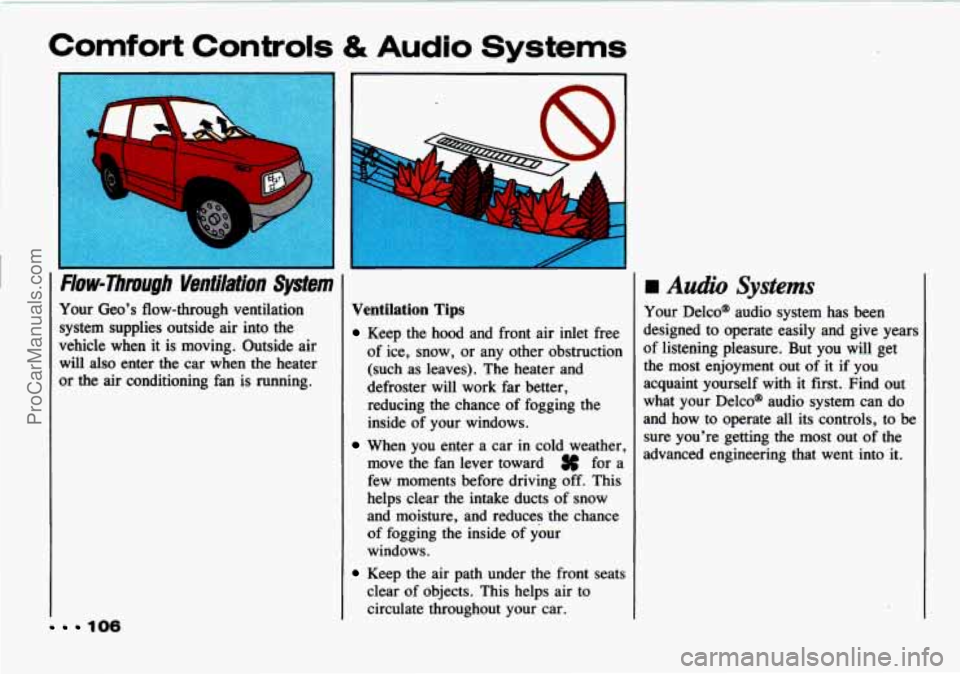
rmw-rirmuflh Ventilation System
Your Geo's flow-through ventilation
system supplies outside air into the
vehicle when it is moving. Outside air
will
also enter the car when the heater
or the air conditioning fan is running.
Ventilation Tips
Keep the hood and front air inlet free
of ice, snow, or any other obstruction
(such as leaves). The heater and
defroster will work far better,
reducing the chance of fogging the
inside of your windows.
When you enter a car in cold weather,
move the fan lever toward
# for a
few moments before driving off. This
helps clear the intake ducts of snow
and moisture, and reduces 'the chance
of fogging the inside of your
windows.
Keep the air path under the front seats
clear of objects. This helps air to
circulate throughout your car.
H Audio Systems
Your Delco@ audio system has been
designed to operate easily and give years
of listening pleasure. But you will get
the most enjoyment out of it if you
acquaint yourself with it first. Find out
what your Delco@ audio system can do
and how to operate all its controls, to be
sure you're getting the most out of the
advanced engineering that went into it.
ProCarManuals.com
Page 110 of 339
Comfort Controls & Audio Systems
AM/FM Stereo with Cassette Tape
Player
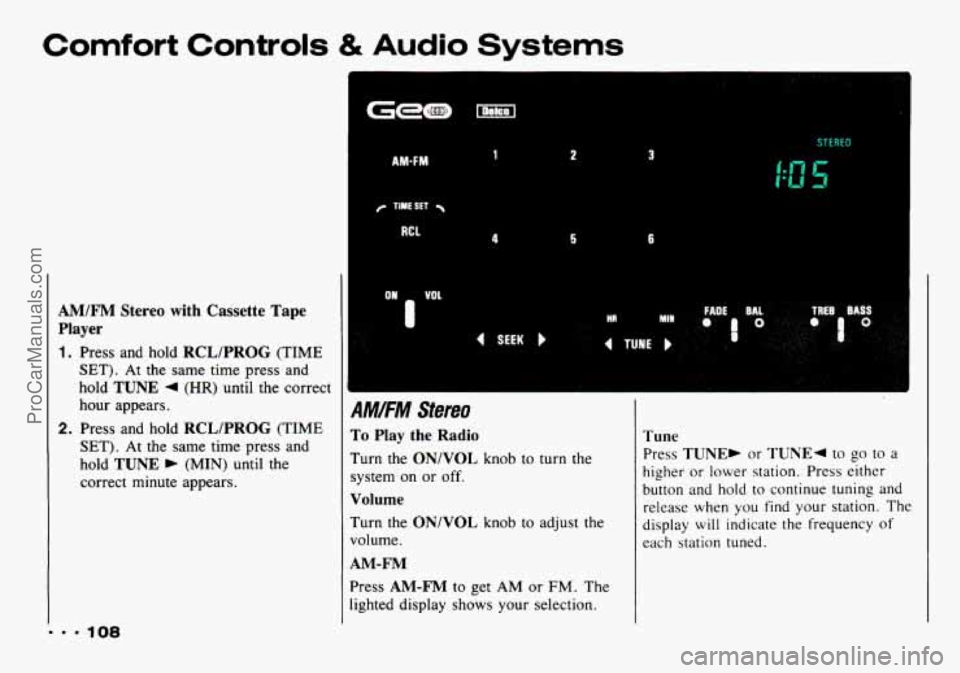
1. Press and hold RCL/PROG (TIME
SET). At the same time press and
hold
TUNE 4 (HR) until the correct
hour appears.
2. Press and hold RCL/PROG (TIME
SET). At the same time press and
hold
TUNE b (MIN) until the
correct minute appears.
AMW 1 2 3
4 5 6
s I tutu
A YFM Stereo
To Play the Radio
Turn the ON/VOL knob to turn the
system.on or
off.
Volume
Turn the ON/VOL knob to adjust the
volume.
AM-FM
Press AM-FM to get AM or FM. The
lighted display shows your selection.
Tune
Press TUNE, or TUNE4 to go to a
higher or lower station. Press either
button and hold
to continue tuning and
release when you find your station. The
display
will indicate the frequency of
each station tuned.
ProCarManuals.com
Page 112 of 339
Comfort Controls & Audio Systems
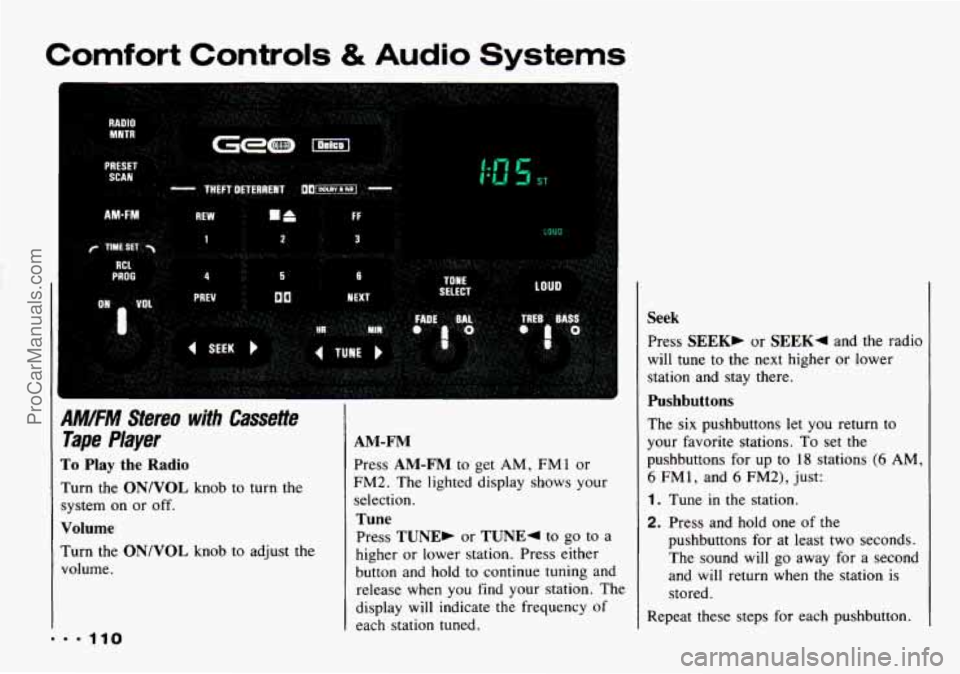
9M/FM Stereo with Cassette
Tape Player
To Play the Radio
hrn the ON/VOL knob to turn the
;ystem on or off.
Volume
Turn the ON/VOL knob to adjust the
volume.
AM-FM
Press AM-FM to get AM, FM 1 or
FM2. The lighted display shows your
selection.
Tune
Press TUNE, or TUNE4 to go to a
higher or lower station. Press either
button and hold
to continue tuning and
release when you find
your station. The
display will indicate the frequency
of
each station tuned.
Seek
Press SEEK, or SEEK4 and the radio
will tune
to the next higher or lower
station and stay there.
Pushbuttons
The six pushbuttons let you return to
your favorite stations. To set the
pushbuttons for up to
18 stations (6 AM,
6 FMl, and 6 FM2), just:
1. Tune in the station.
2. Press and hold one of the
pushbuttons for at least
two seconds.
The sound will go away for a second
and will return when the station
is
stored.
Repeat these steps for each pushbutton.
ProCarManuals.com
Page 115 of 339

EJECT
Press A to remove the tape or stop
the tape and switch to radio.
Radio Monitor
Press the RADIO MNTR button to hear
the radio when you are fast forwarding
or reversing a cassette tape.
You can use
the TUNE, SEEK and PRESET SCAN
buttons while in the radio monitor
mode.
Theft-Deterrent Feature
The theft-deterrent feature for the
AM/FM stereo with cassette tape player
can be used or ignored. If ignored,
the
system plays normally. If it is used,
your system won’t be usable
if it’s ever
l stolen.
Setting Your Security Code
The instructions below tell you how to
enter a security code into the system. If
your
vehicle loses battery power for any
reason, you must enter
the security code
again before the system will turn on.
1. Write down any four-digit number
2. Turn the ignition switch to the ACC
3. Turn the audio system off.
4. Press the 1 and 4 buttons together.
and keep it in
a safe place.
or
ON position.
Hold them down until
“-L” shows
on the display.
You are now ready to enter your
security code. Don’t wait more than
15
seconds between steps.
5. Press 4SEEKb and/or 4TUNEb
and “OOOO” will appear on the
display.
6. Press SEEK4 and hold it until the
first digit of your code appears.
Release the button.
7. Press SEEK, and hold it until the
second digit of your code appears.
Release the button.
8. Press TUNE4 and hold it until the
third digit of your code appears.
Release the button.
113. 9
ProCarManuals.com