wheel CHEVROLET TRACKER 1995 User Guide
[x] Cancel search | Manufacturer: CHEVROLET, Model Year: 1995, Model line: TRACKER, Model: CHEVROLET TRACKER 1995Pages: 354, PDF Size: 18.24 MB
Page 63 of 354
You can shift from TWO-WHEEL HIGH (2H) to
FOUR-WHEEL HIGH (4H) or from FOUR-WHEEL
HIGH
(4H) to TWO-WHEEL HIGH (2H) at any speed
if your hubs are locked and your wheels are straight
ahead. Your front axle will engage faster if
you take
your foot
off the accelerator pedal for a few seconds as
you shift.
To shift into or out of FOUR-WHEEL LOW (4L):
1. Stop your vehicle and shift your transmission to
2. Shift the
transfer case in one continuous motion.
NEUTRAL (N).
Don’t pause in NEUTRAL (N) as you shift into
FOUR-WHEEL HIGH (4H), or your gears could clash.
Parking Brake
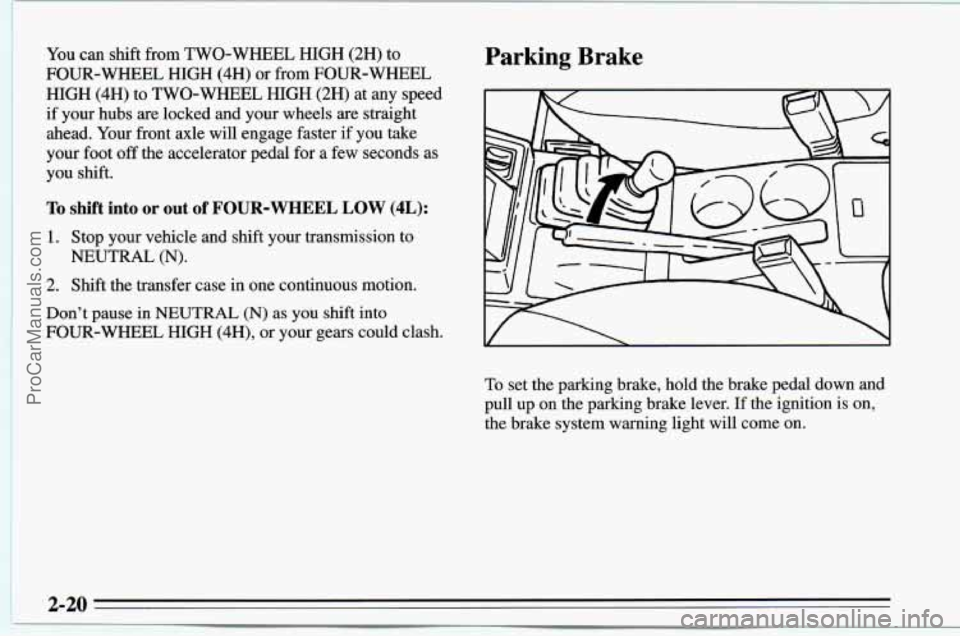
To set the parking brake, hold the brake pedal down and
pull up on the parking brake lever. If the ignition is on,
the brake system warning light will come
on.
2-20
ProCarManuals.com
Page 65 of 354
1.
2.
3.
4.
5.
Hold the brake pedal down with your right foot and
set the parking brake.
Move the shift lever into PARK
(P) position like this
by holding
in the button on the lever and pushing the
lever all the way toward the front of your vehicle.
If you have four-wheel drive, be sure the transfer
case is in a drive gear
-- not in NEUTRAL (N).
Move the key to LOCK.
Remove the key and take it with you. If you can
walk away
from your vehicle with the key in your
hand, your vehicle is in PARK (P).
Leaving Your Vehicle With the Engine
Running (Automatic Transmission Models
Only) Torque Lock (Automatic Transmission)
If you
are parking on a hill and you don’t shift your
transmission
into PARK (P) properly, the weight of the
vehicle may put too much force
on the parking pawl in
the transmission. You may find it difficult to pull the
shift lever out
of PARK (P). This is called “torque lock.”
To prevent torque lock, set the parking brake and then
shift into PARK (P) properly before you leave the
driver’s seat. To find out how, see “Shifting Into
PARK (P)” in the Index.
When you are ready to drive, move the shift lever out of
PARK (P)
before you release the parking brake.
If “torque lock” does occur, you may need to have
another vehicle push yours a little uphill to take some of
the pressure from the transmission,
so you can pull the
shift lever out of PARK
(P).
2-22
ProCarManuals.com
Page 67 of 354
Parking Your Vehicle (Manual mansmission)
Before you get out of your vehicle, put your manual
transmission in
REVERSE (R) and firmly apply the
parking brake.
If you have four-wheel drive, be sure your transfer case
is in a drive gear. Your vehicle could roll
if it isn’t.
If your vehicle is equipped to tow a trailer, see “Towing
a Trailer” in the Index.
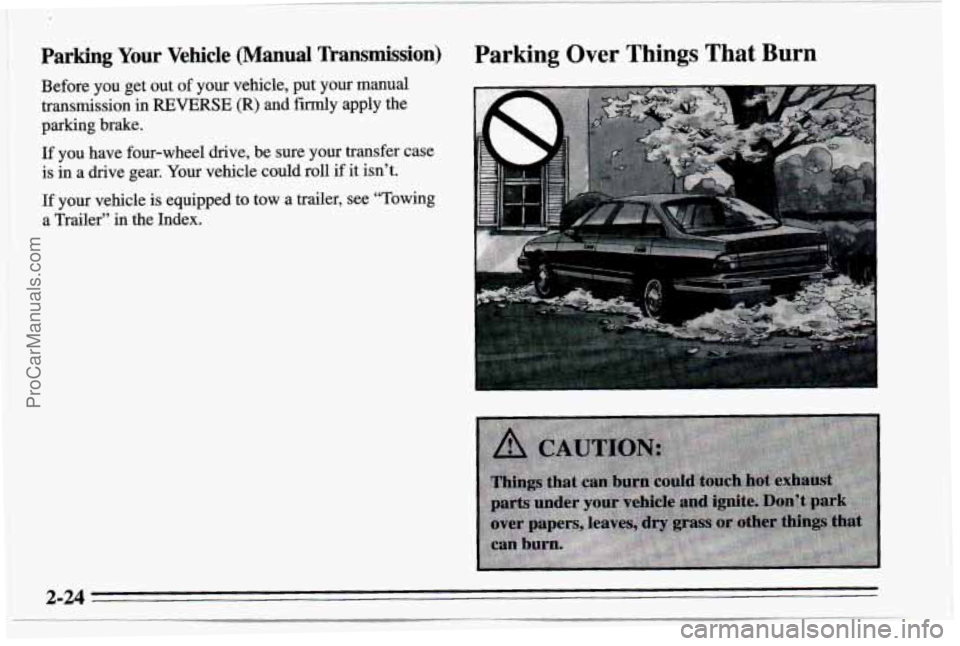
Parking Over Things That Burn
2-24
ProCarManuals.com
Page 69 of 354
Windows
If you have four-wheel drive and your transfer case is in
NEUTRAL
(N), your vehicle will be free to roll, even if
your shift lever is in
PARK (P). So, be sure the transfer
case
is in a drive gear -- not in NEUTRAL (N). Always
set your parking brake. Follow the proper steps to be
sure your vehicle won’t move. See “Shifting Into
PARK (P)” in the Index.
If you’re pulling a trailer, see “Towing a Trailer” in the
Index.
Manual Windows
Use the window crank to open and close each door
window.
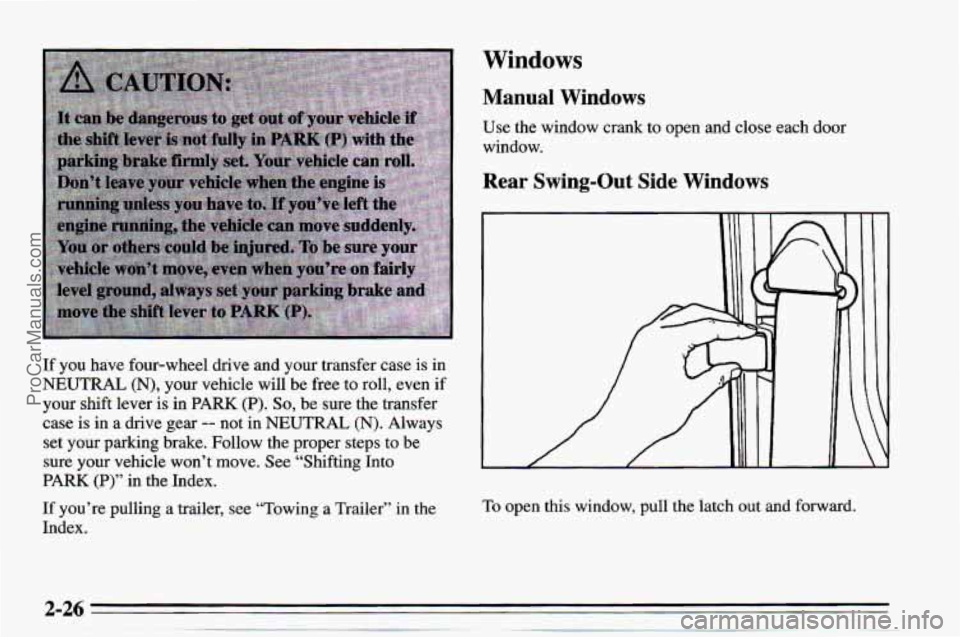
Rear Swing-Out Side Windows
To open this window, pull the latch out and forward.
ProCarManuals.com
Page 70 of 354
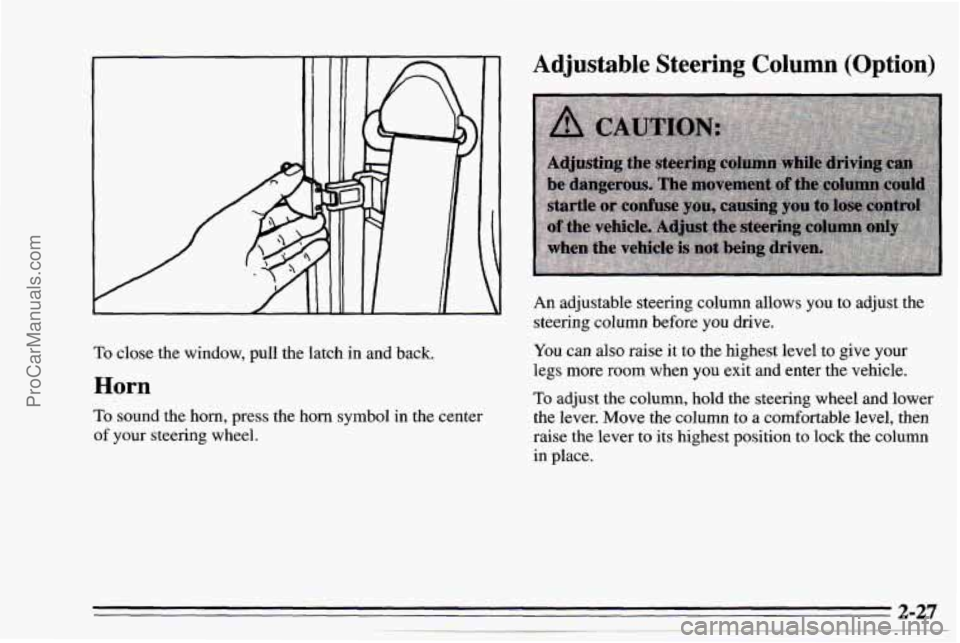
To close the window, pull the latch in and back.
Horn
To sound the horn, press the horn symbol in the center
of your steering wheel.
Adjustable Steering Column (Option)
An adjustable steering column allows you to adjust the
steering column before
you drive.
You can also raise it to the highest level to give your
legs more room when
you exit and enter the vehicle.
To adjust the column, hold the steering wheel and lower
the lever.
Move the column to a comfortable level, then
raise the lever to its highest position to lock the column
in place,
ProCarManuals.com
Page 88 of 354
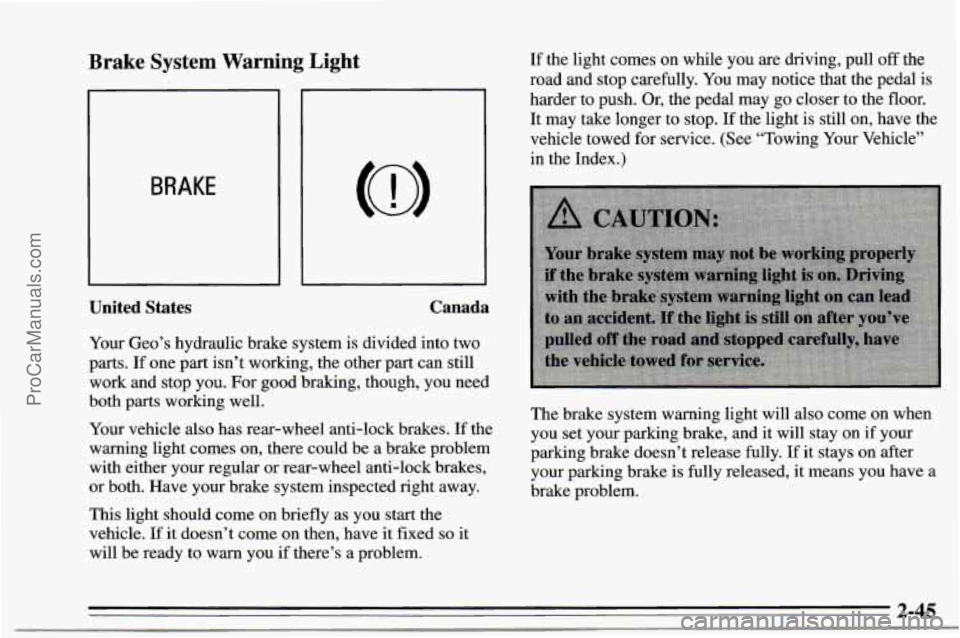
Brake System Warning Light
BRAKE
United States Canada
Your Geo’s
hydraulic brake system is divided into two
parts. If one part isn’t working, the other part can still
work and stop you. For good braking, though, you need
both
parts working well.
Your vehicle also has rear-wheel anti-lock brakes. If the
warning light comes on, there could be a brake problem
with either your regular or rear-wheel anti-lock brakes,
or both. Have your brake system inspected right away.
This light should come on briefly as you start the
vehicle.
If it doesn’t come on then, have it fixed so it
will be ready to warn you if there’s a problem. If
the light comes on while you are driving, pull
off the
road and stop carefully.
You may notice that the pedal is
harder to push. Or, the pedal may
go closer to the floor.
It may take longer to stop.
If the light is still on, have the
vehicle towed
for service. (See “Towing Your Vehicle”
in the Index.)
The brake system warning light will also come on when
you set your parking brake, and it will stay on if your
parking brake doesn’t release fully. If it stays on after
your parking brake is fully released, it means you have
a
brake problem.
~ ..
2-45
ProCarManuals.com
Page 132 of 354
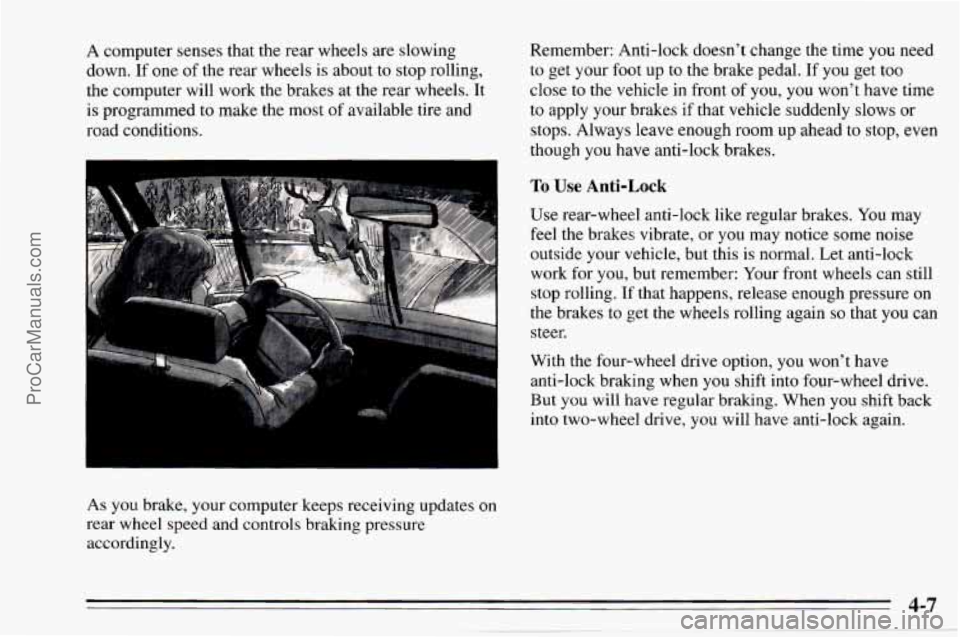
A computer senses that the rear wheels are slowing
down.
If one of the rear wheels is about to stop rolling,
the computer will work the brakes at the rear wheels. It
is programmed to make the most
of available tire and
road conditions.
As you brake, your computer keeps receiving updates
on
rear wheel speed and controls braking pressure
accordingly. Remember:
Anti-lock doesn’t change the time you need
to get your foot up to the brake pedal. If you get too
close to the vehicle in front of you,
you won’t have time
to apply your brakes if that vehicle suddenly slows or
stops. Always leave enough room up ahead to stop, even
though
you have anti-lock brakes.
To Use Anti-Lock
Use rear-wheel anti-lock like regular brakes. You may
feel the brakes; vibrate, or you may notice some noise
outside your vehicle, but this is normal. Let anti-lock
work for
you, but remember: Your front wheels can still
stop rolling.
If that happens, release enough pressure on
the brakes to get the wheels rolling again
so that you can
steer.
With the four-wheel drive option, you won’t have
anti-lock brak.ing when
you shift into four-wheel drive.
But
you will have regular braking. When you shift back
into two-wheel drive,
you will have anti-lock again.
4-7
ProCarManuals.com
Page 133 of 354
Braking in Emergencies
At some time, nearly every driver gets into a situation
that requires hard braking.
You have the rear-wheel anti-lock braking system. Your
front wheels can stop rolling when
you brake very hard.
Once they do, the vehicle can’t respond to your steering.
Momentum will carry it in whatever direction it was
headed when the front wheels stopped rolling. That
could be
off the road, into the very thing you were trying
to avoid, or into traffic.
So, use a “squeeze” braking technique. This will give
you maximum braking while maintaining steering
control. You
do this by pushing on the brake pedal with
steadily increasing pressure. When
you do, it will help
maintain steering control.
In many emergencies, steering
can help you more than even the very best braking.
Steering
Power Steering
If you lose power steering assist because the engine
stops or the system is not functioning, you
can steer but
it will take much more effort.
Steering Tips
Driving on Curves
It’s important to take curves at a reasonable speed.
A lot of the “driver lost control” accidents mentioned on
the news happen on curves. Here’s why:
Experienced driver or beginner, each
of us is subject to
the same laws
of physics when driving on curves. The
traction
of the tires against the road surface makes it
possible for the vehicle
to change its path when you turn
the front wheels.
If there’s no traction, inertia will keep
the vehicle going in the same direction.
If you’ve ever
tried
to steer a vehicle on wet ice, you’ll understand this.
The traction you can get in
a curve depends on the
condition of your tires and the road surface, the angle at
which the curve is banked, and your speed. While
you’re
in a curve, speed is the one factor you can
control.
ProCarManuals.com
Page 134 of 354
Suppose you’re steering through a sharp curve.
Then you suddenly apply the brakes. Both control
systems
-- steering and braking -- have to do their
work where the tires meet the road. Adding the hard
bralung can demand too much at those places. You can
lose control.
The same thing can happen if you’re steering through
a
sharp curve and you suddenly accelerate. Those two
control systems
-- steering and acceleration -- can
overwhelm those places where the tires meet the road
and make
you lose control.
What should
you do if this ever happens? Ease up on the
brake or accelerator pedal, steer the vehicle
the way you
want it to go, and slow down.
Speed limit signs near curves warn that
you should
adjust your speed.
Of course, the posted speeds are
based on good weather and road conditions. Under less
favorable conditions you’ll want to go slower.
Steering in Emergencies
There are times when steering can be more effective
than braking. For example,
you come over a hill and
find a truck stopped in your lane,
or a car suddenly pulls
out from nowhere,
or a child darts out from between
parked cars and stops right in front
of you. You can
avoid these problems by braking
-- if you can stop in
time. But sometimes
you can’t; there isn’t room. That’s
the time for evasive action
-- steering around the
problem.
Your Geo can perform very well in emergencies like
these. First apply your brakes, but not enough to lock
your front wheels. (See “Braking in Emergencies’’
earlier in this section.) It is better to remove
as much
speed as you can from a possible collision. Then steer
around the problem,
to the left or right depending on the
space available.
If you need to reduce your speed as you approach
a
curve, do it before you enter the curve, while your front
wheels are straight ahead.
Try
to adjust your speed so you can “drive” through the
curve. Maintain
a reasonable, steady speed. Wait to
accelerate until you are out
of the curve, and then
accelerate gently into the straightaway.
4-9
ProCarManuals.com
Page 135 of 354
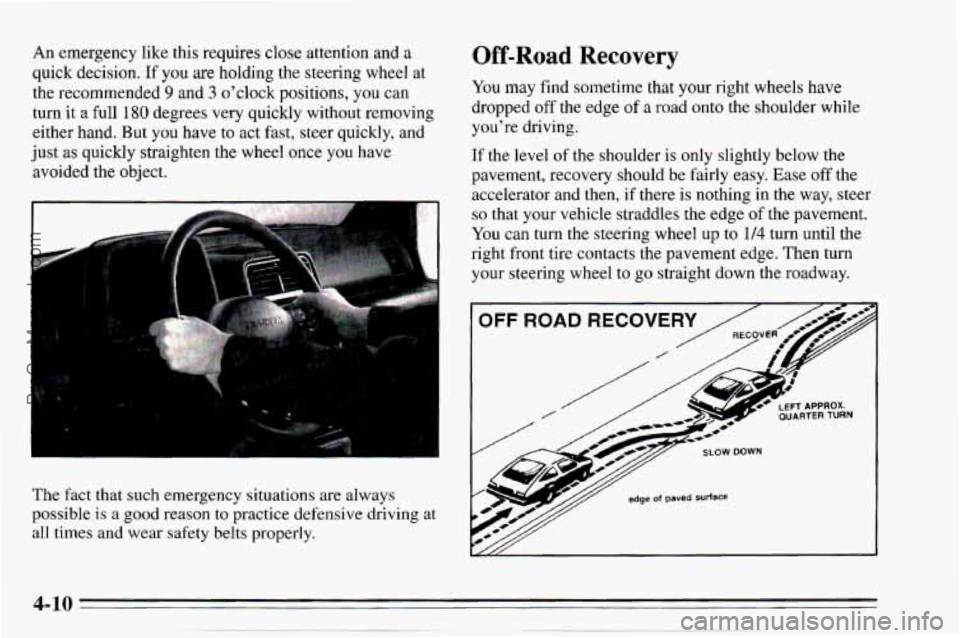
An emergency like this requires close attention and a
quick decision. If you are holding the steering wheel at
the recommended
9 and 3 o'clock positions, you can
turn it a full
180 degrees very quickly without removing
either hand. But you have to act fast, steer quickly, and
just
as quickly straighten the wheel once you have
avoided the object.
The fact that such emergency situations are always
possible
is a good reason to practice defensive driving at
all times and wear safety belts properly.
Off-Road Recovery
You may find sometime that your right wheels have
dropped
off the edge of a road onto the shoulder while
you're driving.
If the level of the shoulder is only slightly below the
pavement, recovery should be fairly easy. Ease
off the
accelerator and then,
if there is nothing in the way, steer
so that your vehicle straddles the edge of the pavement.
You can
turn the steering wheel up to 114 turn until the
right front tire contacts the pavement edge. Then turn
your steering wheel to
go straight down the roadway.
OFF ROAD RECOVERY
/
ProCarManuals.com