tow CHEVROLET TRACKER 2000 2.G User Guide
[x] Cancel search | Manufacturer: CHEVROLET, Model Year: 2000, Model line: TRACKER, Model: CHEVROLET TRACKER 2000 2.GPages: 374, PDF Size: 2.71 MB
Page 88 of 374
2-23
TWO-WHEEL HIGH (2H): This setting is for driving
in most street and highway situations. Your front axle is
not engaged in two
-wheel drive.
FOUR
-WHEEL HIGH (4H): This setting engages
your front axle to help drive your vehicle. Use
FOUR
-WHEEL HIGH (4H) when you need extra
traction, such as on wet or icy roads, or in most
off
-road situations.
NEUTRAL (N): Shift to this setting only when your
vehicle needs to be towed.
CAUTION:
Shifting the transfer case to NEUTRAL (N) can
cause your vehicle to roll even if the transmission
is in PARK (P), or if you have a manual
transmission, even if you are in gear. You or
someone else could be seriously injured. Be sure
to set the parking brake before placing the
transfer case in NEUTRAL (N). See ªParking
Brakeº in the Index.
FOUR-WHEEL LOW (4L): This setting also engages
your front axle to give you extra traction and can be
used for driving downhill, uphill or on rocky terrain
when you're driving slower than 35 mph (55 km/h).
Remember that driving in FOUR
-WHEEL HIGH (4H)
or FOUR
-WHEEL LOW (4L) may reduce fuel
economy. Also, driving in four
-wheel drive on dry
pavement could cause your tires to wear faster and make
your transfer case harder to shift.
You can shift from TWO
-WHEEL HIGH (2H) to
FOUR
-WHEEL HIGH (4H) or from FOUR-WHEEL
HIGH (4H) to TWO
-WHEEL HIGH (2H) at any speed
if your vehicle is going less than 60 mph (100 kph) and
your wheels are straight ahead. Your front axle will
engage faster if you take your foot off the accelerator
pedal for a few seconds as you shift.
Shifting Into or Out of FOUR
-WHEEL LOW (4L)
1. Stop your vehicle and shift your transmission
to NEUTRAL (N).
2. Shift the transfer case in one continuous motion.
Don't pause in NEUTRAL (N) as you shift from
FOUR
-WHEEL-LOW (4L) to FOUR-WHEEL
HIGH (4H), or your gears could clash.
Page 89 of 374
2-24
Parking Brake
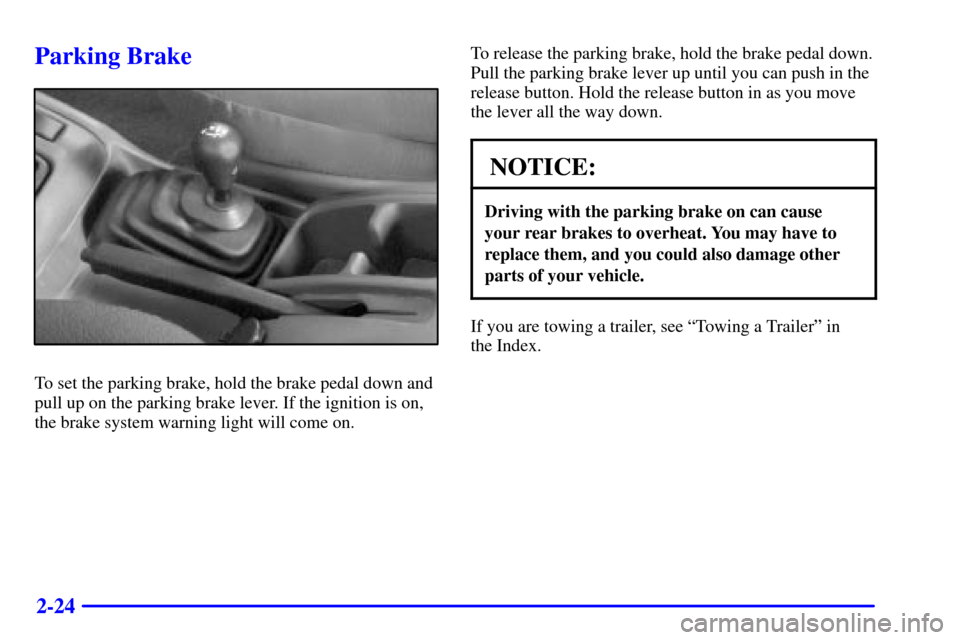
To set the parking brake, hold the brake pedal down and
pull up on the parking brake lever. If the ignition is on,
the brake system warning light will come on.To release the parking brake, hold the brake pedal down.
Pull the parking brake lever up until you can push in the
release button. Hold the release button in as you move
the lever all the way down.
NOTICE:
Driving with the parking brake on can cause
your rear brakes to overheat. You may have to
replace them, and you could also damage other
parts of your vehicle.
If you are towing a trailer, see ªTowing a Trailerº in
the Index.
Page 90 of 374

2-25
Shifting Into PARK (P)
(Automatic Transmission Only)
CAUTION:
It can be dangerous to get out of your vehicle if
the shift lever is not fully in PARK (P) with the
parking brake firmly set. Your vehicle can roll. If
you have left the engine running, the vehicle can
move suddenly. You or others could be injured.
To be sure your vehicle won't move, even when
you're on fairly level ground, use the steps that
follow. With four
-wheel drive if your transfer
case is in NEUTRAL (N), your vehicle will be free
to roll, even if your shift lever is in PARK (P). So,
be sure the transfer case is in a drive gear
-- not
in NEUTRAL (N). If you're pulling a trailer, see
ªTowing a Trailerº in the Index.
1. Hold the brake pedal down with your right foot and
set the parking brake.
2. Move the shift lever into PARK (P) by holding in the
button on the lever and pushing the lever all the way
toward the front of your vehicle.
3. If you have four
-wheel drive, be sure the transfer
case is in a drive gear
-- not in NEUTRAL (N).
4. Move the key to LOCK.
5. Remove the key and take it with you. If you can
leave your vehicle with the key in your hand, your
vehicle is in PARK (P).
Page 93 of 374
2-28
3. Find the access hole cover on the driver's side of the
console, near the shift lever.
4. Remove the screw and cover.
5. Inside, you'll see the return plate. Using your finger,
move the return plate toward the rear of the vehicle
until it stops.
6. Move the shift lever into the gear you want.
7. Have the vehicle fixed as soon as possible.
Parking Your Vehicle
(Manual Transmission Models Only)
Before you get out of your vehicle, put your manual
transmission in REVERSE (R) and firmly apply the
parking brake.
If you have four
-wheel drive, be sure your transfer case
is in a drive gear. Your vehicle could roll if it isn't.
If you are towing a trailer, see ªTowing a Trailerº in
the Index.
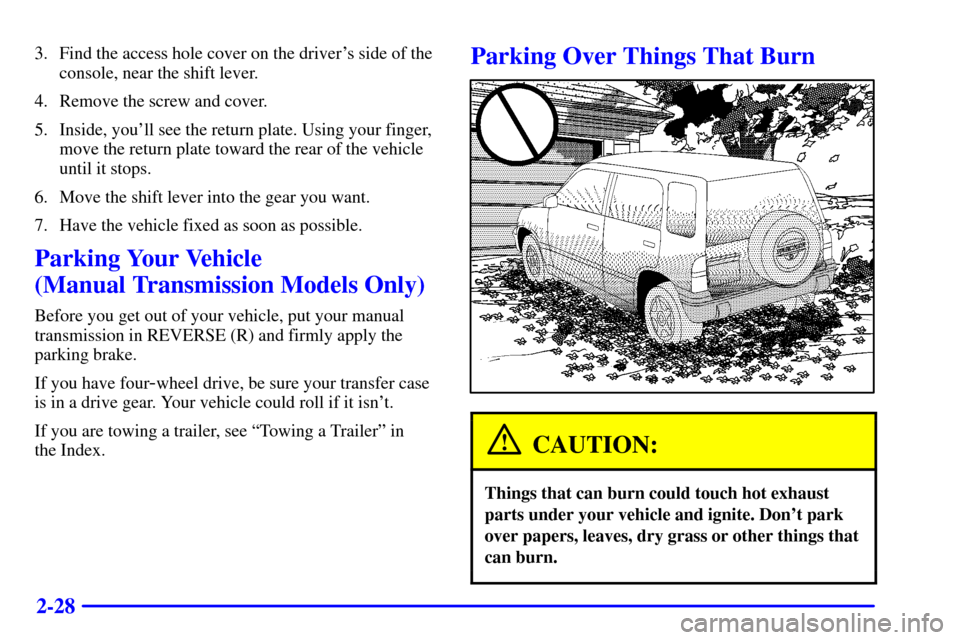
Parking Over Things That Burn
CAUTION:
Things that can burn could touch hot exhaust
parts under your vehicle and ignite. Don't park
over papers, leaves, dry grass or other things that
can burn.
Page 95 of 374

2-30
CAUTION:
It can be dangerous to get out of your vehicle if
the shift lever is not fully in PARK (P) with the
parking brake firmly set. Your vehicle can roll.
Don't leave your vehicle when the engine is
running unless you have to. If you've left the
engine running, the vehicle can move suddenly.
You or others could be injured. To be sure your
vehicle won't move, even when you're on fairly
level ground, always set your parking brake and
move the shift lever to PARK (P).
Four-wheel drive vehicles with the transfer case
in NEUTRAL (N) will allow the vehicle to roll,
even if your shift lever is in PARK (P). So, be
sure the transfer case is in a drive gear
-- not in
NEUTRAL (N). Always set your parking brake.
Follow the proper steps to be sure your vehicle won't
move. See ªShifting Into PARK (P)º in the Index.
If you're pulling a trailer, see ªTowing a Trailerº in
the Index.
Windows
Manual Windows
Use the window crank to open and close each door window.
Power Windows (If Equipped)
With power windows, switches on the driver's door
operate each window when the ignition is on. Push down
on the front of the switch to lower a window and lift up
the front of the switch to raise a window.
There are individual controls near each window.
Page 98 of 374

2-33 Headlamp High/Low Beam Changer
First, you must have the headlamps on. For high beams,
push the turn signal lever toward the instrument panel.
When the high beams are
on, a light on the instrument
panel cluster also will be on.
It will go off when you
switch to low beam.
To switch back to low beams, pull the lever toward you.
Flash-to-Pass
With the lever in the low-beam position, pull the lever
toward you to momentarily switch to high beam (to
signal that you are going to pass). When you release the
lever, the headlamps will return to low
-beam operation.
Windshield Wipers
The lever on the right side of the steering column
controls the windshield wipers and washers.
You control the windshield wipers by moving the stalk
up or down.
For steady wiping at low speed, move the stalk down
to LO. For higher speed wiping, move the stalk down
further to HI. To stop the wiper, move the stalk to OFF.
Page 99 of 374
2-34
With variable delay, you can set the wiper speed for
a long or short interval between wipes. This can be
very useful.
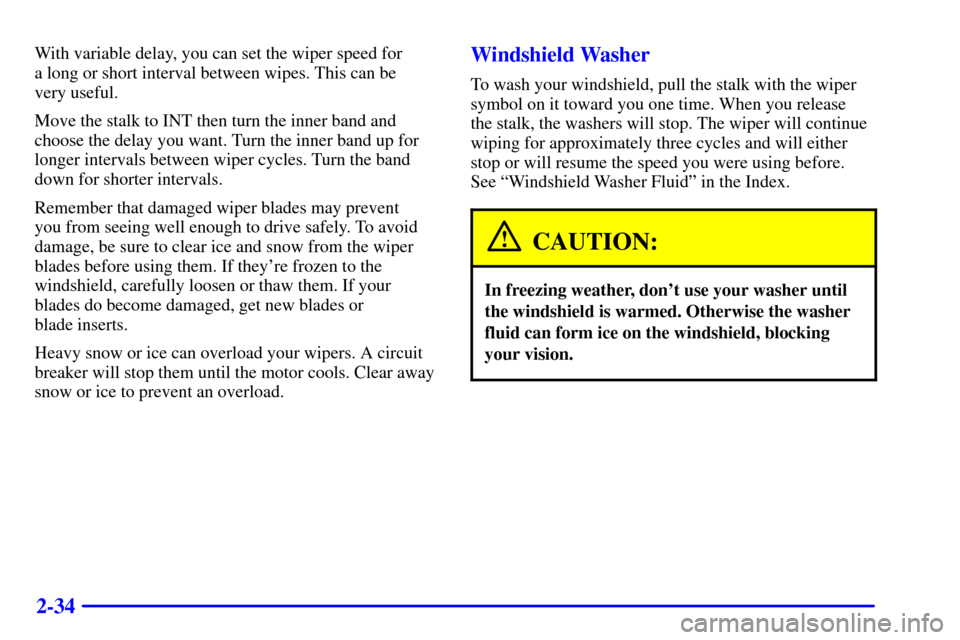
Move the stalk to INT then turn the inner band and
choose the delay you want. Turn the inner band up for
longer intervals between wiper cycles. Turn the band
down for shorter intervals.
Remember that damaged wiper blades may prevent
you from seeing well enough to drive safely. To avoid
damage, be sure to clear ice and snow from the wiper
blades before using them. If they're frozen to the
windshield, carefully loosen or thaw them. If your
blades do become damaged, get new blades or
blade inserts.
Heavy snow or ice can overload your wipers. A circuit
breaker will stop them until the motor cools. Clear away
snow or ice to prevent an overload.Windshield Washer
To wash your windshield, pull the stalk with the wiper
symbol on it toward you one time. When you release
the stalk, the washers will stop. The wiper will continue
wiping for approximately three cycles and will either
stop or will resume the speed you were using before.
See ªWindshield Washer Fluidº in the Index.
CAUTION:
In freezing weather, don't use your washer until
the windshield is warmed. Otherwise the washer
fluid can form ice on the windshield, blocking
your vision.
Page 108 of 374

2-43
Storage Compartments
Glove Box
To open the glove box, pull the latch toward you.
Use your key to lock and unlock the glove box.
The glove box has a two
-position detent for opening the
door. Lower the door to the first detent for access to the
glove box. Pull it to the next detent for further access.
Door Storage
Each side door has a storage compartment.
Coinholder
Your instrument panel has a coinholder located to the
left of the steering wheel.
Cupholder
Two cupholders are on the center console next to the
parking brake lever.
Convenience Net (If Equipped)
You may have a convenience net in the rear of your
vehicle to help keep small items, like gloves and light
clothing, in place during sharp turns or quick stops
and starts.The net is not designed to retain these items during
off
-road use. The net is not for larger, heavier items.
Attach the loops to the hooks located along the sides of
the rear cargo area. You may attach the convenience net
loops to either the forward or the rear hooks.
Lockable Storage Compartment and
Cargo Cover (Option)
If your two-door vehicle has the optional lockable
storage compartment, you can use it to cover and secure
items in the cargo area of your vehicle. The closeout
panel can be removed to allow for extra cargo space.
To remove the close
-out panel, do the following:
1. Remove the two
attaching screws from
each lower corner of
the cargo area.
Page 127 of 374

2-62 Brake System Warning Light
When the ignition is on, the brake system warning light
will come on when you set your parking brake. The light
will stay on if your parking brake doesn't release fully.
If it stays on after your parking brake is fully released,
it means you have a brake problem.
Your vehicle's hydraulic brake system is divided into
two parts. If one part isn't working, the other part can
still work and stop you. For good braking, though, you
need both parts working well.
If the warning light comes on, there could be a brake
problem. Have your brake system inspected right away.
United States Canada
This light should come on when you turn the ignition
key to START. If it doesn't come on then, have it fixed
so it will be ready to warn you if there's a problem.If the light comes on while you are driving, pull off the
road and stop carefully. You may notice that the pedal is
harder to push. Or, the pedal may go closer to the floor.
It may take longer to stop. If the light is still on, have the
vehicle towed for service. (See ªAnti
-Lock Brake
System Warning Lightº and ªTowing Your Vehicleº in
the Index.)
CAUTION:
Your brake system may not be working properly
if the brake system warning light is on. Driving
with the brake system warning light on can lead
to an accident. If the light is still on after you've
pulled off the road and stopped carefully, have
the vehicle towed for service.
Page 128 of 374

2-63 Anti-Lock Brake System Warning
Light (Option)
With the anti-lock brake
system, this light will come
on when you start your
engine and it will stay
on for three seconds.
That's normal.
If the light comes on when you're driving, you don't
have anti
-lock brakes and there could be a problem with
your regular brakes. Pull off the road and stop carefully.
You may notice that the pedal is harder to push. Or, the
pedal may go closer to the floor. It may take longer to
stop. Have the vehicle towed for service. (See ªTowing
Your Vehicleº in the Index.)
CAUTION:
Your regular brake system may not be working
properly if the anti
-lock brake system warning
light is on. Driving with the anti
-lock brake
system warning light on can lead to an accident.
After you've pulled off the road and stopped
carefully, have the vehicle towed for service.
If the anti-lock brake system warning light stays on
longer than normal after you've started your engine, turn
the ignition off. Or, if the light comes on and stays on
when you're driving, stop as soon as possible and turn
the ignition off. Then start the engine again to reset the
system. If the light still stays on, or comes on again
while you're driving, your vehicle needs service. If the
light is on and the regular brake system warning light
isn't on, you still have brakes, but you don't have
anti
-lock brakes.
The anti
-lock brake system warning light should come
on briefly when you turn the ignition key to ON. If the
light doesn't come on then, have it fixed so it will be
ready to warn you if there is a problem.