brake CHEVROLET TRACKER 2002 2.G Owner's Manual
[x] Cancel search | Manufacturer: CHEVROLET, Model Year: 2002, Model line: TRACKER, Model: CHEVROLET TRACKER 2002 2.GPages: 390, PDF Size: 2.62 MB
Page 114 of 390

2-49
Storage Compartments
Glove Box
To open the glove box, pull the latch toward you.
Use your key to lock and unlock the glove box.
The glove box has a two
-position detent for opening the
door. Lower the door to the first detent for access to the
glove box. Pull it to the next detent for further access.
Door Storage
Each side door has a storage compartment.
Coinholder
Your instrument panel has two coinholders located to
the left of the steering wheel.
Cupholder
Two cupholders are on the center console next to the
parking brake lever.
Convenience Net (If Equipped)
You may have a convenience net in the rear of your
vehicle to help keep small items, like gloves and light
clothing, in place during sharp turns or quick stops
and starts.
The net is not designed to retain these items during
off
-road use. The net is not for larger, heavier items.
Attach the loops to the hooks located along the sides
of the rear cargo area. You may attach the convenience
net loops to either the forward or the rear hooks.
Page 120 of 390
2-55
Accessory Power Outlet
With the accessory power outlet, you can plug in
auxiliary electrical equipment.
The accessory power outlet is located in the center
console near the parking brake.
To use the outlet, remove the cover. When not using it,
always cover the outlet with the protective cap.
These circuits are protected by a fuse and have
maximum current levels.
NOTICE:
When using the accessory power outlet, maximum
electrical loads must not exceed 15 amps. Always
turn off any electrical equipment when not in use.
Leaving electrical equipment on for extended
periods will drain your battery.
Certain power accessory plugs may not be compatible
to the power accessory outlet and could result in blown
vehicle or adapter fuses.
If you experience a problem see your dealer for
additional information on the power accessory plugs.When adding electrical equipment, be sure to follow
the proper installation instructions included with
the equipment.
NOTICE:
Adding some electrical equipment to your vehicle
can damage it or keep other things from working
as they should. This wouldn't be covered by your
warranty. Check with your dealer before adding
electrical equipment, and never use anything that
exceeds the amperage rating.
NOTICE:
Power outlets are designed for accessory plugs
only. Do not hang any type of accessory or
accessory bracket from the plug. Improper use
of the power outlet can cause damage not covered
by your warranty.
Page 135 of 390

2-70 Charging System Light
This light will come on
briefly when you turn on the
ignition, but the engine is
not running, as a check to
show you it is working.
Then it should go out when
the engine starts.
If the light stays on or comes on while you are driving,
you may have a problem with the electrical charging
system. It could indicate that you have a loose generator
drive belt or another electrical problem. Have it checked
right away. Driving while this light is on could drain
your battery.
If you must drive a short distance with this light on, be
certain to turn off all your accessories, such as the radio
and air conditioner.
Brake System Warning Light
When the ignition is on, the brake system warning light
will come on when you set your parking brake. The light
will stay on if your parking brake doesn't release fully.
If it stays on after your parking brake is fully released,
it means you have a brake problem.
Your vehicle's hydraulic brake system is divided into
two parts. If one part isn't working, the other part can
still work and stop you. For good braking, though,
you need both parts working well.
If the warning light comes on, there could be a brake
problem. Have your brake system inspected right away.
Page 136 of 390
2-71
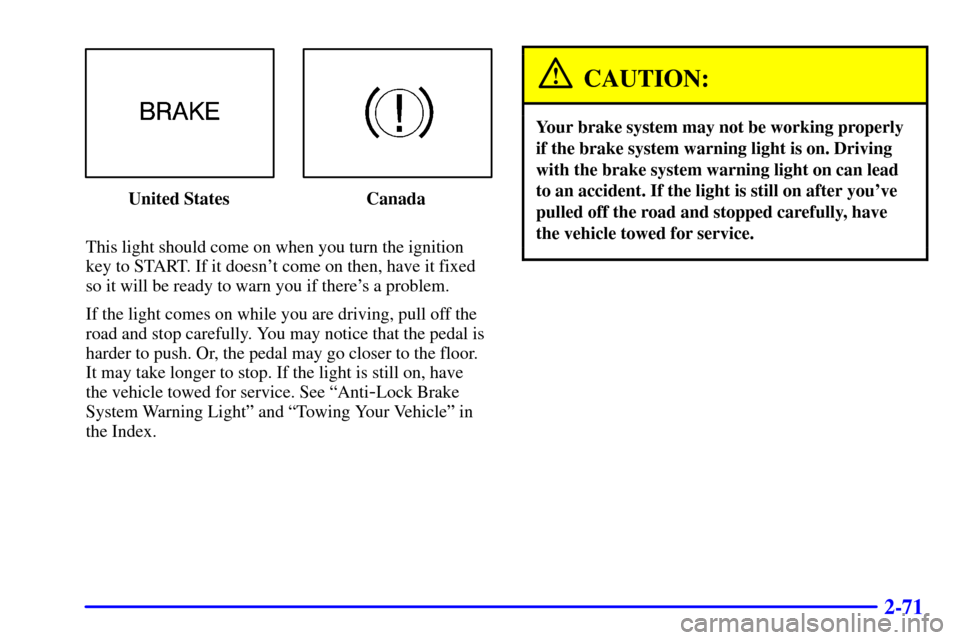
United States Canada
This light should come on when you turn the ignition
key to START. If it doesn't come on then, have it fixed
so it will be ready to warn you if there's a problem.
If the light comes on while you are driving, pull off the
road and stop carefully. You may notice that the pedal is
harder to push. Or, the pedal may go closer to the floor.
It may take longer to stop. If the light is still on, have
the vehicle towed for service. See ªAnti
-Lock Brake
System Warning Lightº and ªTowing Your Vehicleº in
the Index.
CAUTION:
Your brake system may not be working properly
if the brake system warning light is on. Driving
with the brake system warning light on can lead
to an accident. If the light is still on after you've
pulled off the road and stopped carefully, have
the vehicle towed for service.
Page 137 of 390
2-72 Anti-Lock Brake System Warning
Light (Option)
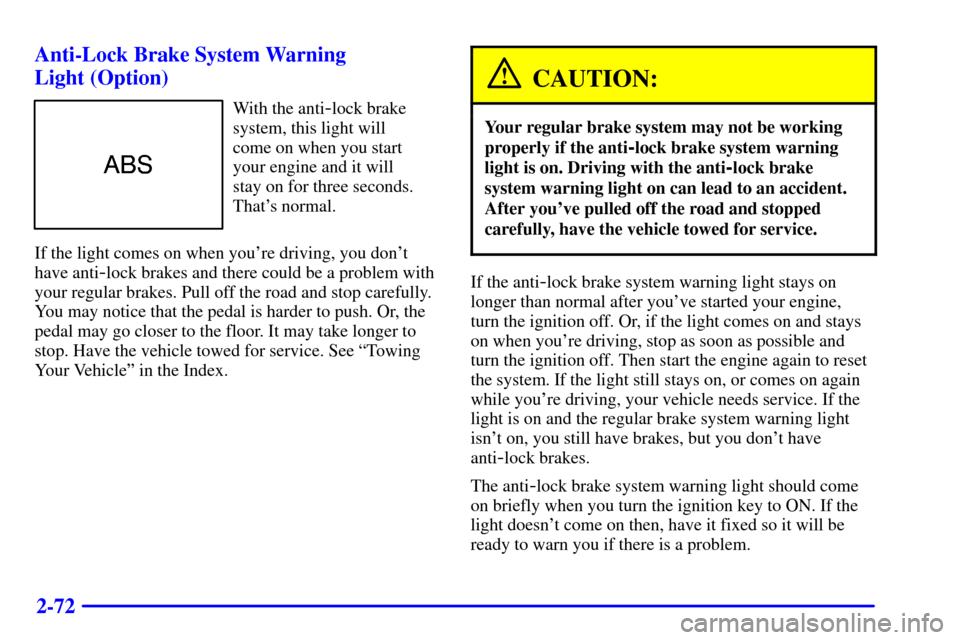
With the anti-lock brake
system, this light will
come on when you start
your engine and it will
stay on for three seconds.
That's normal.
If the light comes on when you're driving, you don't
have anti
-lock brakes and there could be a problem with
your regular brakes. Pull off the road and stop carefully.
You may notice that the pedal is harder to push. Or, the
pedal may go closer to the floor. It may take longer to
stop. Have the vehicle towed for service. See ªTowing
Your Vehicleº in the Index.
CAUTION:
Your regular brake system may not be working
properly if the anti
-lock brake system warning
light is on. Driving with the anti
-lock brake
system warning light on can lead to an accident.
After you've pulled off the road and stopped
carefully, have the vehicle towed for service.
If the anti-lock brake system warning light stays on
longer than normal after you've started your engine,
turn the ignition off. Or, if the light comes on and stays
on when you're driving, stop as soon as possible and
turn the ignition off. Then start the engine again to reset
the system. If the light still stays on, or comes on again
while you're driving, your vehicle needs service. If the
light is on and the regular brake system warning light
isn't on, you still have brakes, but you don't have
anti
-lock brakes.
The anti
-lock brake system warning light should come
on briefly when you turn the ignition key to ON. If the
light doesn't come on then, have it fixed so it will be
ready to warn you if there is a problem.
Page 160 of 390

4-3
Unfamiliar surroundings can also have hidden hazards.
To help you learn more about driving in different
conditions, this section contains information about city,
freeway, and off
-road driving, as well as other hints for
driving in various weather conditions.
Vehicle Design
According to the U.S. Department of Transportation,
utility vehicles have a significantly higher rollover rate
than other types of vehicles. Utility vehicles do have
a higher ground clearance and a narrower track or
shorter wheelbase than passenger cars to make them
more capable for off
-road driving. Specific design
characteristics like these give the driver a better view of
the road, but also give utility vehicles a higher center of
gravity than other types of vehicles. This means that you
shouldn't expect a utility vehicle to handle the same way
a vehicle with a lower center of gravity, like a car, would
in similar situations. But driver behavior factors are far
more often the cause of a utility vehicle rollover than are
environmental or vehicle factors. Safe driver behavior
and understanding the environment in which you'll be
driving can help avoid a rollover crash in any type of
vehicle, including utility vehicles.
Defensive Driving
The best advice anyone can give about driving is:
Drive defensively.
Please start with a very important safety device in your
vehicle: Buckle up. See ªSafety Beltsº in the Index.
Defensive driving really means ªbe ready for anything.º
On city streets, rural roads or freeways, it means
ªalways expect the unexpected.º
Assume that pedestrians or other drivers are going to
be careless and make mistakes. Anticipate what they
might do. Be ready for their mistakes.
Rear
-end collisions are about the most preventable
of accidents. Yet they are common. Allow enough
following distance. It's the best defensive driving
maneuver, in both city and rural driving. You never
know when the vehicle in front of you is going to
brake or turn suddenly.
Defensive driving requires that a driver concentrate on
the driving task. Anything that distracts from the driving
task
-- such as concentrating on a cellular telephone call,
reading, or reaching for something on the floor
-- makes
proper defensive driving more difficult and can even
cause a collision, with resulting injury. Ask a passenger
to help do things like this, or pull off the road in a safe
place to do them yourself. These simple defensive driving
techniques could save your life.
Page 164 of 390

4-7
Control of a Vehicle
You have three systems that make your vehicle go where
you want it to go. They are the brakes, the steering and
the accelerator. All three systems have to do their work
at the places where the tires meet the road.
Sometimes, as when you're driving on snow or ice, it's
easy to ask more of those control systems than the tires
and road can provide. That means you can lose control
of your vehicle.
Braking
Braking action involves perception time and
reaction time.
First, you have to decide to push on the brake pedal.
That's perception time. Then you have to bring up
your foot and do it. That's reaction time.
Average reaction time is about 3/4 of a second.
But that's only an average. It might be less with one
driver and as long as two or three seconds or more with
another. Age, physical condition, alertness, coordination
and eyesight all play a part. So do alcohol, drugs and
frustration. But even in 3/4 of a second, a vehicle
moving at 60 mph (100 km/h) travels 66 feet (20 m).
That could be a lot of distance in an emergency, so
keeping enough space between your vehicle and others
is important.
And, of course, actual stopping distances vary greatly
with the surface of the road (whether it's pavement or
gravel); the condition of the road (wet, dry, icy); tire
tread; the condition of your brakes; the weight of
the vehicle and the amount of brake force applied.
Page 165 of 390

4-8
Avoid needless heavy braking. Some people drive
in spurts
-- heavy acceleration followed by heavy
braking
-- rather than keeping pace with traffic.
This is a mistake. Your brakes may not have time to
cool between hard stops. Your brakes will wear out
much faster if you do a lot of heavy braking. If you
keep pace with the traffic and allow realistic following
distances, you will eliminate a lot of unnecessary
braking. That means better braking and longer
brake life.
If your engine ever stops while you're driving, brake
normally but don't pump your brakes. If you do,
the pedal may get harder to push down. If your
engine stops, you will still have some power brake
assist. But you will use it when you brake. Once the
power assist is used up, it may take longer to stop and
the brake pedal will be harder to push.
Anti-Lock Brake System (Option)
Your vehicle may have anti-lock brakes. ABS is an
advanced electronic braking system that will help
prevent a braking skid.
If your vehicle has anti-lock
brakes, this warning light
on the instrument panel
will come on briefly when
you start your vehicle.
When you start your engine, or when you begin to drive
away, your anti
-lock brake system will check itself.
You may hear a momentary motor or clicking noise
while this test is going on, and you may even notice that
your brake pedal moves or pulses a little. This is normal.
If there's a problem with the anti
-lock brake system,
the anti
-lock brake system warning light will stay on.
See ªAnti
-Lock Brake System Warning Lightº in
the Index.
Page 166 of 390
4-9
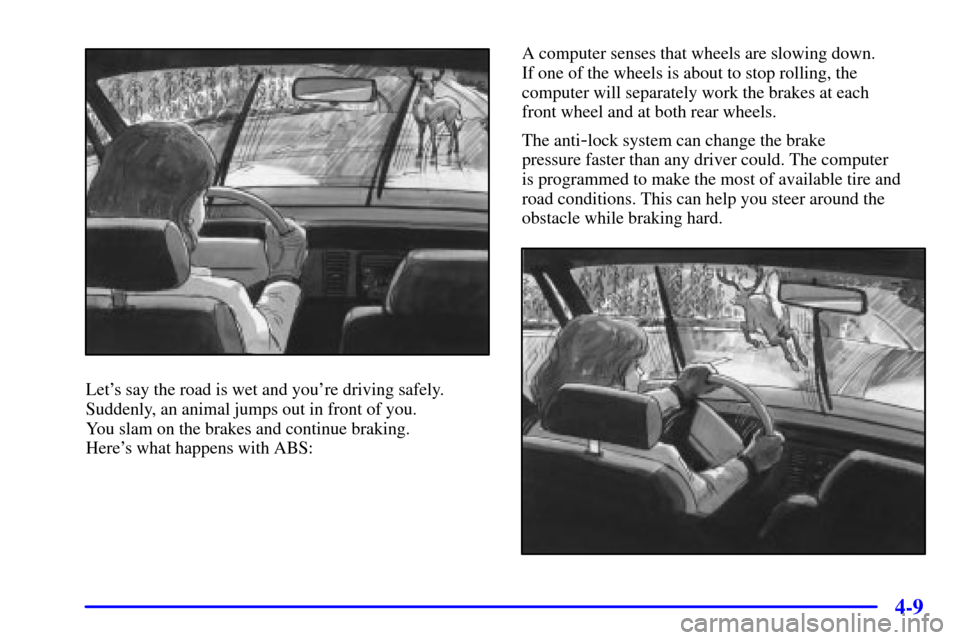
Let's say the road is wet and you're driving safely.
Suddenly, an animal jumps out in front of you.
You slam on the brakes and continue braking.
Here's what happens with ABS:A computer senses that wheels are slowing down.
If one of the wheels is about to stop rolling, the
computer will separately work the brakes at each
front wheel and at both rear wheels.
The anti
-lock system can change the brake
pressure faster than any driver could. The computer
is programmed to make the most of available tire and
road conditions. This can help you steer around the
obstacle while braking hard.
Page 167 of 390

4-10
As you brake, your computer keeps receiving updates on
wheel speed and controls braking pressure accordingly.
Remember: Anti
-lock doesn't change the time you need
to get your foot up to the brake pedal or always decrease
stopping distance. If you get too close to the vehicle in
front of you, you won't have time to apply your brakes
if that vehicle suddenly slows or stops. Always leave
enough room up ahead to stop, even though you have
anti
-lock brakes.
Using Anti
-Lock
Don't pump the brakes. Just hold the brake pedal down
firmly and let anti
-lock work for you. You may feel
a slight brake pedal pulsation or notice some noise,
but this is normal.
Braking in Emergencies
At some time, nearly every driver gets into a situation
that requires hard braking.
If you have anti
-lock, you can steer and brake at the
same time. However, if you don't have anti
-lock,
your first reaction
-- to hit the brake pedal hard
and hold it down
-- may be the wrong thing to do.
Your wheels can stop rolling. Once they do, the vehicle
can't respond to your steering. Momentum will carry it
in whatever direction it was headed when the wheels
stopped rolling. That could be off the road, into the
very thing you were trying to avoid, or into traffic.
If you don't have anti
-lock, use a ªsqueezeº braking
technique. This will give you maximum braking while
maintaining steering control. You do this by pushing
on the brake pedal with steadily increasing pressure.
In an emergency, you will probably want to squeeze
the brakes hard without locking the wheels. If you
hear or feel the wheels sliding, ease off the brake pedal.
This will help you retain steering control. If you do have
anti
-lock, it's different. See ªAnti-Lock Brakesº in
the Index.
In many emergencies, steering can help you more than
even the very best braking.