warning light CHEVROLET TRAIL BLAZER 2007 1.G Owner's Manual
[x] Cancel search | Manufacturer: CHEVROLET, Model Year: 2007, Model line: TRAIL BLAZER, Model: CHEVROLET TRAIL BLAZER 2007 1.GPages: 574, PDF Size: 2.94 MB
Page 314 of 574
For more information on the stability messages,
seeDIC Warnings and Messages on page 224.
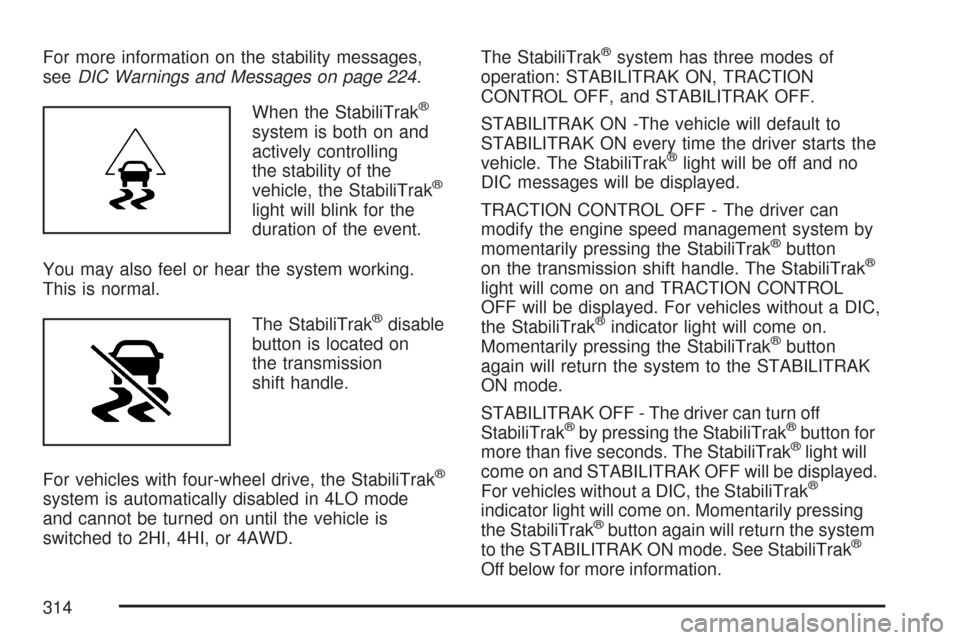
When the StabiliTrak
®
system is both on and
actively controlling
the stability of the
vehicle, the StabiliTrak
®
light will blink for the
duration of the event.
You may also feel or hear the system working.
This is normal.
The StabiliTrak
®disable
button is located on
the transmission
shift handle.
For vehicles with four-wheel drive, the StabiliTrak
®
system is automatically disabled in 4LO mode
and cannot be turned on until the vehicle is
switched to 2HI, 4HI, or 4AWD.The StabiliTrak
®system has three modes of
operation: STABILITRAK ON, TRACTION
CONTROL OFF, and STABILITRAK OFF.
STABILITRAK ON -The vehicle will default to
STABILITRAK ON every time the driver starts the
vehicle. The StabiliTrak
®light will be off and no
DIC messages will be displayed.
TRACTION CONTROL OFF - The driver can
modify the engine speed management system by
momentarily pressing the StabiliTrak
®button
on the transmission shift handle. The StabiliTrak®
light will come on and TRACTION CONTROL
OFF will be displayed. For vehicles without a DIC,
the StabiliTrak
®indicator light will come on.
Momentarily pressing the StabiliTrak®button
again will return the system to the STABILITRAK
ON mode.
STABILITRAK OFF - The driver can turn off
StabiliTrak
®by pressing the StabiliTrak®button for
more than ve seconds. The StabiliTrak®light will
come on and STABILITRAK OFF will be displayed.
For vehicles without a DIC, the StabiliTrak
®
indicator light will come on. Momentarily pressing
the StabiliTrak®button again will return the system
to the STABILITRAK ON mode. See StabiliTrak®
Off below for more information.
314
Page 317 of 574
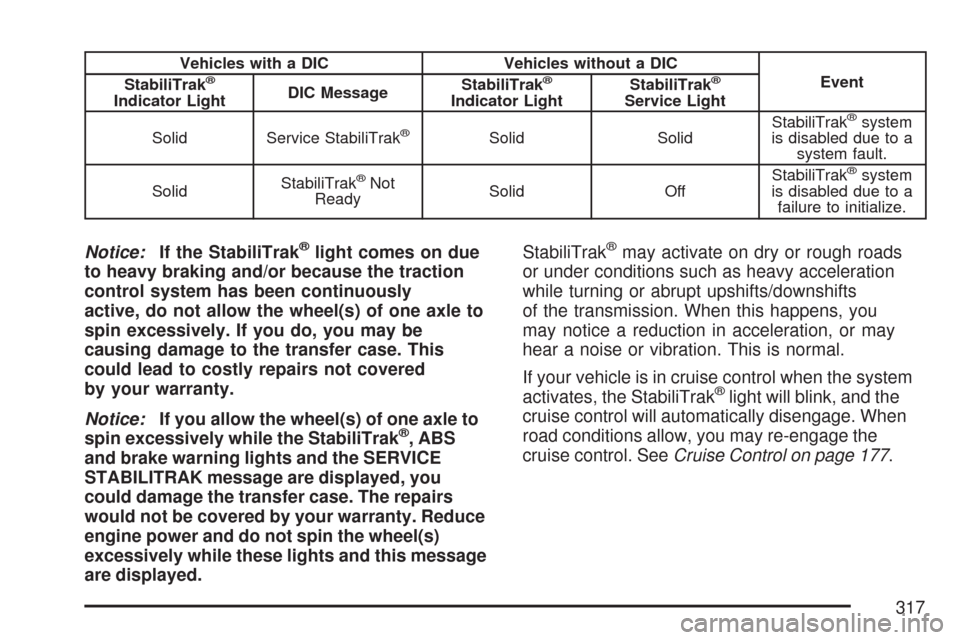
Vehicles with a DIC Vehicles without a DIC
Event
StabiliTrak®
Indicator LightDIC MessageStabiliTrak
®
Indicator LightStabiliTrak
®
Service Light
Solid Service StabiliTrak
®Solid SolidStabiliTrak
®system
is disabled due to a
system fault.
SolidStabiliTrak
®Not
ReadySolid OffStabiliTrak®system
is disabled due to a
failure to initialize.
Notice:If the StabiliTrak®light comes on due
to heavy braking and/or because the traction
control system has been continuously
active, do not allow the wheel(s) of one axle to
spin excessively. If you do, you may be
causing damage to the transfer case. This
could lead to costly repairs not covered
by your warranty.
Notice:If you allow the wheel(s) of one axle to
spin excessively while the StabiliTrak
®, ABS
and brake warning lights and the SERVICE
STABILITRAK message are displayed, you
could damage the transfer case. The repairs
would not be covered by your warranty. Reduce
engine power and do not spin the wheel(s)
excessively while these lights and this message
are displayed.StabiliTrak
®may activate on dry or rough roads
or under conditions such as heavy acceleration
while turning or abrupt upshifts/downshifts
of the transmission. When this happens, you
may notice a reduction in acceleration, or may
hear a noise or vibration. This is normal.
If your vehicle is in cruise control when the system
activates, the StabiliTrak
®light will blink, and the
cruise control will automatically disengage. When
road conditions allow, you may re-engage the
cruise control. SeeCruise Control on page 177.
317
Page 344 of 574
City Driving
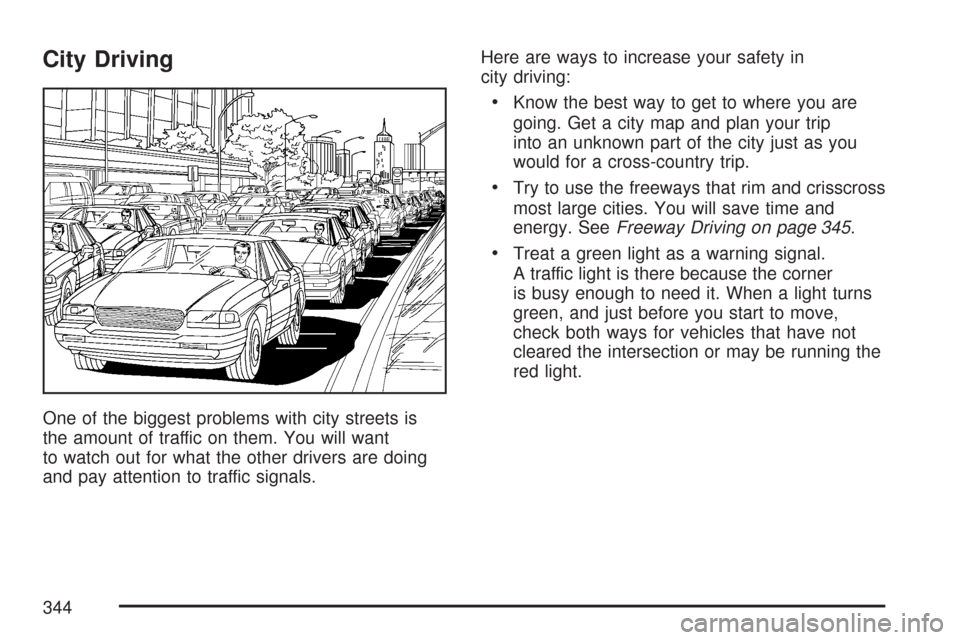
One of the biggest problems with city streets is
the amount of traffic on them. You will want
to watch out for what the other drivers are doing
and pay attention to traffic signals.Here are ways to increase your safety in
city driving:
Know the best way to get to where you are
going. Get a city map and plan your trip
into an unknown part of the city just as you
would for a cross-country trip.
Try to use the freeways that rim and crisscross
most large cities. You will save time and
energy. SeeFreeway Driving on page 345.
Treat a green light as a warning signal.
A traffic light is there because the corner
is busy enough to need it. When a light turns
green, and just before you start to move,
check both ways for vehicles that have not
cleared the intersection or may be running the
red light.
344
Page 350 of 574
Winter Driving
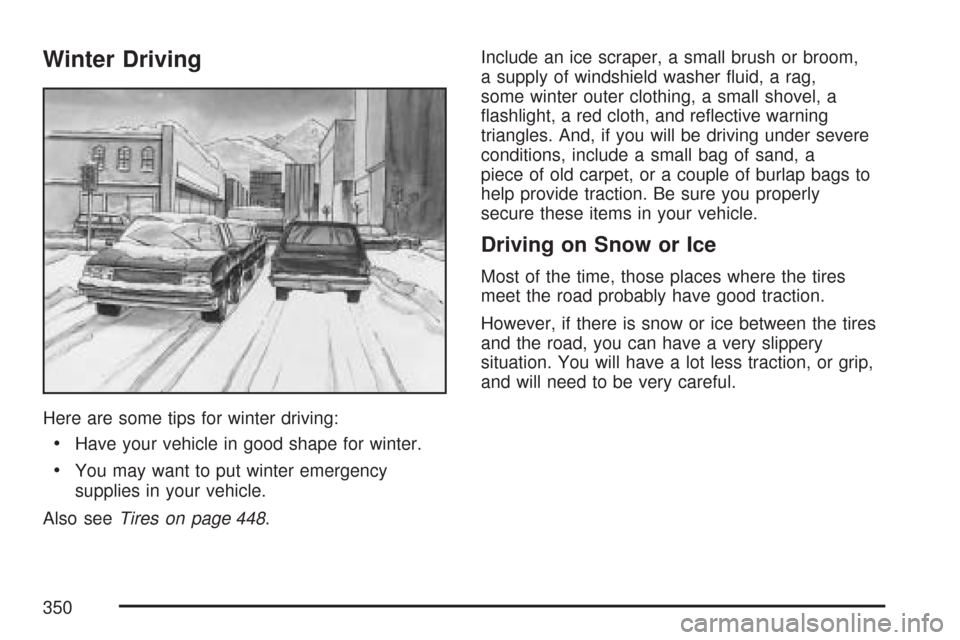
Here are some tips for winter driving:
Have your vehicle in good shape for winter.
You may want to put winter emergency
supplies in your vehicle.
Also seeTires on page 448.Include an ice scraper, a small brush or broom,
a supply of windshield washer uid, a rag,
some winter outer clothing, a small shovel, a
ashlight, a red cloth, and reective warning
triangles. And, if you will be driving under severe
conditions, include a small bag of sand, a
piece of old carpet, or a couple of burlap bags to
help provide traction. Be sure you properly
secure these items in your vehicle.
Driving on Snow or Ice
Most of the time, those places where the tires
meet the road probably have good traction.
However, if there is snow or ice between the tires
and the road, you can have a very slippery
situation. You will have a lot less traction, or grip,
and will need to be very careful.
350
Page 408 of 574
Engine Oil Life System
When to Change Engine Oil
Your vehicle has a computer system that lets you
know when to change the engine oil and lter.
This is based on engine revolutions and engine
temperature, and not on mileage. Based on driving
conditions, the mileage at which an oil change
will be indicated can vary considerably. For the oil
life system to work properly, you must reset the
system every time the oil is changed.
When the system has calculated that oil life
has been diminished, it will indicate that an
oil change is necessary. A change engine oil
light will come on, and, if your vehicle has a
Driver Information Center (DIC), a CHANGE
ENGINE OIL message will come. SeeChange
Engine Oil Light on page 216andDIC
Warnings and Messages on page 224.Change your oil as soon as possible within the
next 600 miles (1 000 km). It is possible that, if you
are driving under the best conditions, the oil life
system may not indicate that an oil change is
necessary for over a year. However, the engine oil
and lter must be changed at least once a year
and at this time the system must be reset.
Your dealer has GM-trained people who will
perform this work using genuine GM parts and
reset the system. It is also important to check the
oil regularly and keep it at the proper level.
If the system is ever reset accidentally, you must
change your oil at 3,000 miles (5 000 km)
since the last oil change. Remember to reset the
oil life system whenever the oil is changed.
408
Page 409 of 574
How to Reset the Engine Oil Life System
The Engine Oil Life System calculates when to
change your engine oil and lter based on vehicle
use. Anytime your oil is changed, reset the
system so it can calculate when the next oil
change is required. If a situation occurs where you
change your oil prior to a change engine oil light
or CHANGE ENGINE OIL message being
turned on, reset the system.
To reset the Engine Oil Life System, do the
following:
1. Turn the ignition key to RUN with the
engine off.
2. Fully press and release the accelerator pedal
slowly three times within ve seconds.
The change engine oil light will ash while
the system is resetting.
3. When the light stops ashing, turn the key
to LOCK.
If the light/message comes back on when you
start the vehicle, the engine oil life system has not
reset. Repeat the procedure.
What to Do with Used Oil
Used engine oil contains certain elements that may
be unhealthy for your skin and could even cause
cancer. Do not let used oil stay on your skin for very
long. Clean your skin and nails with soap and
water, or a good hand cleaner. Wash or properly
dispose of clothing or rags containing used engine
oil. See the manufacturer’s warnings about the use
and disposal of oil products.
Used oil can be a threat to the environment. If you
change your own oil, be sure to drain all the oil
from the lter before disposal. Never dispose of oil
by putting it in the trash, pouring it on the
ground, into sewers, or into streams or bodies of
water. Instead, recycle it by taking it to a place
that collects used oil. If you have a problem
properly disposing of your used oil, ask your
dealer, a service station, or a local recycling center
for help.
409
Page 414 of 574
How to Add Automatic
Transmission Fluid
Refer to the Maintenance Schedule to determine
what kind of transmission uid to use. See
Recommended Fluids and Lubricants on page 529.
Add uid only after checking the transmission
uid while it is hot. A cold check is used only as
a reference. If the uid level is low, add only
enough of the proper uid to bring the level up to
the HOT area for a hot check. It does not take
much uid, generally less than one pint (0.5 L).
Do not overll.
Notice:Use of the incorrect automatic
transmission uid may damage your vehicle,
and the damages may not be covered by
your warranty. Always use the automatic
transmission uid listed inRecommended
Fluids and Lubricants on page 529.
After adding uid, recheck the uid level as
described under “How to Check Automatic
Transmission Fluid,” earlier in this section.
When the correct uid level is obtained, push
the dipstick back in all the way; then ip the
handle down to lock the dipstick in place.
Engine Coolant
The cooling system in your vehicle is lled with
DEX-COOL®engine coolant. This coolant is
designed to remain in your vehicle for ve years or
150,000 miles (240 000 km), whichever occurs
rst, if you add only DEX-COOL
®extended
life coolant.
The following explains your cooling system and
how to add coolant when it is low. If you have
a problem with engine overheating, seeEngine
Overheating on page 418.
A 50/50 mixture of clean, drinkable water and
DEX-COOL
®coolant will:
Give freezing protection down to
−34°F (−37°C).
Give boiling protection up to 265°F (129°C).
Protect against rust and corrosion.
Help keep the proper engine temperature.
Let the warning lights and gages work as
they should.
414
Page 430 of 574
Brake Wear
Your vehicle has four-wheel disc brakes.
Disc brake pads have built-in wear indicators that
make a high-pitched warning sound when the
brake pads are worn and new pads are needed.
The sound can come and go or be heard all
the time your vehicle is moving, except when you
are pushing on the brake pedal rmly.
{CAUTION:
The brake wear warning sound means that
soon the brakes will not work well. That
could lead to an accident. When you hear
the brake wear warning sound, have your
vehicle serviced.
Notice:Continuing to drive with worn-out
brake pads could result in costly brake repair.Some driving conditions or climates can cause a
brake squeal when the brakes are rst applied
or lightly applied. This does not mean something
is wrong with the brakes.
Properly torqued wheel nuts are necessary to help
prevent brake pulsation. When tires are rotated,
inspect brake pads for wear and evenly tighten
wheel nuts in the proper sequence to torque
specications inCapacities and Specications
on page 513.
Brake linings should always be replaced as
complete axle sets.Brake Pedal Travel
See your dealer/retailer if the brake pedal does
not return to normal height, or if there is a rapid
increase in pedal travel. This could be a sign that
brake service might be required.
Brake Adjustment
Every time you make a brake stop, the disc
brakes adjust for wear.
430
Page 460 of 574
When a low tire pressure condition is detected,
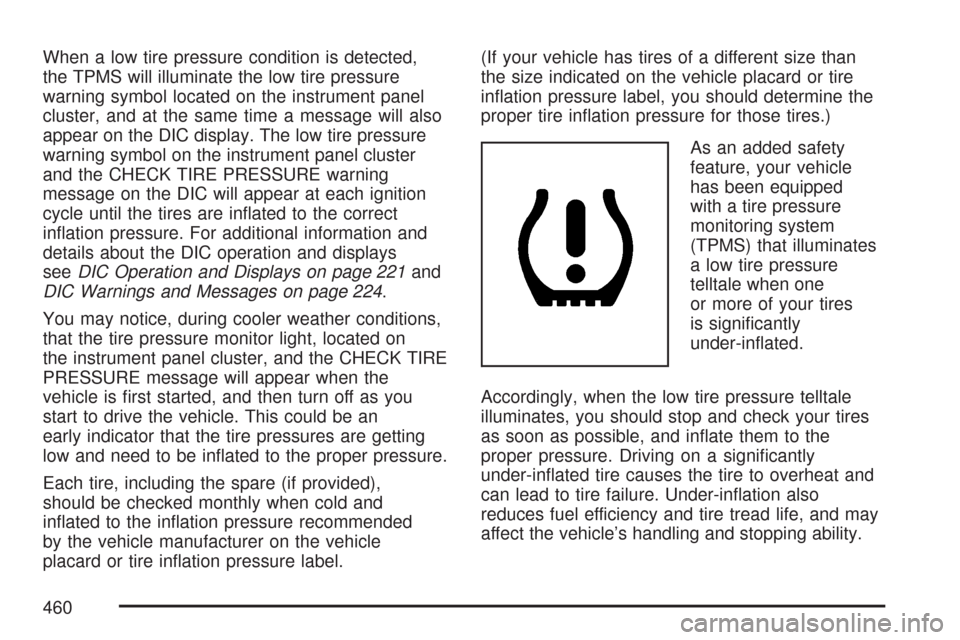
the TPMS will illuminate the low tire pressure
warning symbol located on the instrument panel
cluster, and at the same time a message will also
appear on the DIC display. The low tire pressure
warning symbol on the instrument panel cluster
and the CHECK TIRE PRESSURE warning
message on the DIC will appear at each ignition
cycle until the tires are inated to the correct
ination pressure. For additional information and
details about the DIC operation and displays
seeDIC Operation and Displays on page 221and
DIC Warnings and Messages on page 224.
You may notice, during cooler weather conditions,
that the tire pressure monitor light, located on
the instrument panel cluster, and the CHECK TIRE
PRESSURE message will appear when the
vehicle is rst started, and then turn off as you
start to drive the vehicle. This could be an
early indicator that the tire pressures are getting
low and need to be inated to the proper pressure.
Each tire, including the spare (if provided),
should be checked monthly when cold and
inated to the ination pressure recommended
by the vehicle manufacturer on the vehicle
placard or tire ination pressure label.(If your vehicle has tires of a different size than
the size indicated on the vehicle placard or tire
ination pressure label, you should determine the
proper tire ination pressure for those tires.)
As an added safety
feature, your vehicle
has been equipped
with a tire pressure
monitoring system
(TPMS) that illuminates
a low tire pressure
telltale when one
or more of your tires
is signicantly
under-inated.
Accordingly, when the low tire pressure telltale
illuminates, you should stop and check your tires
as soon as possible, and inate them to the
proper pressure. Driving on a signicantly
under-inated tire causes the tire to overheat and
can lead to tire failure. Under-ination also
reduces fuel efficiency and tire tread life, and may
affect the vehicle’s handling and stopping ability.
460
Page 462 of 574
TPMS Sensor Identication Codes
Each TPMS sensor has a unique identication
code. Any time you replace one or more of
the TPMS sensors or rotate the vehicle’s tires,
the identication codes will need to be matched to
the new tire/wheel position. The sensors are
matched to the tire/wheel positions in the following
order: driver’s side front tire, passenger’s side
front tire, passenger’s side rear tire, and driver’s
side rear tire using a TPMS diagnostic tool.
See your dealer for service.
The TPMS sensors may also be matched to each
tire/wheel position by increasing or decreasing
the tire’s air pressure. When increasing the tire’s
pressure, do not exceed the maximum ination
pressure indicated on the tire’s sidewall.You will have two minutes to match the rst
tire/wheel position, and ve minutes overall to
match all four tire/wheel positions. If it takes longer
than two minutes, to match the rst tire and wheel,
or more than ve minutes to match all four tire
and wheel positions the matching process
stops and you will need to start over.
The TPMS sensor matching process is
outlined below:
1. Set the parking brake.
2. Turn the ignition switch to RUN with the
engine off.
3. Turn the headlamp control from off to parking
lamps four times within three seconds.
A double horn chirp will sound and the TPMS
low tire warning light will begin to ash.
The double horn chirp and ashing TPMS
warning light indicate that the TPMS matching
process has started. The TPMS warning
light should continue ashing throughout the
matching procedure.
462